In this app, you can control Optoma projectors, schedule content, and customize ambient settings. Includes remote control features, InfoWall options, and IFTTT integration.
AppRecs review analysis
AppRecs rating 2.2. Trustworthiness 70 out of 100. Review manipulation risk 29 out of 100. Based on a review sample analyzed.
★★☆☆☆
2.2
AppRecs Rating
Ratings breakdown
5 star
22%
4 star
0%
3 star
0%
2 star
22%
1 star
56%
What to know
✓
Low review manipulation risk
29% review manipulation risk
⚠
Mixed user feedback
Average 2.1★ rating suggests room for improvement
⚠
High negative review ratio
78% of sampled ratings are 1–2 stars
About Optoma Connect
Personal and informative.
Optoma Connect can be scheduled to wake you up naturally to a calming and relaxing playlist.
Personalized information is made accessible, when you need it, the way you want it.
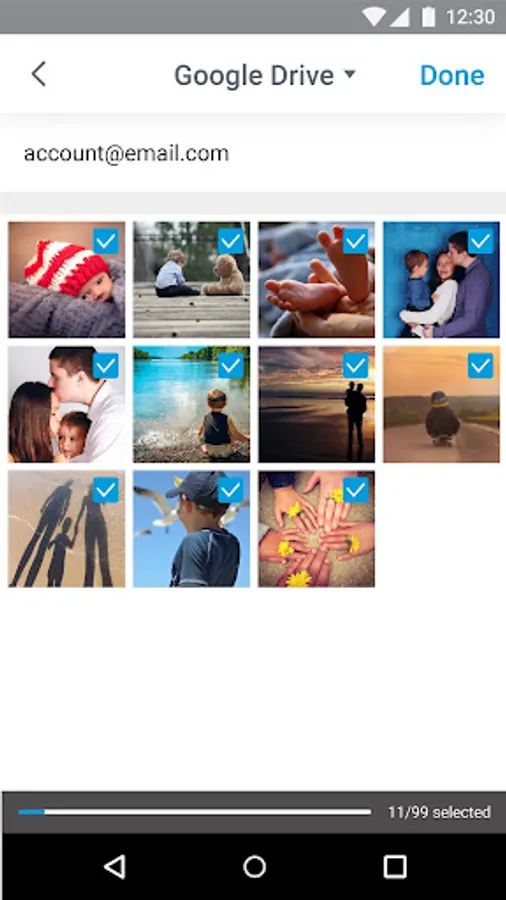
Versatile customization sets the right mood for you and your whole family, allowing movies, music, information, picture sharing, digital gallery and ambience to accompany you throughout your day.
The Optoma Connect App has been developed exclusively for Optoma P1 and UHL55 projectors. After downloading and installing this app, sync to your account to start using remote control and Smart+ functions.
What can the Optoma Connect App do?
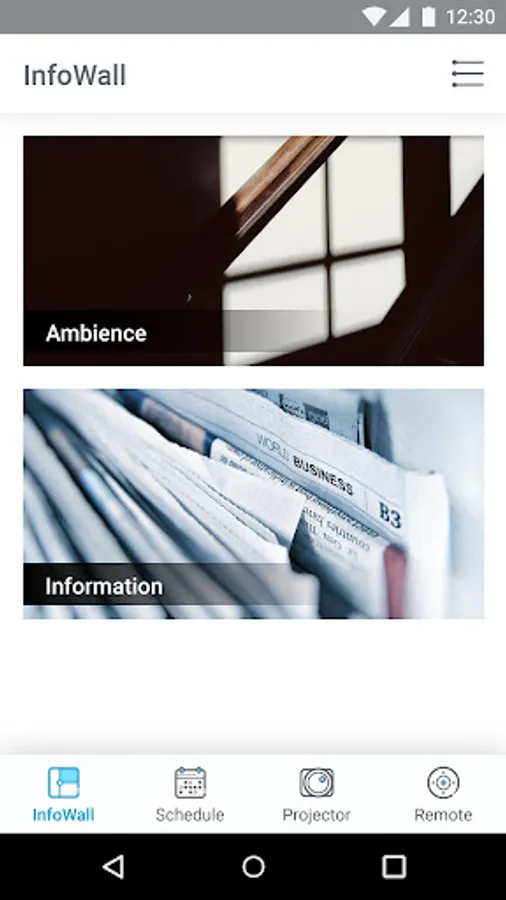
* InfoWall: Internal images of artworks can be accessed at any time to enhance and diversify the atmosphere of your home. With your Optoma projector create your own style.
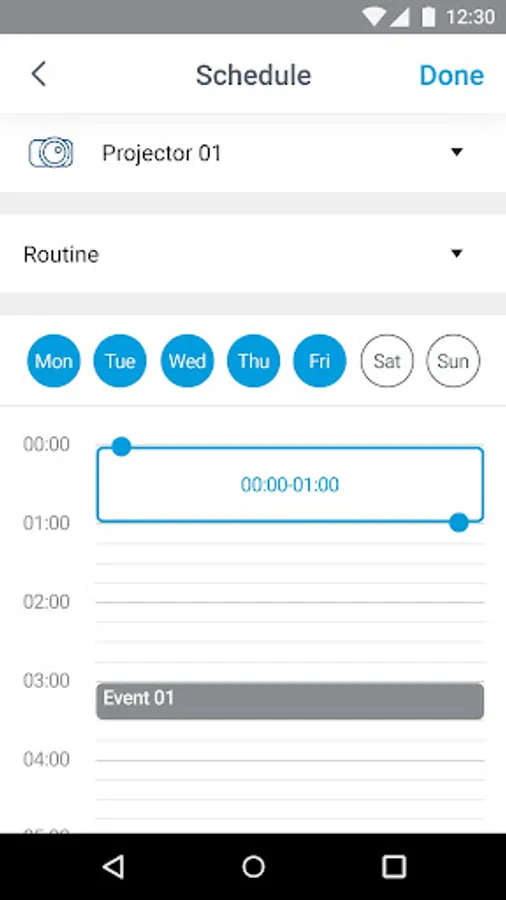
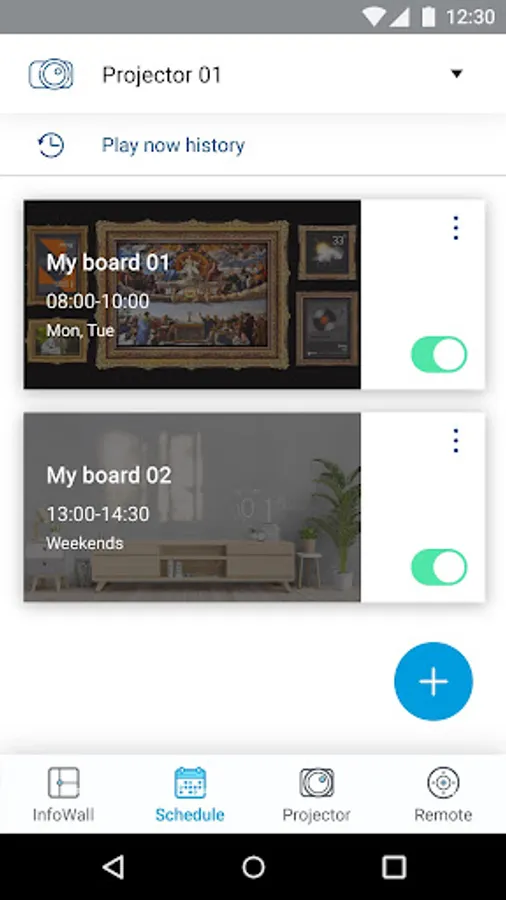
* Schedule: After completing InfoWall settings, choose the broadcast time and period. Access Ambience or Information when you need it, enhancing the quality of your life.
* Projector: After syncing to your account, use the same account to log into IFTTT to immediately connect to your projector. Freely change the IFTTT settings to customize functions.
* Remote: There is no need to put down your smartphone as it can replace your projector’s remote control.
What are the InfoWall options?
InfoWall features internal Ambience and Information options.
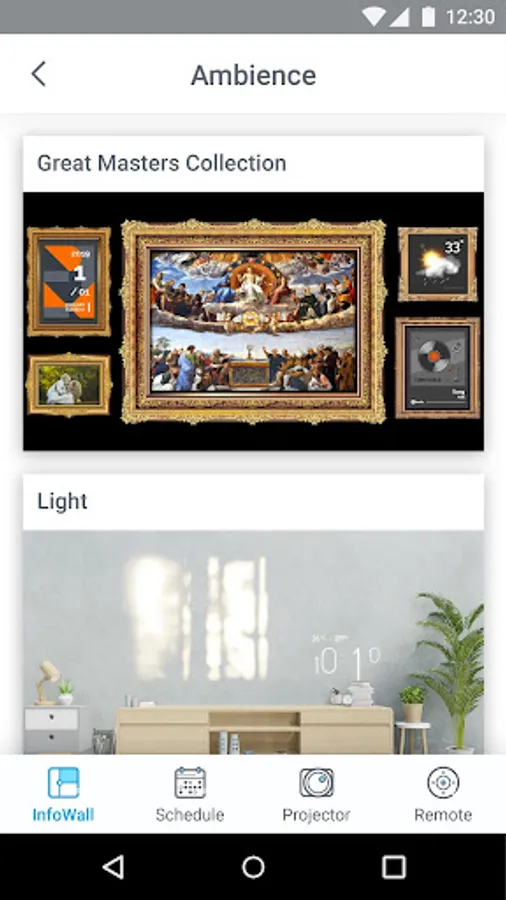
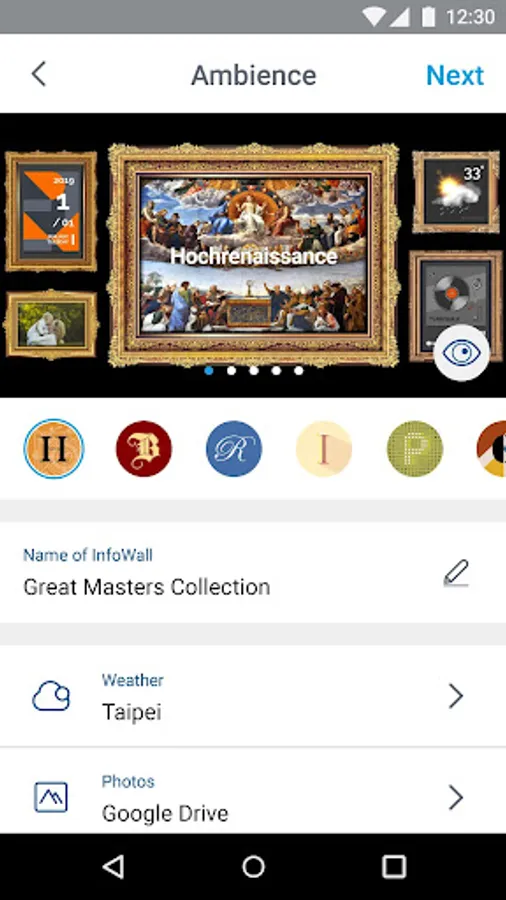
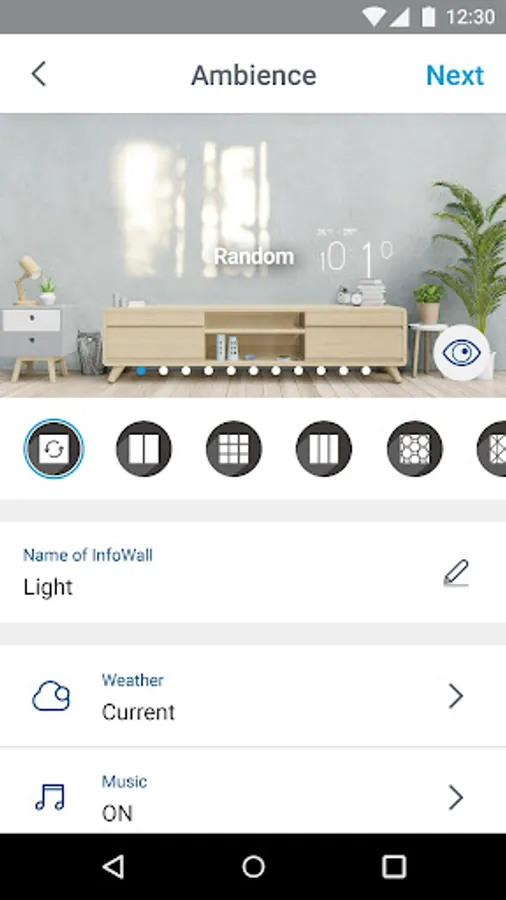
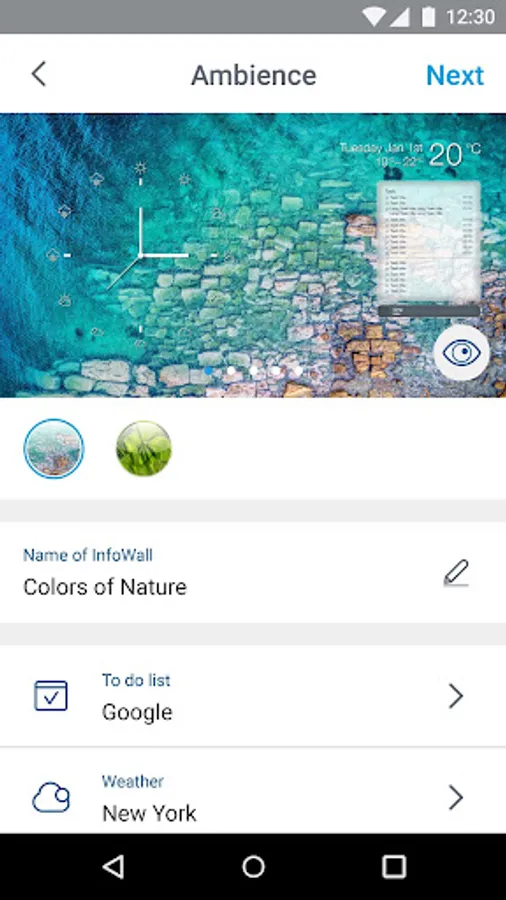
The Ambience option includes images of artworks and natural light installations. Through Optoma’s projection technology, complemented by high-resolution images, you will feel as if you are transported. With a combination of images, music, weather information and calendar, enjoy a relaxing break from your busy day.
The Information option provides weather information, work calendar and news. As soon as you wake up, use this option to organize your thoughts and prepare for the day.
Support model : UHL55, P1, CinemaX Pro, UHZ65UST, P2, UHZ60UST, G1
Optoma Connect can be scheduled to wake you up naturally to a calming and relaxing playlist.
Personalized information is made accessible, when you need it, the way you want it.
Versatile customization sets the right mood for you and your whole family, allowing movies, music, information, picture sharing, digital gallery and ambience to accompany you throughout your day.
The Optoma Connect App has been developed exclusively for Optoma P1 and UHL55 projectors. After downloading and installing this app, sync to your account to start using remote control and Smart+ functions.
What can the Optoma Connect App do?
* InfoWall: Internal images of artworks can be accessed at any time to enhance and diversify the atmosphere of your home. With your Optoma projector create your own style.
* Schedule: After completing InfoWall settings, choose the broadcast time and period. Access Ambience or Information when you need it, enhancing the quality of your life.
* Projector: After syncing to your account, use the same account to log into IFTTT to immediately connect to your projector. Freely change the IFTTT settings to customize functions.
* Remote: There is no need to put down your smartphone as it can replace your projector’s remote control.
What are the InfoWall options?
InfoWall features internal Ambience and Information options.
The Ambience option includes images of artworks and natural light installations. Through Optoma’s projection technology, complemented by high-resolution images, you will feel as if you are transported. With a combination of images, music, weather information and calendar, enjoy a relaxing break from your busy day.
The Information option provides weather information, work calendar and news. As soon as you wake up, use this option to organize your thoughts and prepare for the day.
Support model : UHL55, P1, CinemaX Pro, UHZ65UST, P2, UHZ60UST, G1