
AI Pomodoro Timer:Focus Planer
Ozeito LTD
3.1 ★
444 ratings
100,000+
downloads
Free
+ in-app
With this productivity app, you can organize your workday using the Pomodoro technique, customize timers, and track your progress. Includes task management, adjustable focus and break times, and progress reports.
AppRecs review analysis
AppRecs rating 2.7. Trustworthiness 83 out of 100. Review manipulation risk 22 out of 100. Based on a review sample analyzed.
★★☆☆☆
2.7
AppRecs Rating
Ratings breakdown
5 star
30%
4 star
20%
3 star
10%
2 star
10%
1 star
30%
What to know
⚠
Ad complaints
Many low ratings mention excessive ads
⚠
Pricing complaints
Many low ratings mention paywalls or pricing
⚠
High negative review ratio
40% of sampled ratings are 1–2 stars
About AI Pomodoro Timer:Focus Planer
PomoTimer is an AI-Powered awesome app to organize and manage your workday effectively. It provides a clear planner and structure to help you stay focused on top of your priorities.
Instead of overwhelming yourself with big tasks, you can break them down into smaller, more manageable pieces and allocate specific time slots to them on your schedule.
This approach allows you to boost your productivity and complete tasks efficiently using the Pomodoro technique.
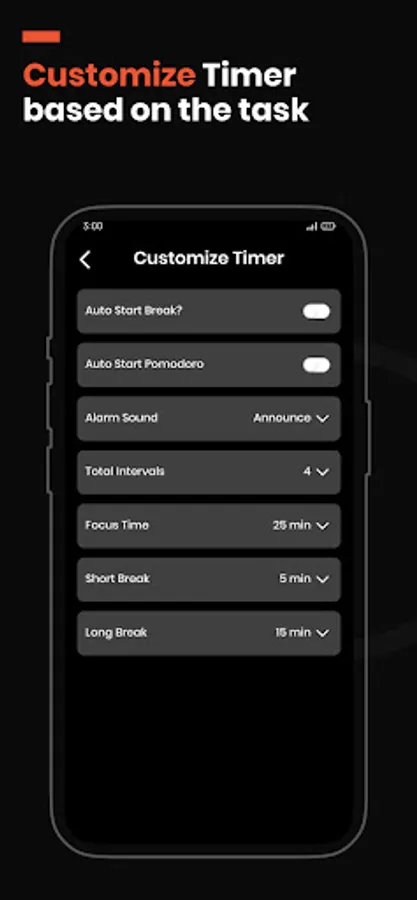
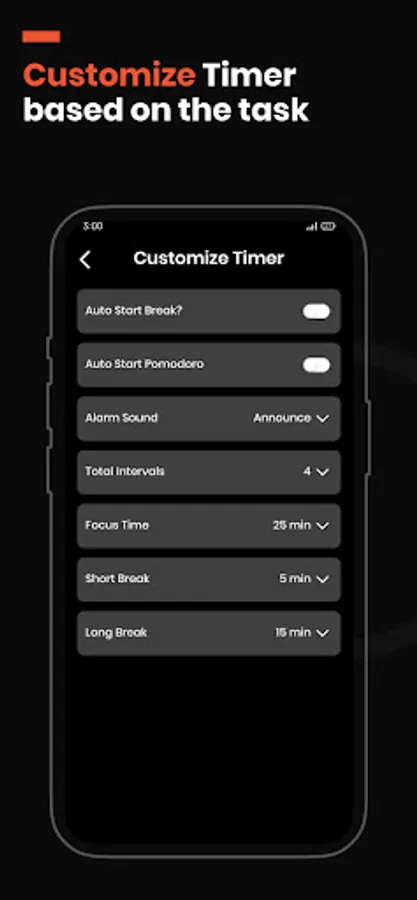
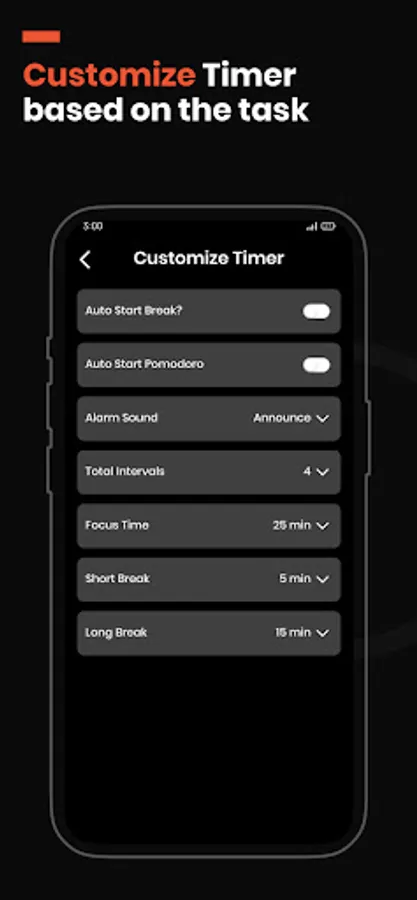
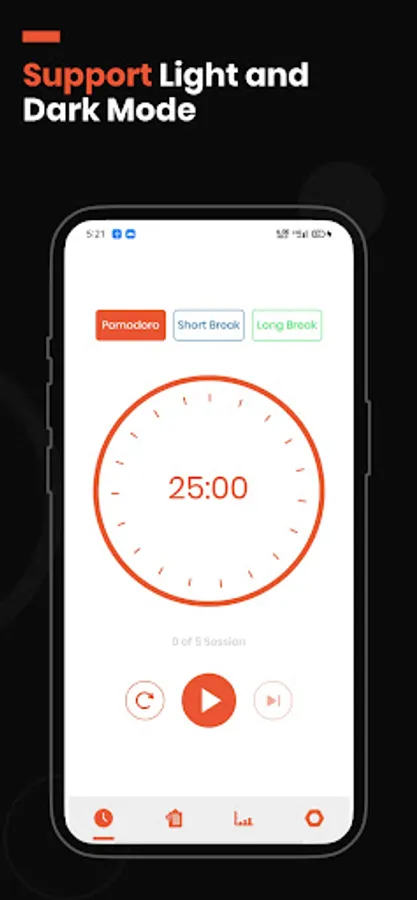
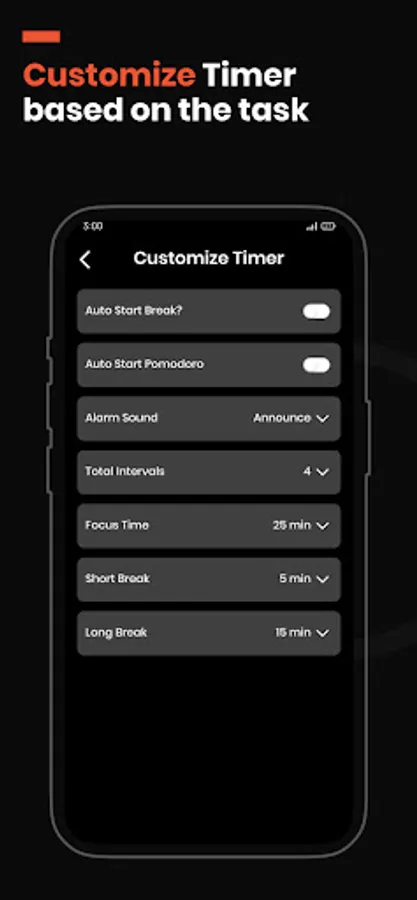
Don't worry, using the Pomodoro Focus Timer is super easy. First, write down all your tasks on the to-do list. Then, you can customize the focus time according to your preferences or stick with the default Pomodoro timer settings: 4 intervals, 25 minutes of work, and 5 minutes for a short break.
Once you start the timer, give your full attention to the task at hand. When the alarm rings, take a break, and repeat the process until your work is finished.
⏱ How to use ⏱:
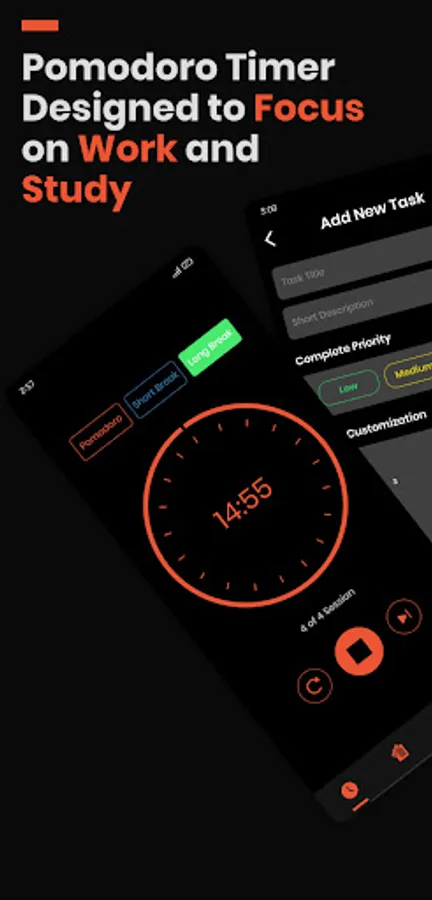
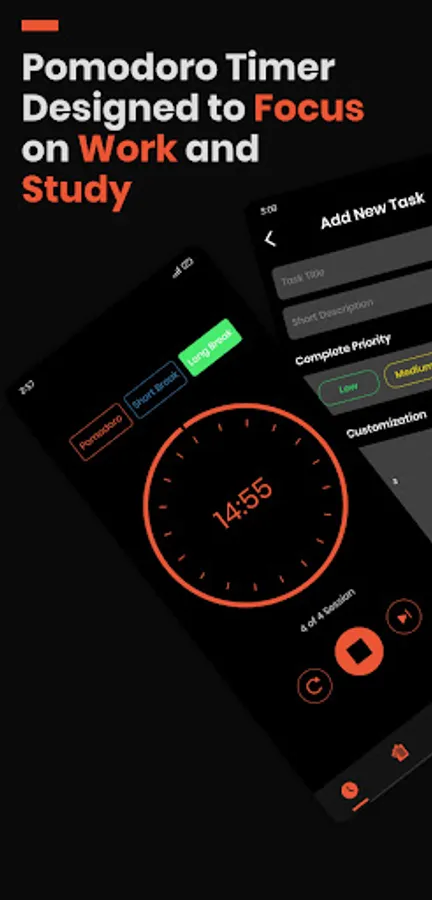
1: Option 1: Start with the pre-built Pomodoro Timer, which consists of 4 intervals, 25 minutes of focus time, 5 minutes of short break, and 15 minutes of long break.
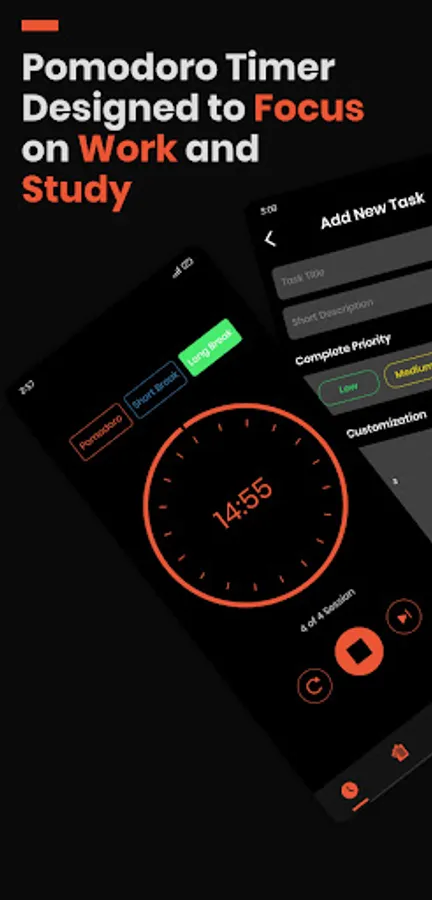
Option 2: Customize your own Pomodoro Focus Timer by adding a task to the to-do list with your desired intervals, focus time, short break, and long breaks.
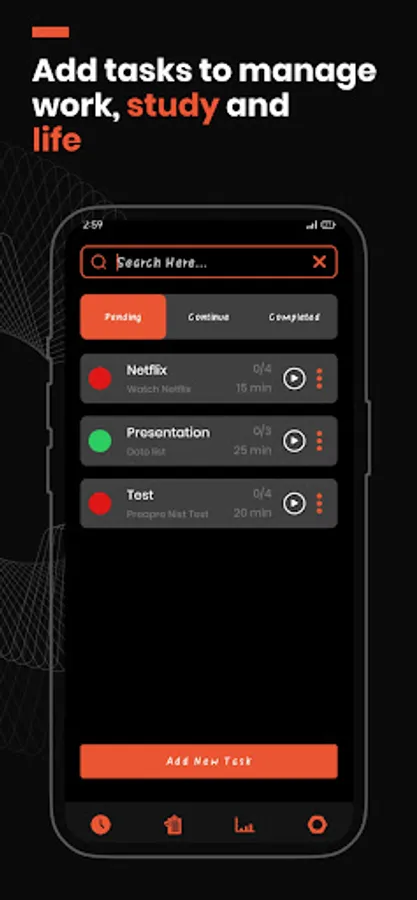
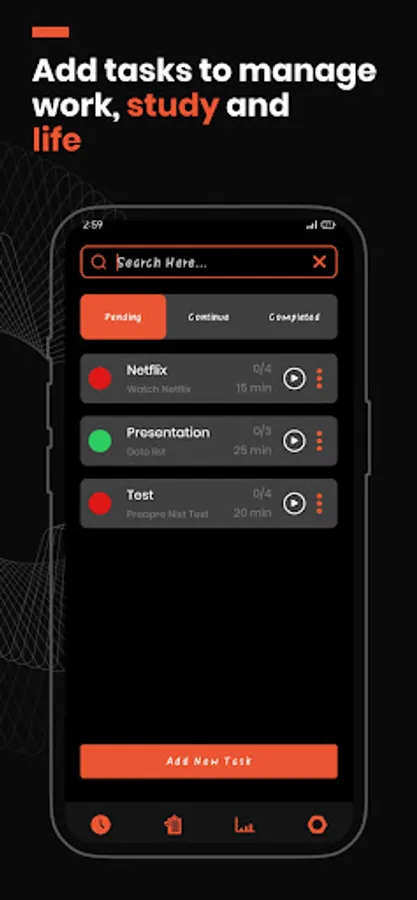
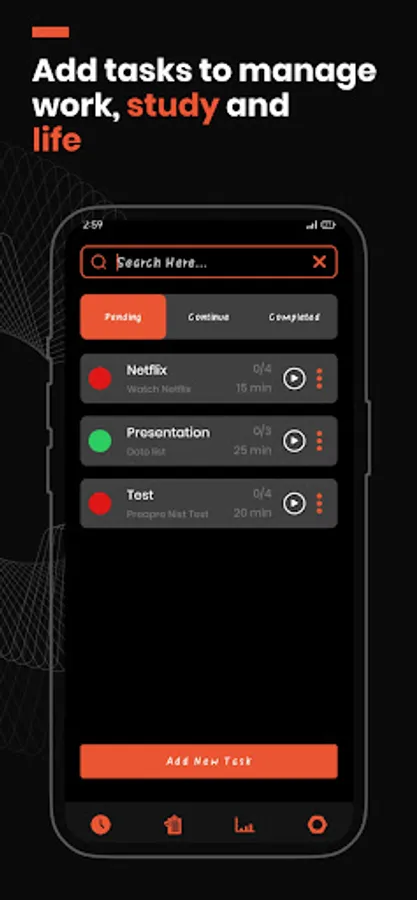
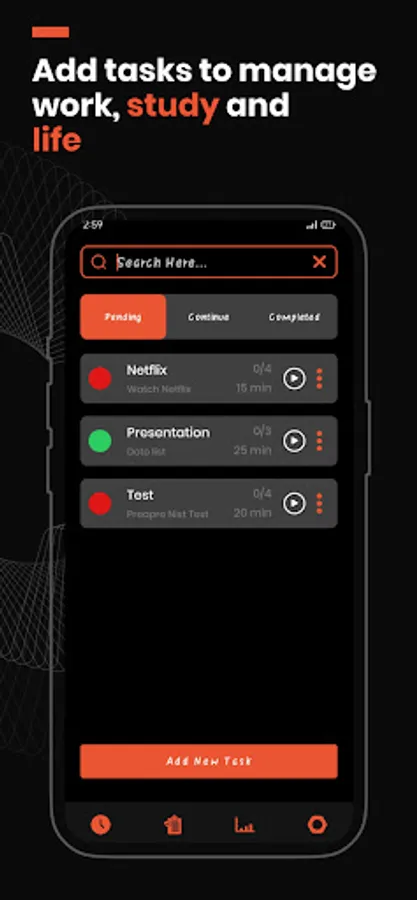
2: Select the task from the task list and begin the timer.
3: Play, pause, or skip breaks as needed.
4: When the alarm rings, take a short break.
5: Repeat these steps until you finish the task.
⏳ Key Features ⏳
➢ AI-Powered agent to help boost your productivity
➢ Customize focus time, short breaks, and long breaks
➢ Pause and resume the Pomodoro Timer whenever necessary
➢ Enable auto-start for focus time and breaks
➢ Skip breaks or intervals if needed
➢ Choose from a variety of alarm ring sounds
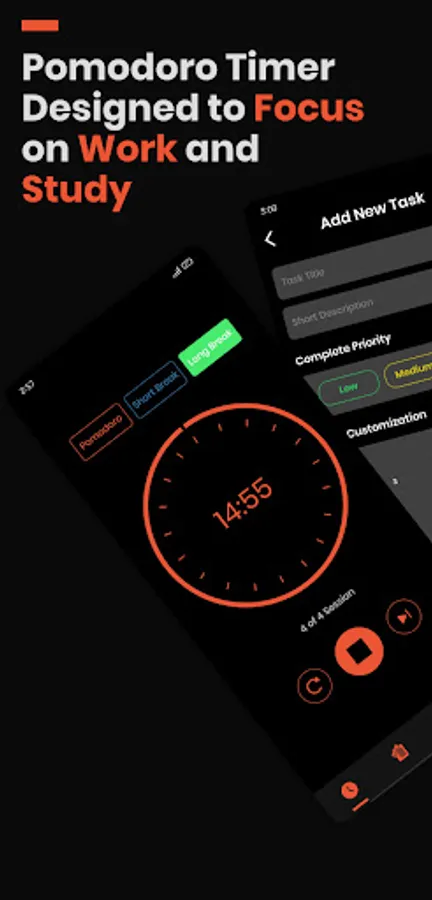
➢ Add tasks to the to-do list with customizable intervals, focus time, short breaks, and long breaks
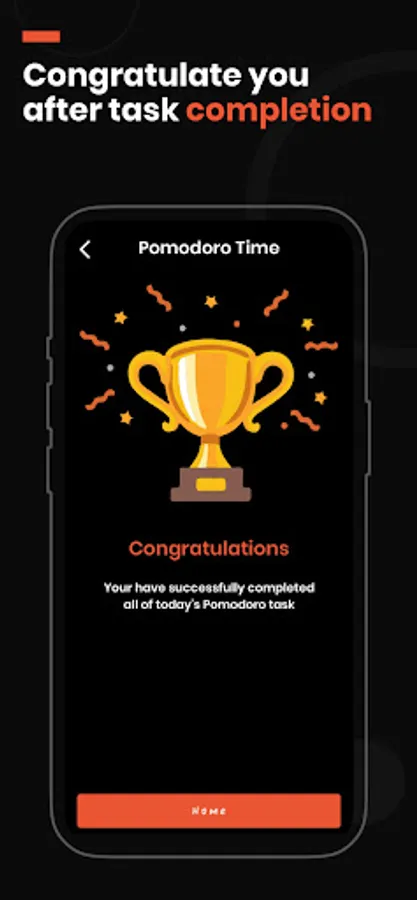
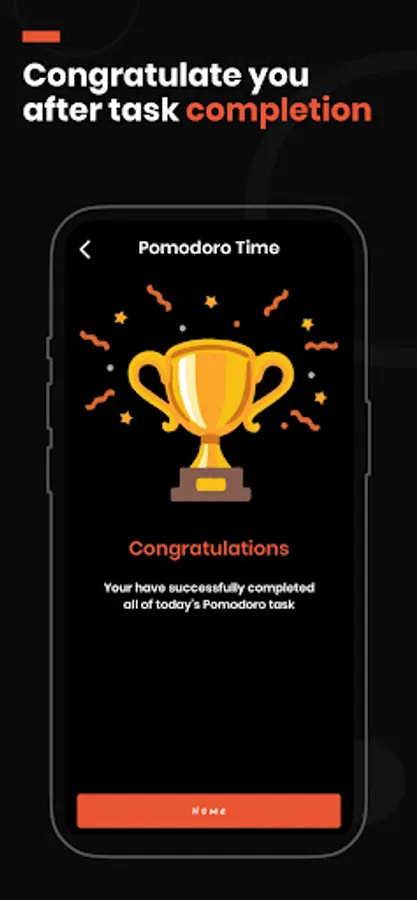
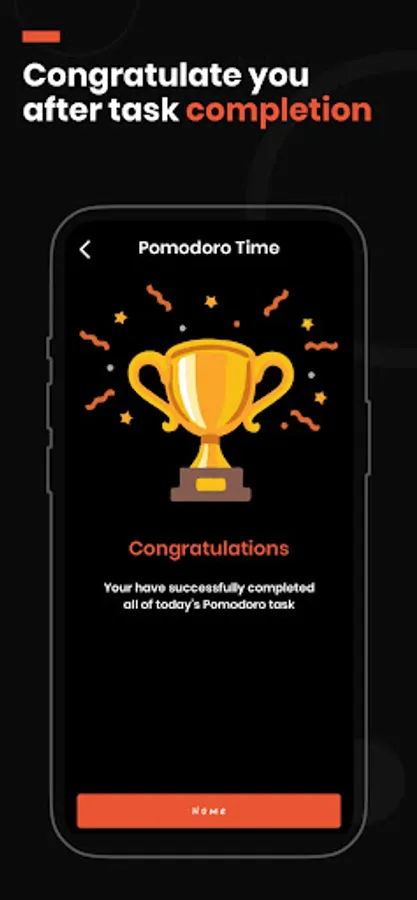
➢ Enjoy a congratulation screen after completing a task
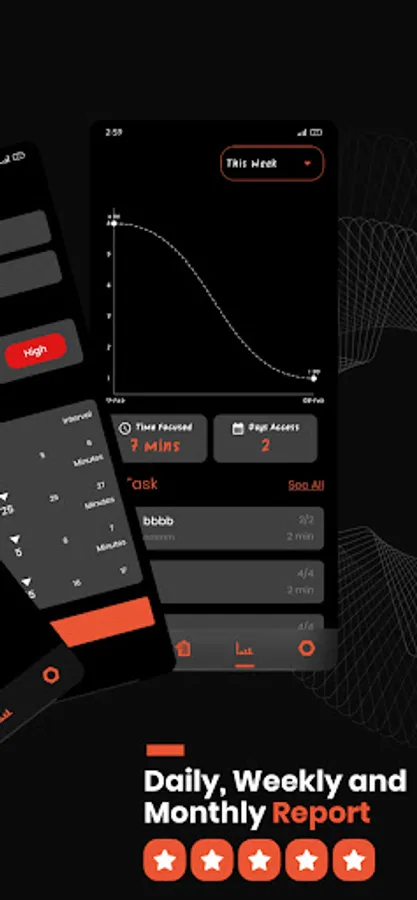
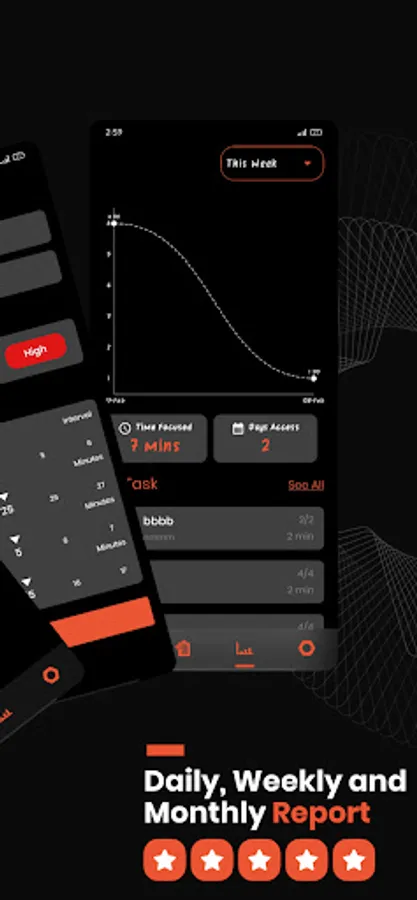
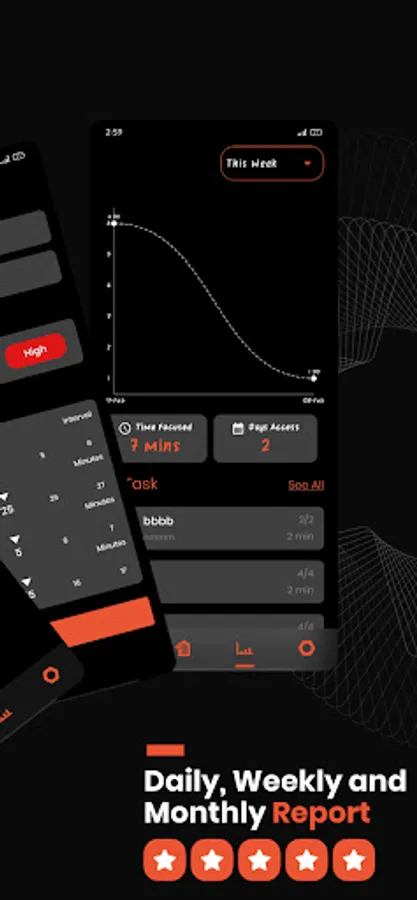
➢ Access tracking reports on a daily, weekly, monthly, and yearly basis
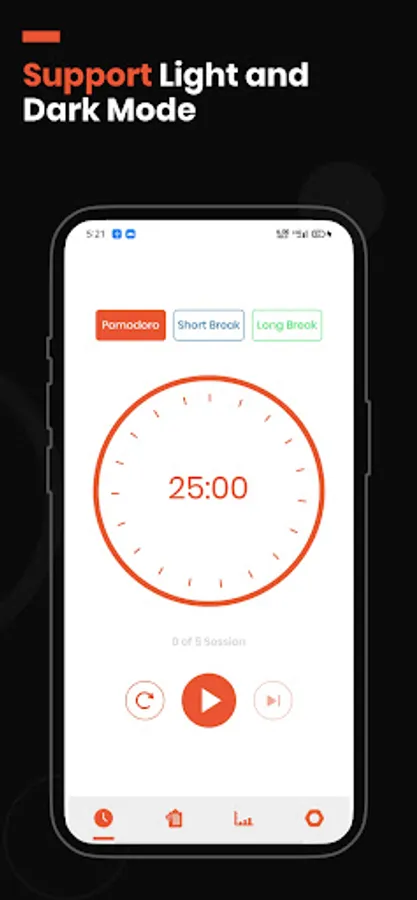
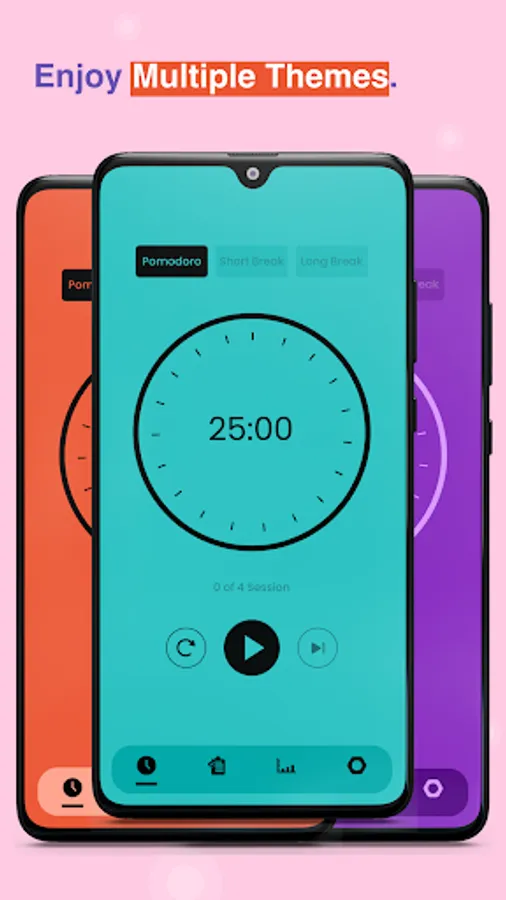
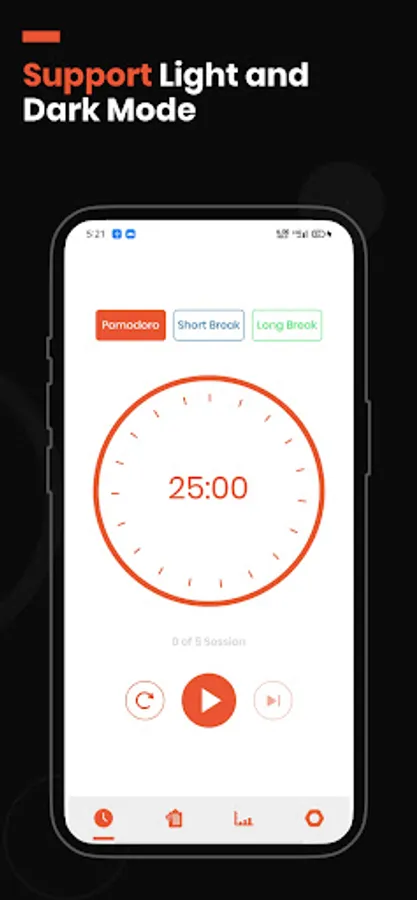
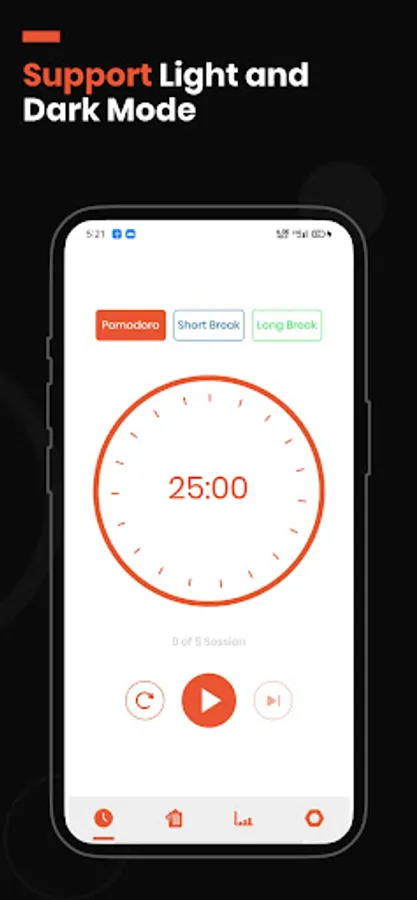
➢ Switch between light and dark mode for a minimalist interface
➢ No tracking or personal data collection ensures your privacy
➢ Easy-to-navigate interface for a seamless experience
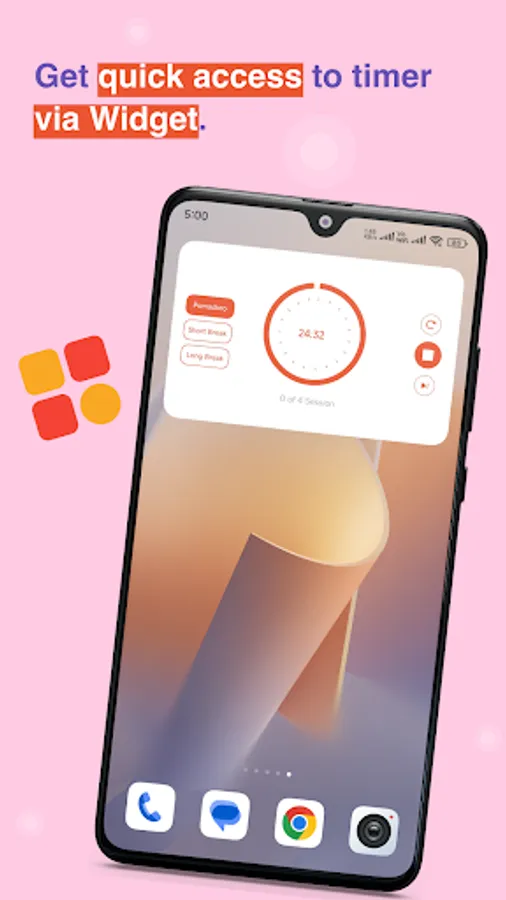
➢ Pomodoro widget for the home screen
Incorporating the Pomodoro Focus Timer into your workflow brings a whole bunch of benefits. You'll notice increased productivity, better time management, and a boost in creativity. Plus, it helps you reduce stress, improve work quality, and maintain a healthy work-life balance. It's a great tool for anyone looking to stay focused and get more done during their workday.
Whether you're a student using it for study, a freelancer, or a professional, the Pomodoro timer is the perfect tool to supercharge your efficiency and productivity. Its time tracker and reminder system help you stay on top of your tasks. Download the app today and witness the amazing benefits for yourself!
Instead of overwhelming yourself with big tasks, you can break them down into smaller, more manageable pieces and allocate specific time slots to them on your schedule.
This approach allows you to boost your productivity and complete tasks efficiently using the Pomodoro technique.
Don't worry, using the Pomodoro Focus Timer is super easy. First, write down all your tasks on the to-do list. Then, you can customize the focus time according to your preferences or stick with the default Pomodoro timer settings: 4 intervals, 25 minutes of work, and 5 minutes for a short break.
Once you start the timer, give your full attention to the task at hand. When the alarm rings, take a break, and repeat the process until your work is finished.
⏱ How to use ⏱:
1: Option 1: Start with the pre-built Pomodoro Timer, which consists of 4 intervals, 25 minutes of focus time, 5 minutes of short break, and 15 minutes of long break.
Option 2: Customize your own Pomodoro Focus Timer by adding a task to the to-do list with your desired intervals, focus time, short break, and long breaks.
2: Select the task from the task list and begin the timer.
3: Play, pause, or skip breaks as needed.
4: When the alarm rings, take a short break.
5: Repeat these steps until you finish the task.
⏳ Key Features ⏳
➢ AI-Powered agent to help boost your productivity
➢ Customize focus time, short breaks, and long breaks
➢ Pause and resume the Pomodoro Timer whenever necessary
➢ Enable auto-start for focus time and breaks
➢ Skip breaks or intervals if needed
➢ Choose from a variety of alarm ring sounds
➢ Add tasks to the to-do list with customizable intervals, focus time, short breaks, and long breaks
➢ Enjoy a congratulation screen after completing a task
➢ Access tracking reports on a daily, weekly, monthly, and yearly basis
➢ Switch between light and dark mode for a minimalist interface
➢ No tracking or personal data collection ensures your privacy
➢ Easy-to-navigate interface for a seamless experience
➢ Pomodoro widget for the home screen
Incorporating the Pomodoro Focus Timer into your workflow brings a whole bunch of benefits. You'll notice increased productivity, better time management, and a boost in creativity. Plus, it helps you reduce stress, improve work quality, and maintain a healthy work-life balance. It's a great tool for anyone looking to stay focused and get more done during their workday.
Whether you're a student using it for study, a freelancer, or a professional, the Pomodoro timer is the perfect tool to supercharge your efficiency and productivity. Its time tracker and reminder system help you stay on top of your tasks. Download the app today and witness the amazing benefits for yourself!
AI Pomodoro Timer:Focus Planer Screenshots
Tap to Rate:
Reviews for AI Pomodoro Timer:Focus Planer
nounou
12/17/2025
nice app but dark theme is paid feature ? and the notification is huge and ugly
Sreenivas Jatangi
9/9/2025
For every single click, u will see advertisement.