AppRecs review analysis
AppRecs rating . Trustworthiness 55 out of 100. Review manipulation risk 20 out of 100. Based on a review sample analyzed.
★
AppRecs Rating
Ratings breakdown
5 star
100%
4 star
0%
3 star
0%
2 star
0%
1 star
0%
What to know
✓
High user satisfaction
100% of sampled ratings are 5 stars
About Remote Control for Roku
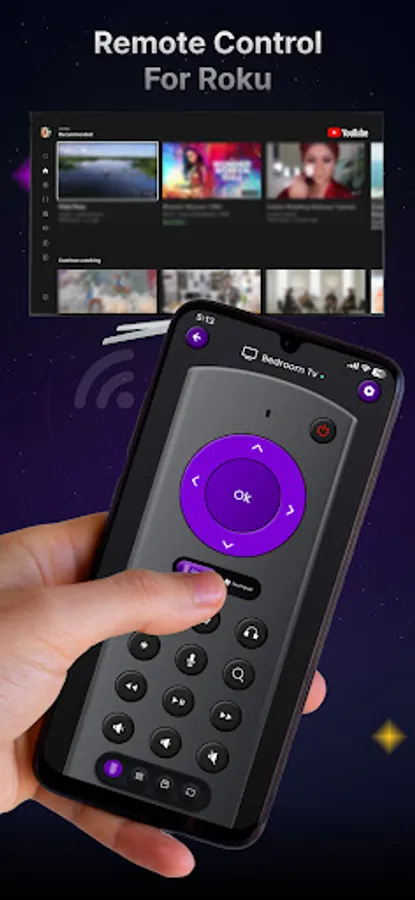
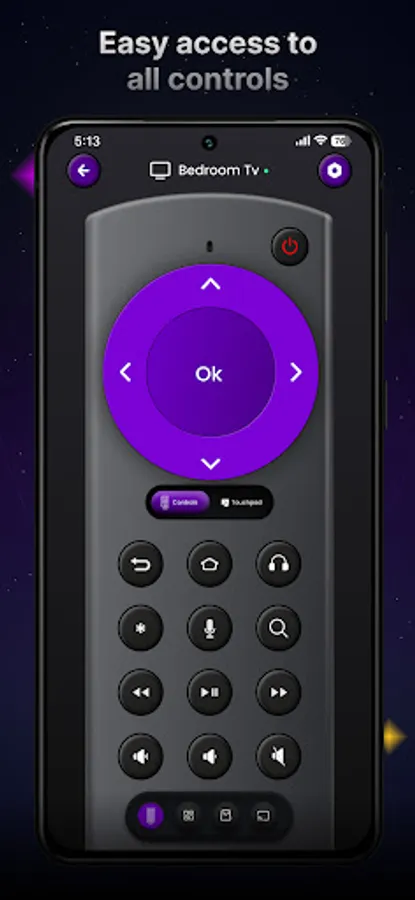
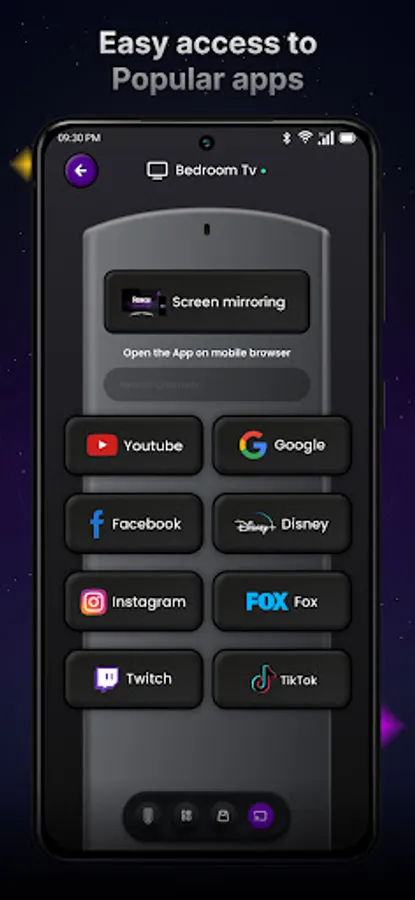
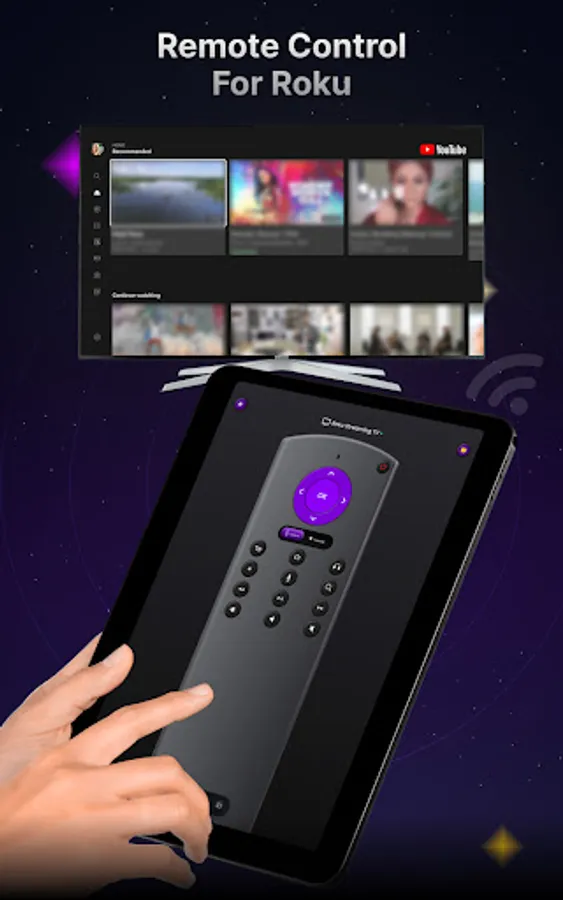
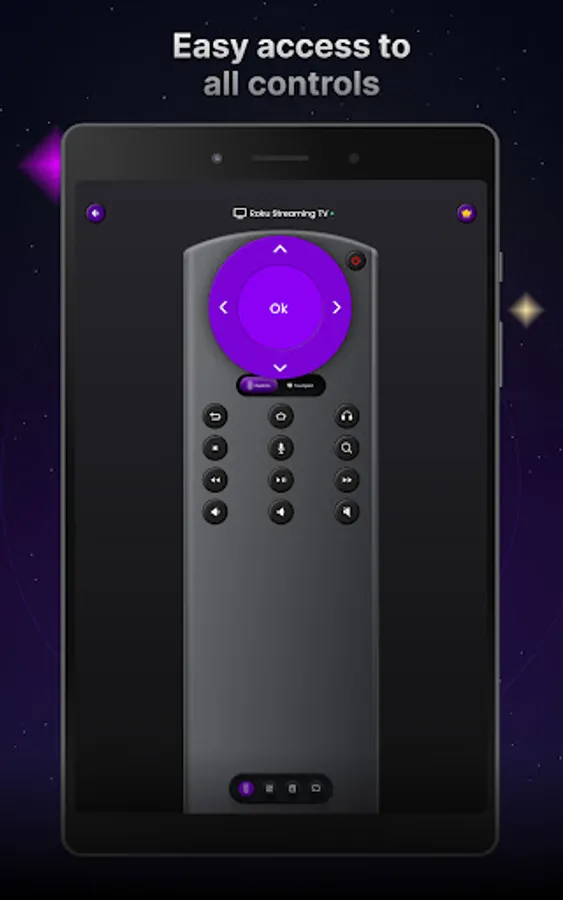
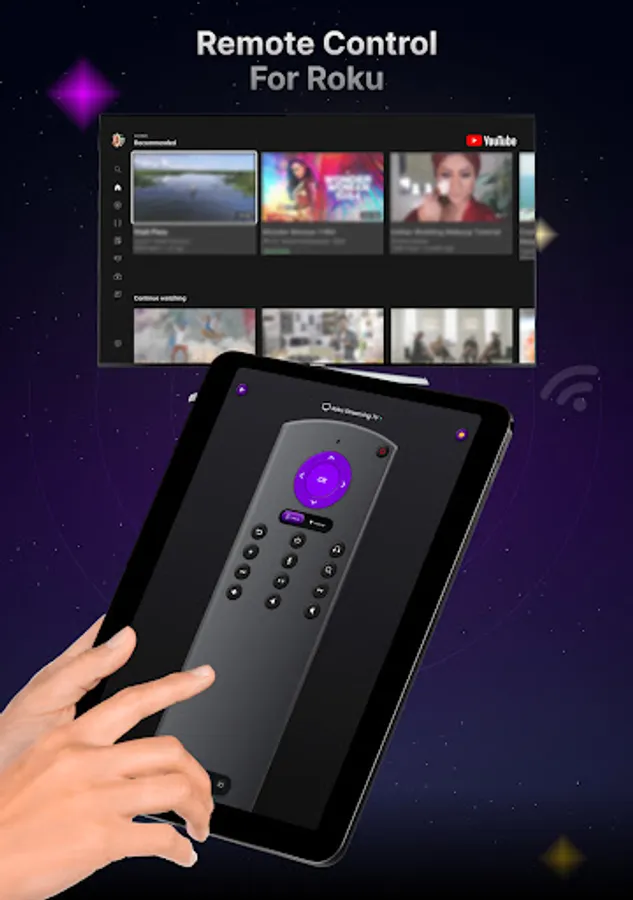
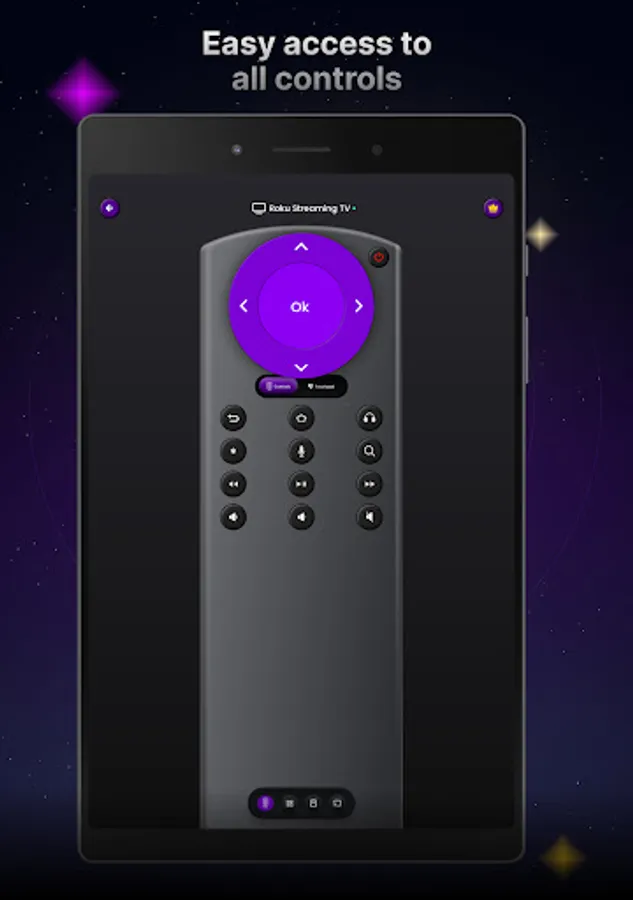
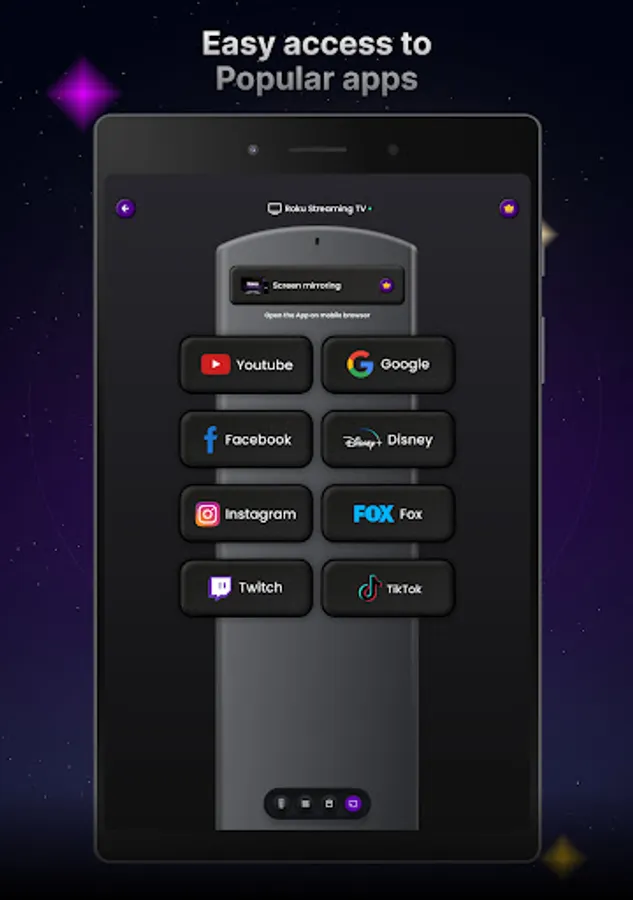
Enhance your Roku experience with the Roku Remote app, the perfect solution for controlling your Roku devices with ease. The app transforms phone into a powerful remote with advanced features like remote controls, channel management, volume control, and casting content to TV.
Key Features:
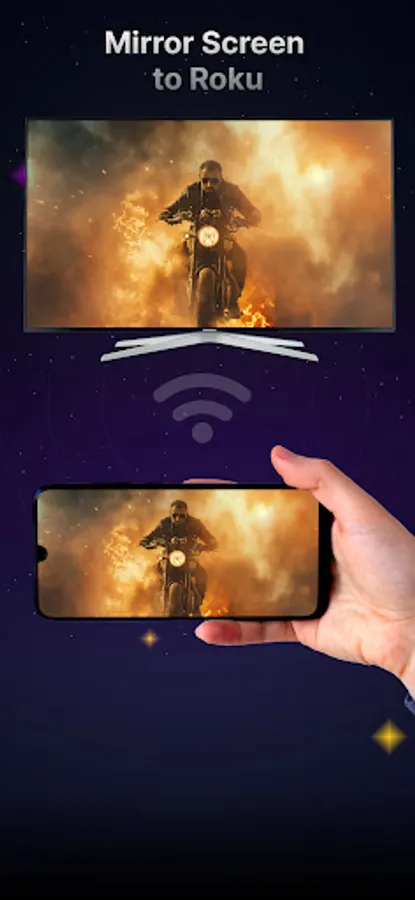
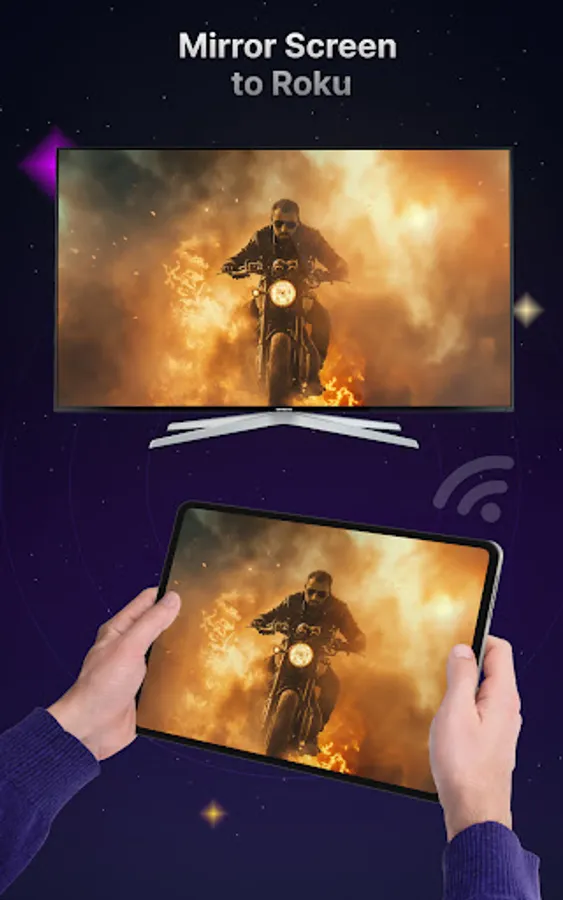
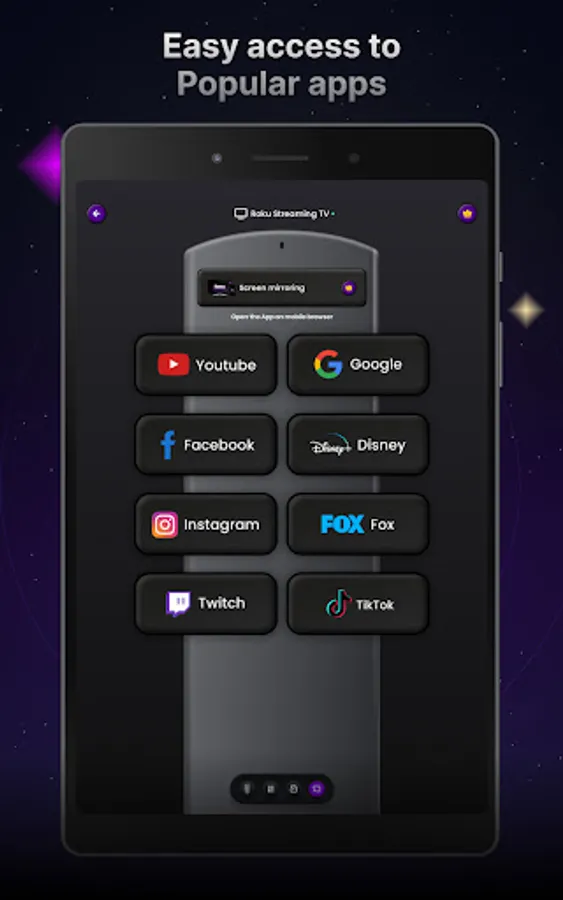
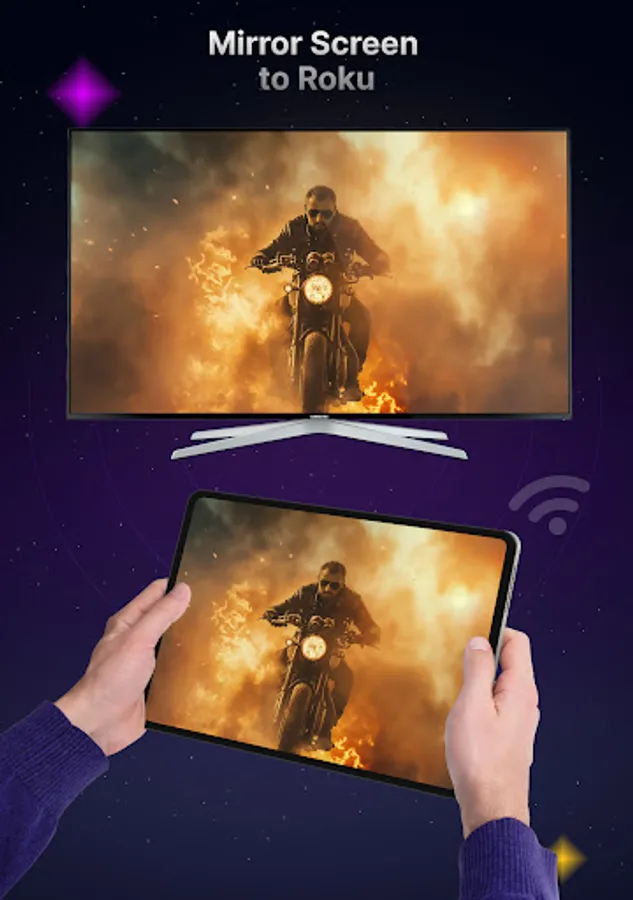
Cast to TV: Stream content from your phone directly to your Roku Device.
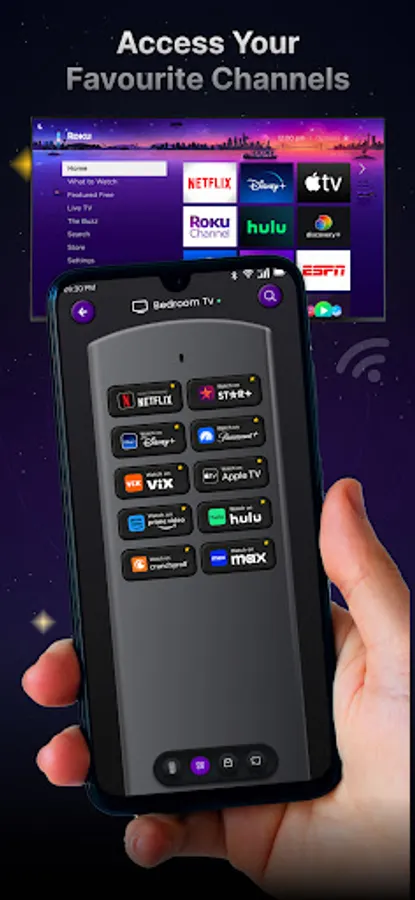
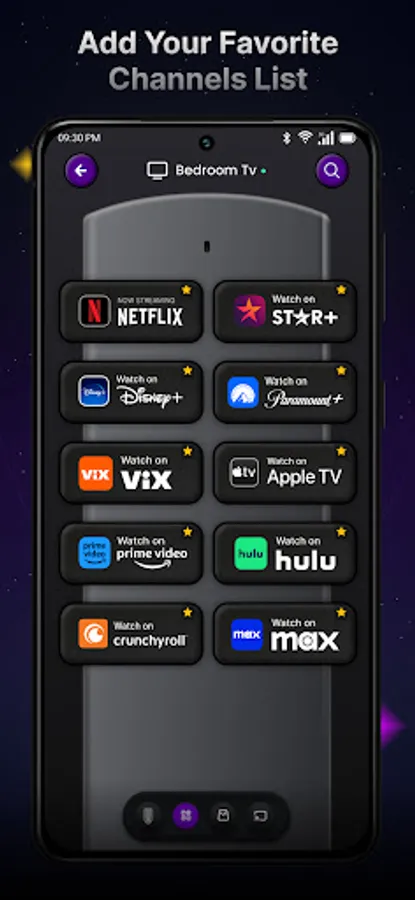
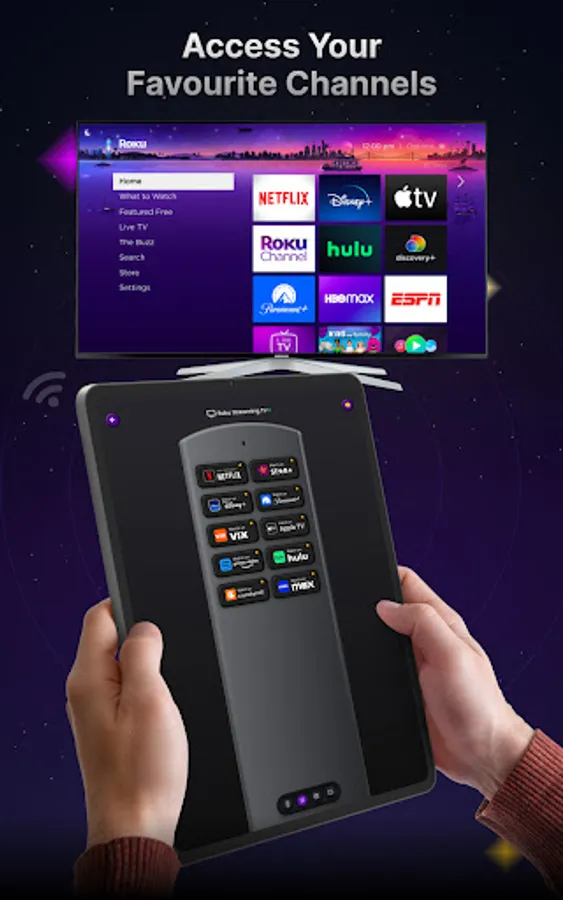
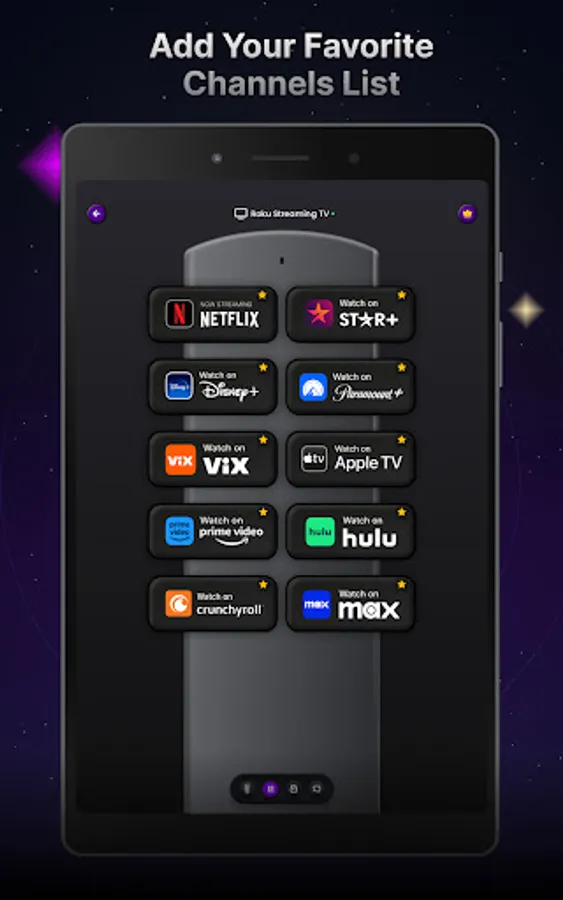
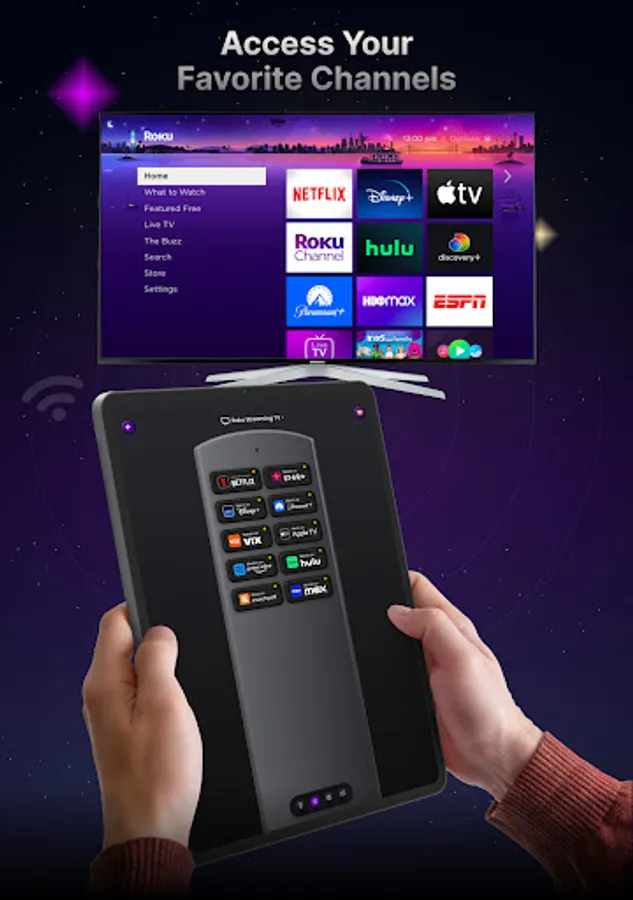
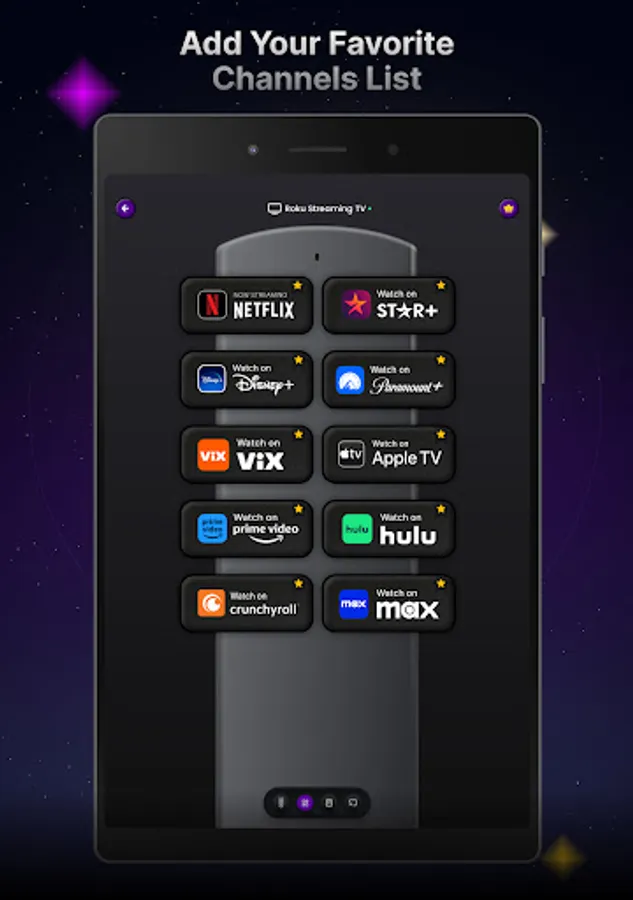
Channel Management: Quickly access and switch between your favorite Roku channels.
Volume Control: Adjust your TV's volume with simple taps.
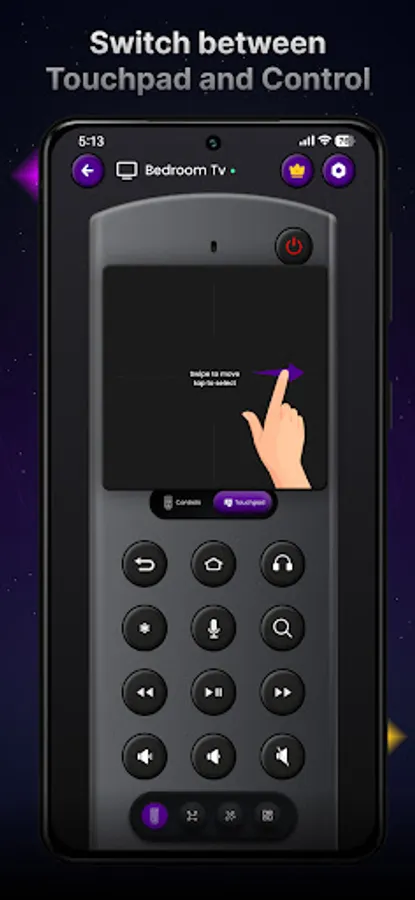
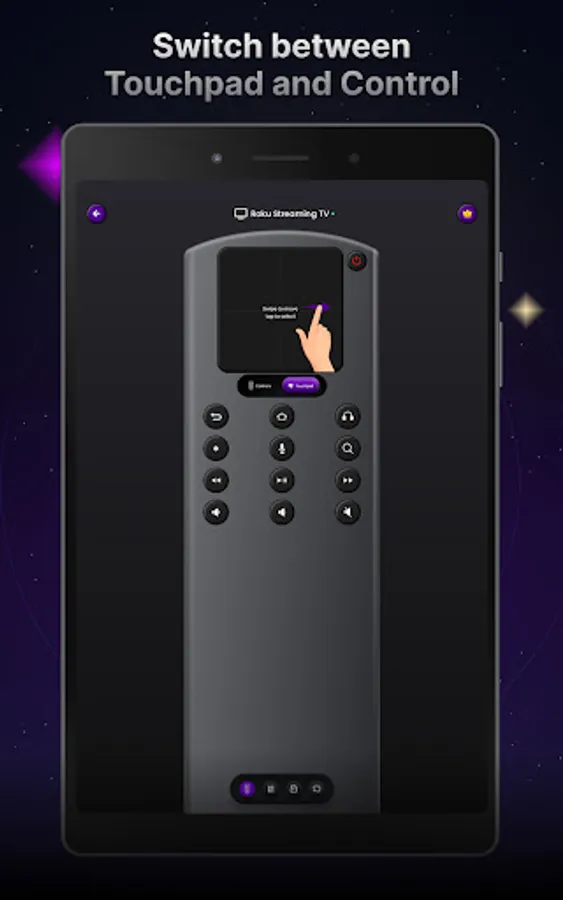
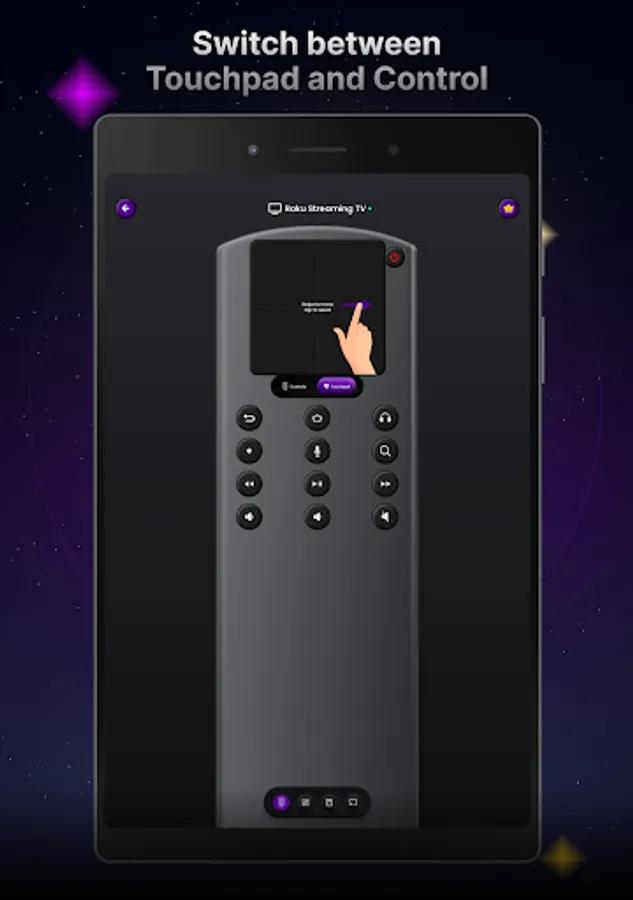
Touchpad Navigation: Enjoy smooth, intuitive control with a responsive touchpad.
Voice Search: Use voice commands to search for shows or control your TV hands-free.
Keyboard Input: Easily type searches, passwords, and more using your phone’s keyboard.
WiFi Connectivity: Effortless connection through your WiFi network—no additional hardware required.
Universal Compatibility: Works with all Roku Smart TVs and devices.
Privacy Focused: No data tracking, ensuring your personal information stays private.
Supported TV Models:
The Roku Remote app is compatible with a wide range of Roku devices and Smart TVs, making it a versatile tool for any Roku user. Supported models include:
Hisense Roku TV
TCL Roku TV
Westinghouse Roku TV
Hitachi Roku TV
Insignia Roku TV
RCA Roku TV
Easy Setup:
Download the app and install it on your phone.
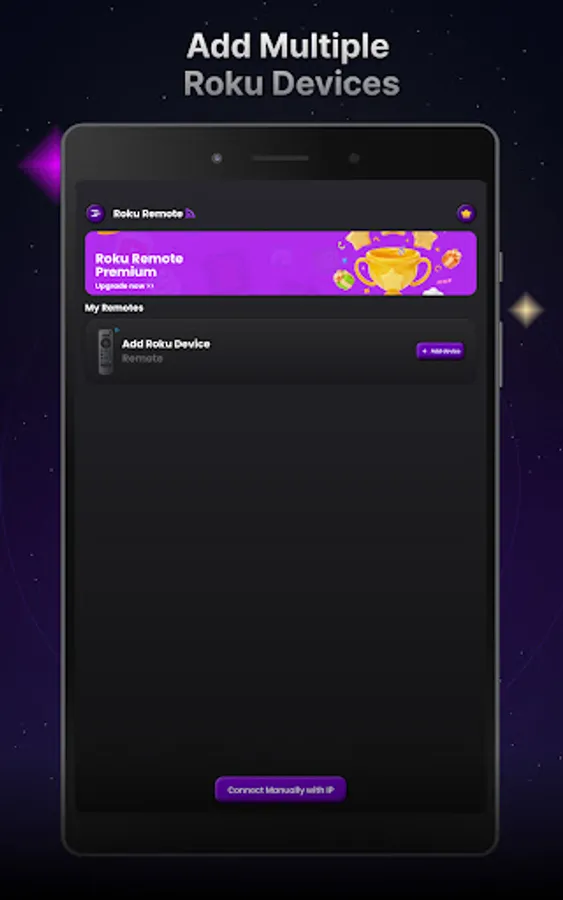
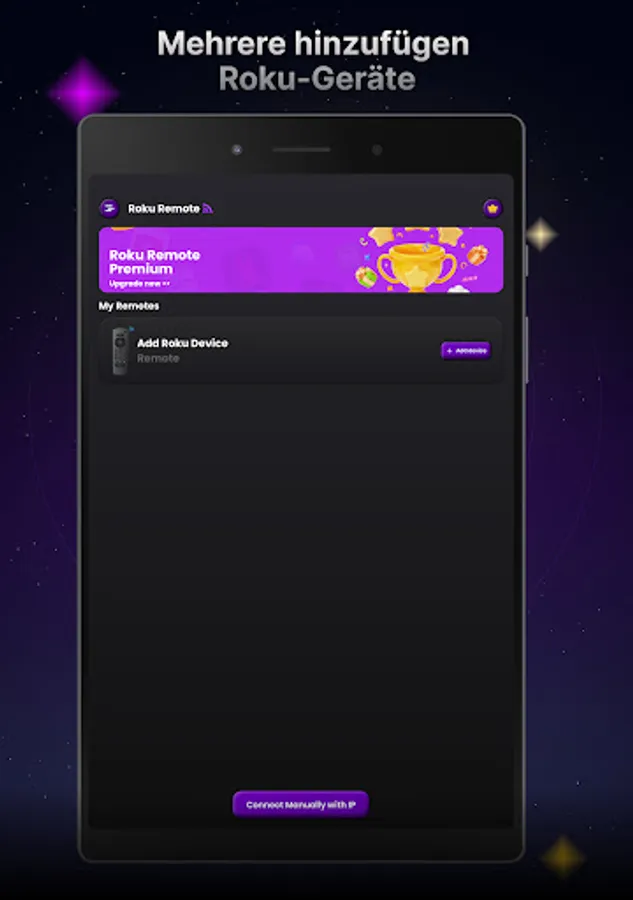
Connect to your Roku device via WiFi or manual IP.
Enjoy seamless control of your Roku TV or player.
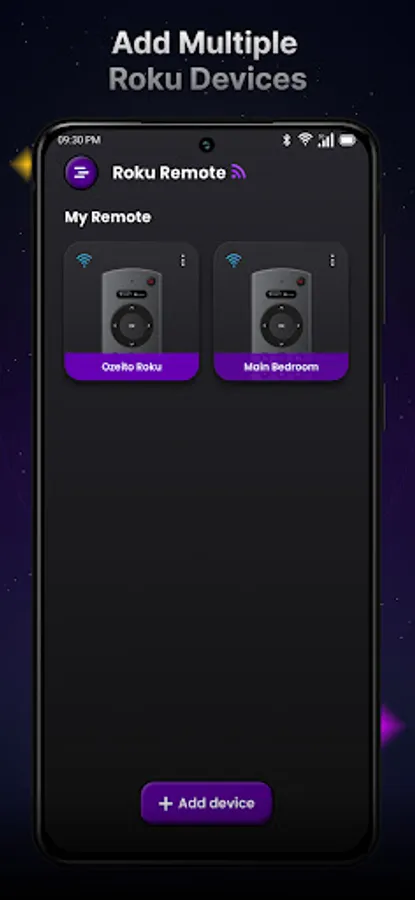
Control all your Roku devices from one app, cast content, manage channels, and enjoy the ultimate convenience of the Roku Remote—your go-to streaming companion!
Key Features:
Cast to TV: Stream content from your phone directly to your Roku Device.
Channel Management: Quickly access and switch between your favorite Roku channels.
Volume Control: Adjust your TV's volume with simple taps.
Touchpad Navigation: Enjoy smooth, intuitive control with a responsive touchpad.
Voice Search: Use voice commands to search for shows or control your TV hands-free.
Keyboard Input: Easily type searches, passwords, and more using your phone’s keyboard.
WiFi Connectivity: Effortless connection through your WiFi network—no additional hardware required.
Universal Compatibility: Works with all Roku Smart TVs and devices.
Privacy Focused: No data tracking, ensuring your personal information stays private.
Supported TV Models:
The Roku Remote app is compatible with a wide range of Roku devices and Smart TVs, making it a versatile tool for any Roku user. Supported models include:
Hisense Roku TV
TCL Roku TV
Westinghouse Roku TV
Hitachi Roku TV
Insignia Roku TV
RCA Roku TV
Easy Setup:
Download the app and install it on your phone.
Connect to your Roku device via WiFi or manual IP.
Enjoy seamless control of your Roku TV or player.
Control all your Roku devices from one app, cast content, manage channels, and enjoy the ultimate convenience of the Roku Remote—your go-to streaming companion!
Remote Control for Roku Screenshots
Tap to Rate:
Reviews for Remote Control for Roku
Muhammad
9/12/2024
First app ever seen with good design