DIGA Player
Panasonic Holdings Corporation
3.1 ★
1K ratings
50,000+
downloads
Free
In this app, you can stream live TV, browse recorded programs, and control Panasonic Recorders remotely. Includes TV guide access, timer recording setup, and playback features.
AppRecs review analysis
AppRecs rating 3.1. Trustworthiness 0 out of 100. Review manipulation risk 0 out of 100. Based on a review sample analyzed.
★★★☆☆
3.1
AppRecs Rating
Ratings breakdown
5 star
0%
4 star
64%
3 star
9%
2 star
9%
1 star
18%
What to know
✓
Authentic reviews
No red flags detected
About DIGA Player
DIGA Player brings your TV life style one more step ahead through Panasonic Recorders. You can enjoy your favorite TV programs anywhere at home and set timer recording from outside with your Android devices.
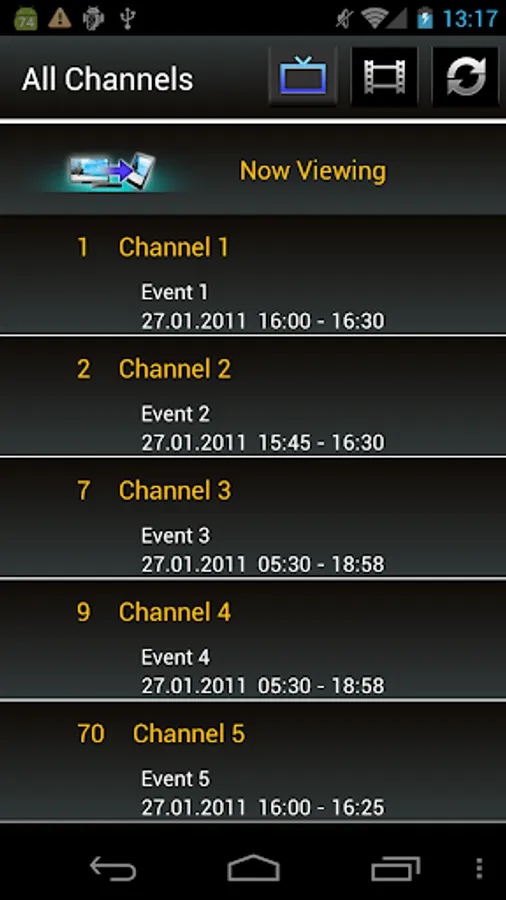
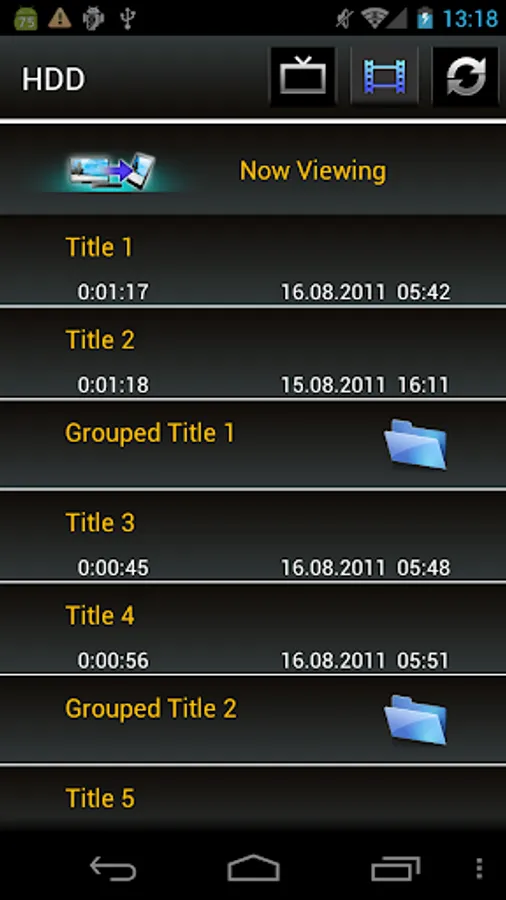
DIGA Player will browse and load recorded list and TV channel list from your Panasonic Recorders onto your Android devices connecting over Wireless LAN network.
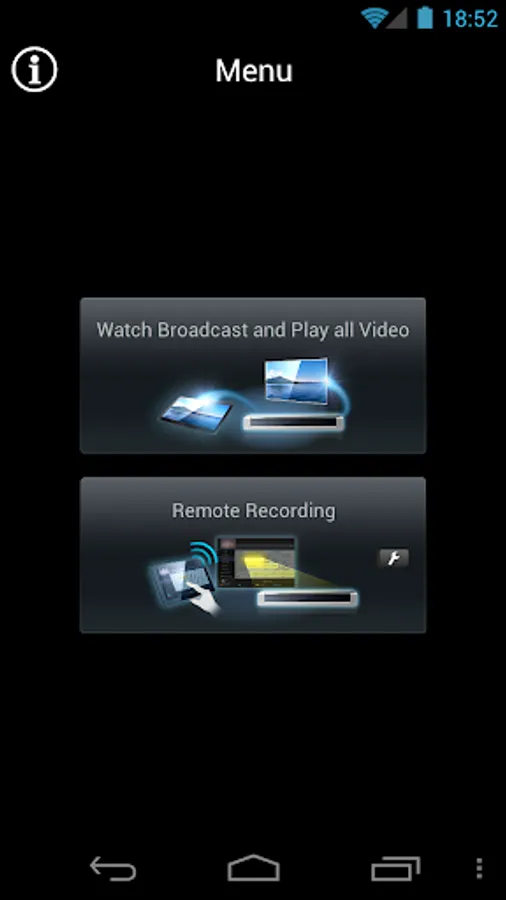
1) You can playback programs stored on your Recorder or watch live broadcast with your Android devices.
2) You can use Android devices as a remote controller of your Recorders.
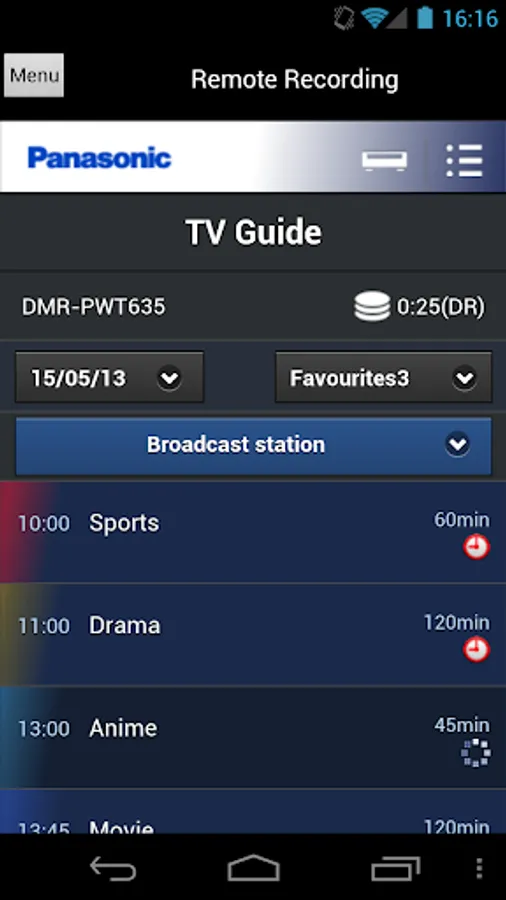
3) You can display TV Guide and set timer recording to your Recorders from Android devices.
4) You can set timer recording from outside with your Android devices.
Compatible Panasonic Recorders:
Remote recording is available on selected Panasonic compatible recorders.
* For more detail, please refer to support page of DIGA Player application. (http://panasonic.jp/support/global/cs/bd/app/index.html)
Highlight Features:
- Receive streaming of live broadcast reception from compatible recorders.
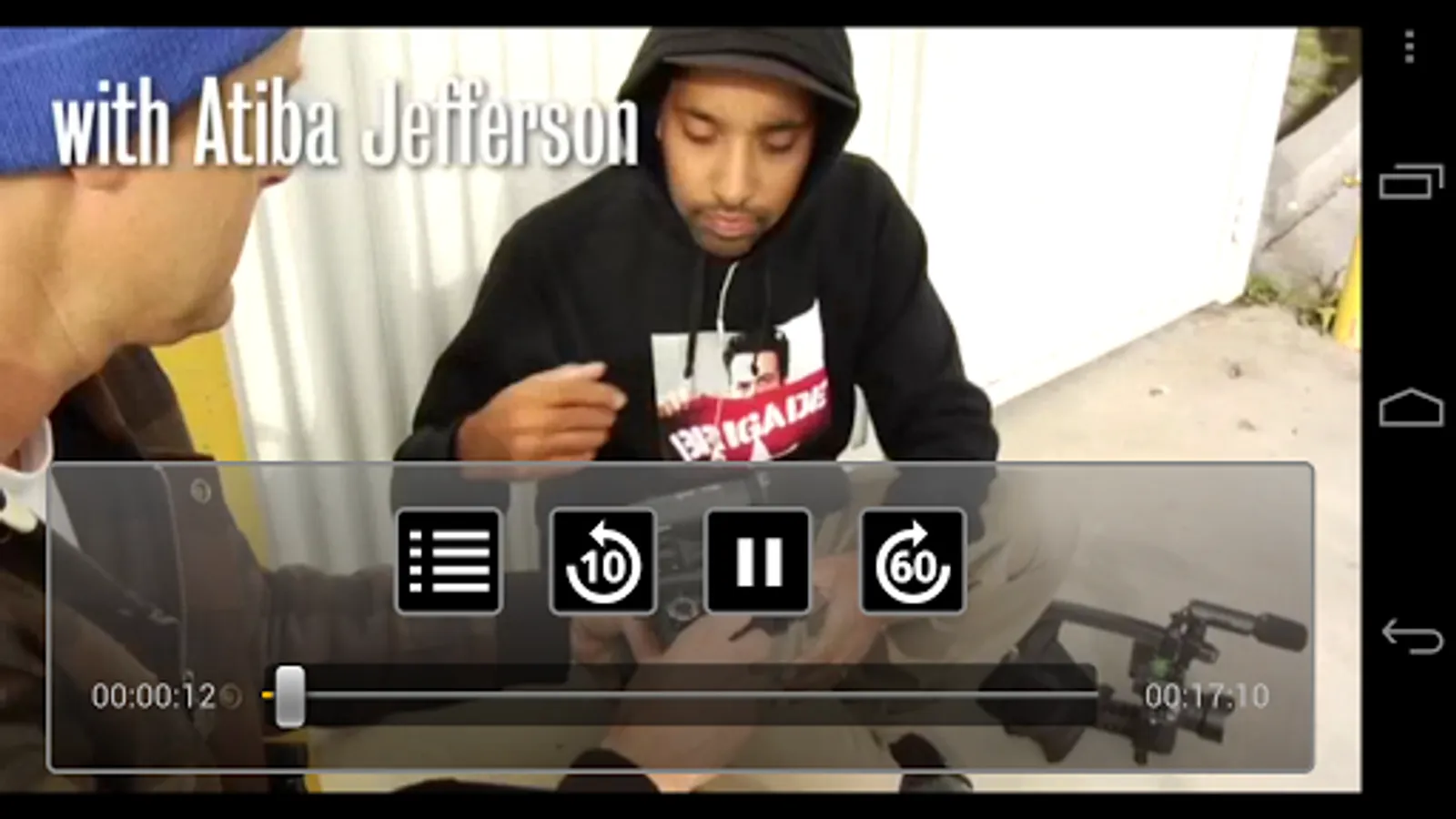
- Playback recorded programs (scrub, skip-rewind, skip-forward, pause).
- Browse recorded list and TV channel list.
- Search favorite recorded programs by word search.
- Sort TV listings by numeric and alphabetical order.
- Simple remote control function.
For information on using this app, compatible models and feature or any trouble about this app, please visit the following support page.
http://panasonic.jp/support/global/cs/bd/app/index.html
Please understand that we will not be able to contact you directly even if you use the “Email Developer” link.
DIGA Player will browse and load recorded list and TV channel list from your Panasonic Recorders onto your Android devices connecting over Wireless LAN network.
1) You can playback programs stored on your Recorder or watch live broadcast with your Android devices.
2) You can use Android devices as a remote controller of your Recorders.
3) You can display TV Guide and set timer recording to your Recorders from Android devices.
4) You can set timer recording from outside with your Android devices.
Compatible Panasonic Recorders:
Remote recording is available on selected Panasonic compatible recorders.
* For more detail, please refer to support page of DIGA Player application. (http://panasonic.jp/support/global/cs/bd/app/index.html)
Highlight Features:
- Receive streaming of live broadcast reception from compatible recorders.
- Playback recorded programs (scrub, skip-rewind, skip-forward, pause).
- Browse recorded list and TV channel list.
- Search favorite recorded programs by word search.
- Sort TV listings by numeric and alphabetical order.
- Simple remote control function.
For information on using this app, compatible models and feature or any trouble about this app, please visit the following support page.
http://panasonic.jp/support/global/cs/bd/app/index.html
Please understand that we will not be able to contact you directly even if you use the “Email Developer” link.
DIGA Player Screenshots
Tap to Rate: