Square Clear - Icon Pack
GomoTheGom
4.5 ★
97 ratings
5,000+
downloads
$1.49
+ in-app
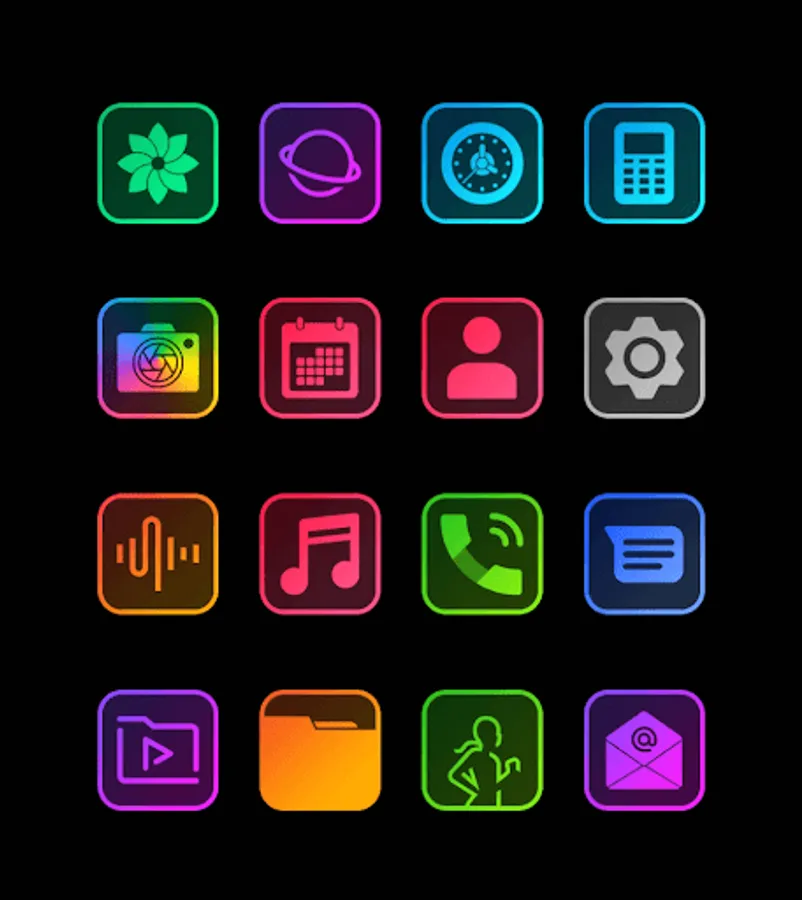
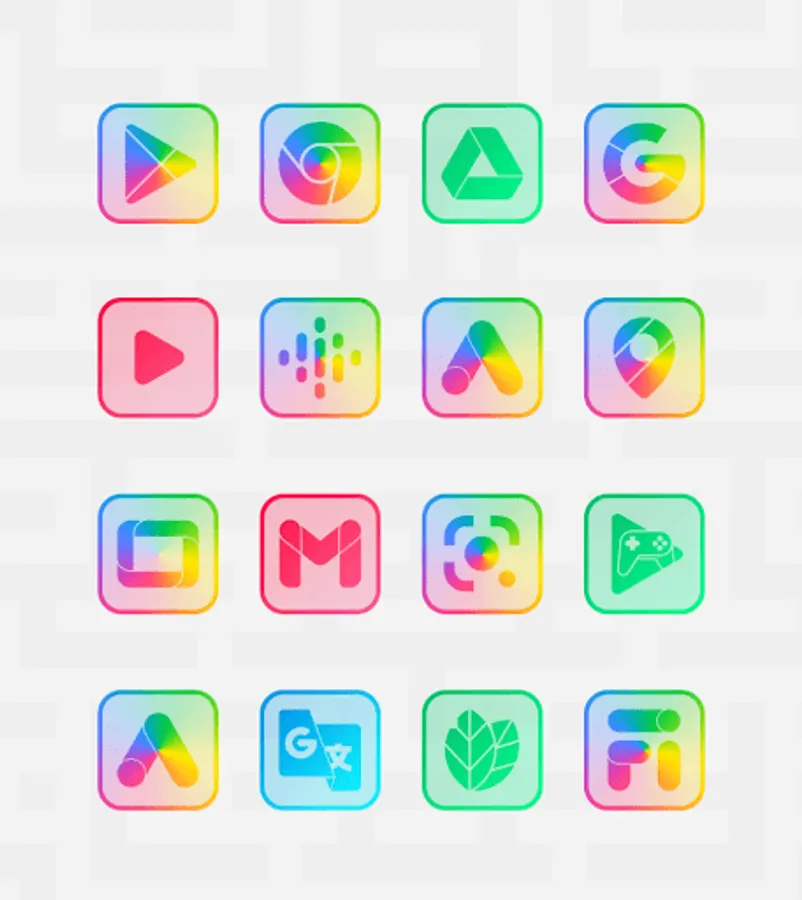
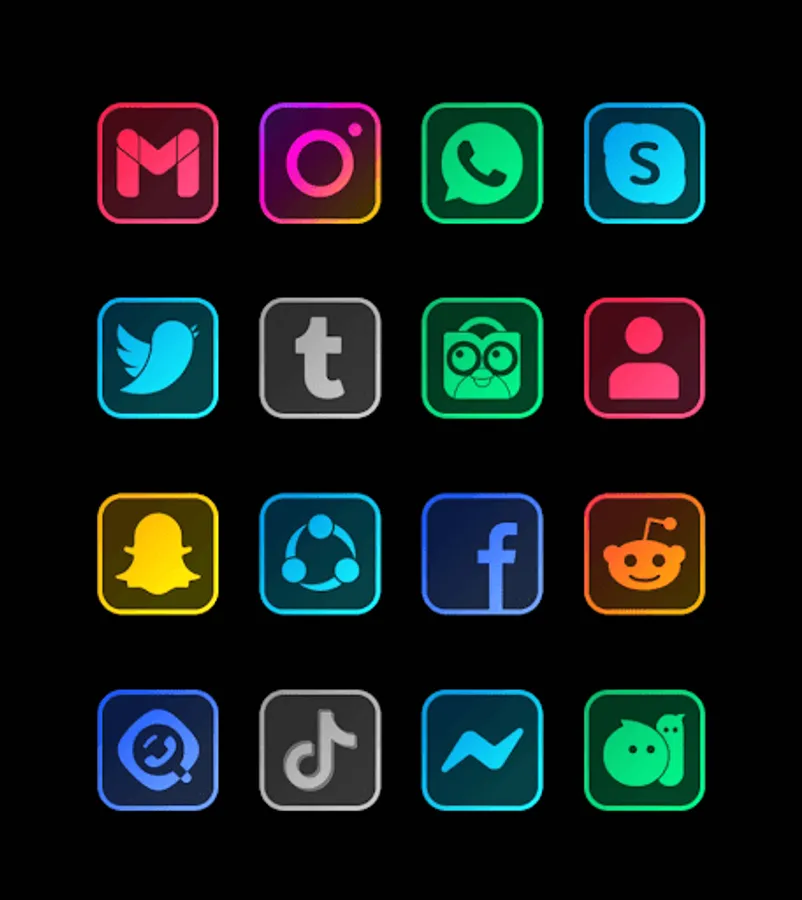
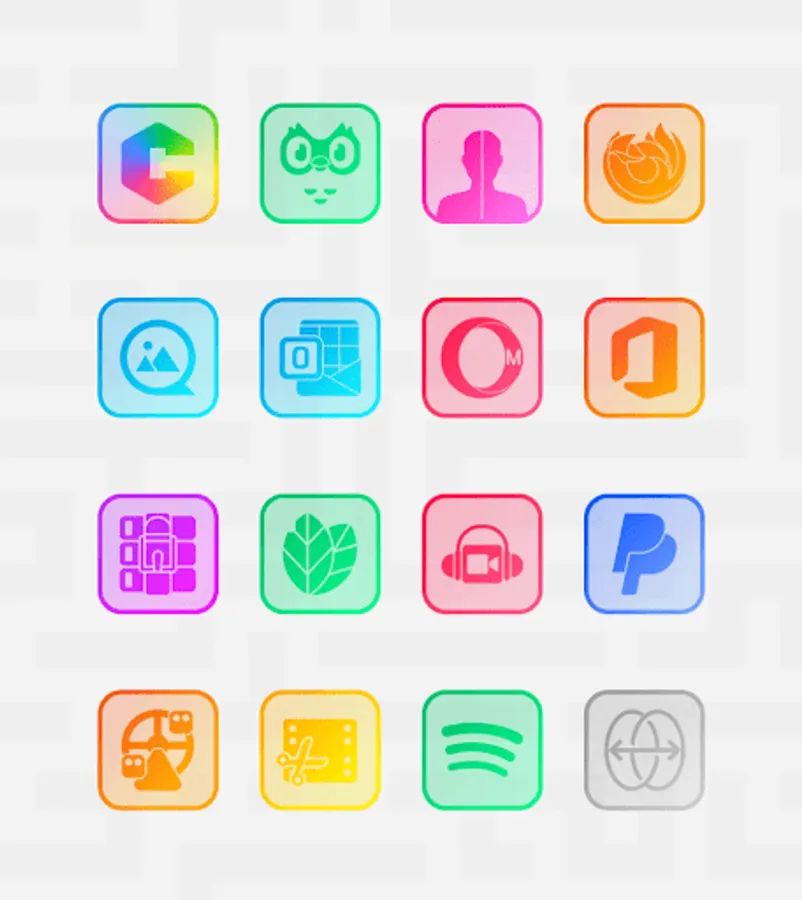
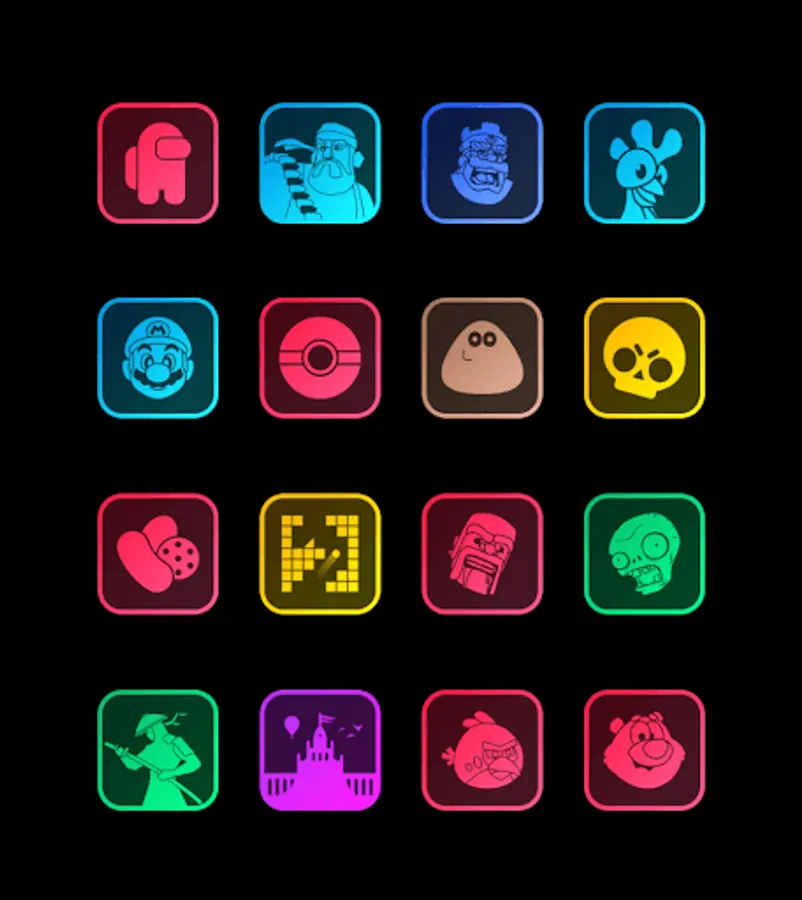
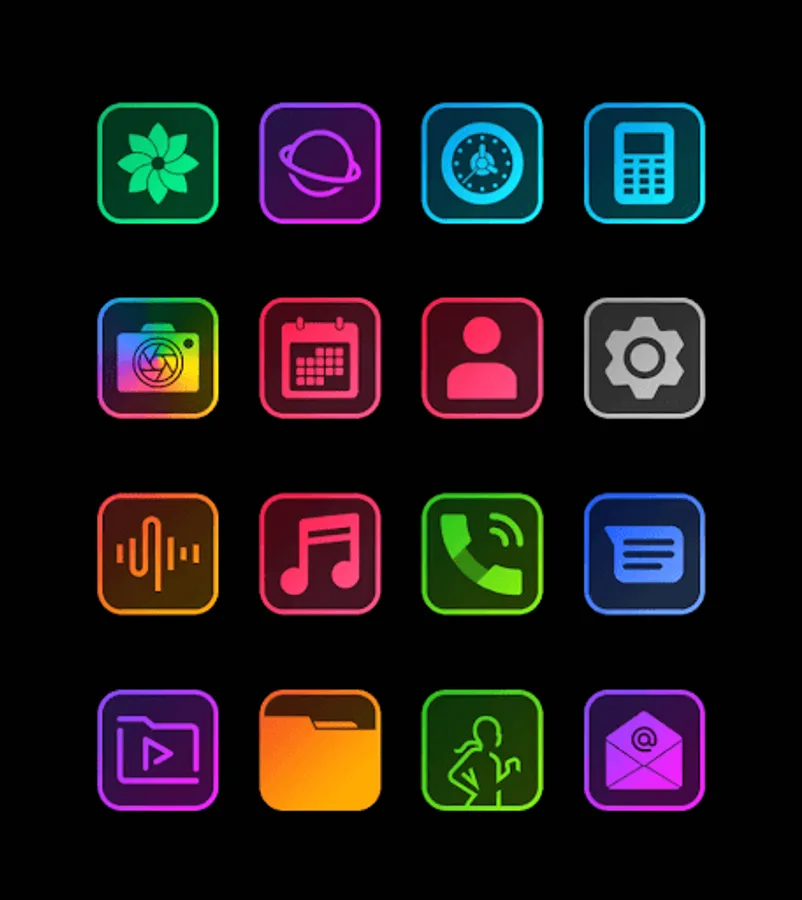
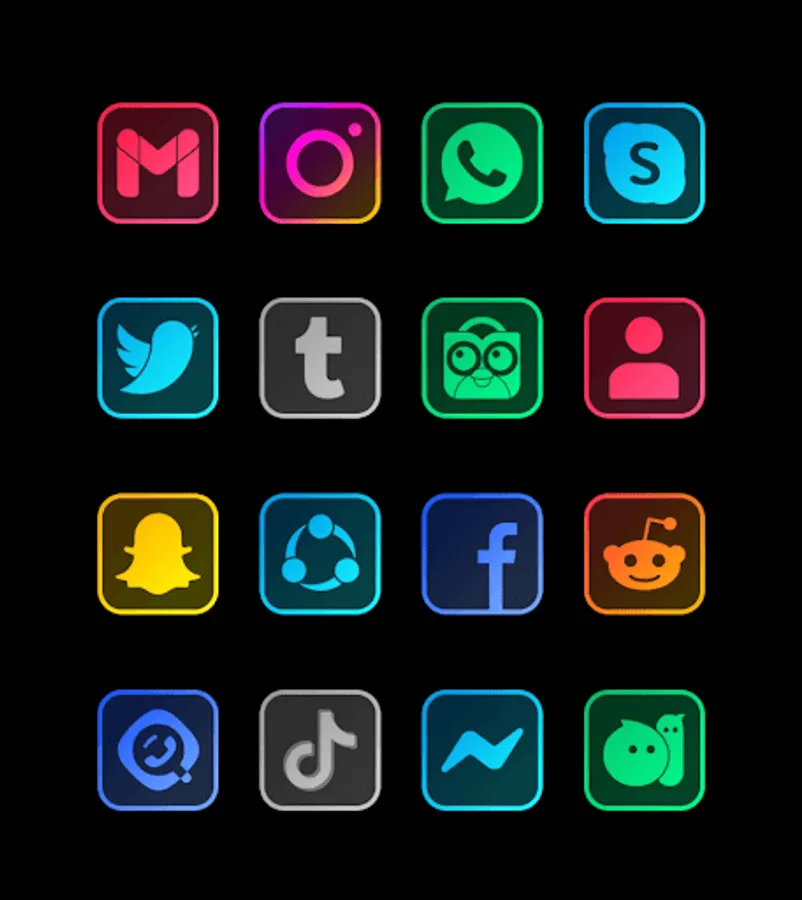
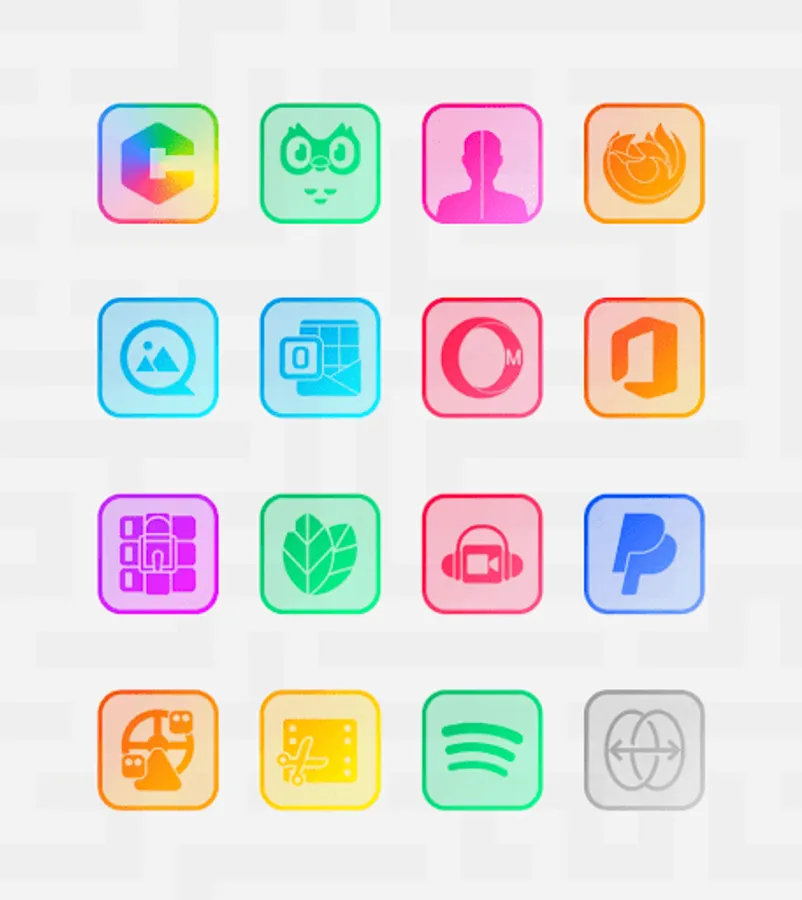
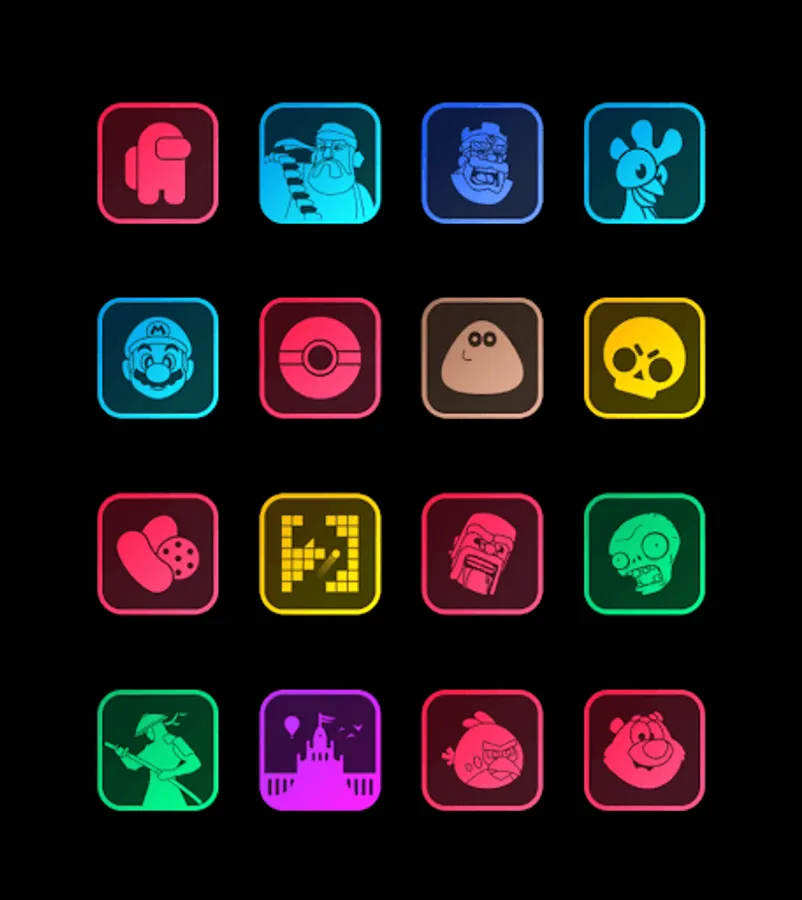
In this app, you can customize your device with transparent neon icons and apply them easily through supported launchers. Includes icon requests, wallpaper downloads, and frequent updates.
AppRecs review analysis
AppRecs rating 4.5. Trustworthiness 76 out of 100. Review manipulation risk 21 out of 100. Based on a review sample analyzed.
★★★★☆
4.5
AppRecs Rating
Ratings breakdown
5 star
77%
4 star
9%
3 star
9%
2 star
0%
1 star
4%
What to know
✓
Low review manipulation risk
21% review manipulation risk
✓
Credible reviews
76% trustworthiness score from analyzed reviews
✓
High user satisfaction
77% of sampled ratings are 5 stars
About Square Clear - Icon Pack
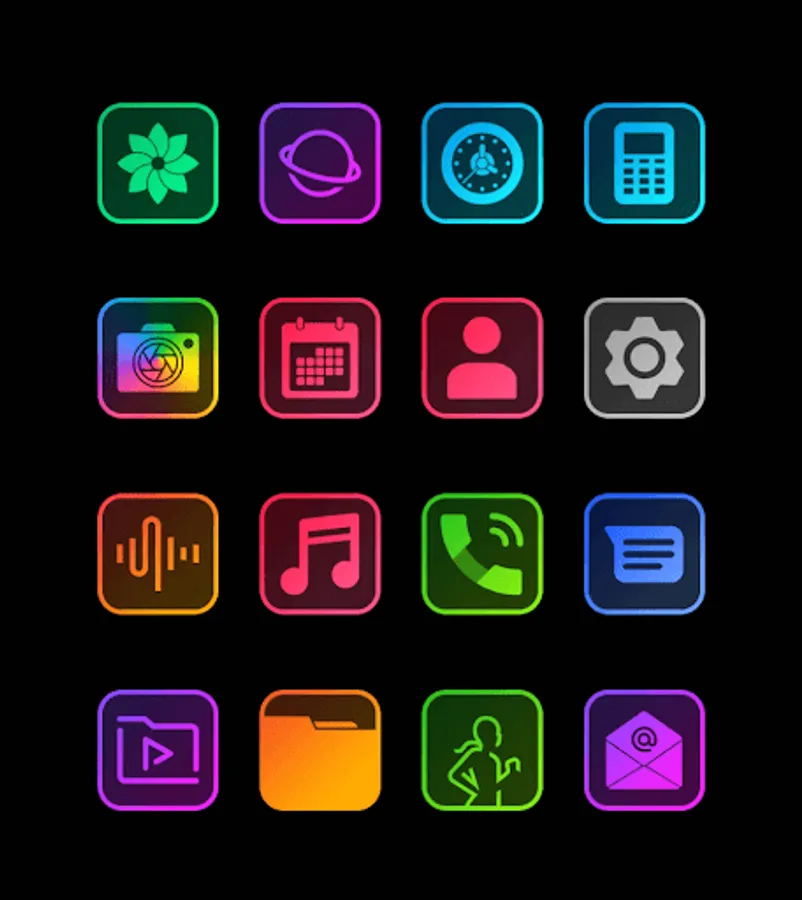
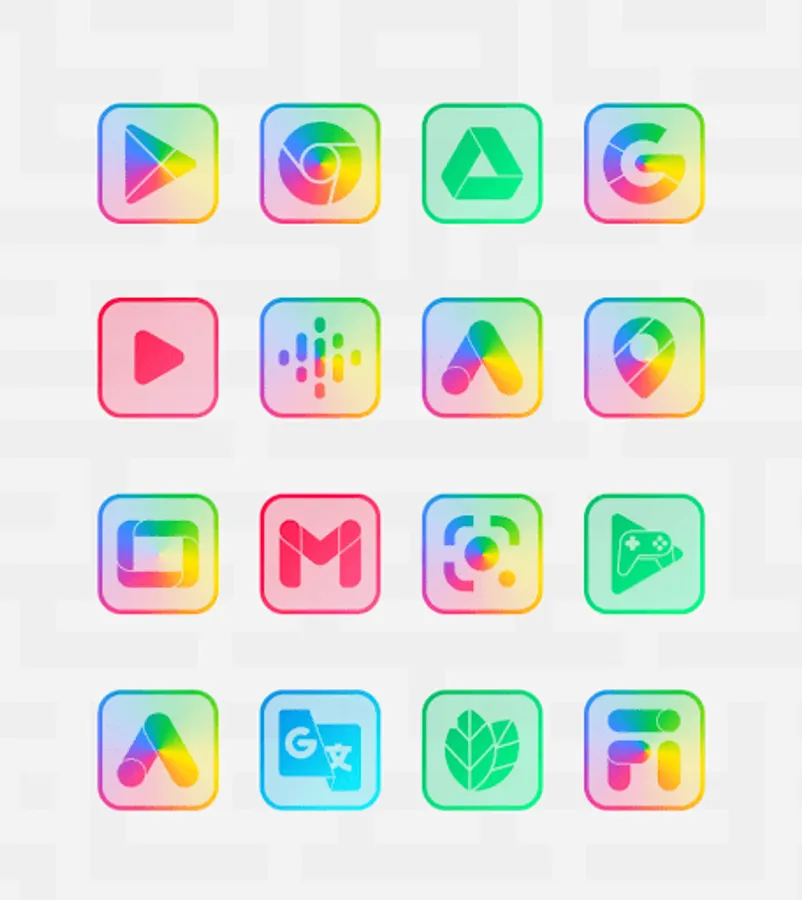
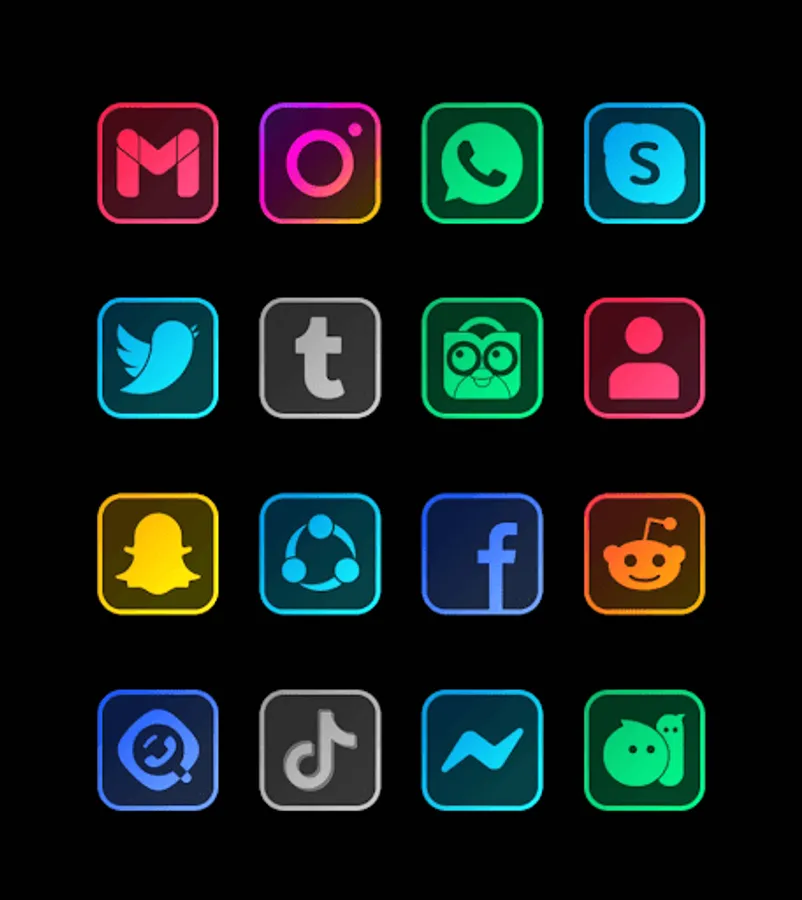
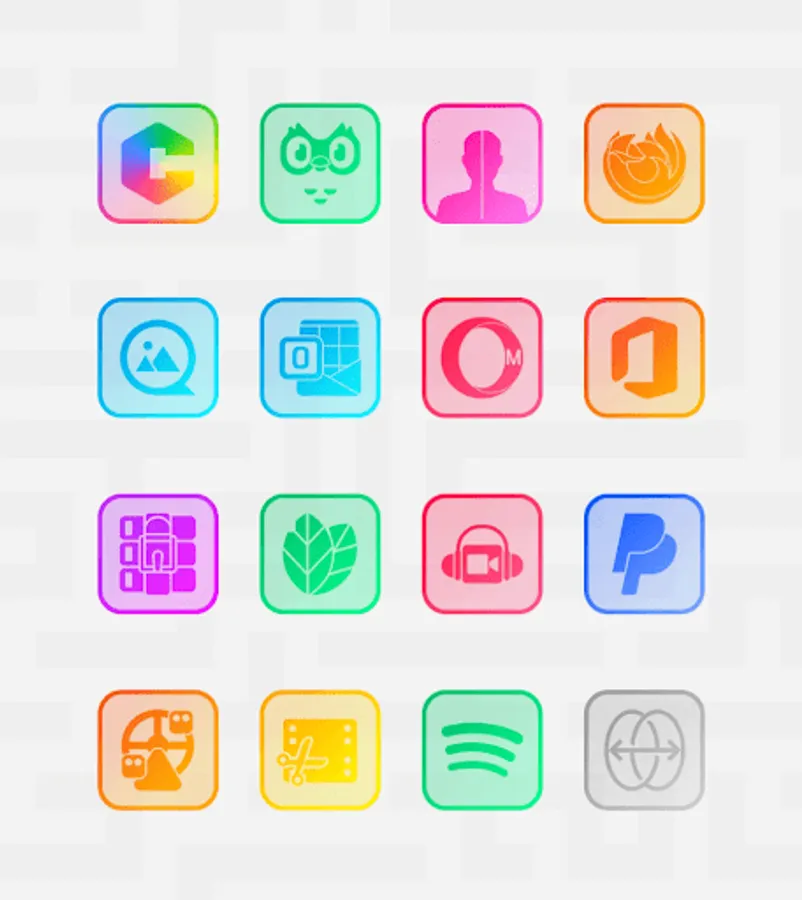
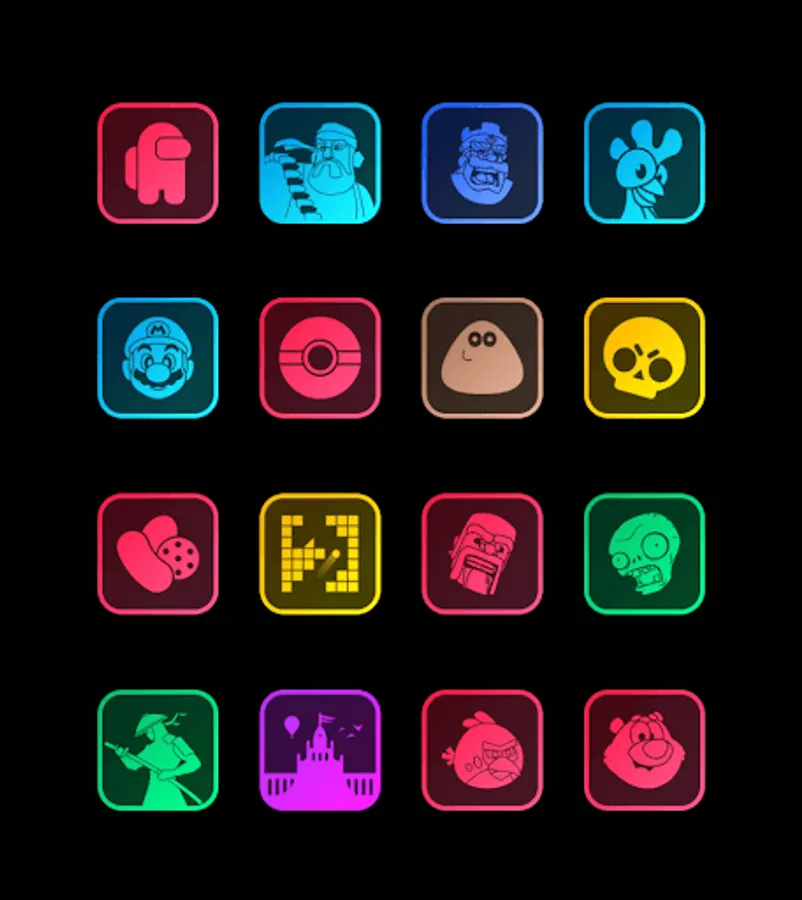
Beautiful transparent Square icon packs in neon colors with lines around them
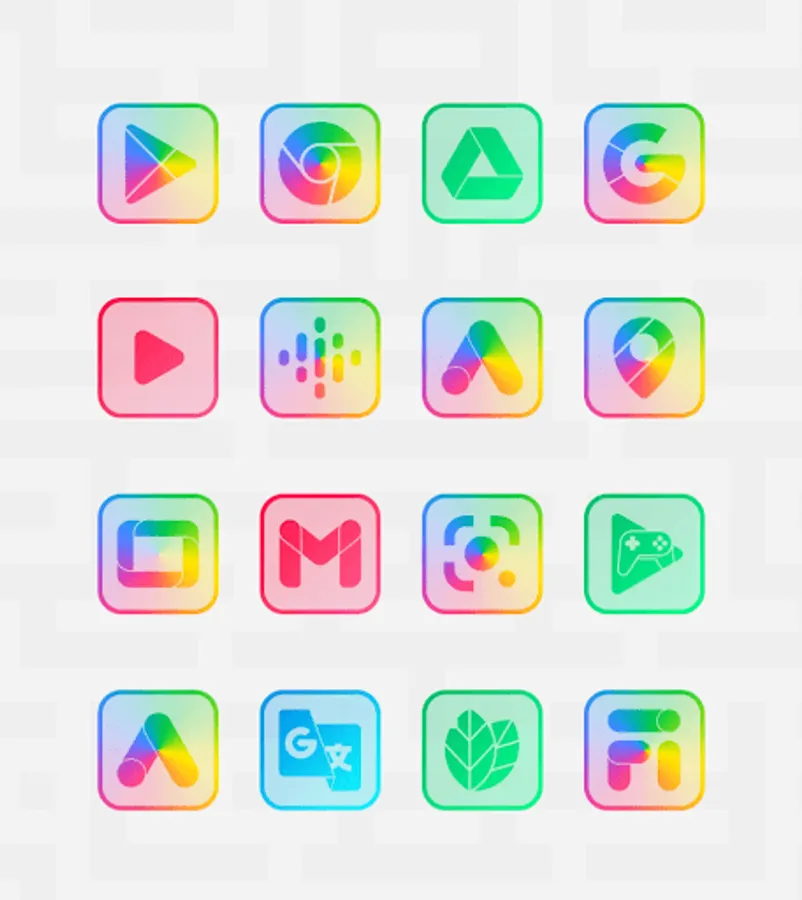
Clear series is a series of beautiful transparent icon packs in neon colors with lines around them. made with a special design to beautify the appearance of your screen. Unlike other neon icons, this series goes well with dark and light wallpapers. it's just that you need to disable shadow to maximize the appearance of this icon.
* 7500+ icons
* Downloadable wallpapers
* Free icon request
* Quick apply for favourite launchers
* A nice dashboard for icon pack management
* Try icons on your current wallpaper in dashboard preview pane
* Frequent updates / Long term support
* And many more
Usage:
Install a launcher from below (Nova or Microsoft suggested). Open Square Clear Icon Pack and apply. If your launcher not listed, change icon pack set from your phone's launcher theme/icon change screen. You will see Square Clear icon pack in the list. In any problem, ask us. We will return in short time with a full answer & support.
COMPATIBLE WITH
Apply via Dashboard : Abc Launcher, Action Launcher, Adw Launcher, Apex Launcher, Atom Launcher, Aviate Launcher, Cm Launcher, Evie Launcher, Go Launcher, Holo HD Launcher, Holo Launcher, Lg Home Launcher, Lucid Launcher, M Launcher, Mini Launcher, Next Launcher, Nougat Launcher, Nova Launcher, Smart Launcher, Solo Launcher, V Launcher, ZenUI Launcher, Zero Launcher
Apply via launcher / theme setting : Poco Launcher, Arrow Launcher, Xperia Home, EverythingMe, Themer, Hola, Trebuchet, Unicon, Cobo Launcher, Line Launcher, Mesh Launcher, Z Launcher, ASAP Launcher, Peek Launcher, and maybe more that have icon pack support
DISCLAIMER: A supported launcher is necessary to use this icon pack without problem.
Contact us in any problem.
Mail: gomo.panoto@gmail.com
twitter: https://twitter.com/panoto_gomo
Thanks to:
Dani Mahardika for Candybar Dashboard.
Note: If Go Launcher does not change icons, you can change iconpack theme settings -> downloaded button at upright. If some main icons remains same, please long touch to icon and use replace menu.
Note2: When you change iconset in Nova Launcher, icons may be rounded automatically. You can change this from Nova theme menu -> change icon shapes should be off.
Clear series is a series of beautiful transparent icon packs in neon colors with lines around them. made with a special design to beautify the appearance of your screen. Unlike other neon icons, this series goes well with dark and light wallpapers. it's just that you need to disable shadow to maximize the appearance of this icon.
* 7500+ icons
* Downloadable wallpapers
* Free icon request
* Quick apply for favourite launchers
* A nice dashboard for icon pack management
* Try icons on your current wallpaper in dashboard preview pane
* Frequent updates / Long term support
* And many more
Usage:
Install a launcher from below (Nova or Microsoft suggested). Open Square Clear Icon Pack and apply. If your launcher not listed, change icon pack set from your phone's launcher theme/icon change screen. You will see Square Clear icon pack in the list. In any problem, ask us. We will return in short time with a full answer & support.
COMPATIBLE WITH
Apply via Dashboard : Abc Launcher, Action Launcher, Adw Launcher, Apex Launcher, Atom Launcher, Aviate Launcher, Cm Launcher, Evie Launcher, Go Launcher, Holo HD Launcher, Holo Launcher, Lg Home Launcher, Lucid Launcher, M Launcher, Mini Launcher, Next Launcher, Nougat Launcher, Nova Launcher, Smart Launcher, Solo Launcher, V Launcher, ZenUI Launcher, Zero Launcher
Apply via launcher / theme setting : Poco Launcher, Arrow Launcher, Xperia Home, EverythingMe, Themer, Hola, Trebuchet, Unicon, Cobo Launcher, Line Launcher, Mesh Launcher, Z Launcher, ASAP Launcher, Peek Launcher, and maybe more that have icon pack support
DISCLAIMER: A supported launcher is necessary to use this icon pack without problem.
Contact us in any problem.
Mail: gomo.panoto@gmail.com
twitter: https://twitter.com/panoto_gomo
Thanks to:
Dani Mahardika for Candybar Dashboard.
Note: If Go Launcher does not change icons, you can change iconpack theme settings -> downloaded button at upright. If some main icons remains same, please long touch to icon and use replace menu.
Note2: When you change iconset in Nova Launcher, icons may be rounded automatically. You can change this from Nova theme menu -> change icon shapes should be off.
Square Clear - Icon Pack Screenshots
Tap to Rate:
Reviews for Square Clear - Icon Pack
Shaikh Mujahid
12/23/2025
₹100 🥱
Sytry
6/26/2024
Beautiful icon pack. I tried to submit a request but the "mail-to" field was empty. Search doesn't seem to work, I submitted request for some apps that ended up having an icon I found scrolling manually.