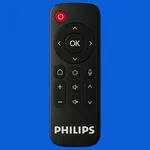
About Remote Control for Philips TV
📱 Philips TV Remote & Cast – Control + Screen Mirroring 📺✨
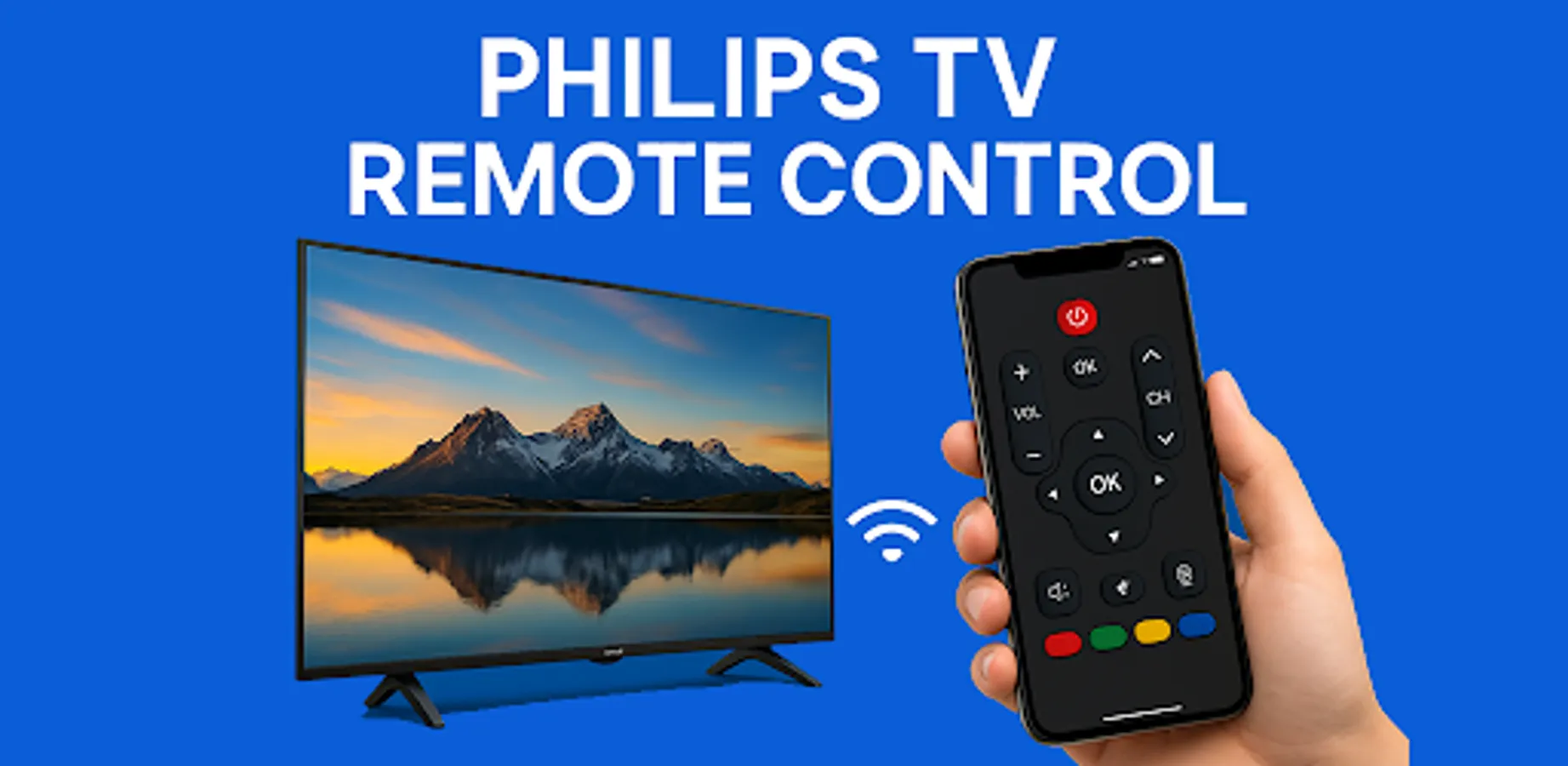
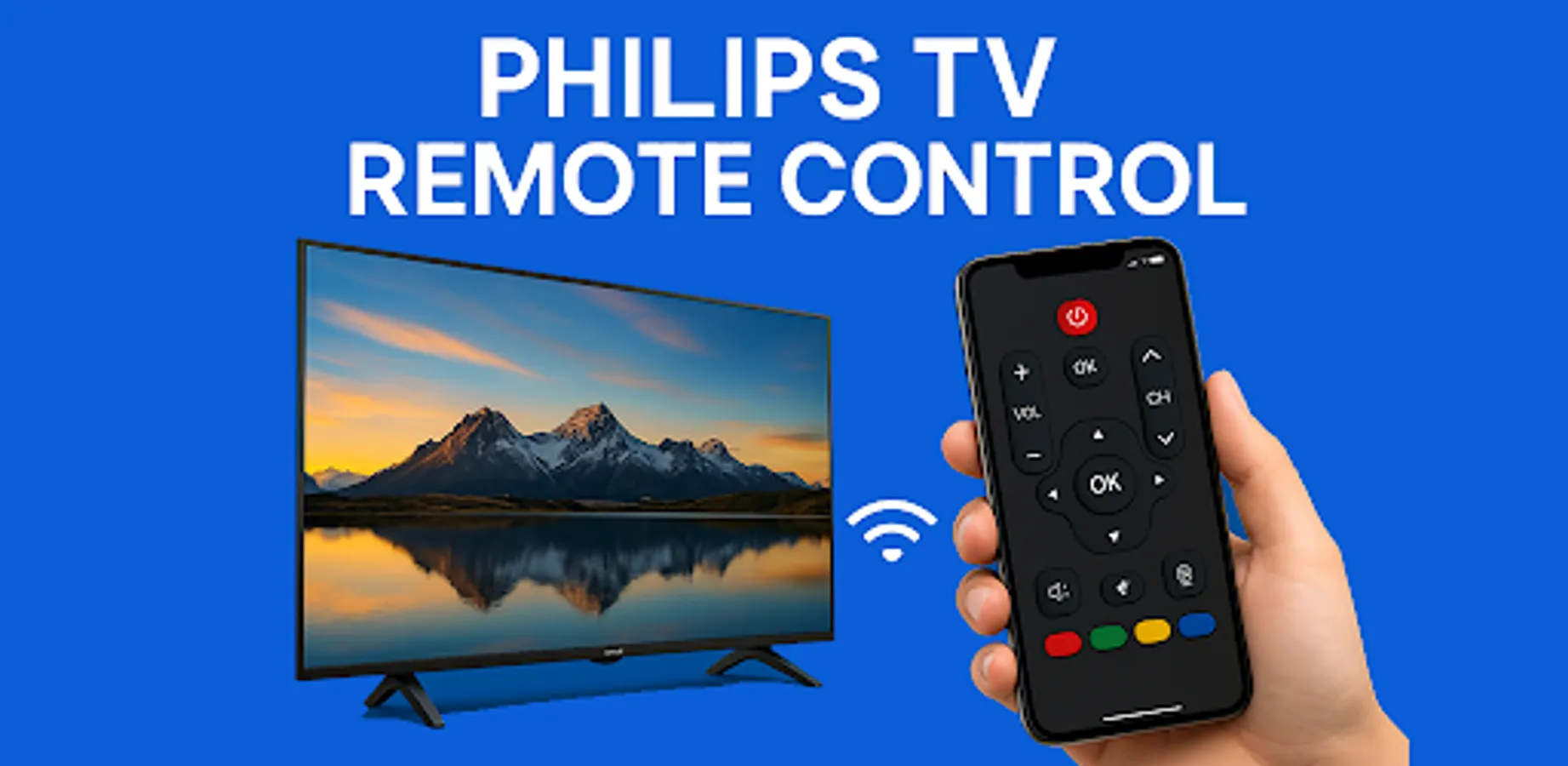
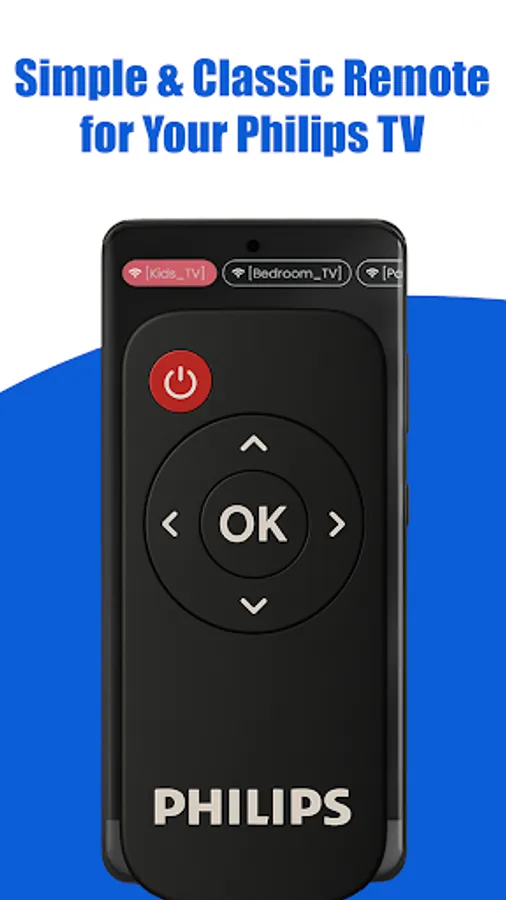
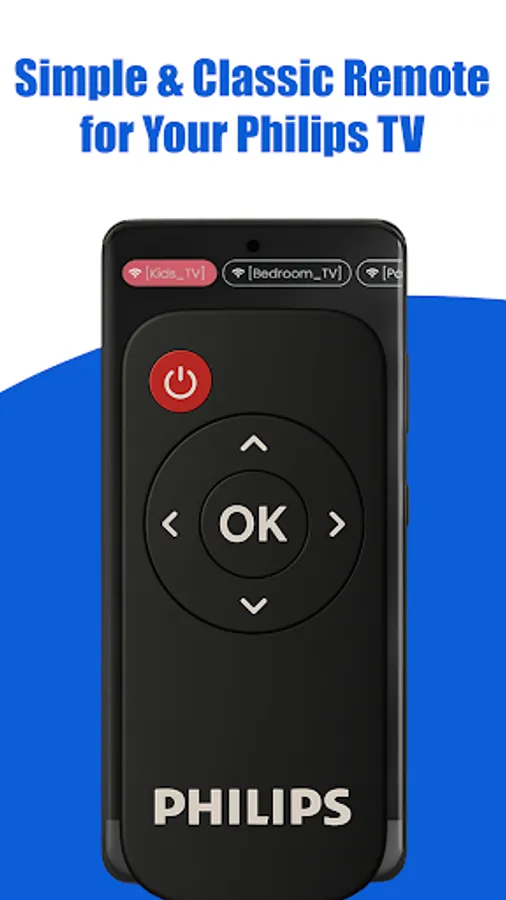
Lost your Philips TV remote again? No worries! Turn your phone into a smart Philips TV remote and casting tool. Control your Philips Smart TV, Android TV, Ambilight TV, and OLED TV with ease — and now cast videos, photos, and music directly to your Philips TV!
🔥 Key Features
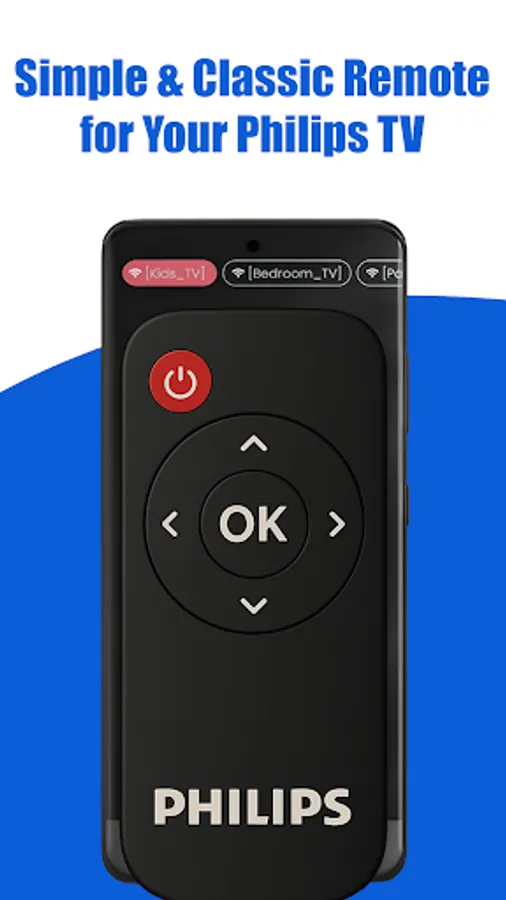
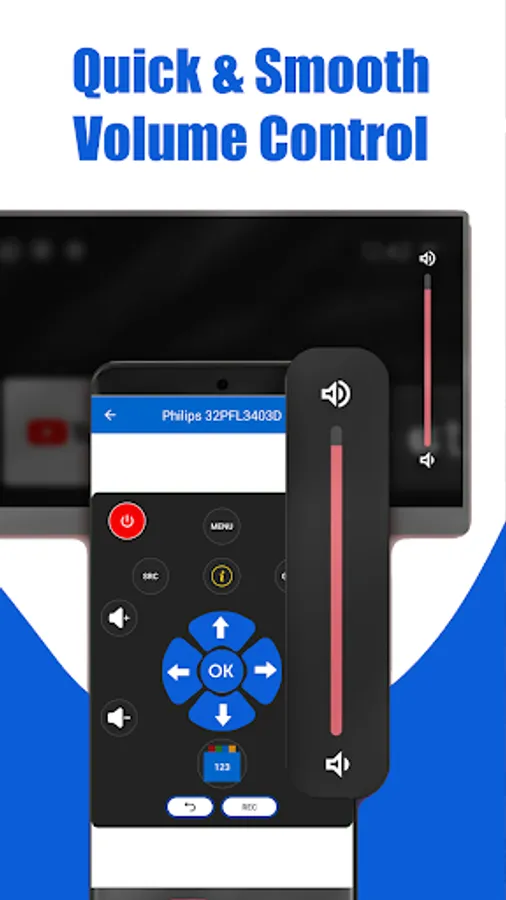
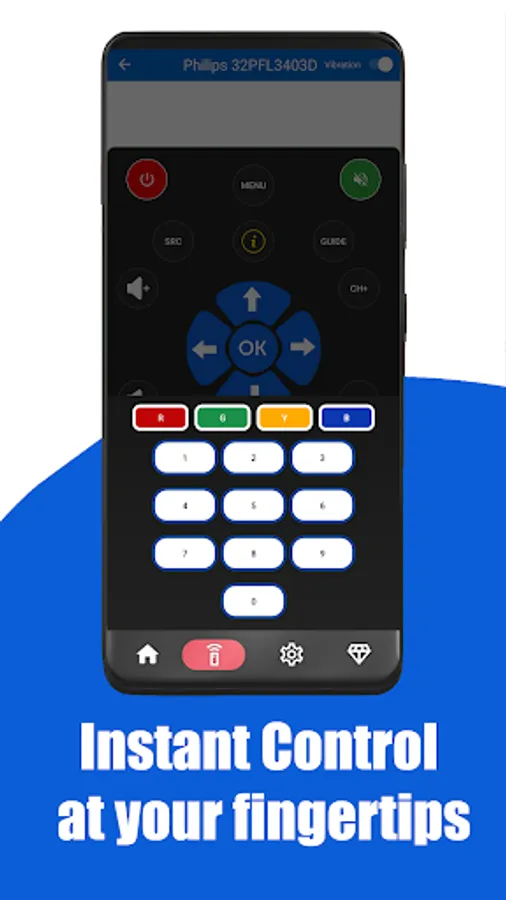
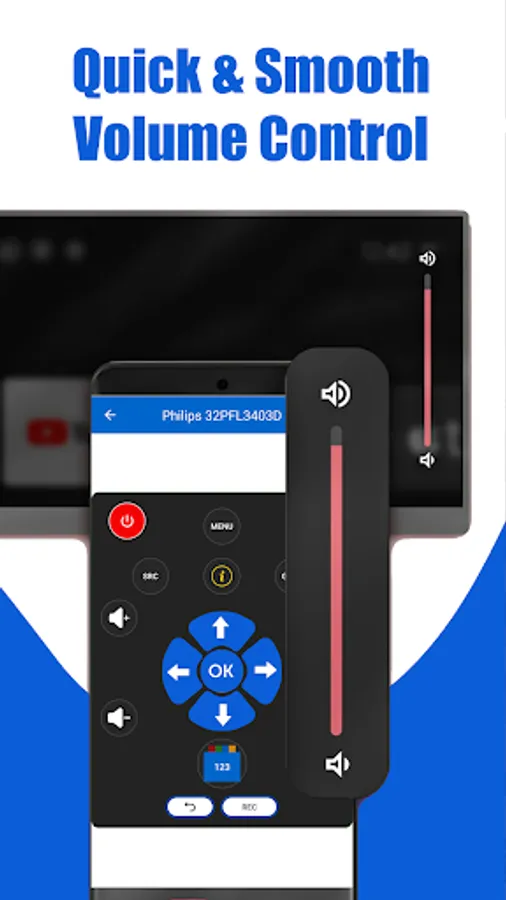
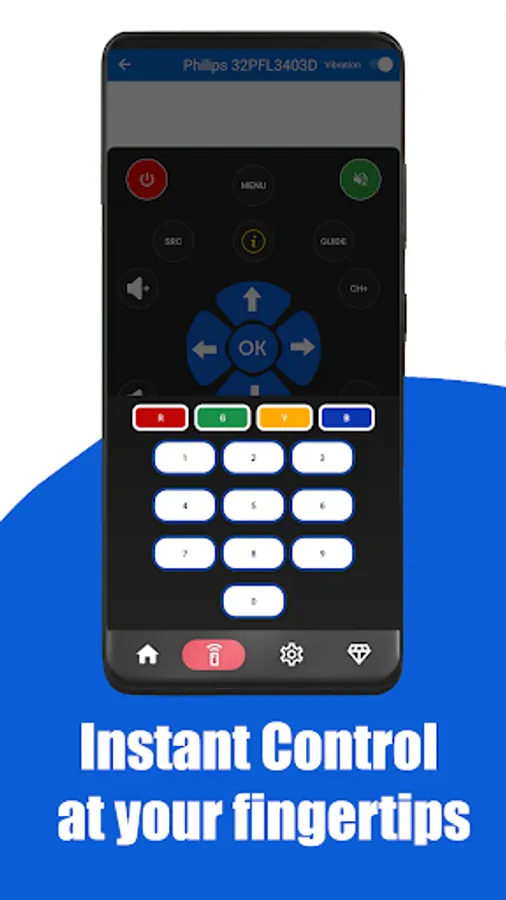
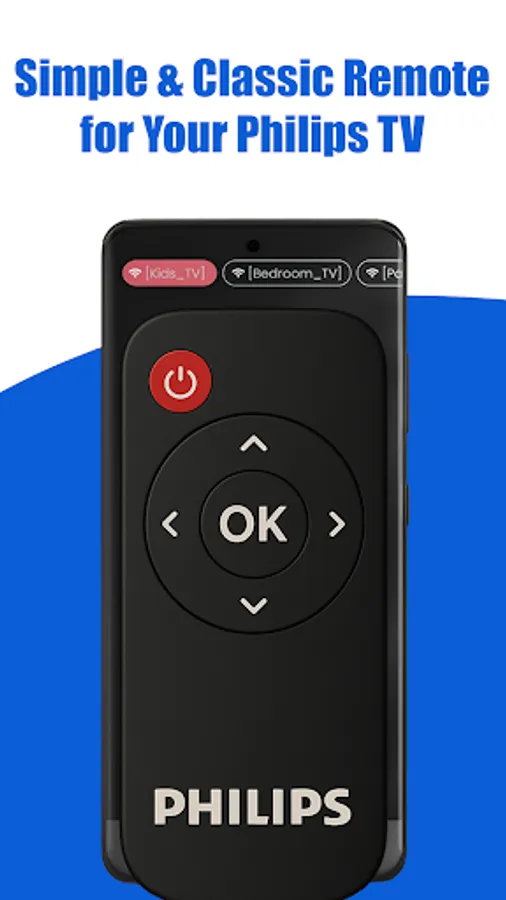
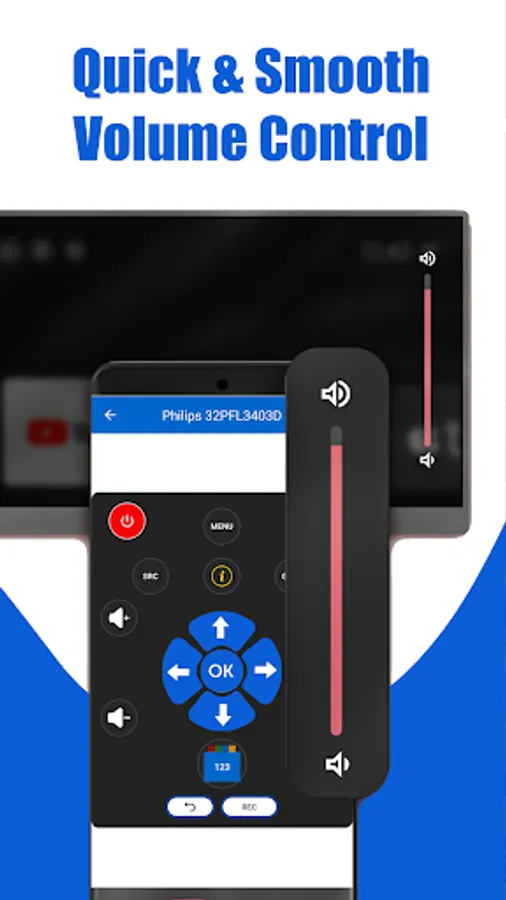
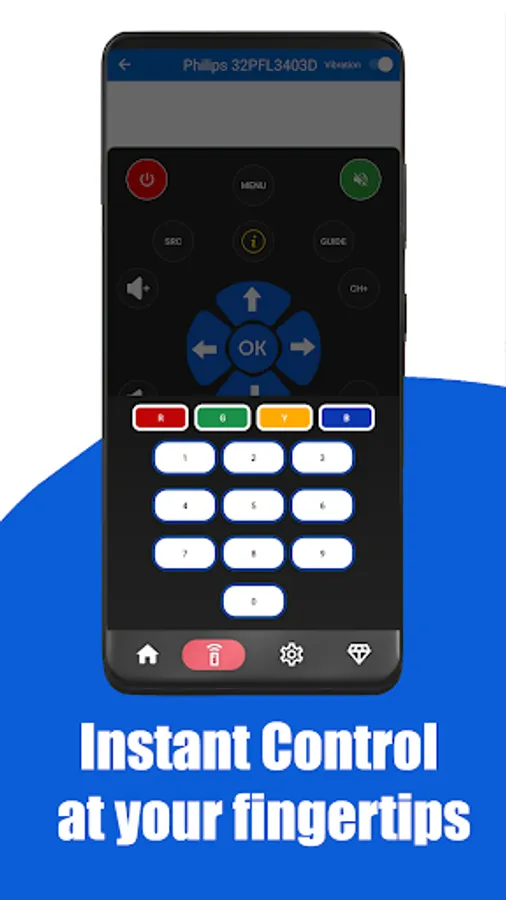
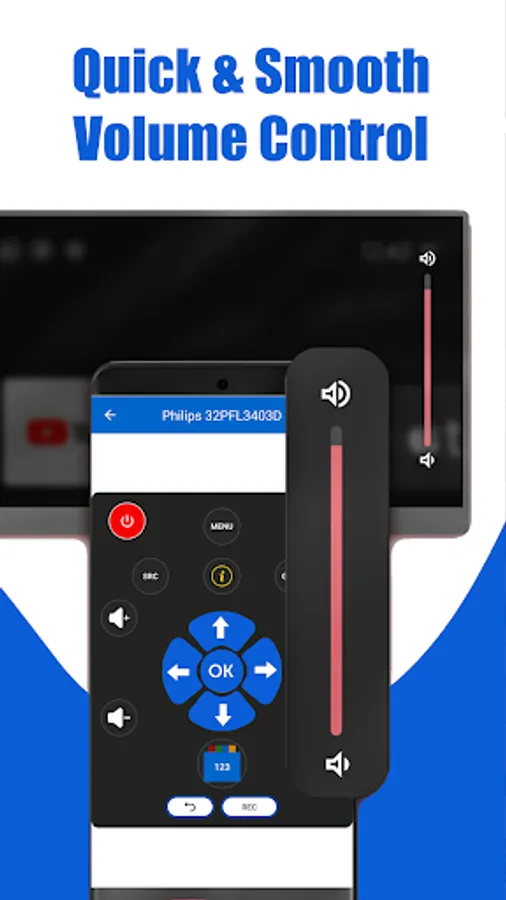
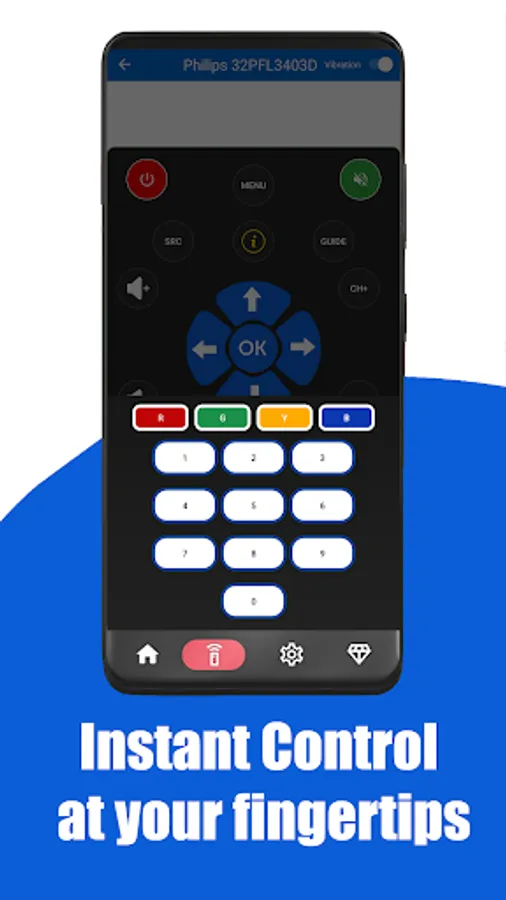
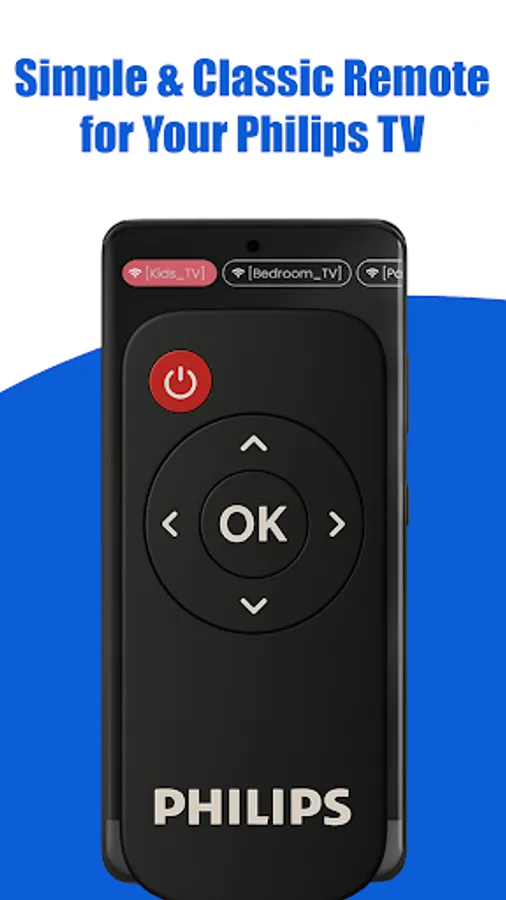
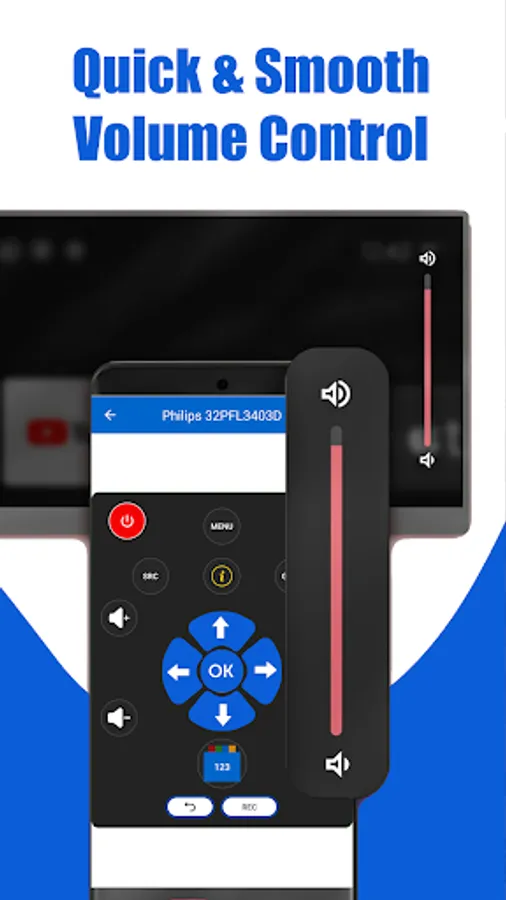
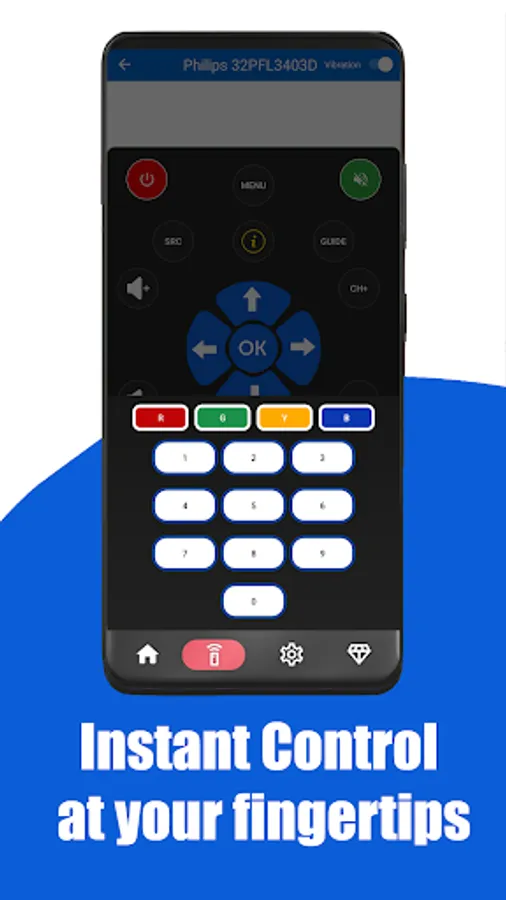
✅ Remote Control for Philips TV – power ON/OFF, volume, channels, mute
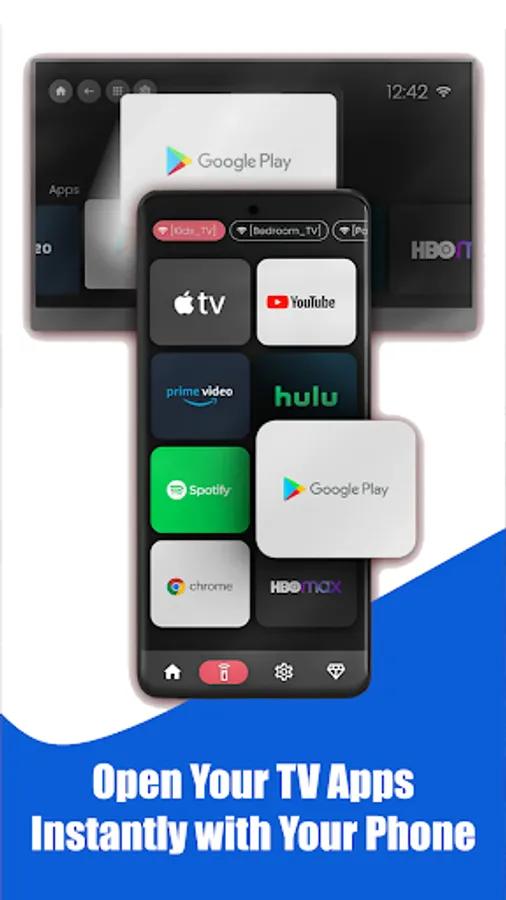
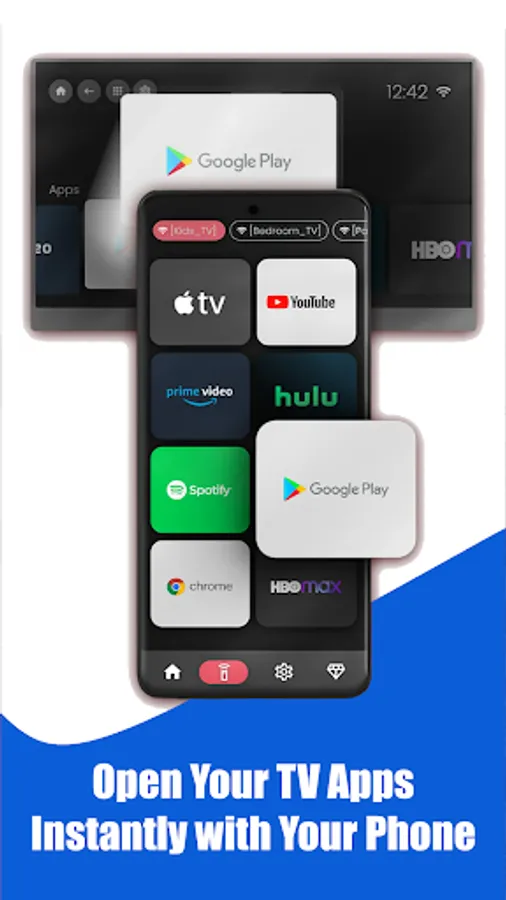
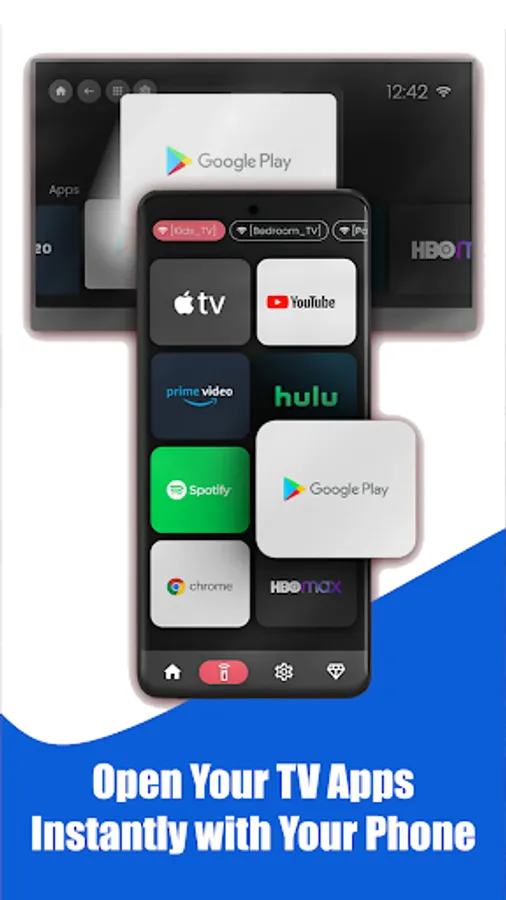
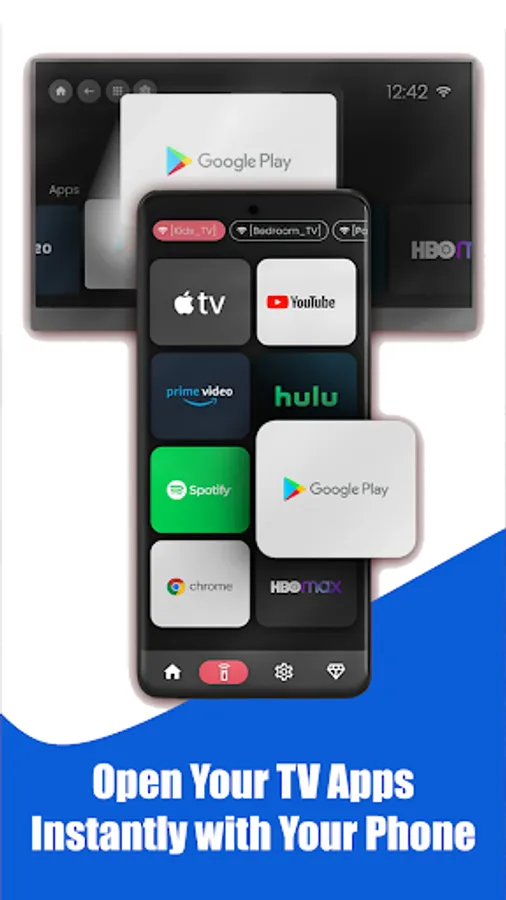
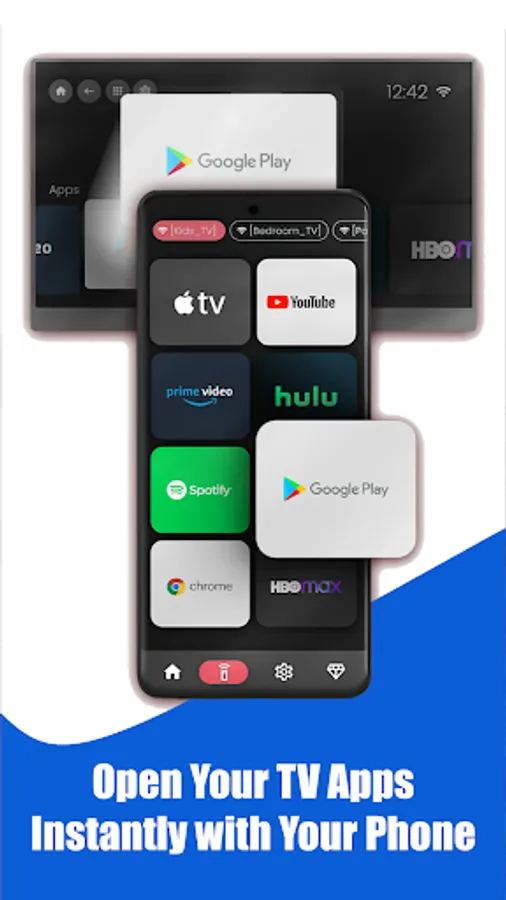
✅ Screen Mirroring & Casting – share your phone screen, stream photos, videos, and apps to your TV
✅ Full navigation: Home, Input, Media, Menu buttons
✅ Works instantly with IR Blaster – no Wi-Fi required
✅ Supports Philips Ambilight TV and Android TV models
✅ Clean, fast, and easy-to-use interface
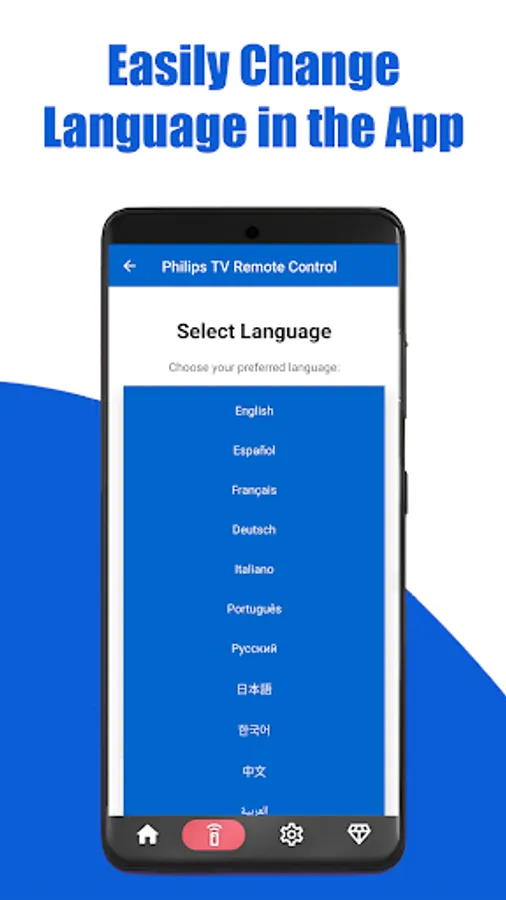
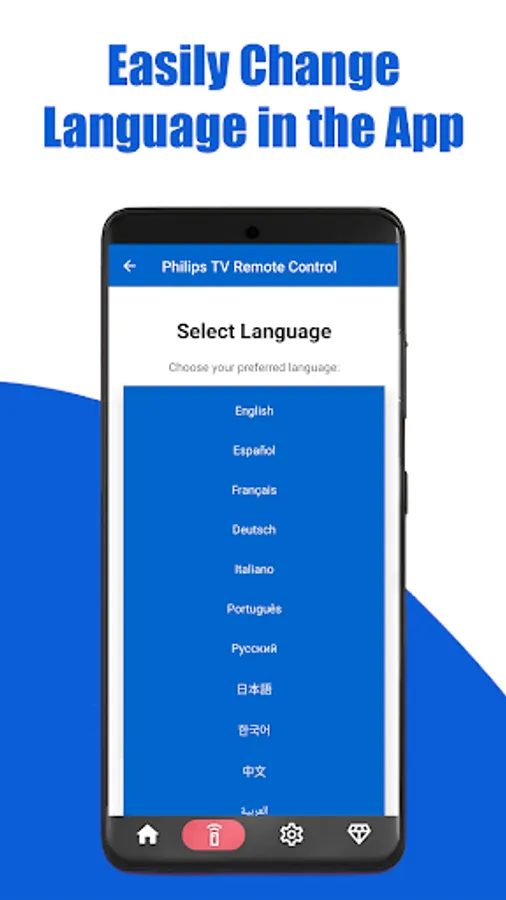
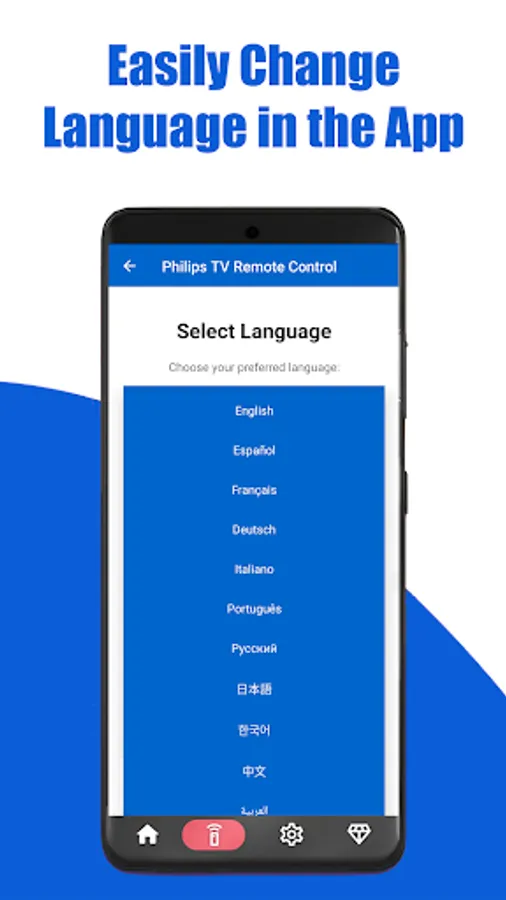
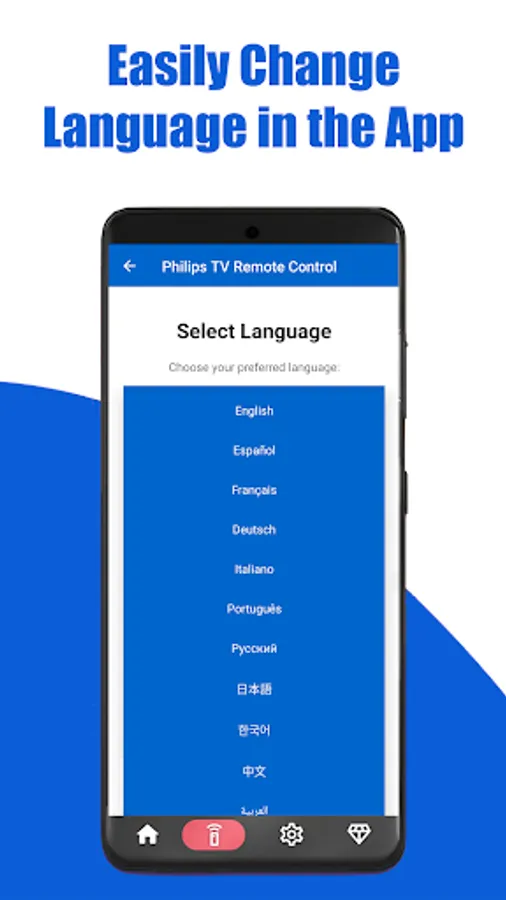
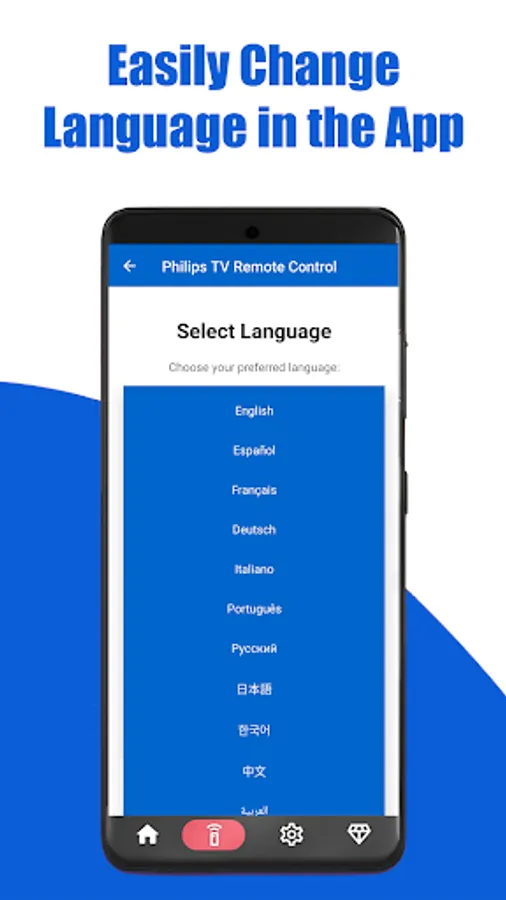
✅ Multi-language support 🌍
✅ Always in your pocket, never lost!
⚡ Works With Philips TV Models
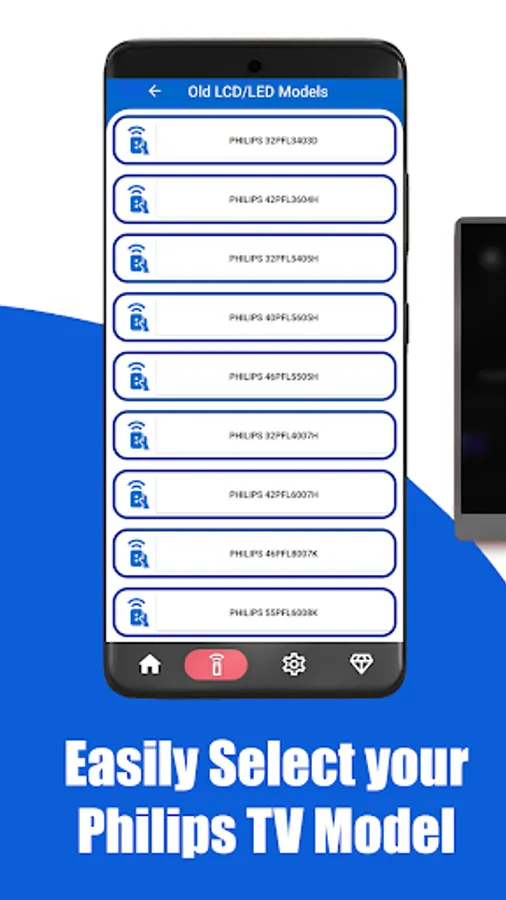
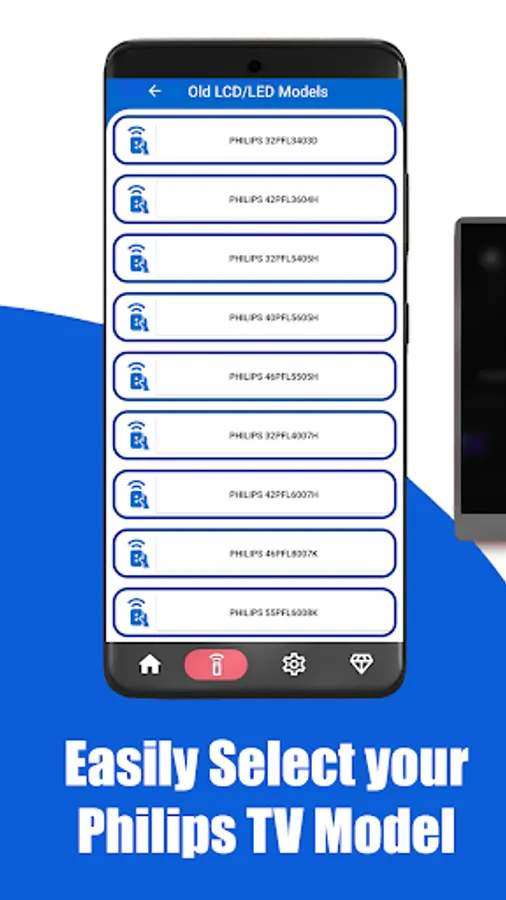
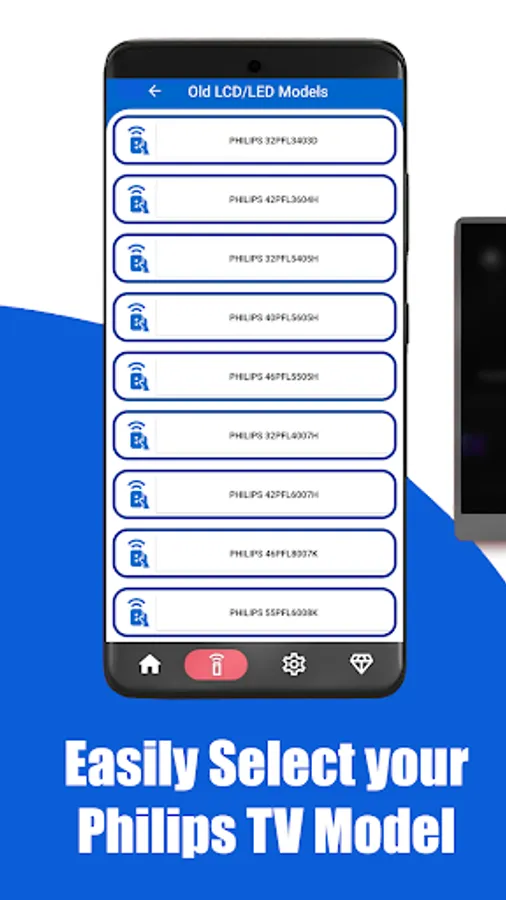
Supports Philips LCD, LED, Ambilight, OLED, and Android Smart TVs including:
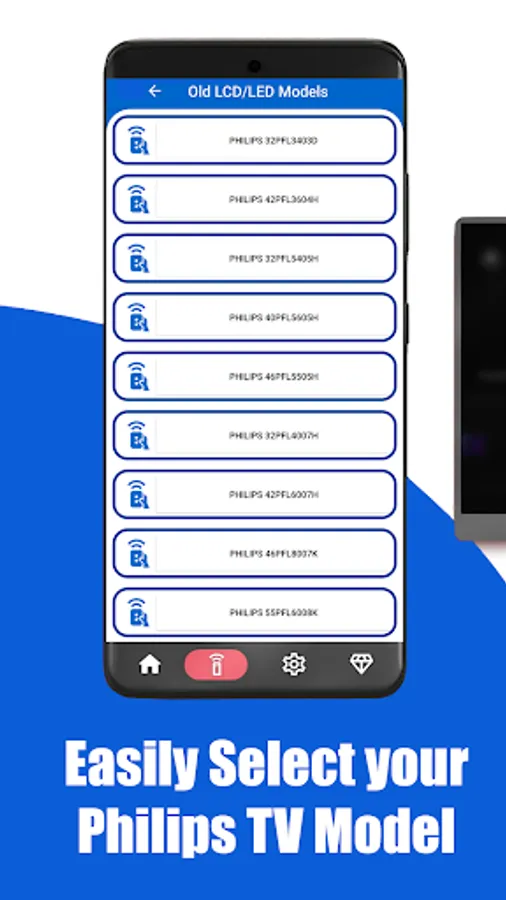
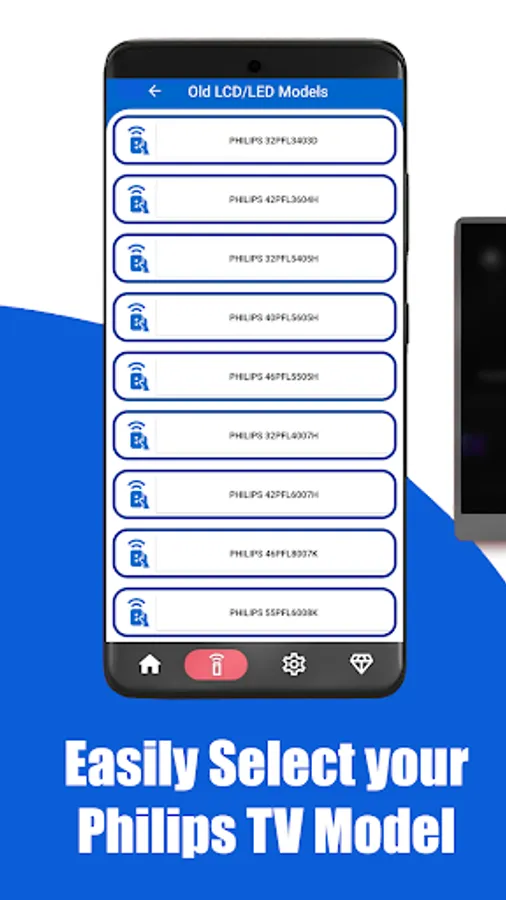
Philips 32PFL3403D, 42PFL6007H, 55PFL6008K, 47PFL9706K
Philips 43PUS7303, 55OLED807, 65OLED908
And many more Philips television models!
💡 How to Use
1️⃣ Install the app
2️⃣ For remote: point your phone’s IR blaster at your Philips TV
3️⃣ For casting: connect your phone and Philips TV to the same Wi-Fi, then cast videos, apps, or mirror screen
4️⃣ Enjoy full Philips TV control & casting in seconds!
🚫 Disclaimer
This is not the official Philips app. It is an independent tool that uses IR codes and casting technology to control Philips TVs.
📧 Contact: contact@solu-techs.com
⭐ Download now to transform your phone into the ultimate Philips TV remote & casting app! 🛋️❤️
If you love it, leave us a 5⭐ review to support future updates.
Lost your Philips TV remote again? No worries! Turn your phone into a smart Philips TV remote and casting tool. Control your Philips Smart TV, Android TV, Ambilight TV, and OLED TV with ease — and now cast videos, photos, and music directly to your Philips TV!
🔥 Key Features
✅ Remote Control for Philips TV – power ON/OFF, volume, channels, mute
✅ Screen Mirroring & Casting – share your phone screen, stream photos, videos, and apps to your TV
✅ Full navigation: Home, Input, Media, Menu buttons
✅ Works instantly with IR Blaster – no Wi-Fi required
✅ Supports Philips Ambilight TV and Android TV models
✅ Clean, fast, and easy-to-use interface
✅ Multi-language support 🌍
✅ Always in your pocket, never lost!
⚡ Works With Philips TV Models
Supports Philips LCD, LED, Ambilight, OLED, and Android Smart TVs including:
Philips 32PFL3403D, 42PFL6007H, 55PFL6008K, 47PFL9706K
Philips 43PUS7303, 55OLED807, 65OLED908
And many more Philips television models!
💡 How to Use
1️⃣ Install the app
2️⃣ For remote: point your phone’s IR blaster at your Philips TV
3️⃣ For casting: connect your phone and Philips TV to the same Wi-Fi, then cast videos, apps, or mirror screen
4️⃣ Enjoy full Philips TV control & casting in seconds!
🚫 Disclaimer
This is not the official Philips app. It is an independent tool that uses IR codes and casting technology to control Philips TVs.
📧 Contact: contact@solu-techs.com
⭐ Download now to transform your phone into the ultimate Philips TV remote & casting app! 🛋️❤️
If you love it, leave us a 5⭐ review to support future updates.
Remote Control for Philips TV Screenshots
Tap to Rate: