PS4 Second Screen
PlayStation Mobile Inc.
3.1 ★
41K ratings
10,000,000+
downloads
Free
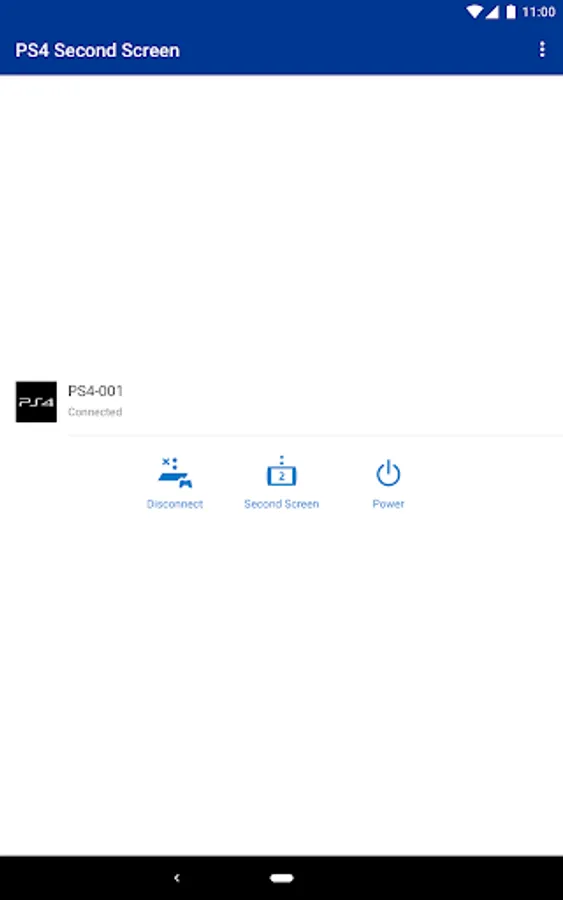
In this second screen app, you can control your PS4™ using your mobile device and view in-game information. Includes remote operation, text input, and in-game data display features.
AppRecs review analysis
AppRecs rating 3.2. Trustworthiness 80 out of 100. Review manipulation risk 26 out of 100. Based on a review sample analyzed.
★★★☆☆
3.2
AppRecs Rating
Ratings breakdown
5 star
41%
4 star
7%
3 star
9%
2 star
4%
1 star
38%
What to know
✓
Low review manipulation risk
26% review manipulation risk
✓
Credible reviews
80% trustworthiness score from analyzed reviews
⚠
High negative review ratio
43% of sampled ratings are 1–2 stars
About PS4 Second Screen
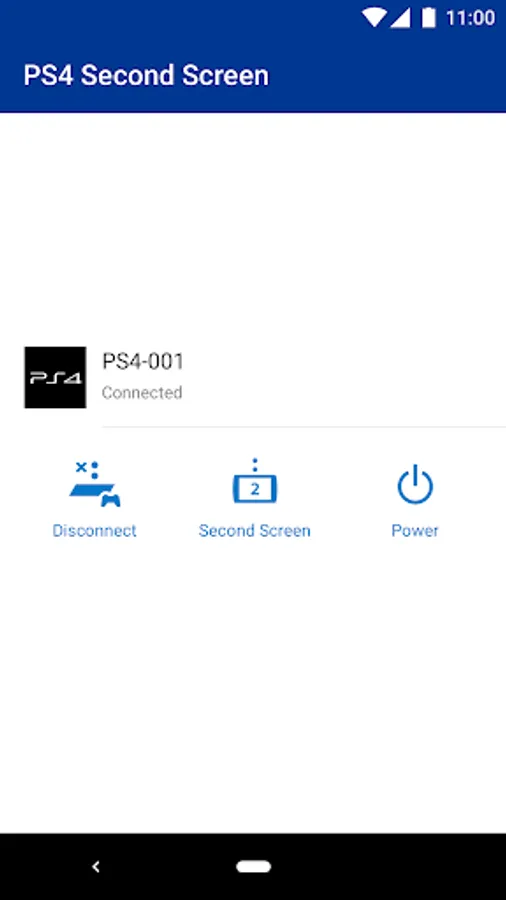
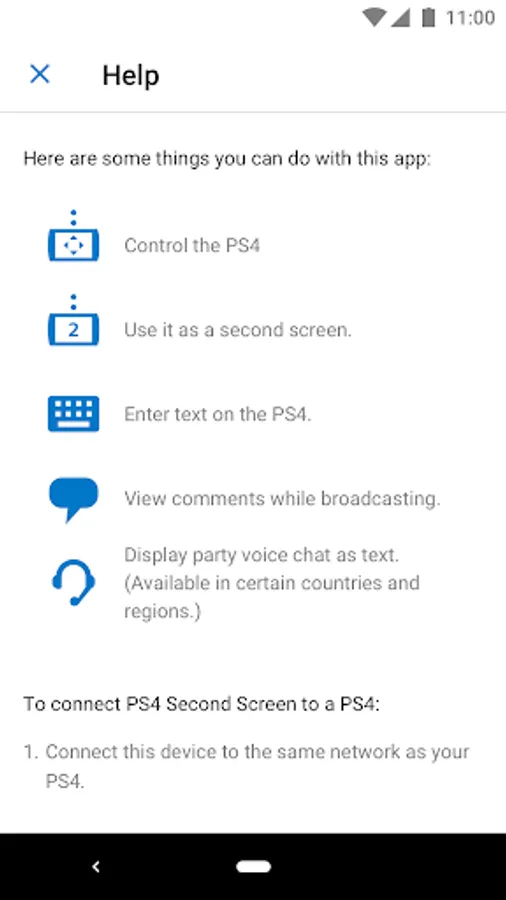
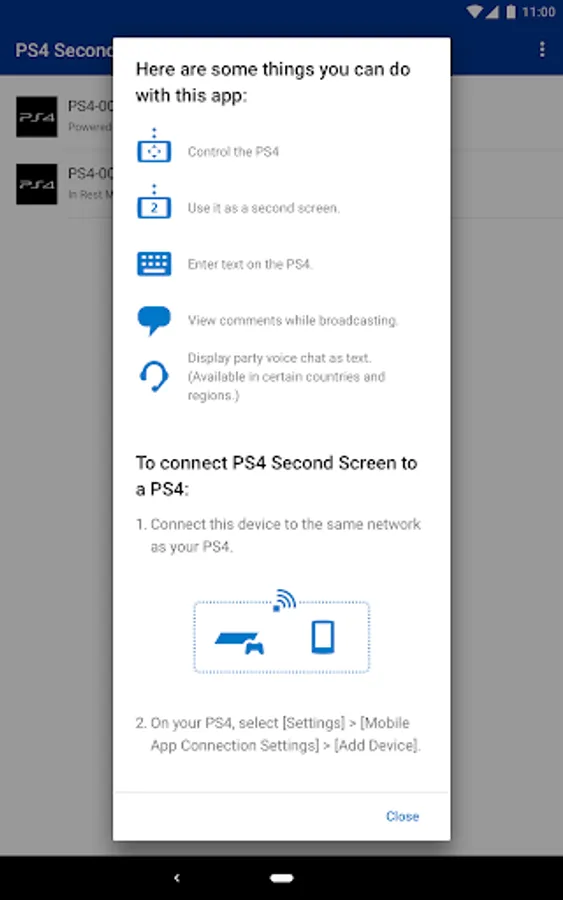
Connect your PS4™ and your mobile device with the Second Screen app to use the following features.
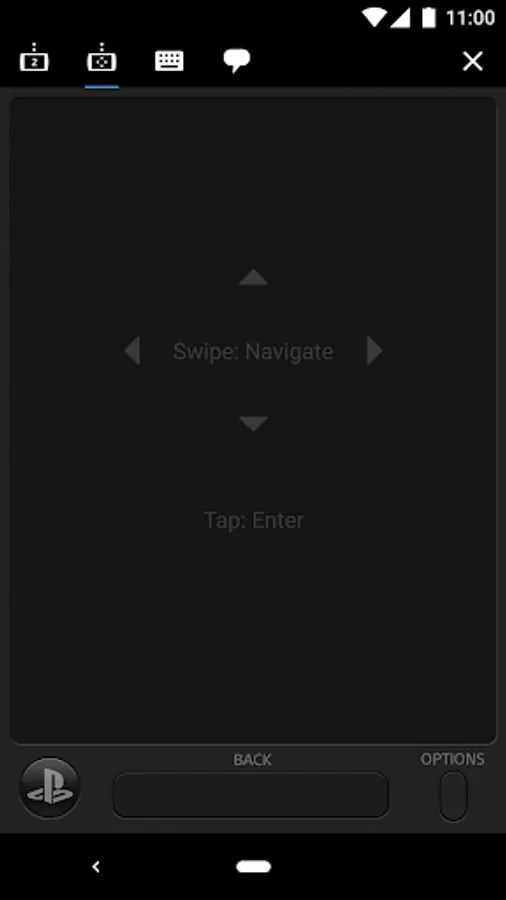
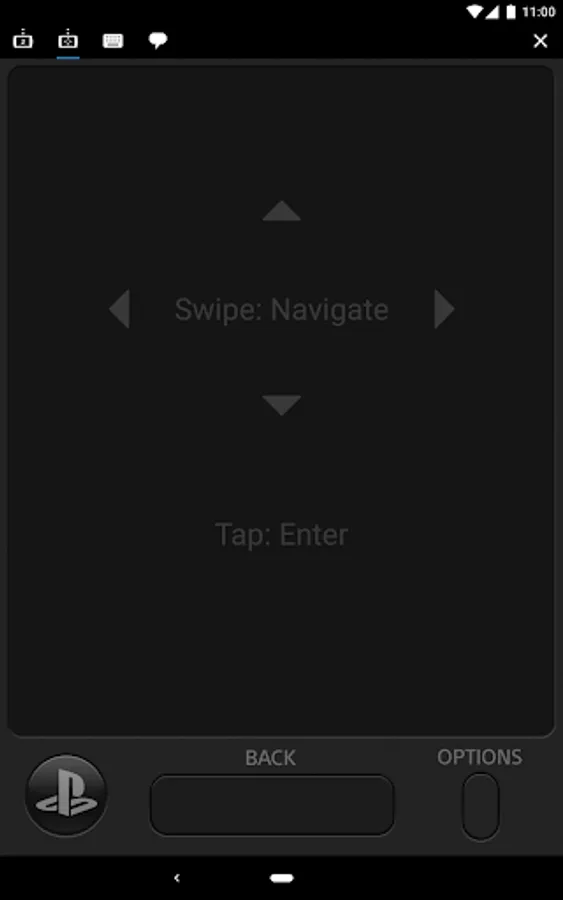
• Use your mobile device to operate your PS4™.
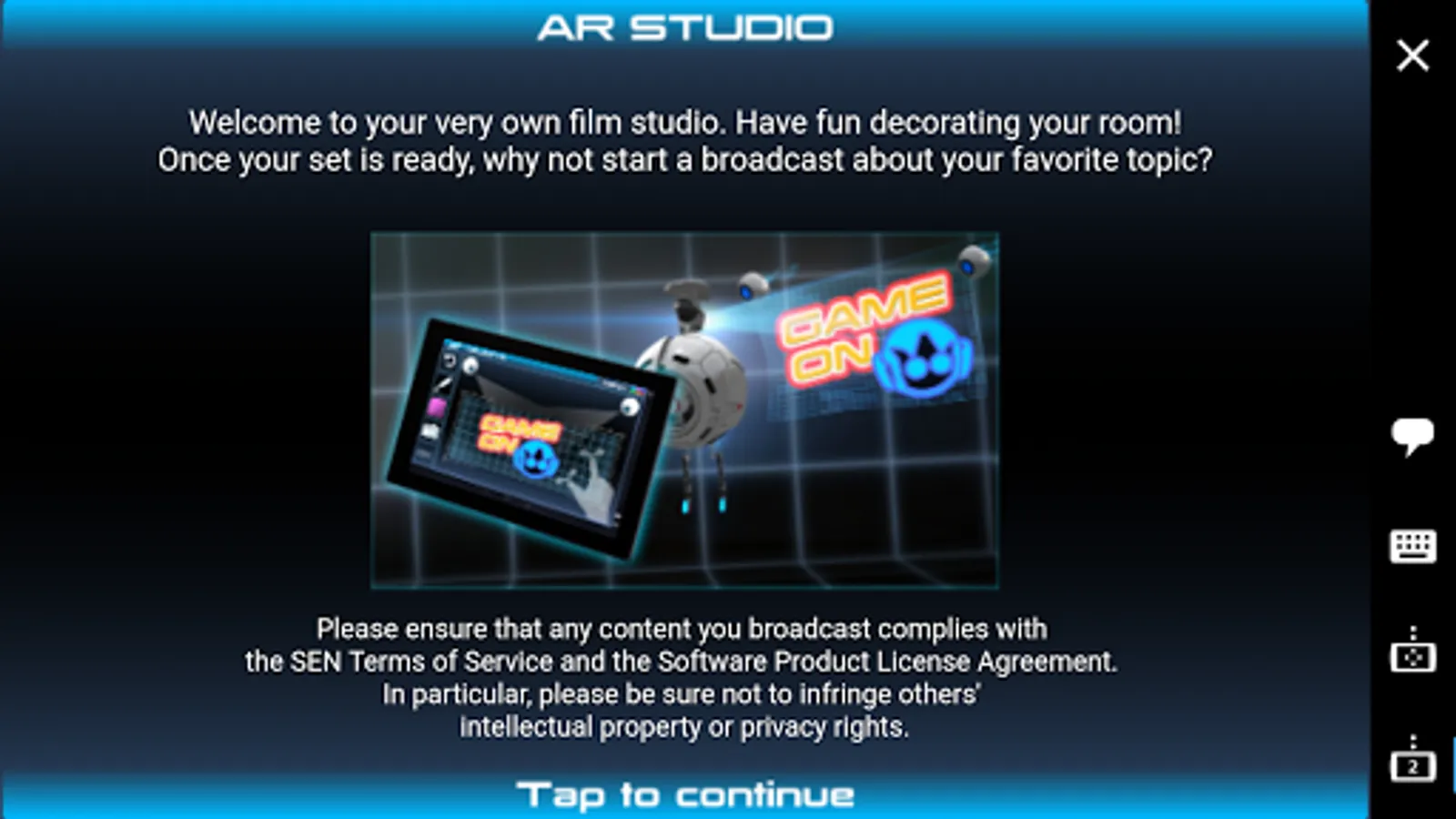
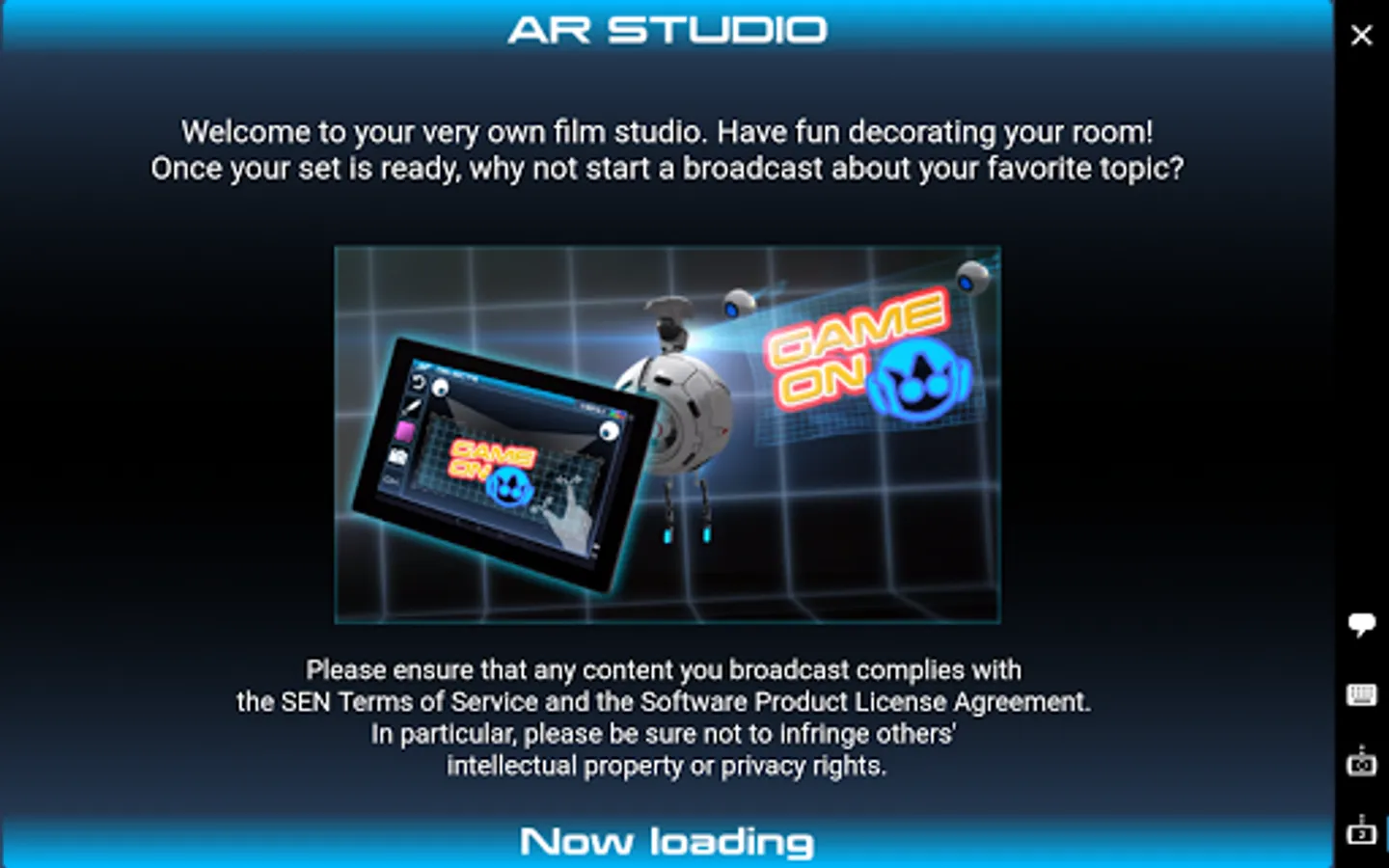
• Display in-game information on your mobile device while playing a game on the PS4™ that supports the second screen feature.
• Use your mobile device to enter text on the PS4™.
A PlayStation™Network account is required to access these features.
Use of this app is governed by the license agreement at the following URL: (http://www.scei.co.jp/legal/index.html).
[If you have trouble signing in, or if you see a network connection error]
• If you have both PlayStation Messages and PlayStation App installed, change the settings on your device so that PlayStation App does not automatically close in the
background.
• If you have both PlayStation Communities and PlayStation App installed, change the settings on your device so that PlayStation App does not automatically close in the background.
• If you have both PS4 Second Screen and PlayStation App installed, change the settings on your device so that PlayStation App does not automatically close in the background.
• Use your mobile device to operate your PS4™.
• Display in-game information on your mobile device while playing a game on the PS4™ that supports the second screen feature.
• Use your mobile device to enter text on the PS4™.
A PlayStation™Network account is required to access these features.
Use of this app is governed by the license agreement at the following URL: (http://www.scei.co.jp/legal/index.html).
[If you have trouble signing in, or if you see a network connection error]
• If you have both PlayStation Messages and PlayStation App installed, change the settings on your device so that PlayStation App does not automatically close in the
background.
• If you have both PlayStation Communities and PlayStation App installed, change the settings on your device so that PlayStation App does not automatically close in the background.
• If you have both PS4 Second Screen and PlayStation App installed, change the settings on your device so that PlayStation App does not automatically close in the background.
PS4 Second Screen Screenshots
Tap to Rate:
Reviews for PS4 Second Screen
Cedric Burkes
12/20/2025
doesn't show screen
charbel hanna
12/6/2025
Ps remote is better