PS Remote Play for TV
PlayStation Mobile Inc.
3.2 ★
290 ratings
1,000,000+
downloads
Free
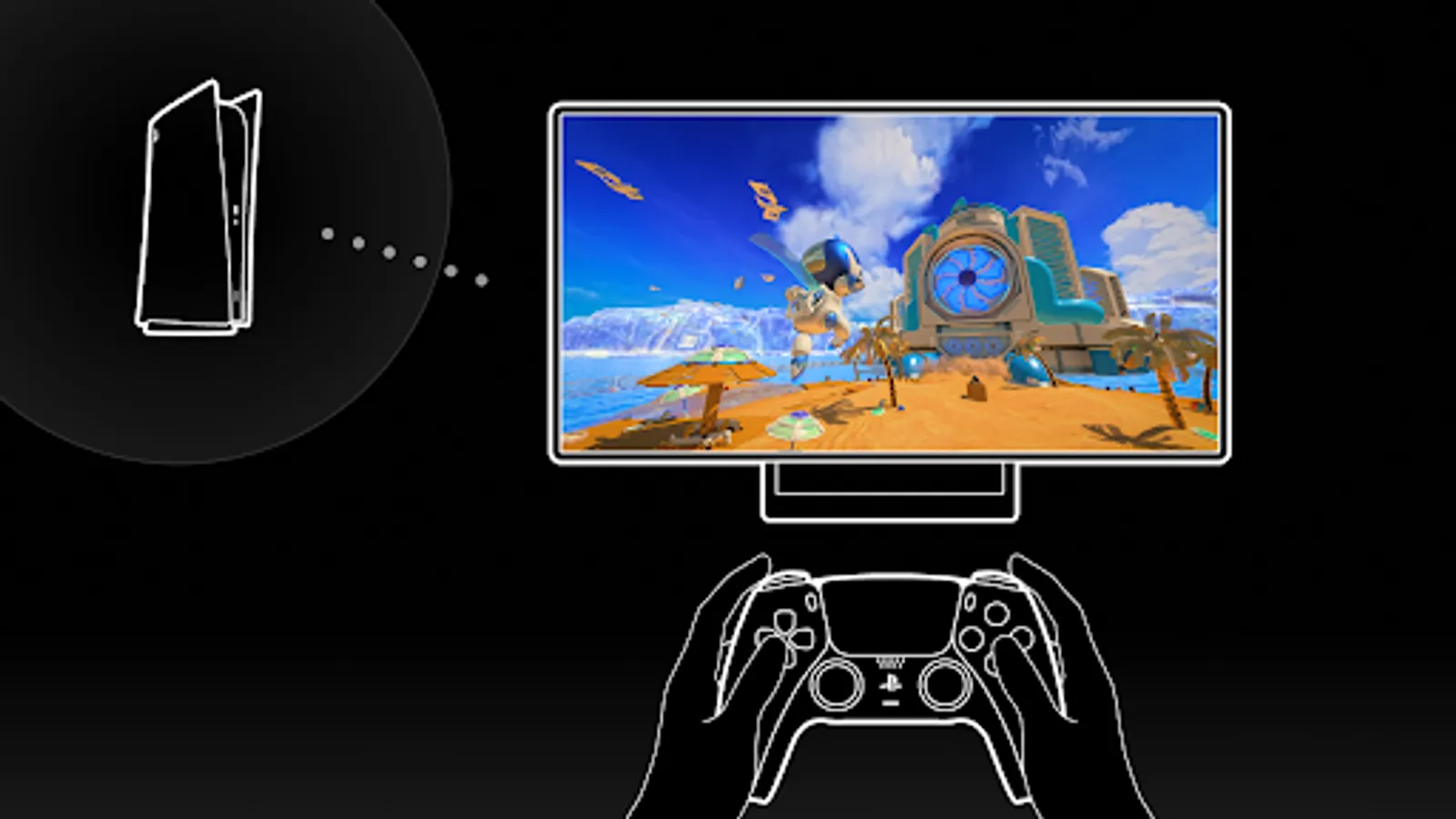
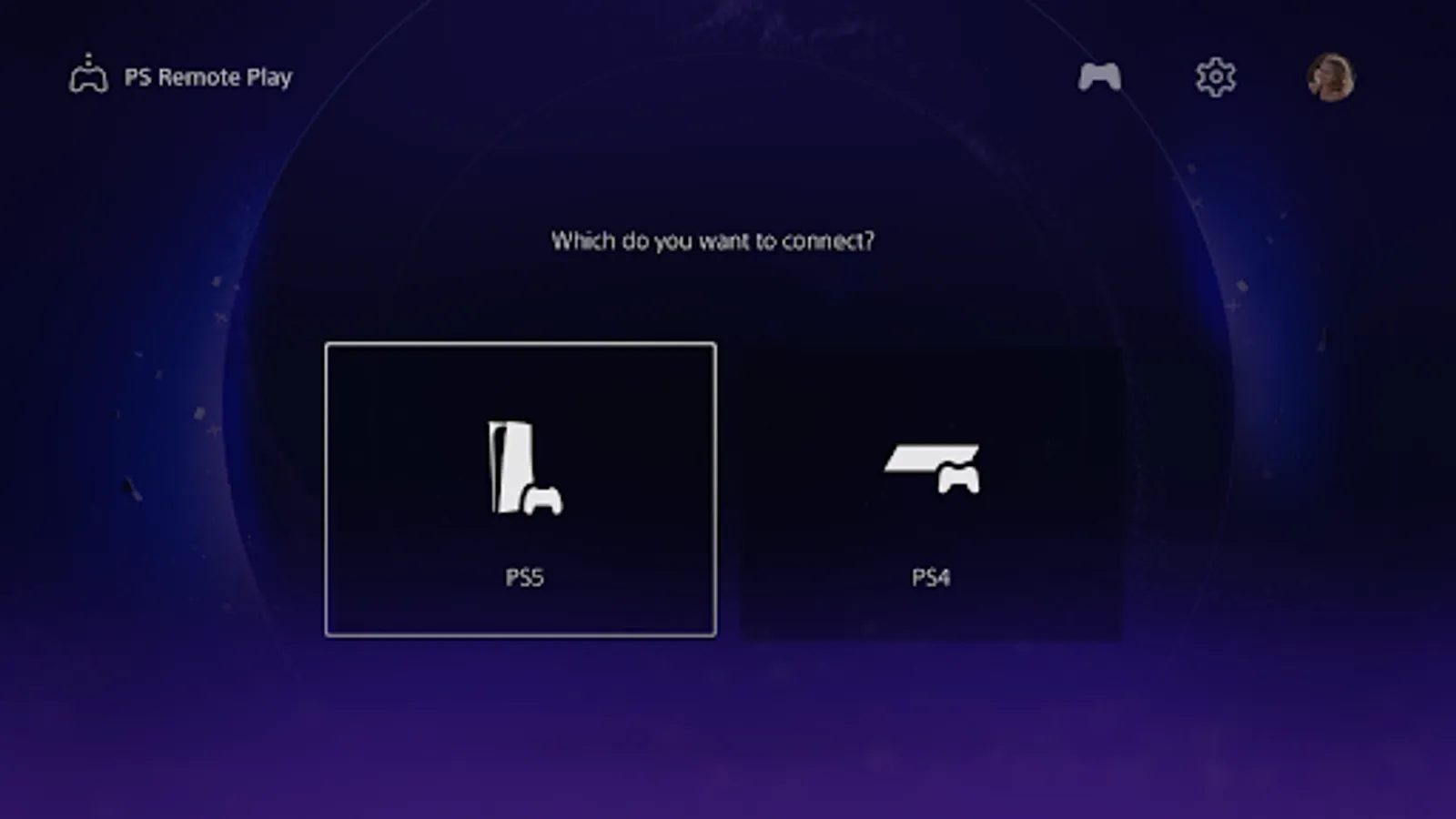
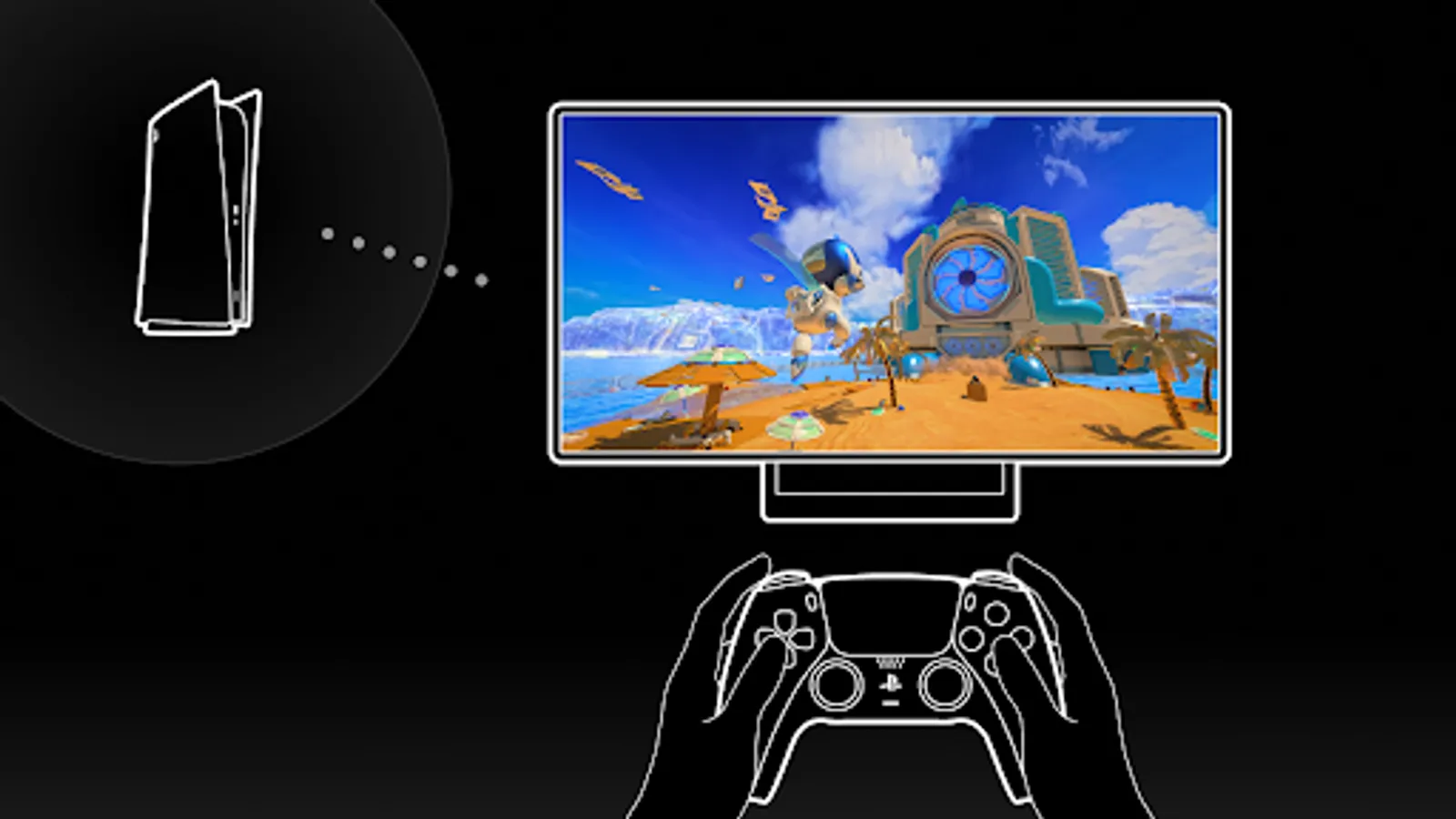
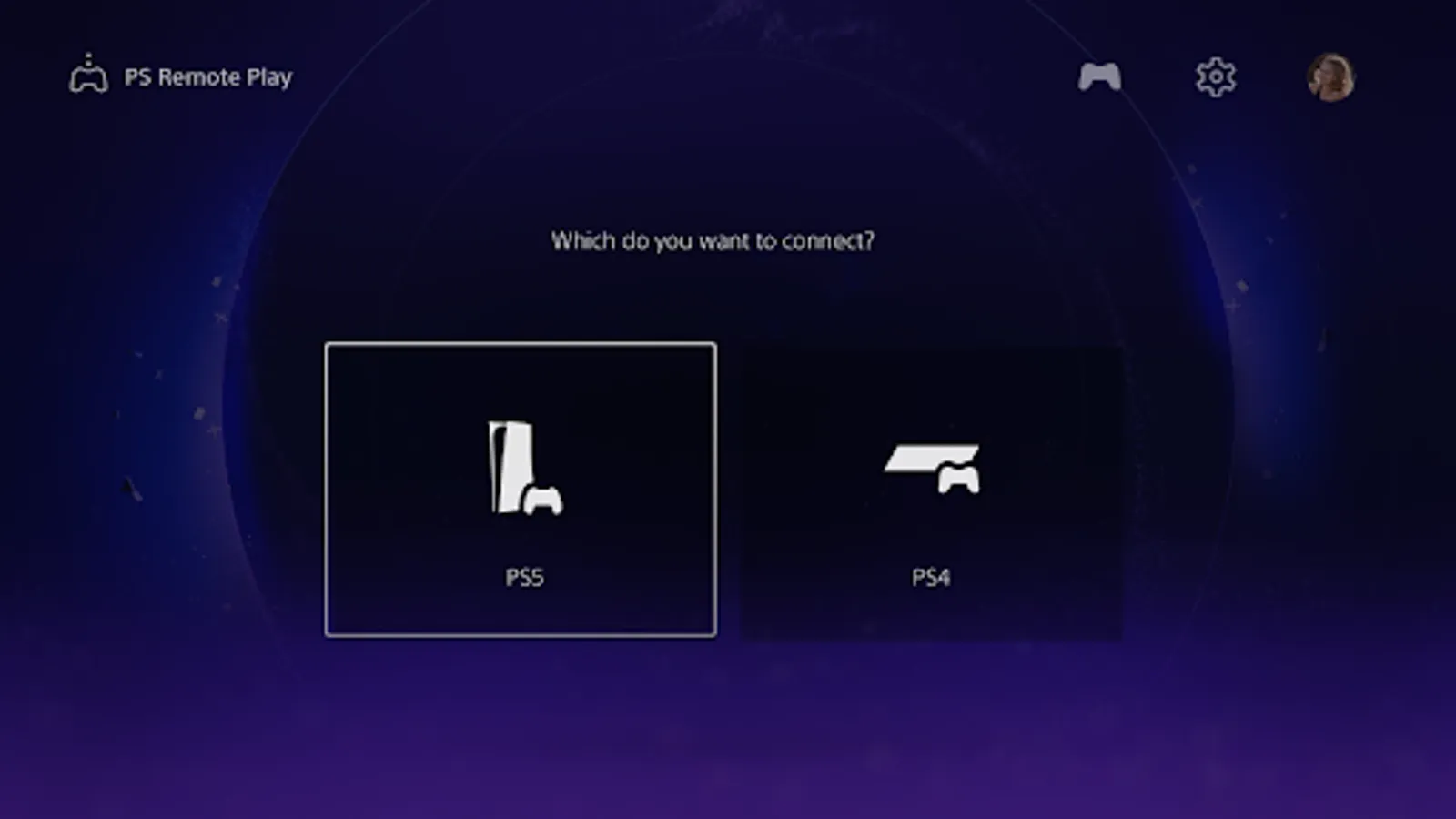
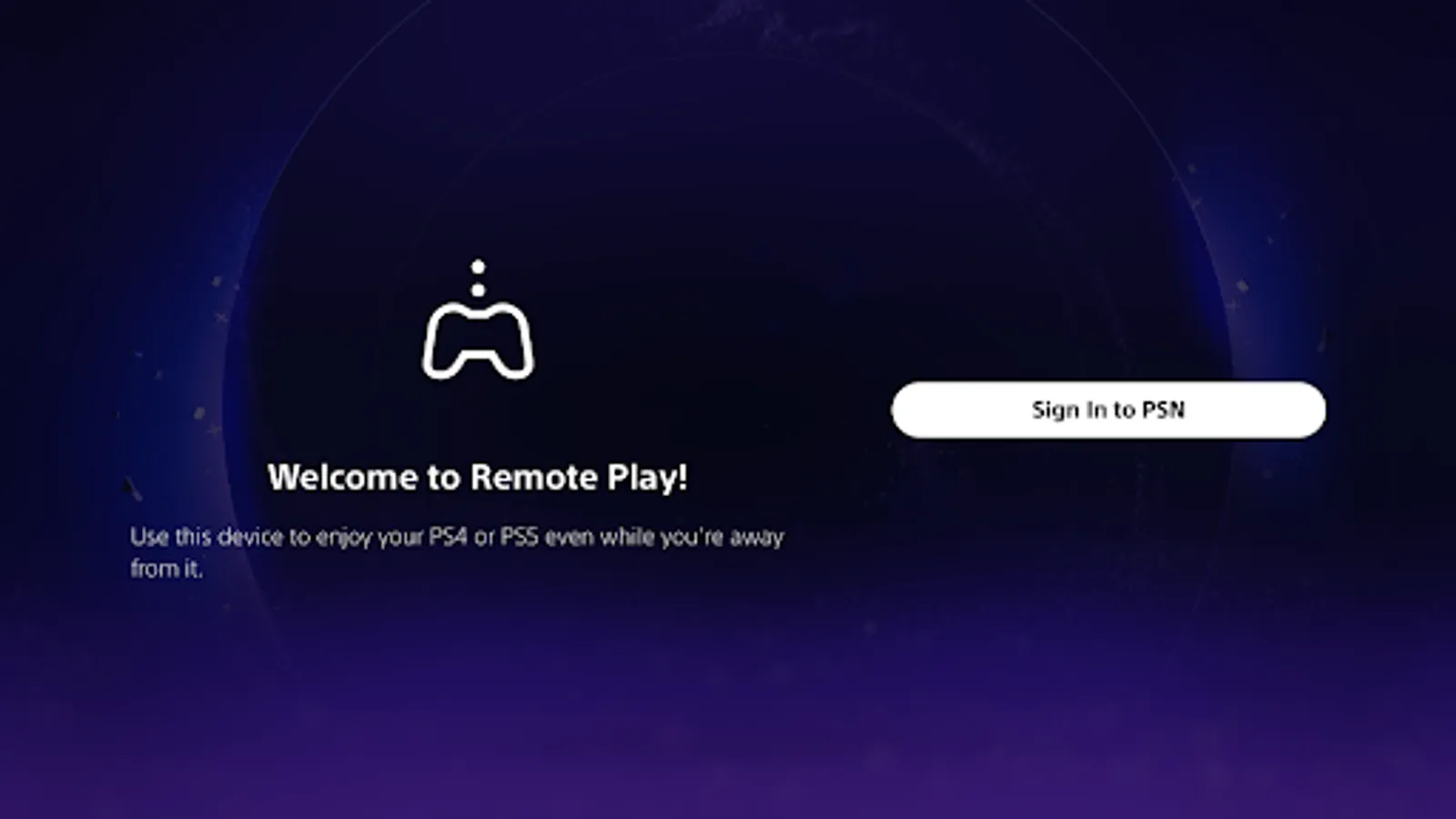
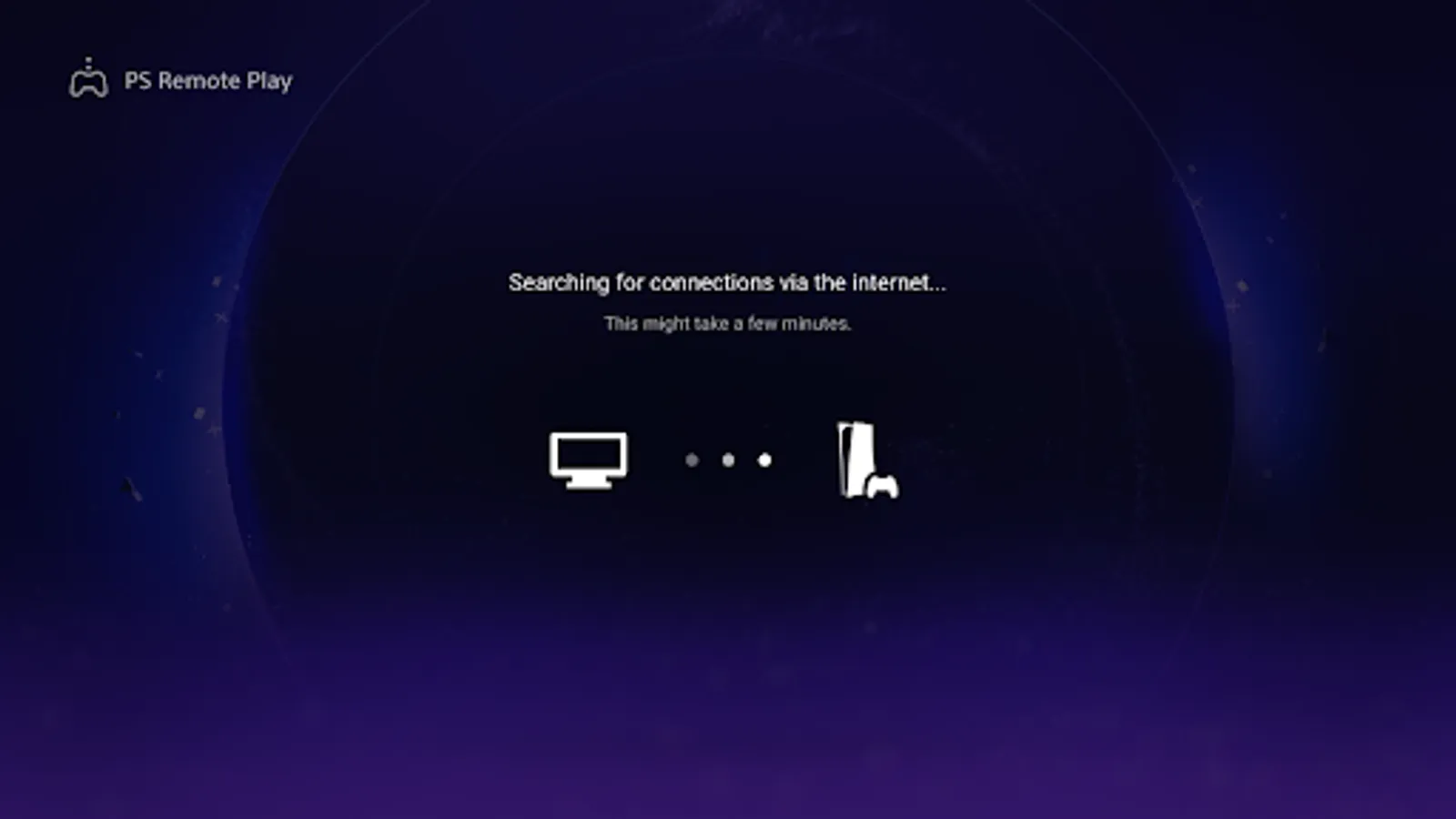
In this app, you can connect your PS5 or PS4 to play games remotely on your TV or monitor using a compatible controller. Includes support for DualSense and DUALSHOCK controllers, along with system requirements and device compatibility information.
AppRecs review analysis
AppRecs rating 3.3. Trustworthiness 81 out of 100. Review manipulation risk 16 out of 100. Based on a review sample analyzed.
★★★☆☆
3.3
AppRecs Rating
Ratings breakdown
5 star
48%
4 star
5%
3 star
2%
2 star
13%
1 star
33%
What to know
✓
Low review manipulation risk
16% review manipulation risk
✓
Credible reviews
81% trustworthiness score from analyzed reviews
⚠
High negative review ratio
45% of sampled ratings are 1–2 stars
About PS Remote Play for TV
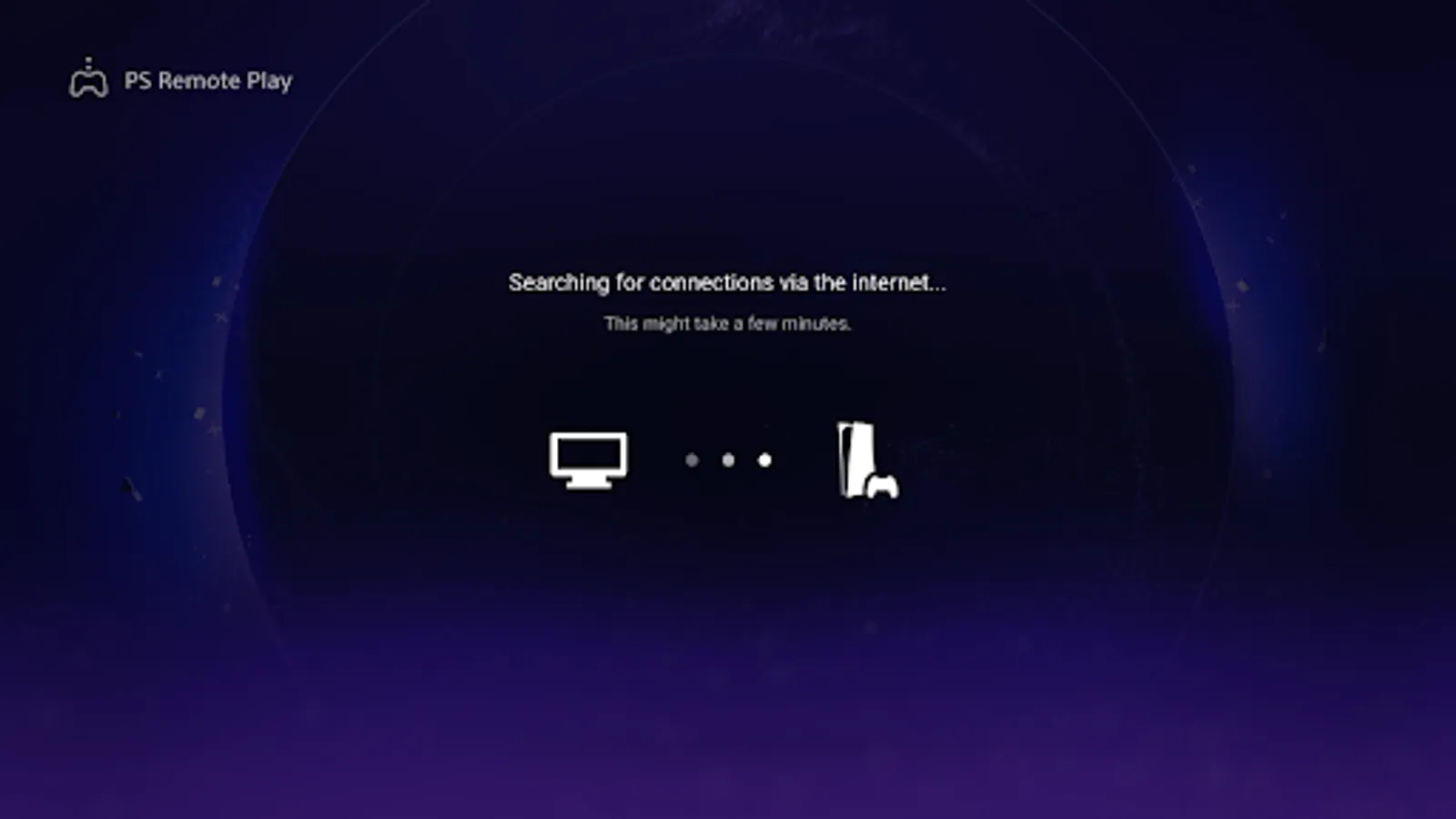
Use PS Remote Play to access your PS5™ or PS4™ and play games remotely on your TV or monitor.
You need the following items to use this app:
• Android TV OS 12 or later installed on your TV, Chromecast with Google TV, or Google TV Streamer. (We recommend setting your TV or monitor to low latency game mode)
• A DualSense™ wireless controller or DUALSHOCK®4 wireless controller
• For devices with Android TV OS 14 or later installed, you can also use a DualSense Edge™ wireless controller
• A PS5 or PS4 console with the latest system software version
• An account for PlayStation™Network
• A fast and stable internet connection (We recommend using a wired connection or 5 GHz Wi-Fi network connection)
Verified devices:
• Sony BRAVIA series
For information about supported models, visit the BRAVIA website. www.sony.net/bravia-gaming
• Chromecast with Google TV (4K model or HD model)
• Google TV Streamer
Note:
• This app may not work properly on unverified devices.
• This app may not be compatible with some games.
• Your controller may vibrate differently than when playing on your PS5 or PS4 console, or your device might not support it.
• Depending on the signal conditions of your device, you might experience input lag when using your wireless controller.
App subject to end-user license agreement:
www.playstation.com/legal/sie-inc-mobile-application-license-agreement/
You need the following items to use this app:
• Android TV OS 12 or later installed on your TV, Chromecast with Google TV, or Google TV Streamer. (We recommend setting your TV or monitor to low latency game mode)
• A DualSense™ wireless controller or DUALSHOCK®4 wireless controller
• For devices with Android TV OS 14 or later installed, you can also use a DualSense Edge™ wireless controller
• A PS5 or PS4 console with the latest system software version
• An account for PlayStation™Network
• A fast and stable internet connection (We recommend using a wired connection or 5 GHz Wi-Fi network connection)
Verified devices:
• Sony BRAVIA series
For information about supported models, visit the BRAVIA website. www.sony.net/bravia-gaming
• Chromecast with Google TV (4K model or HD model)
• Google TV Streamer
Note:
• This app may not work properly on unverified devices.
• This app may not be compatible with some games.
• Your controller may vibrate differently than when playing on your PS5 or PS4 console, or your device might not support it.
• Depending on the signal conditions of your device, you might experience input lag when using your wireless controller.
App subject to end-user license agreement:
www.playstation.com/legal/sie-inc-mobile-application-license-agreement/
PS Remote Play for TV Screenshots
Tap to Rate:
Reviews for PS Remote Play for TV
M Allen (truckinggamer)
2/23/2026
unfortunately there is lots of lag at times and resolution is normally sitting at about 480p
Steven Piatek
2/21/2026
glitchy and slowed the other apps on the Chromecast