With this network management app, you can monitor system information, manage download and backup tasks, and control services remotely. Includes system monitoring, task management, and remote control features.
AppRecs review analysis
AppRecs rating 3.7. Trustworthiness 85 out of 100. Review manipulation risk 12 out of 100. Based on a review sample analyzed.
★★★☆☆
3.7
AppRecs Rating
Ratings breakdown
5 star
49%
4 star
17%
3 star
12%
2 star
8%
1 star
14%
What to know
✓
Low review manipulation risk
12% review manipulation risk
✓
Credible reviews
85% trustworthiness score from analyzed reviews
✓
Good user ratings
66% positive sampled reviews
About Qmanager
Qmanager
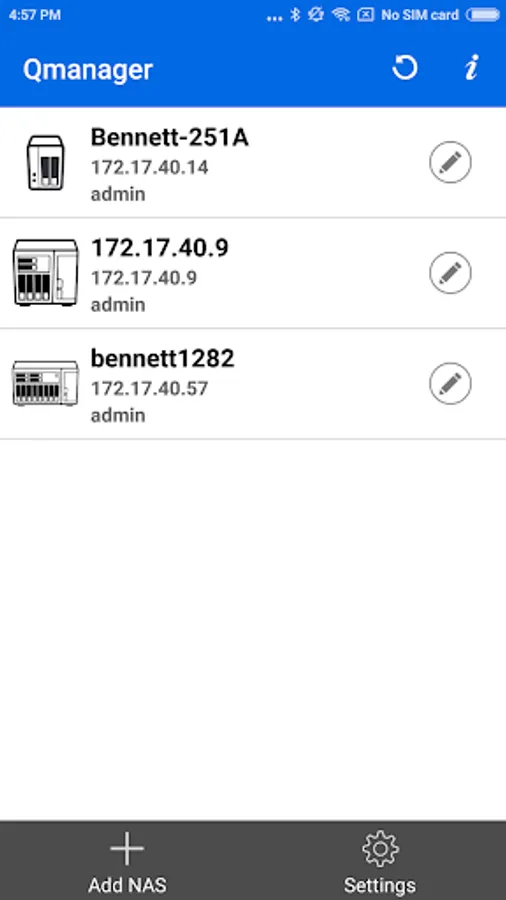
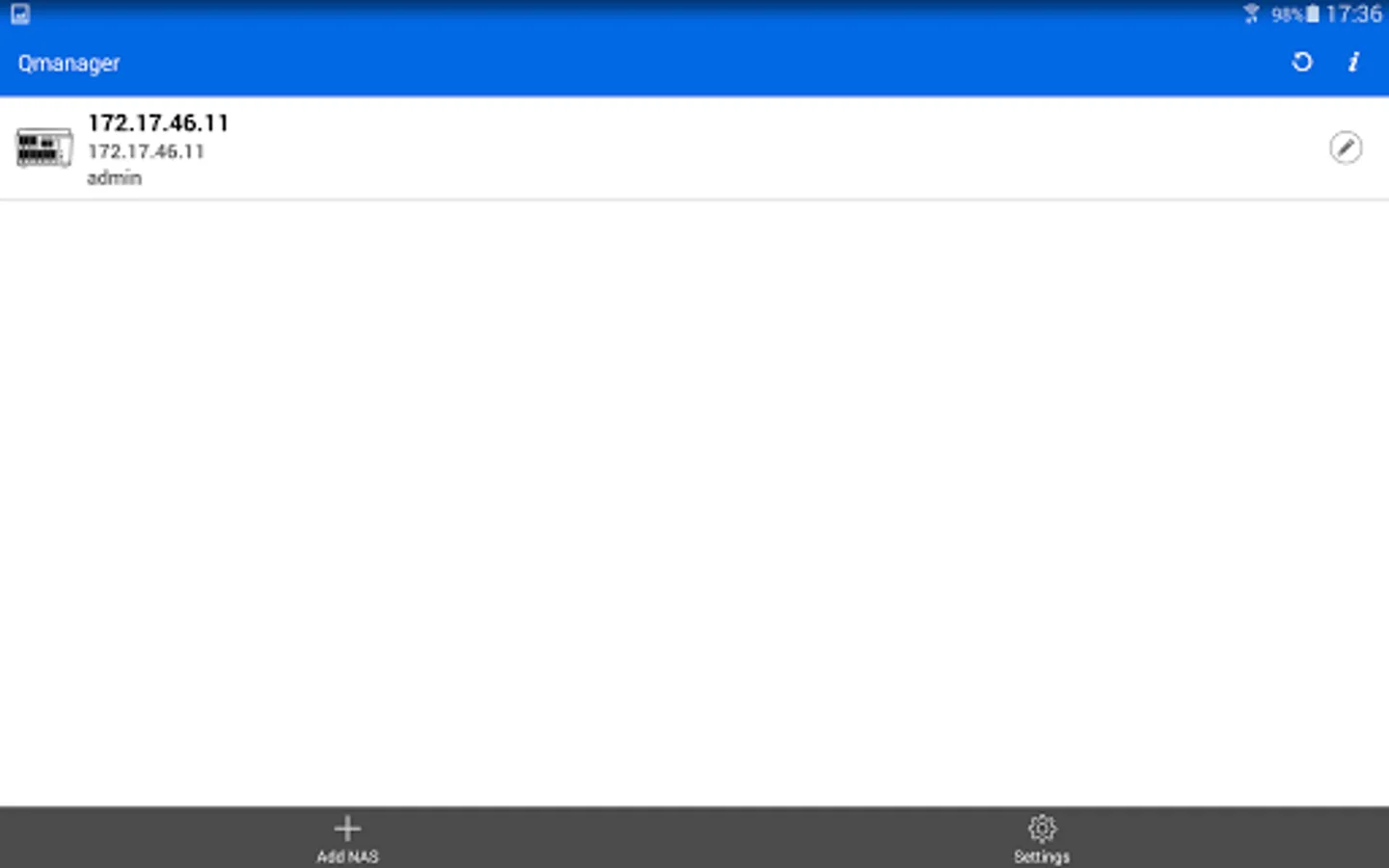
Ever wanted to monitor and manage your QNAP Turbo NAS with your Android mobile device? The free Qmanager app is the perfect answer.
Prerequisites:
- Android 8.0 or later
- QNAP NAS running firmware V4.0 or later
- Best resolution: 480 x 800
Major features of Qmanager:
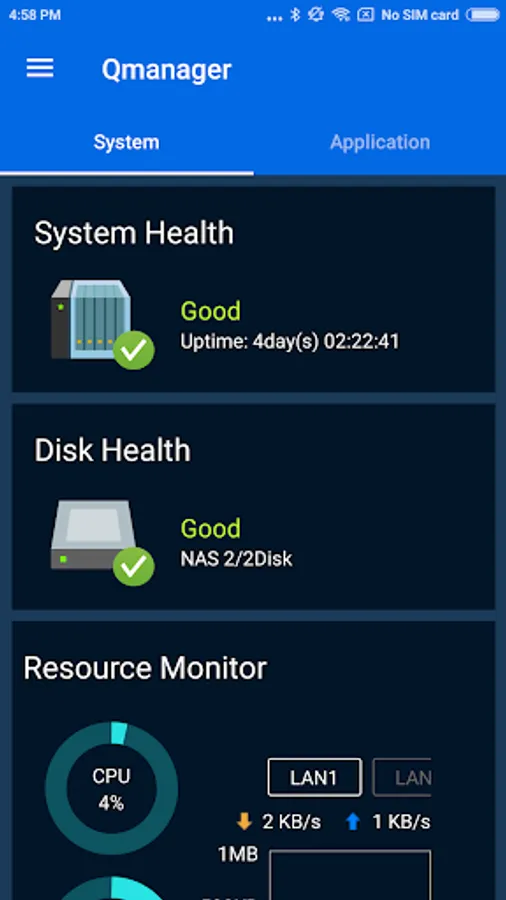
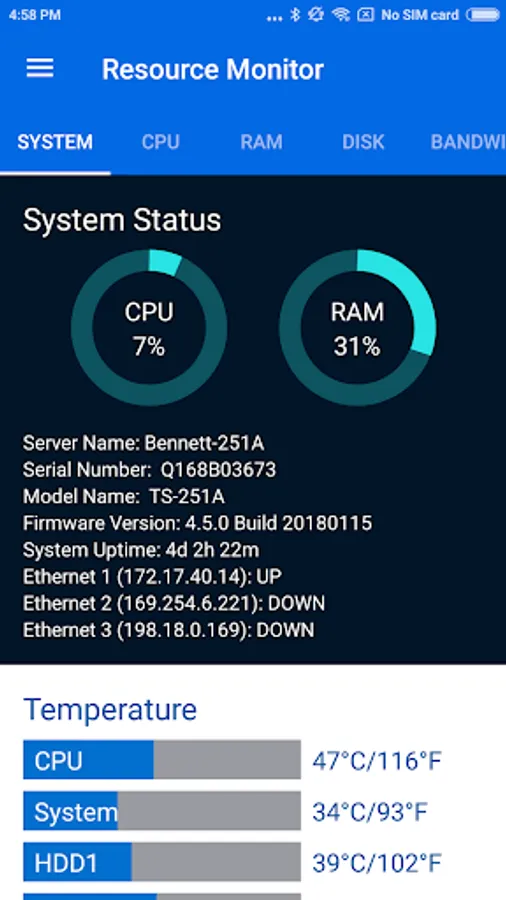
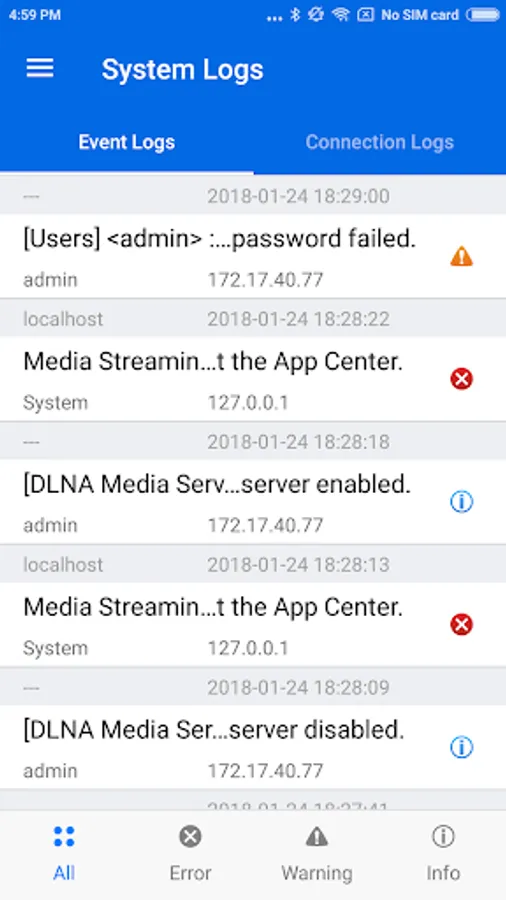
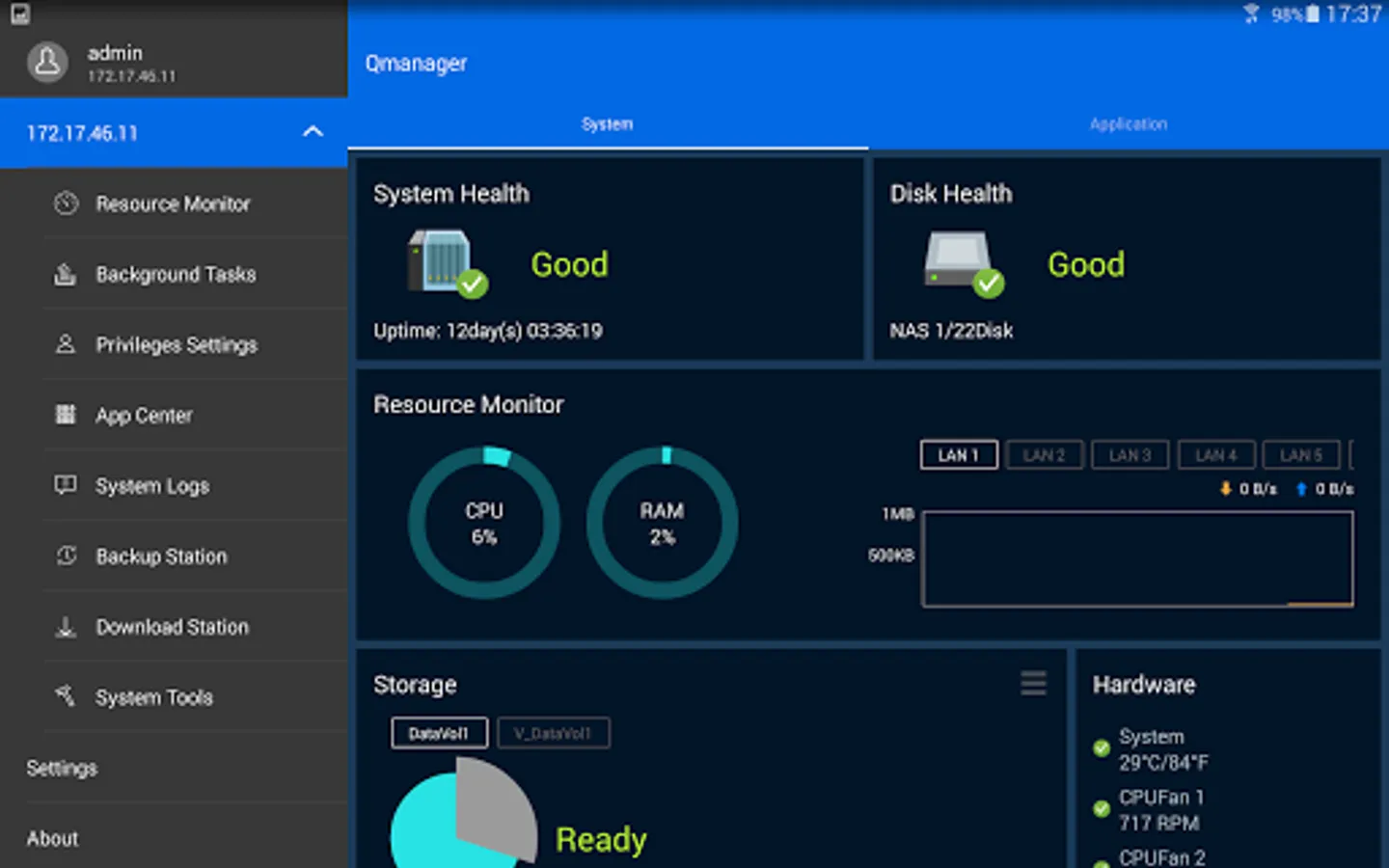
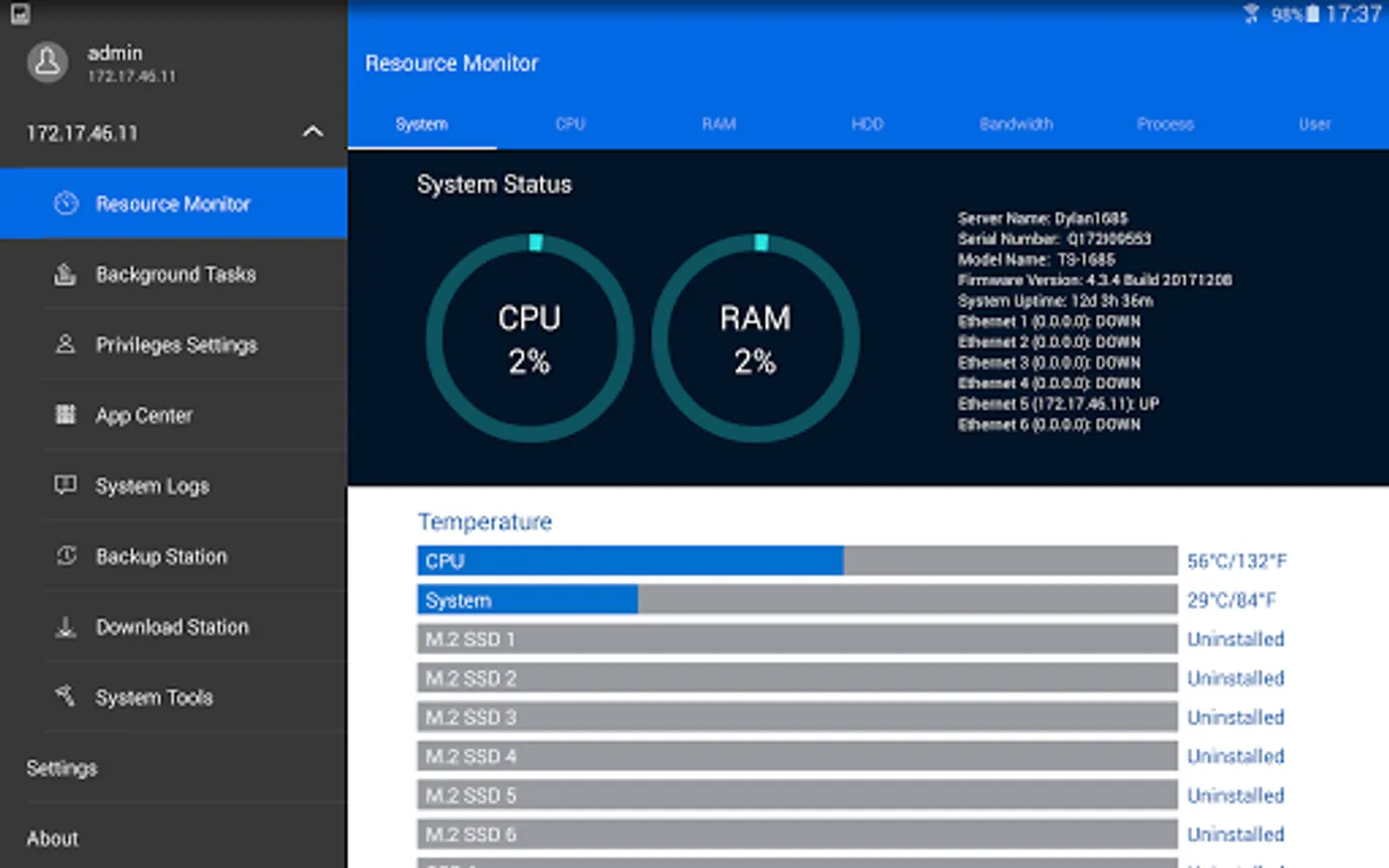
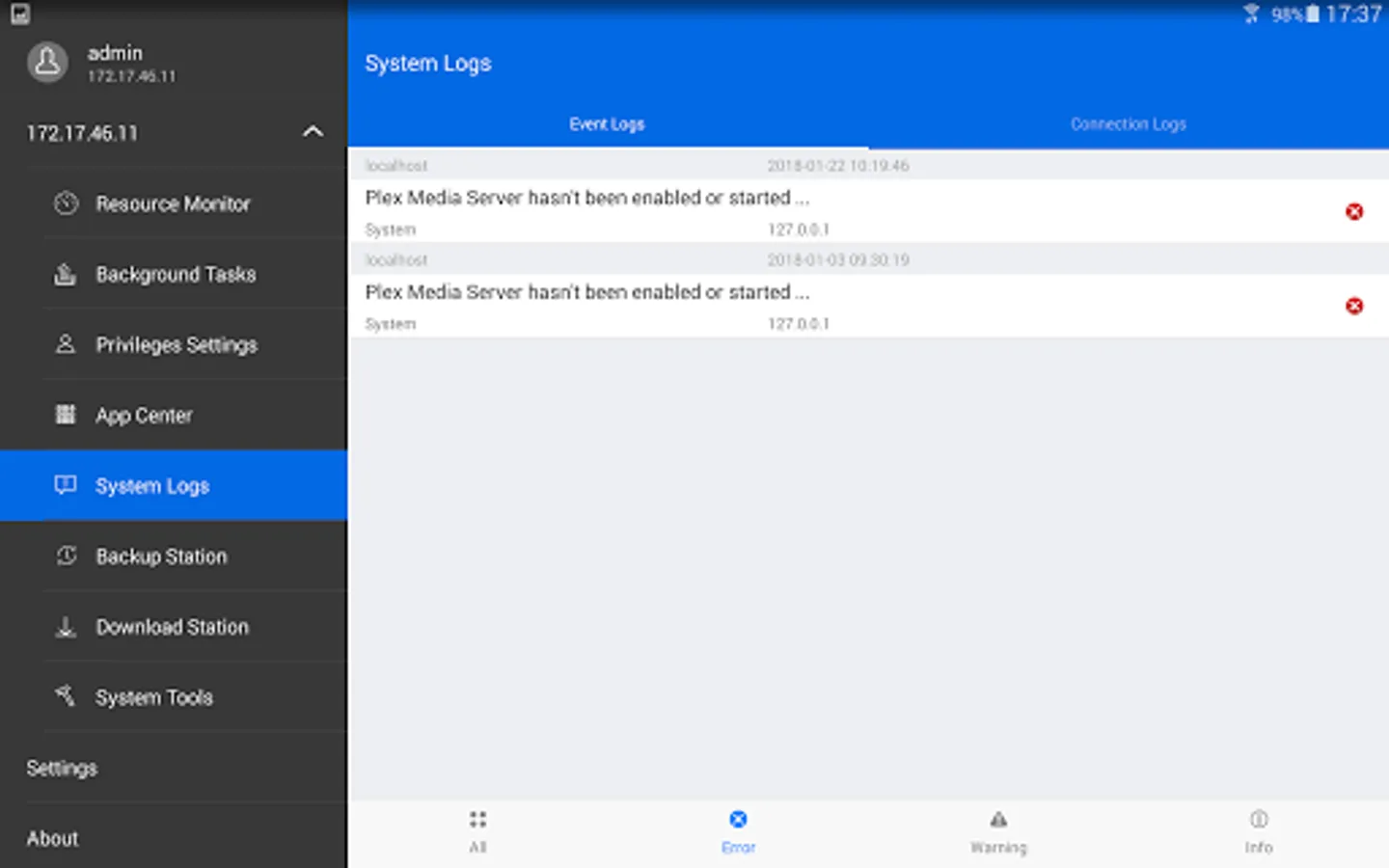
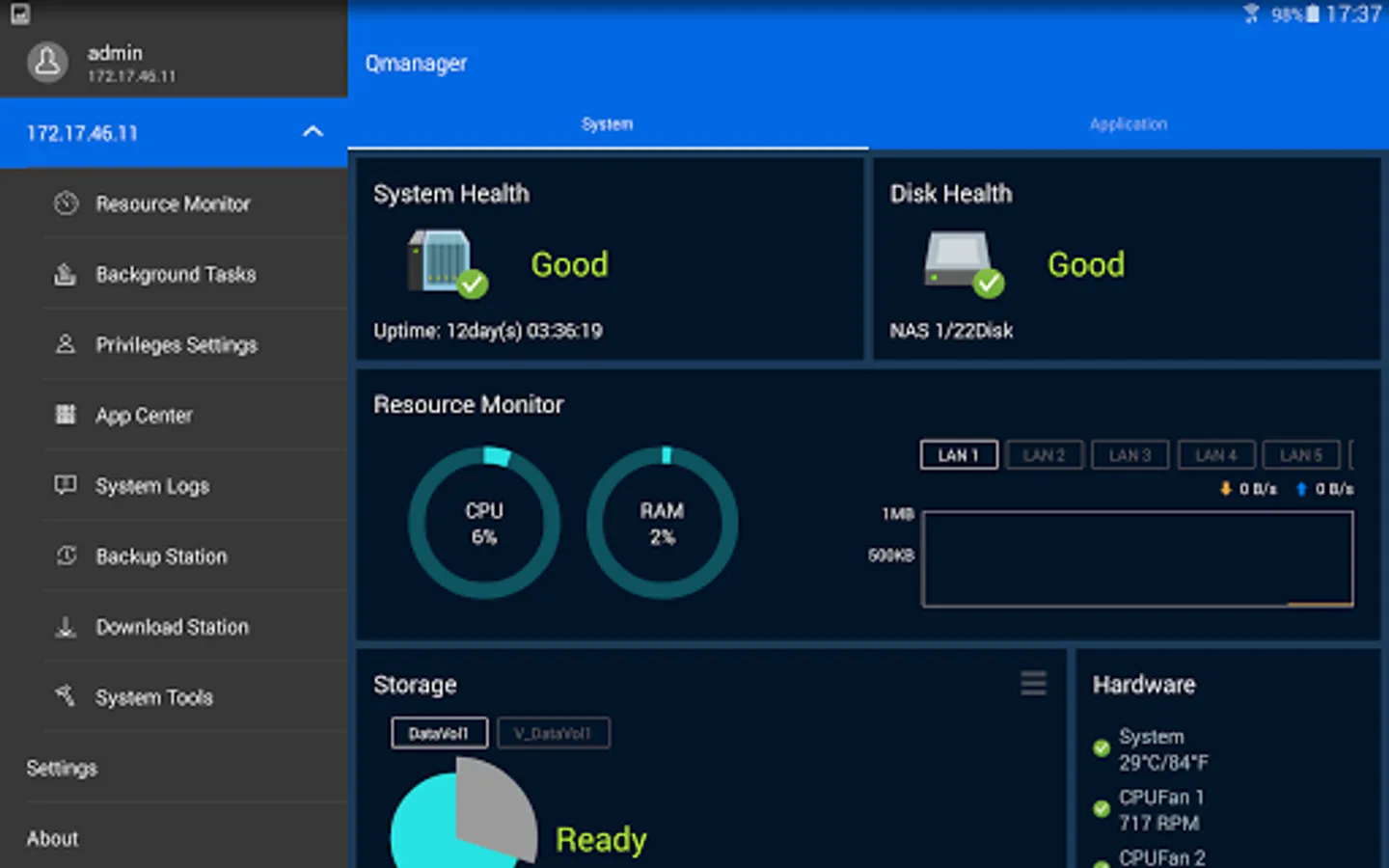
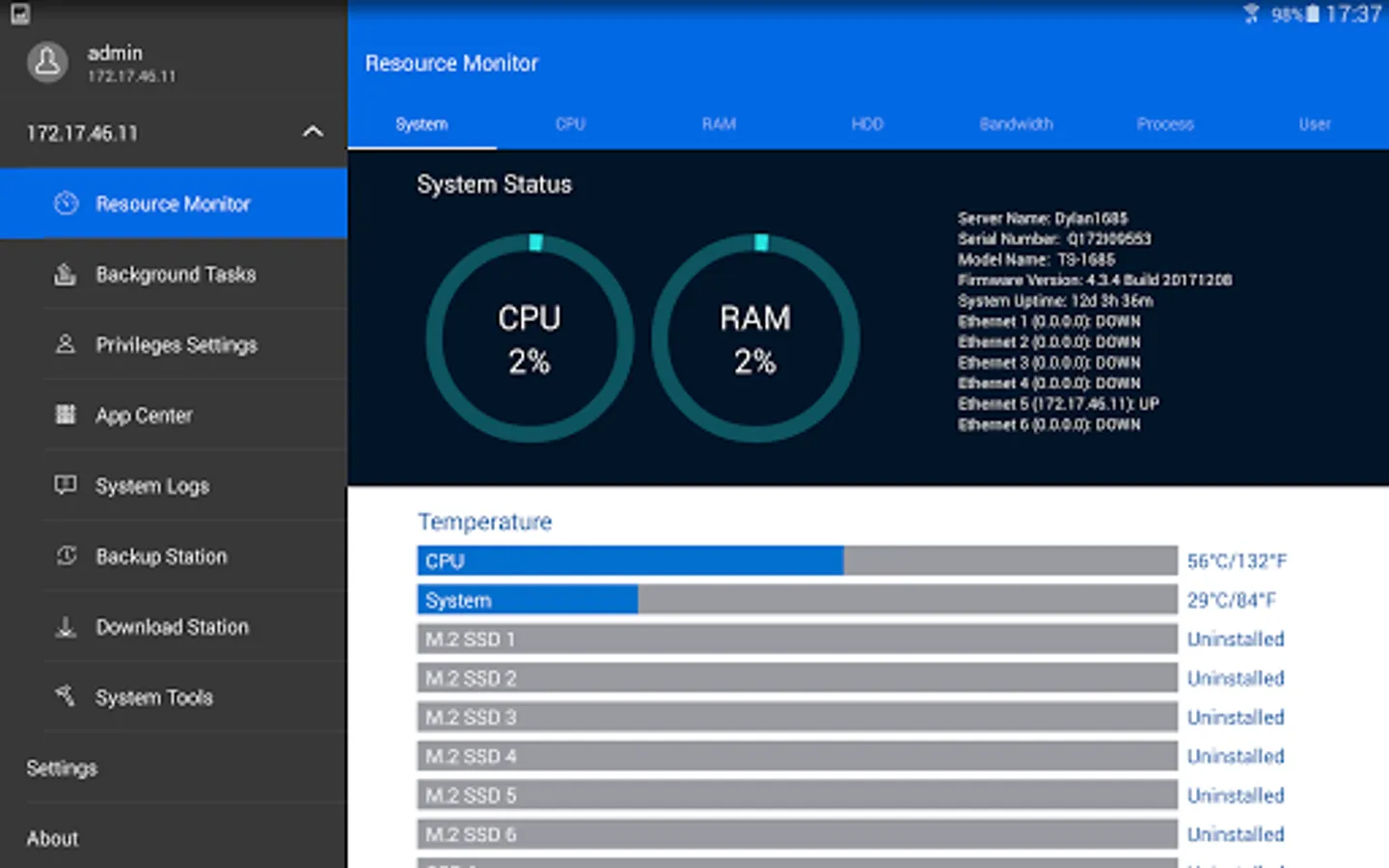
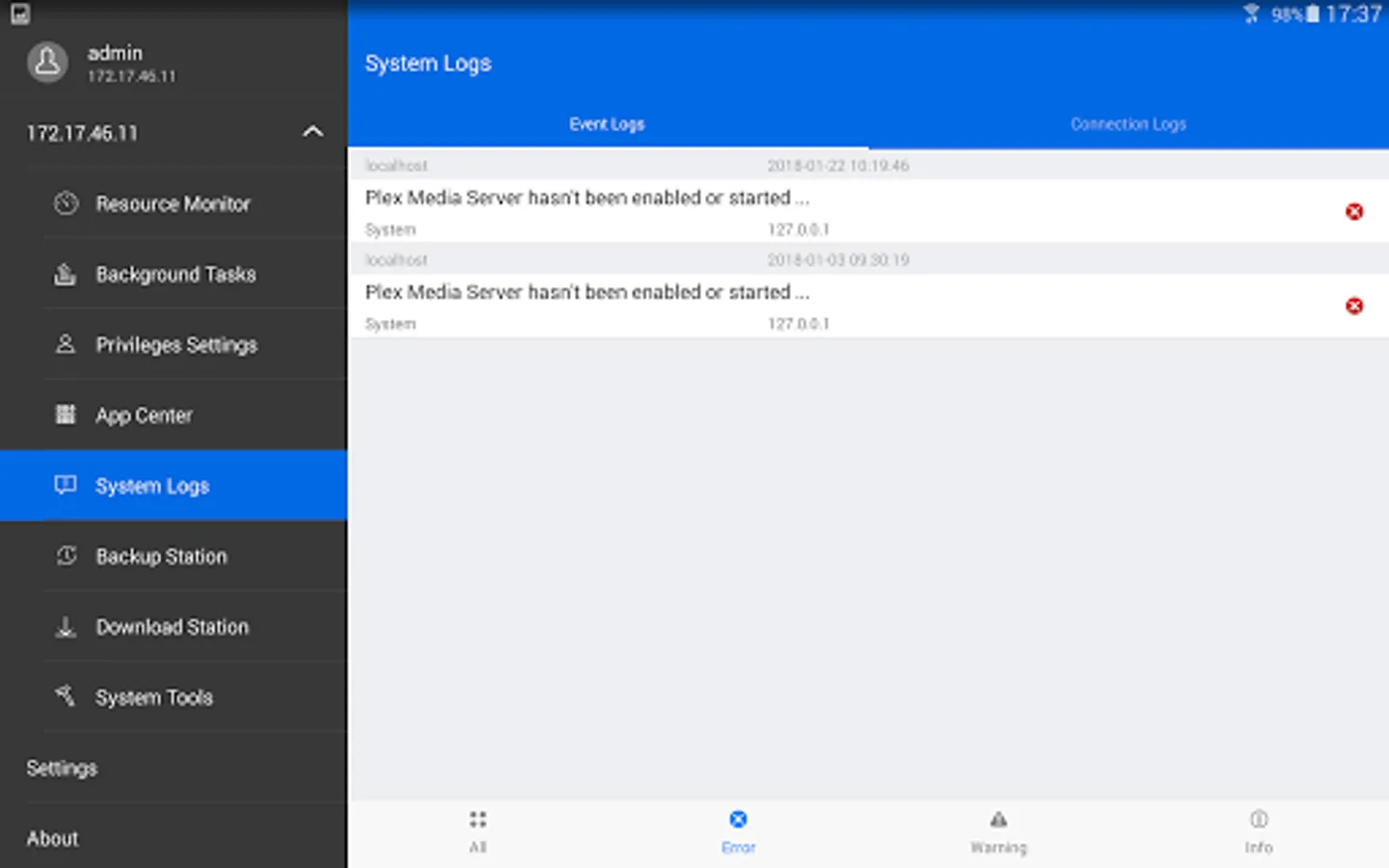
- Monitor your system information, such as CPU usage, memory usage, system event info, online user…
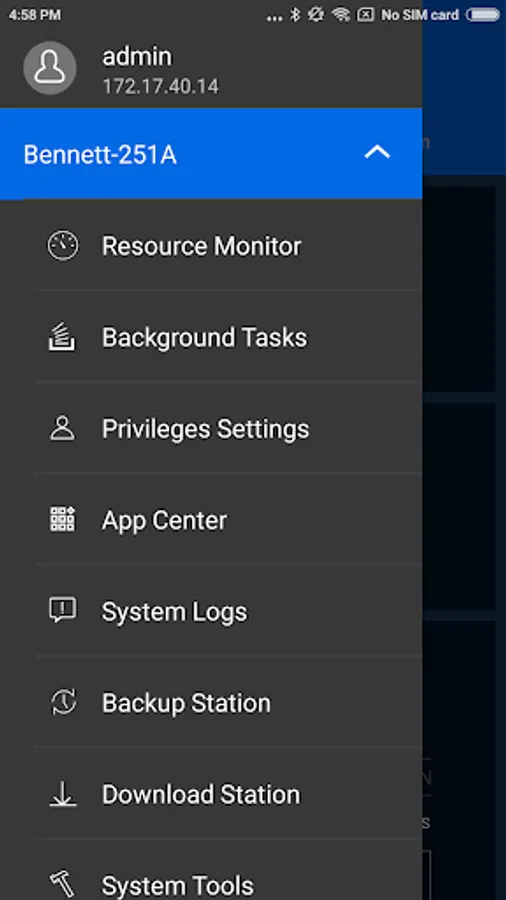
- Check your download station, backup task info. You also can manage the download task or backup task remotely. You can pause or run the task.
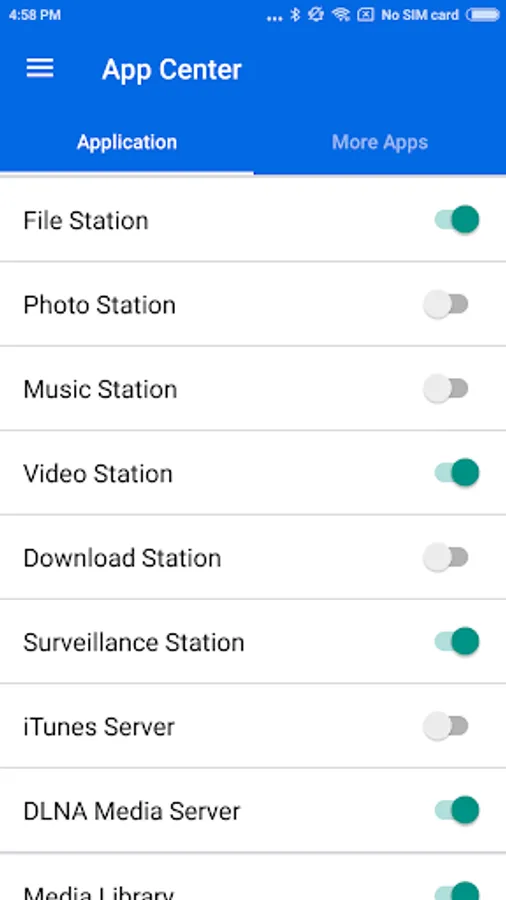
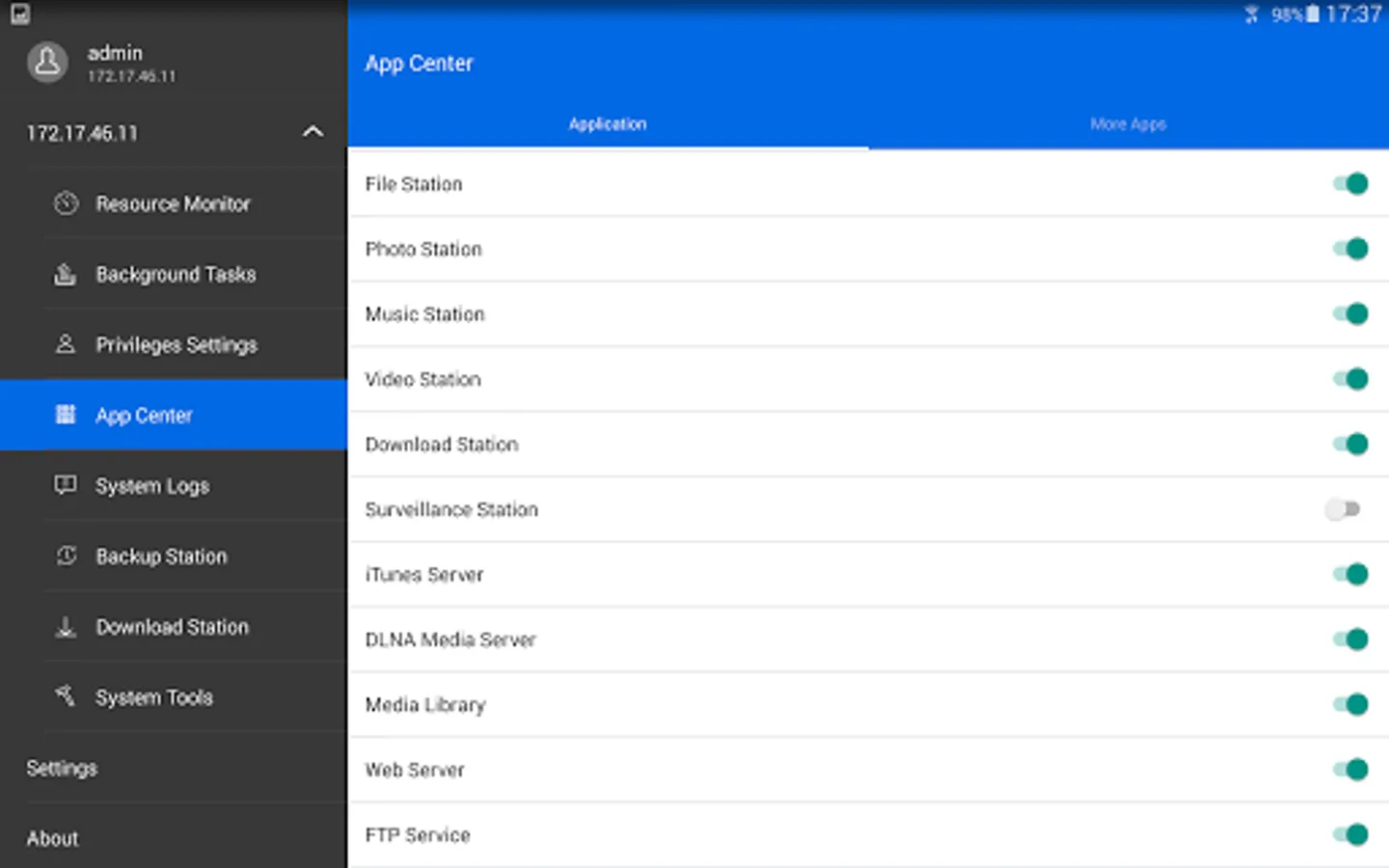
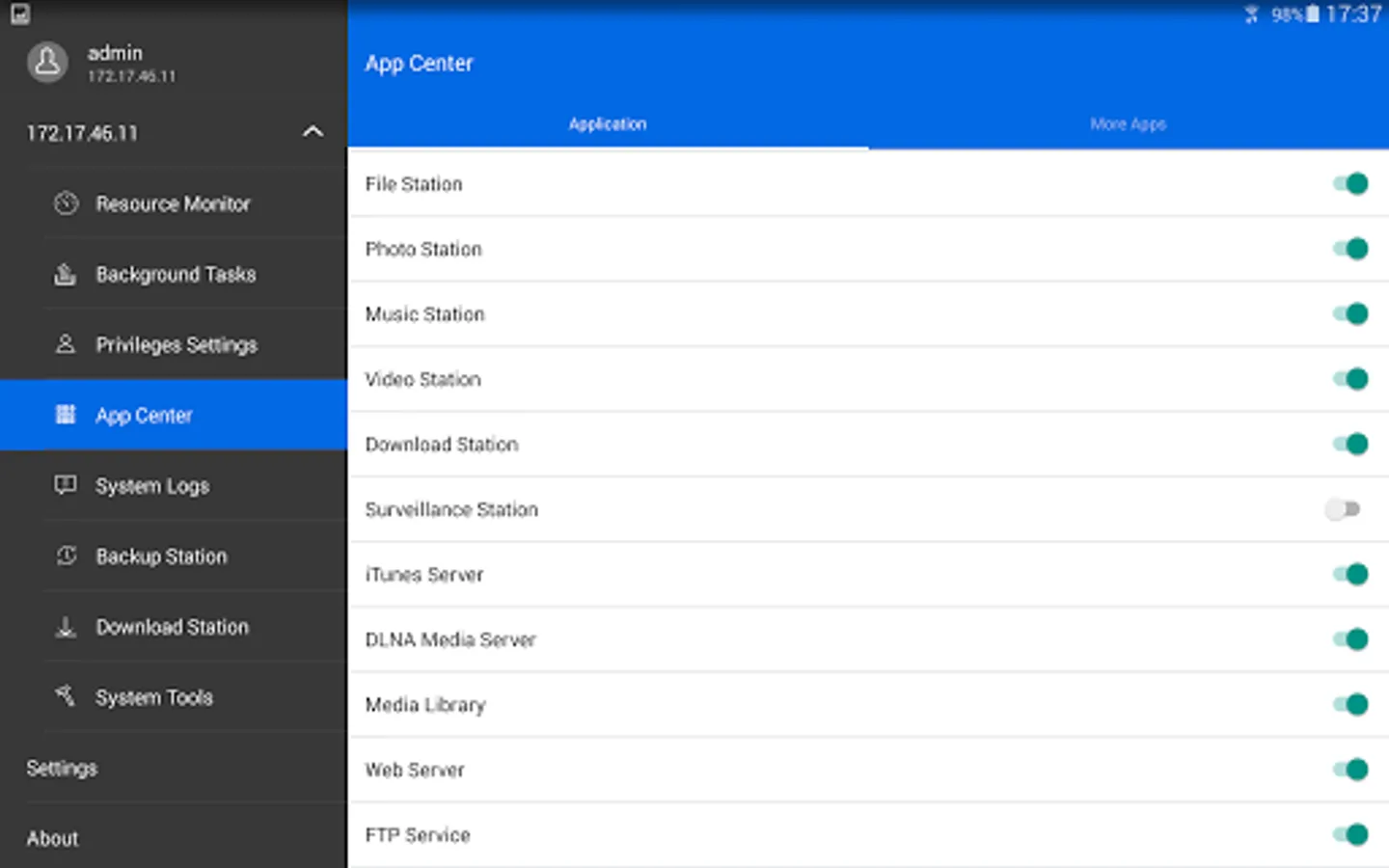
- Turn on/off application services via Qmanager with one simple click.
- Check connection status or the current online users to prevent invasion.
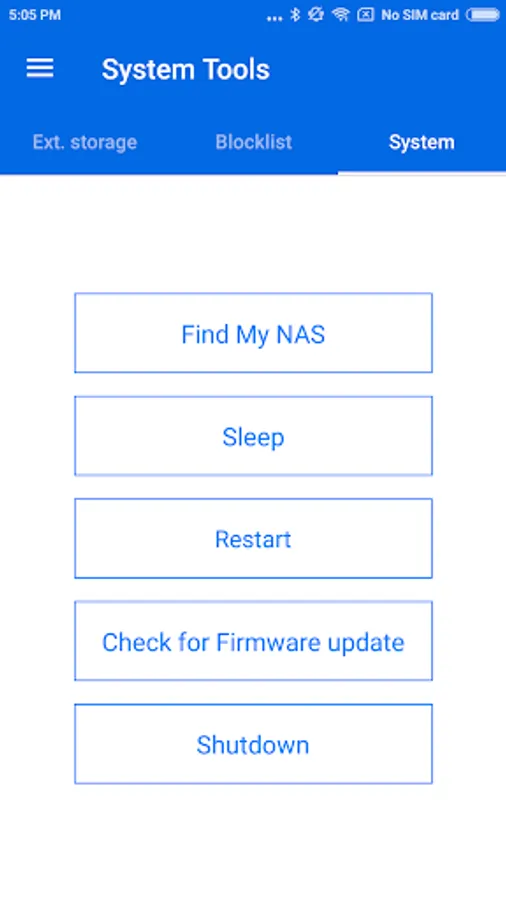
- Restart or shutdown the Turbo NAS remotely.
- Use “Find My NAS” to let your NAS turn on the “Beep” sound.
- WOL (Only support on Local Network)
Ever wanted to monitor and manage your QNAP Turbo NAS with your Android mobile device? The free Qmanager app is the perfect answer.
Prerequisites:
- Android 8.0 or later
- QNAP NAS running firmware V4.0 or later
- Best resolution: 480 x 800
Major features of Qmanager:
- Monitor your system information, such as CPU usage, memory usage, system event info, online user…
- Check your download station, backup task info. You also can manage the download task or backup task remotely. You can pause or run the task.
- Turn on/off application services via Qmanager with one simple click.
- Check connection status or the current online users to prevent invasion.
- Restart or shutdown the Turbo NAS remotely.
- Use “Find My NAS” to let your NAS turn on the “Beep” sound.
- WOL (Only support on Local Network)
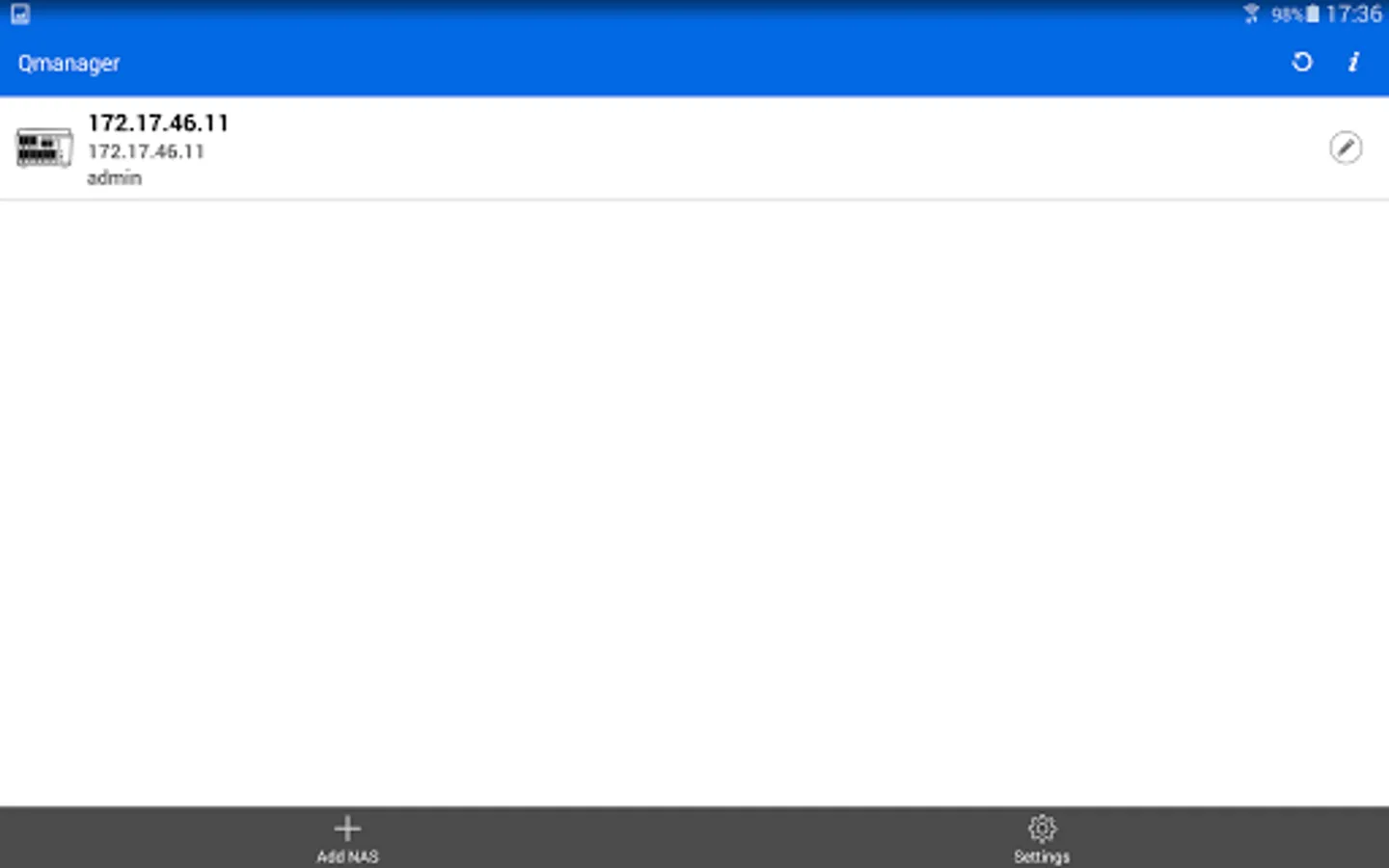
Qmanager Screenshots
Tap to Rate:
Reviews for Qmanager
Sergiu Mitu
12/10/2025
a bit limited functionality but still better than nothing
Daniel
12/2/2025
Perfect for seeing device health and for checking some tasks... I thought I would be able to access ALL NAS settings in this app, but unfortunately only some, and that is limited to web UI. Also very helpful to have for NAS notifications for tasks, etc...