
In this app, you can generate and approve account verifications using multiple methods including QR codes and time-based codes. Includes support for 2-Step Verification, Passwordless Login, and third-party accounts.
AppRecs review analysis
AppRecs rating 4.1. Trustworthiness 80 out of 100. Review manipulation risk 13 out of 100. Based on a review sample analyzed.
★★★★☆
4.1
AppRecs Rating
Ratings breakdown
5 star
67%
4 star
8%
3 star
8%
2 star
0%
1 star
17%
What to know
✓
Low review manipulation risk
13% review manipulation risk
✓
Credible reviews
80% trustworthiness score from analyzed reviews
✓
High user satisfaction
75% of sampled ratings are 4+ stars (4.1★ average)
About QNAP Authenticator
- Android 8 (or later)
- QNAP NAS running QTS 5.1.0 (or later)
QNAP Authenticator is a free app that adds an extra layer of security to your accounts by using your mobile device to verify your login. You can authenticate your identity using 2-Step Verification or Passwordless Login and choose from multiple verification methods.
Major features of QNAP Authenticator:
- Supports 2-Step Verification and Passwordless Login
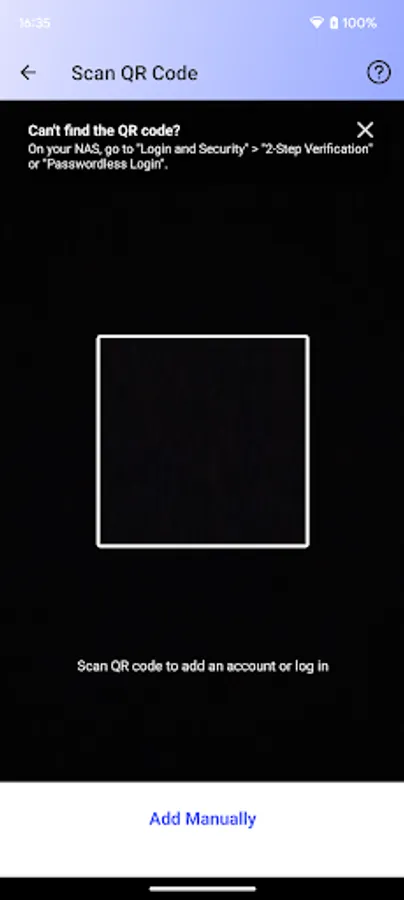
- Supports scanning a QR code to quickly add an account
- Supports the following verification methods:
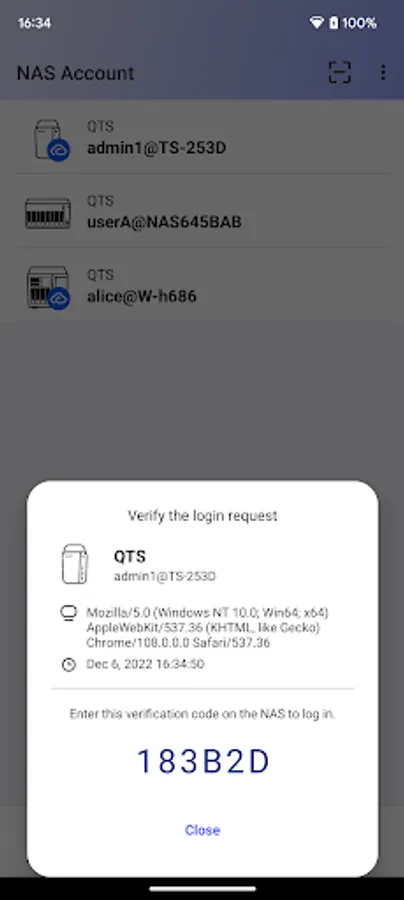
1.Login Approval: Approve a login request with just a tap
2.QR Code: Scan a QR code to verify a login request
3.Online Verification Code: Receive a code sent from your QNAP device for verification
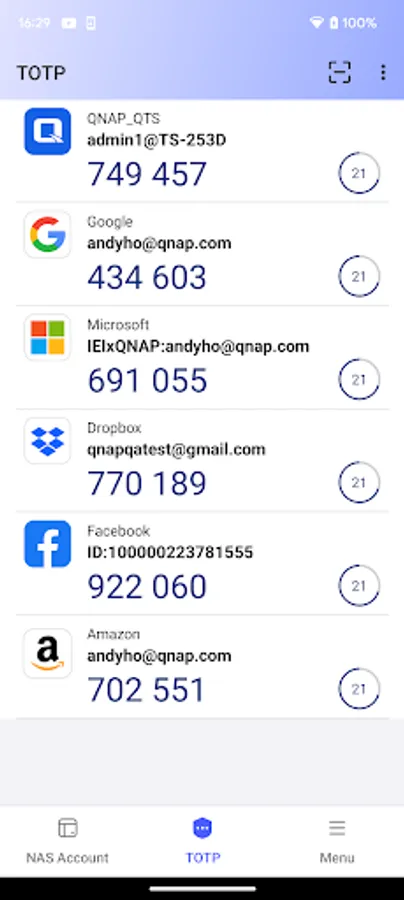
4.Time-based One-Time Password (TOTP): Generate a code automatically renewed for verification
Login Approval, QR Code, and Online Verification Code require a connection to your NAS, whereas TOTP can work offline. This method also supports verifying third-party accounts from Google, Microsoft, Facebook, GitHub, and other service providers that have implemented their authentication following the TOTP standard.
QNAP Authenticator Screenshots



Tap to Rate:
Reviews for QNAP Authenticator
Simon Tureck
12/19/2025
Would be better if the TOTP page was the landing page for the app on opening and not the account page. Or can the page order be customized?
Mike Peters
10/5/2025
Works fine but can you 1. Rename the app to QNap Authenticator to differentiate from all the other Authenticator apps on my phone; 2. Have the option to use a generic Authenticator app, like Microsoft or other. I don't need 10 Authenticator apps on my phone.