
Stream videos, photos, and music with this app. Includes online content access, playlist management, and slideshow features.
AppRecs review analysis
AppRecs rating 1.4. Trustworthiness 66 out of 100. Review manipulation risk 30 out of 100. Based on a review sample analyzed.
★☆☆☆☆
1.4
AppRecs Rating
Ratings breakdown
5 star
0%
4 star
0%
3 star
0%
2 star
37%
1 star
63%
What to know
✓
Authentic reviews
Natural distribution, no red flags
⚠
Mixed user feedback
Average 1.4★ rating suggests room for improvement
⚠
High negative review ratio
100% of sampled ratings are 1–2 stars
About Qmedia
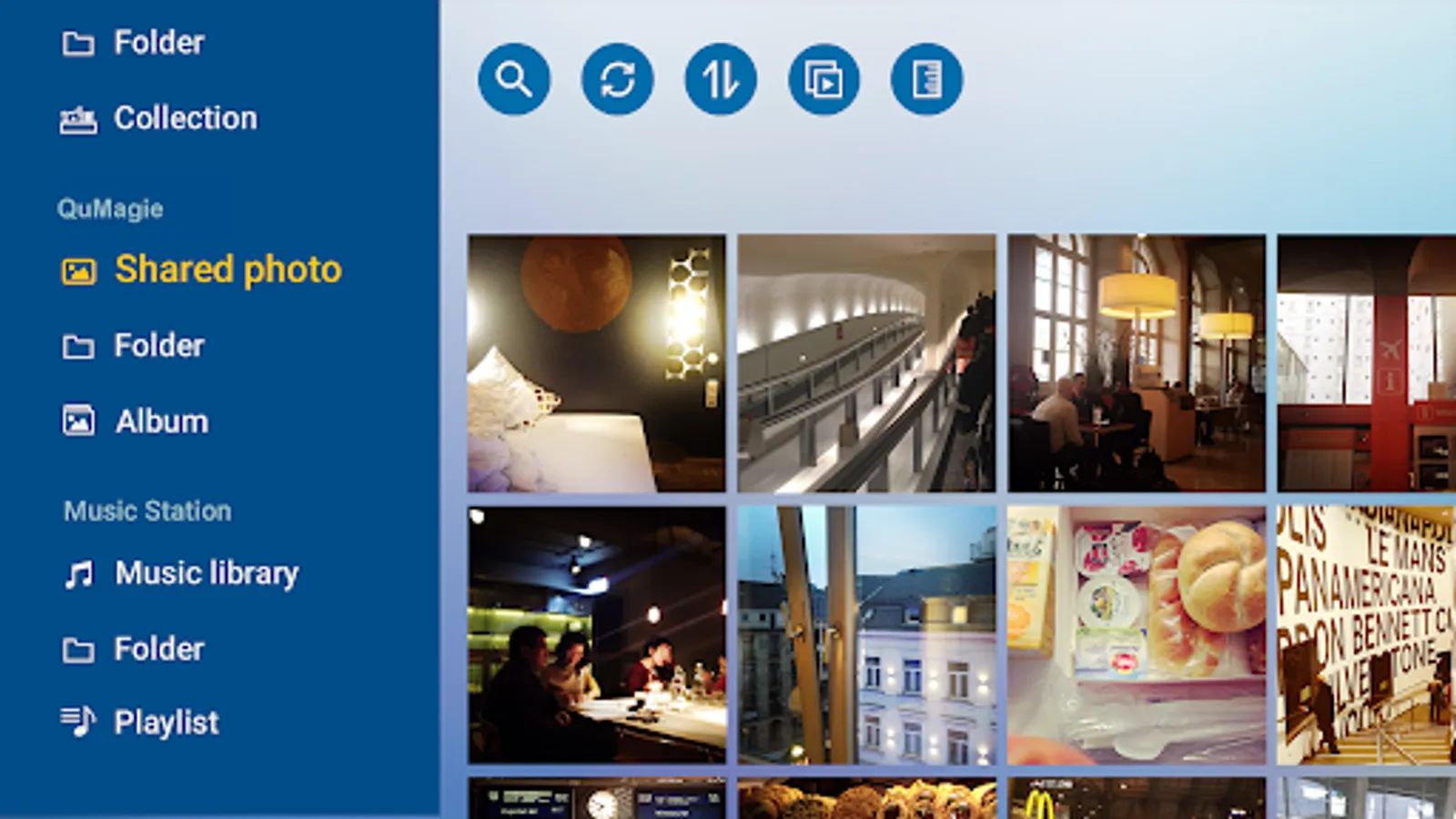
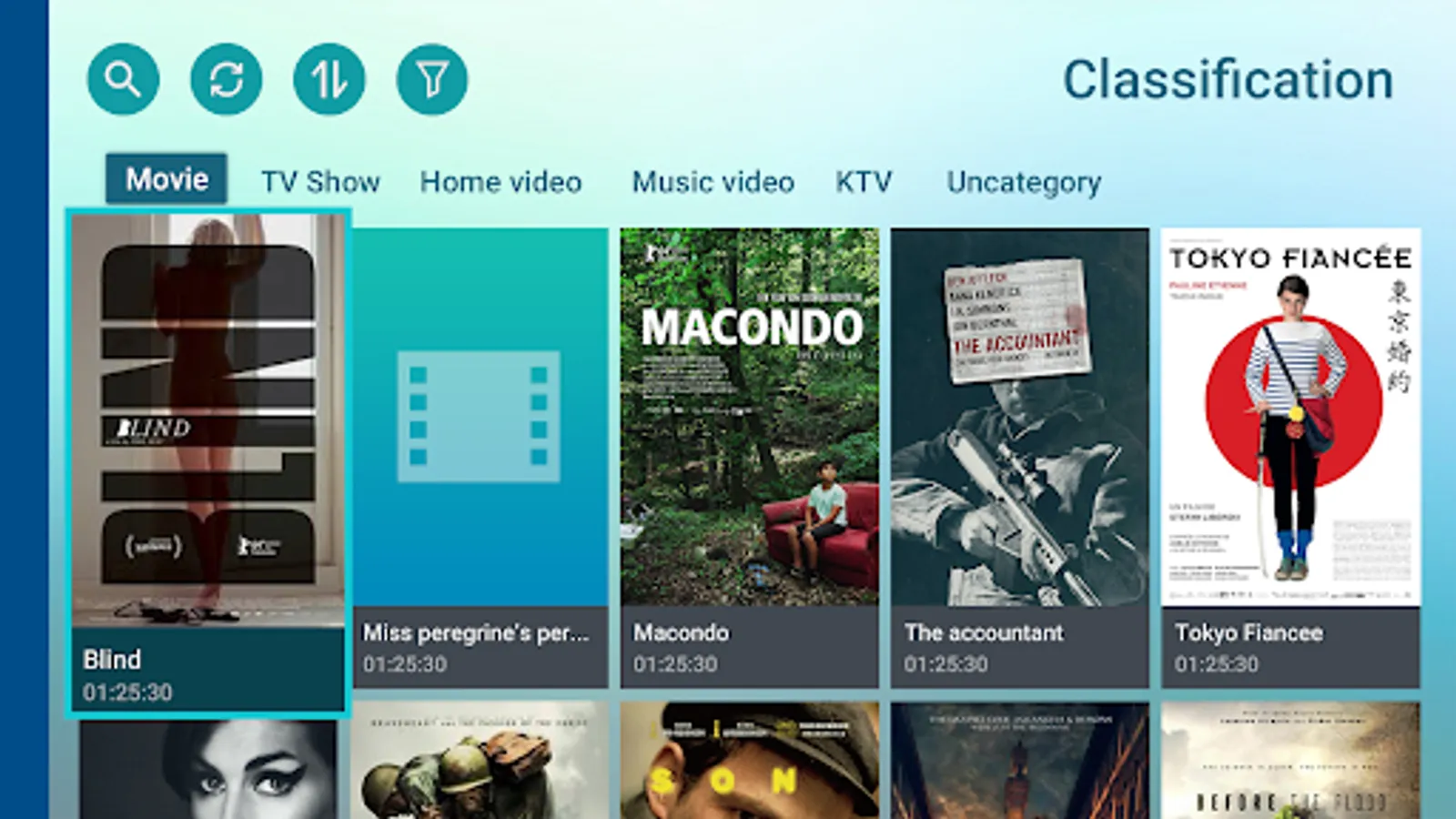
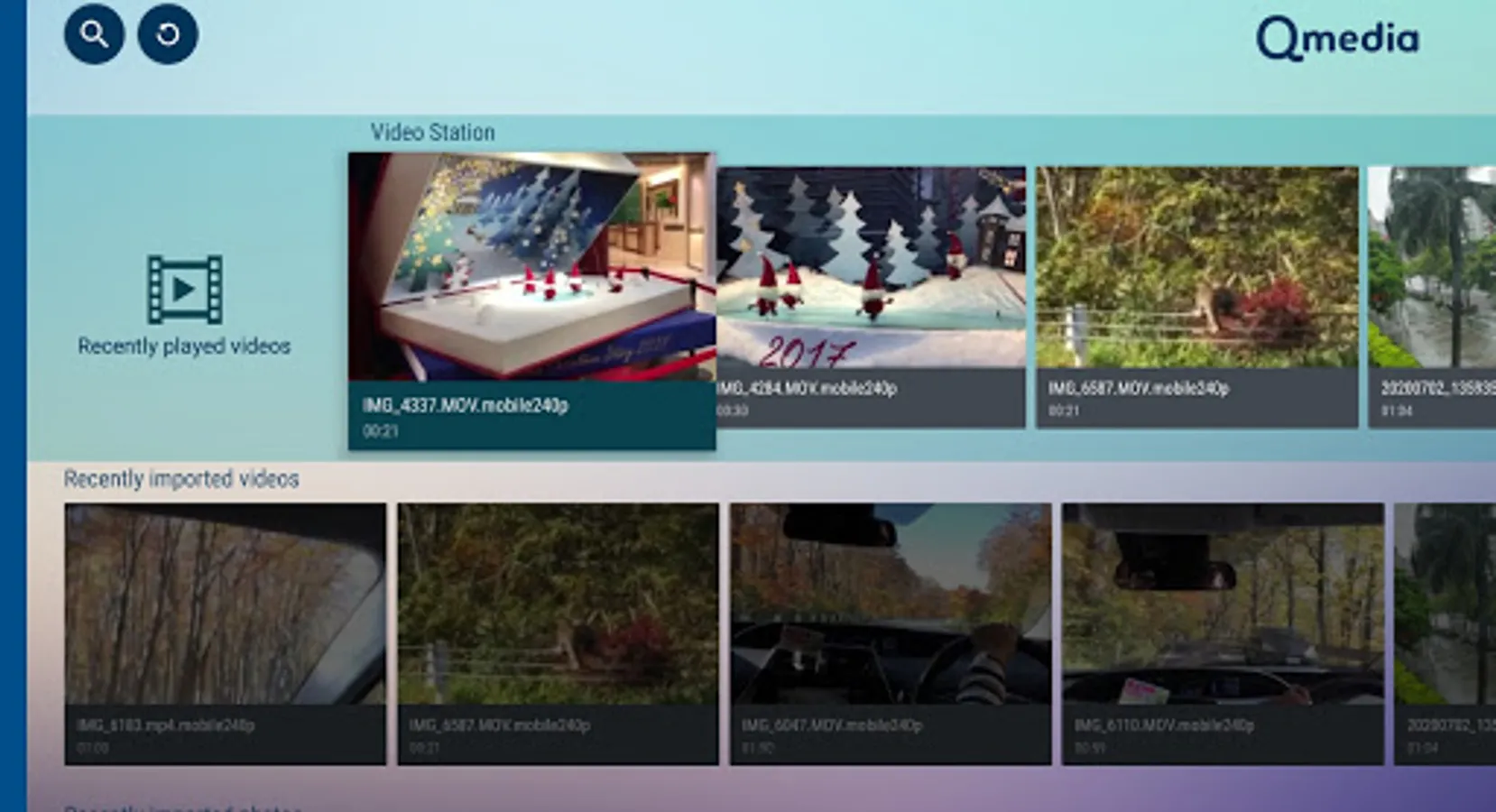
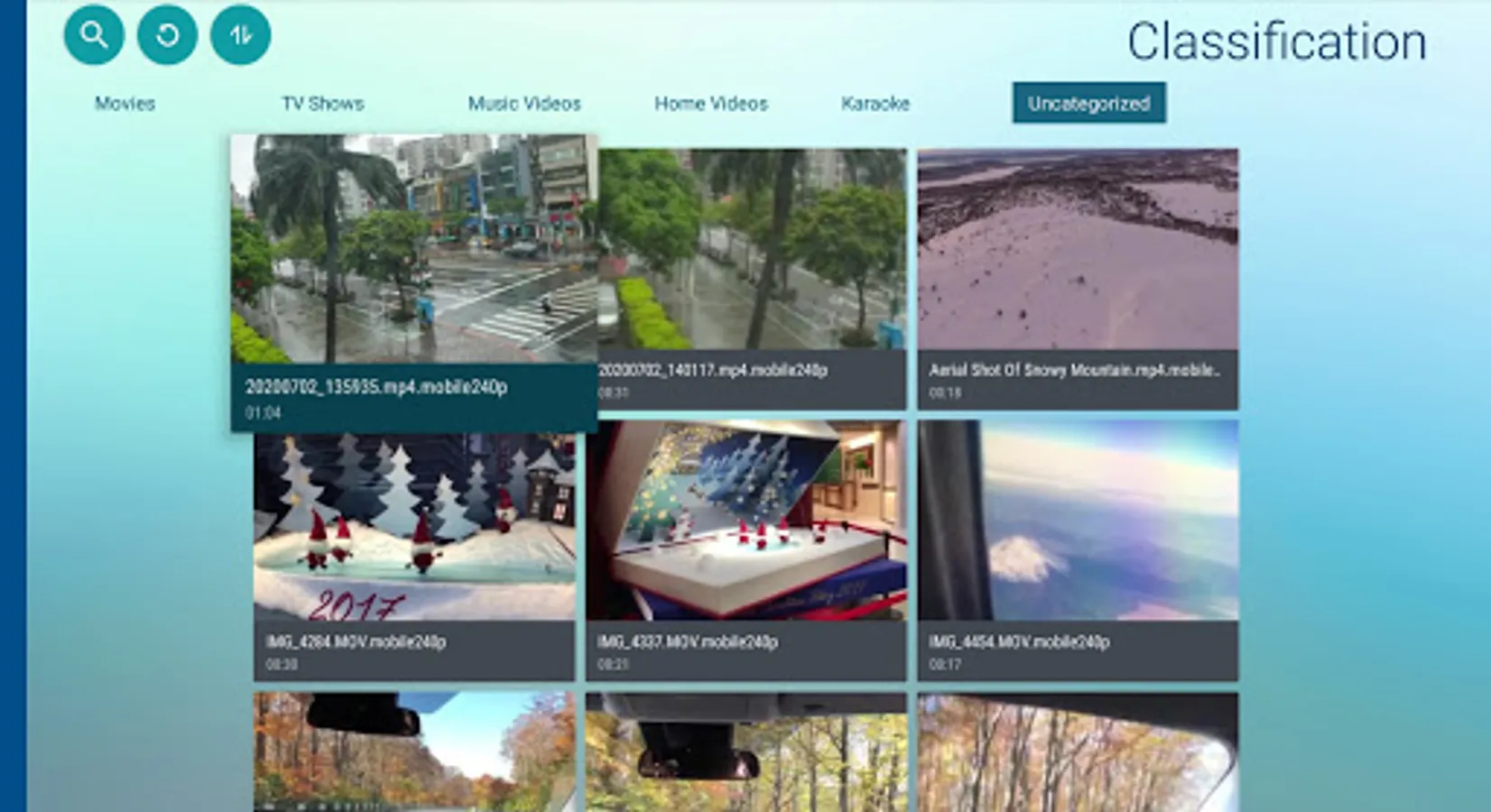
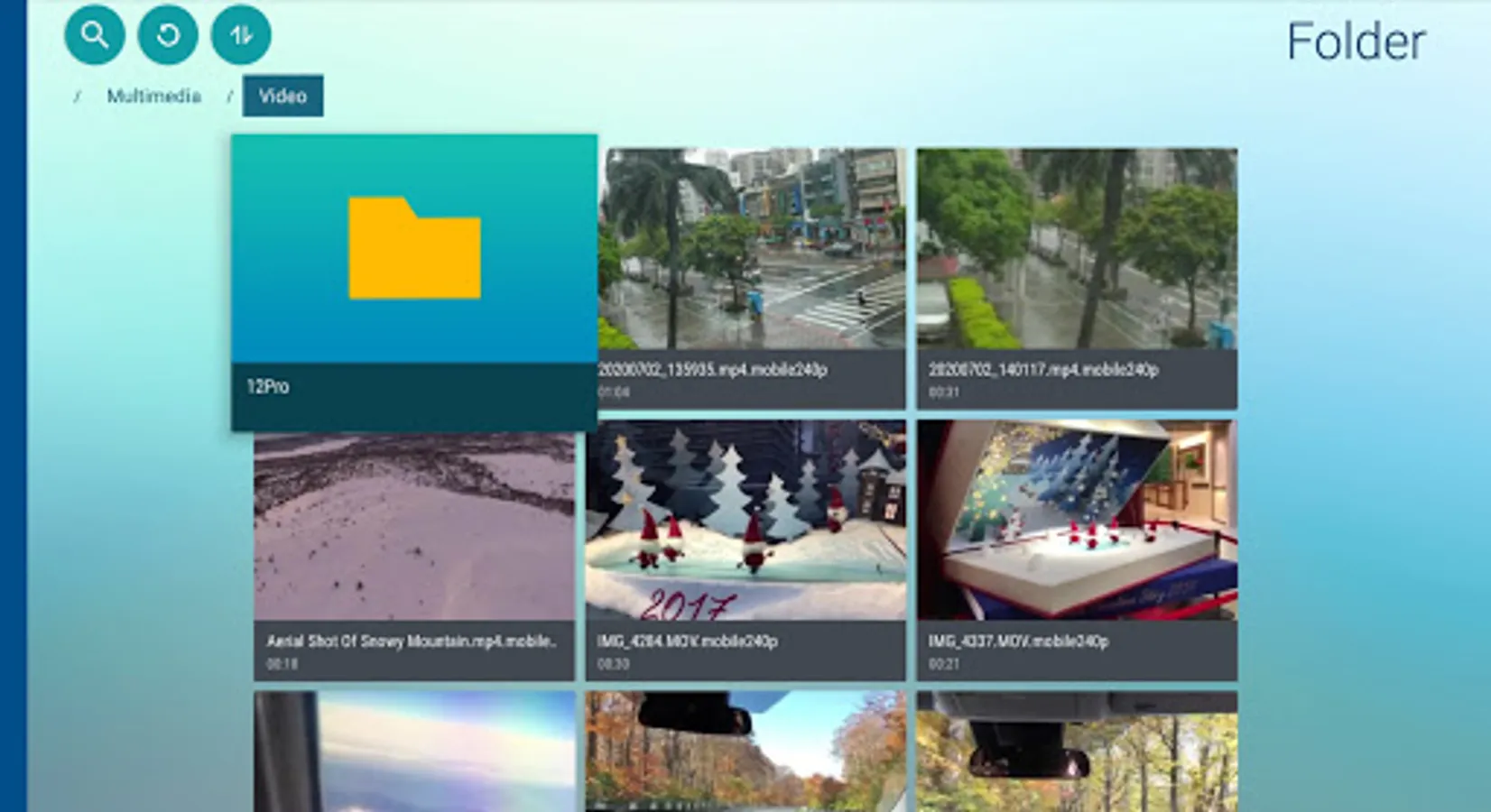
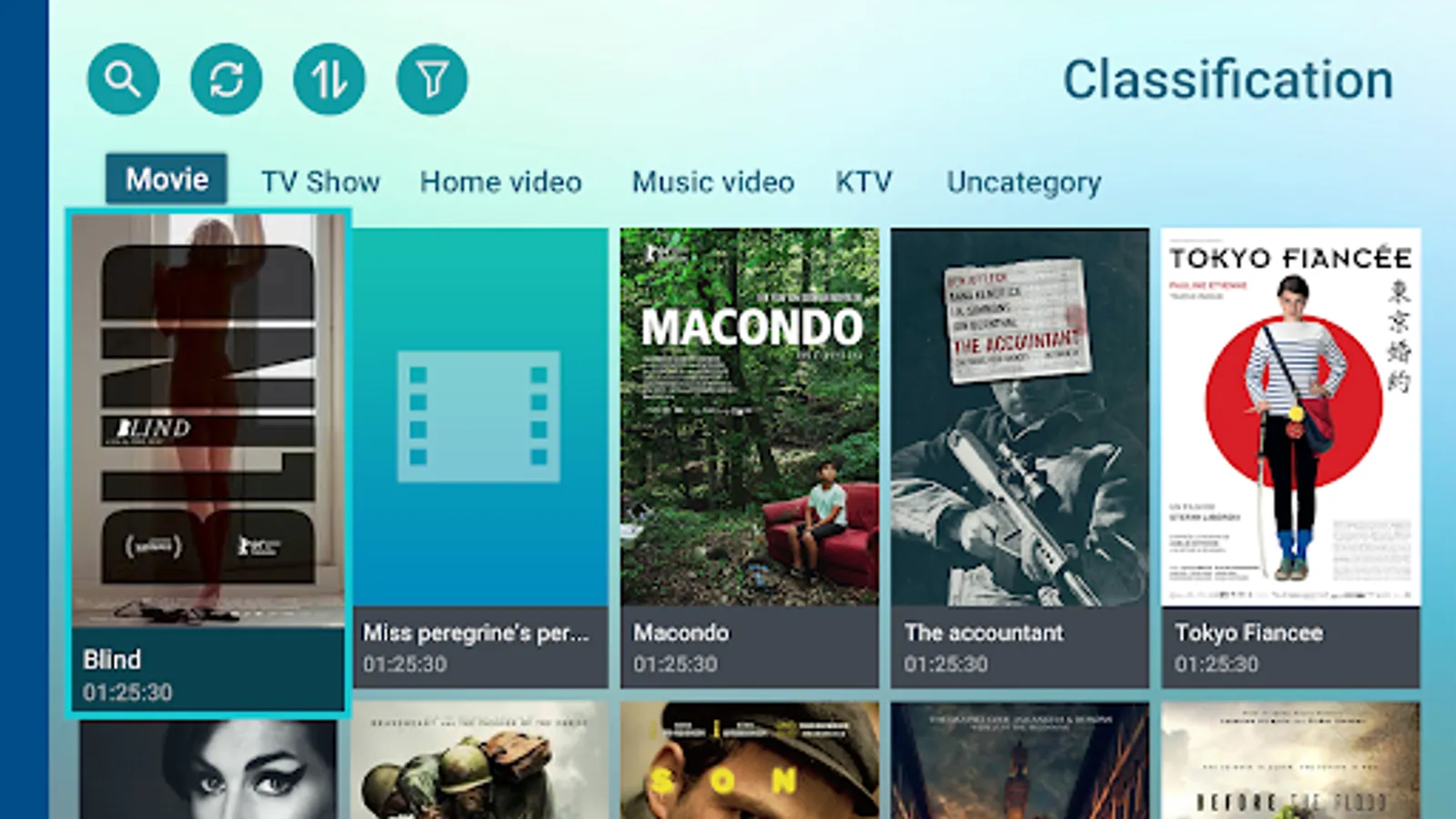
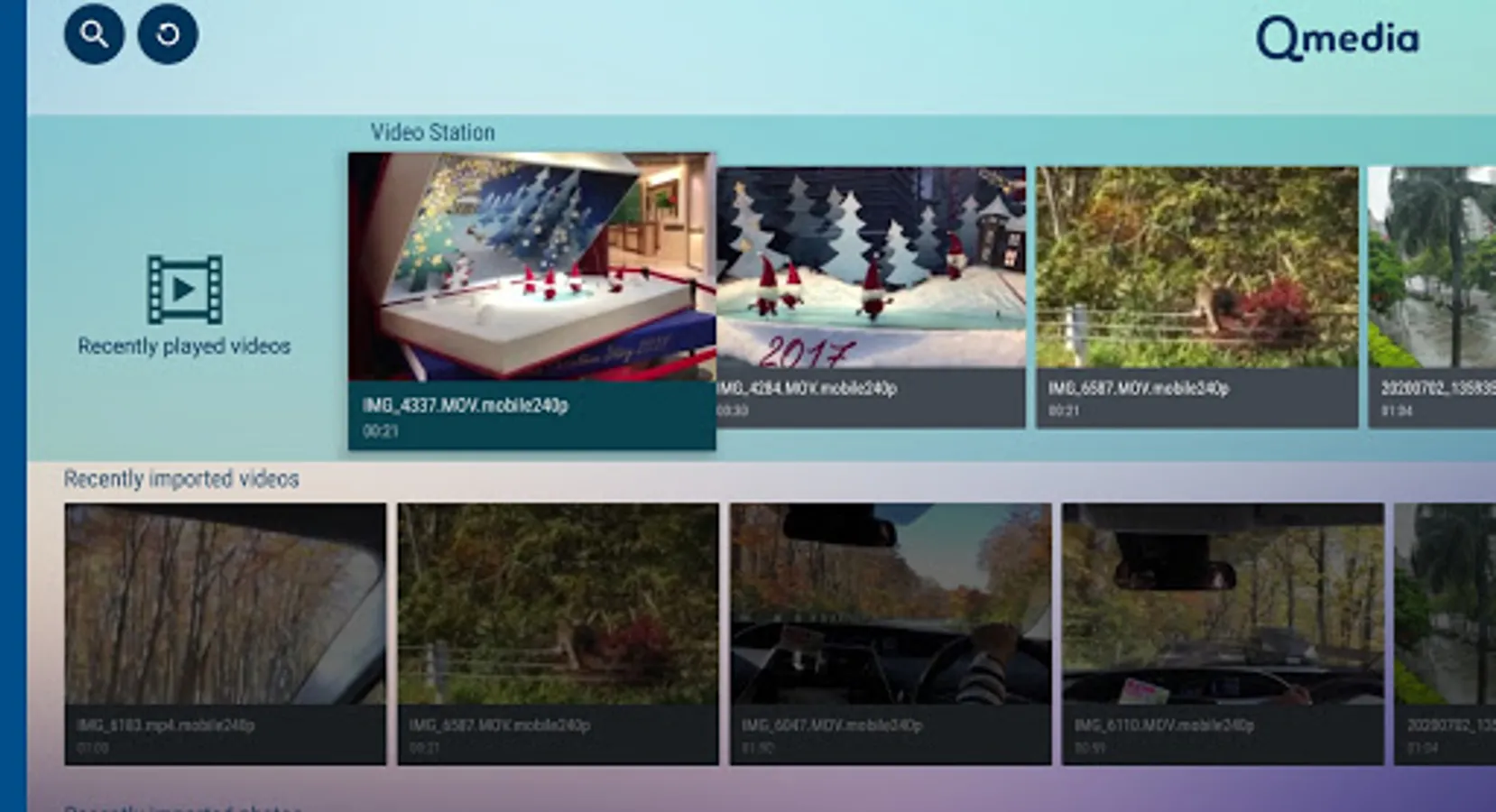
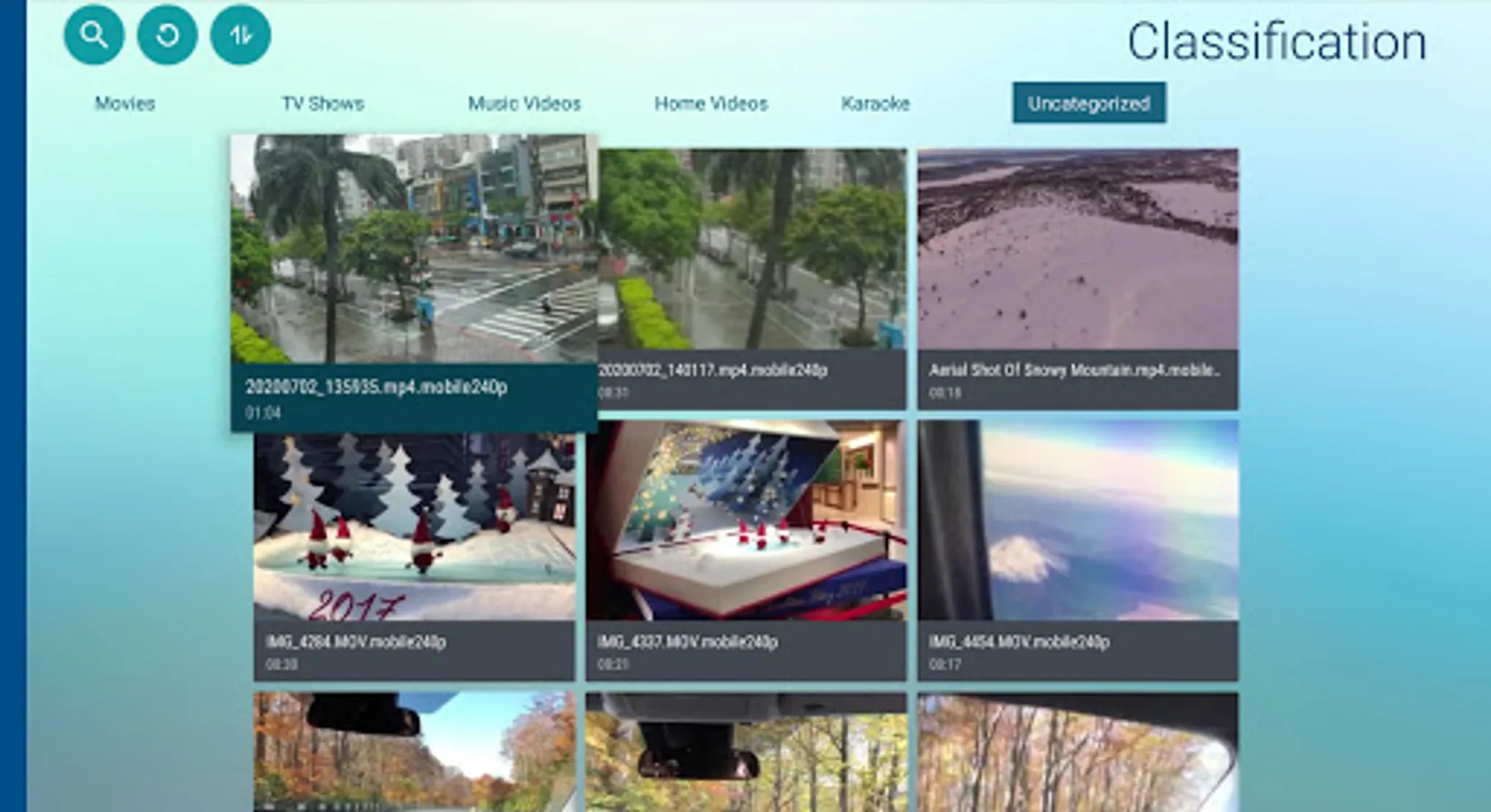
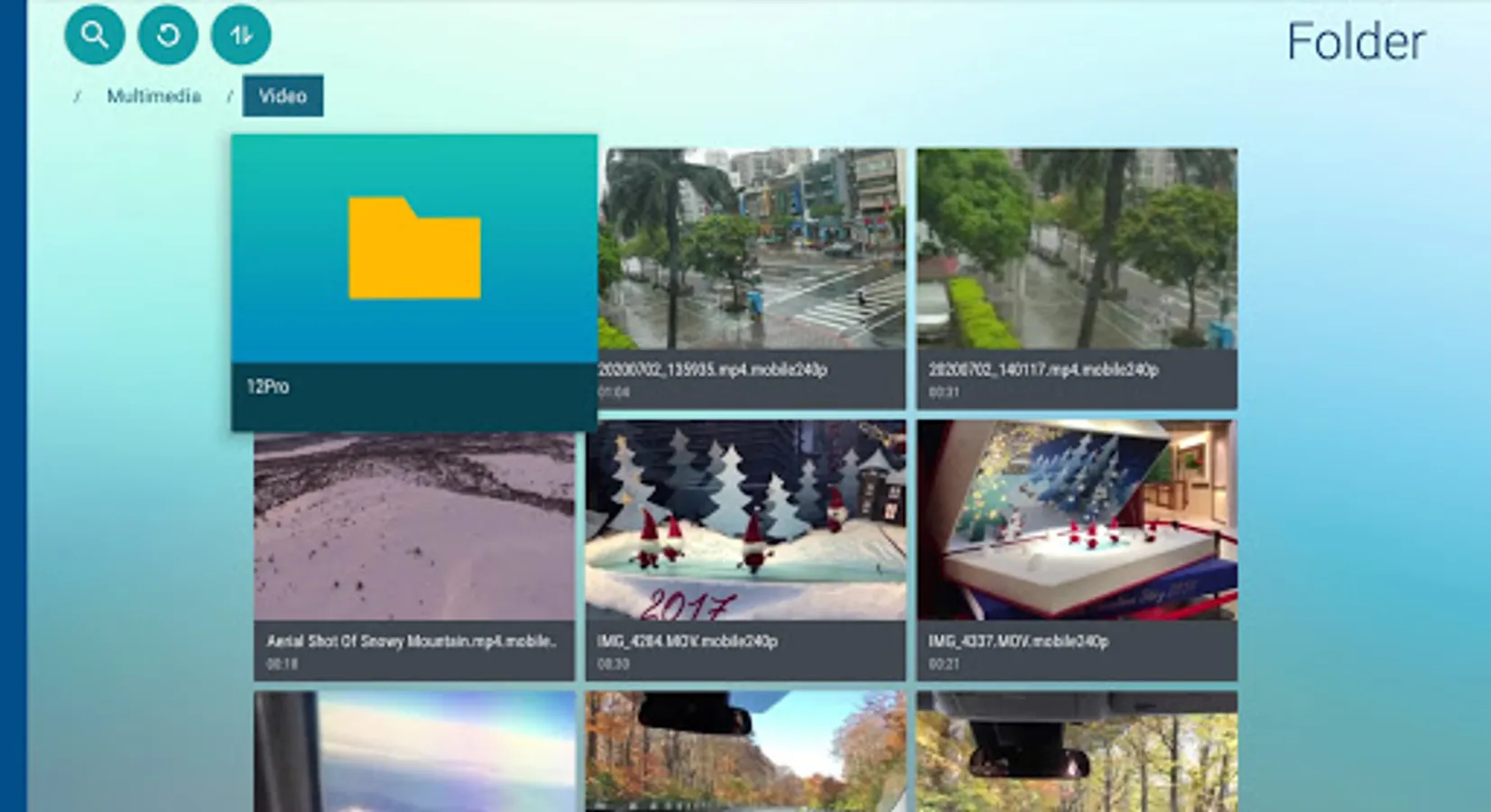
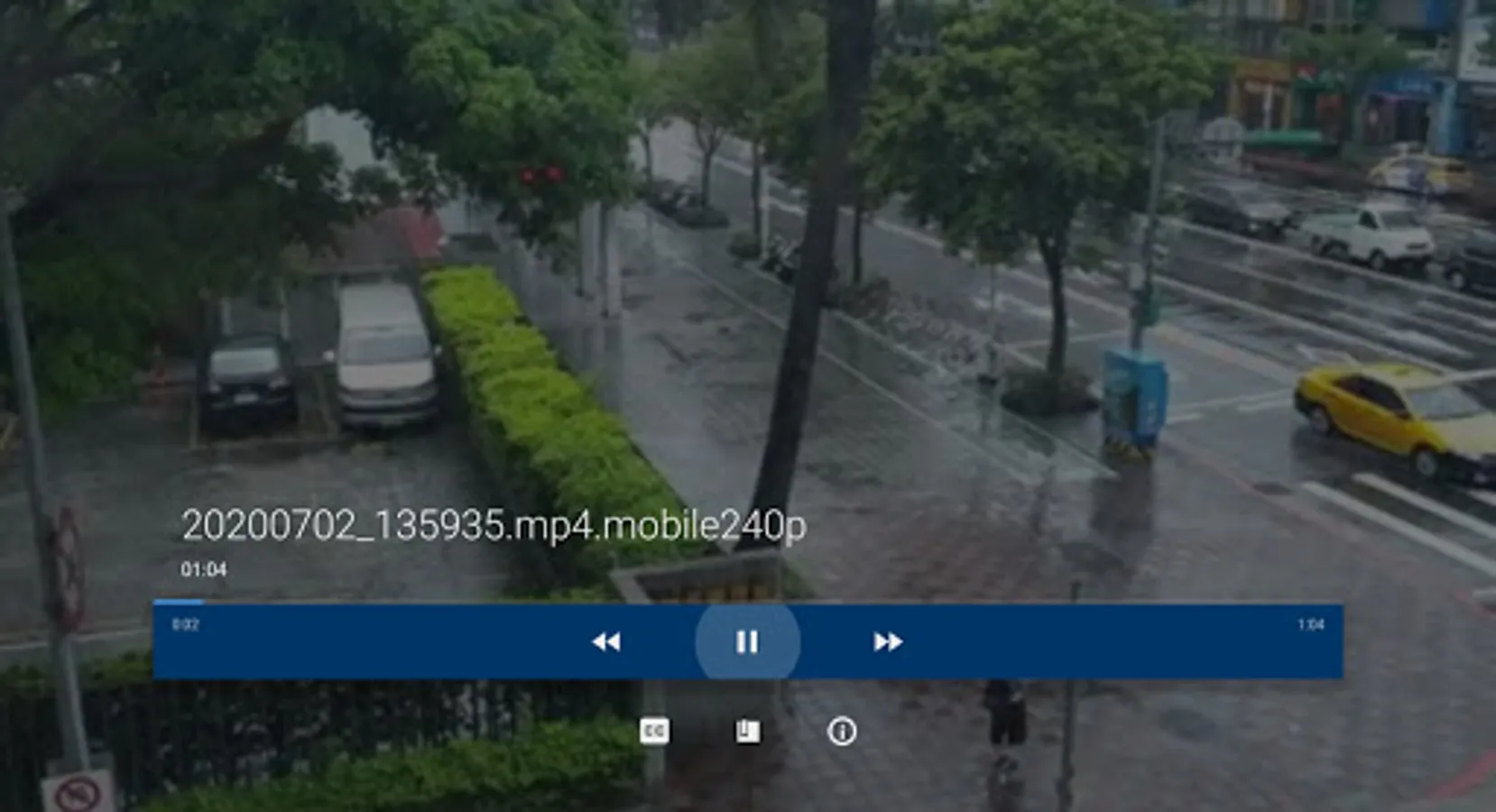
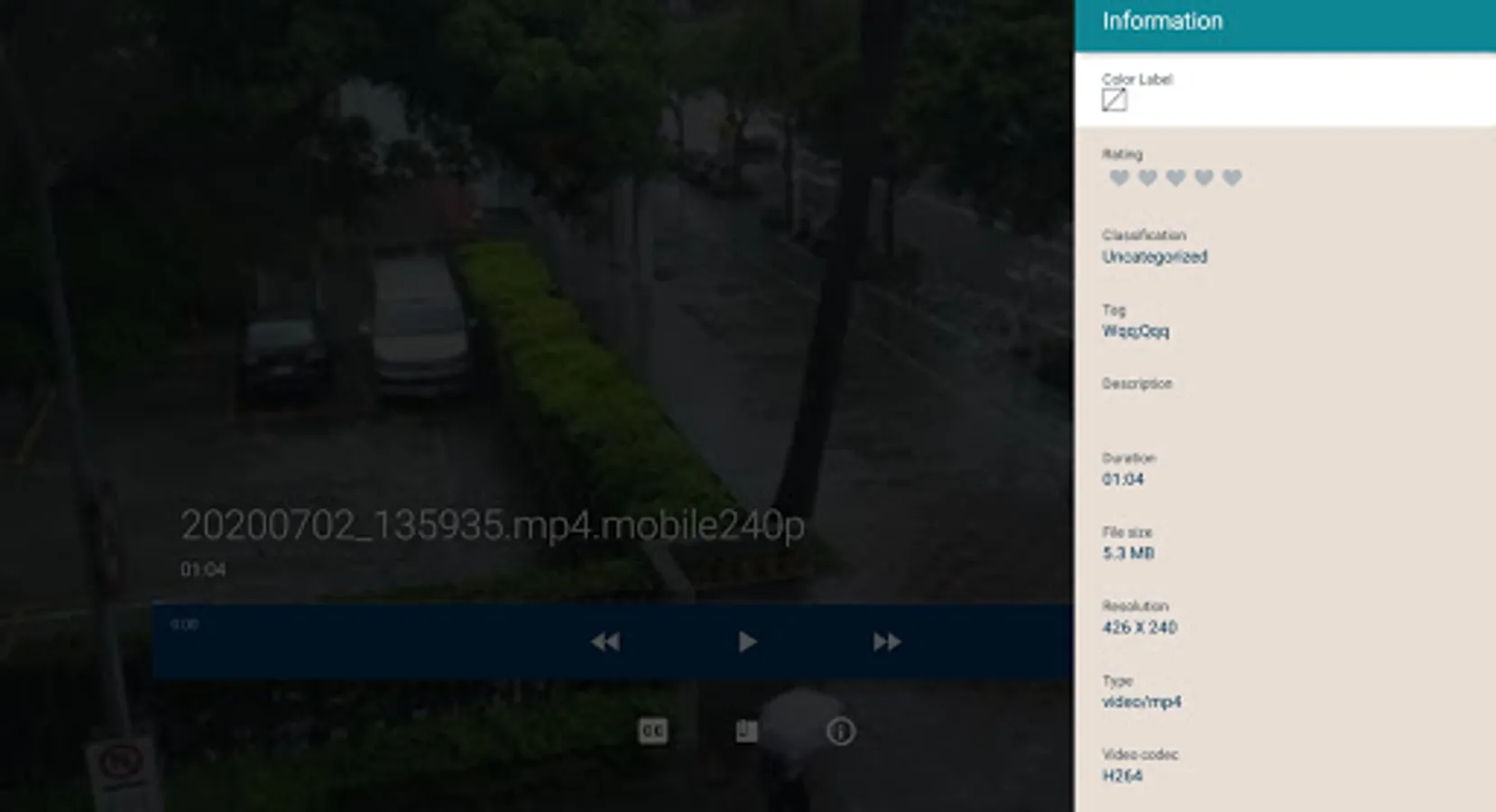
Qmedia is an application designed for Android TV, allowing you to browse the media collections stored on the NAS and play videos, photos, and music on large screens. Qmedia provides a variety of useful features, such as online video content, music playlists, and photo slideshows, helping enhance your media experience and enrich your digital life.
Minimum Requirements:
• Android TV 7.0
• QTS 4.3.0
• Video Station 5.0
• Music Station 5.0
• QuMagie 1.9.1
Main features:
- Support multiple login methods, including searching on local network, specifying IP -
- address, using DDNS, and connecting via myQNAPcloud
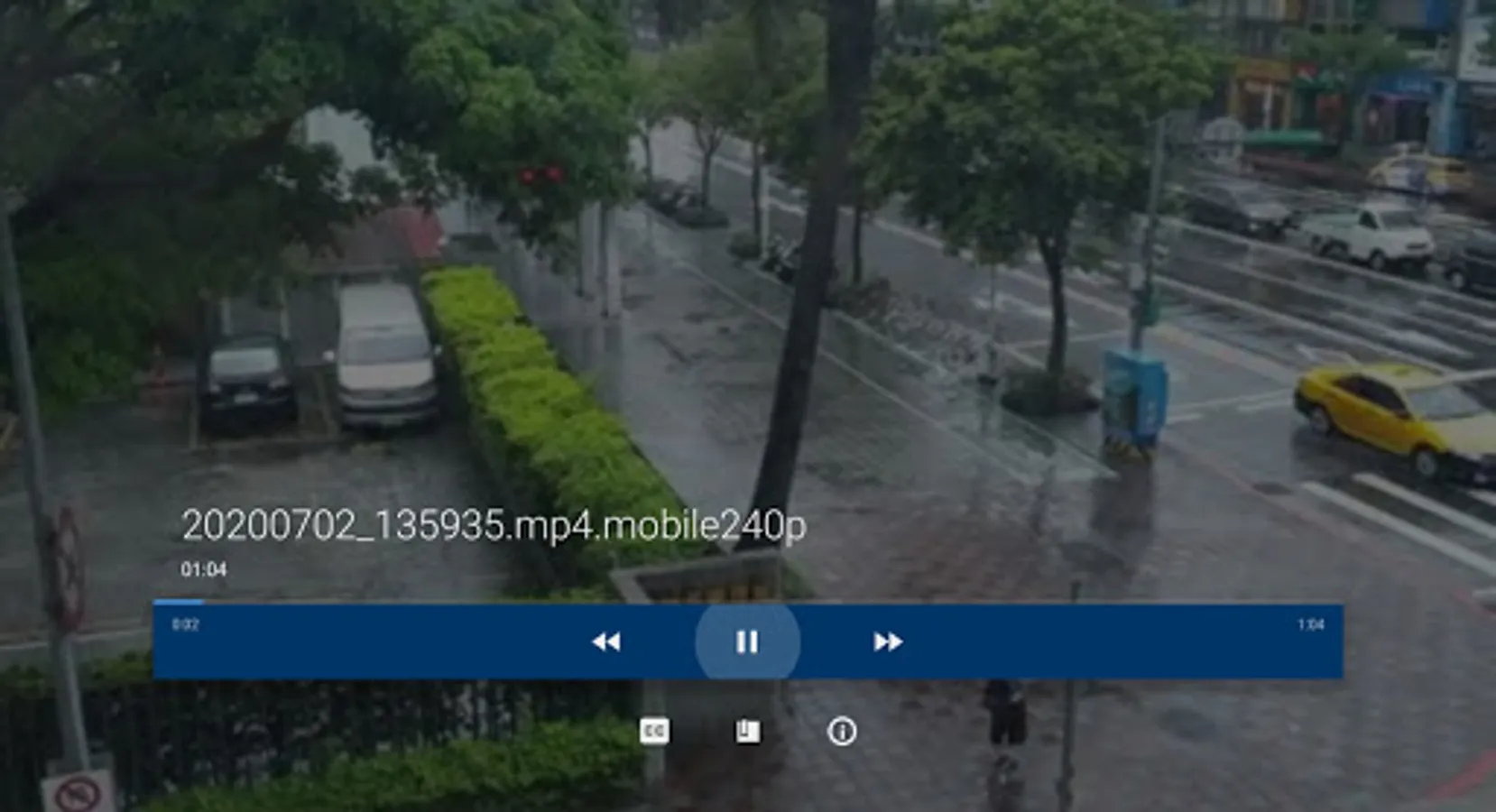
- Browse and play videos, photos, and music easily on the main page
- Support resume playback, online subtitle search, and bookmarks
- Play media files with third-party players
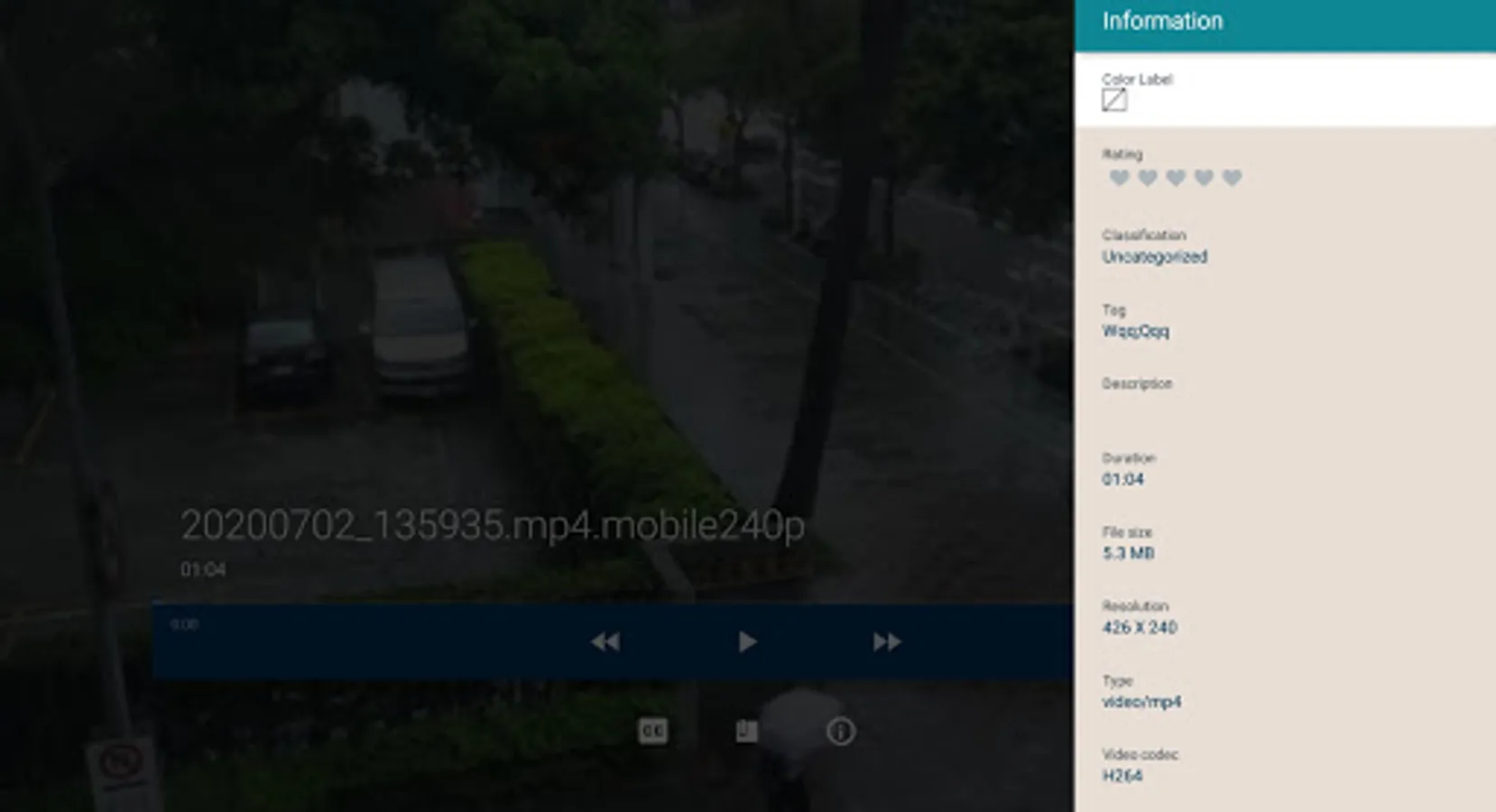
- Support accessing online movie and TV databases, which provide information on posters, ratings, synopsis, cast, and many more
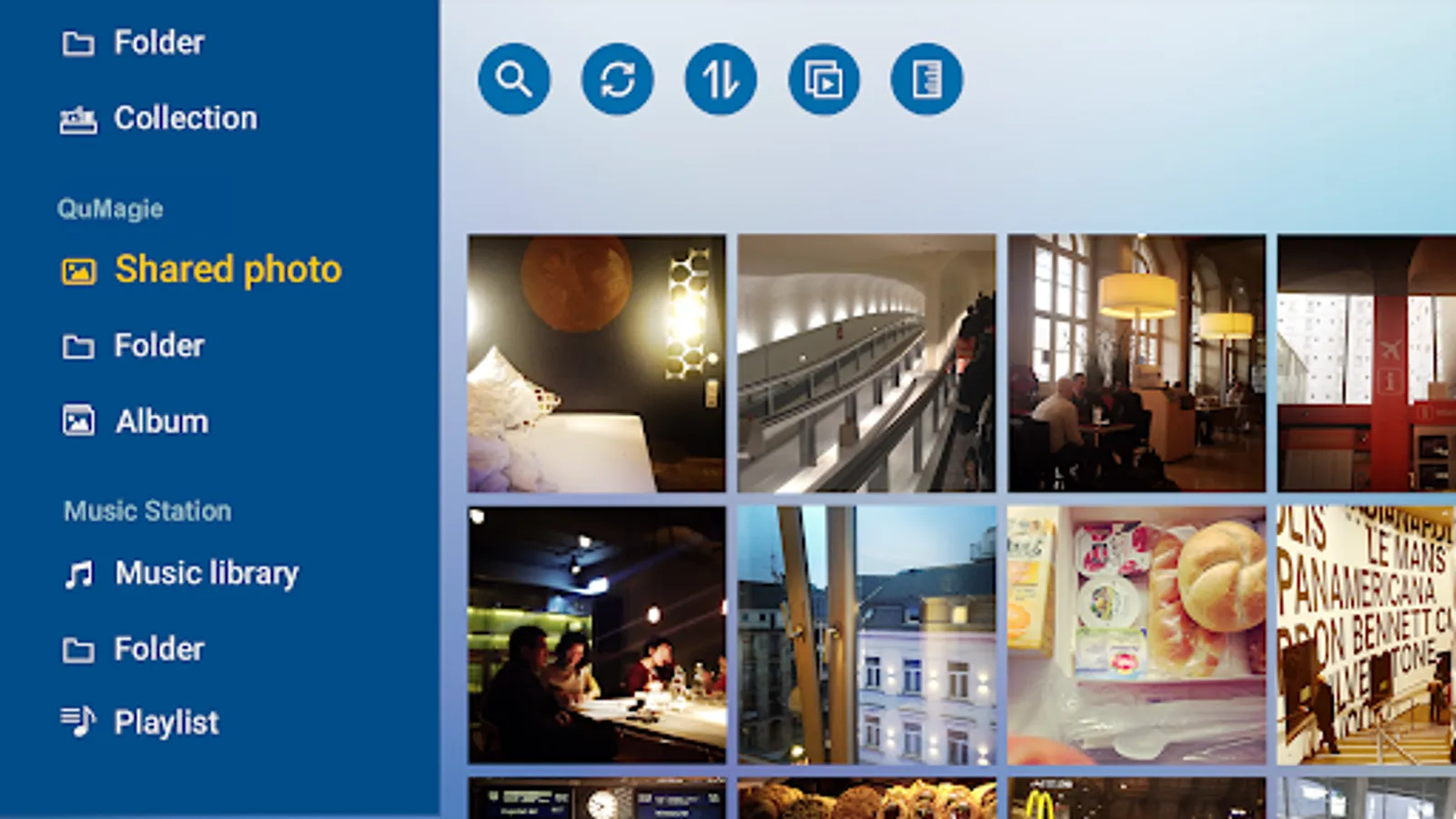
- View photos in a slideshow and choose effects, music, and speed for the slideshow
- Browse photos on a timeline
- Play music in the background and display the currently playing music
- Browse music playlists
If you have any related questions or suggestions, or if you need any help, please contact us at mobile@qnap.com
Minimum Requirements:
• Android TV 7.0
• QTS 4.3.0
• Video Station 5.0
• Music Station 5.0
• QuMagie 1.9.1
Main features:
- Support multiple login methods, including searching on local network, specifying IP -
- address, using DDNS, and connecting via myQNAPcloud
- Browse and play videos, photos, and music easily on the main page
- Support resume playback, online subtitle search, and bookmarks
- Play media files with third-party players
- Support accessing online movie and TV databases, which provide information on posters, ratings, synopsis, cast, and many more
- View photos in a slideshow and choose effects, music, and speed for the slideshow
- Browse photos on a timeline
- Play music in the background and display the currently playing music
- Browse music playlists
If you have any related questions or suggestions, or if you need any help, please contact us at mobile@qnap.com
Qmedia Screenshots
Tap to Rate:
Reviews for Qmedia
Shane Kelly
5/18/2025
works when it want to can't login
Ruud Spreeuwenberg
4/10/2025
Can't even login via qnapcloud!! Why??