
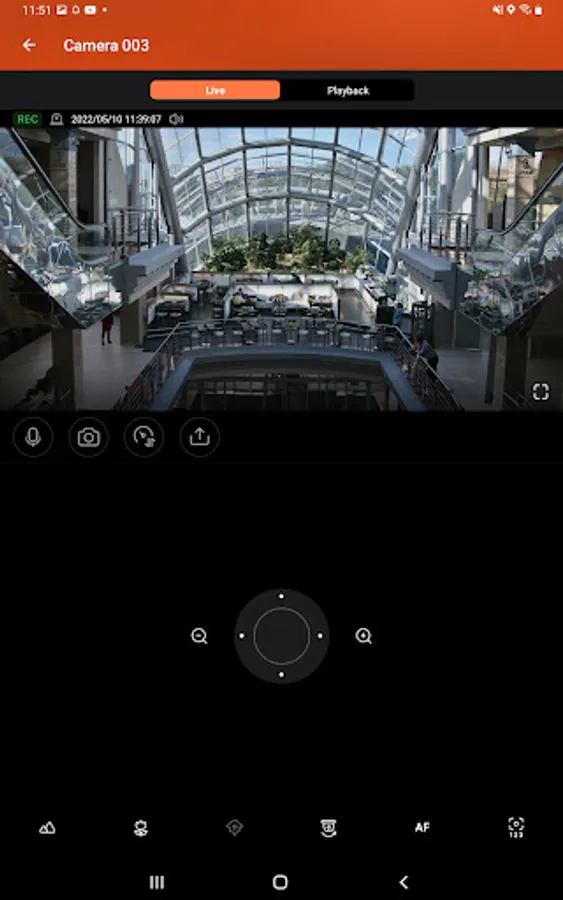
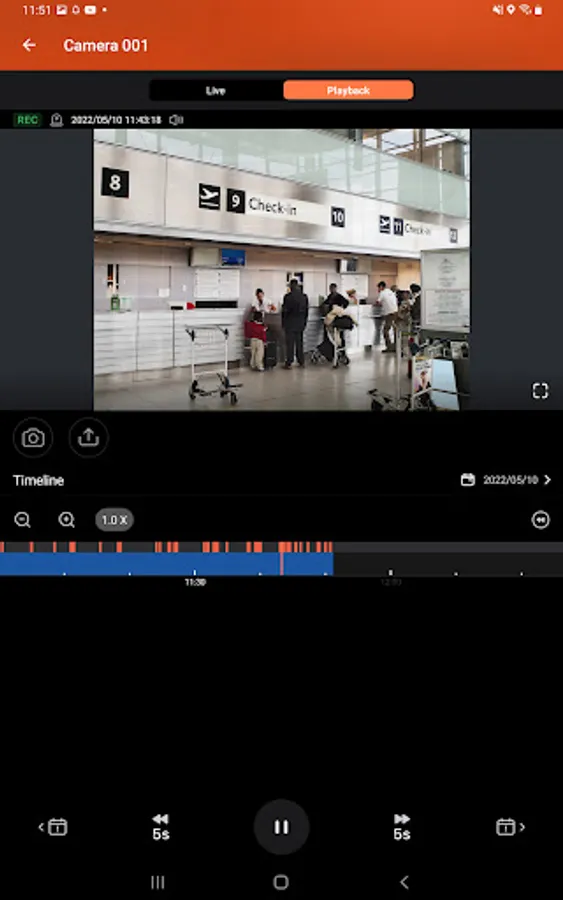
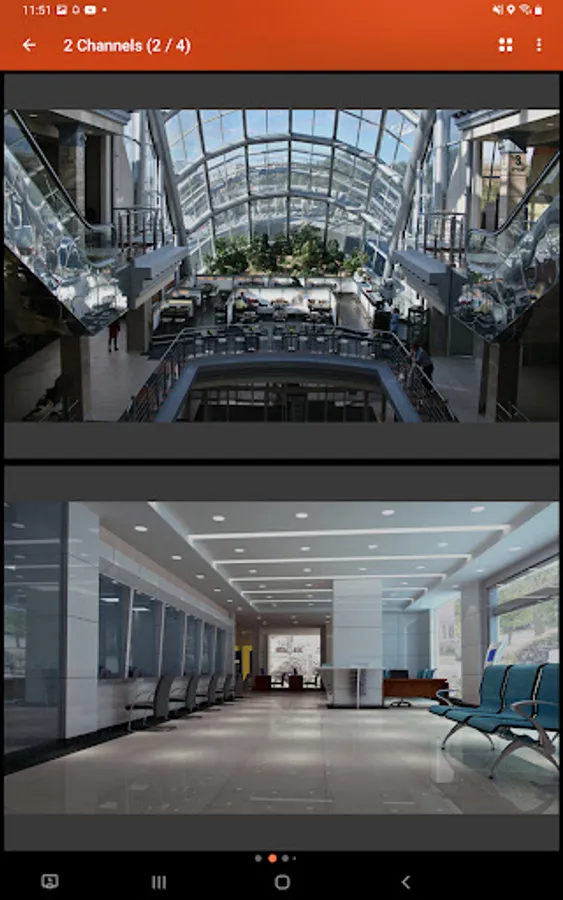
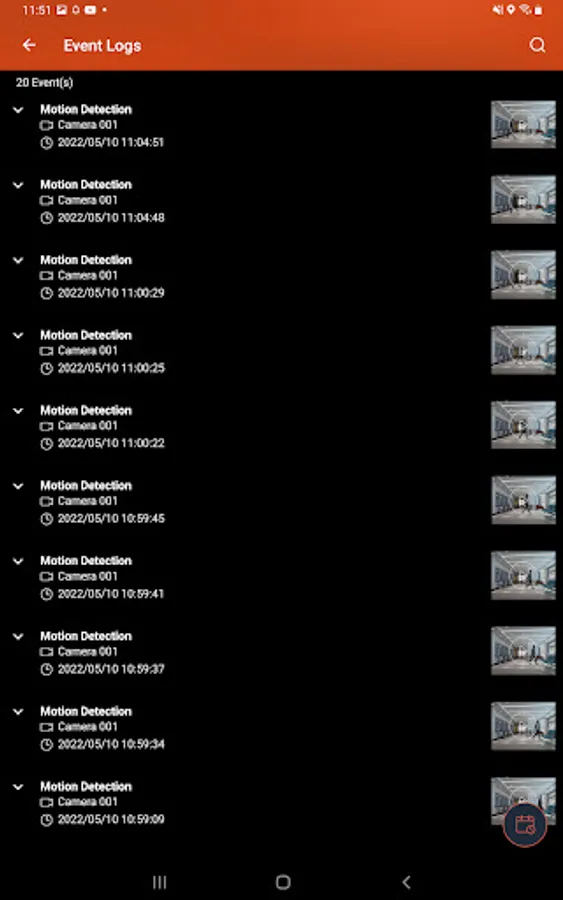
With this app, you can monitor multiple IP cameras, switch between live view and playback, and control camera settings. Includes support for push notifications, event logs, and E-map displays.
AppRecs review analysis
AppRecs rating 2.8. Trustworthiness 84 out of 100. Review manipulation risk 17 out of 100. Based on a review sample analyzed.
★★☆☆☆
2.8
AppRecs Rating
Ratings breakdown
5 star
14%
4 star
31%
3 star
12%
2 star
14%
1 star
29%
What to know
✓
Low review manipulation risk
17% review manipulation risk
⚠
Mixed user feedback
Average 2.9★ rating suggests room for improvement
⚠
High negative review ratio
43% of sampled ratings are 1–2 stars
About QVR Pro Client
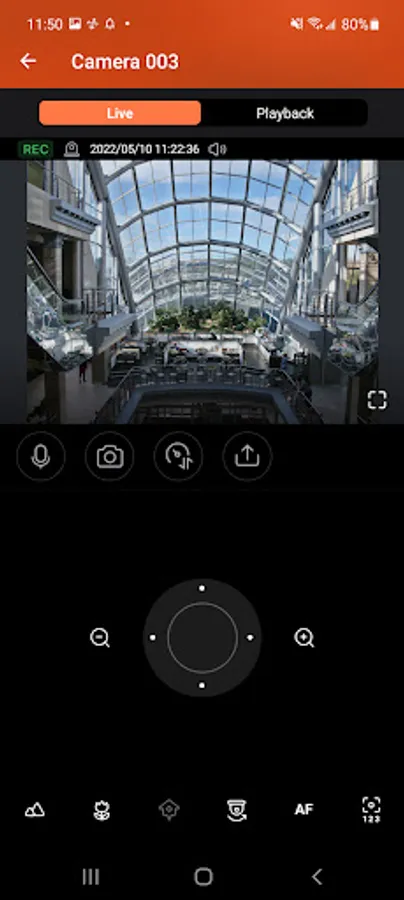
QVR Pro Client provides an intuitive interface for your QVR Pro server, helping you manage IP cameras, monitor live views, and play back previous recordings using your mobile devices.
Minimum system requirements:
- QVR Pro installed and initialized on the QNAP NAS running QTS 4.3.0
- The latest version of QTS 4.3.4 is required for enabling push notifications and activating licenses.
- QVR Pro 1.1.0 is required for querying event logs.
Key Features:
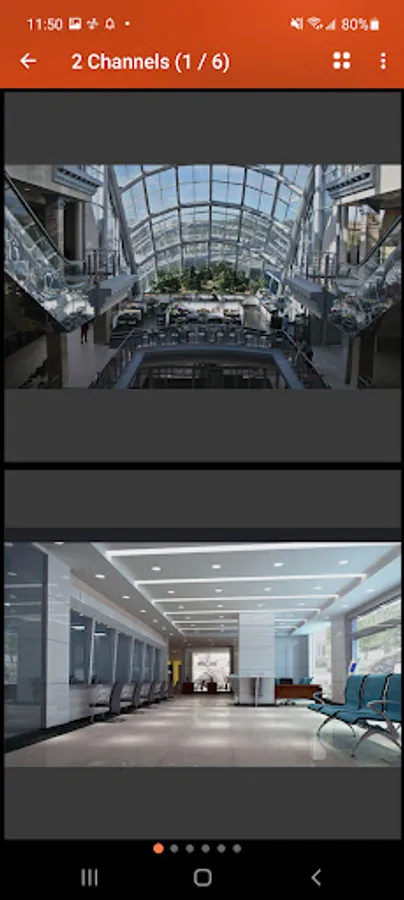
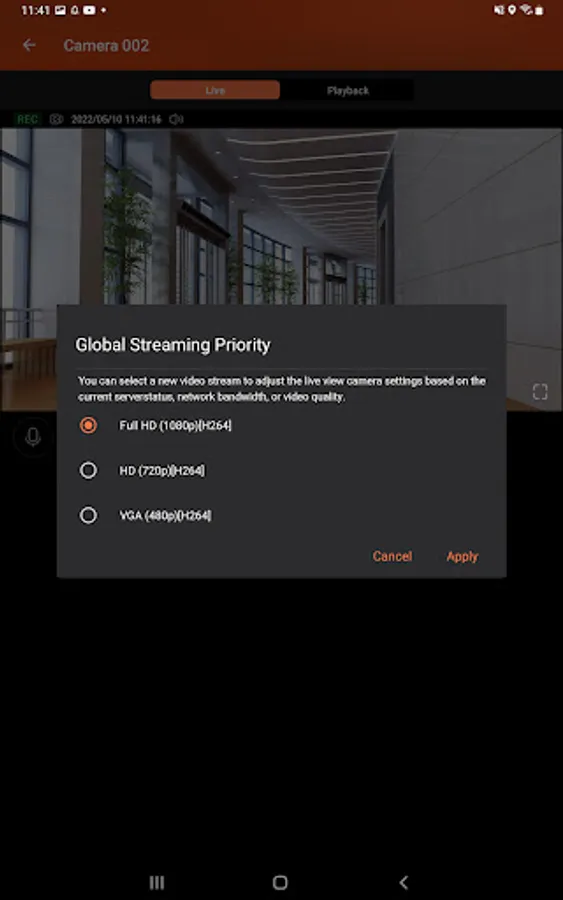
- Supports viewing multiple IP cameras connected to QVR Pro.
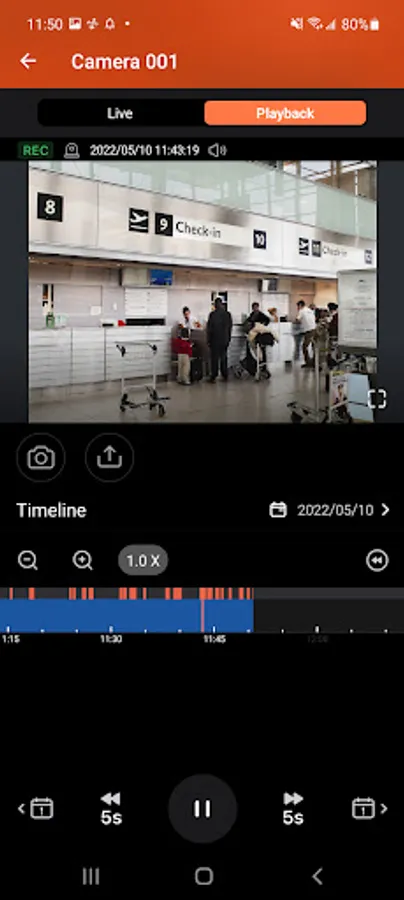
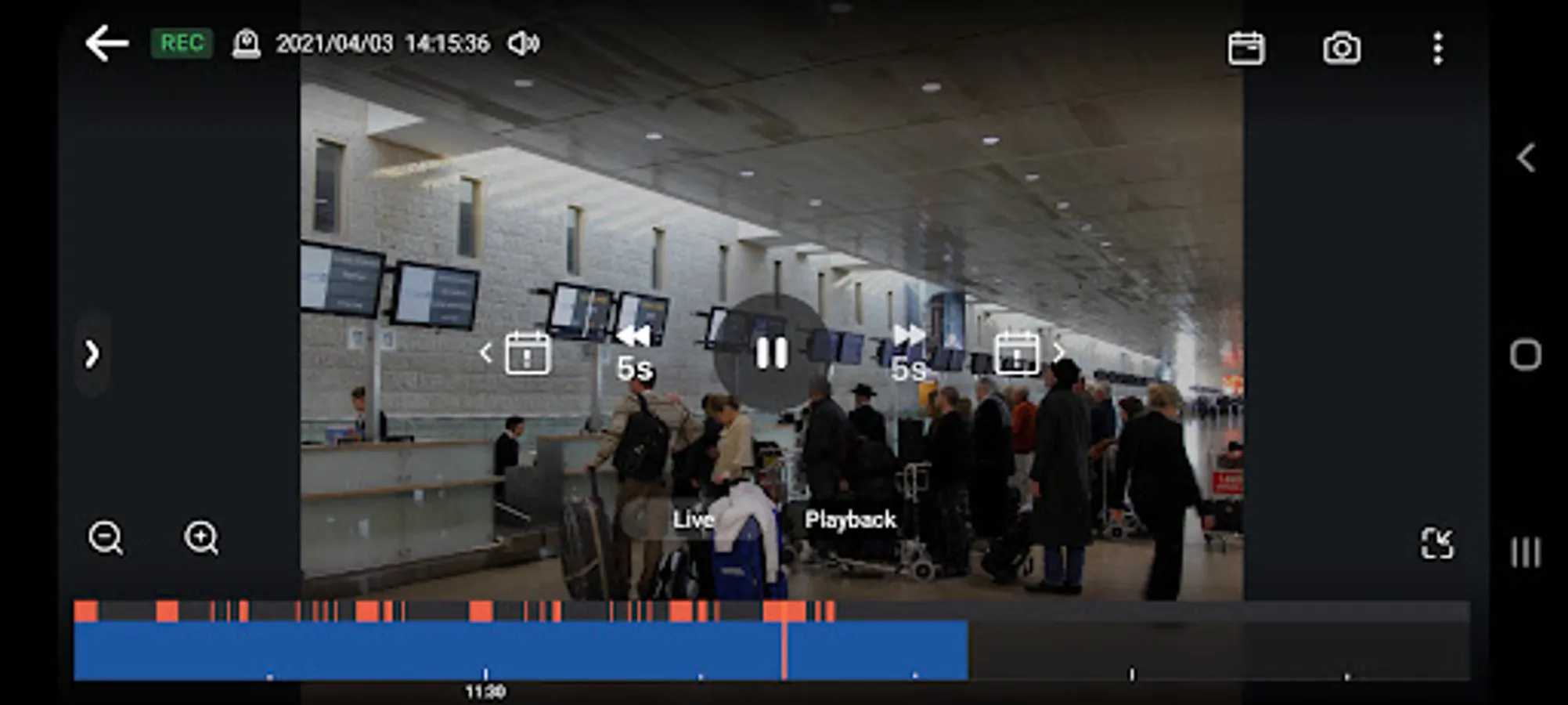
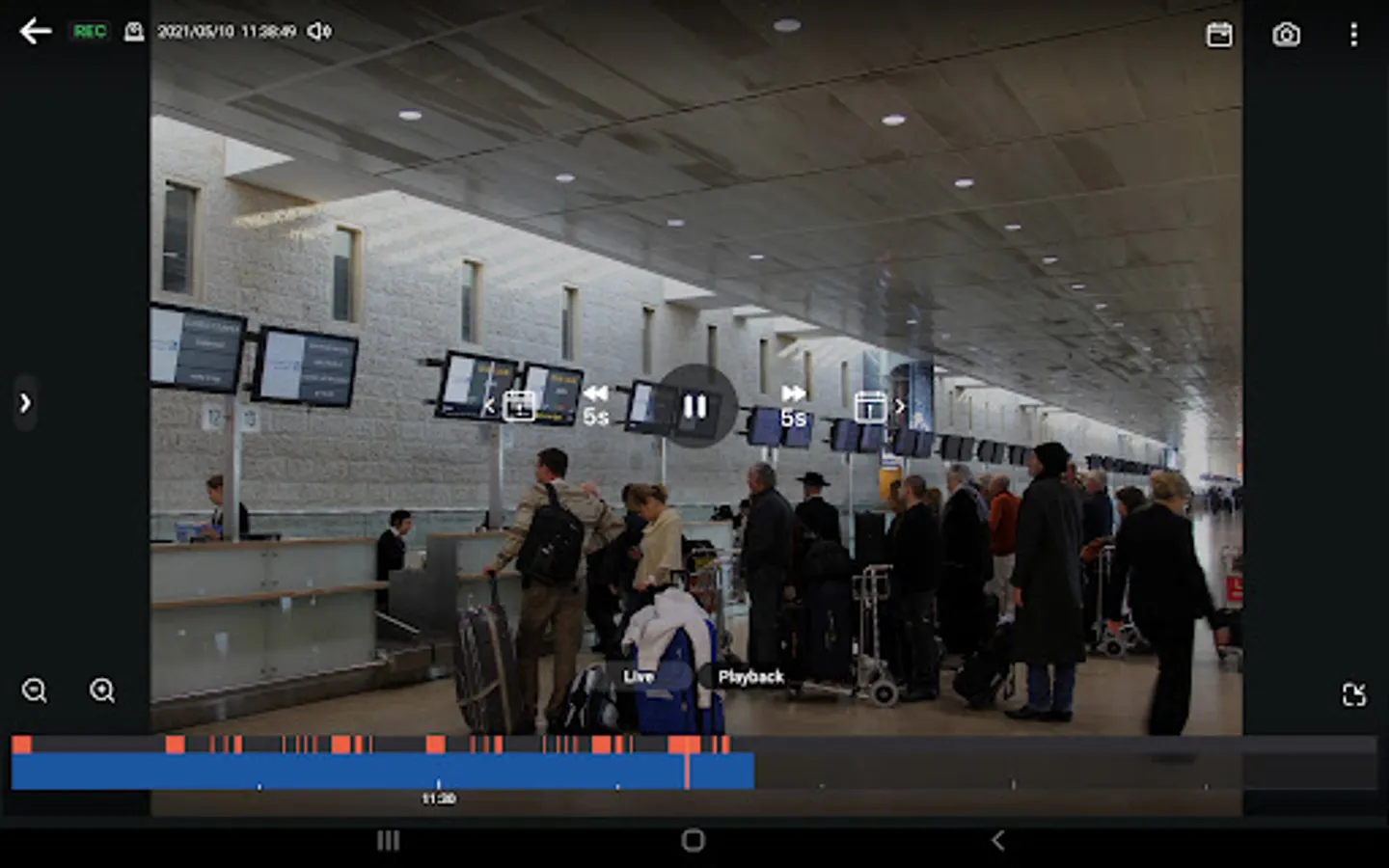
- Supports switching instantly between the Live and Playback modes and clicking the timeline to play back recordings from a specific moment.
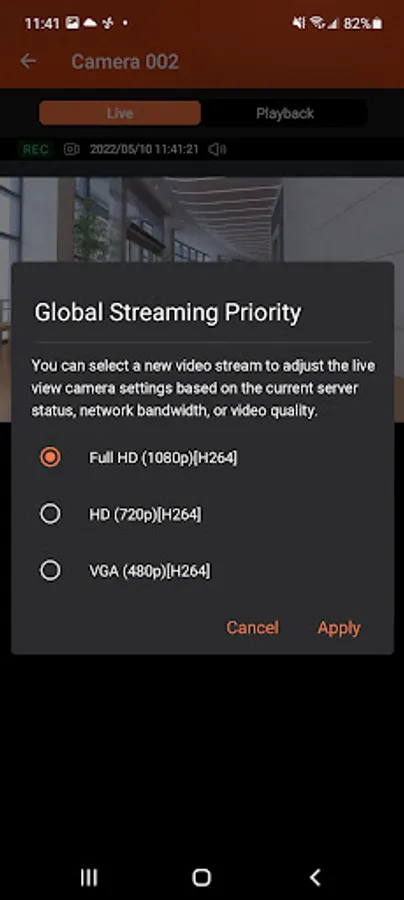
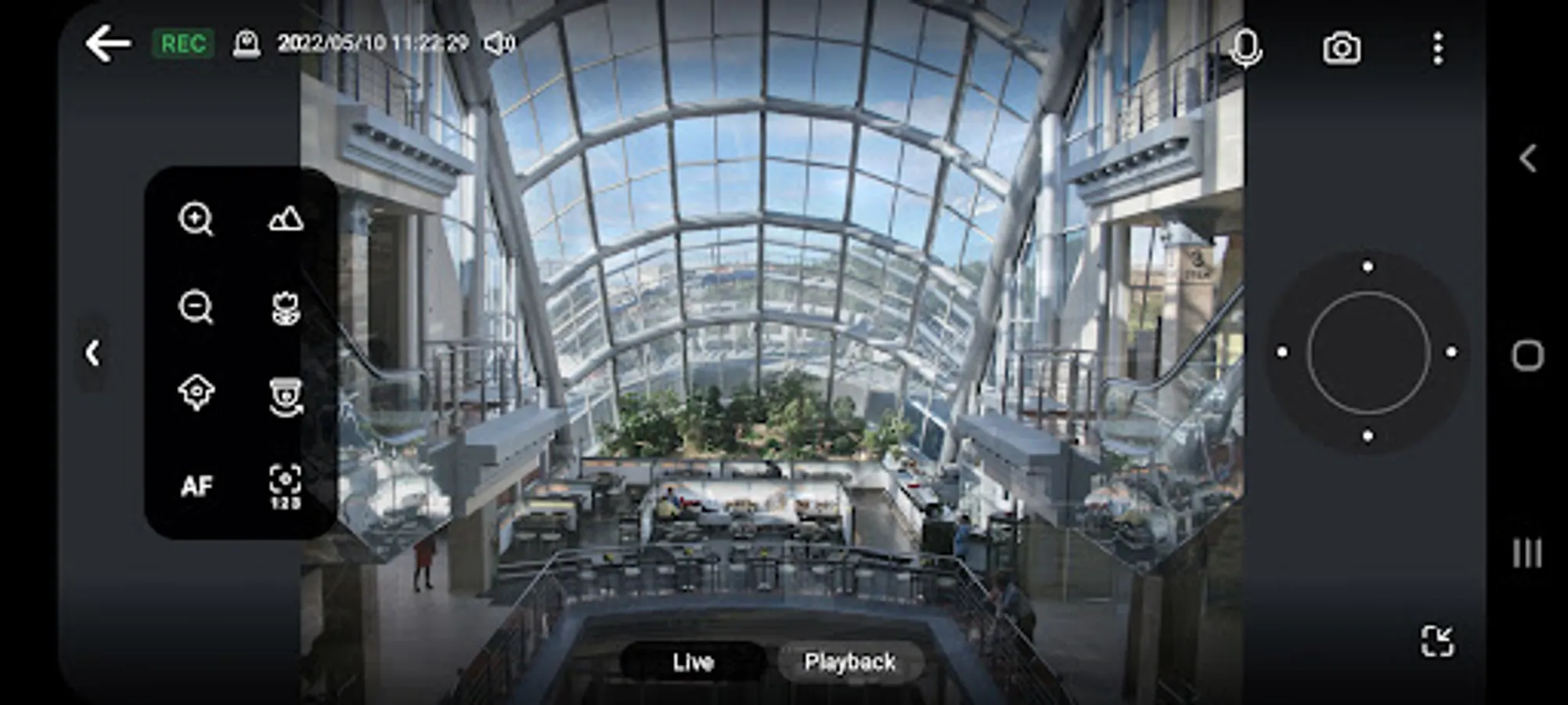
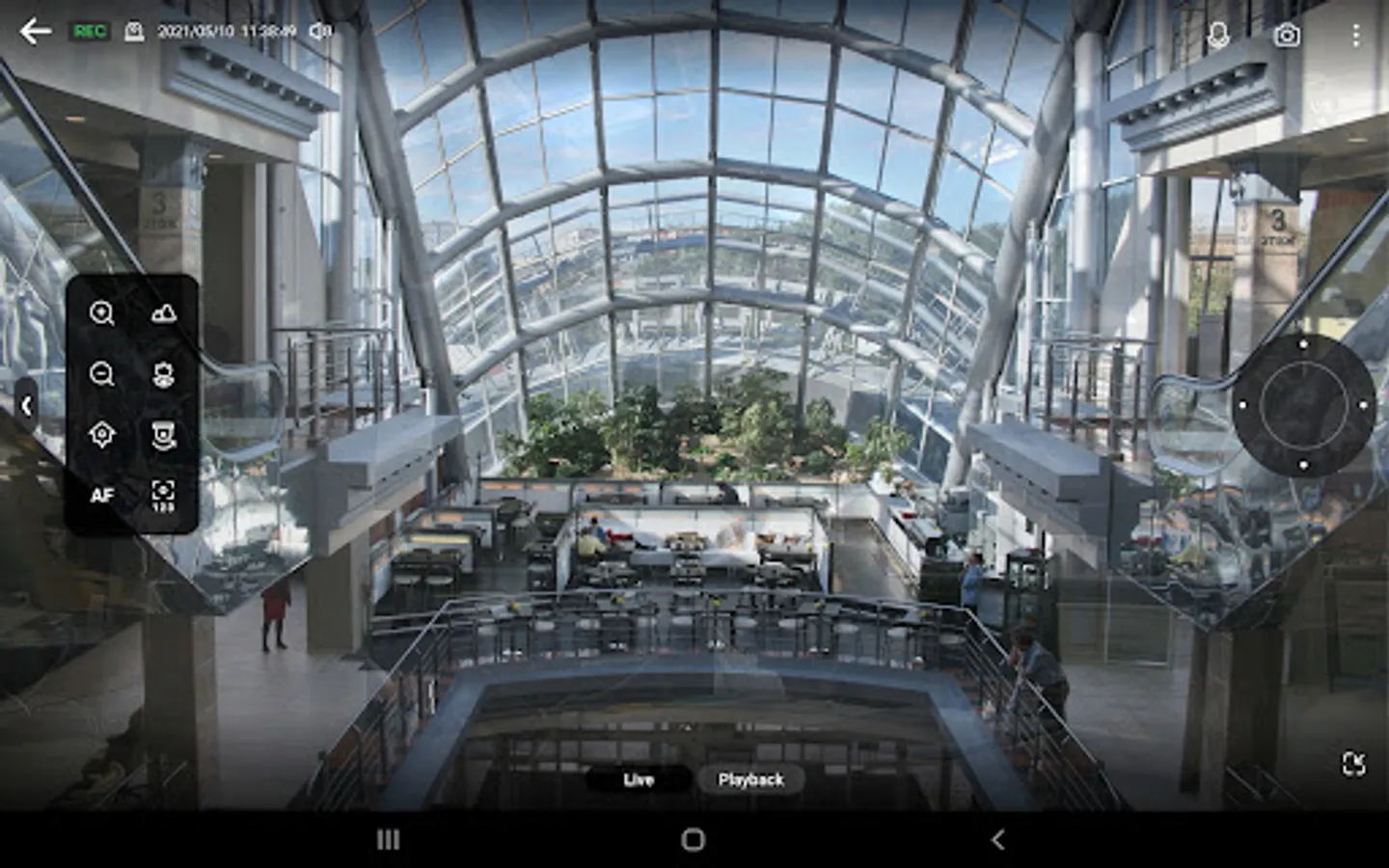
- Provides various advanced monitoring options: Sequential mode, PTZ control, auto cruising and preset point control.
- Supports sending instant push notifications.
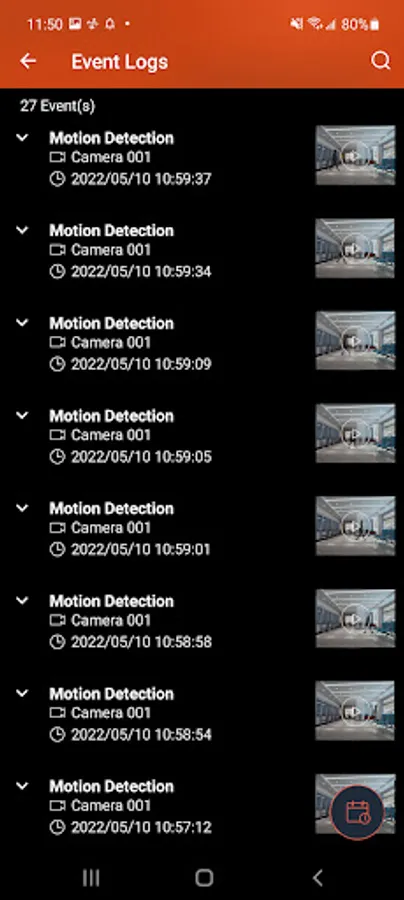
- Provides the option to click snapshots in event logs to play back previous events.
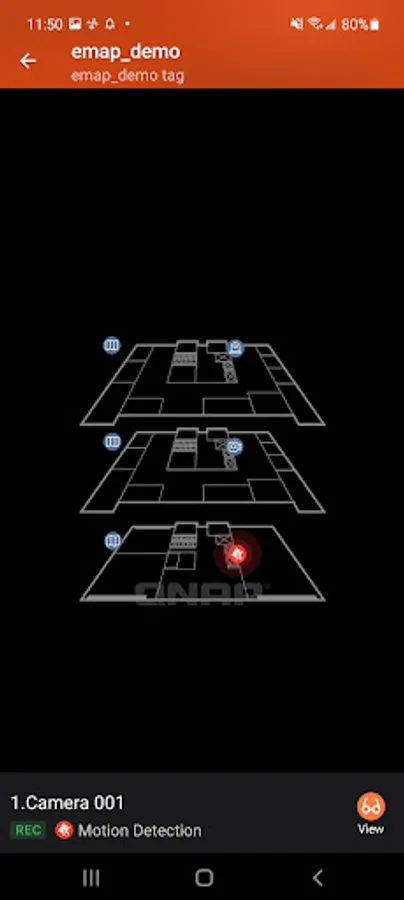
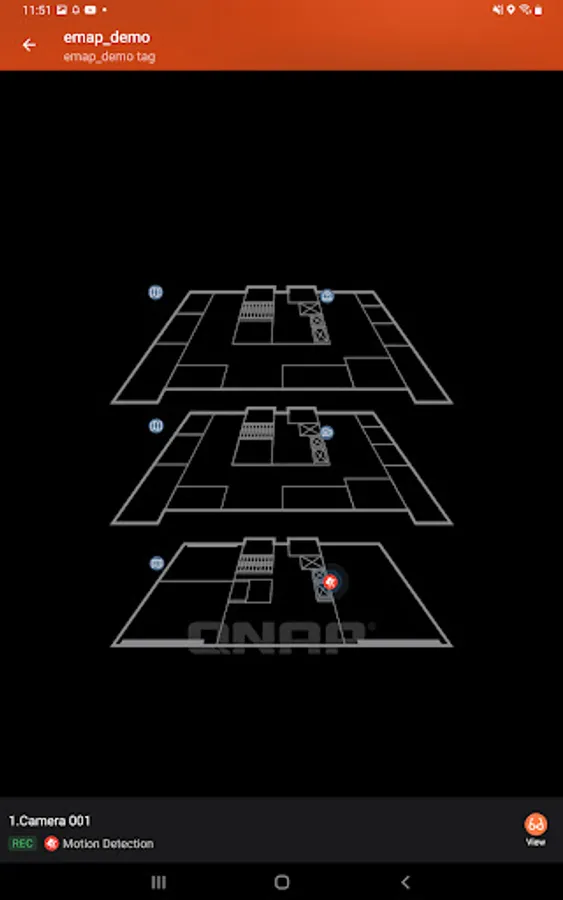
- Displays camera locations and event icons on E-maps to allow for comprehensive monitoring.
Minimum system requirements:
- QVR Pro installed and initialized on the QNAP NAS running QTS 4.3.0
- The latest version of QTS 4.3.4 is required for enabling push notifications and activating licenses.
- QVR Pro 1.1.0 is required for querying event logs.
Key Features:
- Supports viewing multiple IP cameras connected to QVR Pro.
- Supports switching instantly between the Live and Playback modes and clicking the timeline to play back recordings from a specific moment.
- Provides various advanced monitoring options: Sequential mode, PTZ control, auto cruising and preset point control.
- Supports sending instant push notifications.
- Provides the option to click snapshots in event logs to play back previous events.
- Displays camera locations and event icons on E-maps to allow for comprehensive monitoring.
QVR Pro Client Screenshots
Tap to Rate:
Reviews for QVR Pro Client
Joel Boring
12/19/2025
screen rotation is hyper-sensitive, it was fixed for a while but it's back now in the last update
Roy Kevelham
11/15/2025
Needs auto refresh streams. Getting stuck streams every 4 at 5hours. Fix