
Timesheet Calendar Exporter
Timesheet - Mobile Time Tracking OG
3.8 ★
120 ratings
1,000+
downloads
$0.99
In this productivity app, you can export recorded tasks to Google Calendar and select specific projects for export. Includes project filtering and calendar management features.
AppRecs review analysis
AppRecs rating 3.8. Trustworthiness 0 out of 100. Review manipulation risk 0 out of 100. Based on a review sample analyzed.
★★★☆☆
3.8
AppRecs Rating
Ratings breakdown
5 star
46%
4 star
23%
3 star
18%
2 star
9%
1 star
4%
What to know
✓
Good user ratings
69% positive sampled reviews
✓
Authentic reviews
Natural distribution, no red flags
About Timesheet Calendar Exporter
Google Calendar Exporter for Timesheet
You have to install Timesheet App
https://play.google.com/store/apps/details?id=com.rauscha.apps.timesheet
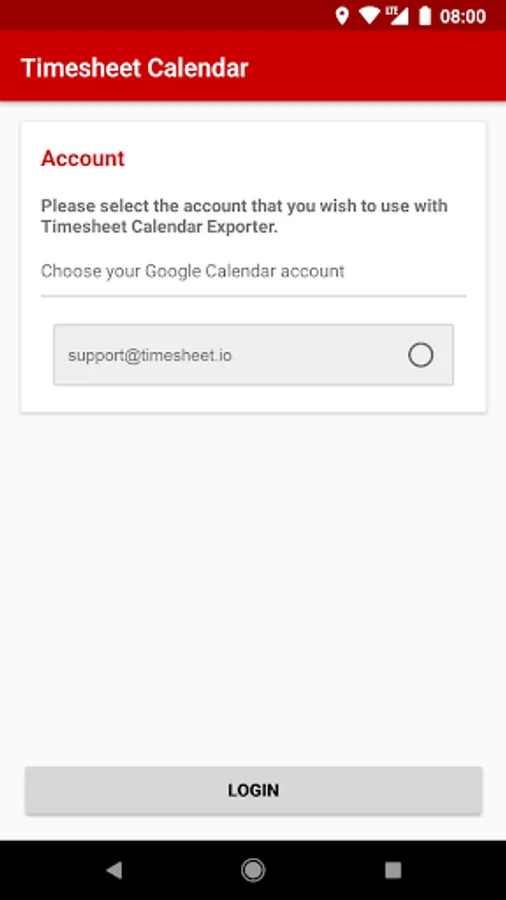
With this Add-On, you can export your recorded tasks to your Google Calendar.
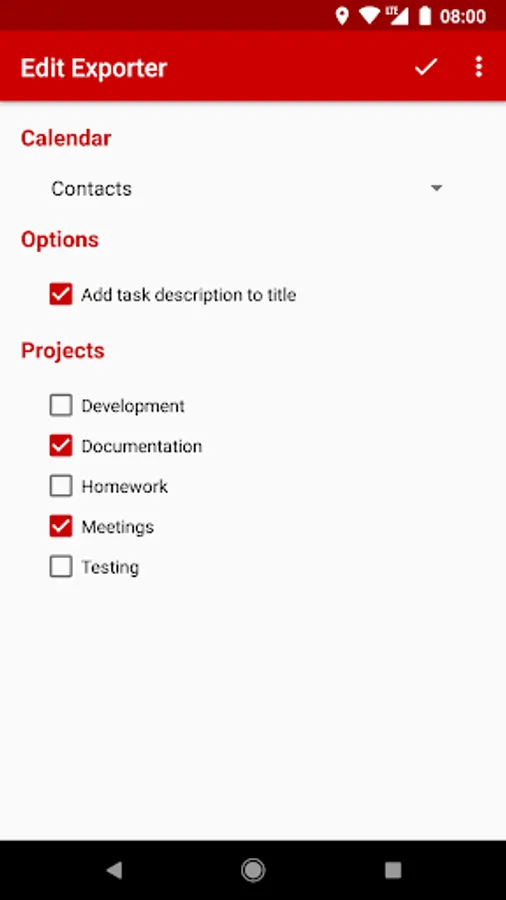
Just define a calendar and which projects you want to export.
1. Create a new Exporter
2. Select Calendar
3. Select Projects to export
4. Save
Timesheet v2.3.2 or above needed
You have to install Timesheet App
https://play.google.com/store/apps/details?id=com.rauscha.apps.timesheet
With this Add-On, you can export your recorded tasks to your Google Calendar.
Just define a calendar and which projects you want to export.
1. Create a new Exporter
2. Select Calendar
3. Select Projects to export
4. Save
Timesheet v2.3.2 or above needed
Timesheet Calendar Exporter Screenshots
Tap to Rate: