
Timesheet NFC Add-On
Timesheet - Mobile Time Tracking OG
4.5 ★
67 ratings
10,000+
downloads
Free
In this NFC add-on, you can record your working hours by tapping your phone on a writable NFC sticker or item. Includes tag creation, writing, and quick clock-in features.
AppRecs review analysis
AppRecs rating 4.5. Trustworthiness 0 out of 100. Review manipulation risk 0 out of 100. Based on a review sample analyzed.
★★★★☆
4.5
AppRecs Rating
Ratings breakdown
5 star
54%
4 star
46%
3 star
0%
2 star
0%
1 star
0%
What to know
✓
High user satisfaction
100% of sampled ratings are 4+ stars (4.5★ average)
✓
Authentic reviews
Natural distribution, no red flags
About Timesheet NFC Add-On
NFC Add-On for Timesheet
You have to install Timesheet App
https://play.google.com/store/apps/details?id=com.rauscha.apps.timesheet
Track your working hours with NFC.
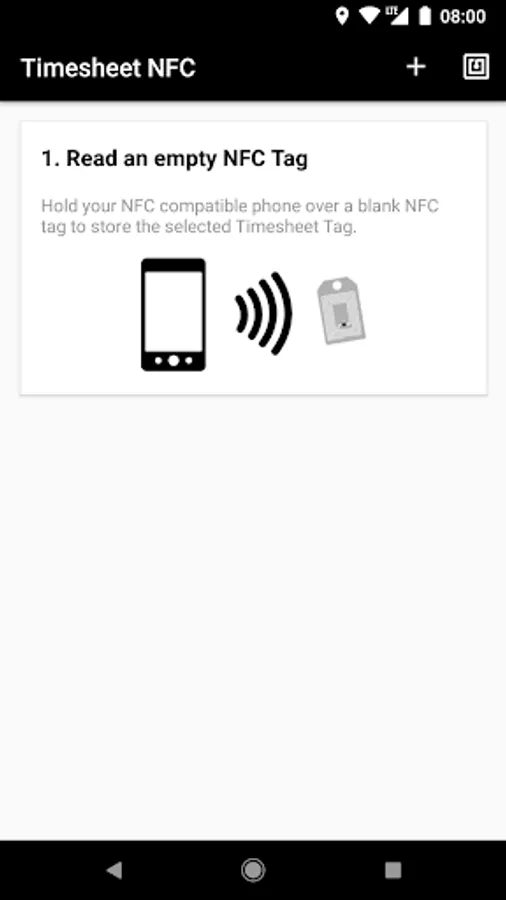
Just save a Tag to a writeable NFC Sticker/Item and next time you record your work, put your phone on the NFC Sticker/Item.
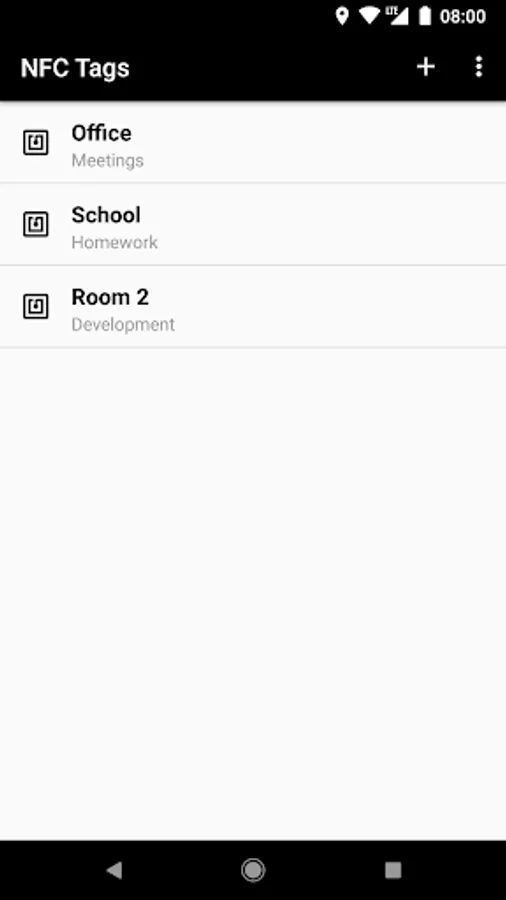
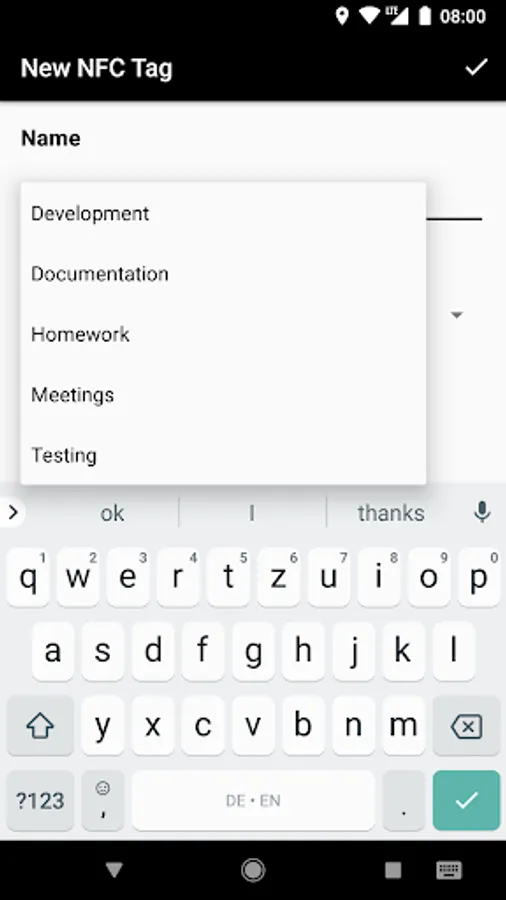
1. Create a Tag (Name & Project)
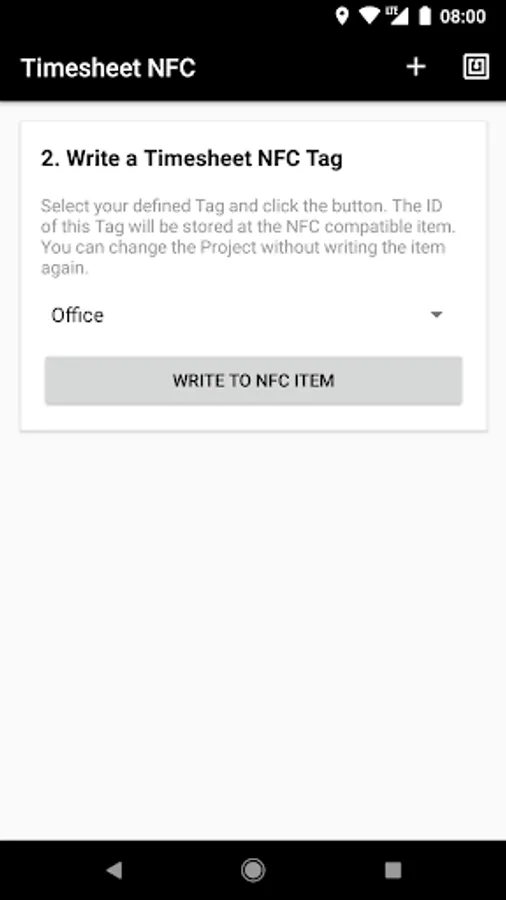
2. Write the Tag to an NFC Sticker/Item.
3. Close the NFC App.
4. Hold your phone on the NFC Sticker/Item.
NFC Sticker/Item not included!
(min. 50-byte required!)
Timesheet v2.3.2 or above needed
You have to install Timesheet App
https://play.google.com/store/apps/details?id=com.rauscha.apps.timesheet
Track your working hours with NFC.
Just save a Tag to a writeable NFC Sticker/Item and next time you record your work, put your phone on the NFC Sticker/Item.
1. Create a Tag (Name & Project)
2. Write the Tag to an NFC Sticker/Item.
3. Close the NFC App.
4. Hold your phone on the NFC Sticker/Item.
NFC Sticker/Item not included!
(min. 50-byte required!)
Timesheet v2.3.2 or above needed
Timesheet NFC Add-On Screenshots
Tap to Rate: