In this app, you can remotely view and control Raymarine multifunction displays from your tablet. Includes support for charting, sonar, radar, and thermal night vision functionalities.
AppRecs review analysis
AppRecs rating 1.8. Trustworthiness 67 out of 100. Review manipulation risk 31 out of 100. Based on a review sample analyzed.
★☆☆☆☆
1.8
AppRecs Rating
Ratings breakdown
5 star
4%
4 star
11%
3 star
11%
2 star
11%
1 star
62%
What to know
✓
Authentic reviews
Natural distribution, no red flags
⚠
Mixed user feedback
Average 1.9★ rating suggests room for improvement
⚠
High negative review ratio
74% of sampled ratings are 1–2 stars
About RayControl
About RayControl
RayControl allows you to remotely view and control a-Series (Wi-Fi models), c-Series, e-Series and g-S Multifunction Displays from your tablet.
Android/Kindle Fire = Best performance achieved with 1GHz processor or better and running Android 2.2.2 or later.
Multi-Functional Display software requirement – v 3.15 or later.
Compatible displays (MFDs) – all third generation c-Series, e-Series, g-S and Wi-Fi enabled a-Series models, all Axiom series
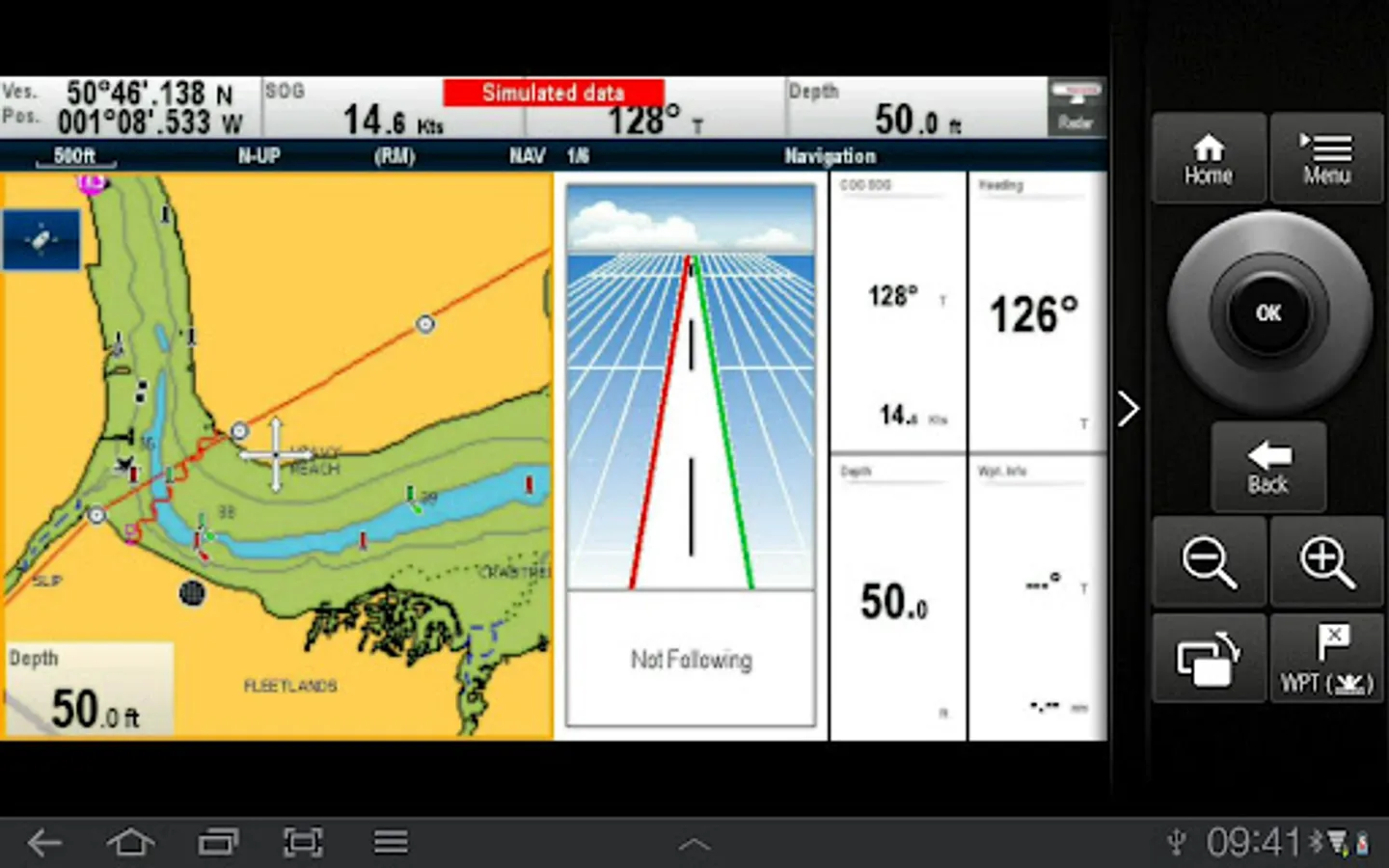
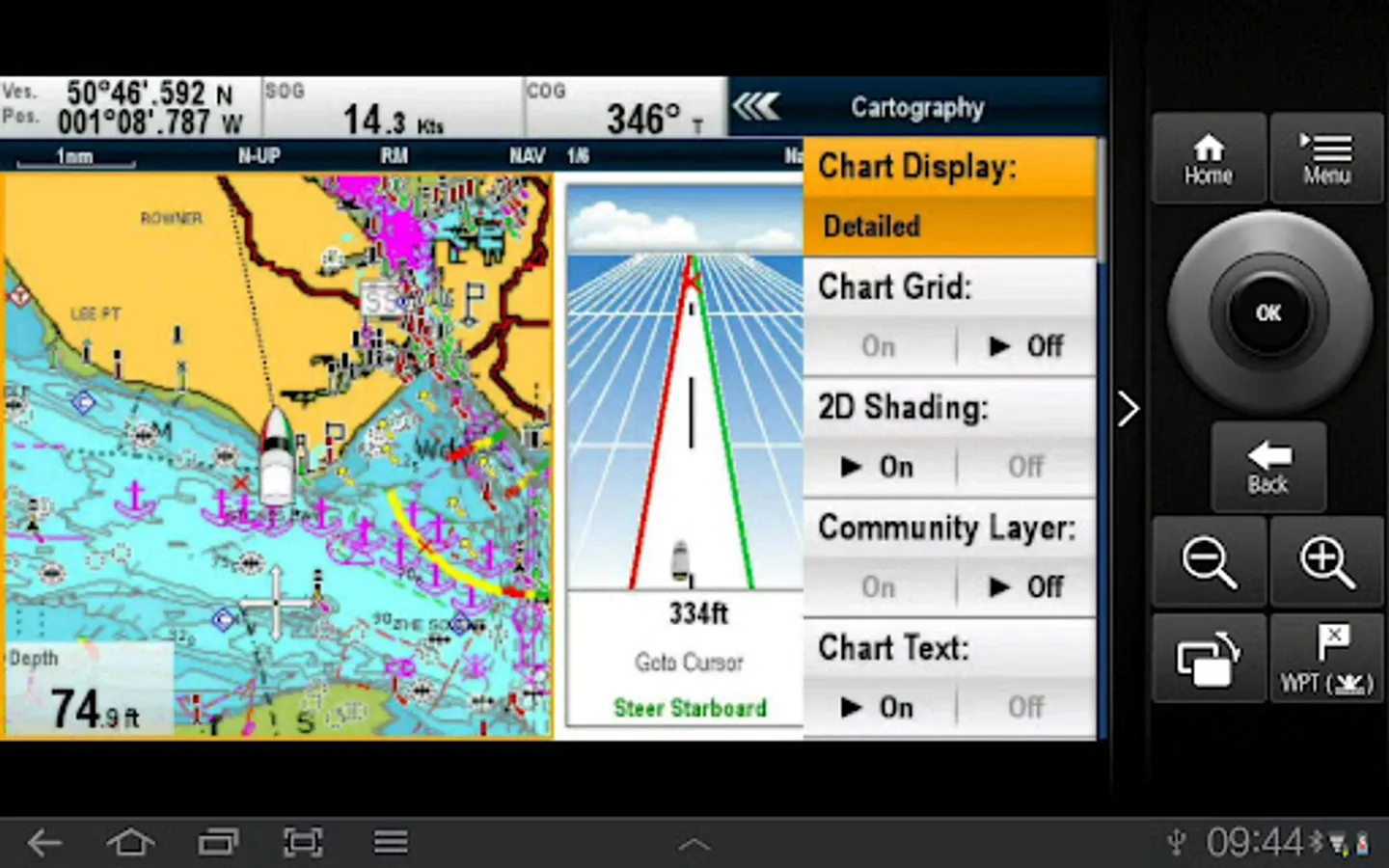
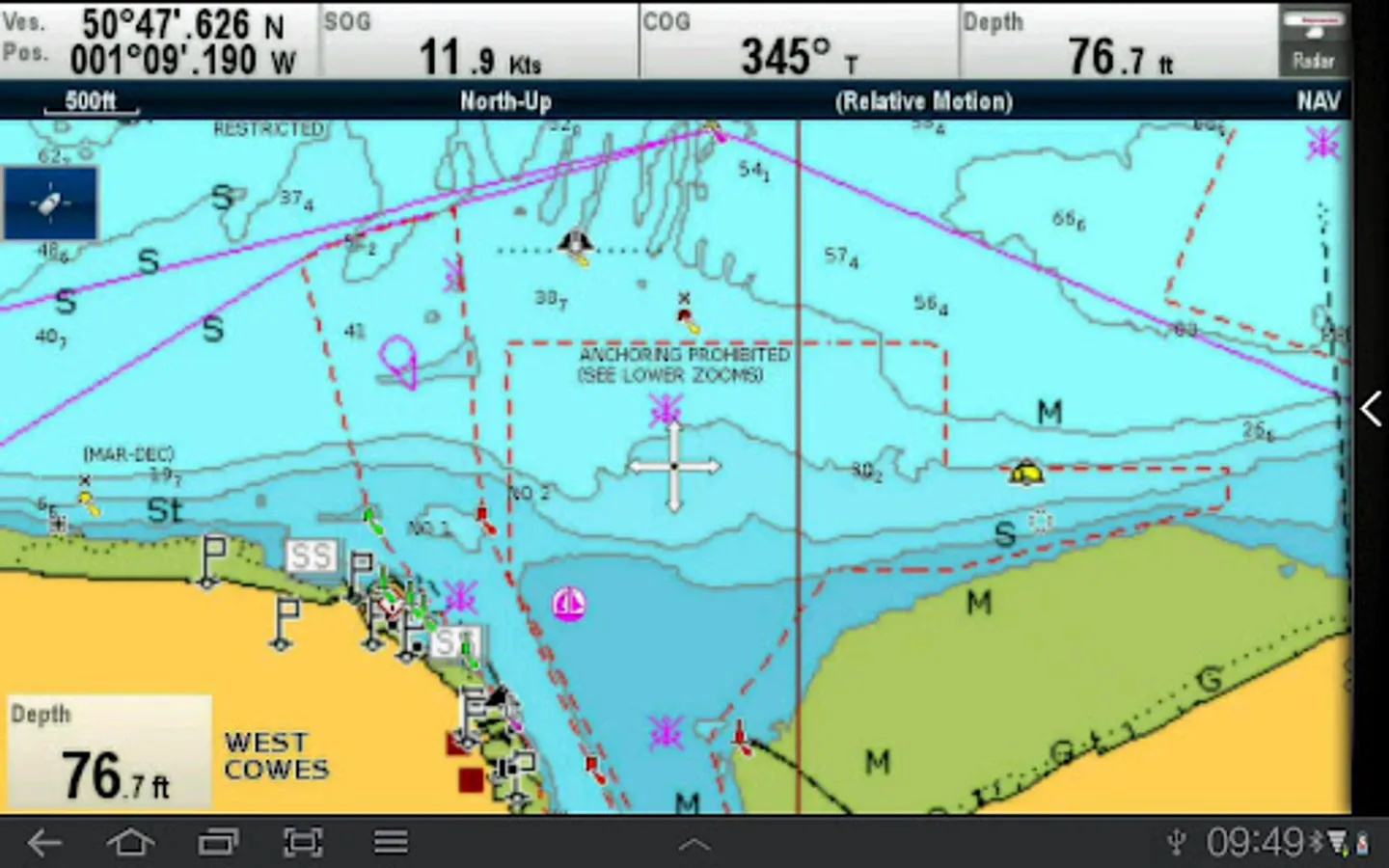
Remotely control and view electronic charting, sonar, radar, and even thermal night vision, right from your tablet.
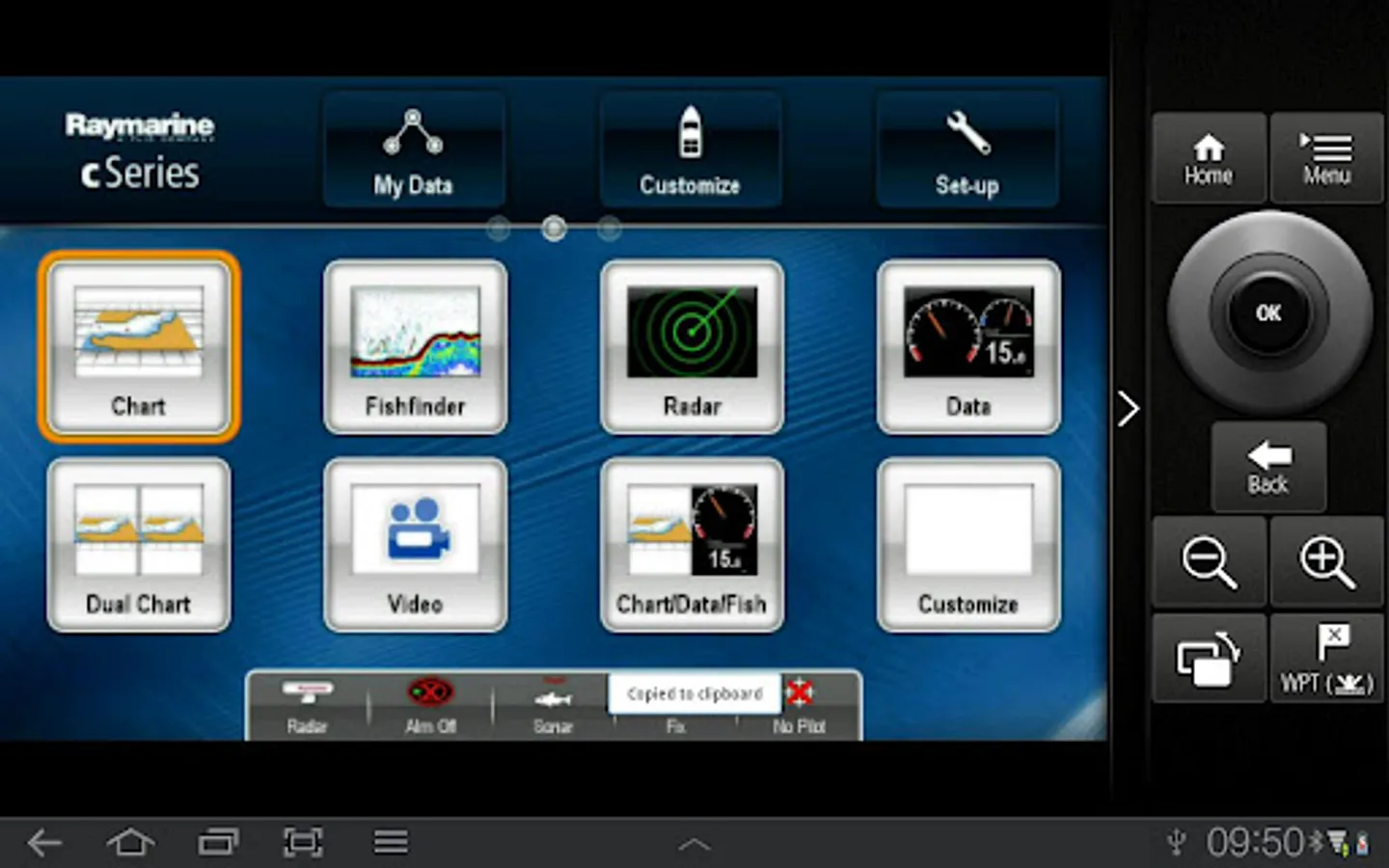
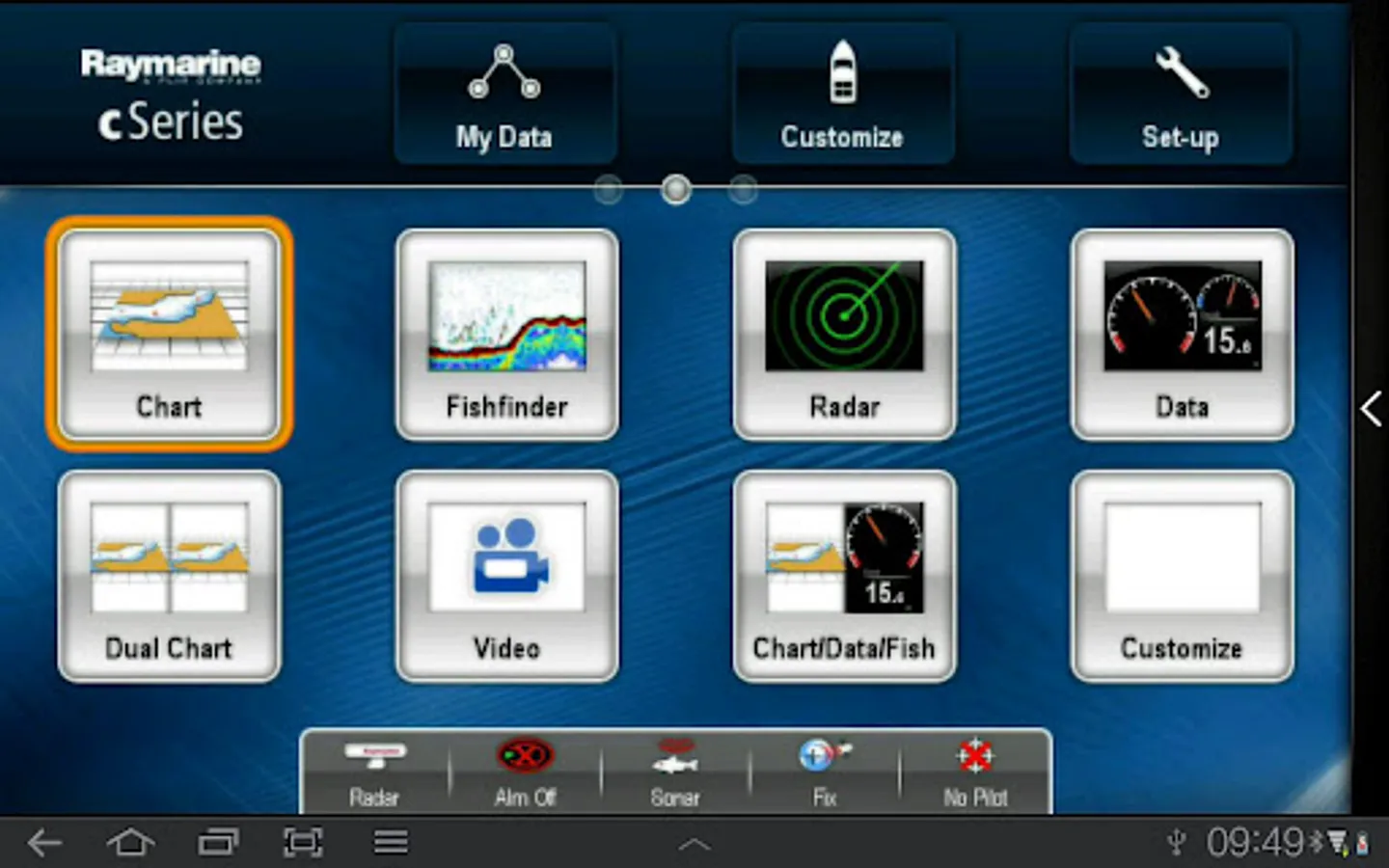
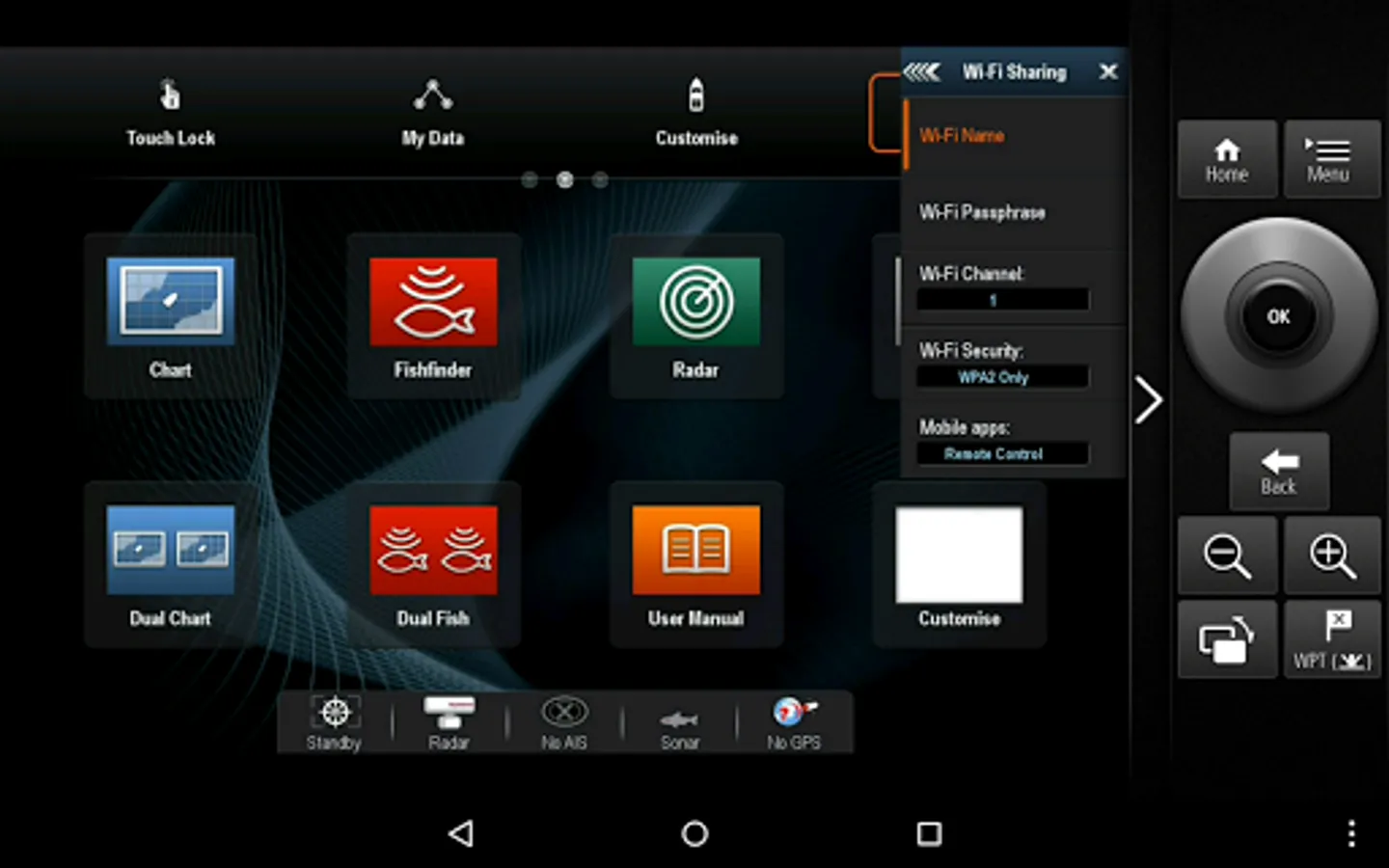
RayControl emulates Raymarine MFDs with touch screen interaction and a virtual slide-out MFD keypad. The slide out keypad gives you control of all MFD functions and the virtual uni-controller allows you to rotate through menus and adjustments effortlessly.
To use this app please upgrade your Raymarine wiFi enabled Multi-Functional Display to software version 3.15 or later. Software upgrades are available for free at www.raymarine.com/support.
Getting Started
Download the RayControl app, and install it on your device. You should ensure your device has access to the internet when initially installing to enable verification of the app. Next, connect to your Multifunction Display via Wi-Fi (see MFD operators manual for Wi-Fi setup details). When the Wi-Fi connection is established, launch the app. You should now see the same image on your mobile device as you do on your Raymarine multifunction display.
Note - autopilot activation/deactivation is not possible via a mobile device.
RayControl allows you to remotely view and control a-Series (Wi-Fi models), c-Series, e-Series and g-S Multifunction Displays from your tablet.
Android/Kindle Fire = Best performance achieved with 1GHz processor or better and running Android 2.2.2 or later.
Multi-Functional Display software requirement – v 3.15 or later.
Compatible displays (MFDs) – all third generation c-Series, e-Series, g-S and Wi-Fi enabled a-Series models, all Axiom series
Remotely control and view electronic charting, sonar, radar, and even thermal night vision, right from your tablet.
RayControl emulates Raymarine MFDs with touch screen interaction and a virtual slide-out MFD keypad. The slide out keypad gives you control of all MFD functions and the virtual uni-controller allows you to rotate through menus and adjustments effortlessly.
To use this app please upgrade your Raymarine wiFi enabled Multi-Functional Display to software version 3.15 or later. Software upgrades are available for free at www.raymarine.com/support.
Getting Started
Download the RayControl app, and install it on your device. You should ensure your device has access to the internet when initially installing to enable verification of the app. Next, connect to your Multifunction Display via Wi-Fi (see MFD operators manual for Wi-Fi setup details). When the Wi-Fi connection is established, launch the app. You should now see the same image on your mobile device as you do on your Raymarine multifunction display.
Note - autopilot activation/deactivation is not possible via a mobile device.
RayControl Screenshots
Tap to Rate:
Reviews for RayControl
Geoff Ellis
1/24/2023
can't download to windows 10.
David Hardin
9/9/2022
Same as everyone else. IF you can get it to connect and remain close to the wifi, it works pretty well. Raymarine hasn't made an update since 2017 to this app. It would be awesome if it worked. Great in theory, very poor in execution. You would think Garmin would do better