Use this app to view your Raymarine Multi-Functional Display on your smartphone or tablet and monitor display images remotely. Includes Wi-Fi connection setup and device compatibility information.
AppRecs review analysis
AppRecs rating 2.6. Trustworthiness 59 out of 100. Review manipulation risk 36 out of 100. Based on a review sample analyzed.
★★☆☆☆
2.6
AppRecs Rating
Ratings breakdown
5 star
35%
4 star
3%
3 star
0%
2 star
3%
1 star
60%
What to know
✓
Authentic reviews
No red flags detected
⚠
Mixed user feedback
Average 2.5★ rating suggests room for improvement
⚠
High negative review ratio
63% of sampled ratings are 1–2 stars
About RayView
About Raymarine RayView
RayView allows you to view your Raymarine WiFi enabled Multi-Functional Display via your smartphone or tablet.
Android/Kindle Fire = Best performance achieved with 1GHz processor or better and running Android 2.2.2 or later.
Multi-Functional Display software requirement – v 3.15 or later.
Compatible displays (MFDs) – all Axiom as well as third generation c-Series, e-Series, g-S, ES and Wi-Fi enabled a-Series models
To use this app please upgrade your Raymarine c-Series or e-Series Multi-Functional Display to software version 3.15 or later. Software upgrades are available for free at www.raymarine.com/support.
If you enjoy RayView you may also be interested in the RayControl and RayRemote apps. RayControl for tablets provides full touch screen control of your Raymarine WiFi enabled MFD, plus a handy slide out virtual MFD keypad gives you even more control options. RayRemote for smart phones provides a full screen virtual MFD keypad, transforming your phone into a full function Raymarine MFD remote control.
Getting Started
Download the RayView app, and install it on your device. Then connect to your Multi-Functional Display via Wi-Fi (see operators manual for Wi-Fi setup details).
When the Wi-Fi connection is established, launch the app.
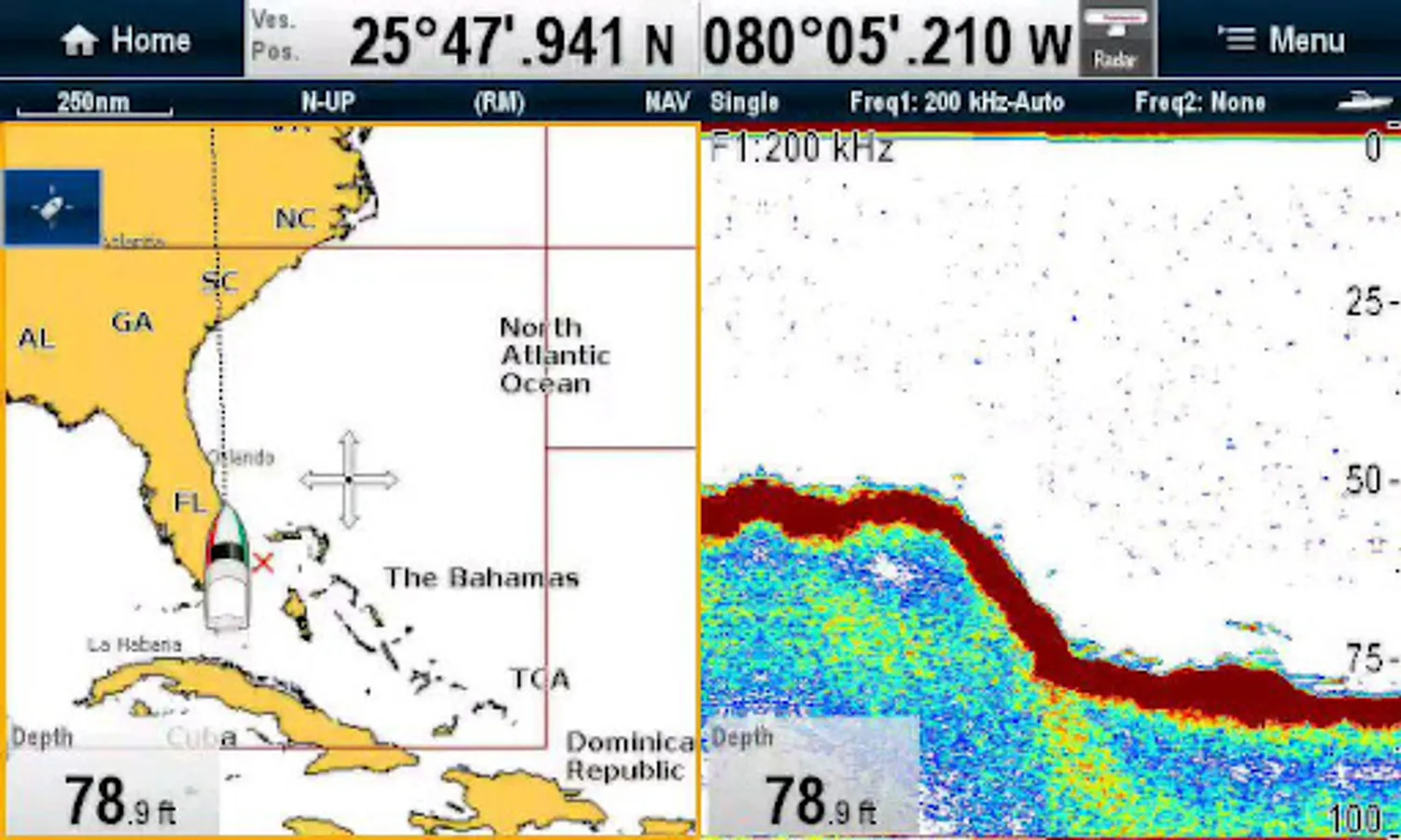
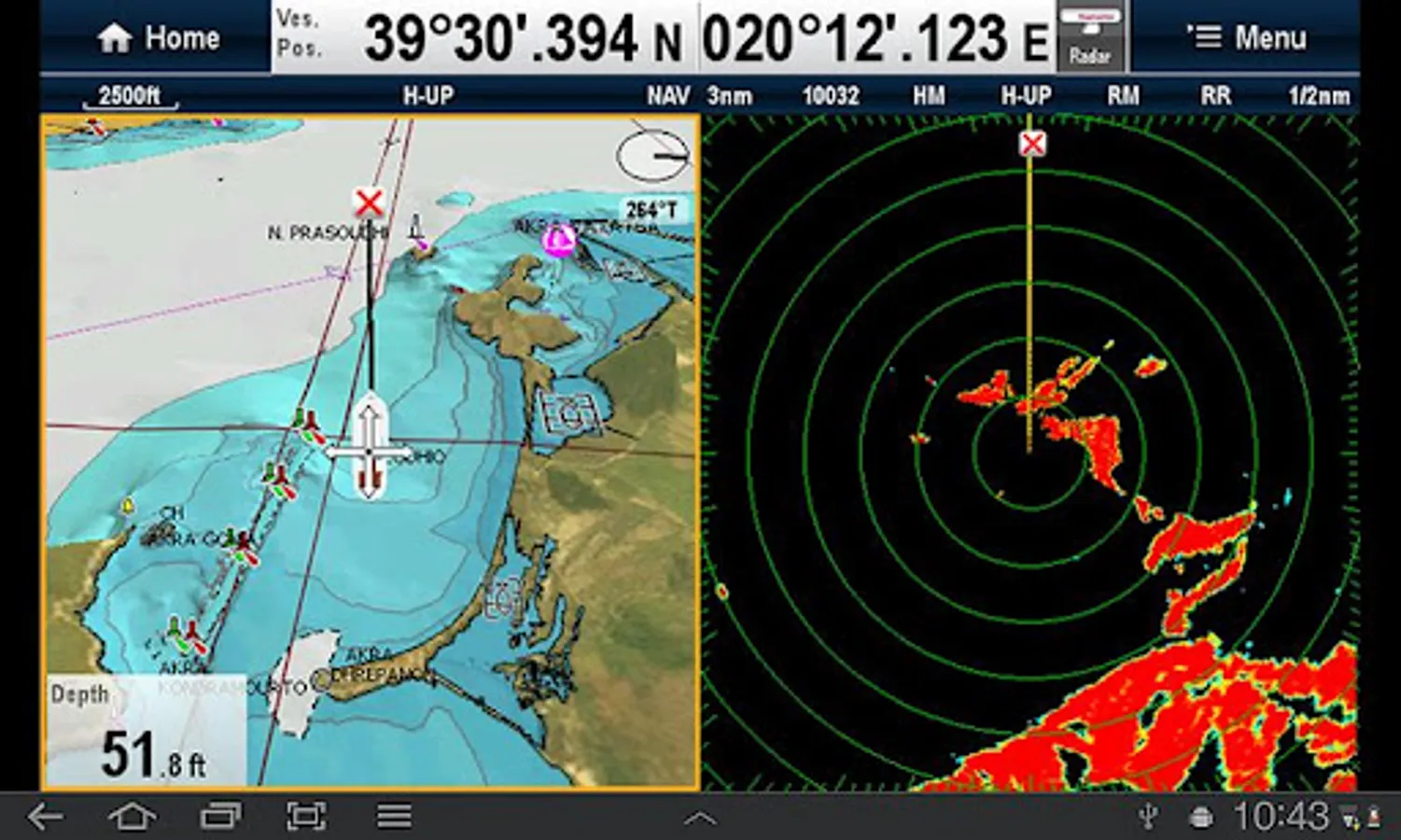
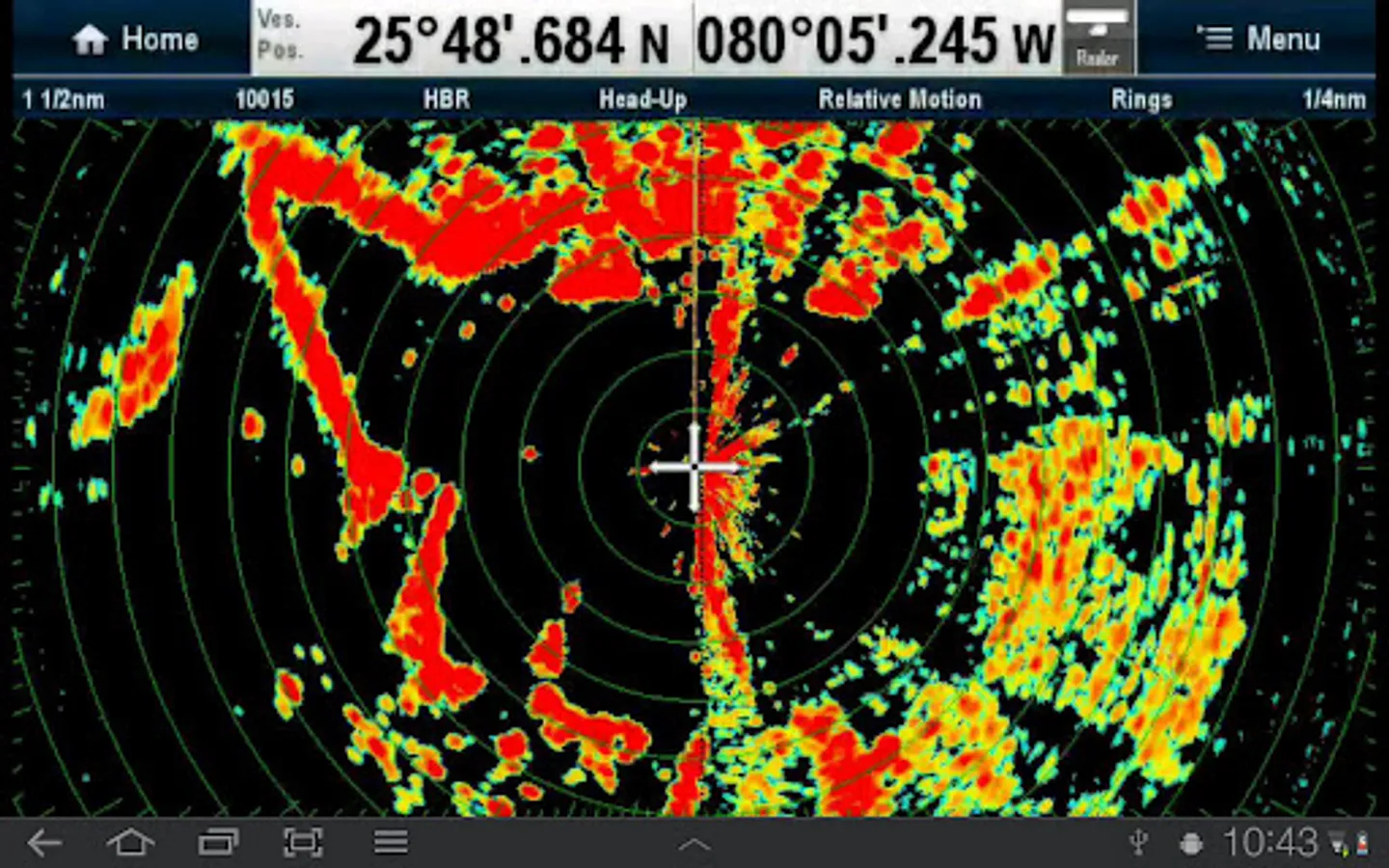
You should now see the same image on your device as on your Multi-Functional Display.
RayView allows you to view your Raymarine WiFi enabled Multi-Functional Display via your smartphone or tablet.
Android/Kindle Fire = Best performance achieved with 1GHz processor or better and running Android 2.2.2 or later.
Multi-Functional Display software requirement – v 3.15 or later.
Compatible displays (MFDs) – all Axiom as well as third generation c-Series, e-Series, g-S, ES and Wi-Fi enabled a-Series models
To use this app please upgrade your Raymarine c-Series or e-Series Multi-Functional Display to software version 3.15 or later. Software upgrades are available for free at www.raymarine.com/support.
If you enjoy RayView you may also be interested in the RayControl and RayRemote apps. RayControl for tablets provides full touch screen control of your Raymarine WiFi enabled MFD, plus a handy slide out virtual MFD keypad gives you even more control options. RayRemote for smart phones provides a full screen virtual MFD keypad, transforming your phone into a full function Raymarine MFD remote control.
Getting Started
Download the RayView app, and install it on your device. Then connect to your Multi-Functional Display via Wi-Fi (see operators manual for Wi-Fi setup details).
When the Wi-Fi connection is established, launch the app.
You should now see the same image on your device as on your Multi-Functional Display.
RayView Screenshots
Tap to Rate:
Reviews for RayView
K 3 Fishing
2/15/2024
Good
Touchsquid Technology
7/13/2023
Does not connect to any current android phone! Useless. Raymarine said they would fix this years ago. I have spent a lot on a full set of their instruments. Next time a different brand.