RealVNC Viewer: Remote Desktop
RealVNC Limited
4.0 ★
61K ratings
5,000,000+
downloads
Free
AppRecs review analysis
AppRecs rating 3.8. Trustworthiness 80 out of 100. Review manipulation risk 34 out of 100. Based on a review sample analyzed.
★★★☆☆
3.8
AppRecs Rating
Ratings breakdown
5 star
64%
4 star
10%
3 star
4%
2 star
3%
1 star
19%
What to know
✓
Credible reviews
80% trustworthiness score from analyzed reviews
✓
Good user ratings
74% positive sampled reviews
⚠
Pricing complaints
Many low ratings mention paywalls or pricing
About RealVNC Viewer: Remote Desktop
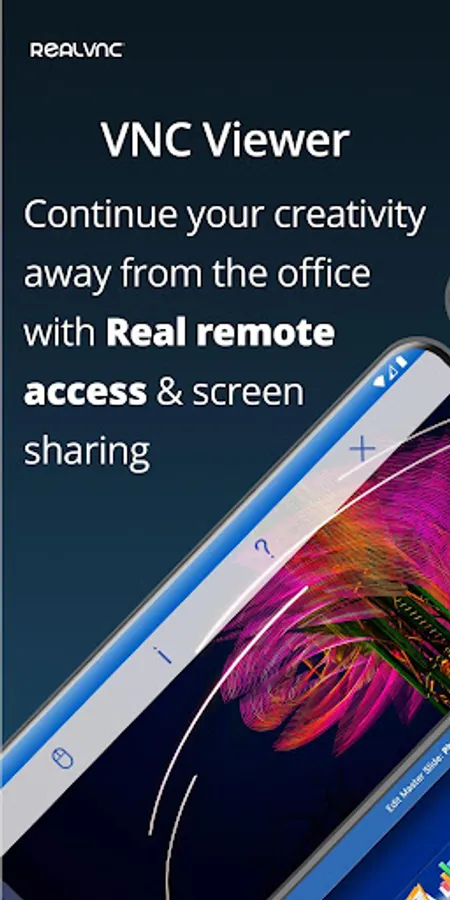
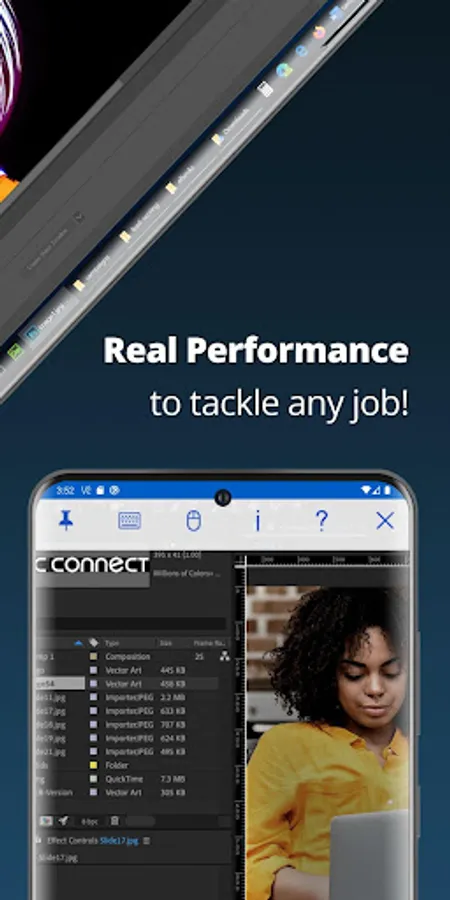
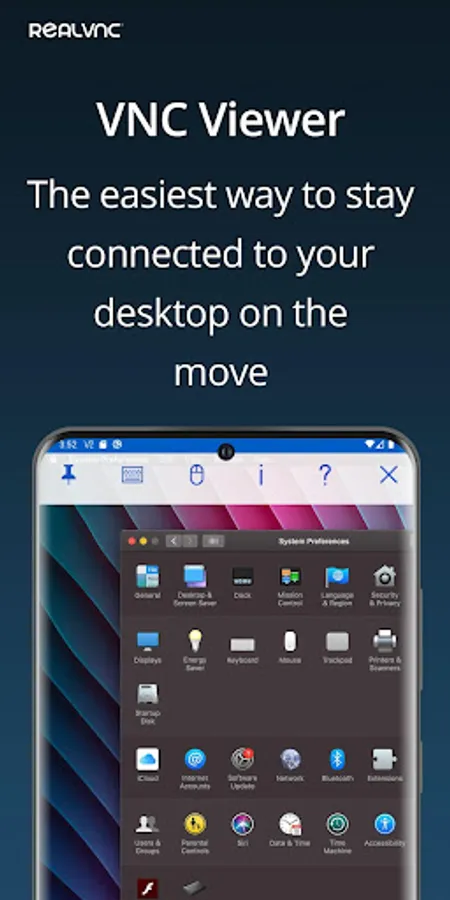
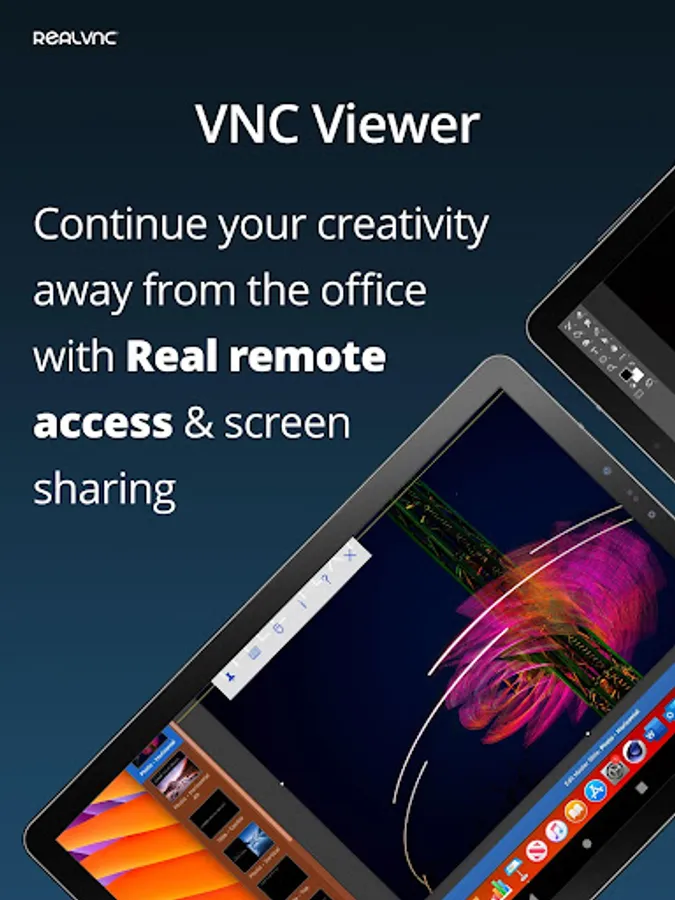
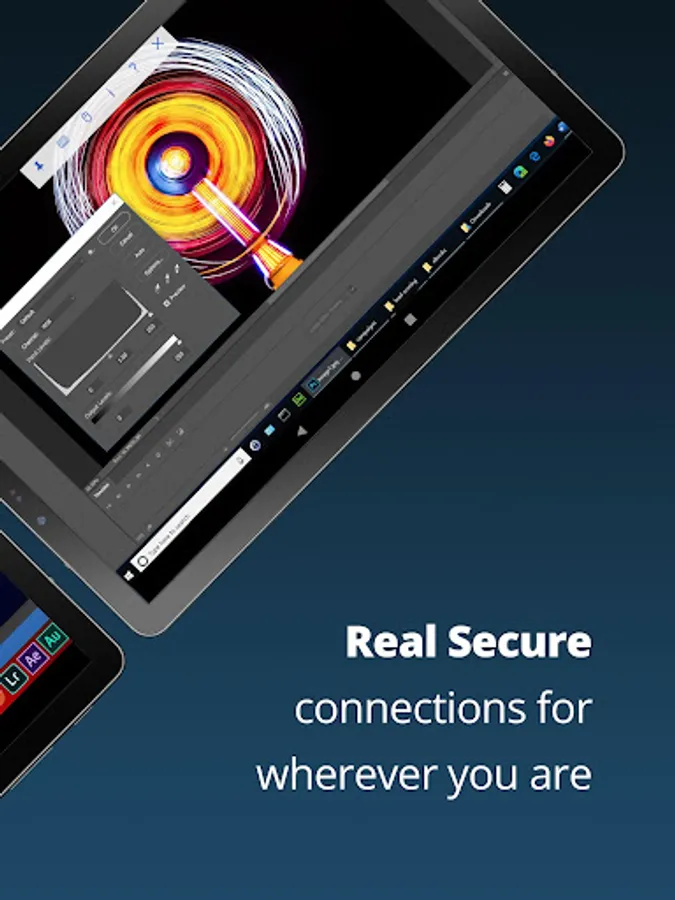
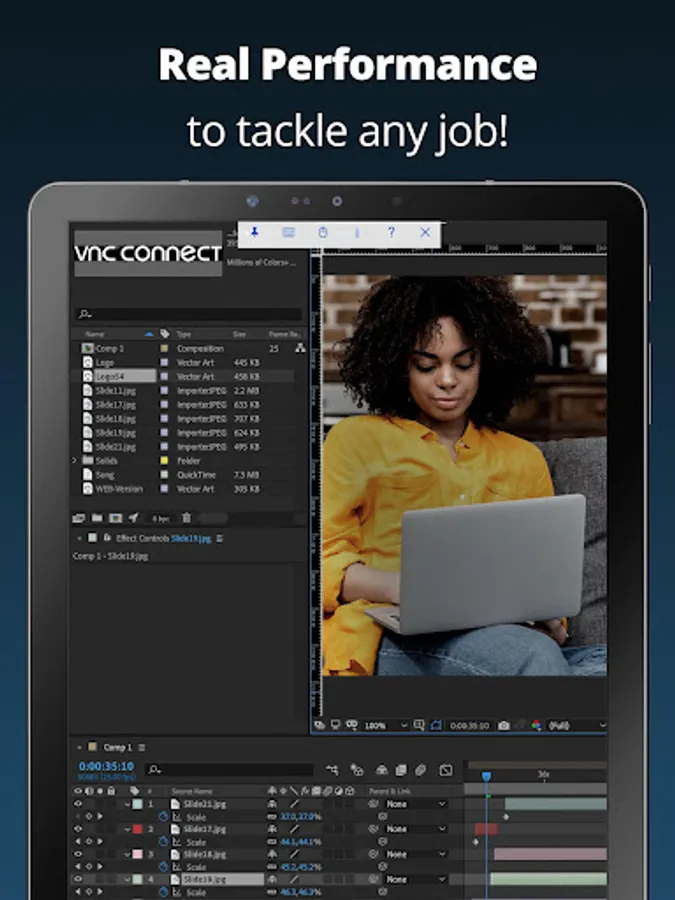
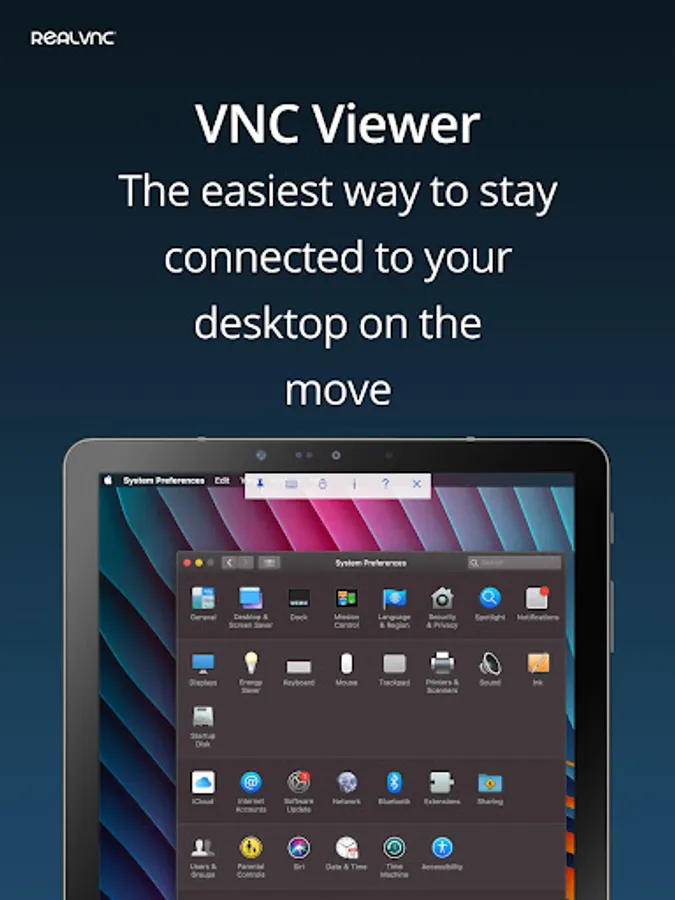
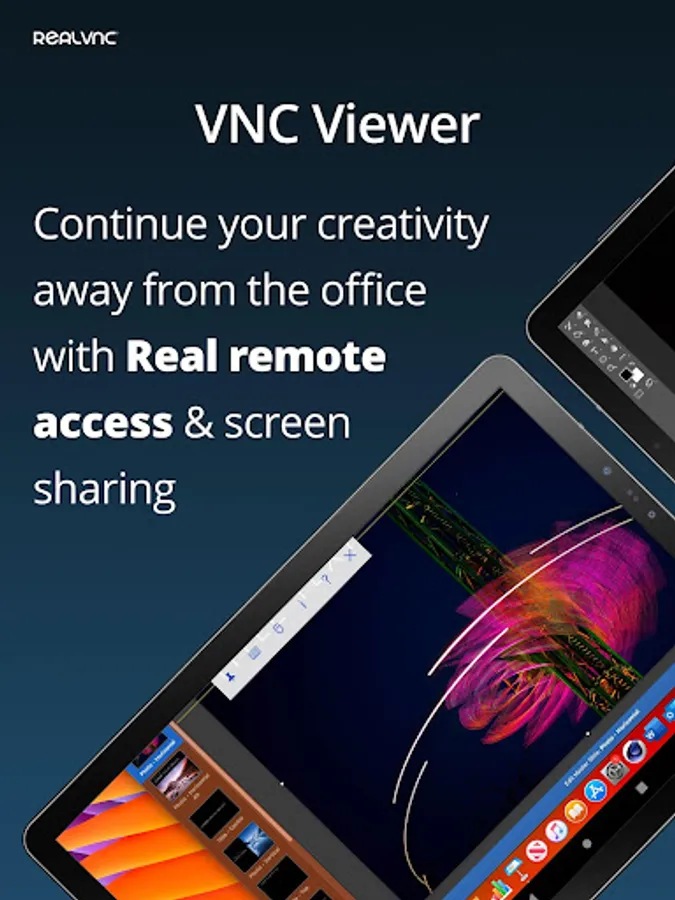
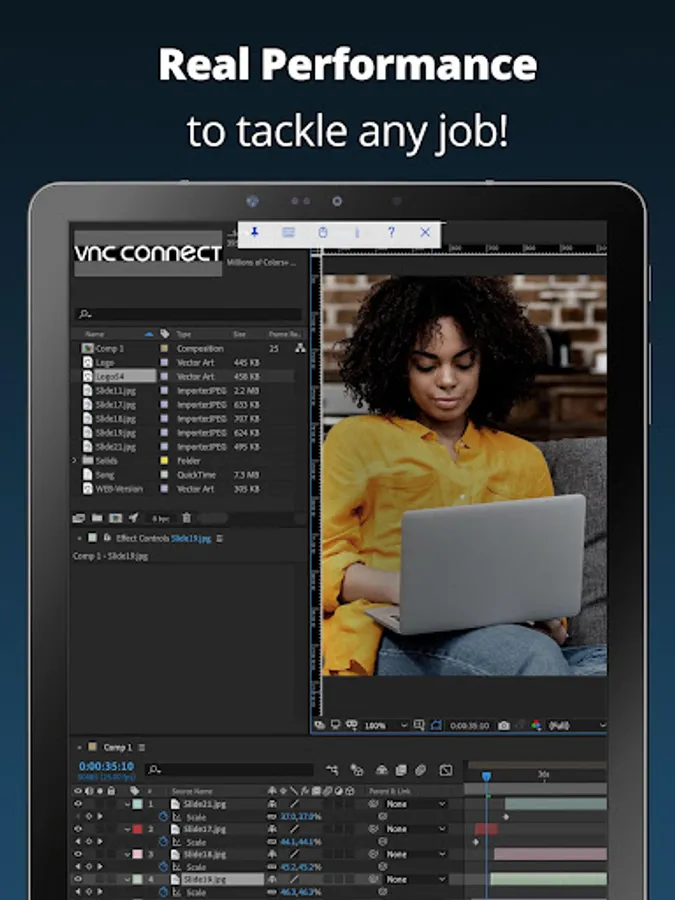
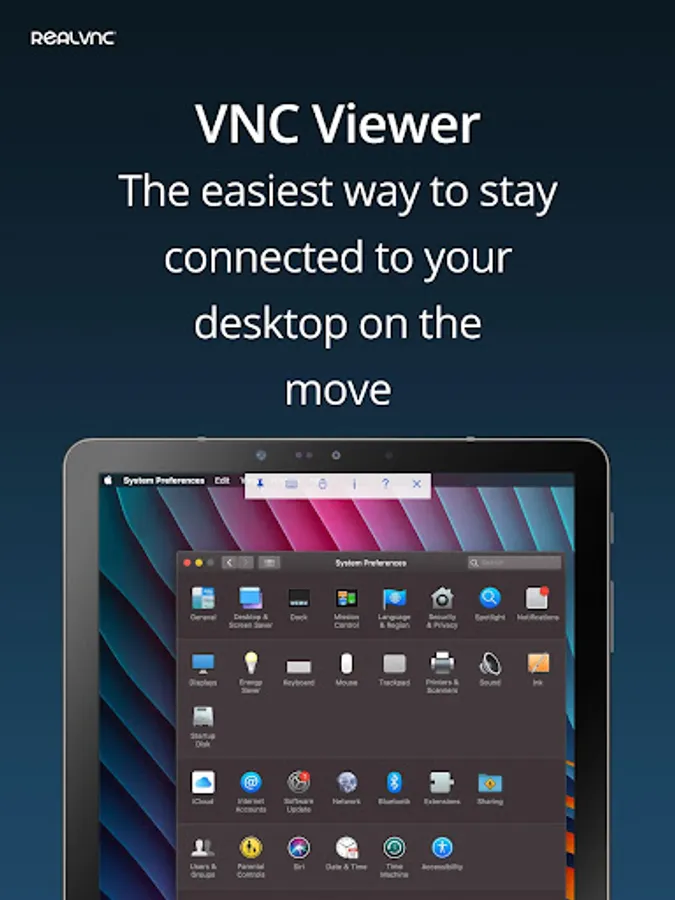
RealVNC® Viewer turns your phone into a remote desktop, giving you instant access to your Mac, Windows and Linux computers from anywhere in the world. You can view your computer's desktop remotely, and control its mouse and keyboard as though you were sitting down in front of it.
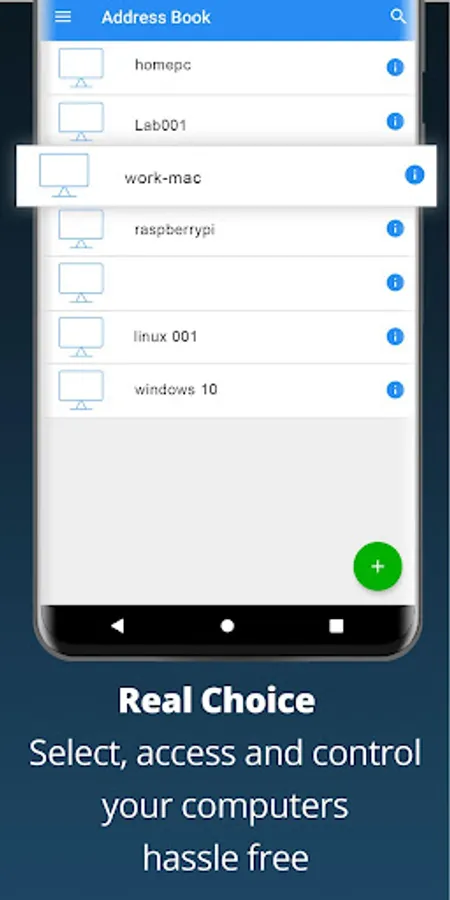
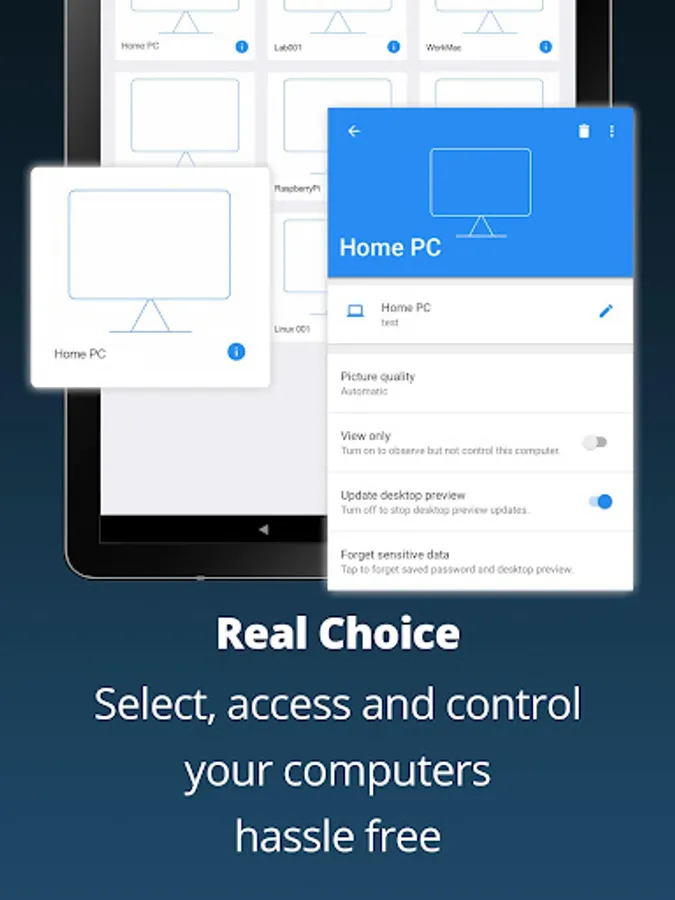
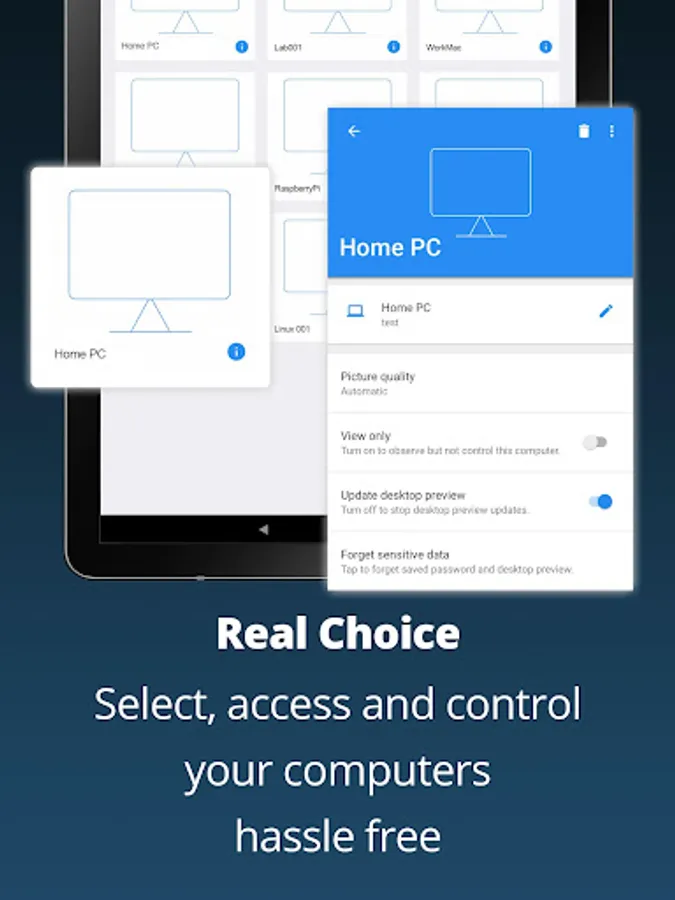
Just visit realvnc.com and download RealVNC Connect remote access software to each computer you want to control. Then sign in to RealVNC Viewer on your device using your RealVNC account credentials. Your remote computers automatically appear; simply tap one to screen share.
Alternatively, you can connect directly to RealVNC Connect with an Enterprise subscription or VNC-compatible software from third parties by entering the remote computer's IP address. Note that you may need to configure firewalls and port forward routers.
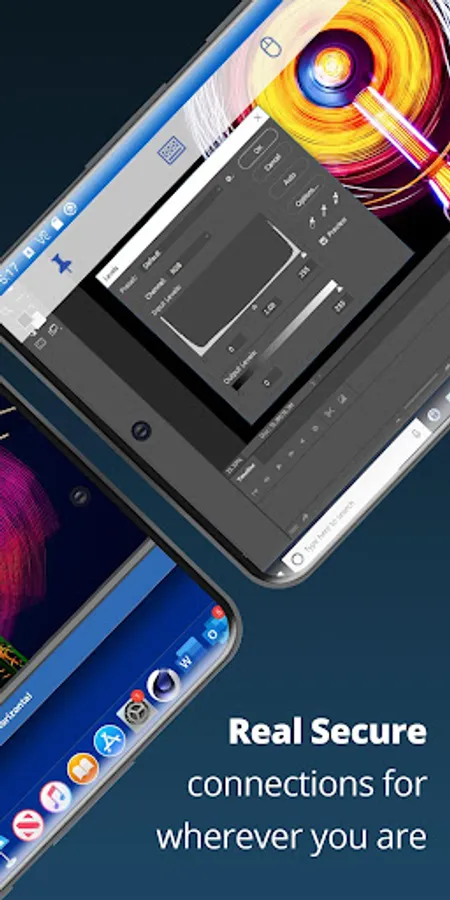
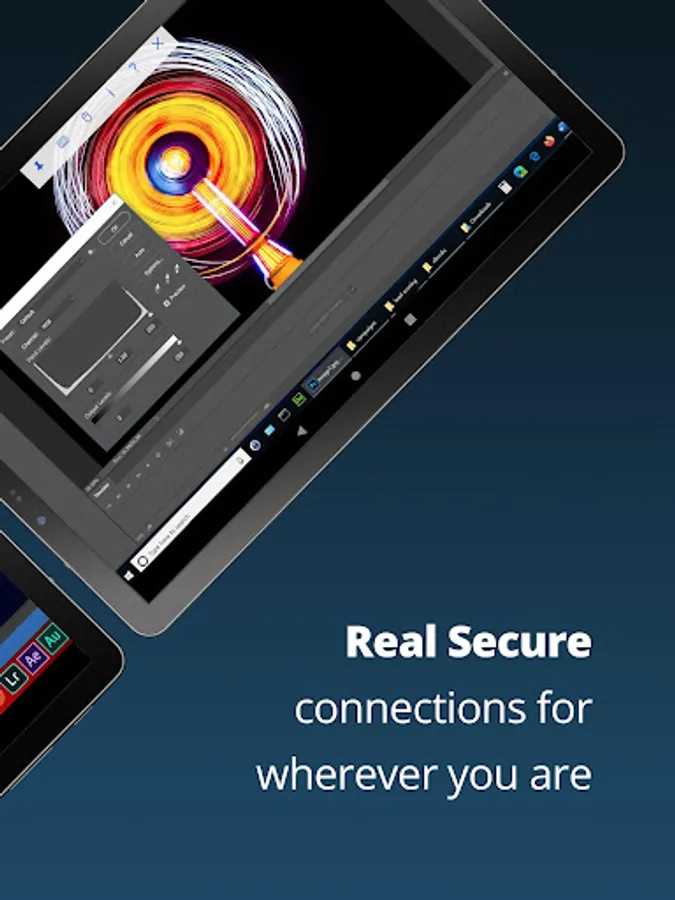
RealVNC Connect password-protects each remote computer out-of-the-box (you may need to enter the same user name and password you use to log in to your computer). All sessions are then encrypted end-to-end.
During a session, your device's touch screen serves as a trackpad to give you precise control of the remote desktop. Drag your finger to move the remote mouse cursor and tap anywhere to left-click (other gestures such as right-click and scroll are explained in-app).
RealVNC are the original inventors of VNC remote access technology, and we're confident you'll love what RealVNC Viewer has to offer. If you're still not convinced, check out our reviews!
===Key features===
- Connect with ease via our cloud service to a remote desktop.
- Backup and sync your connections between all your devices by signing in to RealVNC Viewer on each one.
- A scrolling bar above the virtual keyboard includes advanced keys such as Command/Windows.
- Support for Bluetooth keyboards and mice.
- Free, paid and trial RealVNC Connect subscriptions available.
===Contact===
We’d love to hear from you:
android-support@realvnc.com
twitter.com/RealVNC
facebook.com/realvnc
Better still, leave us a review!
===Trademarks===
RealVNC and VNC are trademarks of RealVNC Limited and are protected by trademark registrations and/or pending trademark applications in the European Union, United States of America and other jurisdictions. Protected by UK patents 2481870, 2479756; US patent 8760366; EU patent 2652951.
RealVNC Viewer: Remote Desktop Screenshots
Tap to Rate:
Reviews for RealVNC Viewer: Remote Desktop
george Fox
2/20/2026
Fácil de instalar y usar. Perfecta para ayudar a distancia NOV 2022.cero problemas excelente app.enero 2024, cero problems Buenissima. 2024septiembre . Excelente!!! Ayuda un montón a viejos como nosotros 2026 excellent thank you
Alexandr Lakhin
2/12/2026
After the update, it has become very inconvenient to switch between the keyboard and the mouse( Before, when using the keyboard, you could immediately switch to the mouse, but now it requires extra steps(