
Password Safe Lite
Rhythm Software
4.7 ★
1K ratings
100,000+
downloads
Free
In this password management app, users can securely store and organize their confidential information with encryption and custom templates. Includes flexible password fields, category management, and multi-language support.
AppRecs review analysis
AppRecs rating 4.5. Trustworthiness 53 out of 100. Review manipulation risk 38 out of 100. Based on a review sample analyzed.
★★★★☆
4.5
AppRecs Rating
Ratings breakdown
5 star
84%
4 star
11%
3 star
0%
2 star
0%
1 star
5%
What to know
✓
High user satisfaction
84% of sampled ratings are 5 stars
About Password Safe Lite
Secure, flexible and powerful password management tooling on Android!
Keep confidential information safe using 256bit AES algorithm.
Secure:
* Encrypt password data using 256bit AES algorithm
* NOT require internet permission to ensure your data private
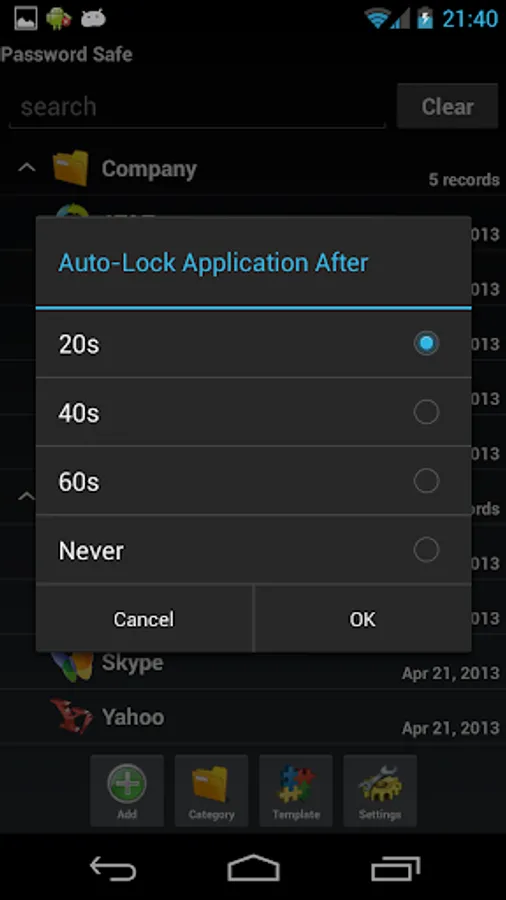
* Auto-lock application after specified timeout interval
* Hide application from recent apps list
Flexible:
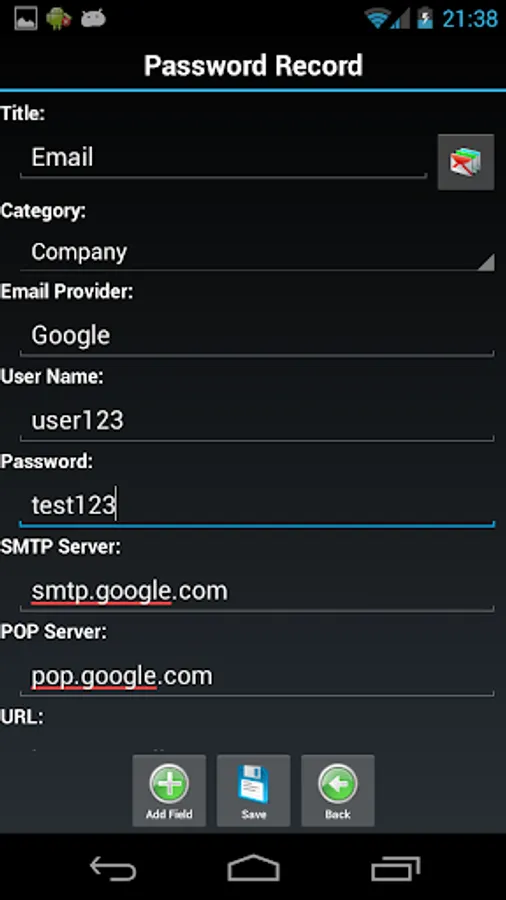
* Easily manage flexible password records on-demand
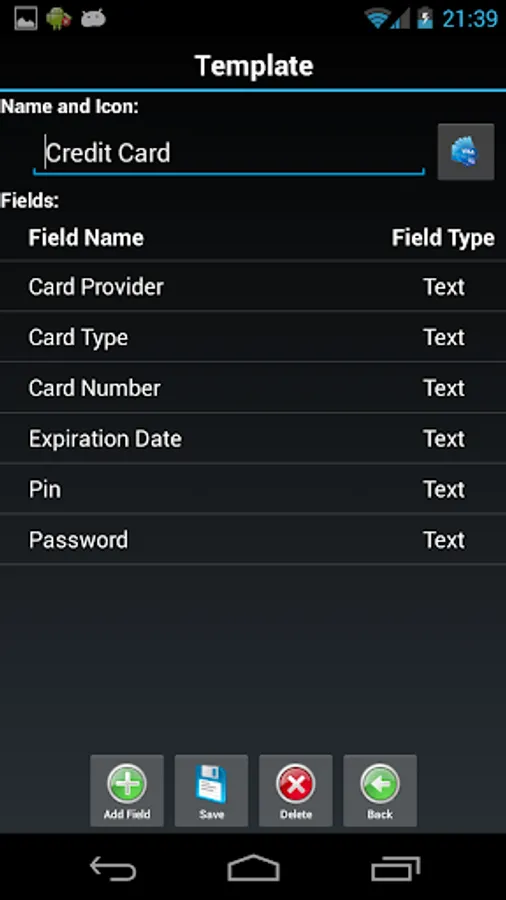
* Support dynamic password fields and field types
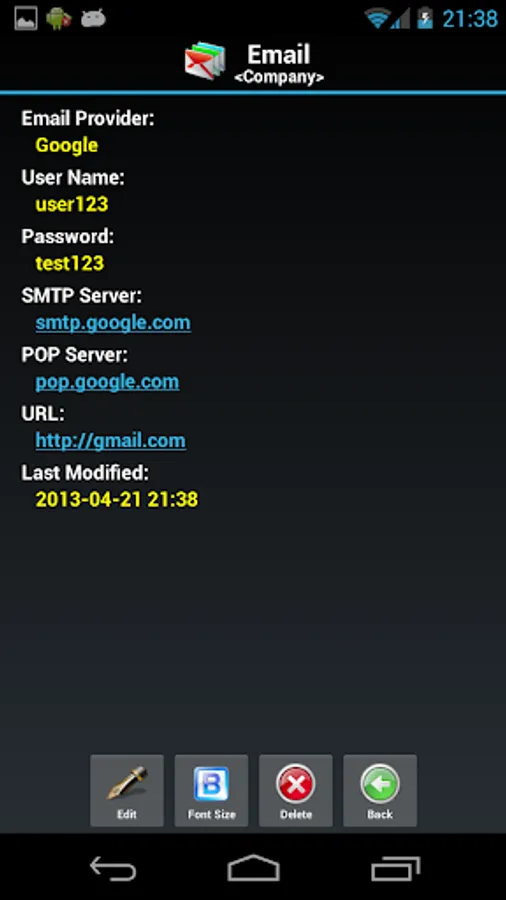
* Keep all kinds of confidential information using different format
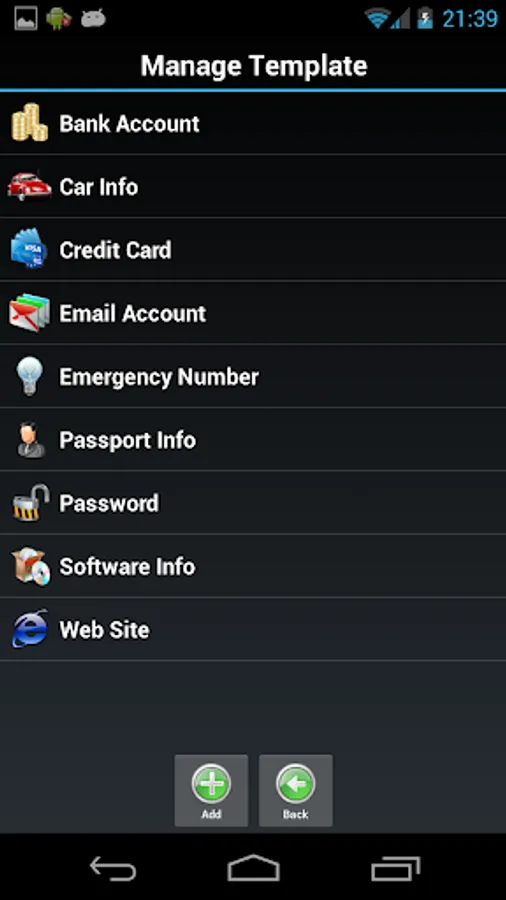
* Simply create records from pre-defined templates.
* Freely setup new templates when necessary.
Powerful:
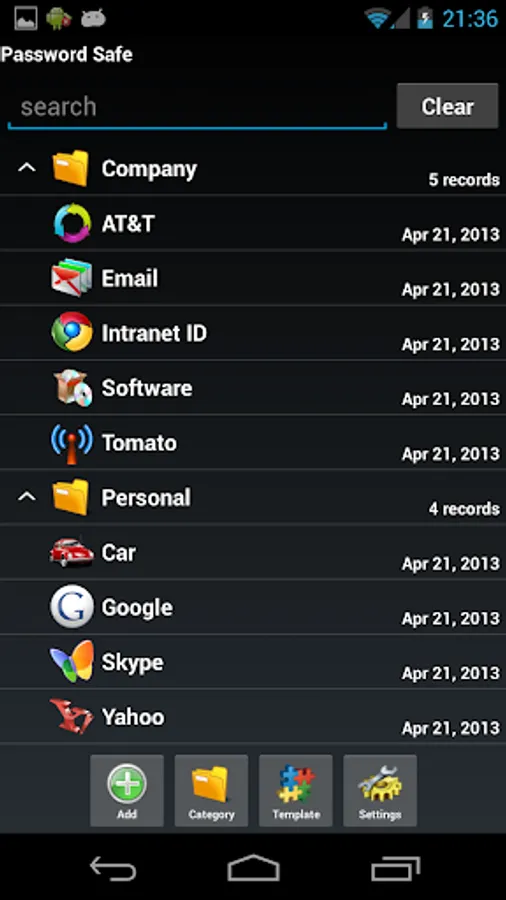
* Manage massive password records by categories
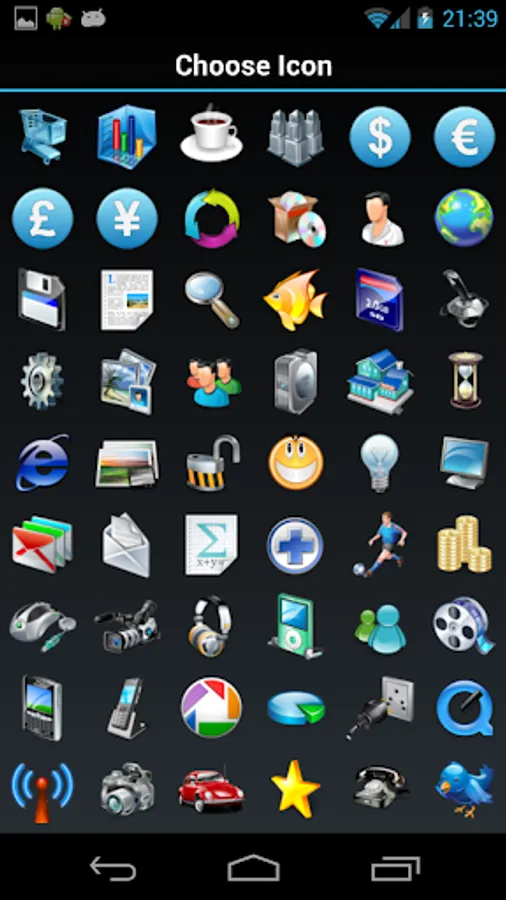
* Choose from 90+ icons to associate with items
* Quickly find out record by searching
* Multi-language support including English, Italian, Czech, Chinese and Spanish
Lite Version contains most features except following:
* Import/export data by csv file for data exchange with other apps.
* Backup data to SD card and restore for data security.
Note:
* WRITE_EXTERNAL_STORAGE permission is used for data backup/export on android 2.3+
* All data is stored in your device locally and will be cleared when you uninstall this application. You can upgrade to paid version to backup your data if necessary.
Question: How to migrate data from Lite version to Full version?
Answer: When you install full version password safe on your android, your backup function on Lite version will be activated. You can follow these steps to migrate your data from Lite version to Full version if you want to reuse them:
1. Download Password Safe full version from Google Market and install it.
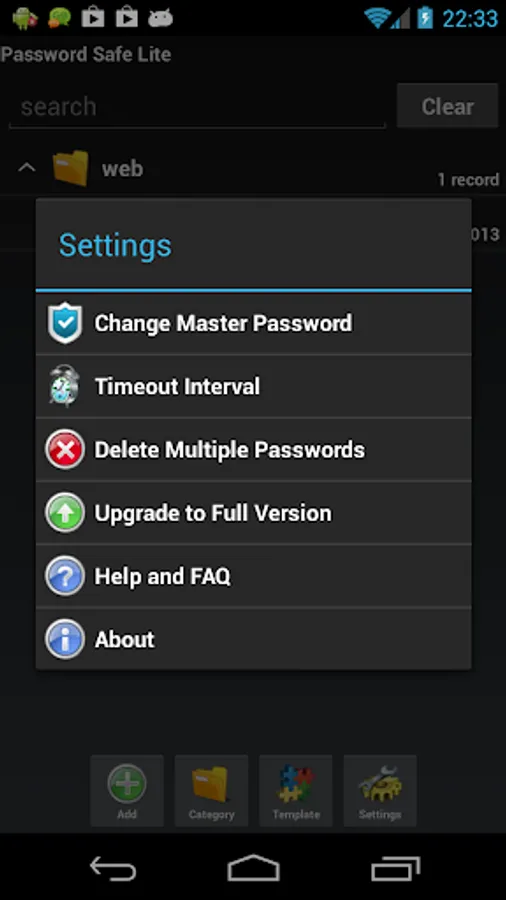
2. Start Password Safe lite version, click "Settings->Upgrade to Full Version", and click "Migrate" button.
3. From dialog popup, click "Export Data", choose a folder, and process the backup, then you will get backup file under your desired folder.
4. Start Password Safe full version and restore backup file from "Settings->Restore from SD Card" menu.
Keep confidential information safe using 256bit AES algorithm.
Secure:
* Encrypt password data using 256bit AES algorithm
* NOT require internet permission to ensure your data private
* Auto-lock application after specified timeout interval
* Hide application from recent apps list
Flexible:
* Easily manage flexible password records on-demand
* Support dynamic password fields and field types
* Keep all kinds of confidential information using different format
* Simply create records from pre-defined templates.
* Freely setup new templates when necessary.
Powerful:
* Manage massive password records by categories
* Choose from 90+ icons to associate with items
* Quickly find out record by searching
* Multi-language support including English, Italian, Czech, Chinese and Spanish
Lite Version contains most features except following:
* Import/export data by csv file for data exchange with other apps.
* Backup data to SD card and restore for data security.
Note:
* WRITE_EXTERNAL_STORAGE permission is used for data backup/export on android 2.3+
* All data is stored in your device locally and will be cleared when you uninstall this application. You can upgrade to paid version to backup your data if necessary.
Question: How to migrate data from Lite version to Full version?
Answer: When you install full version password safe on your android, your backup function on Lite version will be activated. You can follow these steps to migrate your data from Lite version to Full version if you want to reuse them:
1. Download Password Safe full version from Google Market and install it.
2. Start Password Safe lite version, click "Settings->Upgrade to Full Version", and click "Migrate" button.
3. From dialog popup, click "Export Data", choose a folder, and process the backup, then you will get backup file under your desired folder.
4. Start Password Safe full version and restore backup file from "Settings->Restore from SD Card" menu.
Password Safe Lite Screenshots
Tap to Rate:
Reviews for Password Safe Lite
Alps
2/14/2026
A good app without the Internet permission! However, I think it would be a good idea if you open-sourced the lite version of the app and published it on F-Droid. Good app by the way.
Chloe Thorne
2/7/2024
Chloe Thonre