Omnia Music Player
Rhythm Software
4.2 ★
19K ratings
1,000,000+
downloads
Free
+ in-app
In this music player app, users can play and organize audio files with features like gapless playback and lyrics display. Includes support for high-res audio formats, customizable themes, and Chromecast integration.
AppRecs review analysis
AppRecs rating 4.3. Trustworthiness 81 out of 100. Review manipulation risk 25 out of 100. Based on a review sample analyzed.
★★★★☆
4.3
AppRecs Rating
Ratings breakdown
5 star
72%
4 star
8%
3 star
3%
2 star
8%
1 star
10%
What to know
✓
Low review manipulation risk
25% review manipulation risk
✓
Credible reviews
81% trustworthiness score from analyzed reviews
✓
High user satisfaction
79% of sampled ratings are 4+ stars (4.2★ average)
About Omnia Music Player
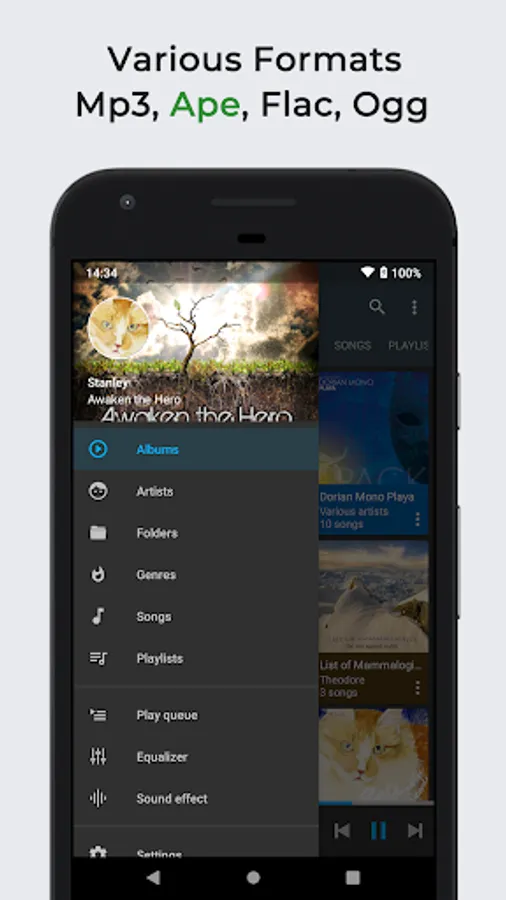
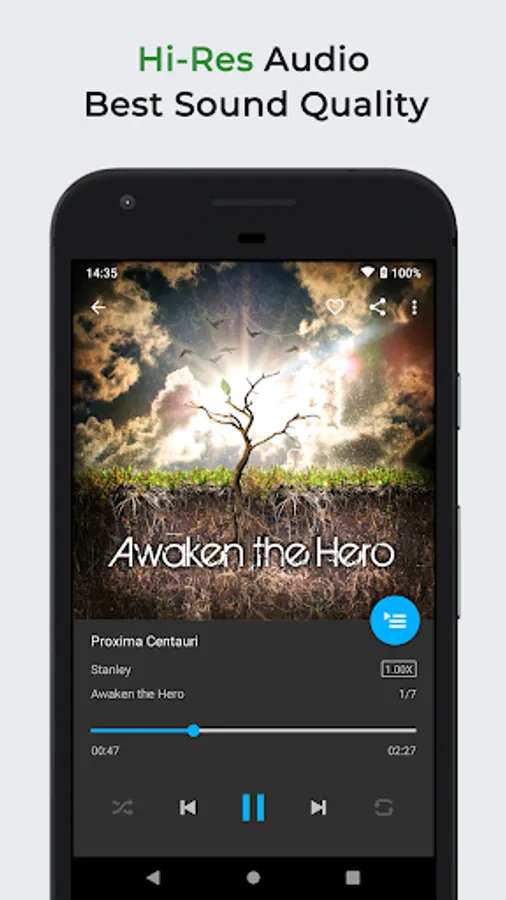
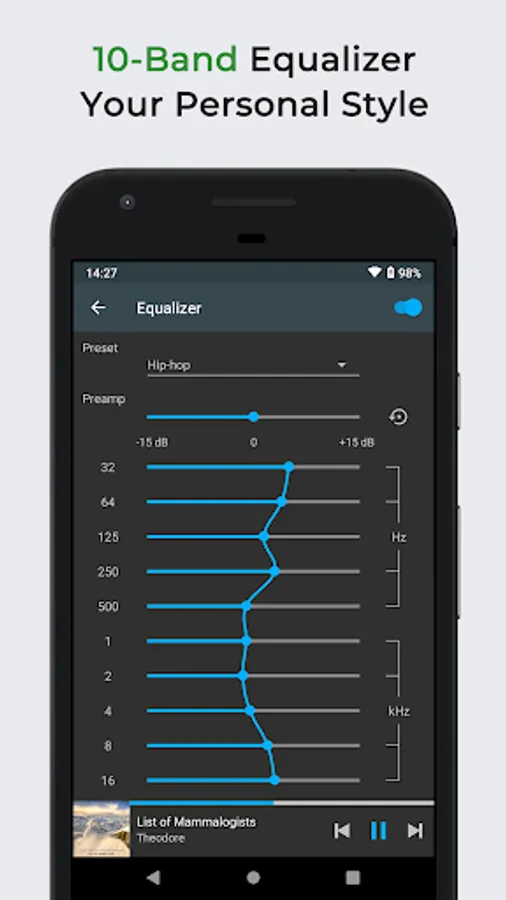
Omnia Music Player supports almost all audio formats, including mp3, ape, aac, alac, aiff, flac, opus, ogg, wav, dsd (dff/dsf), tta, etc. It has high-res output engine with best sound quality, and a 10-band equalizer, within a small footprint, less than 5 MB.
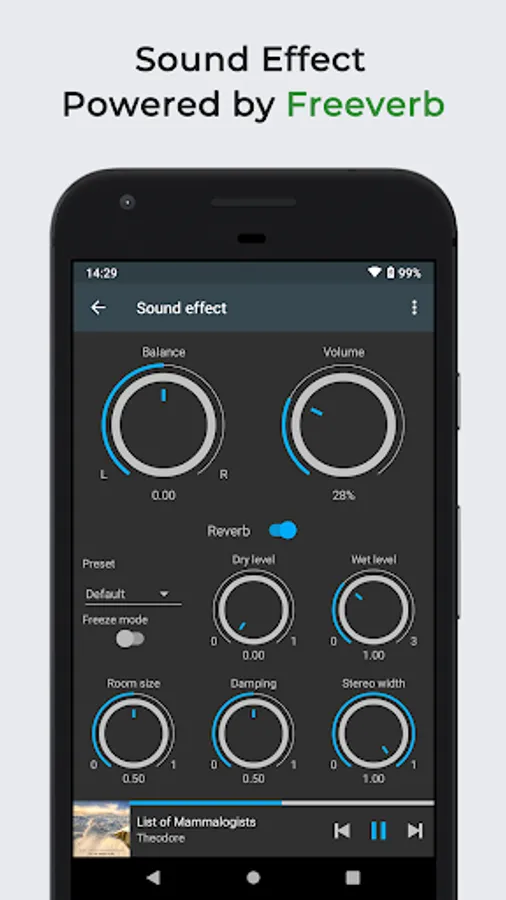
Omnia Music Player contains almost every necessary feature to fulfill all of your musical needs including: gapless playback, lyrics display, crossfade, play speed adjustment, tag editing, last.fm scrobbling, Chromecast, voice command, Android Auto, Freeverb, audio balance, ReplayGain, sleep timer, etc.
Key Features:
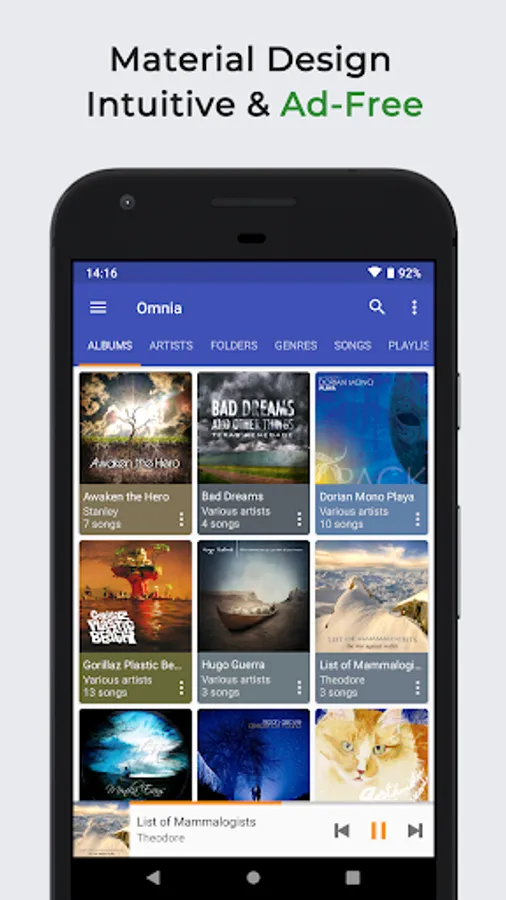
✓ Free of advertisements.
✓ High-resolution audio output.
✓ Lossless audio support such as APE.
✓ OpenSL / AudioTrack based output methods.
✓ Gorgeous user interface with material design.
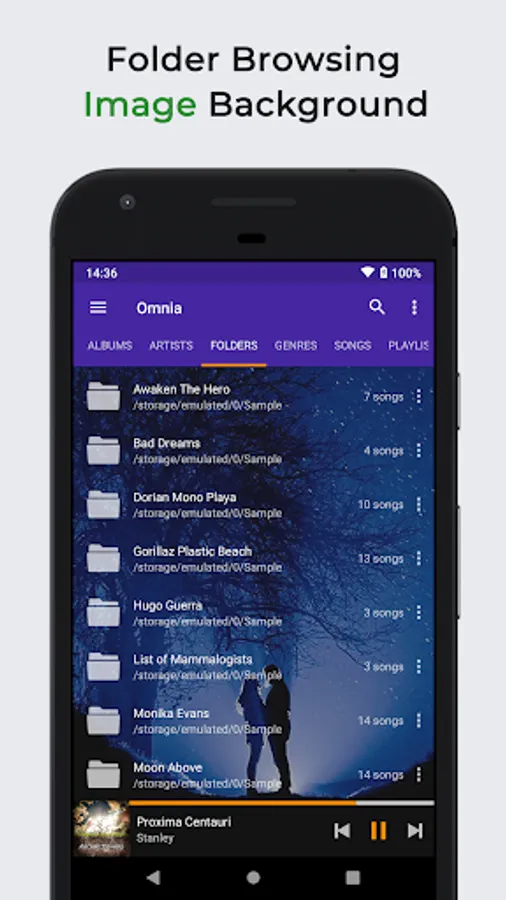
✓ Manage and play music by album, artist, folder, and genre.
✓ Smart playlists with most played, recently played, and newly added tracks.
✓ Sava/restore playback position (useful for podcast and audiobook).
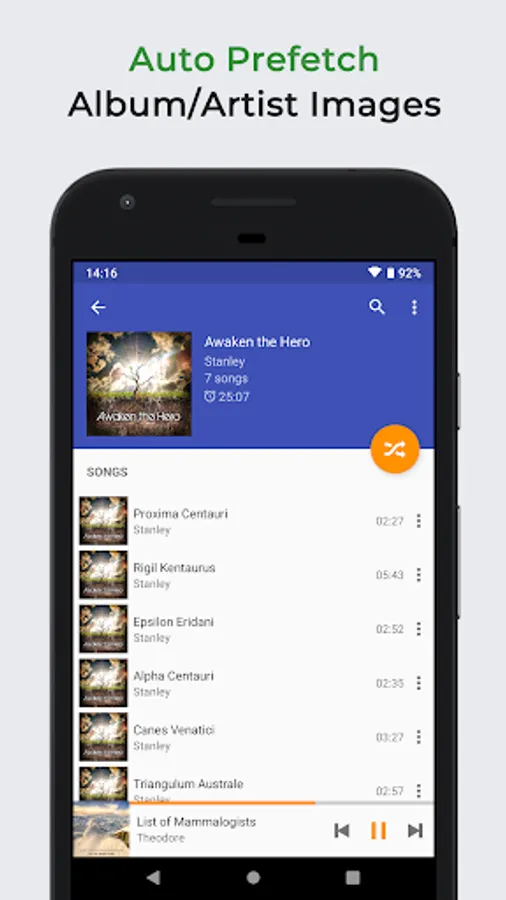
✓ Automatic sync missing album/artist images.
✓ Fast search across albums, artists, and songs.
✓ Volume normalization based on ReplayGain.
✓ Built-in metadata tag editor (mp3 and more).
✓ Display lyrics (embedded and lrc file).
✓ Support MP3 URL playlist files (m3u and m3u8).
✓ Support Windows media player playlist files (wpl).
✓ Resizable home screen widget.
✓ Gapless playback support.
✓ 10-band equalizer and 15 pre-built presets.
✓ Flexible reverb settings powered by Freeverb.
✓ Up to 32-bit/768kHz USB DAC support on Android 14+.
✓ Sound balance adjustment.
✓ Play speed adjustment.
✓ Crossfade support.
✓ Chromecast (Google Cast) support.
✓ Google voice commands support.
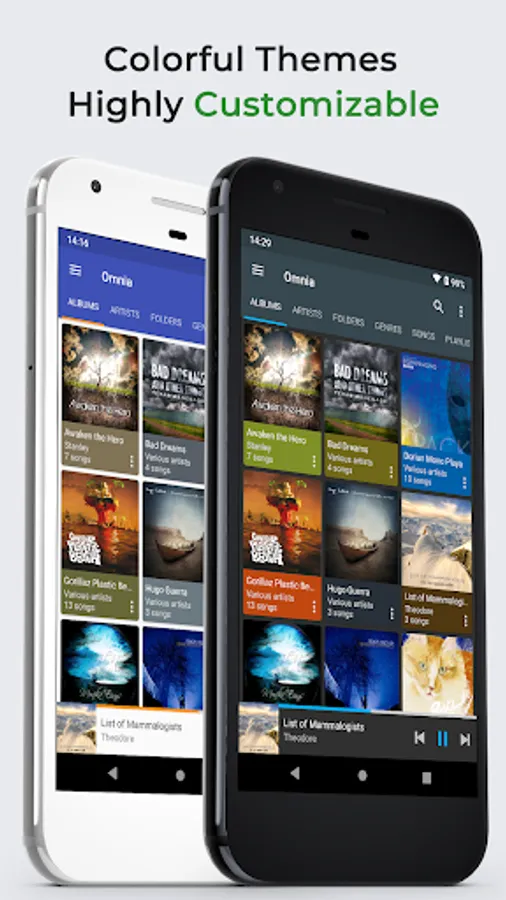
✓ Colorful themes, fully customizable.
✓ Background image from gallery.
✓ Android Auto support.
✓ Last.fm scrobbling.
✓ Sleep timer.
Omnia Music Player vs. Pulsar Music Player:
Omnia Music Player is the sister application of Pulsar Music Player. It contains following differentiation:
✓ New user interface and experience.
✓ Built-in audio engine, decoder and library.
✓ 10 bands equalizer and 15 presets.
✓ Reverb settings powered by Freeverb.
✓ More flexible preference settings.
Support Development:
If you can help to translate this audio player to your native language, or there is any mistake in current translation, please contact our email: support@rhmsoft.com.
If you run into any issues or have any suggestions while using this audio player, please feel free to contact us: support@rhmsoft.com.
Disclaimer:
Album covers used in the screenshots are licensed under CC BY 2.0 License:
https://creativecommons.org/licenses/by/2.0/
Credits:
https://www.flickr.com/photos/room122/3194511879
https://www.flickr.com/photos/room122/3993362214
https://www.flickr.com/photos/wheatfields/3328507930
https://www.flickr.com/photos/megatotal/4894973474
https://www.flickr.com/photos/megatotal/4894973880
https://www.flickr.com/photos/differentview/4035496914
https://www.flickr.com/photos/master971/4421973417
https://www.flickr.com/photos/woogychuck/3316346687
https://www.flickr.com/photos/115121733@N07/12110011796
Omnia Music Player Screenshots
Tap to Rate:
Reviews for Omnia Music Player
Sumit
12/26/2025
lack of clarity, midtones are missing, only muffled sound
Danika
12/25/2025
it's a good app!! some of my songs are like longer than they actually are so it just replays the song and i have to skip it but that might be a problem with the file? idk it's kinda weird but overall this app is really easy to navigate and i like it :))