Code Editor - Compiler & IDE
Rhythm Software
3.9 ★
12K ratings
1,000,000+
downloads
Free
+ in-app
In this code editor app, you can write, edit, compile, and run code in multiple programming languages. Includes syntax highlighting, code assist, version control integration, and cloud storage access.
AppRecs review analysis
AppRecs rating 3.4. Trustworthiness 82 out of 100. Review manipulation risk 21 out of 100. Based on a review sample analyzed.
★★★☆☆
3.4
AppRecs Rating
Ratings breakdown
5 star
60%
4 star
9%
3 star
8%
2 star
4%
1 star
19%
What to know
✓
Low review manipulation risk
21% review manipulation risk
✓
Credible reviews
82% trustworthiness score from analyzed reviews
⚠
Ad complaints
Many low ratings mention excessive ads
About Code Editor - Compiler & IDE
If you need a plain text editor, please search for and download QuickEdit Text Editor.
Features:
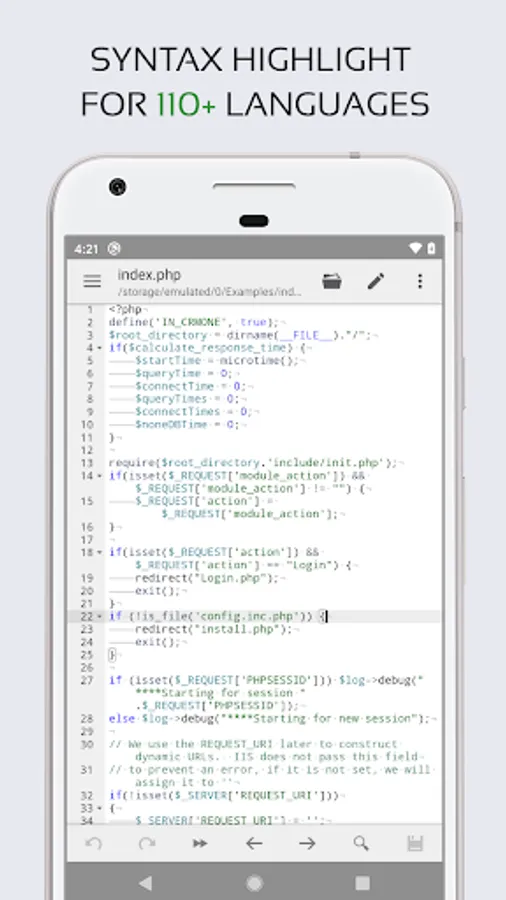
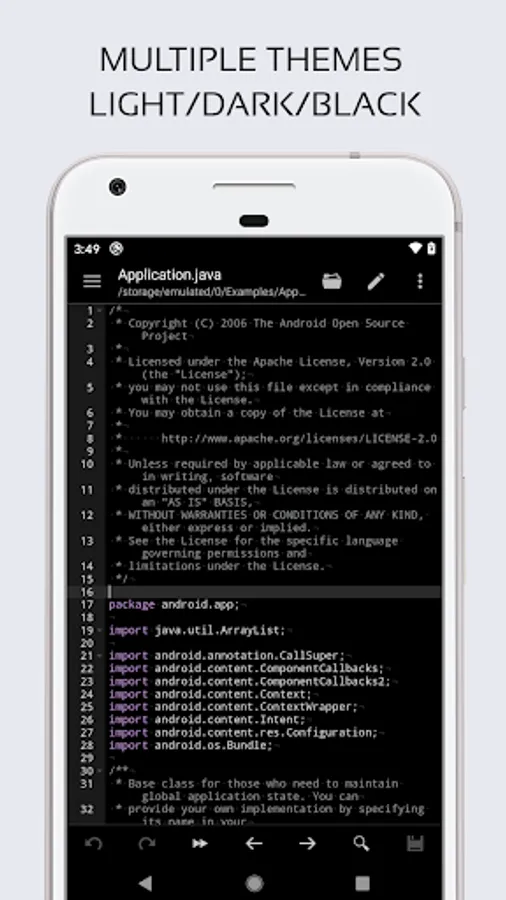
★ Syntax highlighting for over 110 languages (C++, Java, JavaScript, HTML, Markdown, PHP, Perl, Python, Lua, Dart, etc).
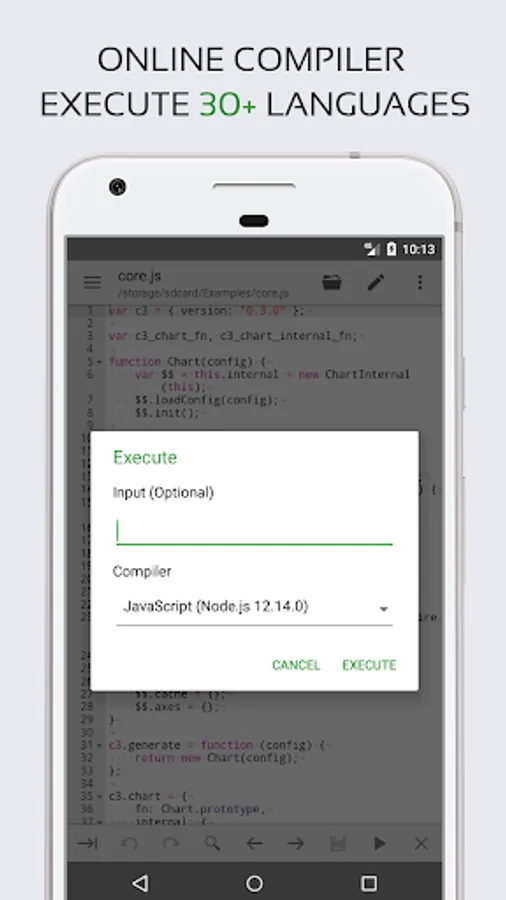
★ Include online compiler, can compile and run over 30 common languages (Python, PHP, Java, JS/NodeJS, C/C++, Rust, Pascal, Haskell, Ruby, etc).
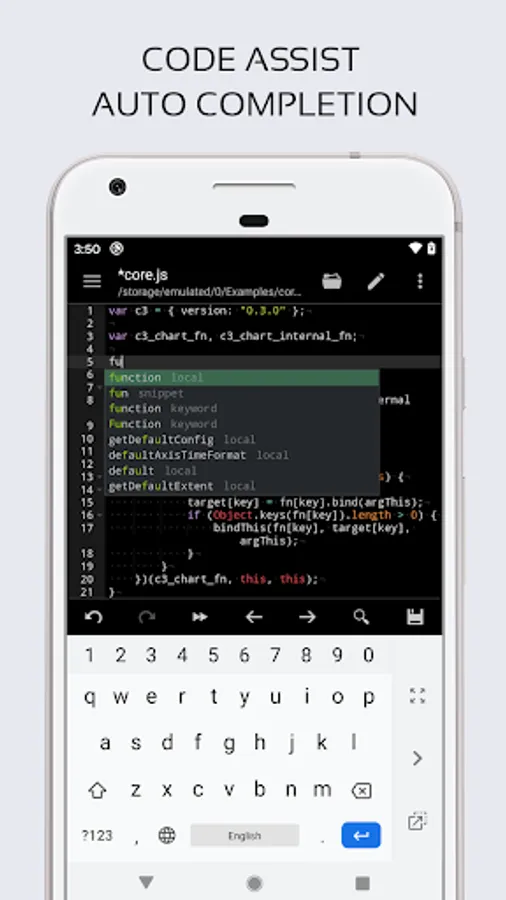
★ Code assist, folding and auto completion.
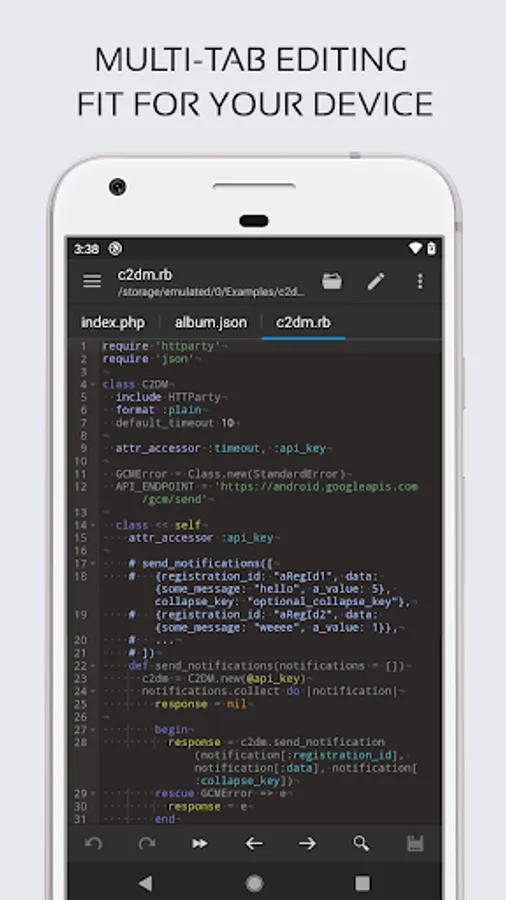
★ Easily navigate between multiple tabs.
★ Undo and redo changes without limit.
★ Search and replace with regular expressions.
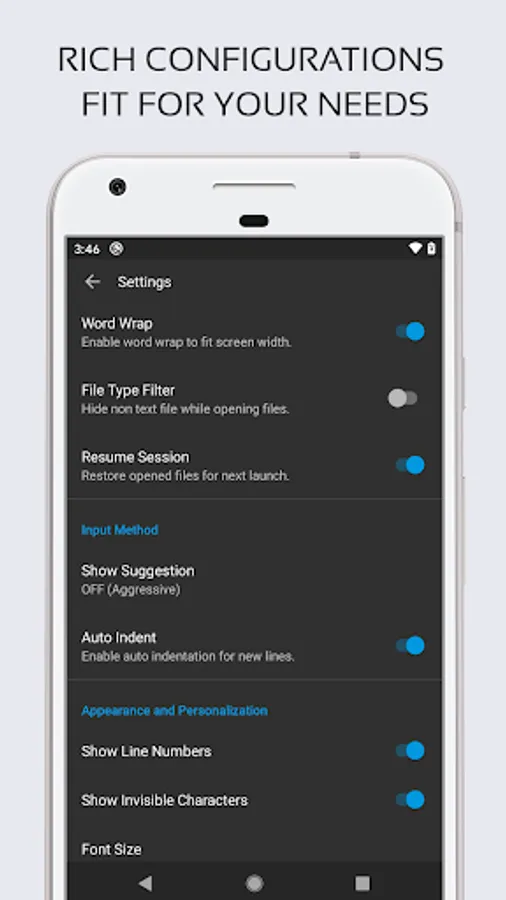
★ Show or hide line numbers.
★ Highlight matching parentheses.
★ Automatic indent and outdent.
★ Displays invisible characters.
★ Open files from recently opened or added file collections.
★ Preview HTML and Markdown files.
★ Includes Emmet support for web development.
★ Evaluate JavaScript code with built-in JavaScript console.
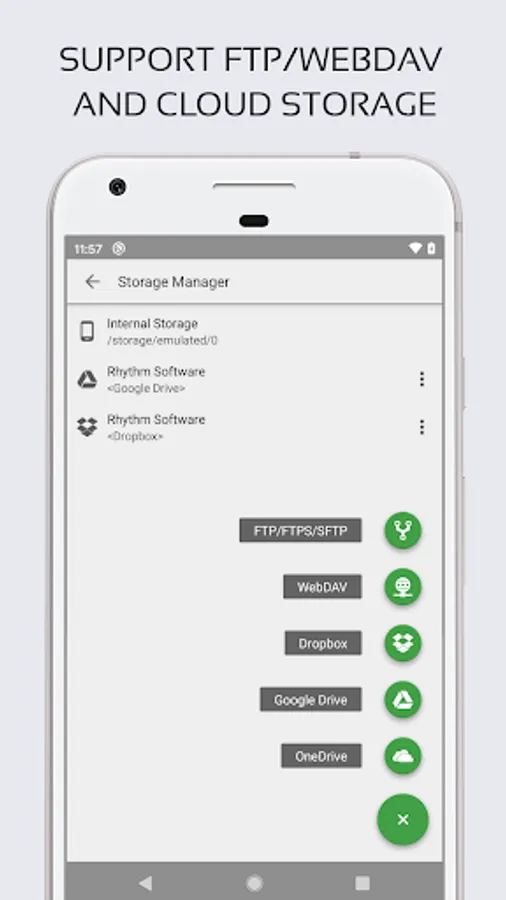
★ Access files from FTP, FTPS, SFTP and WebDAV.
★ Integrate and easy access to GitHub and GitLab.
★ Access files from Google Drive, Dropbox, and OneDrive.
★ Physical keyboard support, including key combinations.
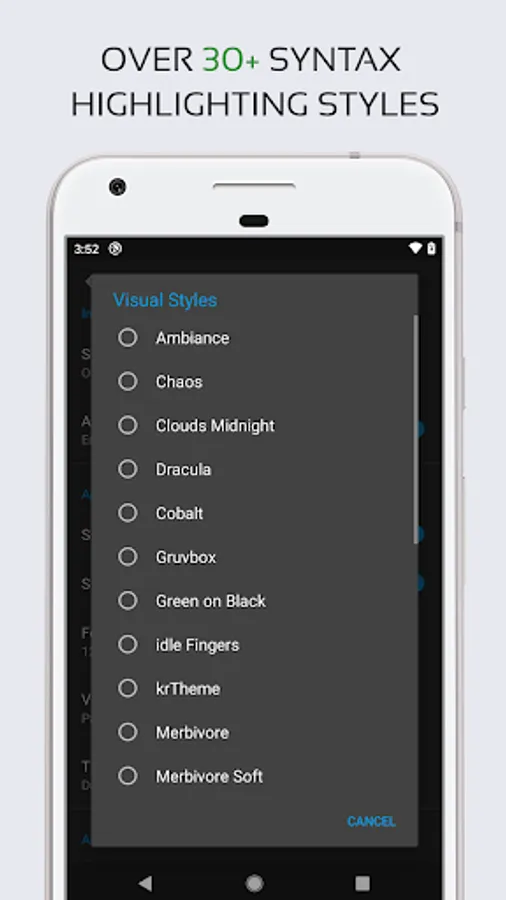
★ Three application themes and over 30 syntax highlighting themes.
If you can help to translate this application into your native language, please contact us at support@rhmsoft.com
If you encounter any issues or have any suggestions, please feel free to contact us at support@rhmsoft.com
Code Editor - Compiler & IDE Screenshots
Tap to Rate:
Reviews for Code Editor - Compiler & IDE
Richard Coppock
12/28/2025
My use case is simple JSON editing on mobile. for this it has good syntax highlighting, auto complete for words and tags and handles all characters perfectly (unlike quick edit which seems to struggle with some characters like long hyphens). A suggestion for find and replace: If this feature could include a display of the count of search results (e.g. 1 of 24) that would be useful. Also make it easier to do a find and replace for longer multi line blocks of text.
Dzaky Khairul Akhyar
12/27/2025
too much ads don't download it