
Samsung Calendar
Samsung Electronics Co., Ltd.
4.0 ★
97K ratings
1,000,000,000+
downloads
Free
AppRecs review analysis
AppRecs rating 3.9. Trustworthiness 66 out of 100. Review manipulation risk 27 out of 100. Based on a review sample analyzed.
★★★☆☆
3.9
AppRecs Rating
Ratings breakdown
5 star
65%
4 star
9%
3 star
7%
2 star
4%
1 star
16%
What to know
✓
Low review manipulation risk
27% review manipulation risk
✓
High user satisfaction
74% of sampled ratings are 4+ stars (4.0★ average)
✓
Authentic reviews
Natural distribution, no red flags
About Samsung Calendar
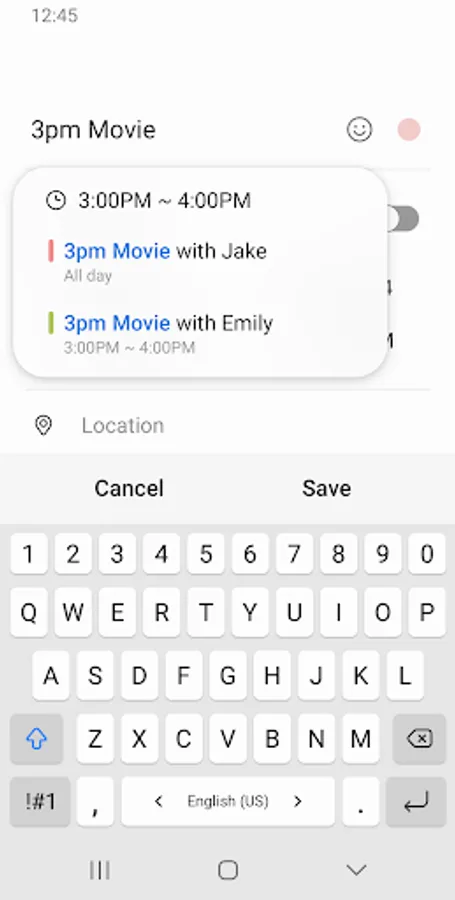
It helps you create events and tasks quickly and easily, and ensures that you remember them.
Decorate your home screen beautifully with the neat looking transparent widget.
[Key Features]
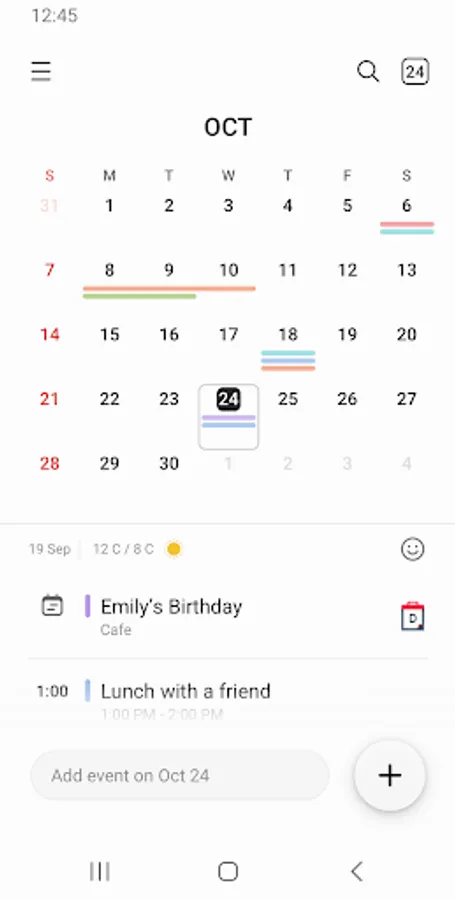
*Manage all your schedules at a glance by adding various Calendars, including Google Calendar.
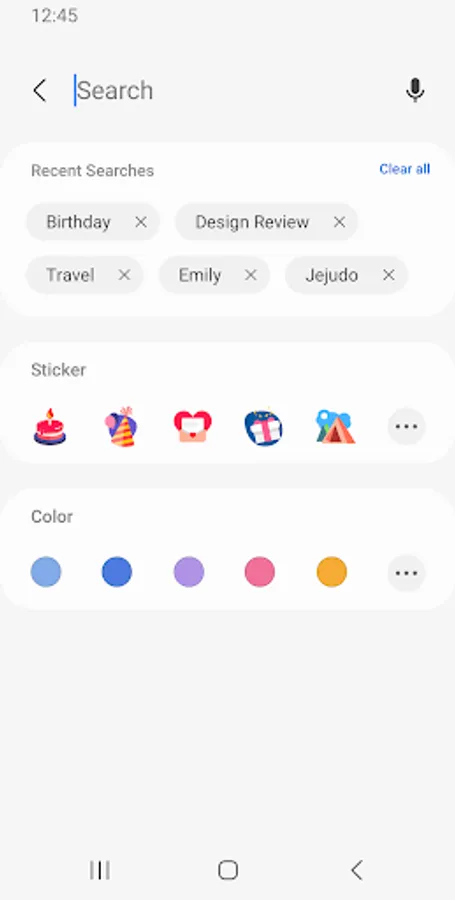
*Assign color codes to events in each calendar.
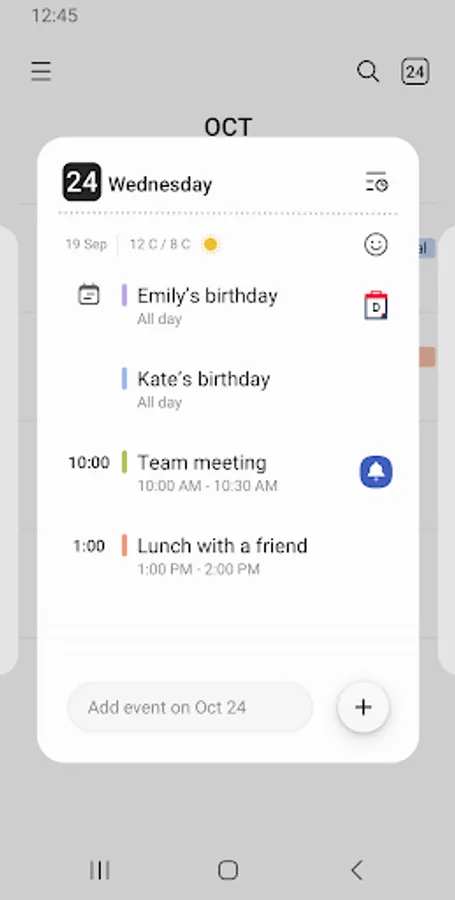
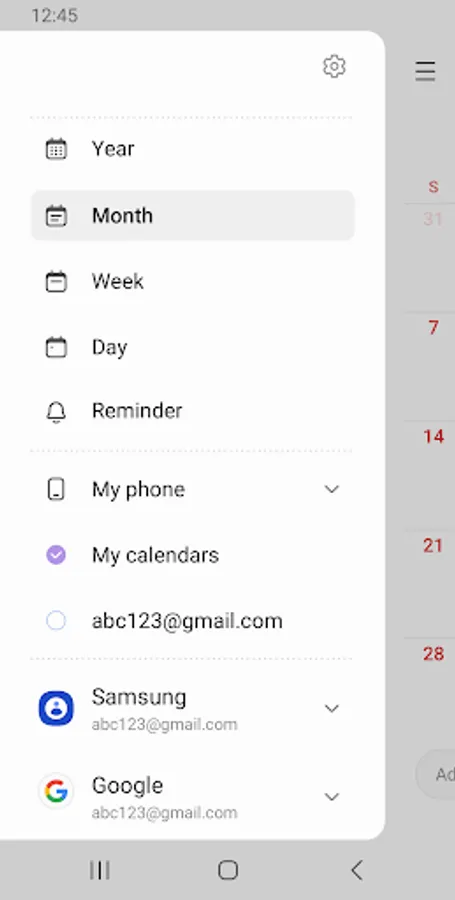
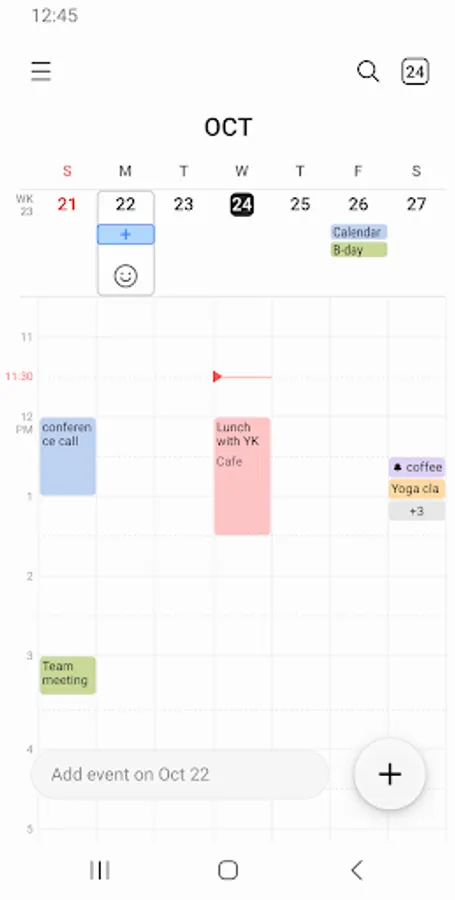
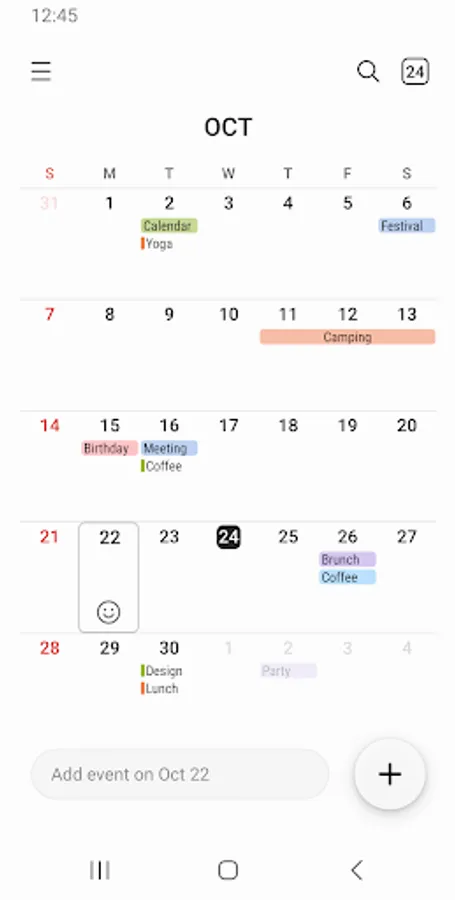
*Provides various options to display including year, month, week, day and task views.
*Display weekly weather information.
*Set a pattern of recurrence and the time zone when you create an event.
*Choose from several types of widgets with adjustable transparency.
*Switch from one day, week, month or year to the next with a simple horizontal swipe.
*Set up variety notifications for an event.
The following permissions are required for the app service. For optional permissions, the default functionality of the service is turned on, but not allowed.
[Required permissions]
- Calendar : Add and check the schedule
- Notification : Notify you of events
[Optional permissions]
- Contacts : Invite attendees to the schedule or show the contact's birthday
- Location : Save location information in the schedule
- Photos and videos : Attach file to schedule
If your system software version is lower than Android 6.0, please update the software to configure App permissions.
Previously allowed permissions can be reset on Apps menu in device settings after software update.
Samsung Calendar Screenshots
Tap to Rate:
Reviews for Samsung Calendar
Rebecca
12/30/2025
Not good if what you want is a calendar to remind you of appointments on the actual day you entered. If your happy for a reminder on any other random date that's not your appointment date then this app is for you. Also your appointments you entered will just randomly move to another date. If you like to feel like your going insane and you haven't got enough stress in your life already, use this to really get your blood pressure up.
Yahya Haroon
12/30/2025
best aver