
Samsung Music
Samsung Electronics Co., Ltd.
3.8 ★
812K ratings
1,000,000,000+
downloads
Free
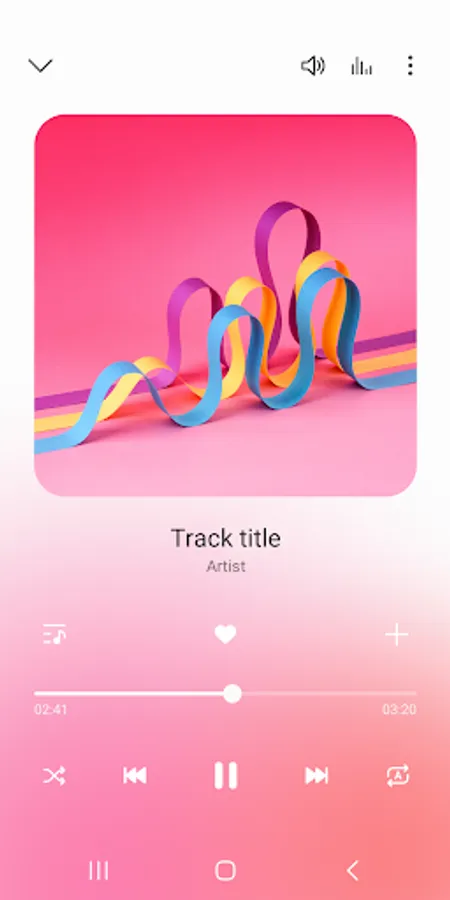
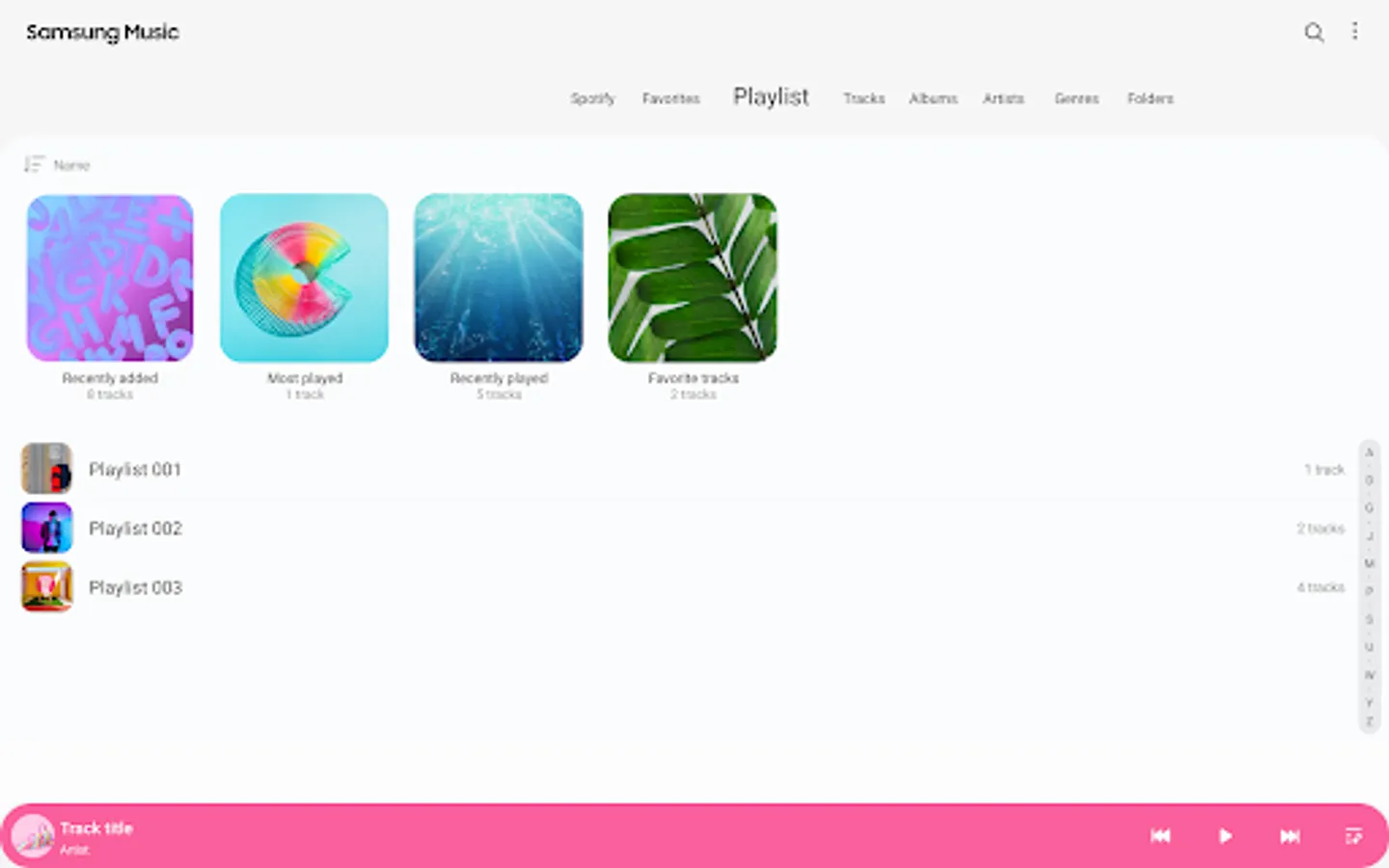
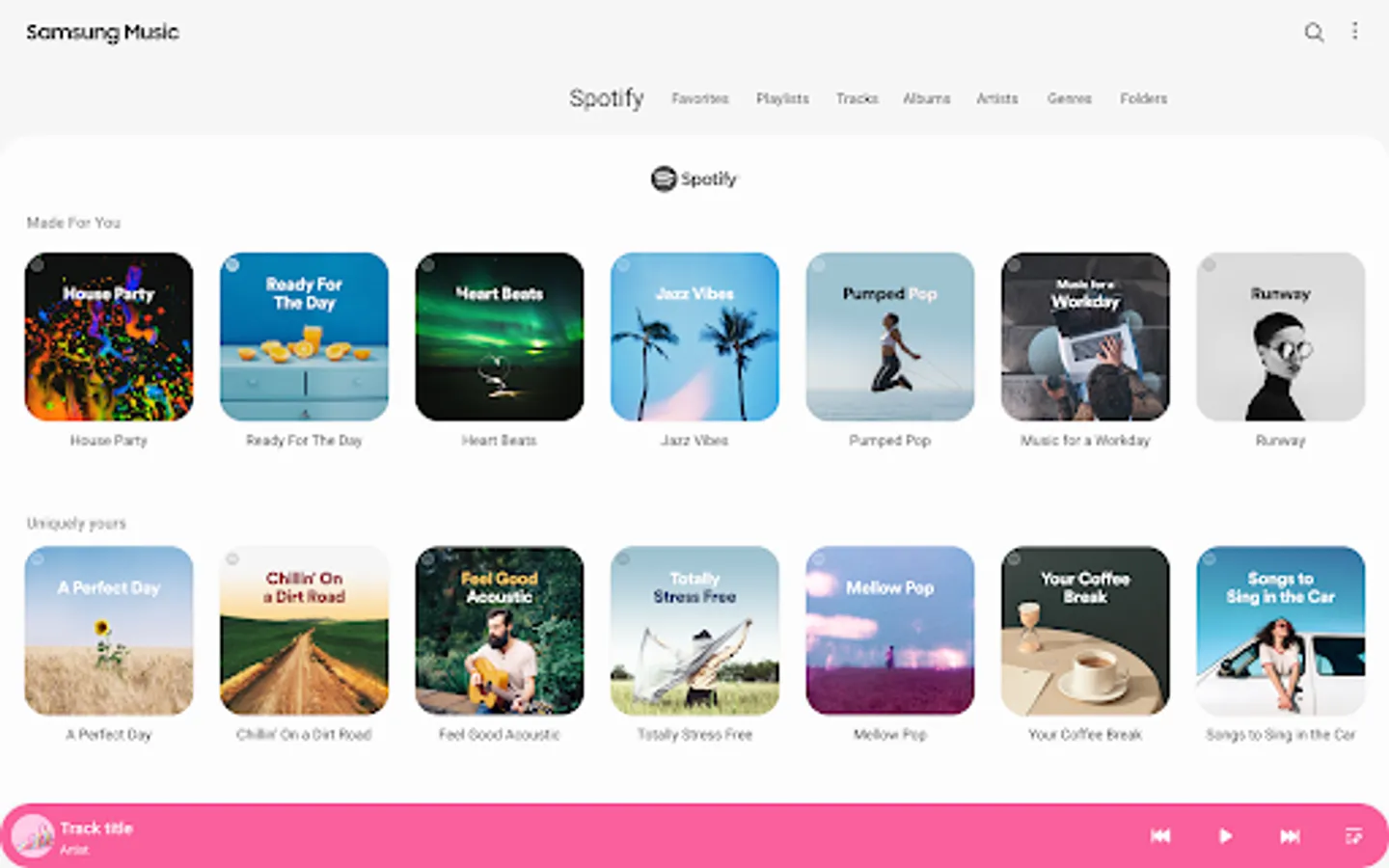
Use this music app to play various audio formats and manage playlists easily. Includes playlist recommendations from Spotify and support for multiple sound formats.
AppRecs review analysis
AppRecs rating 3.9. Trustworthiness 62 out of 100. Review manipulation risk 35 out of 100. Based on a review sample analyzed.
★★★☆☆
3.9
AppRecs Rating
Ratings breakdown
5 star
58%
4 star
9%
3 star
8%
2 star
5%
1 star
20%
What to know
✓
Good user ratings
67% positive sampled reviews
✓
Authentic reviews
Natural distribution, no red flags
About Samsung Music
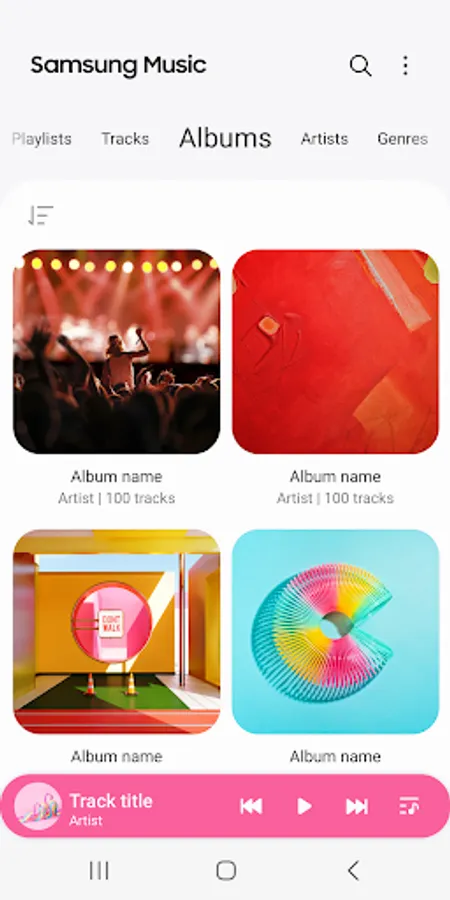
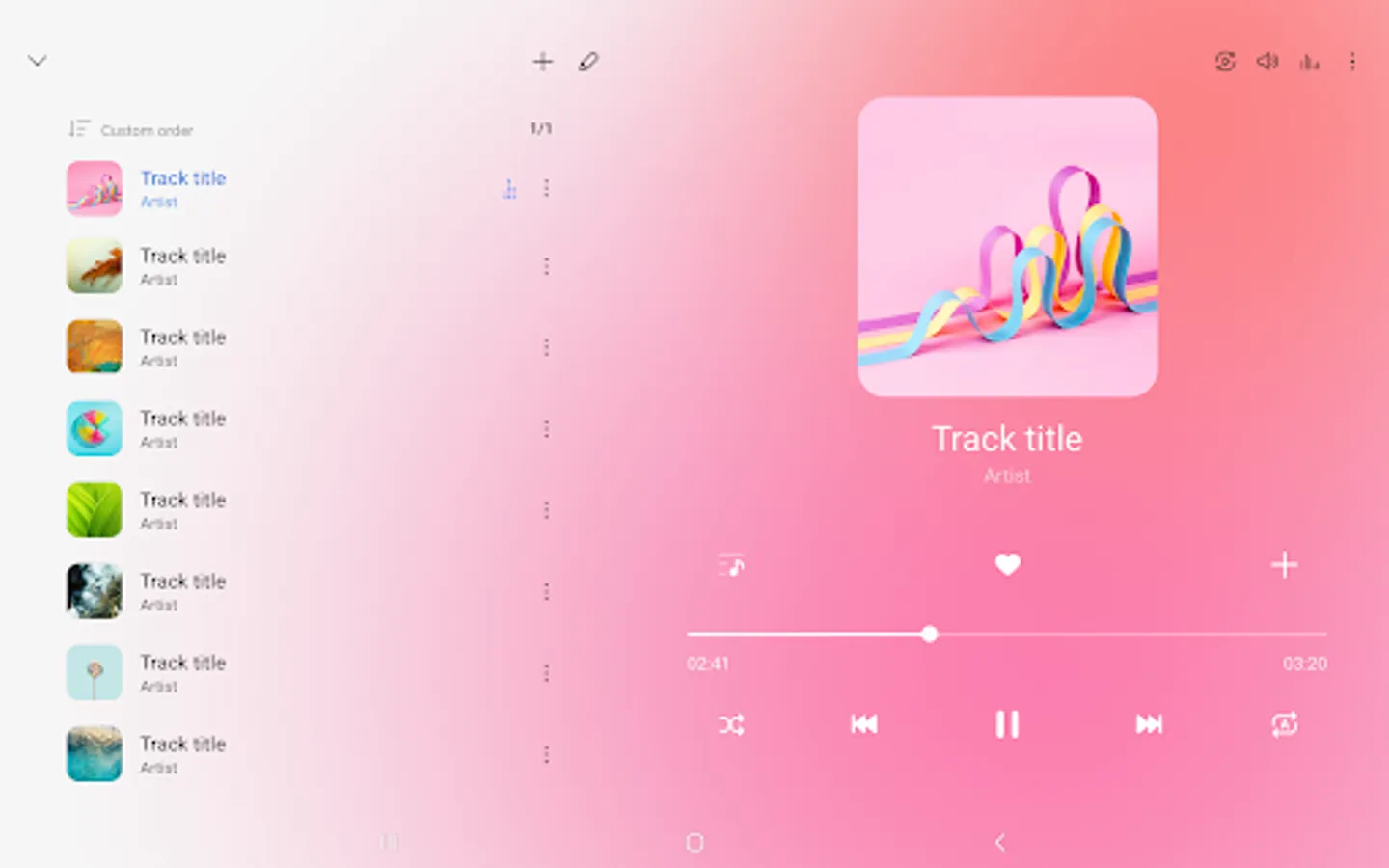
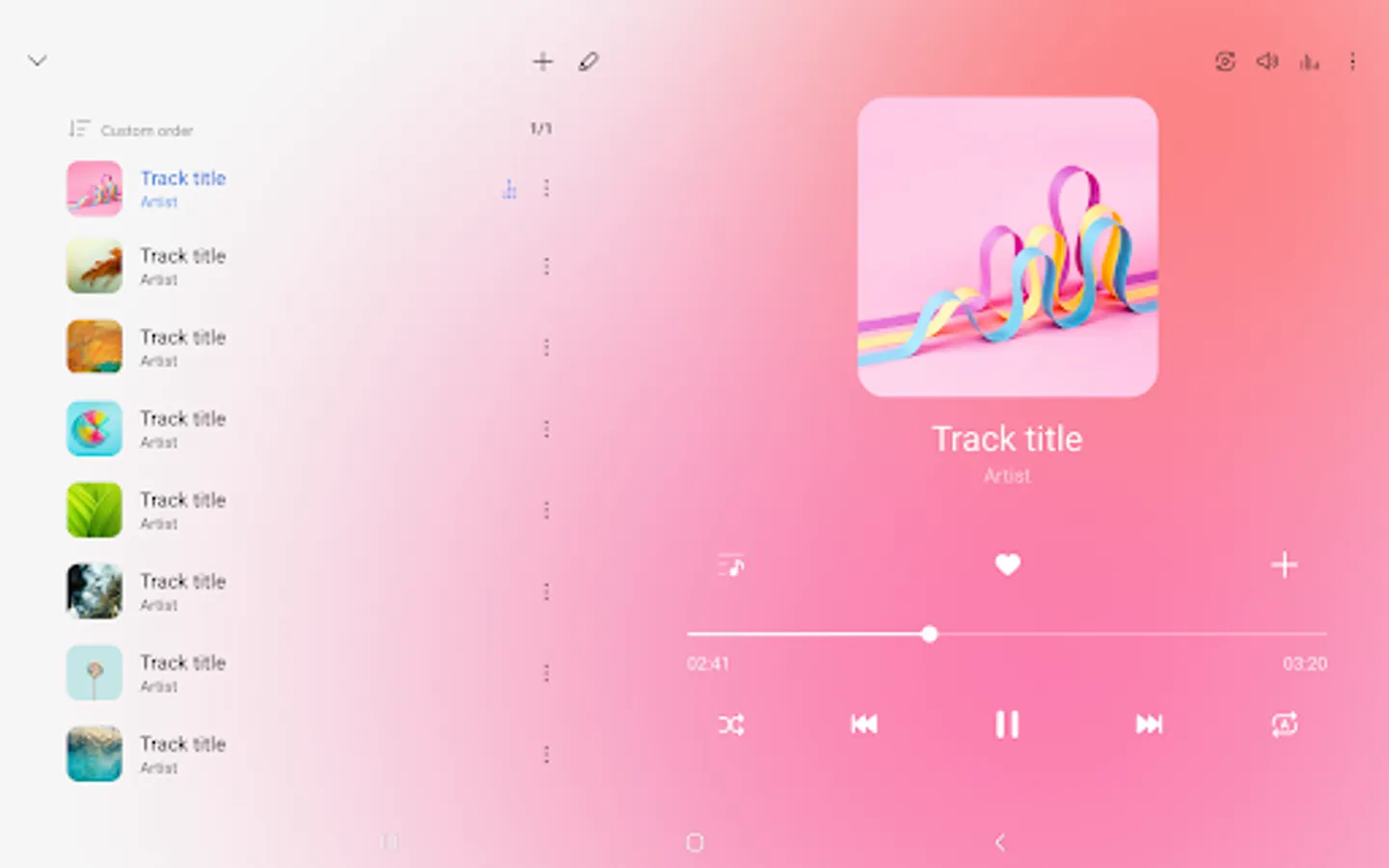
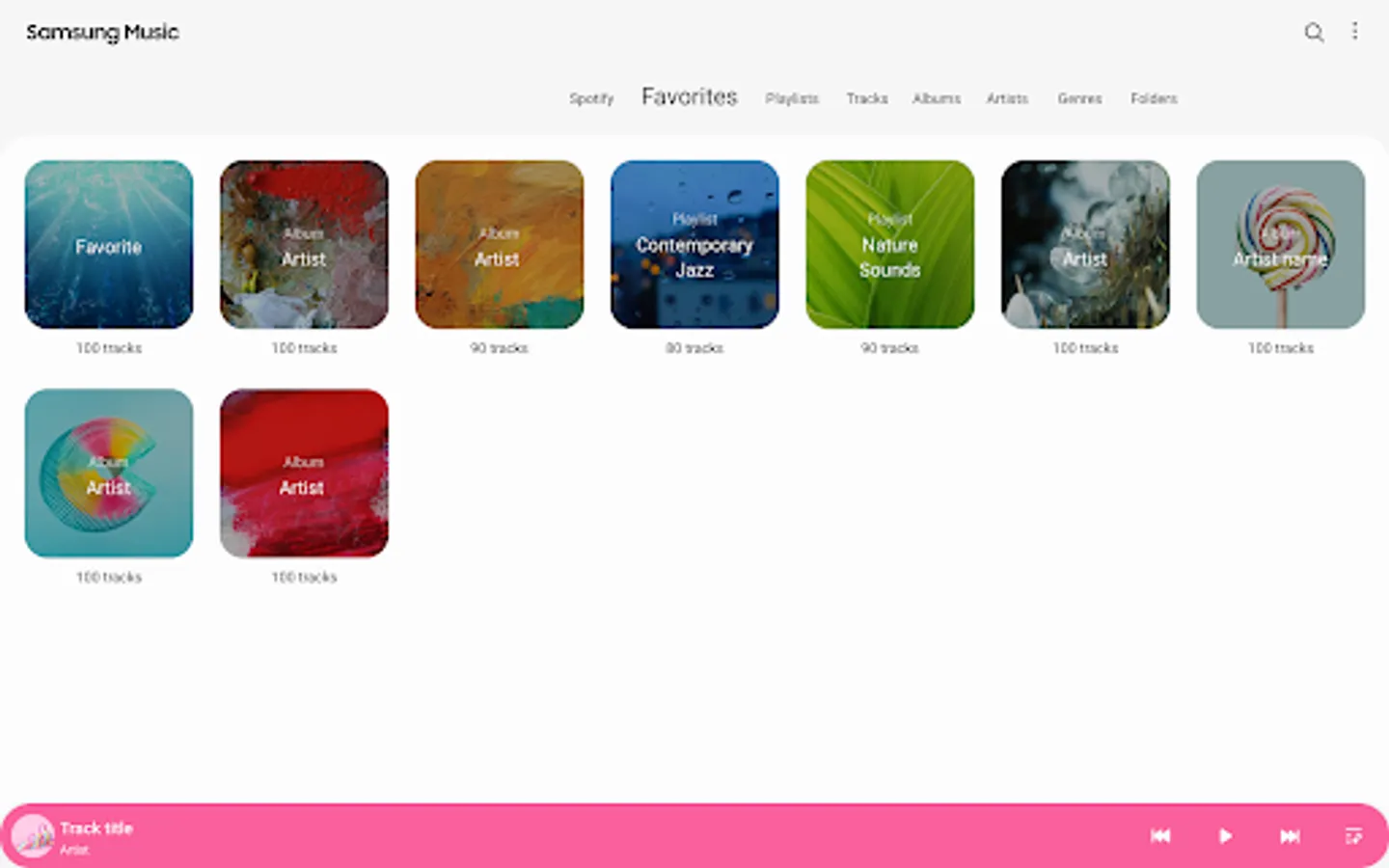
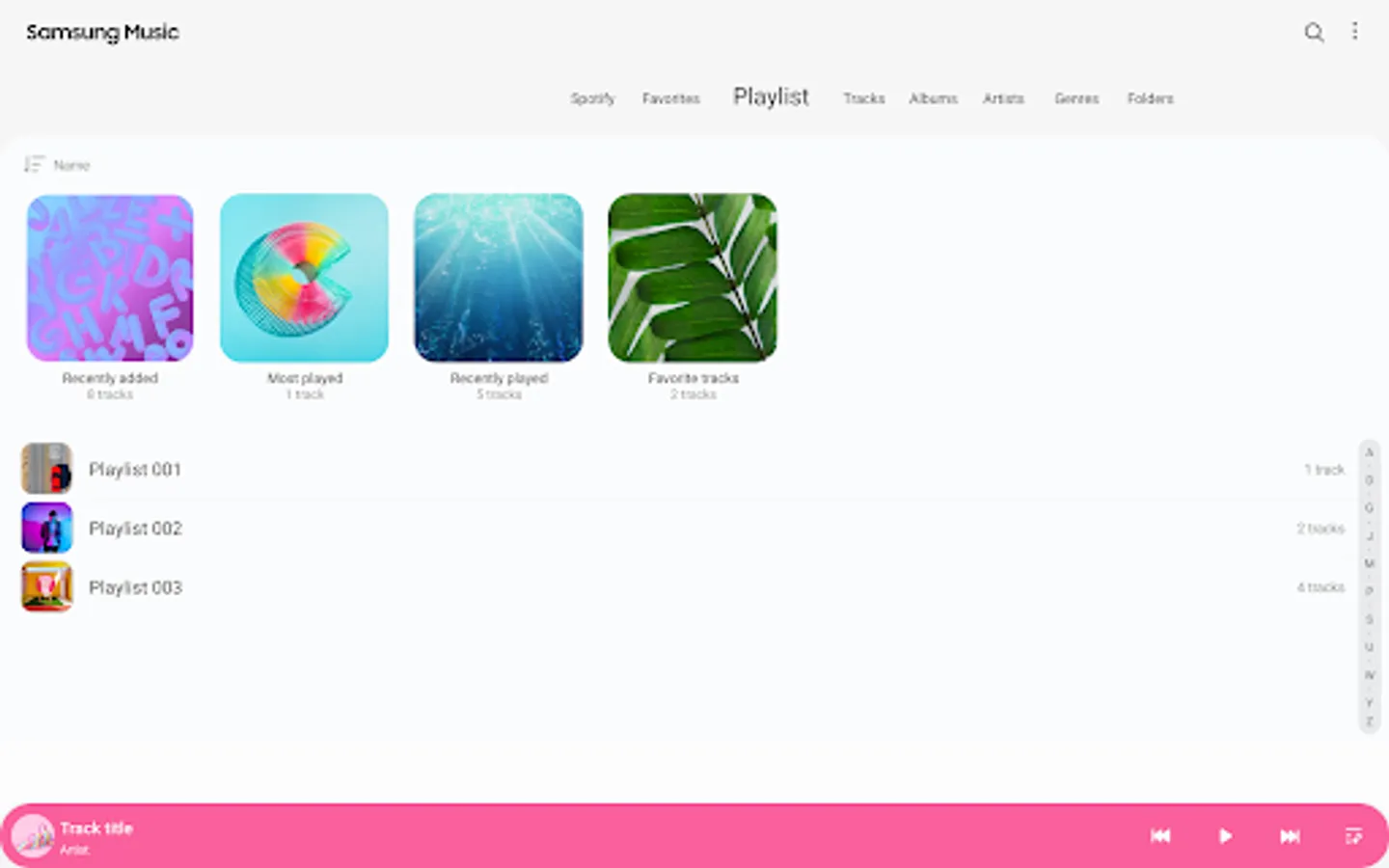
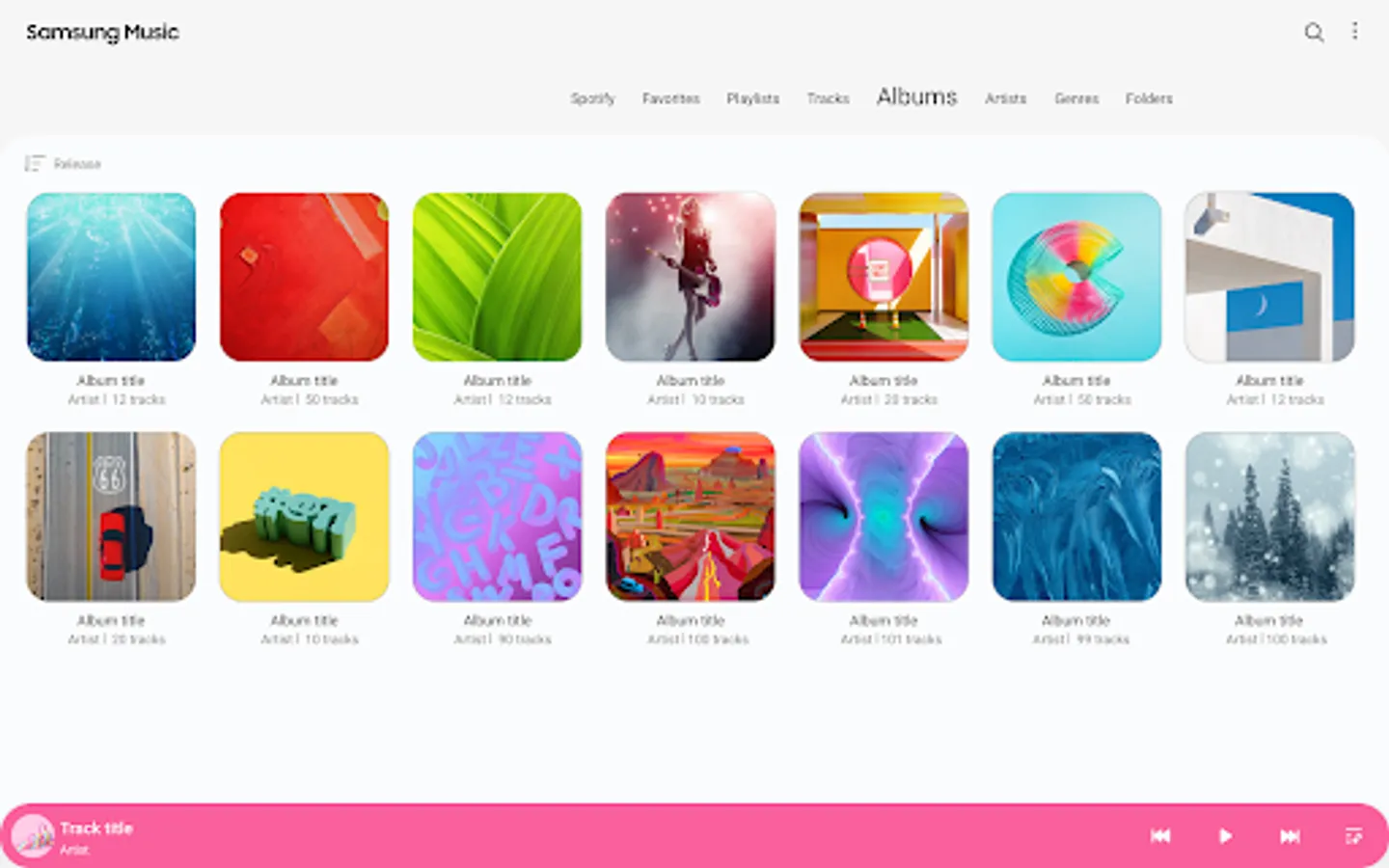
Samsung Music is optimized for Samsung android device and provides a powerful music play functionality and the best user interface.
Key Features
1. Supports playback of various sound formats such as MP3, AAC, FLAC.
(Supported file formats may vary depending on the device.)
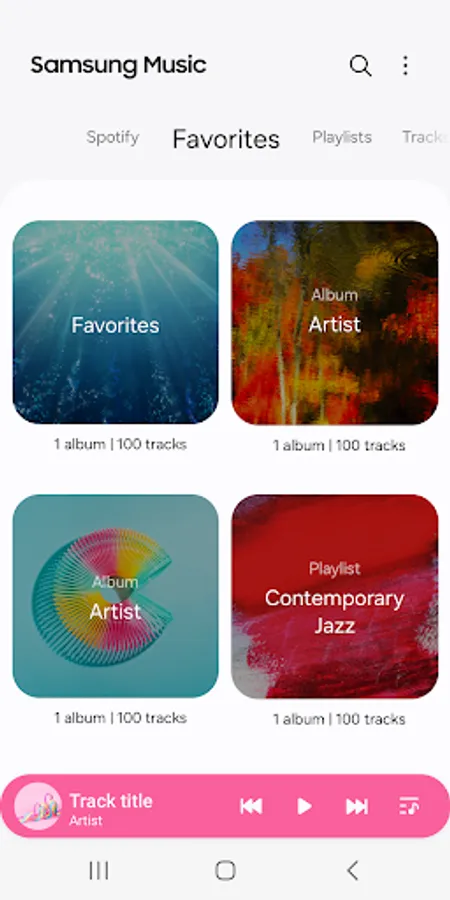
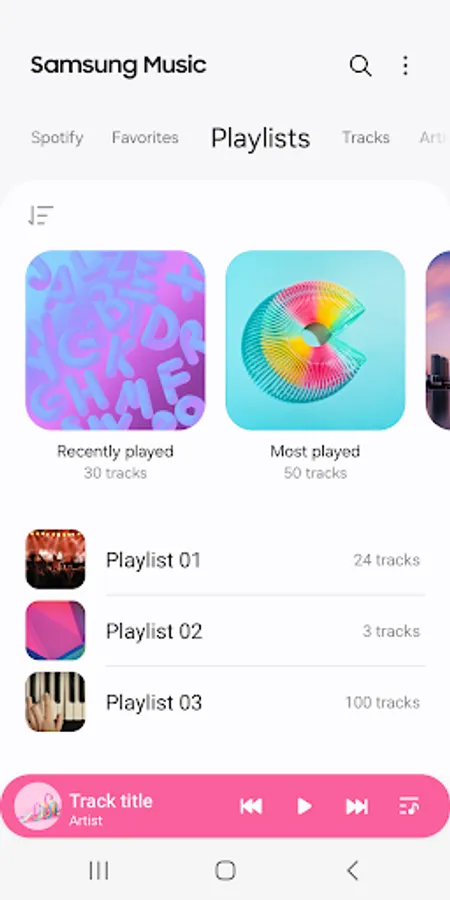
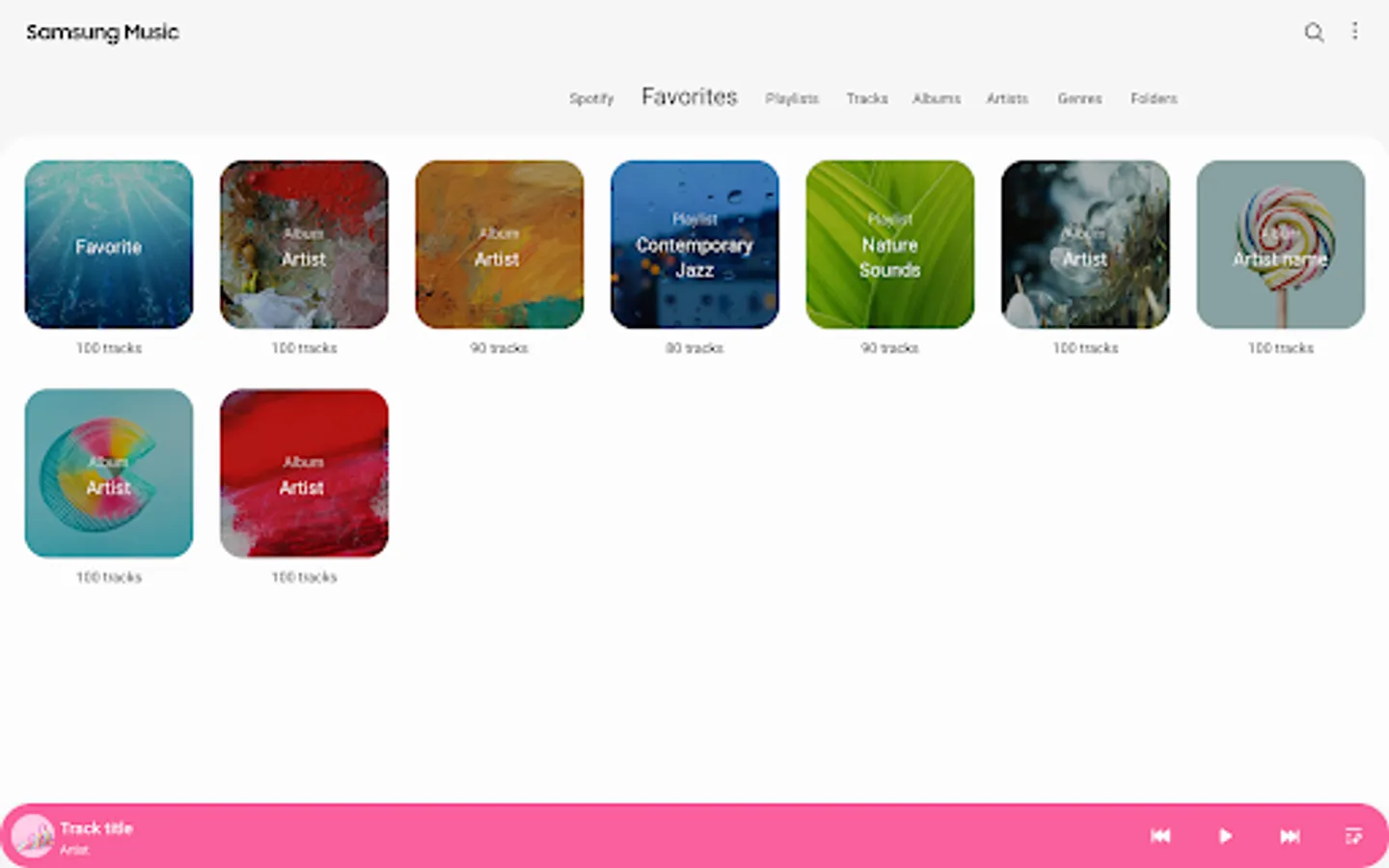
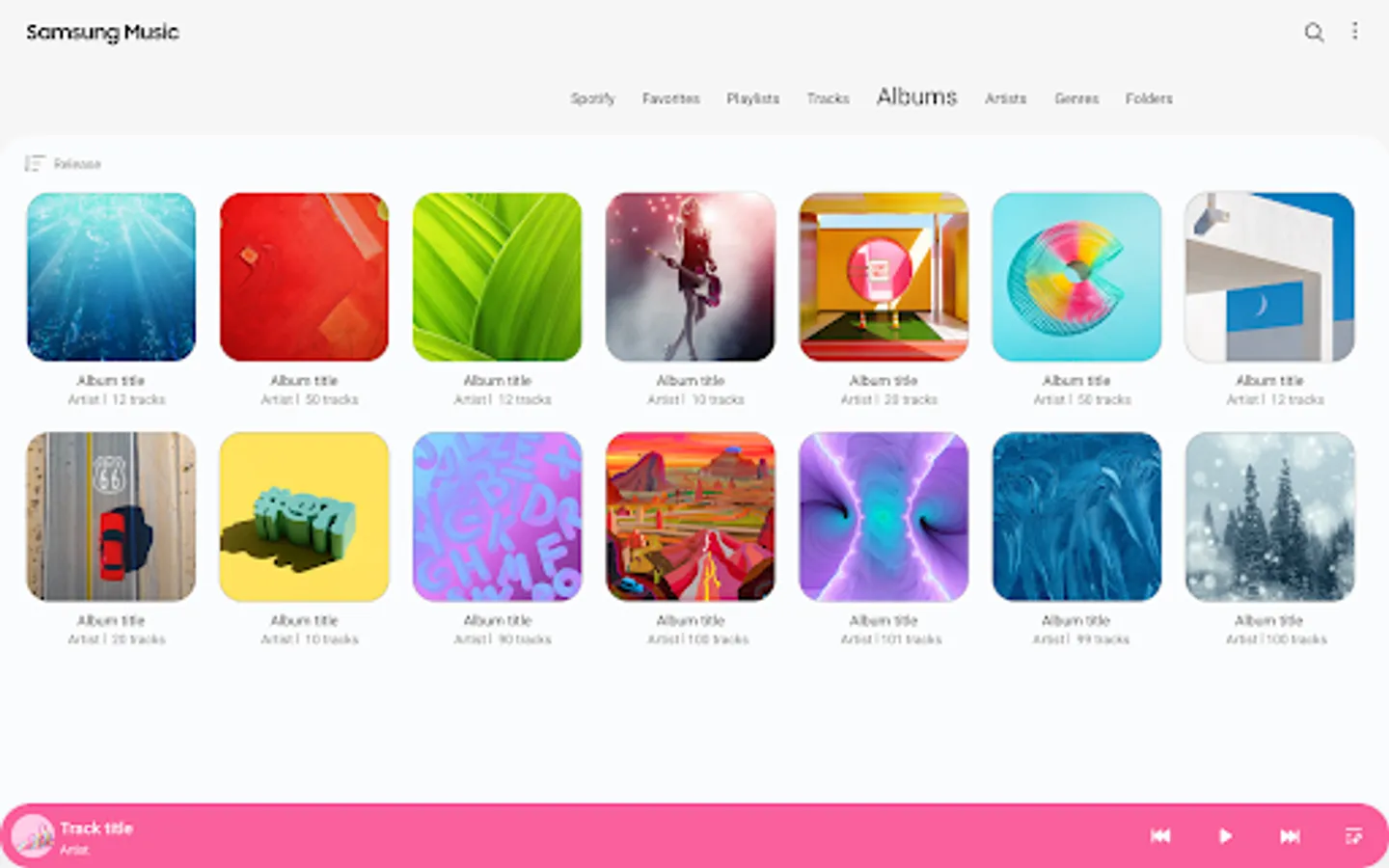
2. Helps to effectively manage song lists by categories.(Track,Album,Artist,Genre,Folder,Composer)
3. Provides a clean and intuitive user interface.
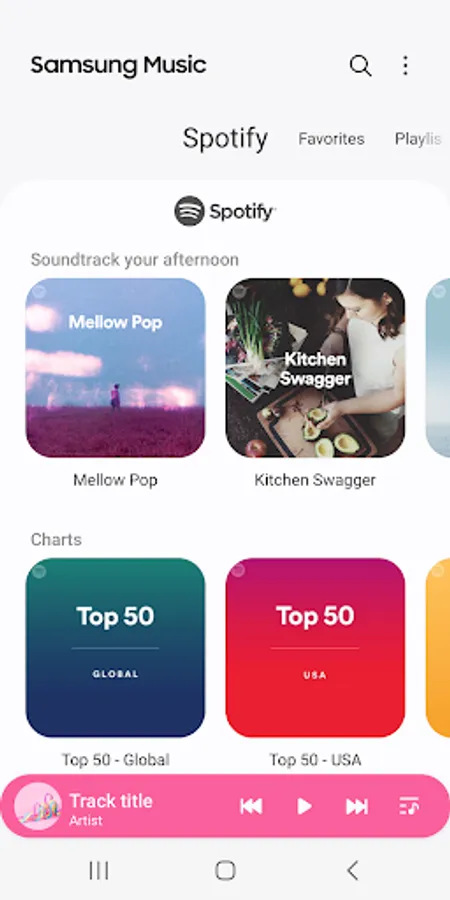
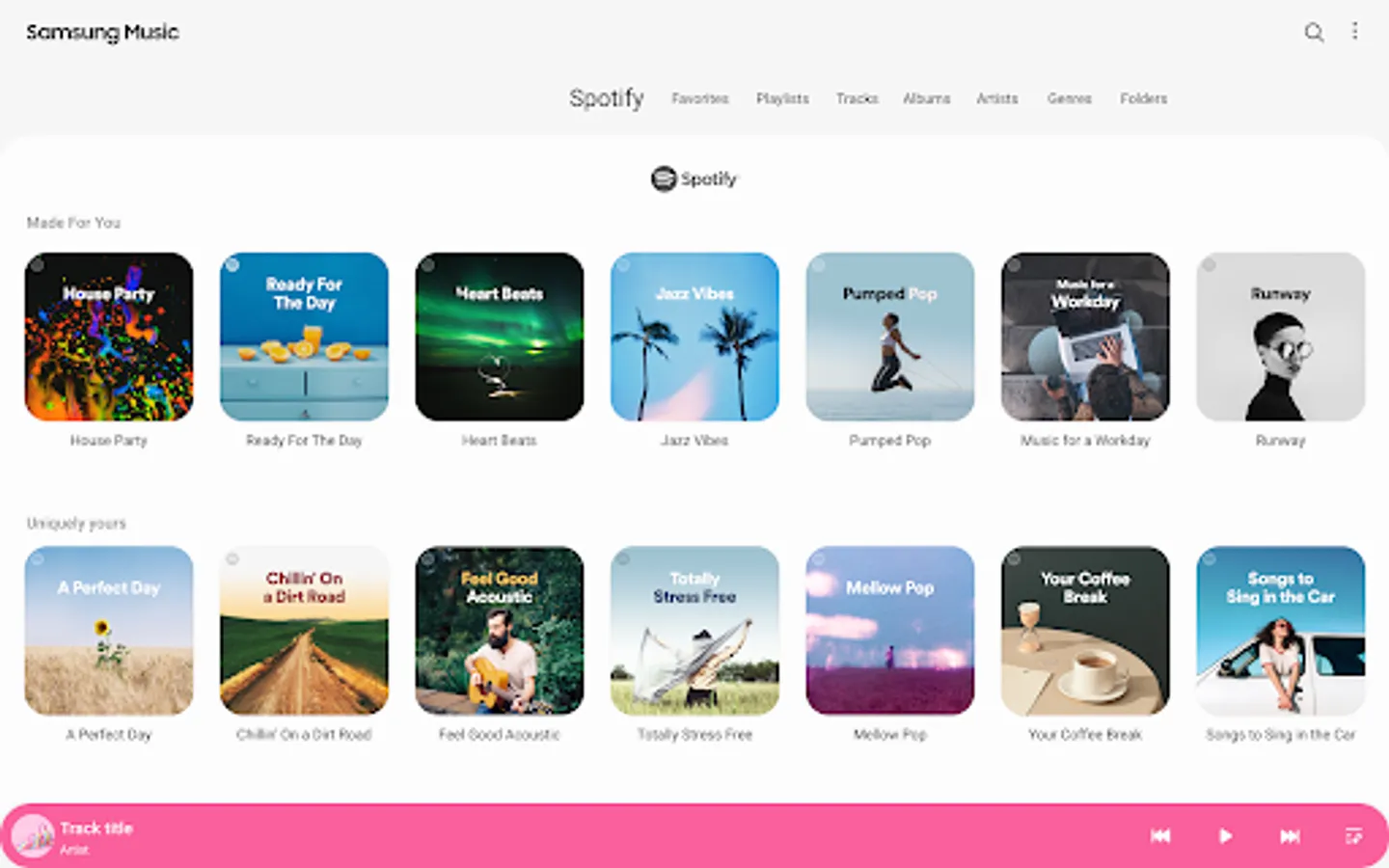
4. The Samsung music shows recommendation of playlists from Spotify. You can find Spotify recommendation music by Spotify tab and search Spotify music you’ll love.
(The Spotify tab is only available in countries where Spotify is on service.)
For further inquiries about Samsung Music, please contact us via the following methods.
* Samsung Music App > More (3 dot) > Settings > Contact US
(In order to use the "Contact us" feature, the Samsung Members app must be installed on the device.)
*** Required App Permissions ***
Below mandatory permission is required for basic features of Samsung Music.
Even if optional permission are denied, basic features may work properly.
[Mandatory Permission]
1. Music and Audio(Storage)
- Allows storing and playing music and audio files
- Allows the player to read data from SD card.
[Optional Permission]
2. Notifications
- Provide notifications related to Samsung Music.
3. Phone : Korean devices only.
- Verify your phone when using the music service.
Key Features
1. Supports playback of various sound formats such as MP3, AAC, FLAC.
(Supported file formats may vary depending on the device.)
2. Helps to effectively manage song lists by categories.(Track,Album,Artist,Genre,Folder,Composer)
3. Provides a clean and intuitive user interface.
4. The Samsung music shows recommendation of playlists from Spotify. You can find Spotify recommendation music by Spotify tab and search Spotify music you’ll love.
(The Spotify tab is only available in countries where Spotify is on service.)
For further inquiries about Samsung Music, please contact us via the following methods.
* Samsung Music App > More (3 dot) > Settings > Contact US
(In order to use the "Contact us" feature, the Samsung Members app must be installed on the device.)
*** Required App Permissions ***
Below mandatory permission is required for basic features of Samsung Music.
Even if optional permission are denied, basic features may work properly.
[Mandatory Permission]
1. Music and Audio(Storage)
- Allows storing and playing music and audio files
- Allows the player to read data from SD card.
[Optional Permission]
2. Notifications
- Provide notifications related to Samsung Music.
3. Phone : Korean devices only.
- Verify your phone when using the music service.
Samsung Music Screenshots
Tap to Rate:
Reviews for Samsung Music
AnKiT MiShrA
2/20/2026
its a great
Kevin King
2/20/2026
Won't play some types of music files. Used to have a feature to edit artist but that is gone because they hate their users. Now I have an artist where one letter is capitalized on one album but not in the other albums so it counts it as two different artists and there's no way to fix it