
SmartThings
Samsung Electronics Co., Ltd.
4.6 ★
4M ratings
1,000,000,000+
downloads
Free
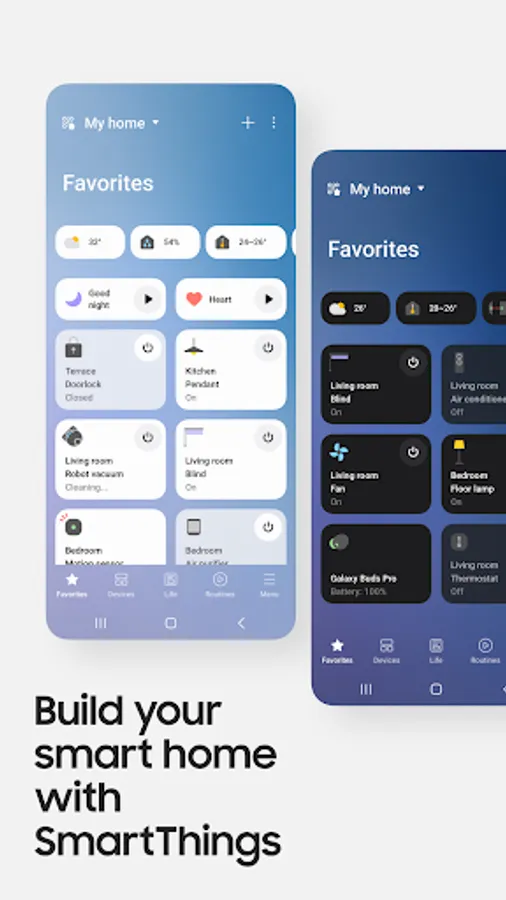
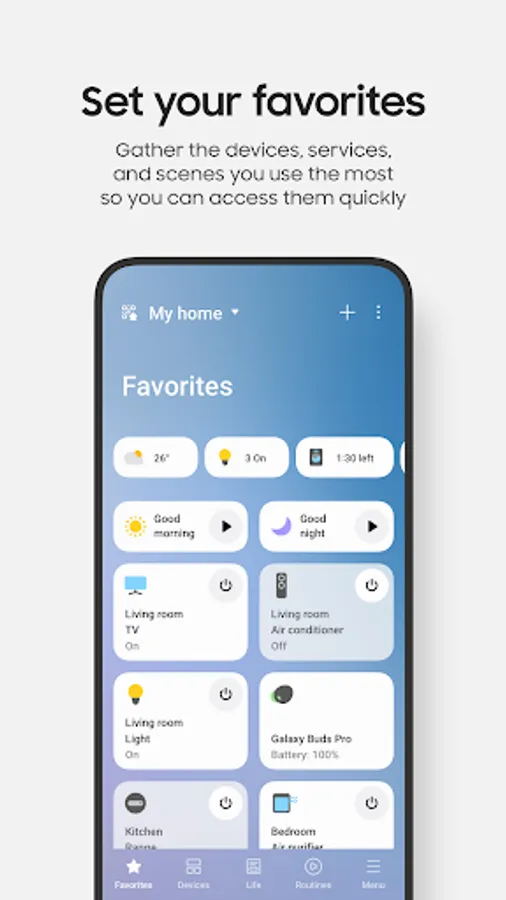
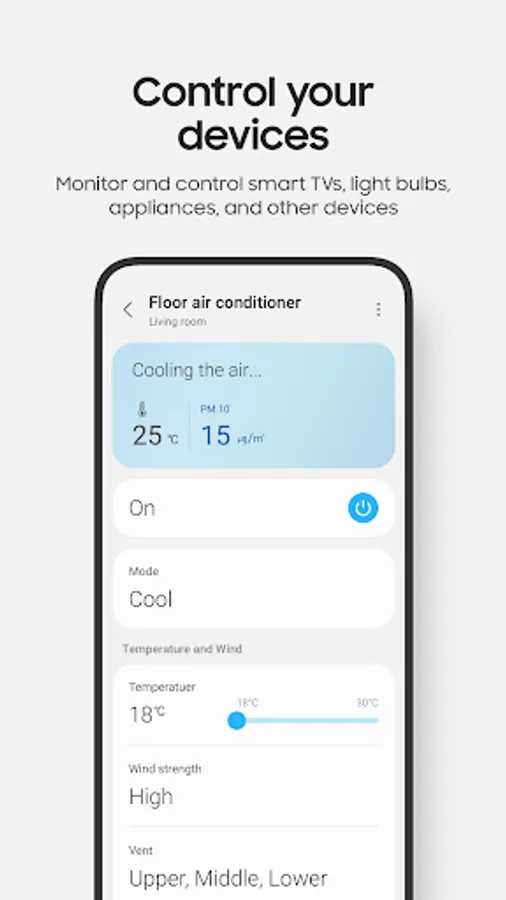
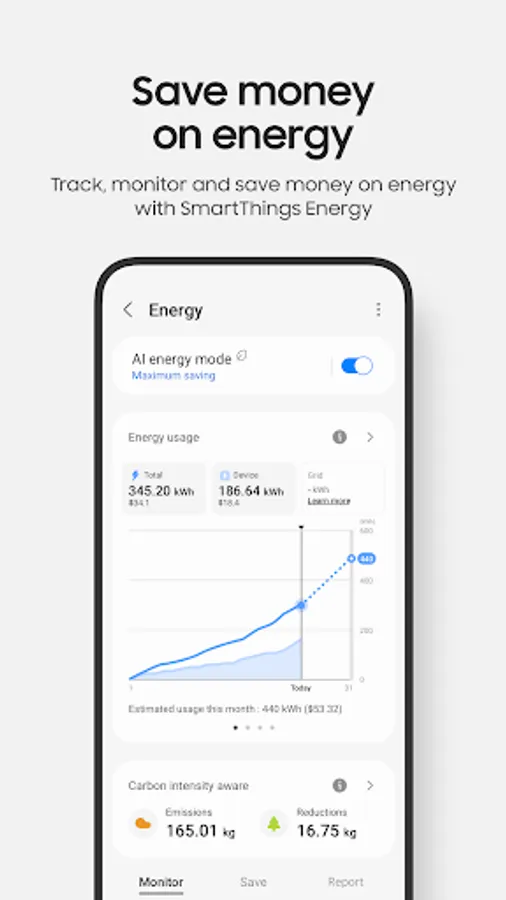
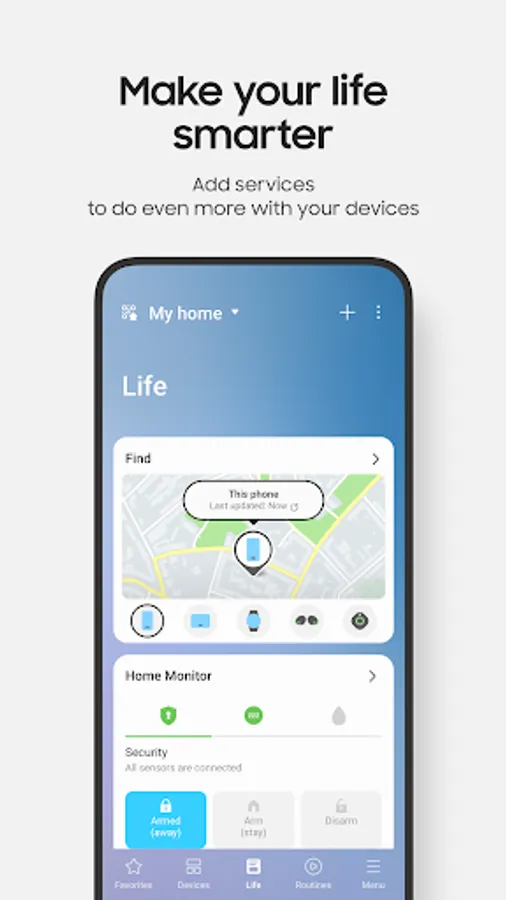
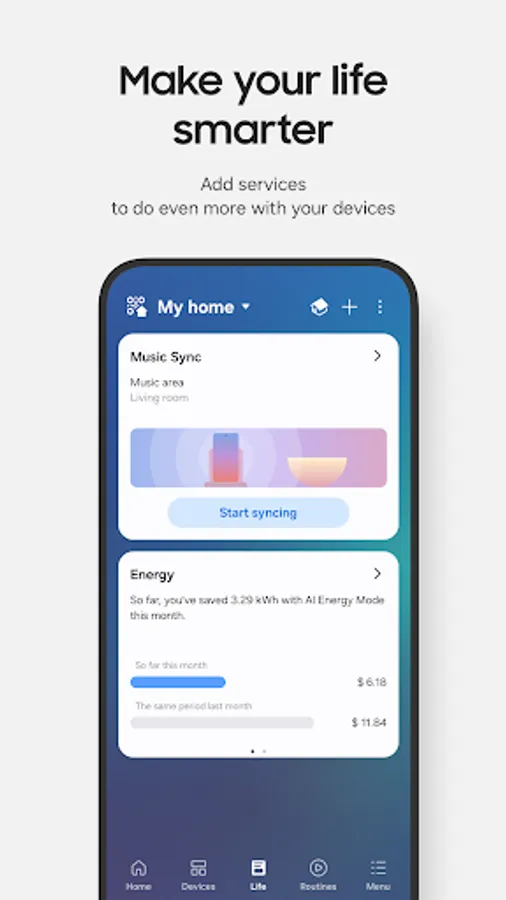
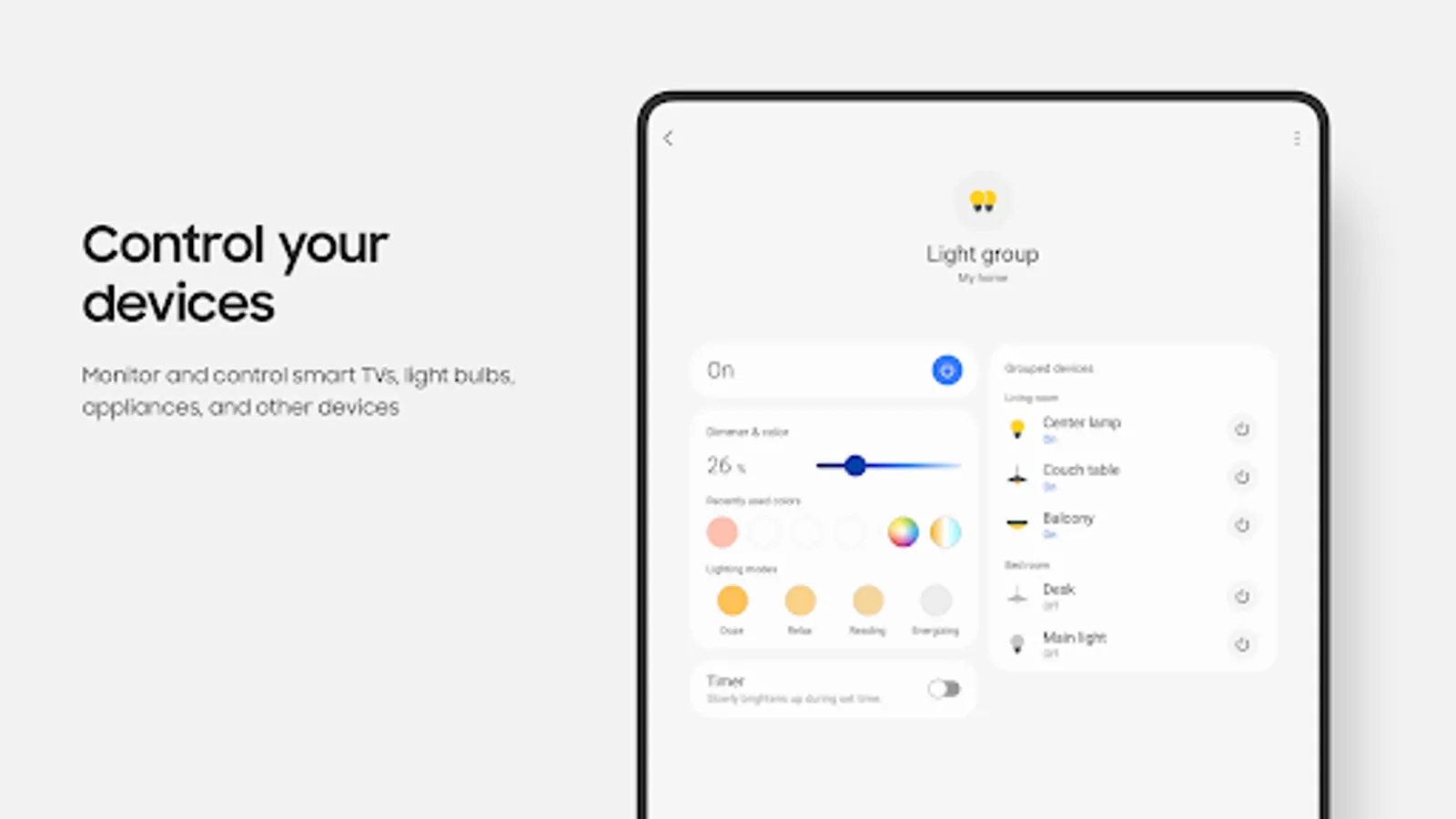
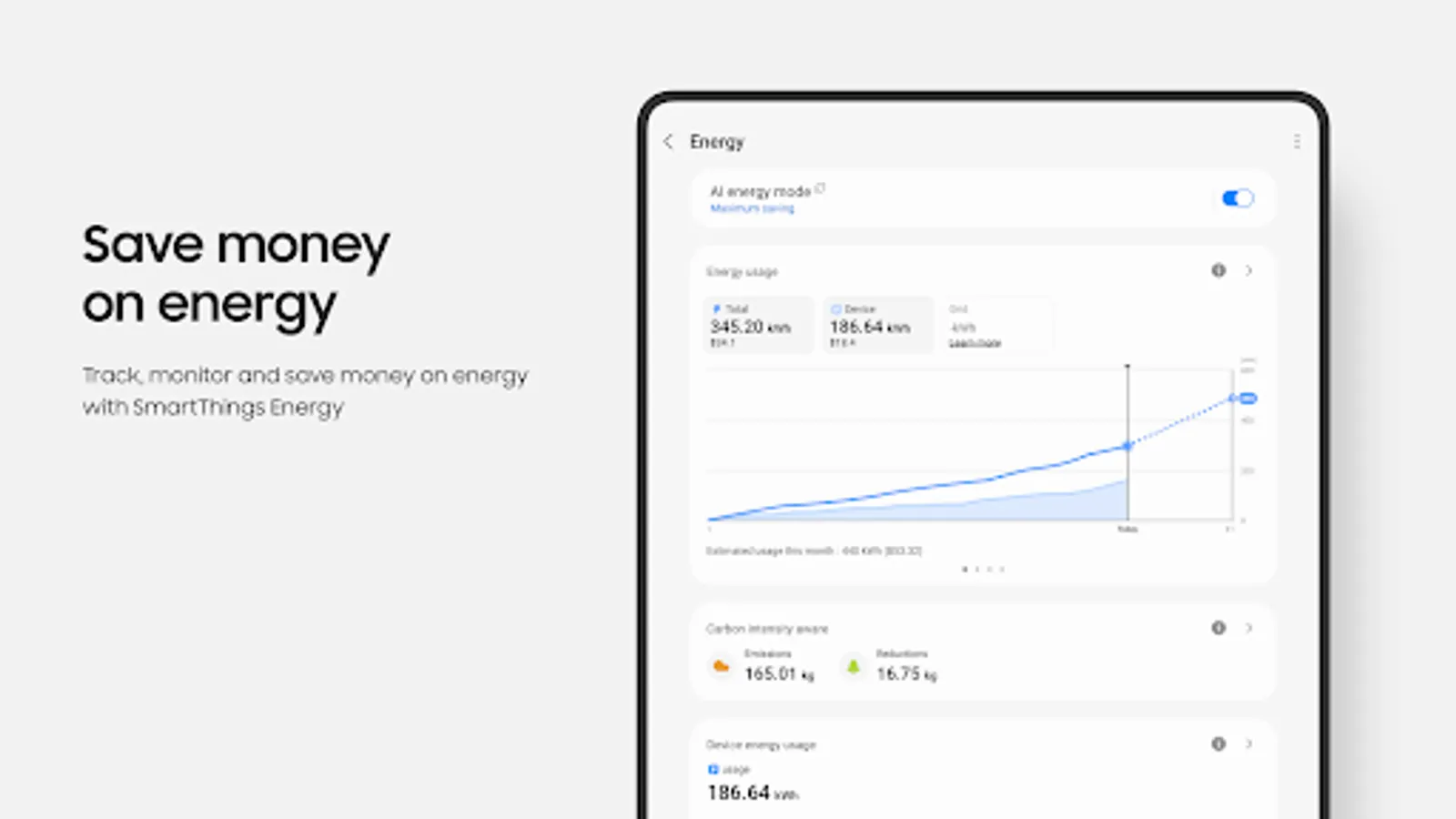
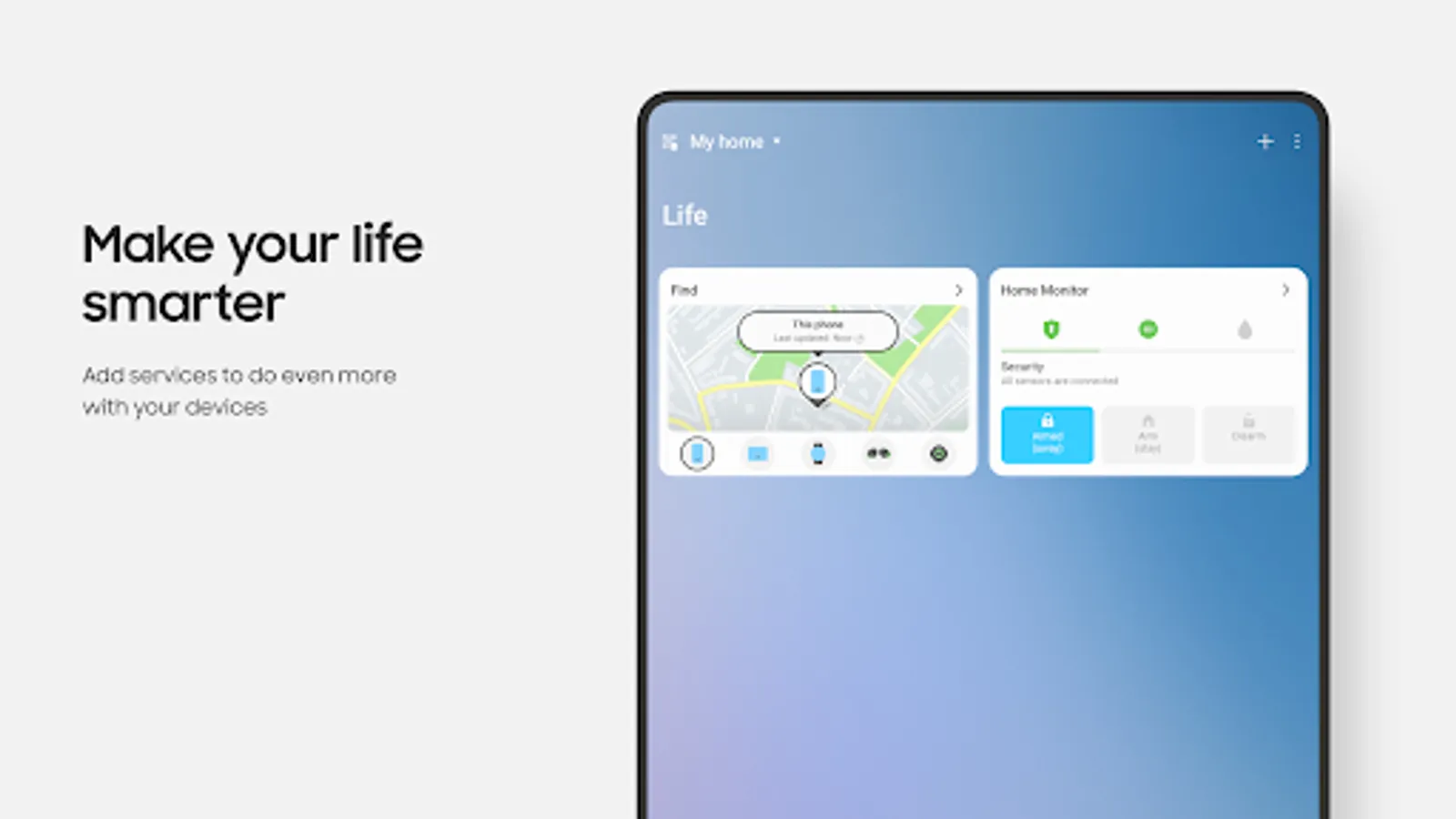
In this smart home app, you can connect, monitor, and control various devices including smart TVs and appliances. Includes device management, automation routines, and notifications.
AppRecs review analysis
AppRecs rating 4.5. Trustworthiness 60 out of 100. Review manipulation risk 34 out of 100. Based on a review sample analyzed.
★★★★☆
4.5
AppRecs Rating
Ratings breakdown
5 star
79%
4 star
11%
3 star
4%
2 star
1%
1 star
4%
What to know
✓
High user satisfaction
79% of sampled ratings are 5 stars
✓
Authentic reviews
Natural distribution, no red flags
✓
Proven track record
Strong volume of user ratings
About SmartThings
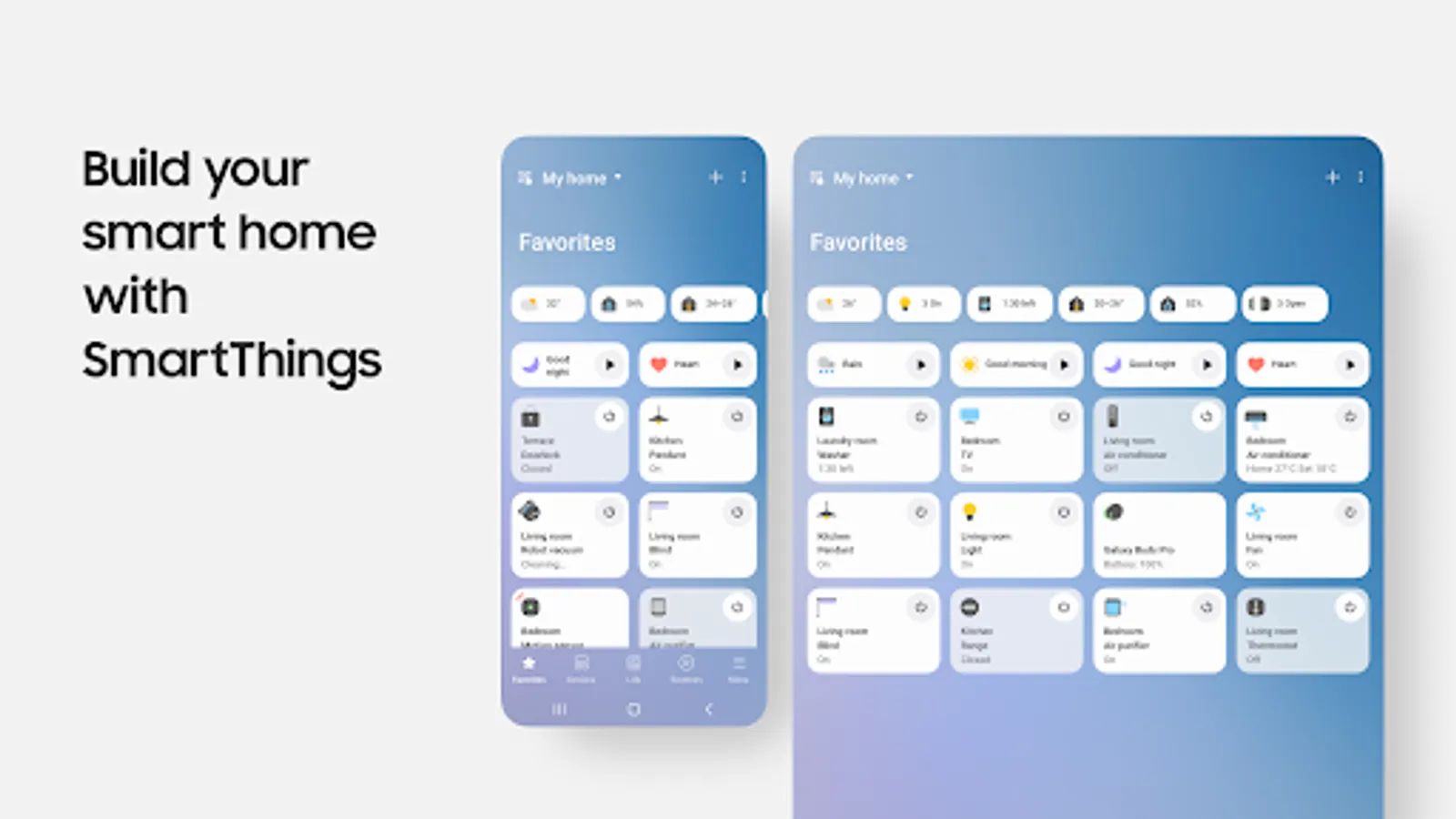
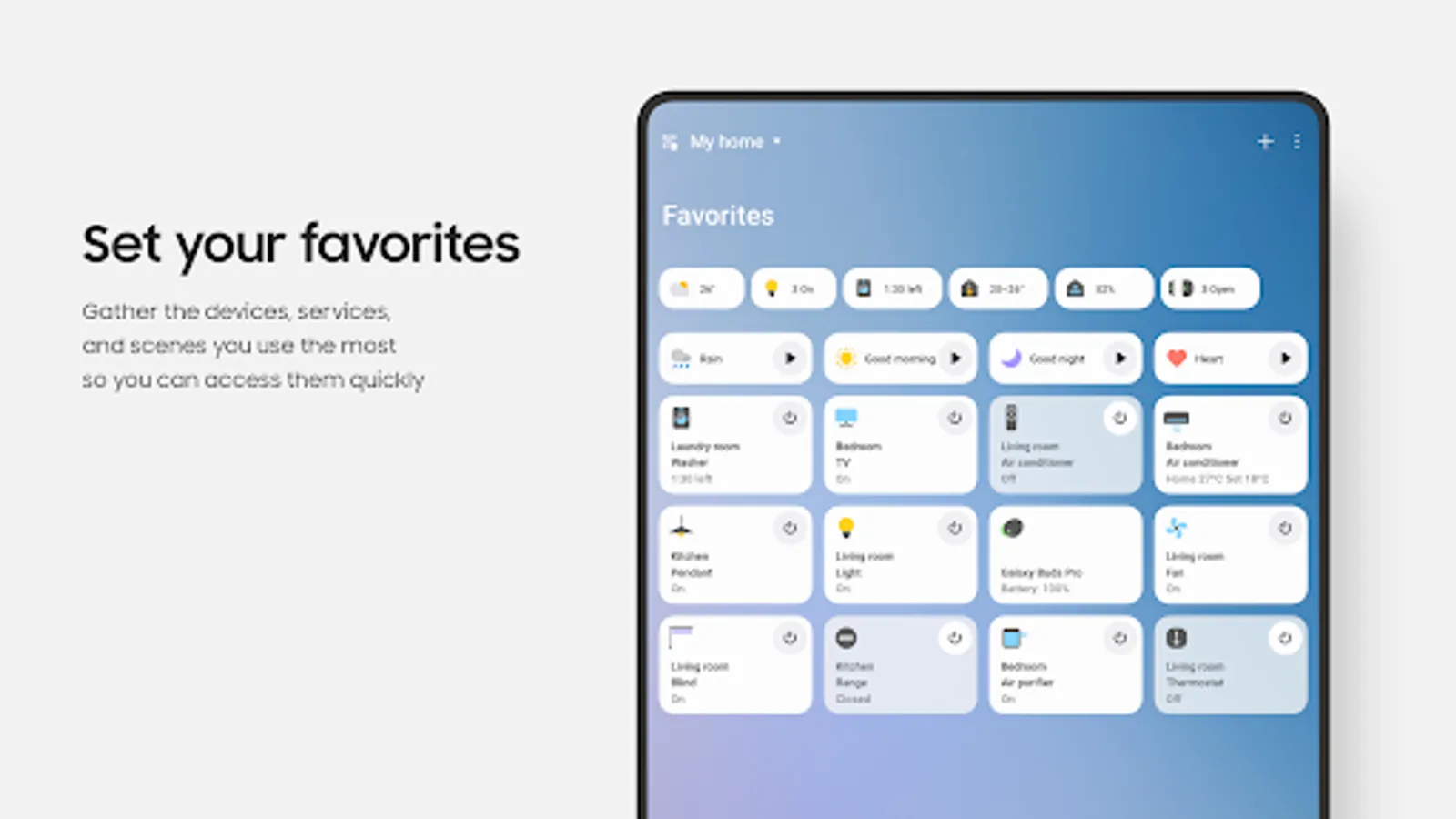
SmartThings is compatible with 100s of smart home brands. So, you can control all of your smart home gadgets in one place, including your Samsung Smart TV and smart home appliances.
With SmartThings, you can connect, monitor and control multiple smart home devices quicker and easier. Connect your Samsung smart TVs, smart appliances, smart speakers and brands like Ring, Nest and Philips Hue - all from one app.
Then control your smart devices using voice assistants including Alexa, Bixby and Google Assistant
[Key Features]
- Control and check in on your home from wherever you are
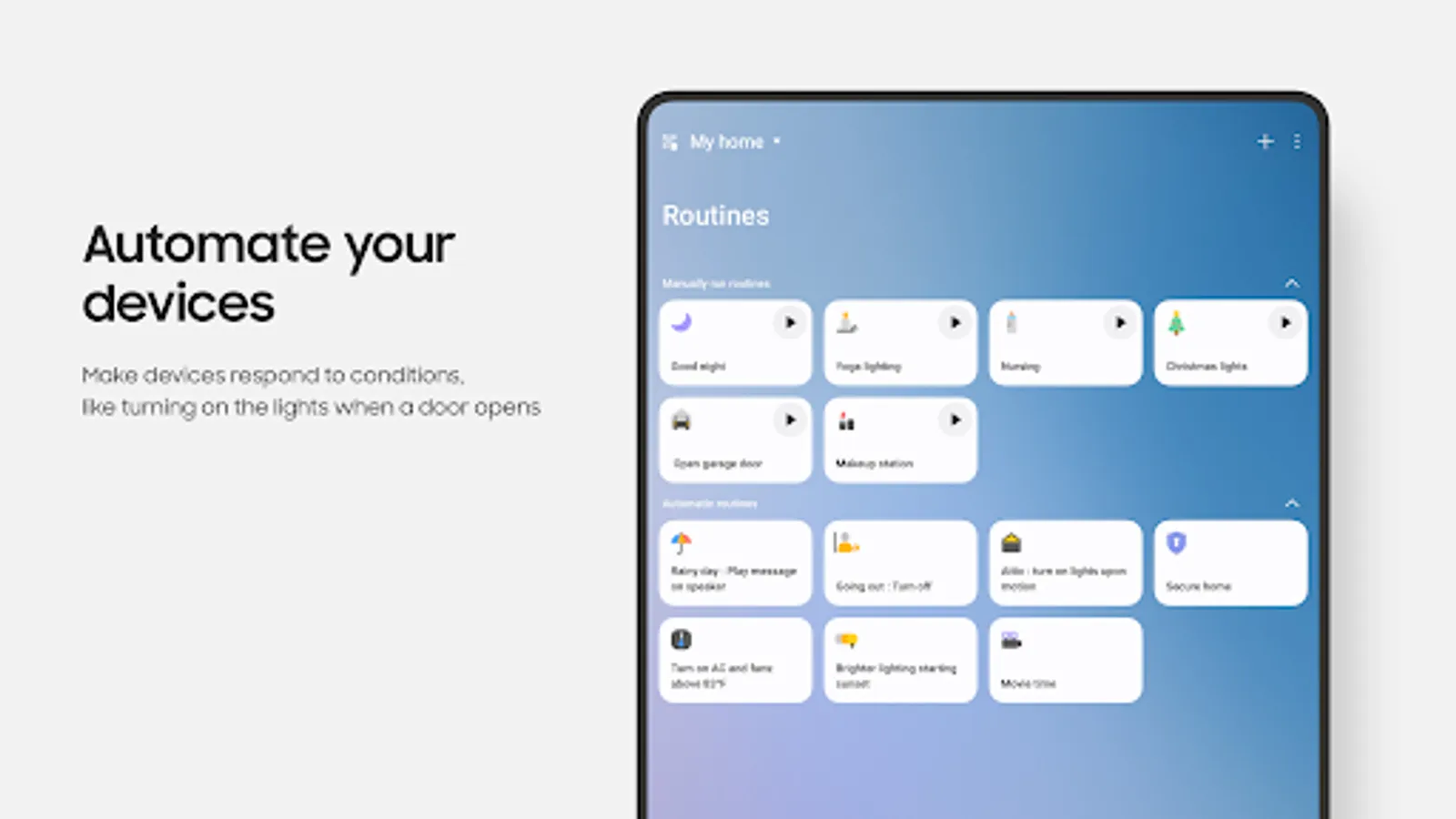
- Build routines that are set on time, weather, and device status, so your home runs smoothly in the background
- Allow shared control by giving access to other users
- Receive status updates about your devices with automated notifications
※ SmartThings is optimized for Samsung smartphones. Some features may be limited when used with other vendors' smartphones.
※ Some features may not be available in all countries.
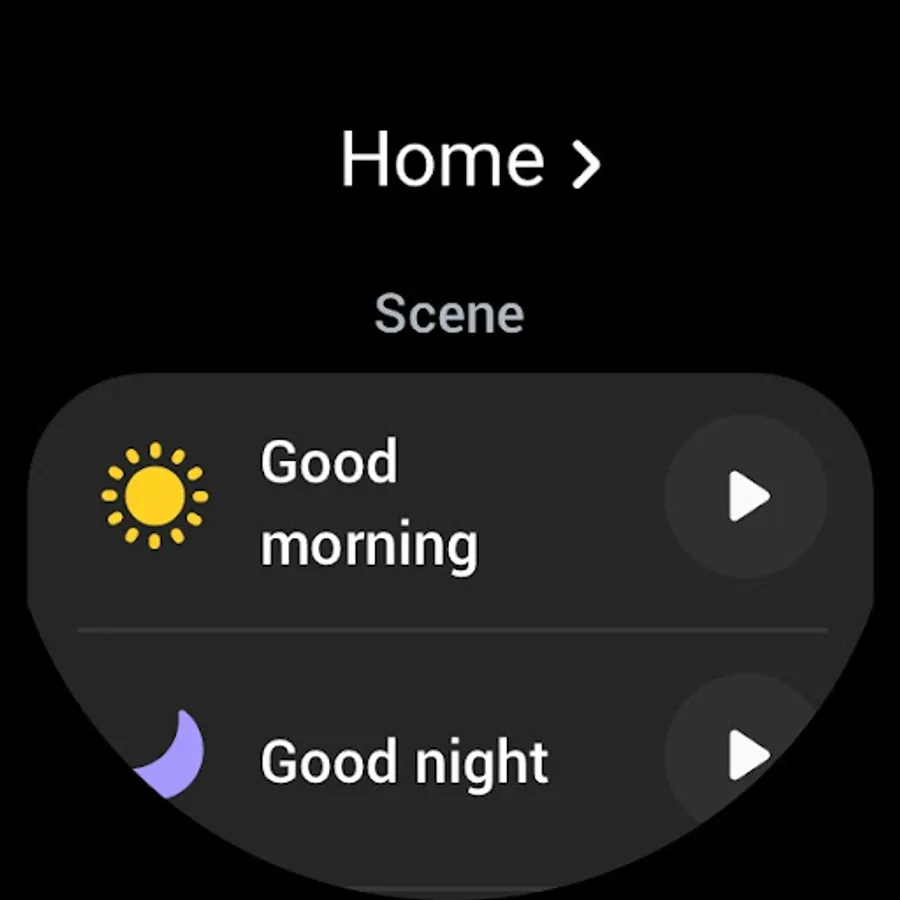
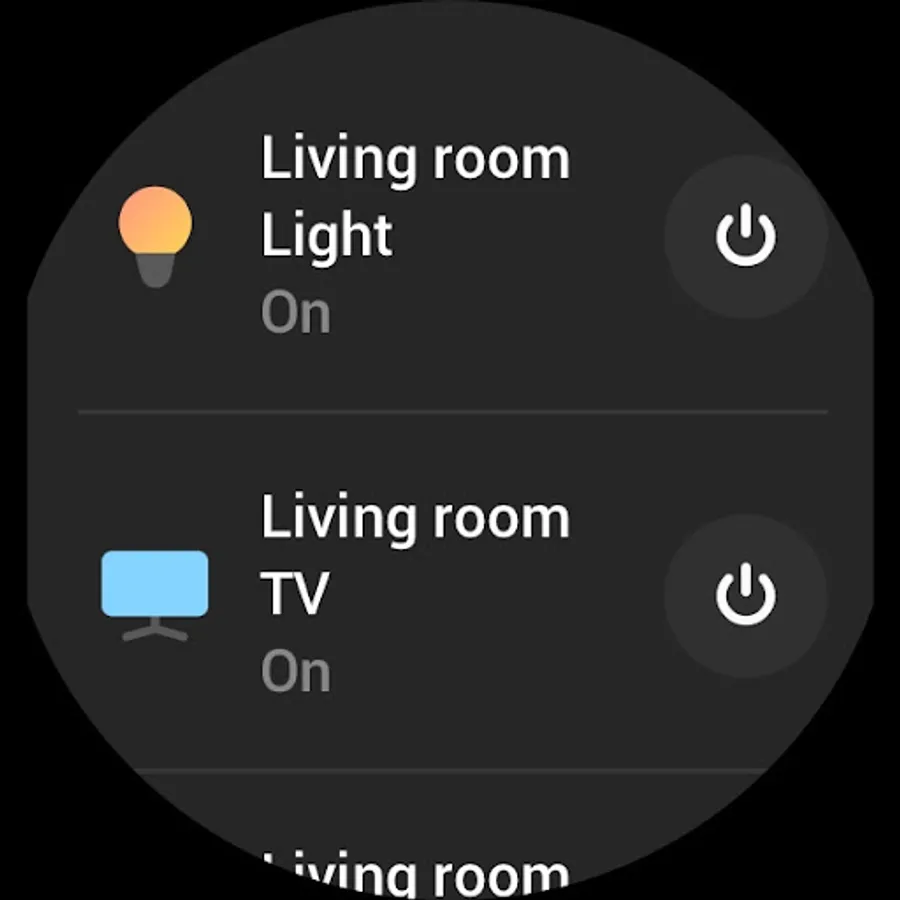
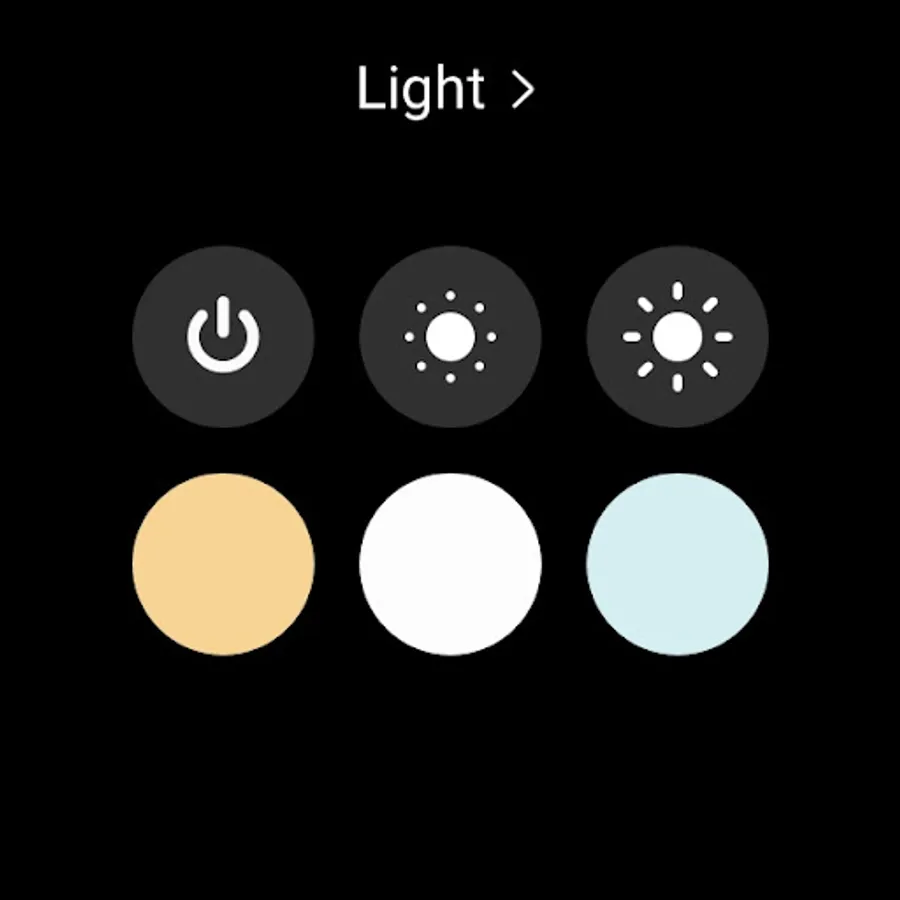
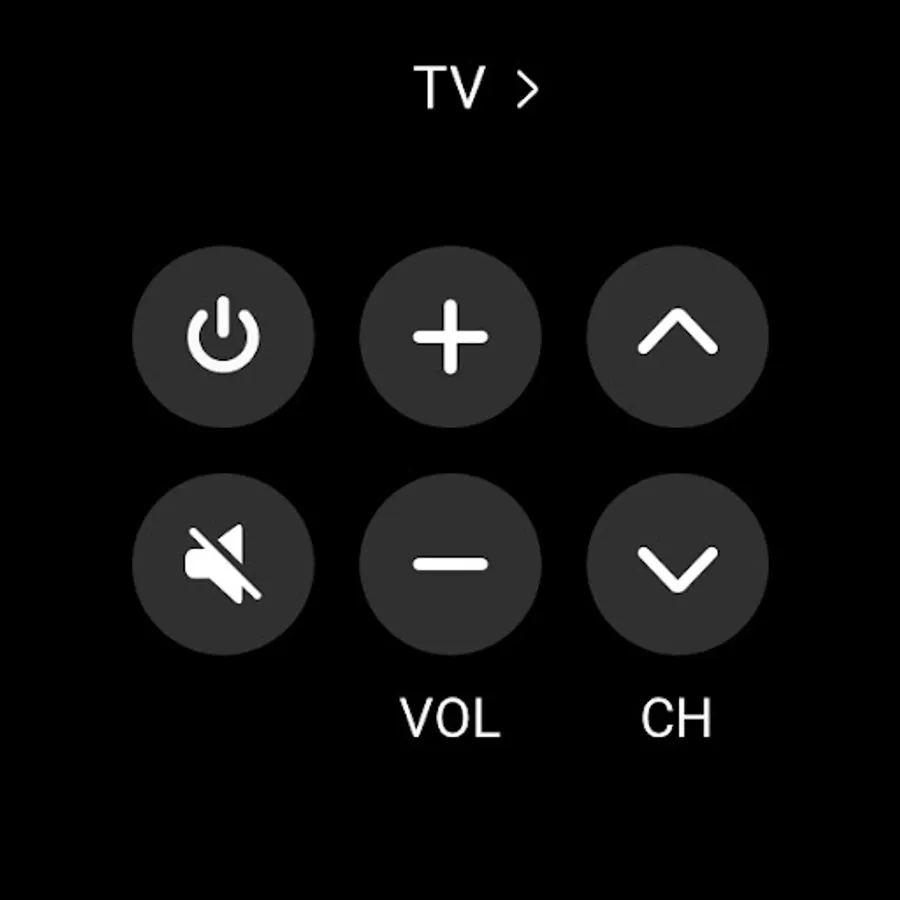
※ You can also install SmartThings on Wear OS-based watches.
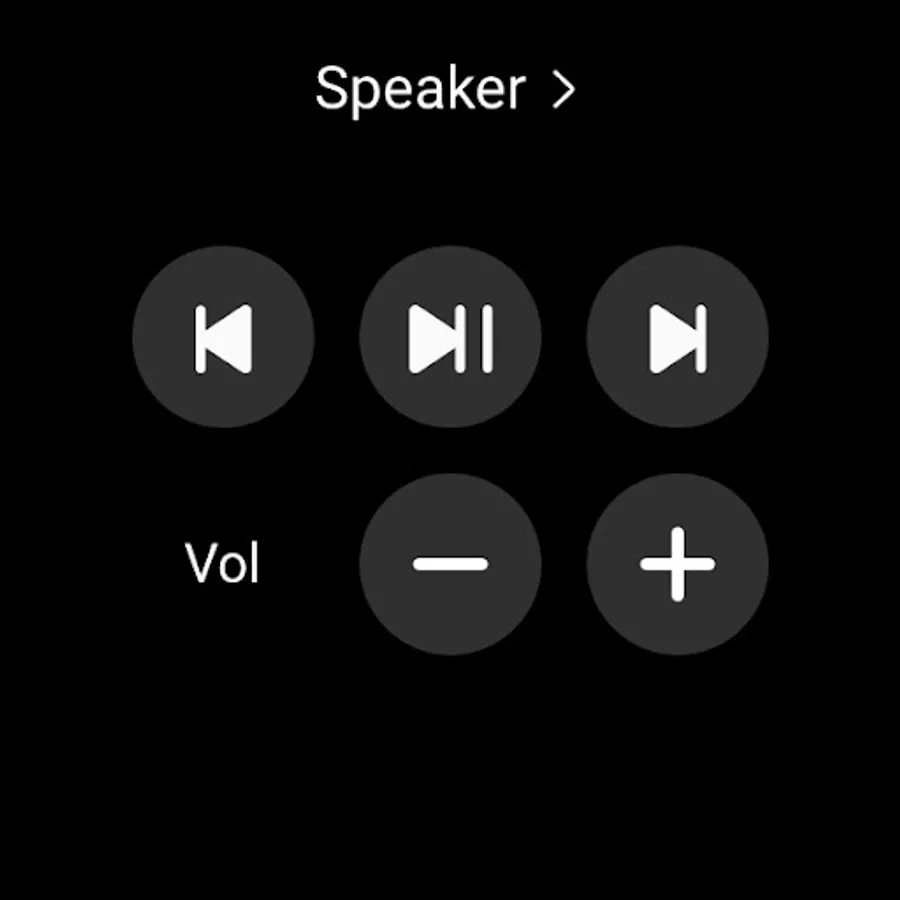
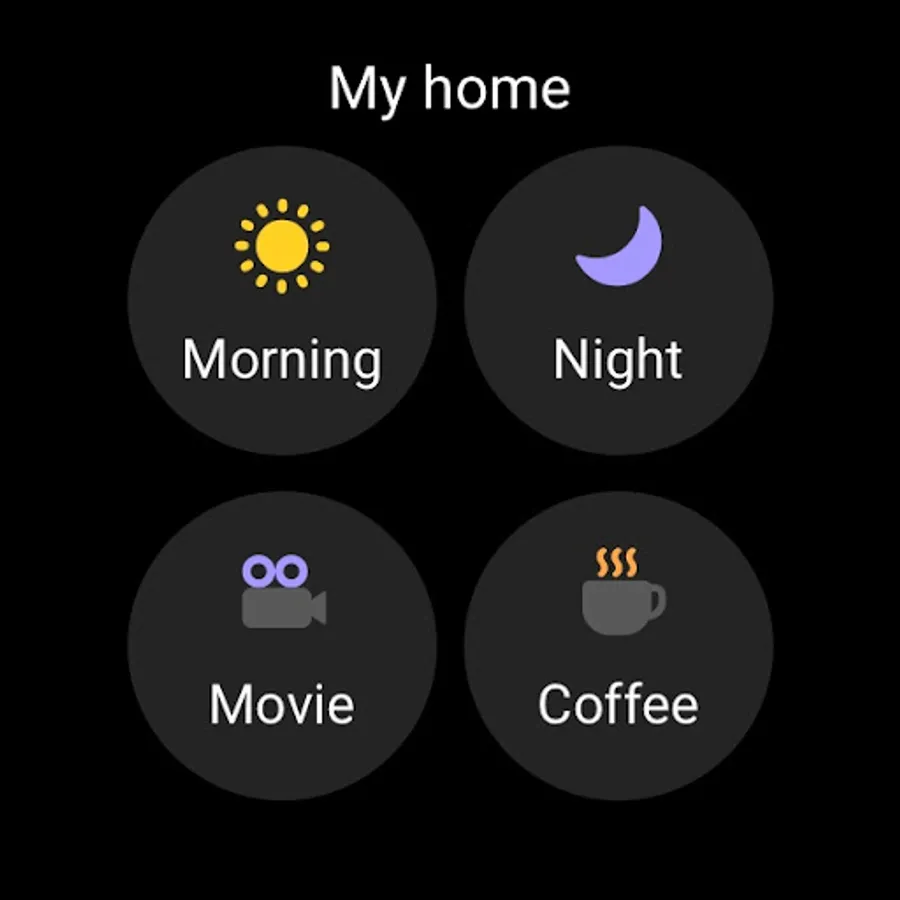
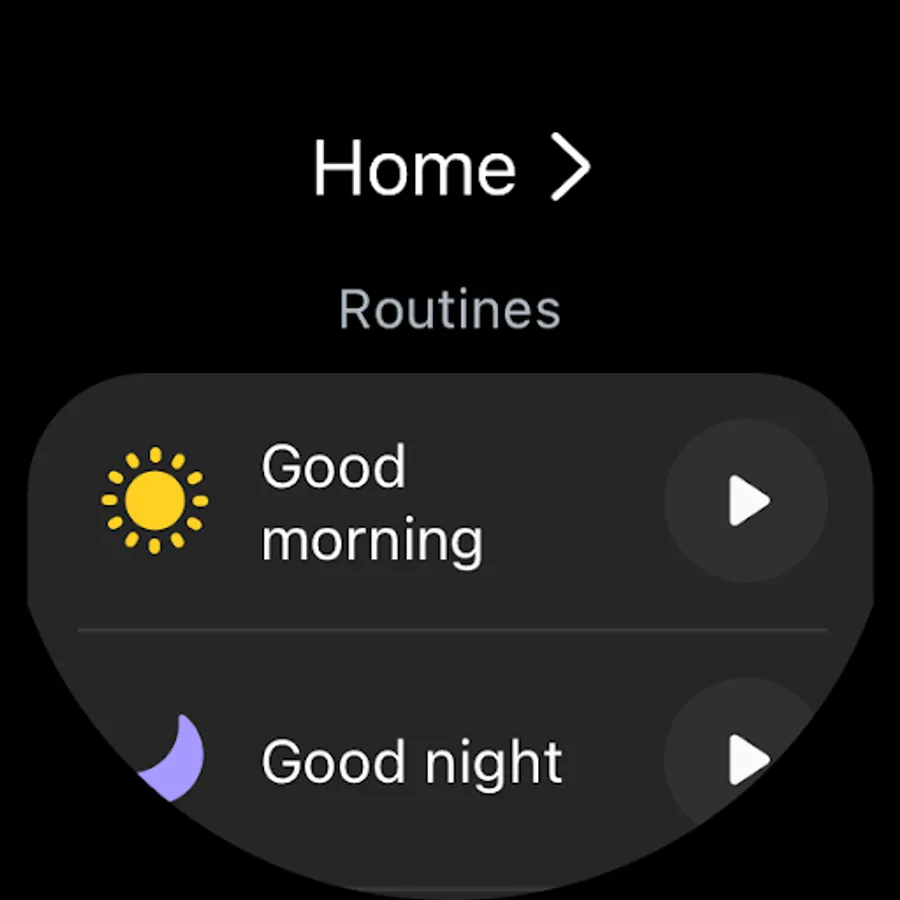
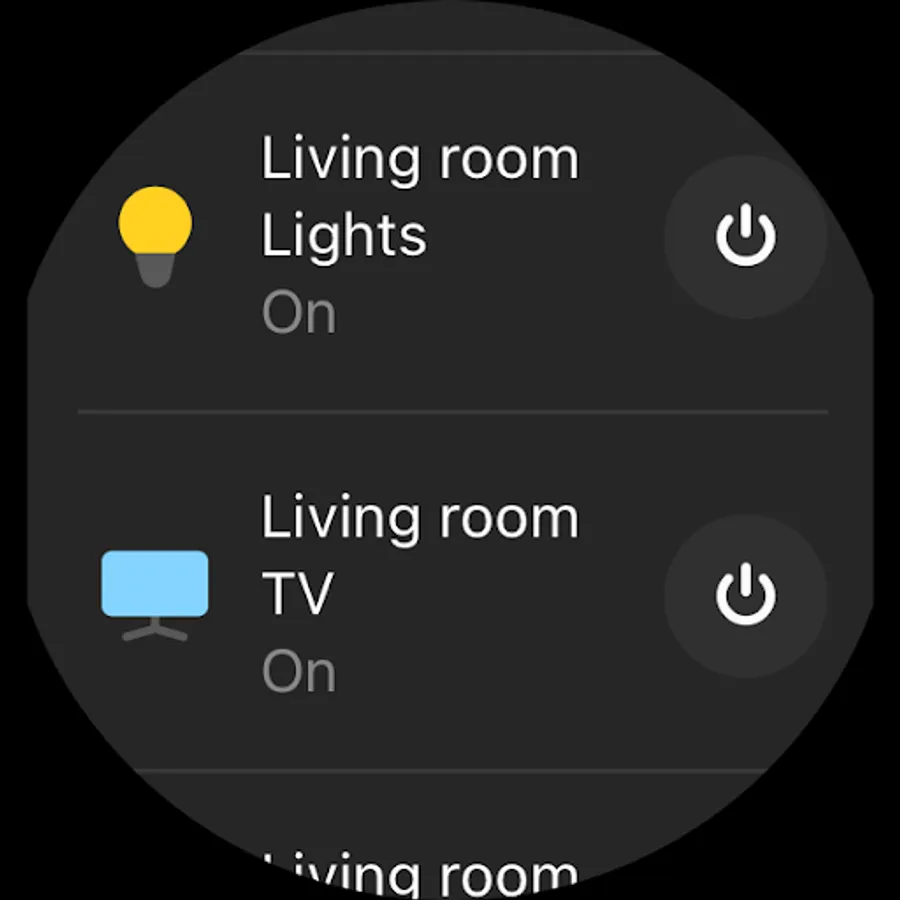
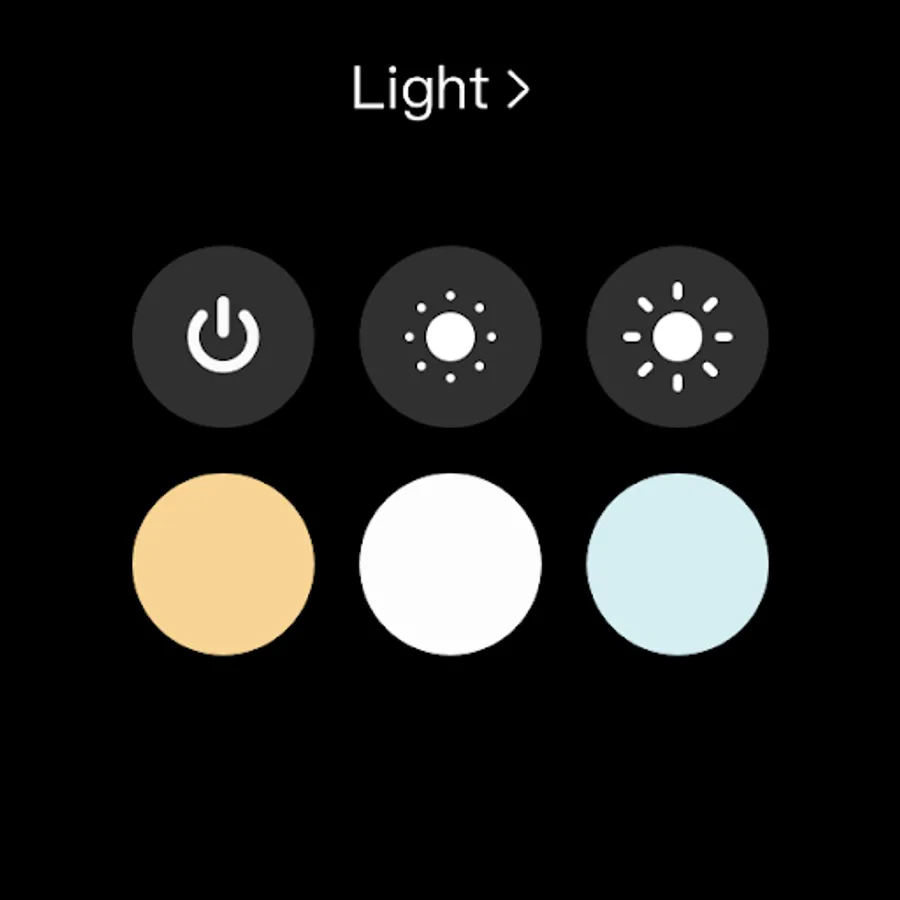
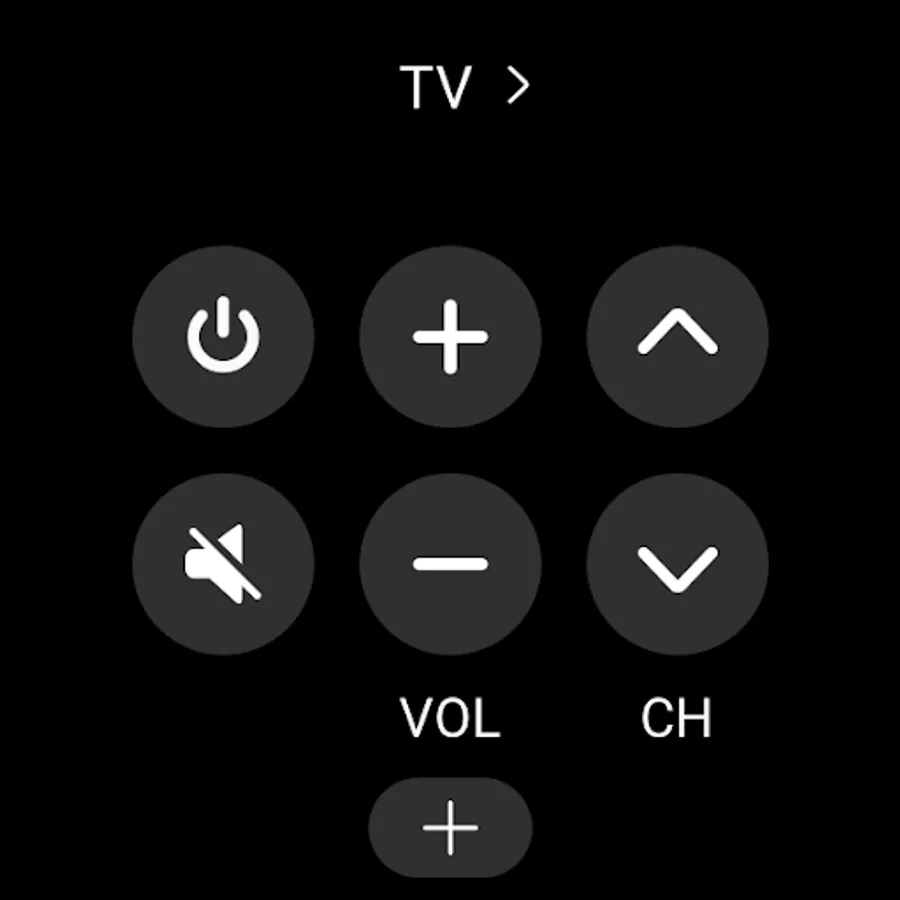
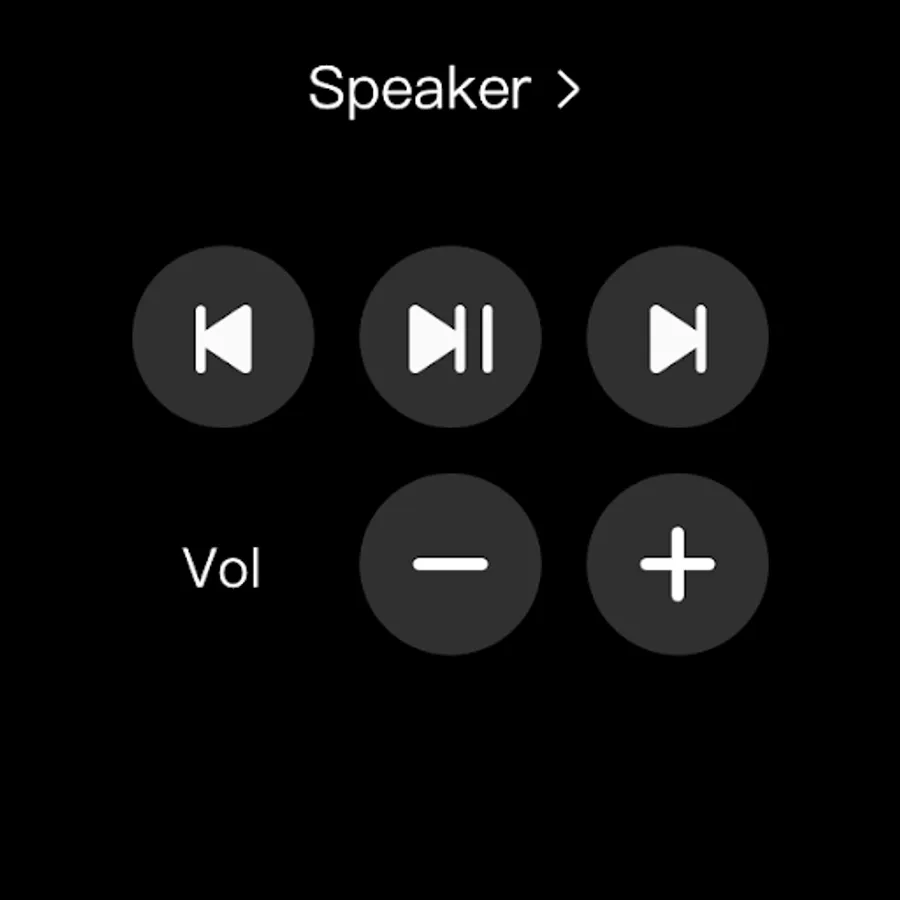
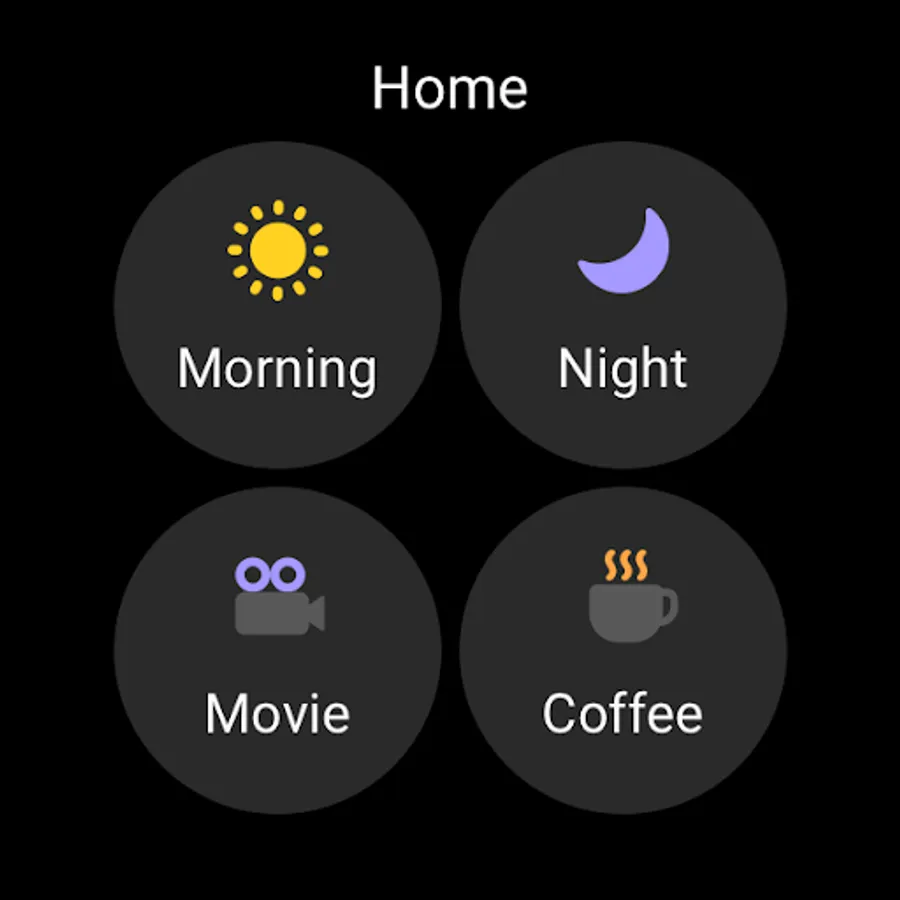
※ SmartThings for Wear OS is only available when the watch is connected to a mobile phone. You can get a quick access to routine run and device control by adding SmartThings tile on your watch. We provide SmartThings complications that allow you to enter SmartThings app service directly from watchface.
[App requirements]
Some mobile devices may not be supported.
- Memory size : 3GB over
※ App permissions
The following permissions are required for the app. You can use the app without optional permissions, but some functions may be limited.
[Optional access permissions]
• Location : Used to locate your devices, create routines based on your location, and scan for nearby devices using Wi-Fi
• Nearby devices : (Android 12 ↑) Used to scan for nearby devices using Bluetooth Low Energy (BLE)
• Notifications : (Android 13 ↑) Used to provide notifications about SmartThings devices and features
• Camera : Used to scan QR codes so you can easily add members and devices to SmartThings
• Microphone : Used to add certain devices to SmartThings using high-frequency sounds
• Storage : (Android 10~11) Used to save data and share content
• Files and media : (Android 12) Used to save data and share content
• Photos and videos : (Android 13 ↑) Used to play photos and videos on SmartThings devices
• Music and audio : (Android 13 ↑) Used to play sound and video on SmartThings devices
• Phone : (Android 10 ↑) Used to make calls on smart speakers
• Contacts : (Android 10 ↑) Used to get phone numbers of your contacts to send text message notifications
• Physical activity : (Android 10 ↑) Used to detect when you start pet walks
SmartThings Screenshots
Tap to Rate:
Reviews for SmartThings
Barbara Knight
12/30/2025
I love the notifications for my washer and dryer, it helps to keep my flipping of loads stay smooth and timely.
John Davies
12/30/2025
Smart Things...oh the irony. Samsung has achieved something remarkable here. Build a reputation for making reasonable electronics and then completely torpedo any semblance of credibility by providing such a truly dreadful app to operate them. The app failed multiple times during the convoluted set-up. Just sends you in circles. Complete waste of time. Maybe hire some smart-things to build a decent app. On the plus side, the reviews here make a great ad for Samsung's competition .