
Samsung Email
Samsung Electronics Co., Ltd.
4.4 ★
3M ratings
1,000,000,000+
downloads
Free
With this email app, you can manage multiple personal and business accounts, sync calendars and contacts, and enforce security policies. Includes support for POP3, IMAP, and Exchange ActiveSync, along with encryption and notification features.
AppRecs review analysis
AppRecs rating 4.5. Trustworthiness 59 out of 100. Review manipulation risk 28 out of 100. Based on a review sample analyzed.
★★★★☆
4.5
AppRecs Rating
Ratings breakdown
5 star
71%
4 star
15%
3 star
4%
2 star
2%
1 star
8%
What to know
✓
High user satisfaction
86% of sampled ratings are 4+ stars (4.4★ average)
✓
Authentic reviews
Natural distribution, no red flags
✓
Proven track record
Strong volume of user ratings
About Samsung Email
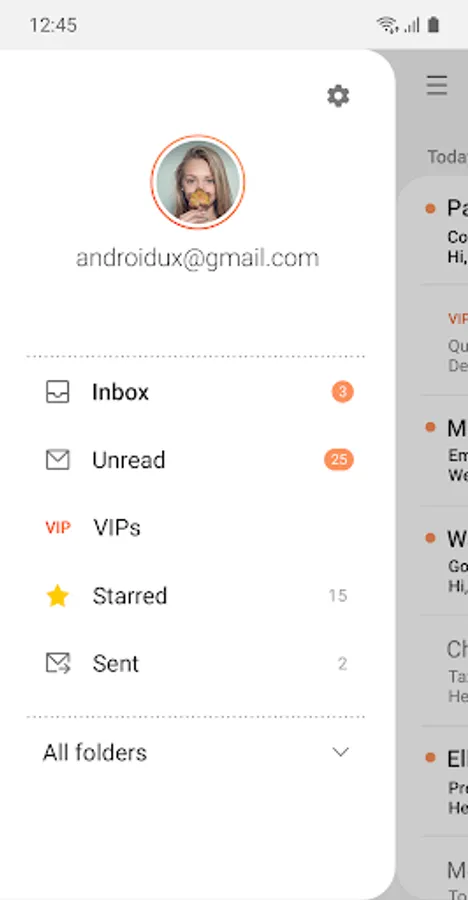
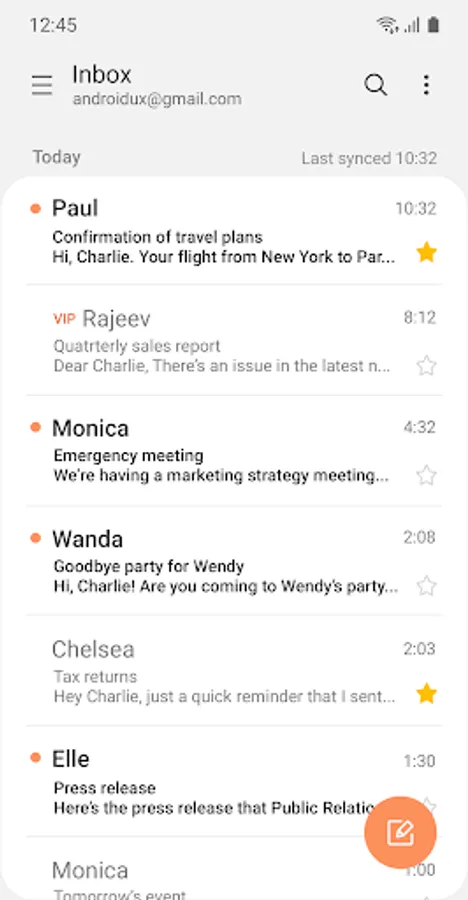
Samsung Email enables users to manage multiple personal and business email accounts seamlessly. Samsung Email also offers EAS integration for business, encryption using S/MIME to safeguard data and ease-of-use features such as insightful notifications, SPAM management. Furthermore, organizations can administer various policies as needed.
Key features
· POP3 and IMAP support for managing personal email accounts
· Exchange ActiveSync (EAS) integration for synchronizing Exchange Server based business email, calendars, contacts and tasks
· Encryption using S/MIME for secure email communication
Additional features
· Customizable user experience with notifications, schedule synchronization, SPAM management, and combined mailboxes
· Policy administration with comprehensive, built-in EAS support
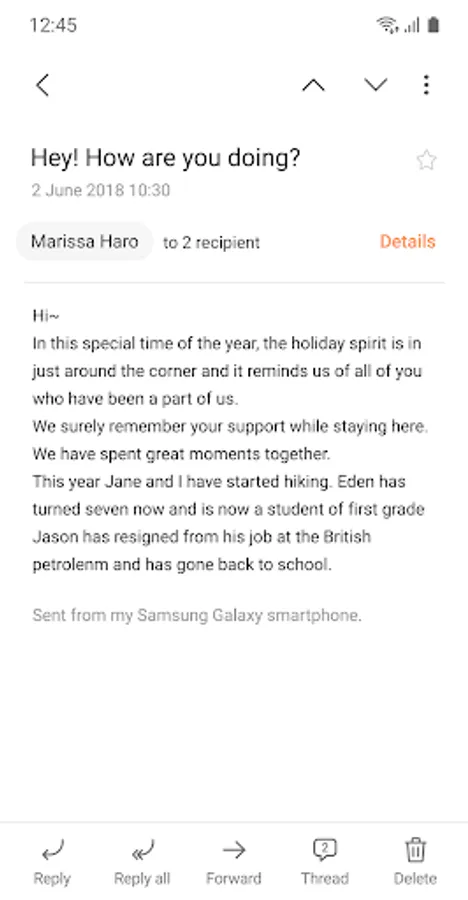
· Conversation and thread view to read related mail
--- Regarding the App Access Permission ---
The following permissions are required for the app service. For optional permissions, the default functionality of the service is turned on, but not allowed.
[Required permissions]
- None
[Optional permissions]
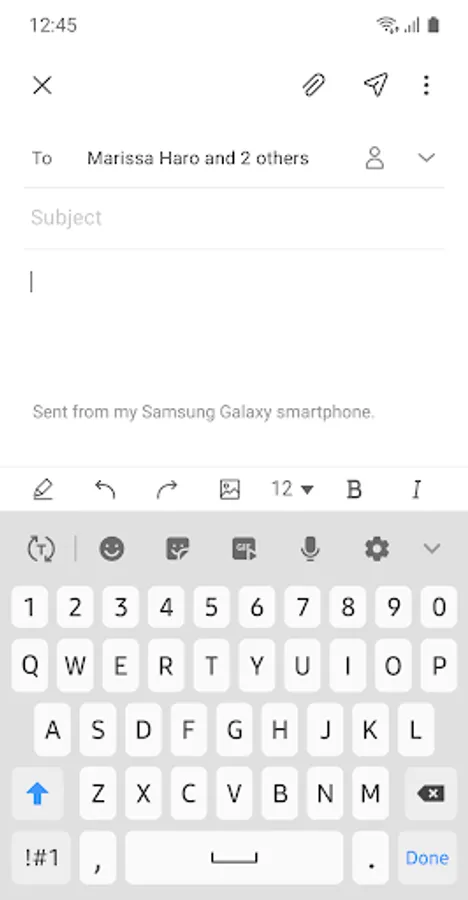
- Camera: Used to attach photos to email
- Location: Used to attach current location information to email
- Contacts: Used to link email recipients/senders with contacts and synchronize contact information when using Microsoft Exchange account
- Calendar: Used to synchronize calendar infomation when using Microsoft Exchange account
- Notification : Used to display notification when sending or receiving emails
- Music and audio (Android 13 or higher) : Used to attach or save files such as music and audio
- File and Media (Android 12) : Used to attach(insert) or save files and media.
- Storage (Android 11 or less) : Used to attach(insert) or save files
[Privacy Policy]
https://eula.secb2b.com/EULA/EMAIL/GLOBAL_en_rUS_Privacy_Policy.html
[Supported E-mail]
b2b.sec@samsung.com
Samsung Email Screenshots
Tap to Rate:
Reviews for Samsung Email
Sahir Khan
12/30/2025
really liked this app because it has a lot of feature like imam, pop configurations.. the most important point is that it has no pop ads creating irritation..
ben B
12/30/2025
Coming from an iPhone I was used to an excellent email app and the Samsung mail app is just as perfect as the iPhone native one