AppRecs review analysis
AppRecs rating 4.2. Trustworthiness 76 out of 100. Review manipulation risk 20 out of 100. Based on a review sample analyzed.
★★★★☆
4.2
AppRecs Rating
Ratings breakdown
5 star
82%
4 star
9%
3 star
0%
2 star
0%
1 star
9%
What to know
✓
Low review manipulation risk
20% review manipulation risk
✓
Credible reviews
76% trustworthiness score from analyzed reviews
✓
High user satisfaction
82% of sampled ratings are 5 stars
About Floating File Manager
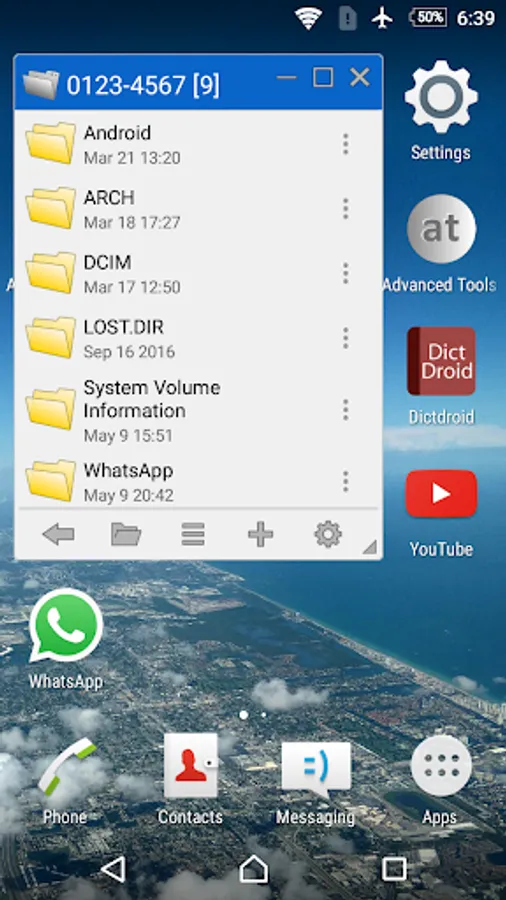
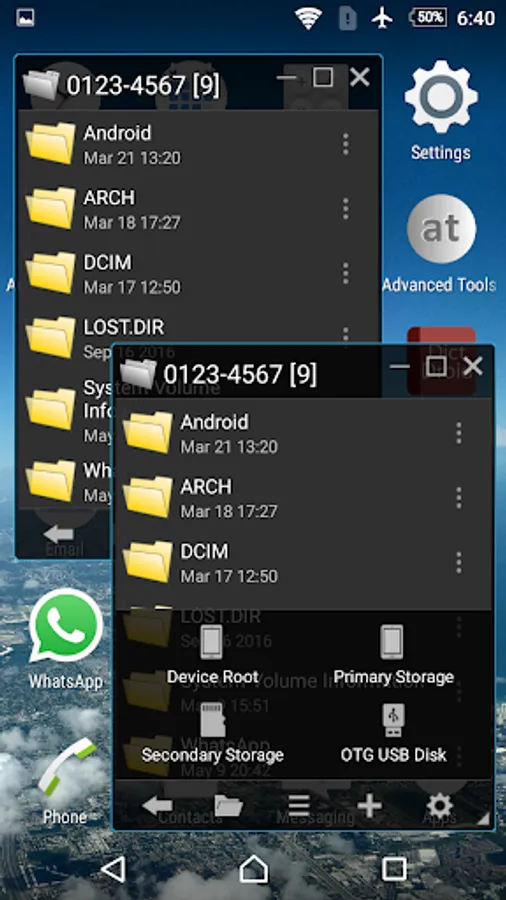
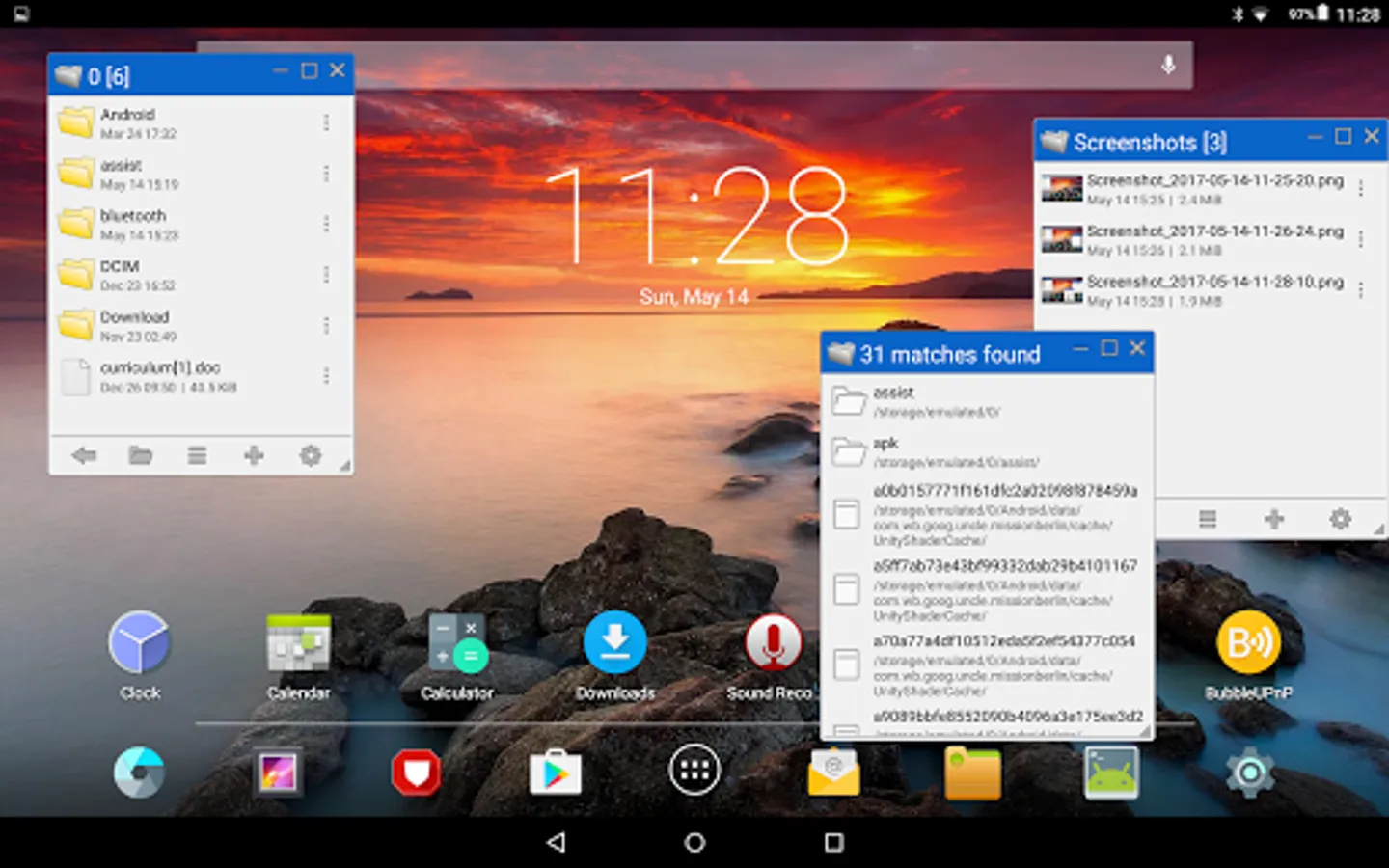
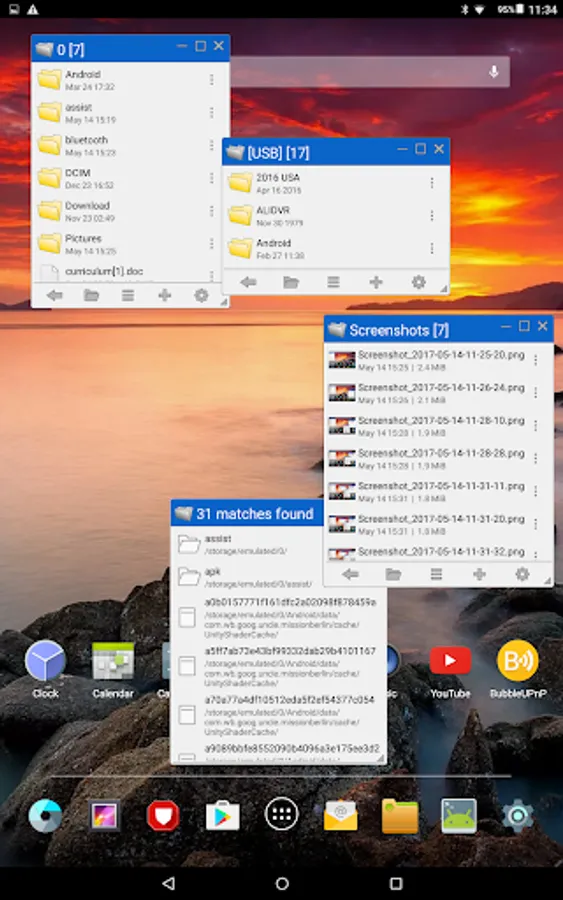
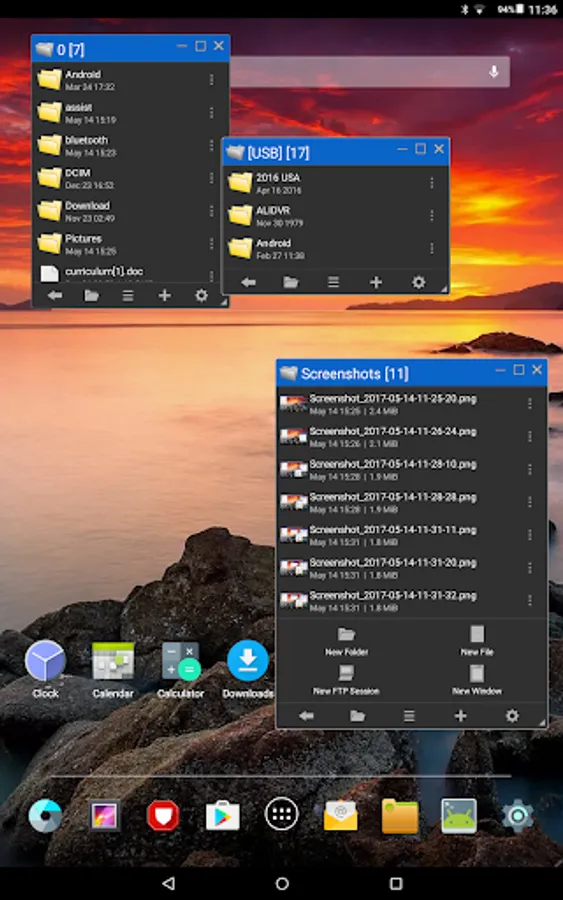
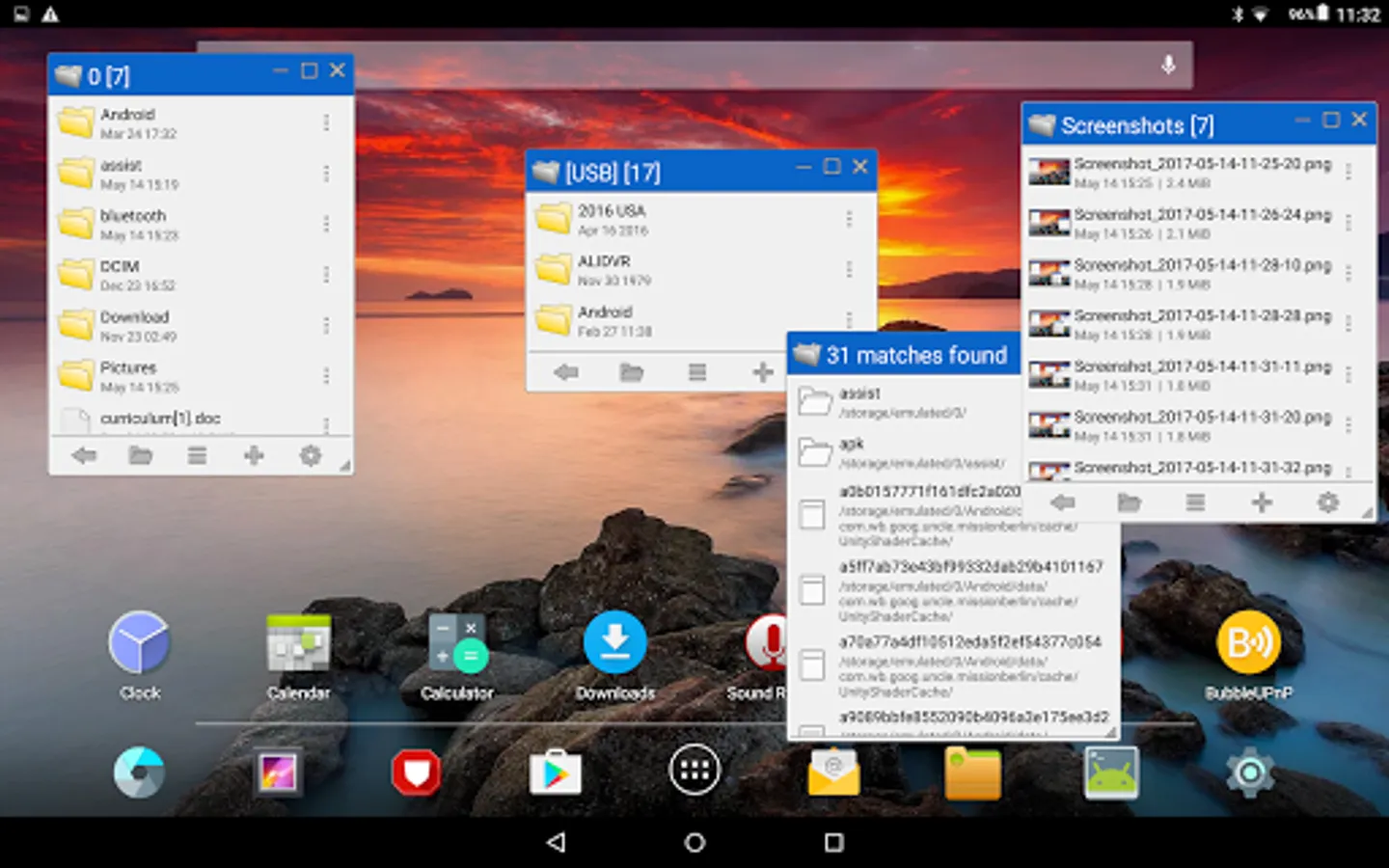
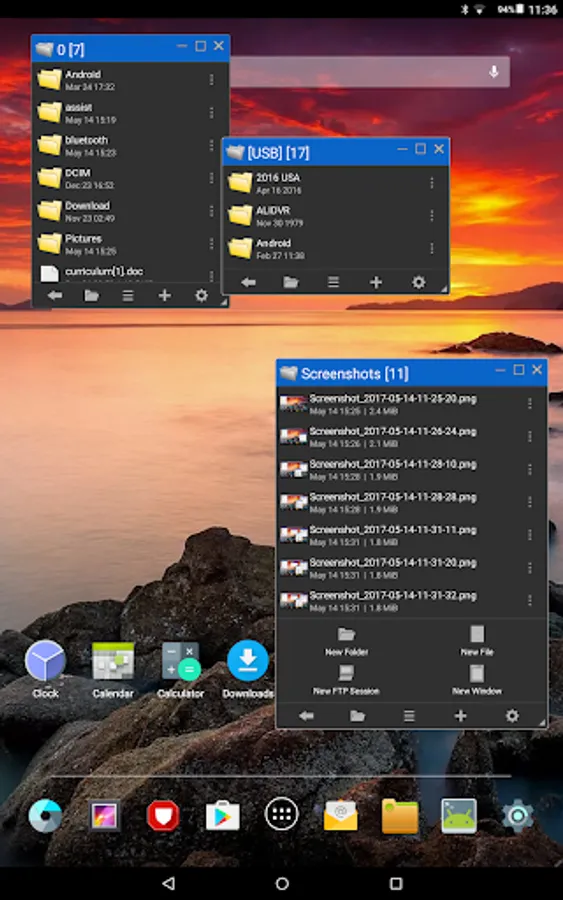
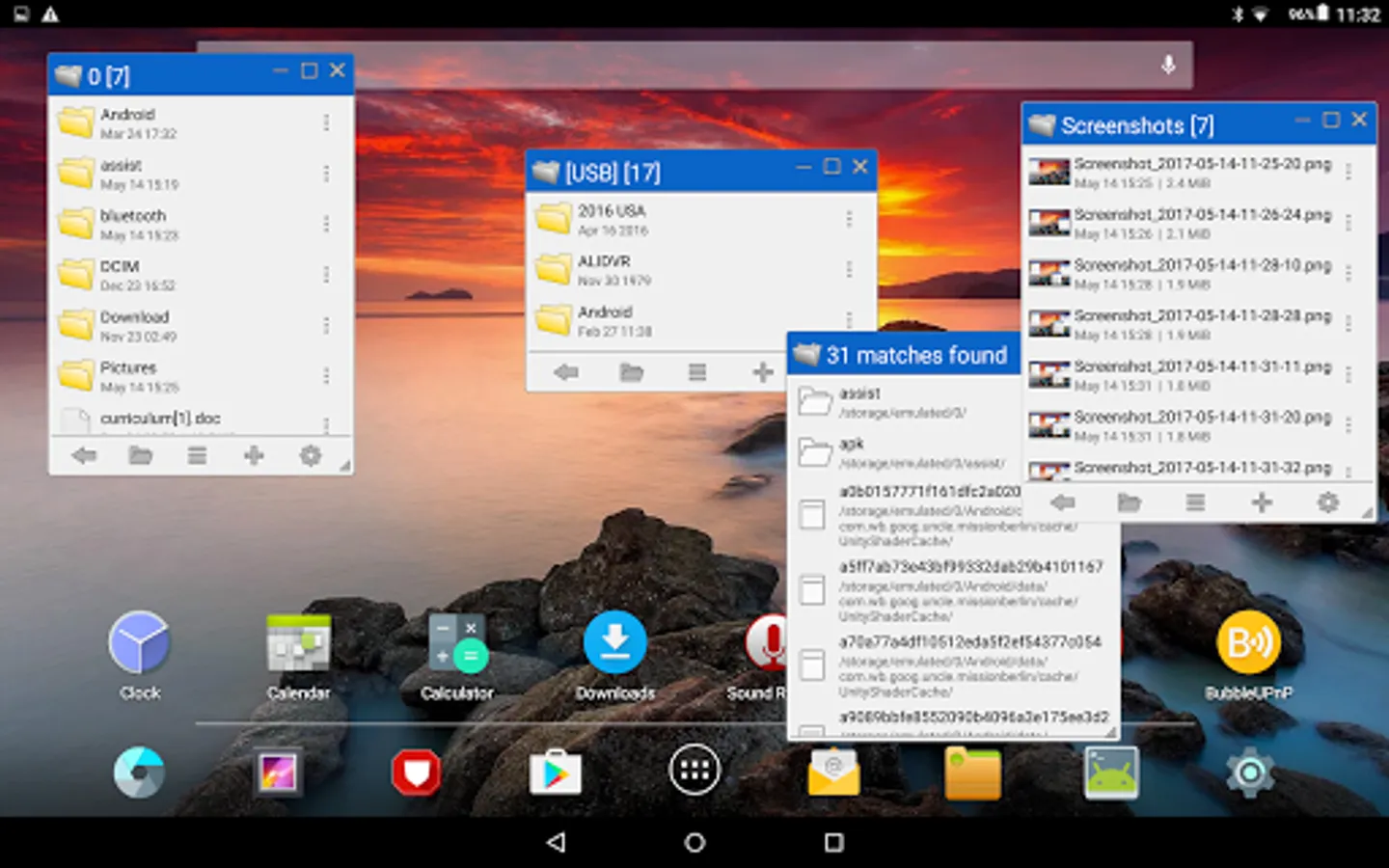
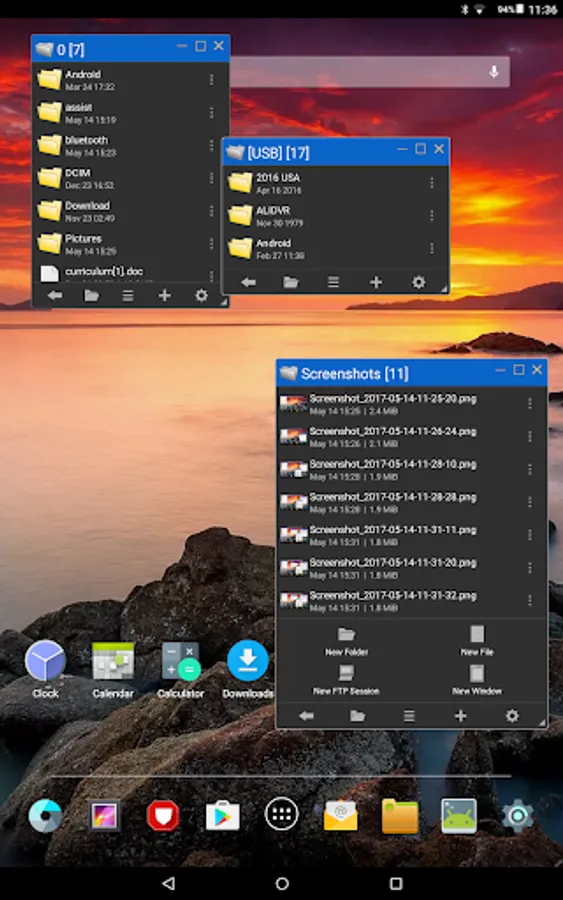
File manager with OTG USB and FTP support embedded in a floating window you can move, resize, minimize or expand, just like a desktop one!
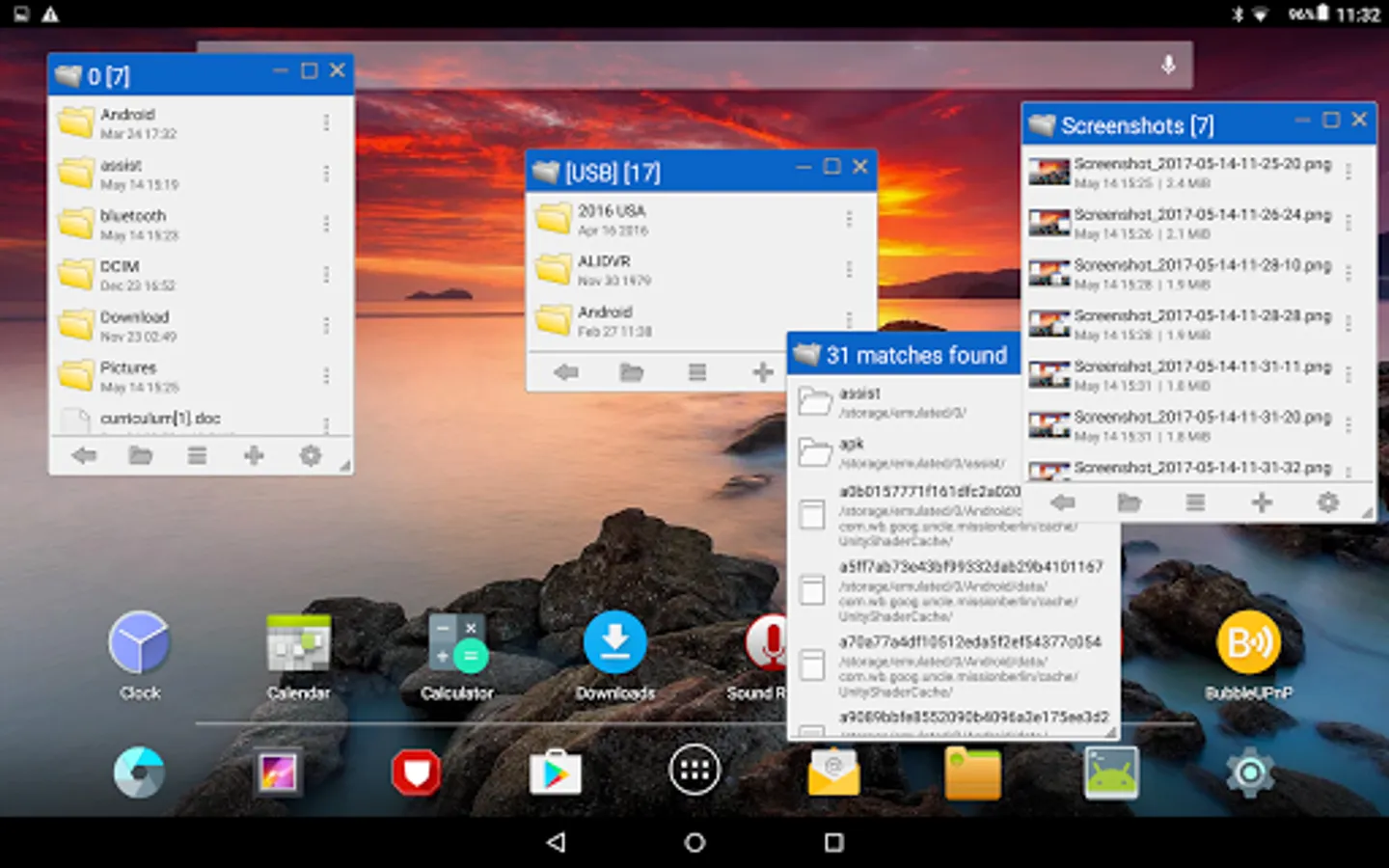
Work on one or multiple windows simultaneously, hide and restore them at any time, a perfect solution for large screen smartphones and tablets.
Browse your files quickly and safely, this app does not contain advertisements nor in-app purchases.
CONTROLS
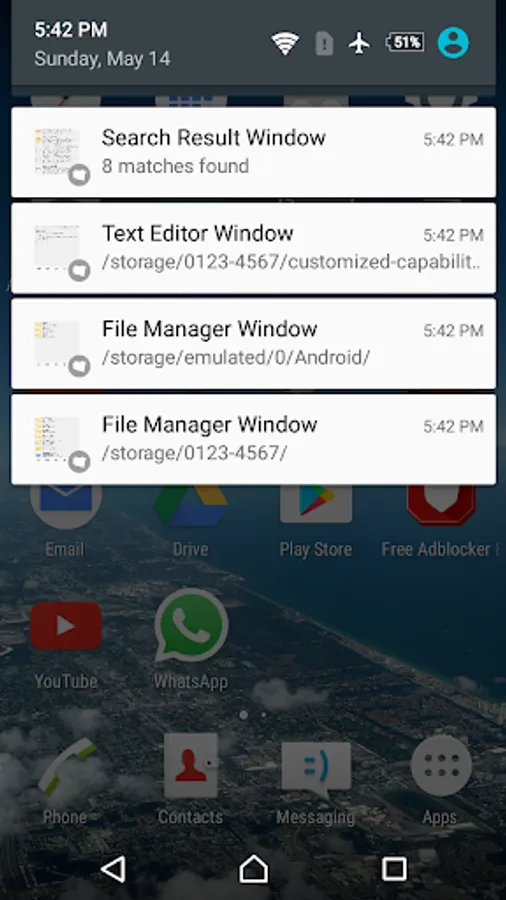
- Tap the buttons on the top-right to, respectively, minimize (hide),
maximize and close the window.
The hidden windows are always accessible from the notifican bar.
- Drag the small icon on the bottom-right to resize the window,
alternatively you can pinch on the window area to size up and down.
- Drag the title bar to move the window around the screen
- Tap the title bar to bring the window to the front
PERMISSIONS
- Permit drawing over other apps, in order to show floating windows
- Access files and media, in order to browse files in the storage
The first time you open the app you will be asked for these permissions,
note that without them Floating File Manager will not work properly.
FEATURES
----------
WINDOW
----------
- Floating window you can hide, restore, expand, move, resize
- Pinch to resize
- Multi-window (illimitate number of windows)
--------------
FILE MANAGER
--------------
- Local file manager
- FTP file manager
- Support for OTG USB storage
- Support for Storage Access Framework:
it allows to write on external devices such as microsd even without root access
- Simultaneous operations:
example, browse files in a window while a copy-paste operation is in progress in another window
- Copy-paste between different windows
- Drag and drop feature
- Add new files or folders
- Zip/unzip files or folders
- Browse ZIP contents
- Browse APK contents
- Send files via bluetooth
- Share supported files
- Root features
- Edit file permissions (root)
- Access system and data partitions (root)
--------------------
INTEGRATED TOOLS
--------------------
- Integrated mini text editor
- Integrated file search tool
- Detailed file info
- Storage info
------------------
USER INTERFACE
------------------
- Adjustable text size
- Light, dark and translucent themes
Work on one or multiple windows simultaneously, hide and restore them at any time, a perfect solution for large screen smartphones and tablets.
Browse your files quickly and safely, this app does not contain advertisements nor in-app purchases.
CONTROLS
- Tap the buttons on the top-right to, respectively, minimize (hide),
maximize and close the window.
The hidden windows are always accessible from the notifican bar.
- Drag the small icon on the bottom-right to resize the window,
alternatively you can pinch on the window area to size up and down.
- Drag the title bar to move the window around the screen
- Tap the title bar to bring the window to the front
PERMISSIONS
- Permit drawing over other apps, in order to show floating windows
- Access files and media, in order to browse files in the storage
The first time you open the app you will be asked for these permissions,
note that without them Floating File Manager will not work properly.
FEATURES
----------
WINDOW
----------
- Floating window you can hide, restore, expand, move, resize
- Pinch to resize
- Multi-window (illimitate number of windows)
--------------
FILE MANAGER
--------------
- Local file manager
- FTP file manager
- Support for OTG USB storage
- Support for Storage Access Framework:
it allows to write on external devices such as microsd even without root access
- Simultaneous operations:
example, browse files in a window while a copy-paste operation is in progress in another window
- Copy-paste between different windows
- Drag and drop feature
- Add new files or folders
- Zip/unzip files or folders
- Browse ZIP contents
- Browse APK contents
- Send files via bluetooth
- Share supported files
- Root features
- Edit file permissions (root)
- Access system and data partitions (root)
--------------------
INTEGRATED TOOLS
--------------------
- Integrated mini text editor
- Integrated file search tool
- Detailed file info
- Storage info
------------------
USER INTERFACE
------------------
- Adjustable text size
- Light, dark and translucent themes
Floating File Manager Screenshots
Tap to Rate:
Reviews for Floating File Manager
L H
1/10/2026
randomly closing! help!!
Girdhari Lal Sharma (गिरधारी)
11/24/2025
AVL Antivirus shows risky App So please Update @ solve the issue