
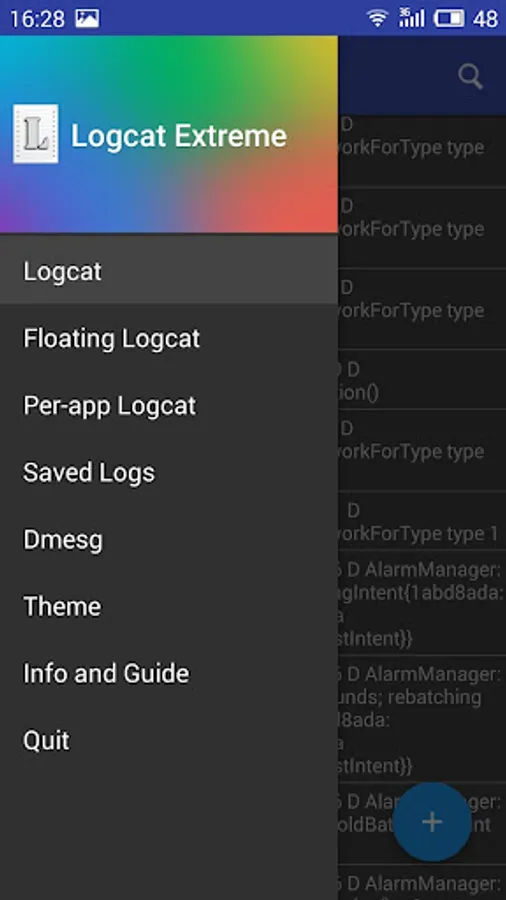
In this logcat reading and recording app, users can monitor system logs in real time and apply filters for targeted analysis. Includes floating logcat, log sharing, and background recording features.
AppRecs review analysis
AppRecs rating 4.5. Trustworthiness 58 out of 100. Review manipulation risk 32 out of 100. Based on a review sample analyzed.
★★★★☆
4.5
AppRecs Rating
Ratings breakdown
5 star
80%
4 star
10%
3 star
2%
2 star
2%
1 star
6%
What to know
✓
High user satisfaction
91% of sampled ratings are 4+ stars (4.4★ average)
✓
Authentic reviews
No red flags detected
About Logcat Extreme Pro
Logcat Extreme Pro is a powerful and versatile logcat reader and recorder designed for developers, testers, and anyone who needs deep insights into their Android device. Whether you're debugging your app, analyzing system performance or troubleshooting device issues, Logcat Extreme provides the features and flexibility you need.
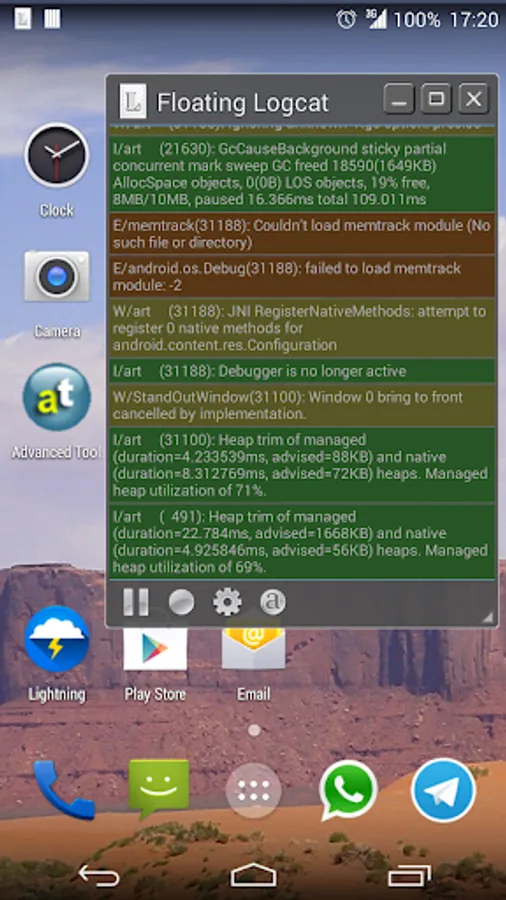
Enjoy the handy user interface and the unique "Floating Logcat" feature which allows you to keep the logcat on top while you work on your device, perfect for testing! The logcat is displayed in a window that you can move, resize and even minimize, just like a desktop one.
Important Notes:
Root access or "READ_LOGS" permission is required for full functionality. On non-rooted devices, grant the "READ_LOGS" permission using ADB:
"adb shell pm grant scd.lcexpro android.permission.READ_LOGS"
Key Features:
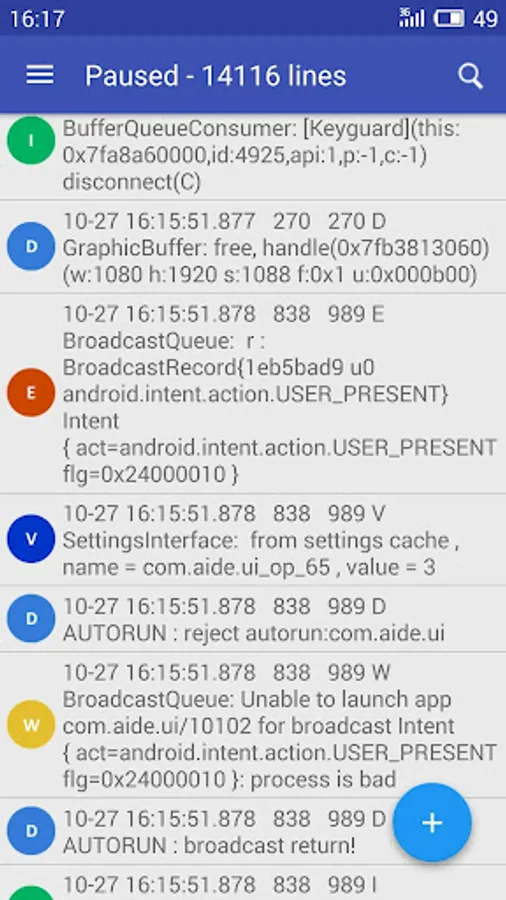
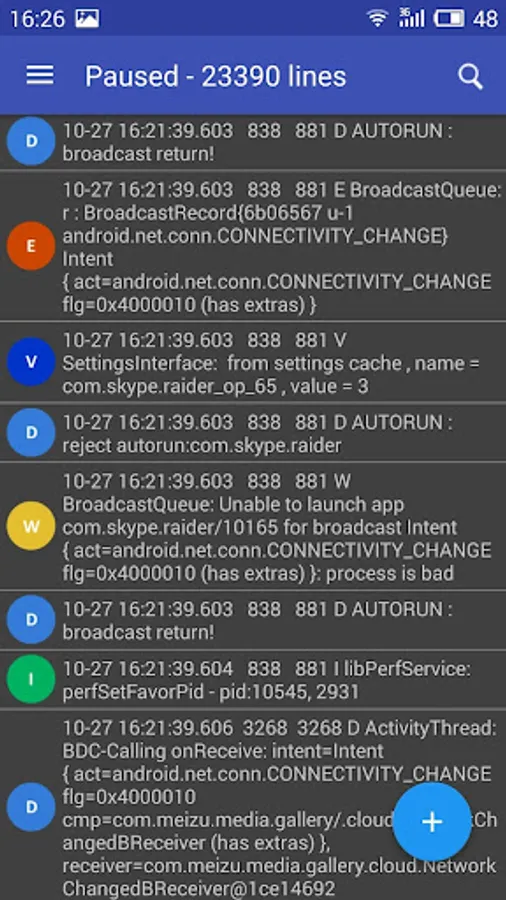
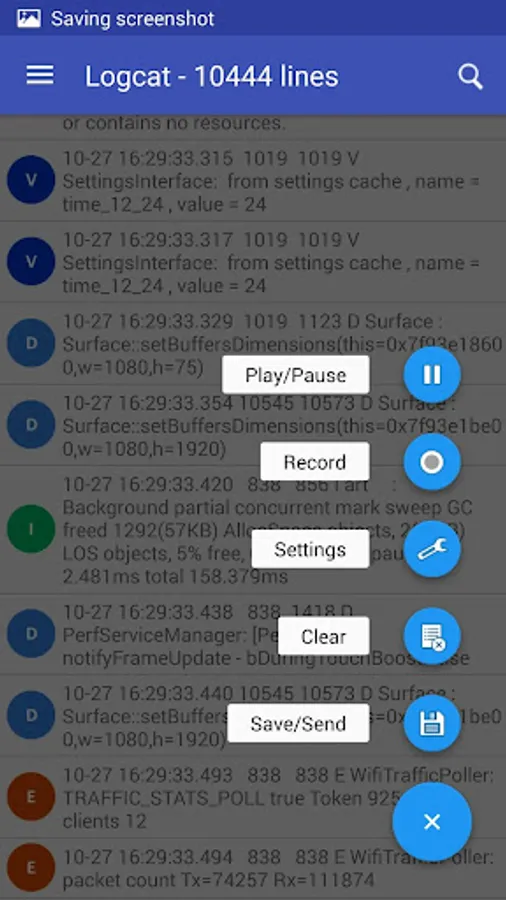
* Real-time Logcat Reading: Monitor live logs as they happen, giving you instant visibility into your device's activity.
* Pause & Resume: Freeze the logcat stream whenever you need to examine specific entries without missing any crucial information.
* Background Recording: Capture logs even when the app is closed, ensuring you don't miss a single event.
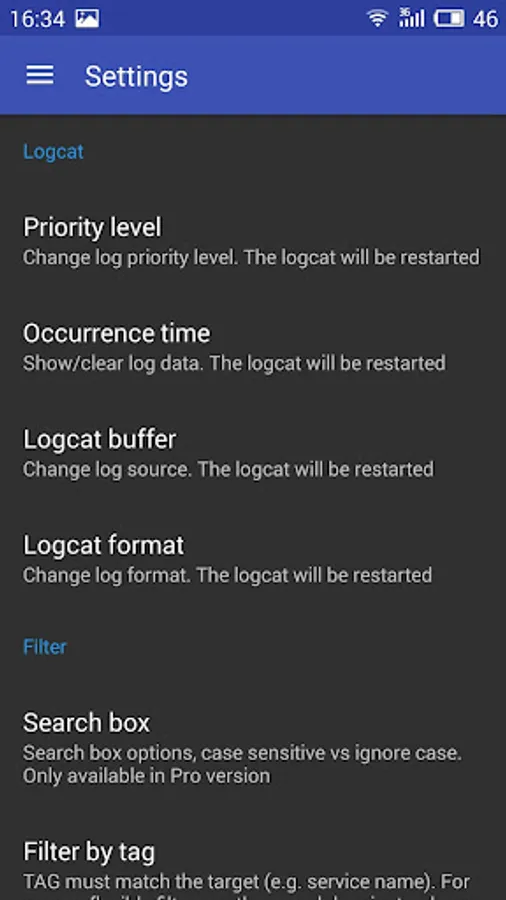
* Powerful Filtering: Refine your logcat view with filters based on priority level, format, and keywords to isolate the information you need. Use the search box for quick filtering.
* Kernel Debugging (dmesg): Access kernel debug messages for advanced system-level analysis.
* Share Logs with Ease: Share log files or send logs via email on the fly.
* Floating Logcat (resizable & minimizable): Keep the logcat on top while using other apps, perfect for real-time monitoring during development and testing. Resize and minimize the floating window for optimal workflow.
* Intuitive design: Enjoy a clean, modern and user-friendly interface designed for efficient logcat management.
For developers:
Use intent actions and extras in order to launch the
logcat recorder directly from your apps:
"scd.lcexpro.ACTION_REC" start recording
"scd.lcexpro.ACTION_STOP" stop recording and associated service
"scd.lcexpro.EXTRA_FILTER" logcat filter (string, optional), use in conjunction with ACTION_REC
Download Logcat Extreme Pro today and take control of your Android logs!
This is the Pro/Donate version of Logcat Extreme with all the features unlocked. If you were on the free version just uninstall it, it's no longer needed.
Enjoy the handy user interface and the unique "Floating Logcat" feature which allows you to keep the logcat on top while you work on your device, perfect for testing! The logcat is displayed in a window that you can move, resize and even minimize, just like a desktop one.
Important Notes:
Root access or "READ_LOGS" permission is required for full functionality. On non-rooted devices, grant the "READ_LOGS" permission using ADB:
"adb shell pm grant scd.lcexpro android.permission.READ_LOGS"
Key Features:
* Real-time Logcat Reading: Monitor live logs as they happen, giving you instant visibility into your device's activity.
* Pause & Resume: Freeze the logcat stream whenever you need to examine specific entries without missing any crucial information.
* Background Recording: Capture logs even when the app is closed, ensuring you don't miss a single event.
* Powerful Filtering: Refine your logcat view with filters based on priority level, format, and keywords to isolate the information you need. Use the search box for quick filtering.
* Kernel Debugging (dmesg): Access kernel debug messages for advanced system-level analysis.
* Share Logs with Ease: Share log files or send logs via email on the fly.
* Floating Logcat (resizable & minimizable): Keep the logcat on top while using other apps, perfect for real-time monitoring during development and testing. Resize and minimize the floating window for optimal workflow.
* Intuitive design: Enjoy a clean, modern and user-friendly interface designed for efficient logcat management.
For developers:
Use intent actions and extras in order to launch the
logcat recorder directly from your apps:
"scd.lcexpro.ACTION_REC" start recording
"scd.lcexpro.ACTION_STOP" stop recording and associated service
"scd.lcexpro.EXTRA_FILTER" logcat filter (string, optional), use in conjunction with ACTION_REC
Download Logcat Extreme Pro today and take control of your Android logs!
This is the Pro/Donate version of Logcat Extreme with all the features unlocked. If you were on the free version just uninstall it, it's no longer needed.
Logcat Extreme Pro Screenshots
Tap to Rate:
Reviews for Logcat Extreme Pro
Tim Williams
11/23/2024
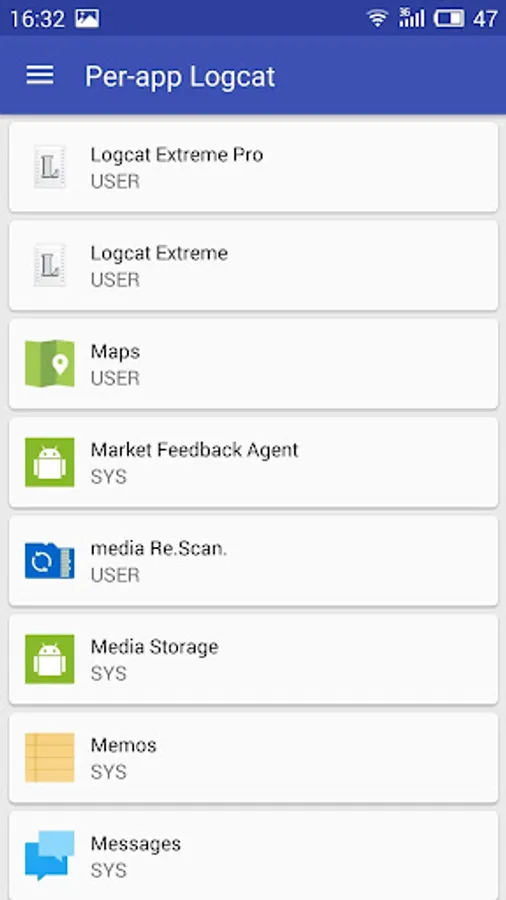
This is horrible. I paid for the Pro version. I now no longer have Per App Logcat. The reason I bought the app in the first place. I would like to have version 1.9 back.
Z
1/29/2024
Just stopped working and won't record anymore. Extremely disappointed.