
In this app, you can manage files, apps, and system settings on your device. Includes file operations, app backups, system info, and root access options.
AppRecs review analysis
AppRecs rating 4.6. Trustworthiness 75 out of 100. Review manipulation risk 27 out of 100. Based on a review sample analyzed.
★★★★☆
4.6
AppRecs Rating
Ratings breakdown
5 star
81%
4 star
9%
3 star
4%
2 star
2%
1 star
4%
What to know
✓
Low review manipulation risk
27% review manipulation risk
✓
Credible reviews
75% trustworthiness score from analyzed reviews
✓
High user satisfaction
81% of sampled ratings are 5 stars
About Advanced Tools Pro
Even more options available for root users.
Pro version is the premium choice, all the features unlocked and no ads.
**** NOTES ****
Logcat tool requires READ_LOG permission to run properly, non-root users can grant READ_LOG permission by using ADB commands, see related info inside the app.
**** BASIC HINTS ****
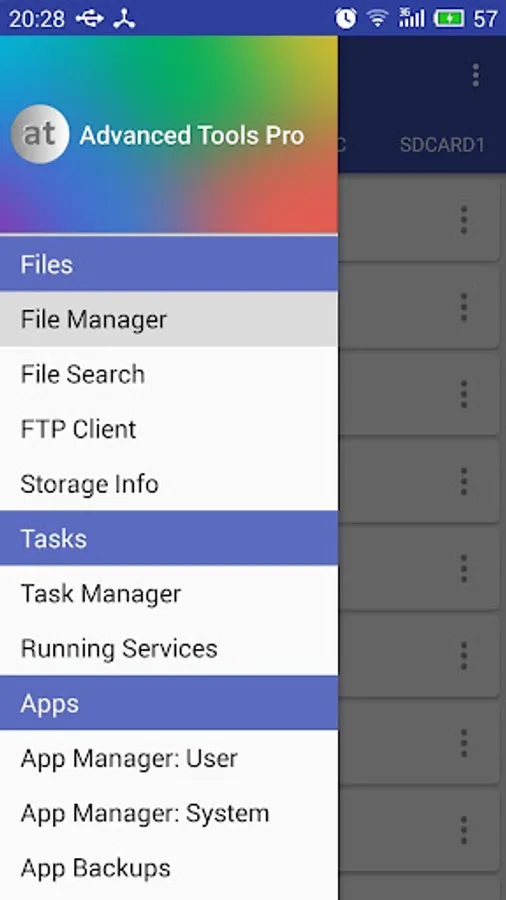
Open the main menu to access all the tools available, swipe from the left edge to the right or tap the dedicated button.
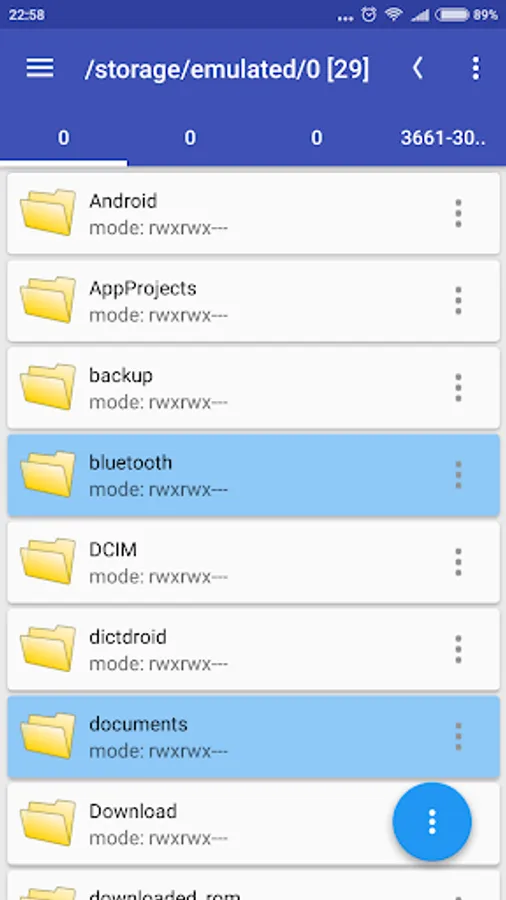
File Manager - for any of the item in the list, single tap to open, long-press to select. Open the top-right menu (three dots) for more options.
**** SOME OF THE THINGS YOU CAN DO ****
FILE MANAGER
* Operate on two different tabs
* File operations between tabs (no need to navigate back!)
* Access/modify RO folders, system, data, etc. (root)
* Copy, cut, paste, delete, rename files or folders
* Add new folders
* Add new text files
* Integrated mini text editor
* Search files or folders
* Get file or folder details
* Set file or folder permissions (root)
* Zip/unzip files or whole folders
* Browse zip file's contents
* Unzip selected contents from a zip file
* Browse APK file's contents
* Send files via bluetooth
* Share supported files
* Storage info with pie charts
* Set starting folders (shortcuts)
* FTP: download/upload files or whole folders
* FTP: browse FTP contents, add new folders
APP MANAGER
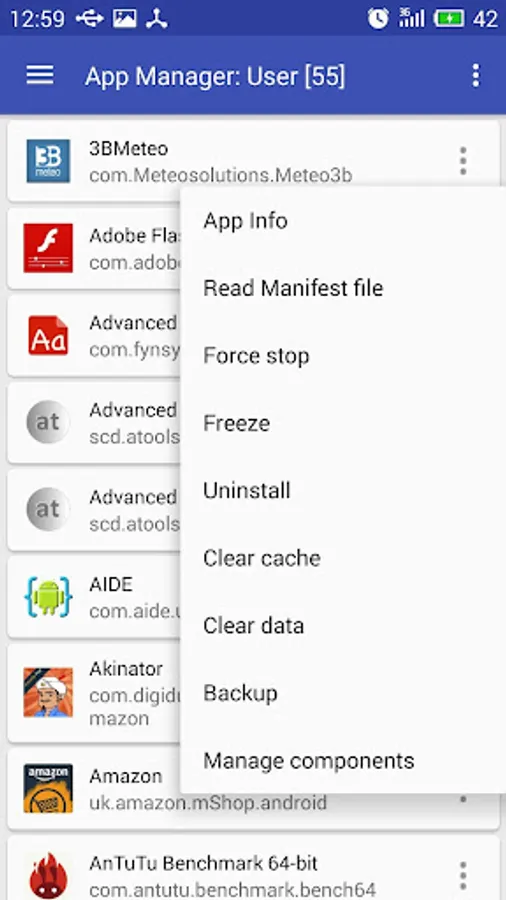
* Detailed info about each installed application
* Uninstall apps
* Freeze system apps (root)
* Uninstall system apps (root)
* Backup and restore apps
* Clear app cache/data
* Startup apps (grant/deny auto-start)
* Manage app components! (Pro only)
* View content of manifest file (Pro only)
SYSTEM MANAGER
* Plenty of info about system, memory, graphic, hw, battery
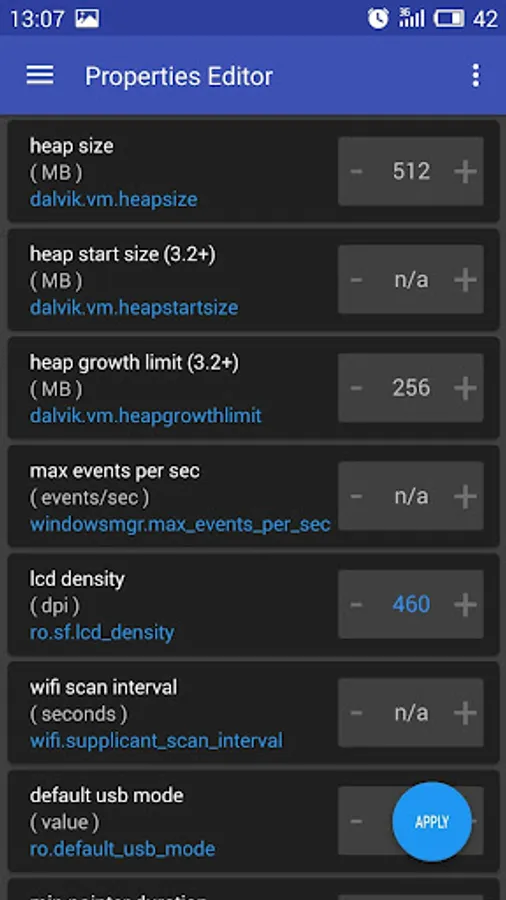
* Change LCD density (root)
* Change the heap size (root)
* Change "max events per second" value (root)
* Change the WiFi scan interval (root)
* more properties from build.prop file
* Change "min free kbytes" value (root)
* Change "vfs cache pressure" value (root)
* Change swappiness value (root)
* Change dirty ratio and dirty background ratio (root)
* more kernel's VM and sysctl parameters
* Configure Android's internal task killer
* Access special settings and info
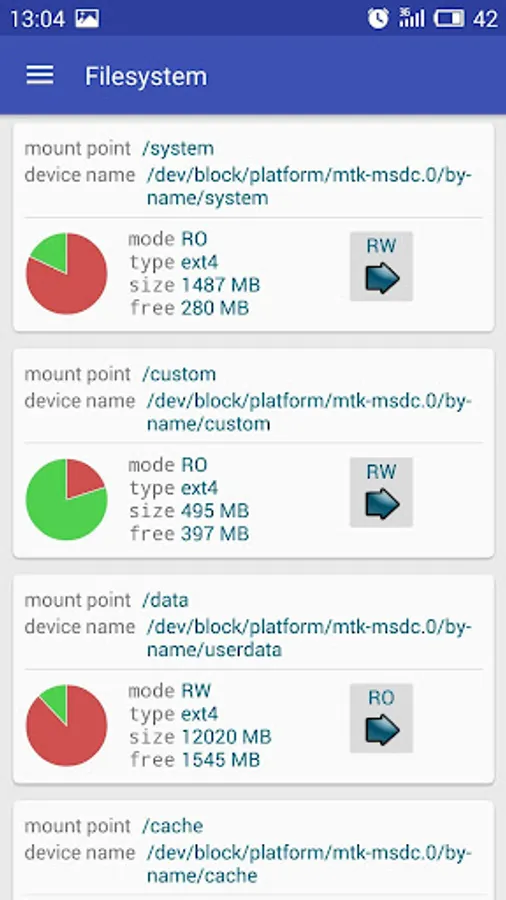
* View filesystem
* View dmesg (Kernel Debug Messages)
* View live logcat
* Record, filter, stop, resume logcat
* Detect CarrierIQ
* Floating RAM meter (Pro only)
TASK MANAGER
* Kill selected applications
* Filter system processes (security options)
* Info about running services
SENSOR ANALYZER
* Scan and analyze all the sensors installed
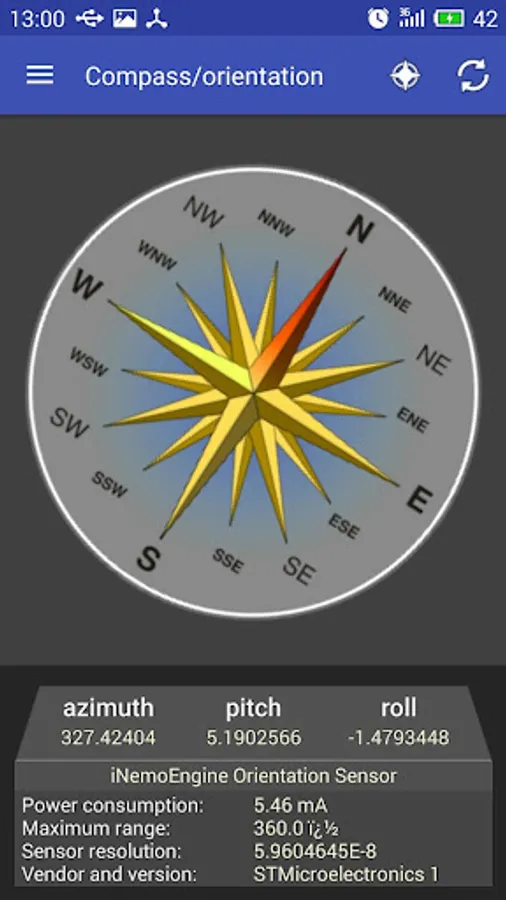
* Compass tool
* Compass calibration tool
* Magnetic field detector
GPS STATUS AND FIX
* Get all the info passed by GPS device
* Fast fix tool to get signal fixed in less time
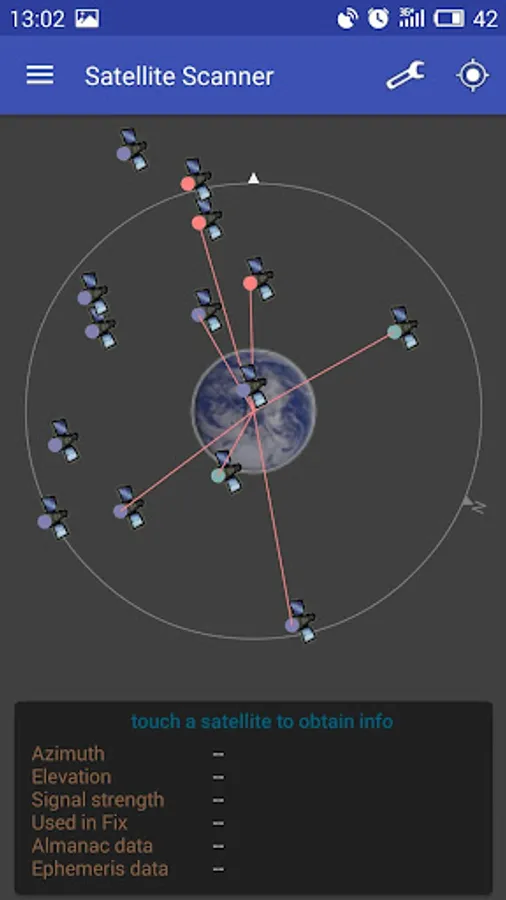
* Scan satellites and get dedicated info
* Get your current location's address
CPU MONITOR
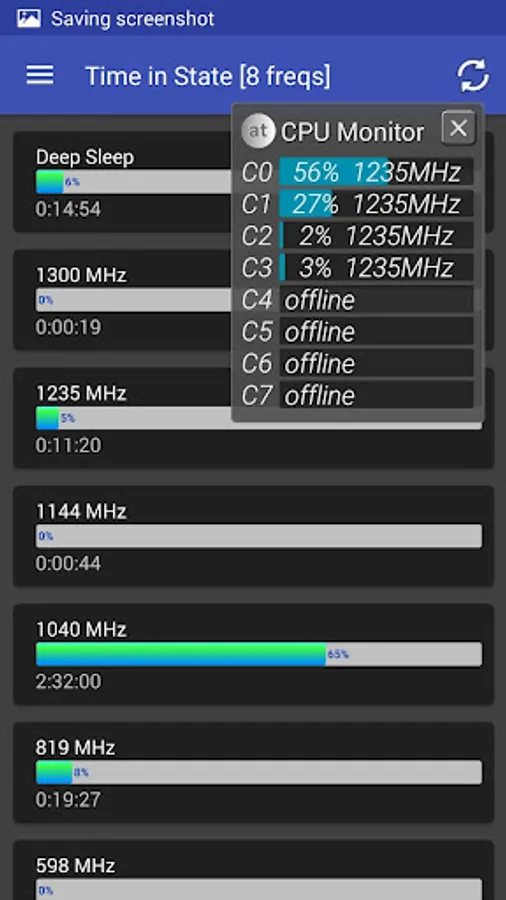
* CPU Time in State monitor
* Real-time CPU meter
* Floating CPU meter (Pro only)
* Set CPU scaling frequencies and governor (root)
DISPLAY
* Detailed info about screen device
* Blue light filter for eyes comfort
* Dim filter for smart brightness control
ATOOLS TERMINAL (Pro only)
* Pseudo terminal emulator
* Execute linux commands
* Quick buttons for mount and set permissions
OTHERS
* Quick launch from notification bar
* Use the camera flashlight as a torch
* Light and dark themes
* Customizable font style and text size
Enjoy Advanced Tools Pro!
Advanced Tools Pro Screenshots
Tap to Rate:
Reviews for Advanced Tools Pro
jason grove
11/28/2025
unless without root, waisted my money
Admin
7/25/2025
this app was able to detect Pegasus class spyware. and my phone isn't even rooted. well actually I don't know if it's rooted or not... because of the whole pegasus/cobalt strike/graphite thing. let's just say that I didn't root it. you guys rock. if you have any advice about what to do with that knowledge that would be much appreciated because I have no clue how you threat model something like that. if you're skeptical, you should be. GSMA SGP 22. it's on the official GSMA website. 🤦