SolarEdge Inverter SetApp
SolarEdge Technologies
3.4 ★
1K ratings
100,000+
downloads
Free
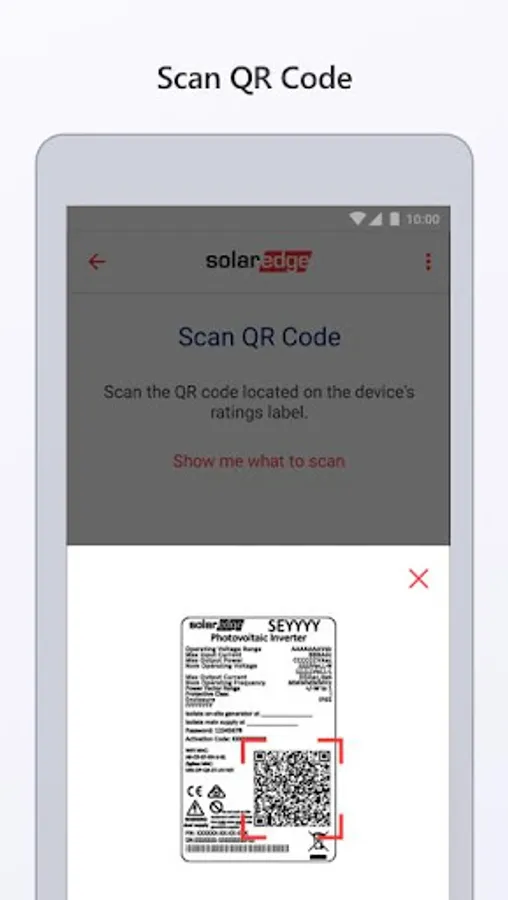
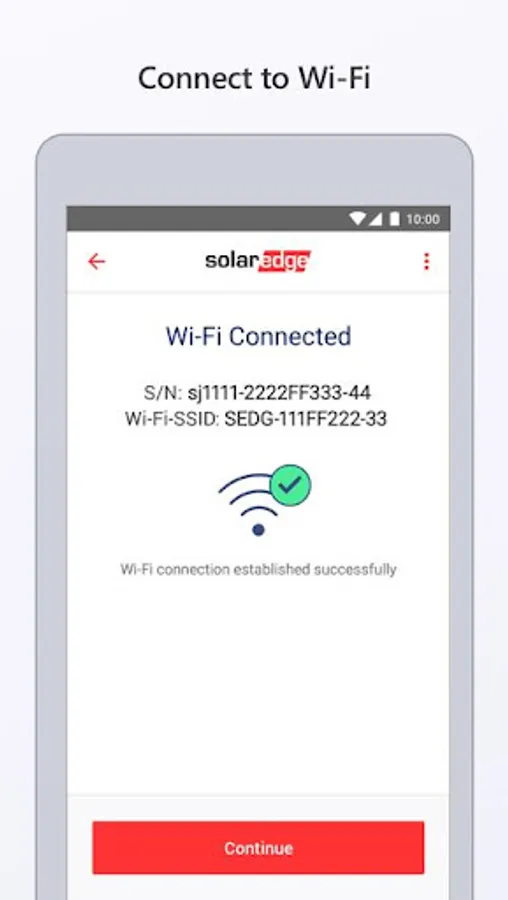
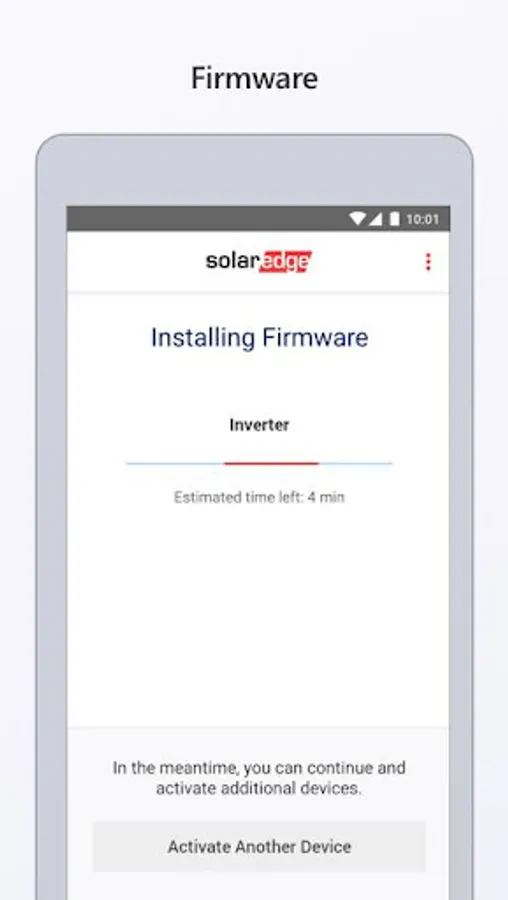
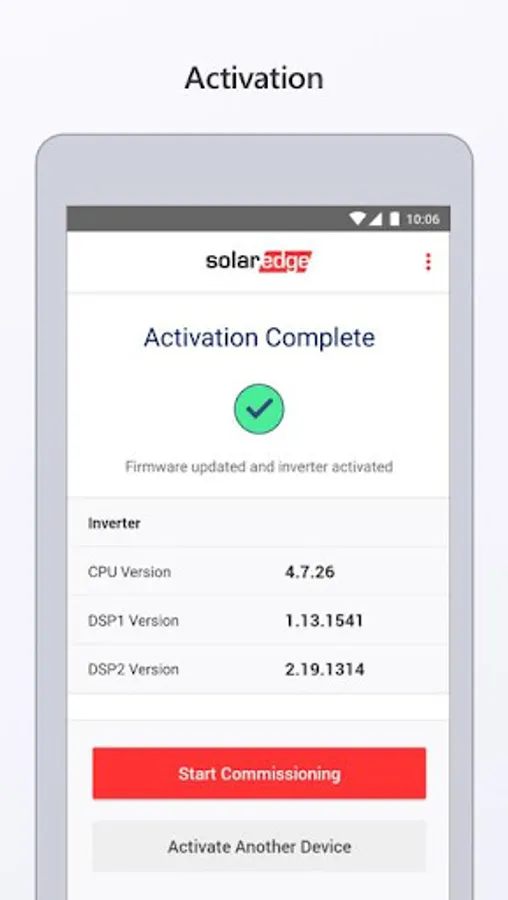
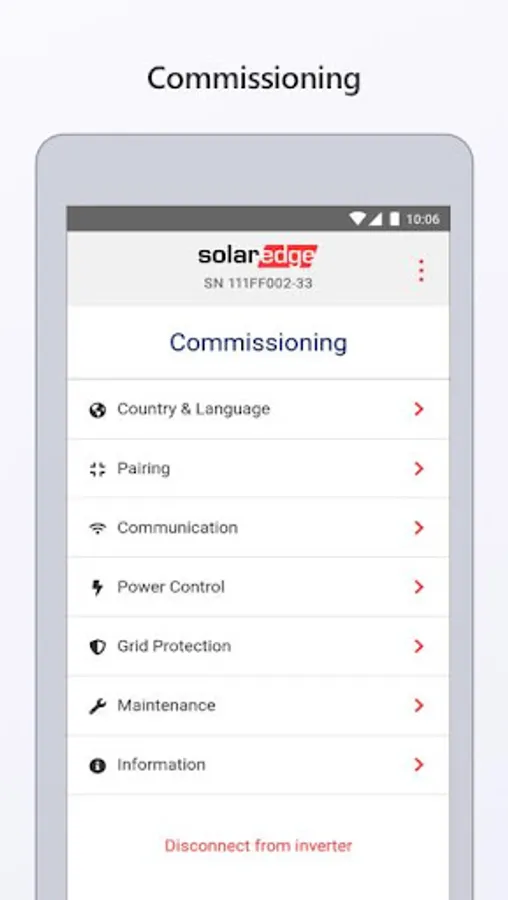
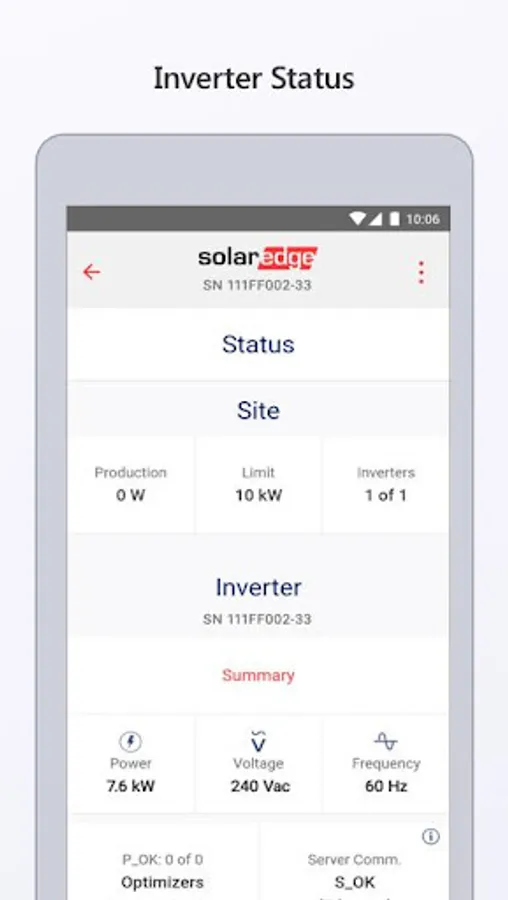
With this app, you can activate and configure SetApp-enabled inverters using your smartphone and Wi-Fi connection. Includes step-by-step instructions, device management, and in-app charging capabilities.
AppRecs review analysis
AppRecs rating 3.3. Trustworthiness 85 out of 100. Review manipulation risk 18 out of 100. Based on a review sample analyzed.
★★★☆☆
3.3
AppRecs Rating
Ratings breakdown
5 star
47%
4 star
12%
3 star
7%
2 star
3%
1 star
31%
What to know
✓
Low review manipulation risk
18% review manipulation risk
✓
Credible reviews
85% trustworthiness score from analyzed reviews
⚠
High negative review ratio
34% of sampled ratings are 1–2 stars
About SolarEdge Inverter SetApp
Inverter commissioning has never been this easy. Activating and configuring your inverter is now done directly through your smartphone using the SetApp mobile application. All the information you need is in the palm of your hand.
Commissioning your installation is quick and simple with step-by-step instructions and easy to read menus.
• SetApp communicates between your smartphone and the inverter’s built-in Wi-Fi. No need for internet connection on site.
• Simultaneous configuration of up to 31 additional devices from the master inverter (Feature will be available later this year)
• Don’t worry about your phone running out of battery — inverters have a built-in connector to charge your smartphone
GDPR Compliance
Please take a moment to read our updated Privacy Policy to understand how your data is used http://www.solaredge.com/groups/terms-and-conditions/privacy-policy
SolarEdge Inverter SetApp Screenshots
Tap to Rate:
Reviews for SolarEdge Inverter SetApp
David Marc
12/1/2025
the app does not work any more. it worked for 6 month. now when we try to open it itopens for 2 seconds then closes. with no way of checking if panels are producing .
Axiom
11/24/2025
I don't understand how these devices are connected to the internet but cannot perform an OTA update on the firmware without having to physically scan the inverter everytime.. or even load a photo of the QR code you may have on file.