mySolarEdge
SolarEdge Technologies
4.2 ★
193K ratings
1,000,000+
downloads
Free
AppRecs review analysis
AppRecs rating 4.2. Trustworthiness 79 out of 100. Review manipulation risk 18 out of 100. Based on a review sample analyzed.
★★★★☆
4.2
AppRecs Rating
Ratings breakdown
5 star
67%
4 star
14%
3 star
4%
2 star
3%
1 star
11%
What to know
✓
Low review manipulation risk
18% review manipulation risk
✓
Credible reviews
79% trustworthiness score from analyzed reviews
✓
High user satisfaction
82% of sampled ratings are 4+ stars (4.2★ average)
About mySolarEdge
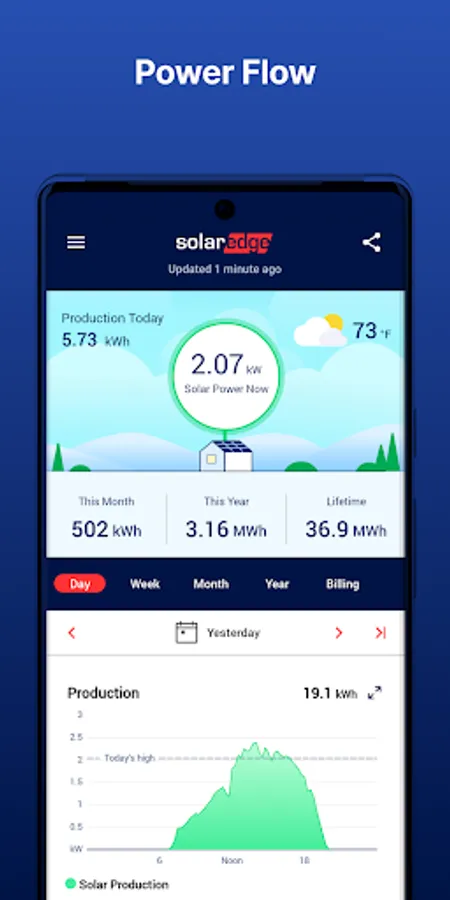
Use mySolarEdge to maximize your SolarEdge experience as well as your electricity savings:
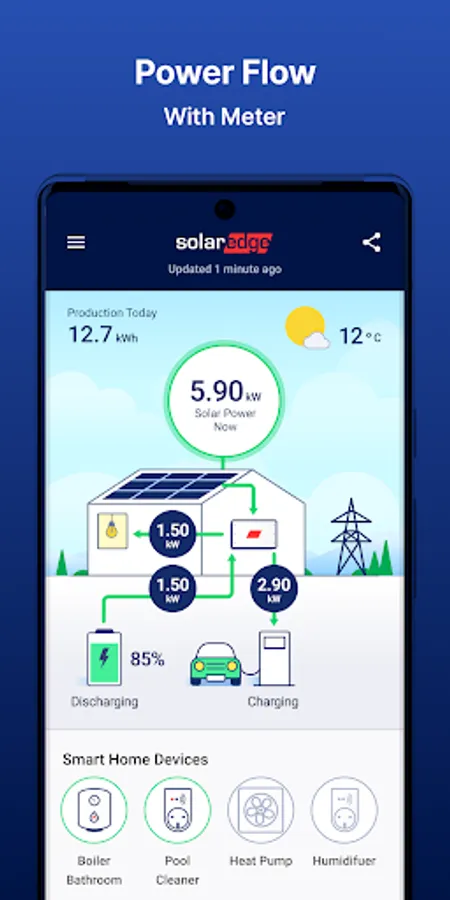
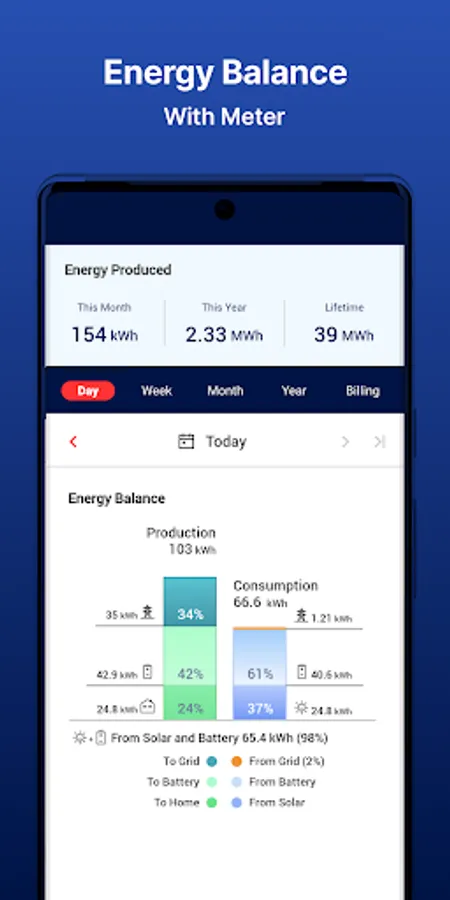
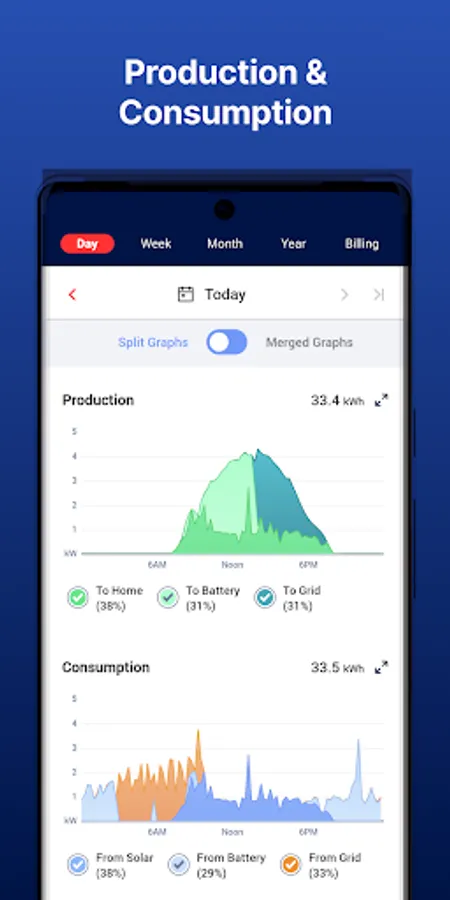
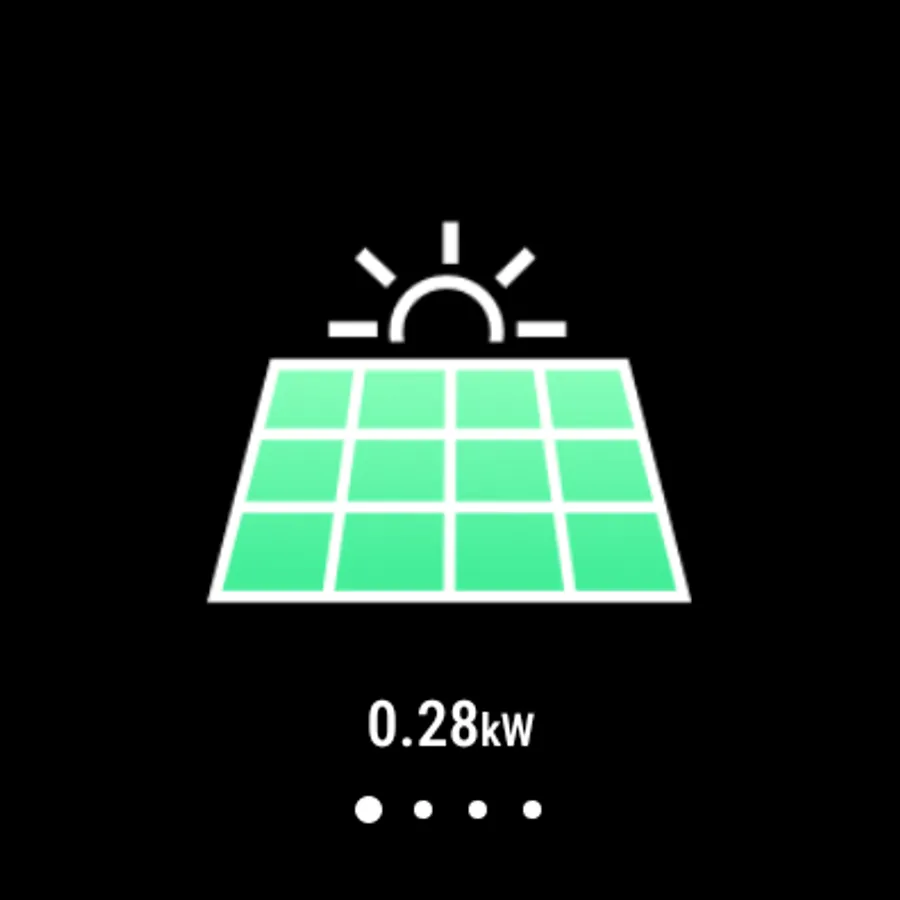
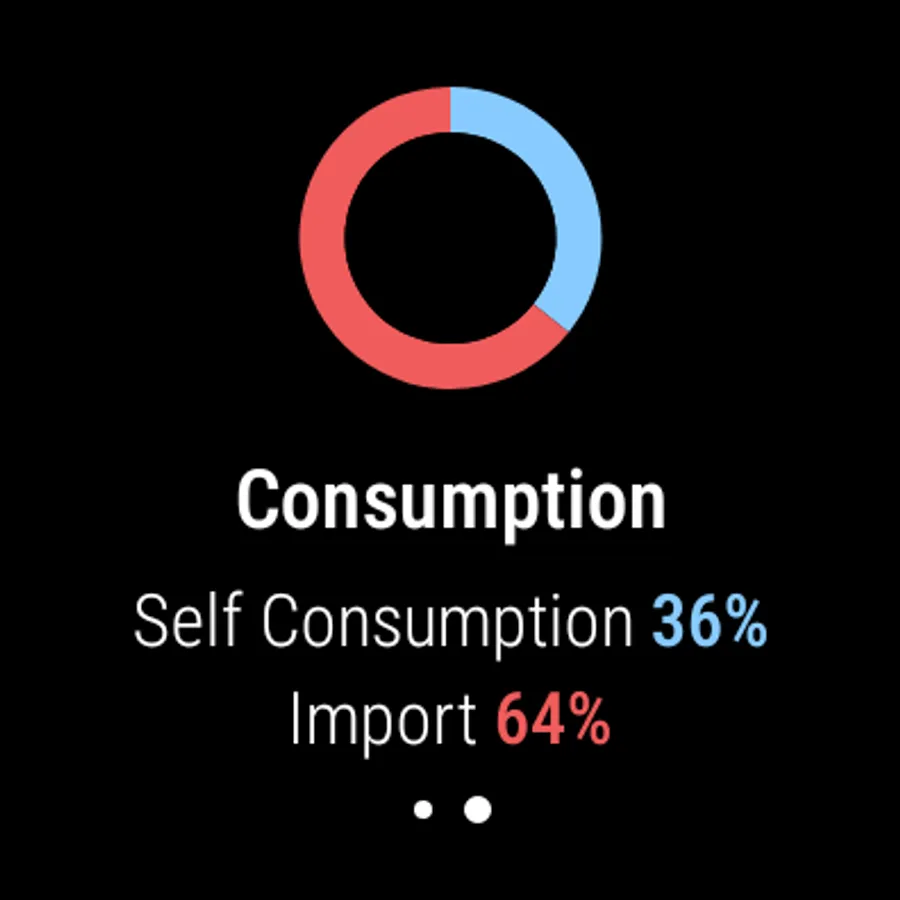
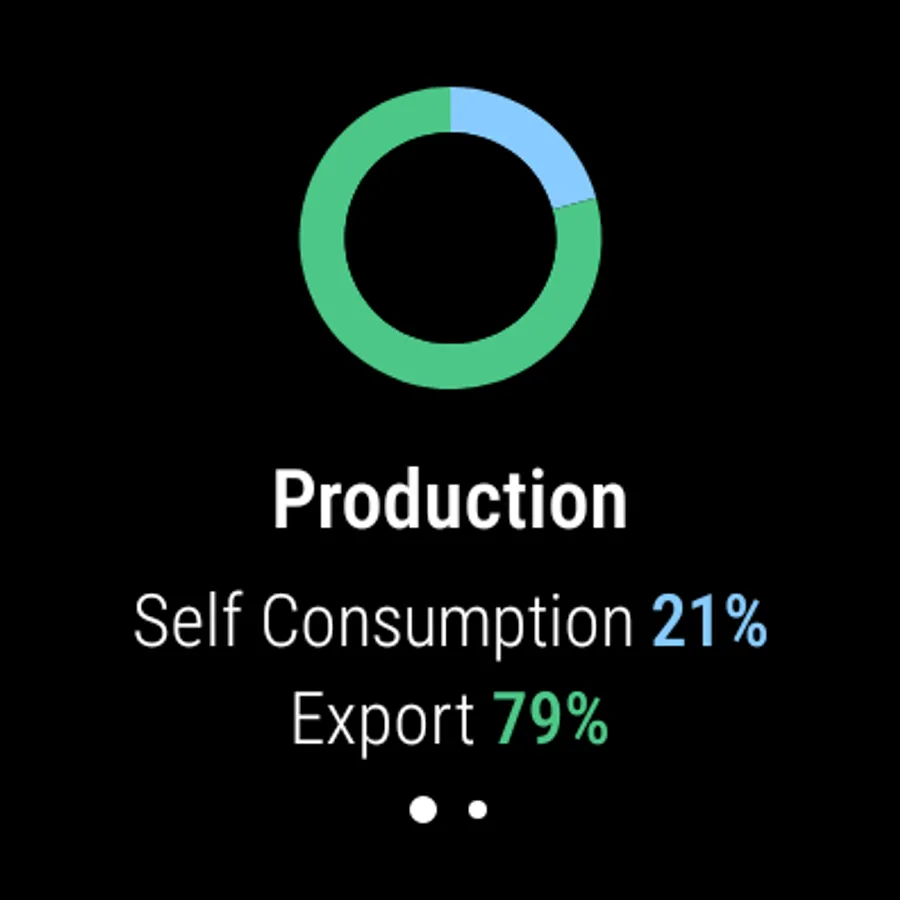
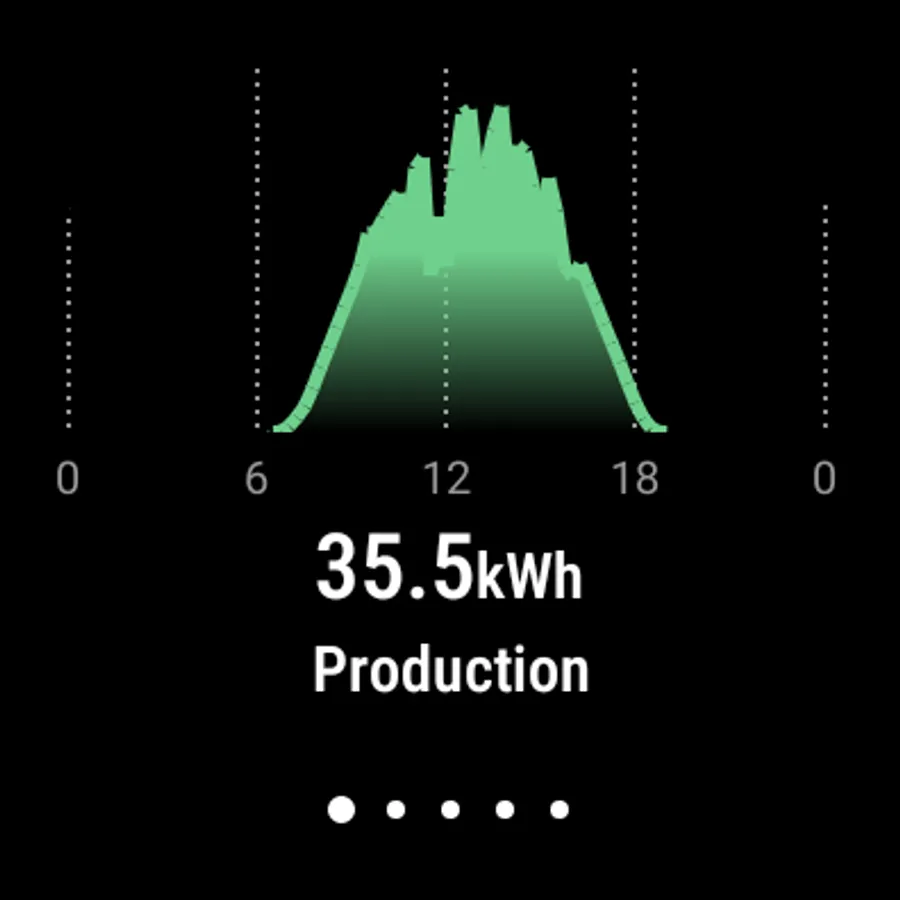
· Track your energy use and production in real-time, with mobile-optimized features
· Identify ways to become more energy efficient
· Control your smart home devices and manage SolarEdge EV charging remotely
· View solar inverter status for quick troubleshooting using step-by-step instructions and easy to read menus in SetApp-enabled inverters only
· Set-up inverter communication and network settings in SetApp-enabled inverters only
· Monitoring and controlling of your site is also available via Google Wear OS devices such as Pixel Watch
* To get monitoring permissions, contact your installer.
** For energy usage monitoring, a consumption meter is required.
mySolarEdge Screenshots
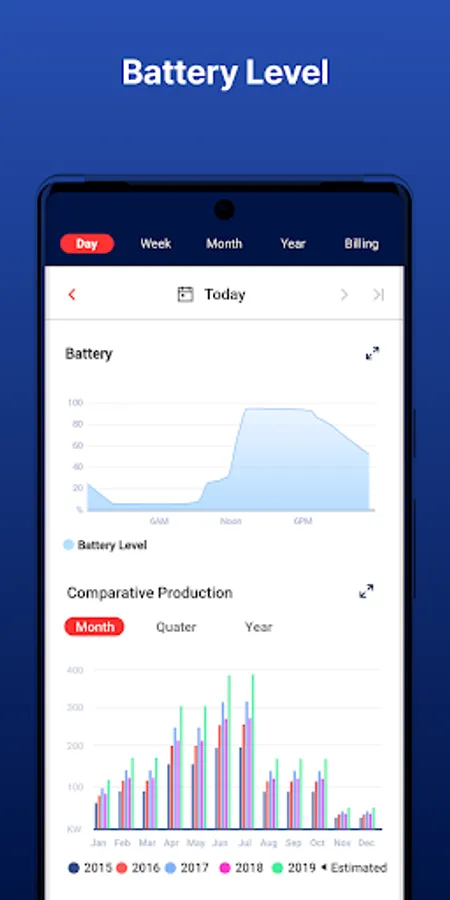
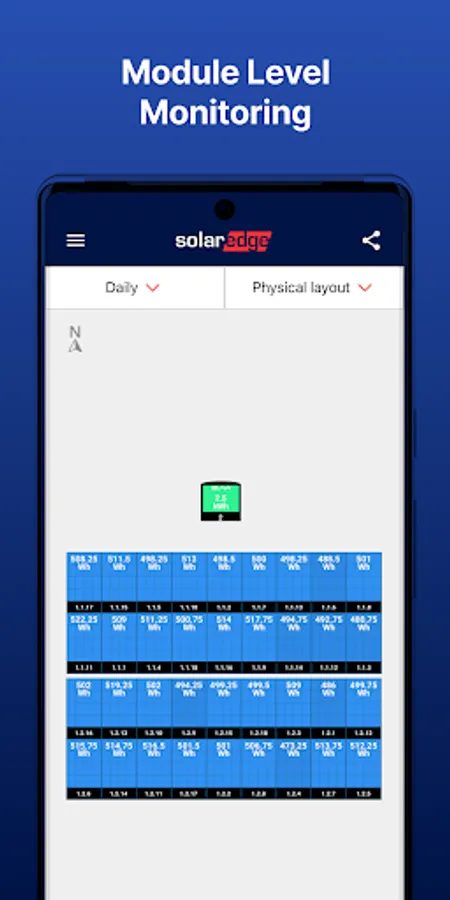
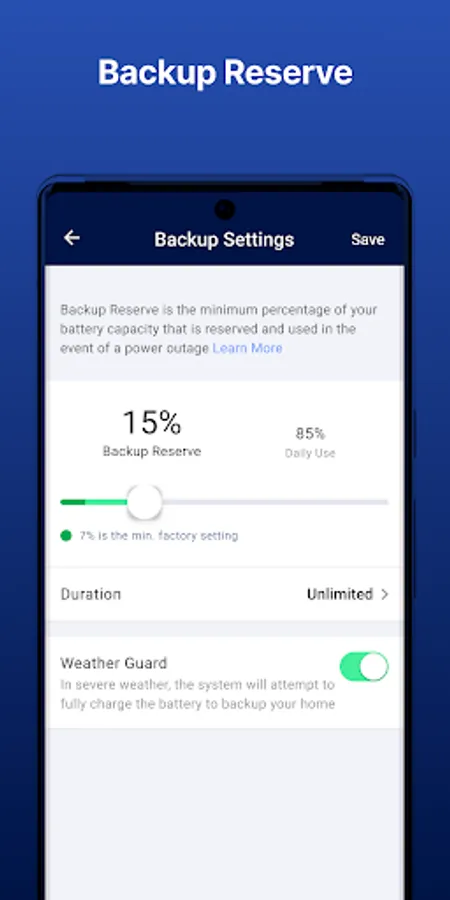
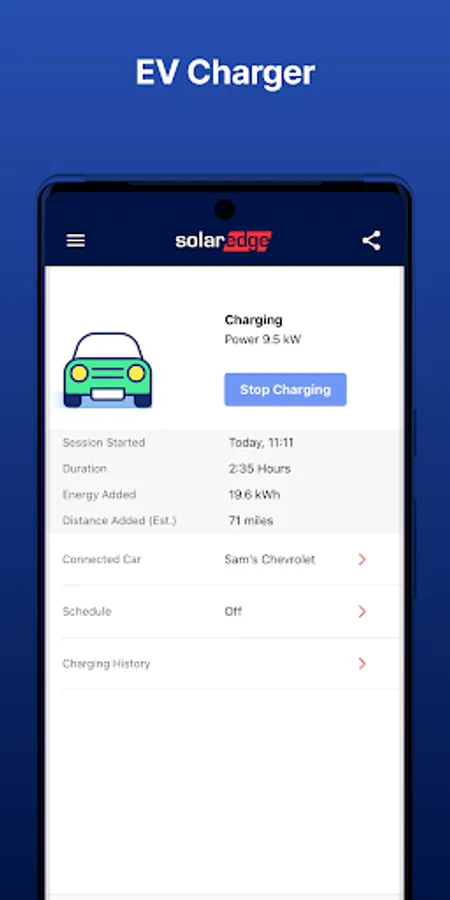
Tap to Rate:
Reviews for mySolarEdge
Donald Machutta
3/7/2026
The new update took away the functionality, previous day's power, the graphs that shows how much and when we got power talk about a damn grade. terrible.
Christopher Poole
3/7/2026
Both the app and the web monitoring platforms have recently been updated. Since then the battery control functions are broken. They tell you settings have been changed when they haven't. It's all different but still broken. I raise concerns regularly but none are properly dealt with; some go direct to the UK support, but most default to the US meaning support is unco-ordinated.