SolarEdge Monitoring
SolarEdge Technologies
4.3 ★
46K ratings
1,000,000+
downloads
Free
AppRecs review analysis
AppRecs rating 4.3. Trustworthiness 0 out of 100. Review manipulation risk 0 out of 100. Based on a review sample analyzed.
★★★★☆
4.3
AppRecs Rating
Ratings breakdown
5 star
66%
4 star
16%
3 star
6%
2 star
3%
1 star
9%
What to know
✓
High user satisfaction
82% of sampled ratings are 4+ stars (4.3★ average)
✓
Authentic reviews
Natural distribution, no red flags
About SolarEdge Monitoring
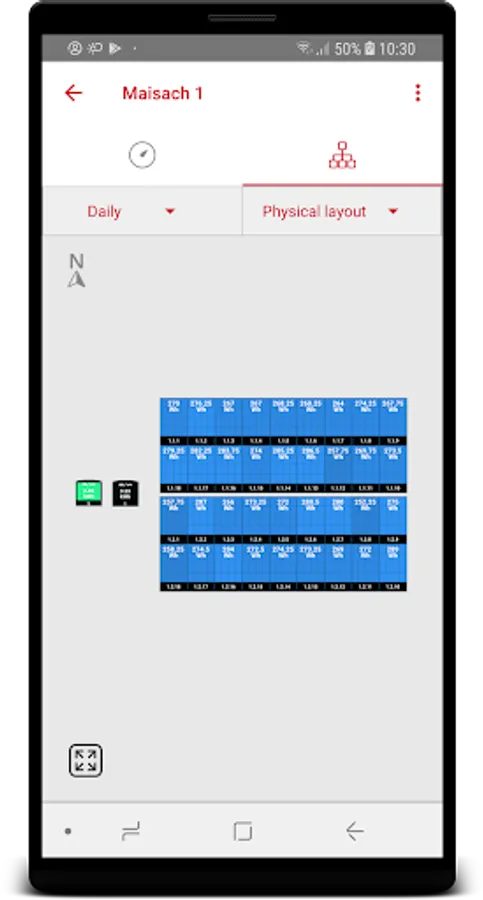
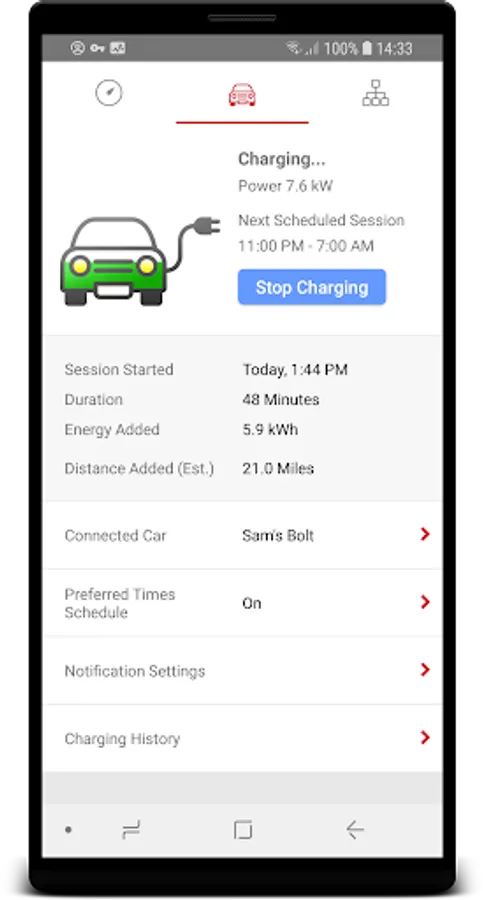
The SolarEdge monitoring application enables PV installers and system owners to perform remote monitoring on the go using their mobile Android device, thus maximizing solar energy harvesting.
The application enables users to view the most updated data and be up to speed with their site’s performance.
Application Features:
Dashboard:
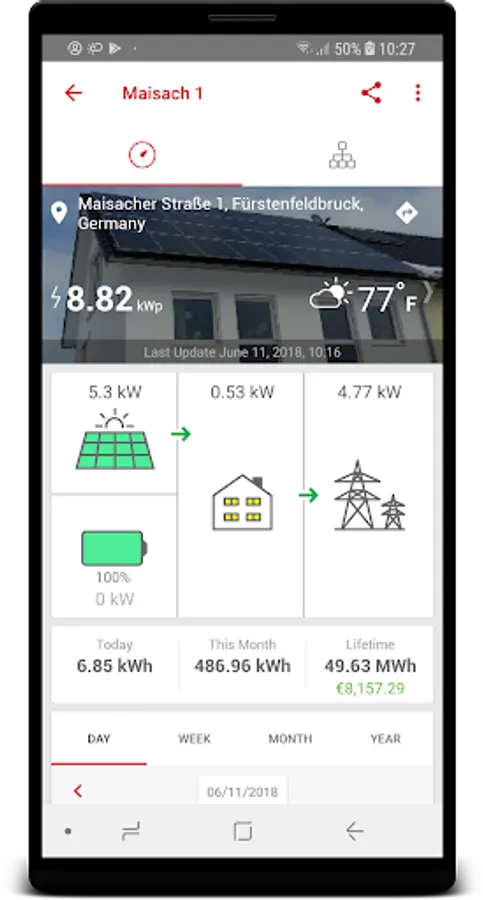
The application provides at-a-glance view of the system performance.
Present and past measurements are available:
• Current system power
• Energy – today, last month, lifetime.
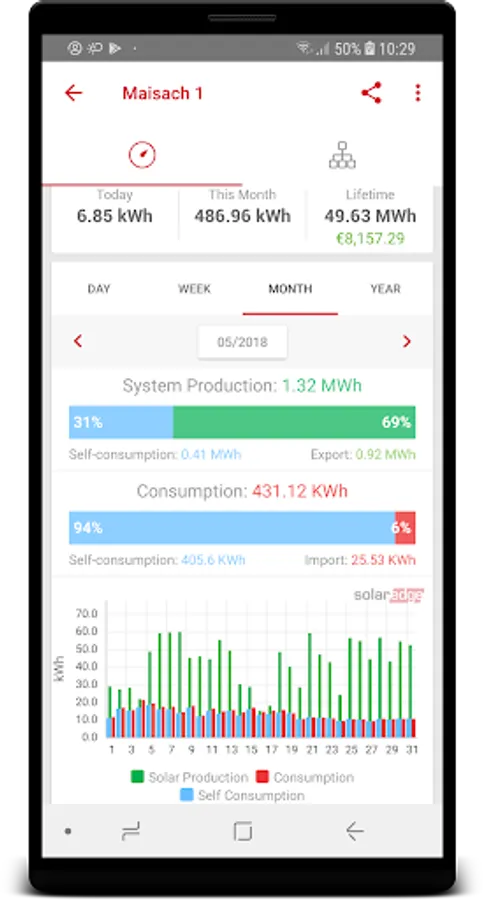
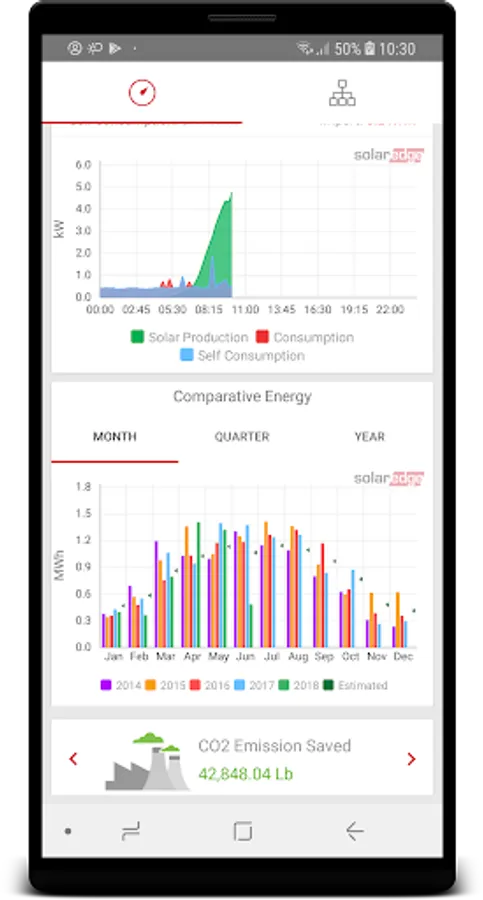
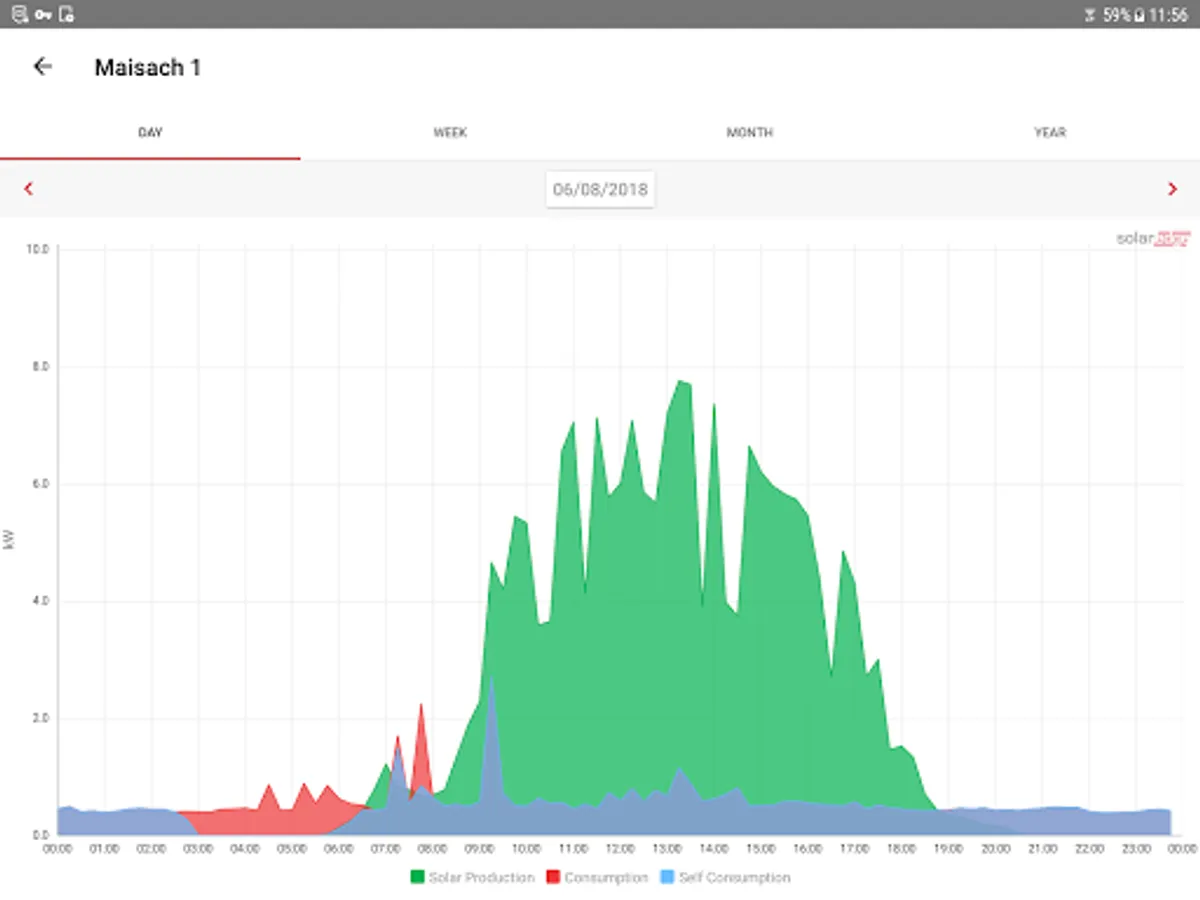
• Graph display of daily power, weekly and yearly energy production
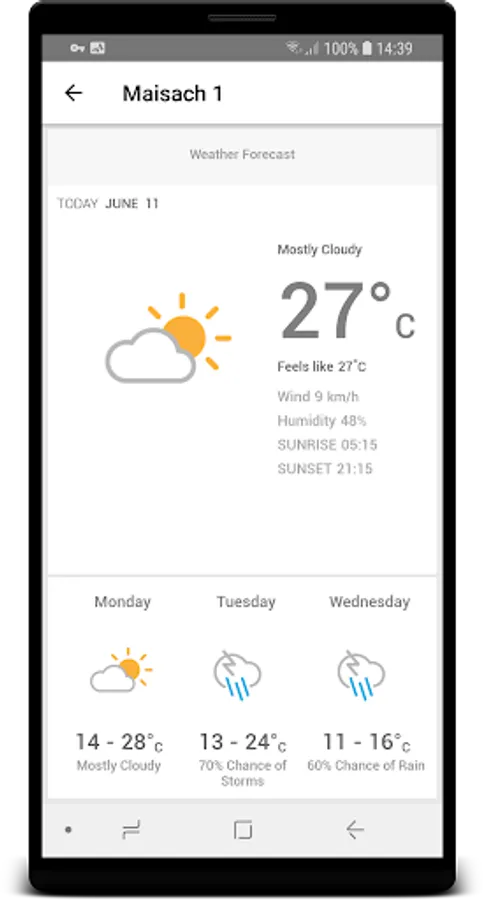
Weather:
Current and forecast weather are presented and assist in assessing the system’s performance.
Site Image:
The app allows the display of the site’s image, which gives another visual dimension of the system.
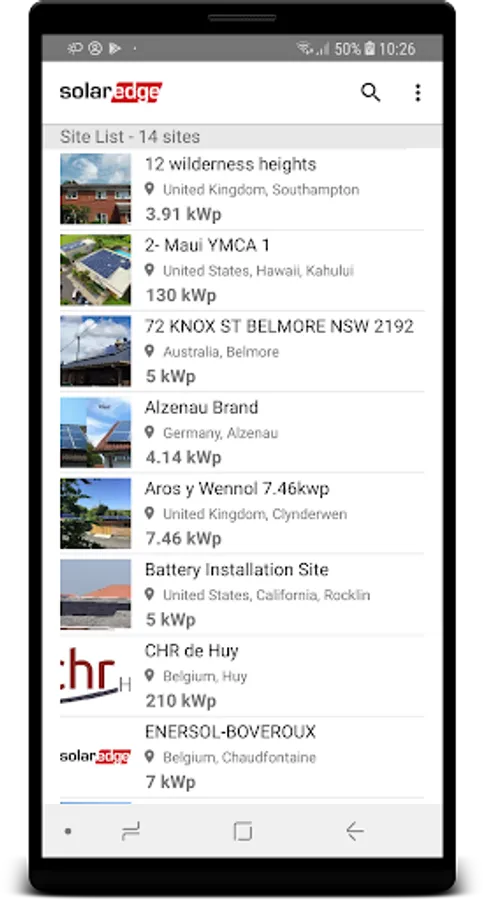
Site List:
A comprehensive list of all the user’s PV sites, which gives high level data on each site (including its image) for easy orientation.
User Preferences:
Configure system units or switch the app interface to one of several supported languages.
The application enables users to view the most updated data and be up to speed with their site’s performance.
Application Features:
Dashboard:
The application provides at-a-glance view of the system performance.
Present and past measurements are available:
• Current system power
• Energy – today, last month, lifetime.
• Graph display of daily power, weekly and yearly energy production
Weather:
Current and forecast weather are presented and assist in assessing the system’s performance.
Site Image:
The app allows the display of the site’s image, which gives another visual dimension of the system.
Site List:
A comprehensive list of all the user’s PV sites, which gives high level data on each site (including its image) for easy orientation.
User Preferences:
Configure system units or switch the app interface to one of several supported languages.
SolarEdge Monitoring Screenshots
Tap to Rate: