Photo Recovery & File Manager
SYSTWEAK SOFTWARE
3.8 ★
7K ratings
1,000,000+
downloads
Free
+ in-app
In this app, you can recover deleted photos and organize files with features for scanning, previewing, and managing media. Includes file sharing, search, and folder management tools.
AppRecs review analysis
AppRecs rating 3.9. Trustworthiness 78 out of 100. Review manipulation risk 21 out of 100. Based on a review sample analyzed.
★★★☆☆
3.9
AppRecs Rating
Ratings breakdown
5 star
61%
4 star
7%
3 star
7%
2 star
7%
1 star
19%
What to know
✓
Low review manipulation risk
21% review manipulation risk
✓
Credible reviews
78% trustworthiness score from analyzed reviews
✓
Good user ratings
68% positive sampled reviews
About Photo Recovery & File Manager
Photo Recovery & File Manager is the best app to recover deleted photos and organize files on Android devices. Easily recover lost photos and organize your files effortlessly with the ultimate recovery and file management app.
Photo Recovery-
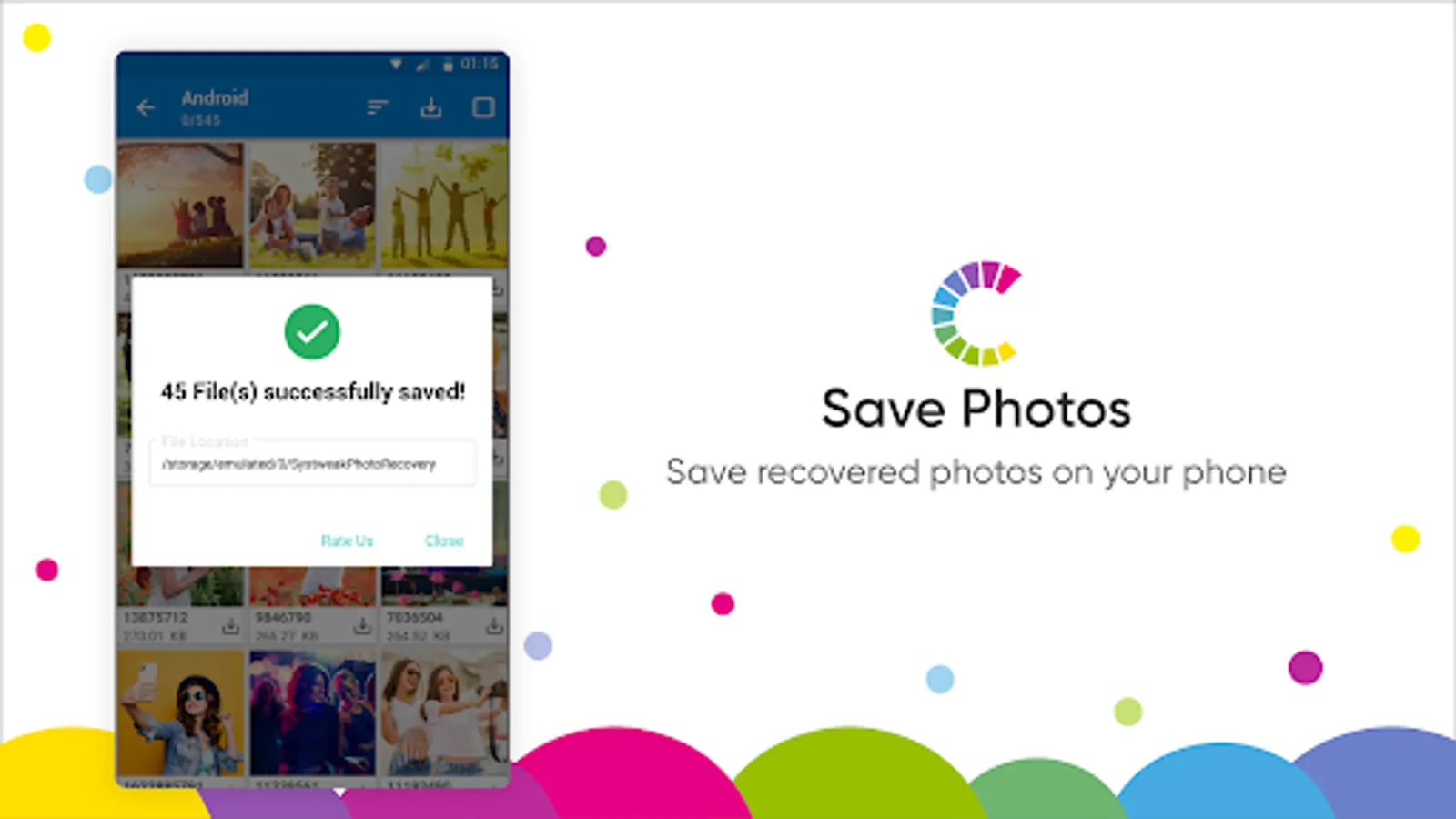
Easily undelete and recover lost photos or images from your device's internal storage or external memory cards, ensuring that no precious moments are lost. Whether it's from your phone's memory or an SD card, our advanced recovery tools scan deep to bring back your valuable media effortlessly.
File Manager-
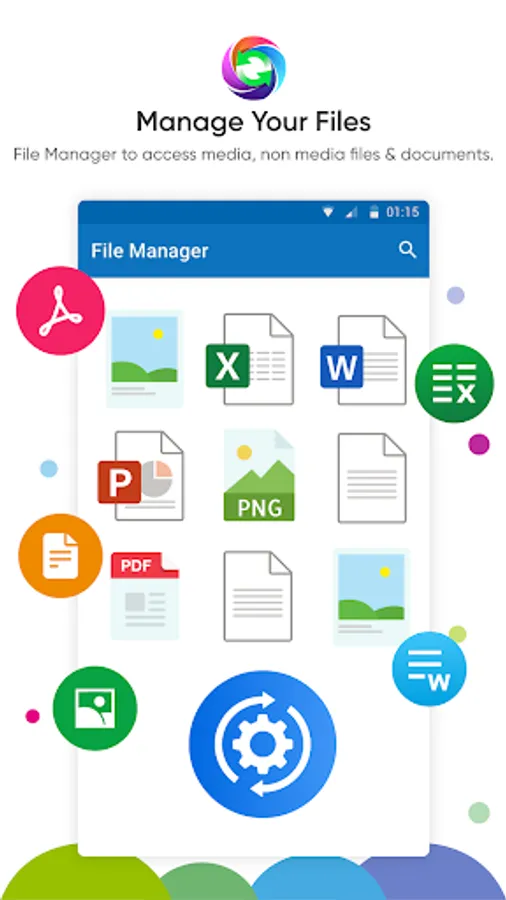
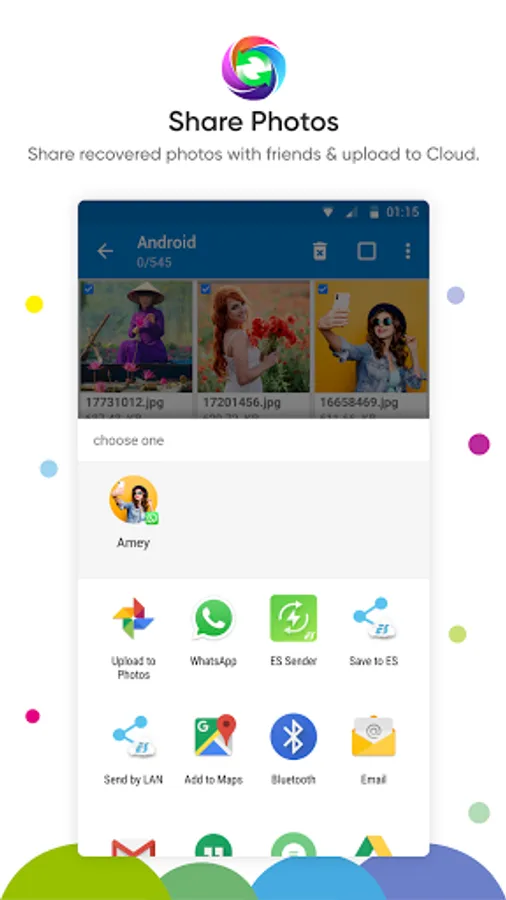
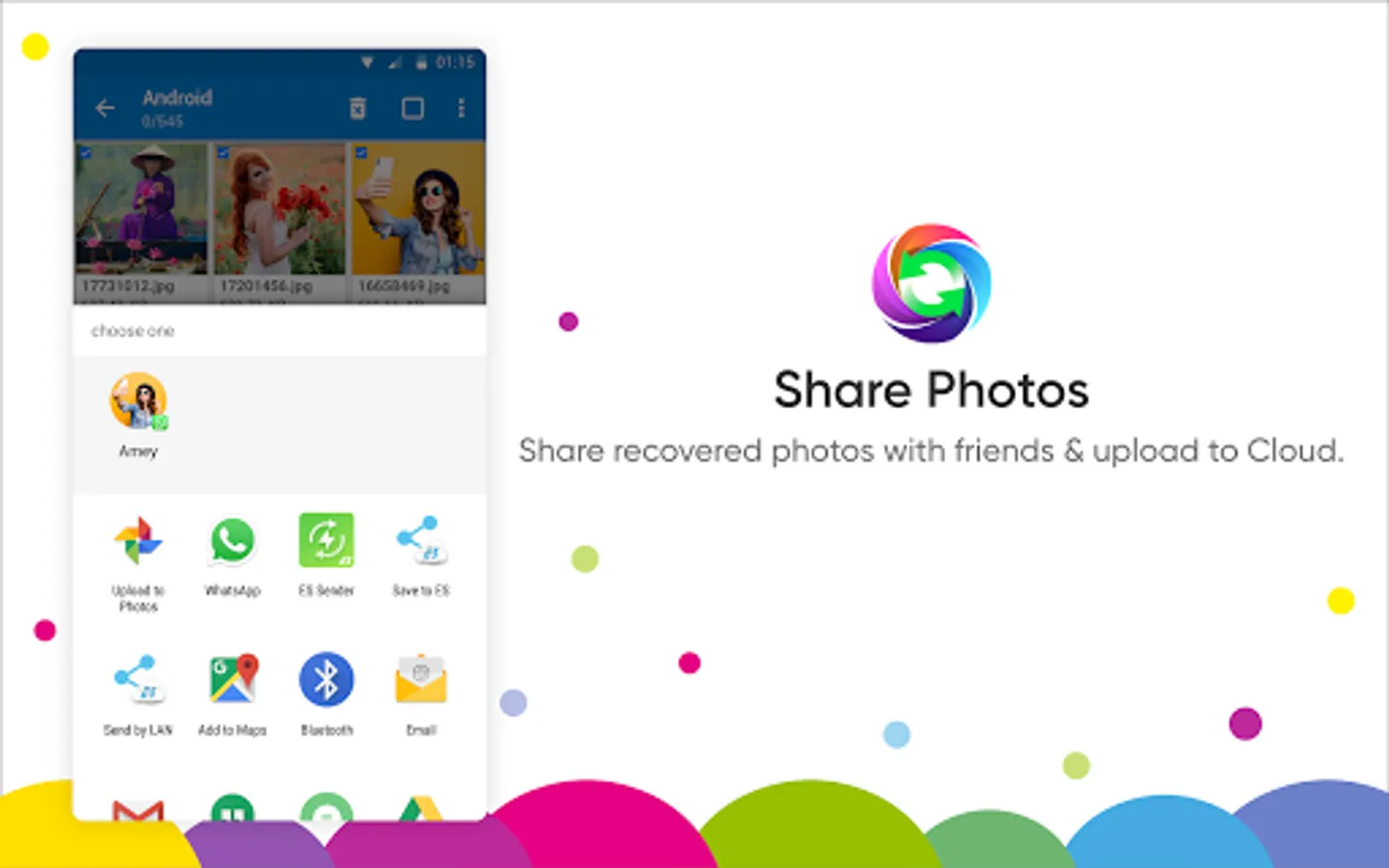
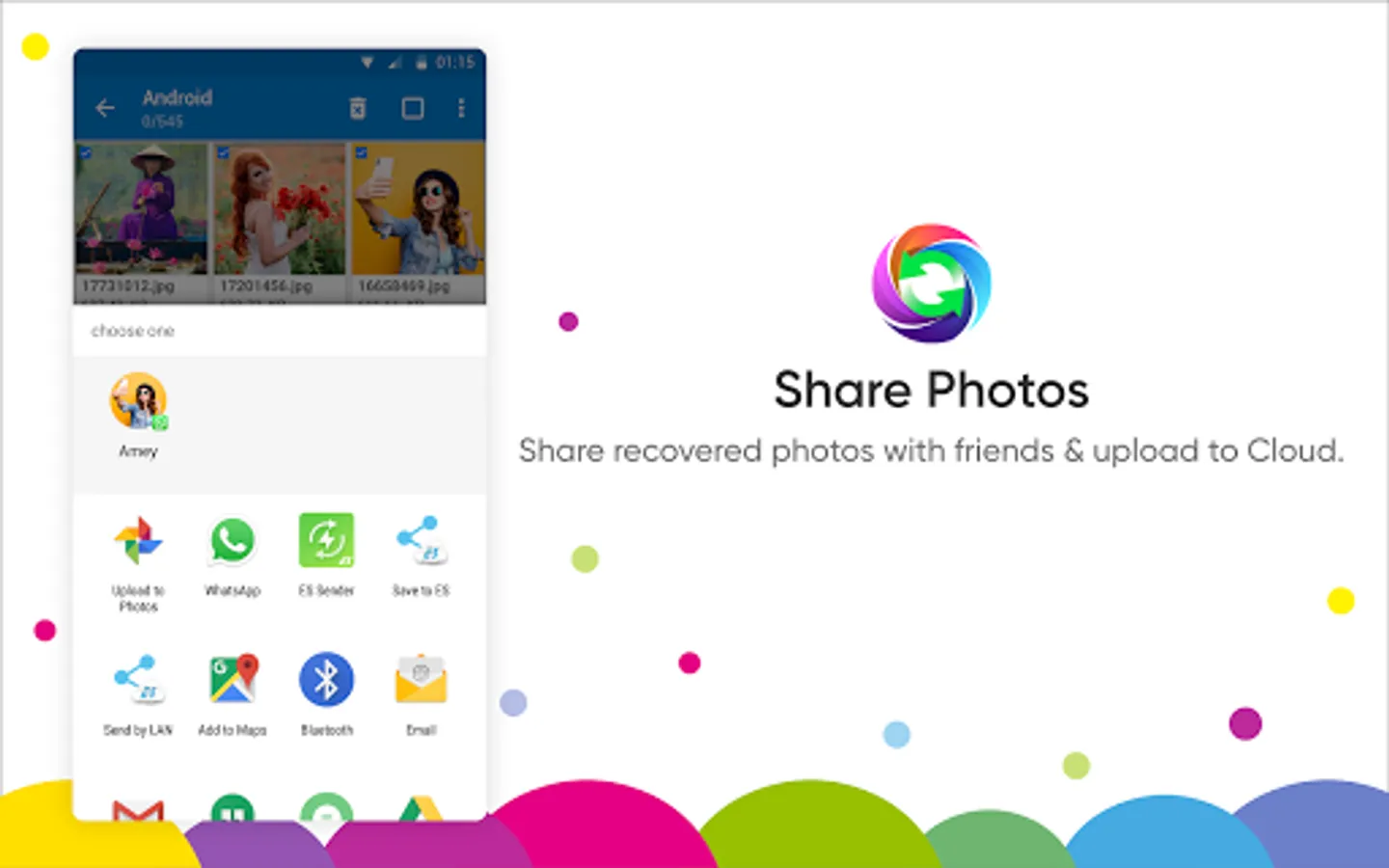
This app also offers a built-in File Manager to copy, move, delete & rename media, non-media files and documents on Android. Photo Recovery & File Manager allows you to share the files to Google Drive, WhatsApp, Instagram, and more. It has an easy-to-use interface that helps quickly navigate between files and folders on your Android. You can view documents, images, video, & audio files and easily manage files and folders with this powerful application. File Manager tool also featured with a search functionality to quickly look into data and find the specific file or folder.
Major features of Photo Recovery & File Manager:
● Integrated File Manager: File Manager tool allows you to search files faster, manage files easily and share files across other platforms. It offers features like quick search, share, move, deleting, opening, and renaming media, non-media and document files.
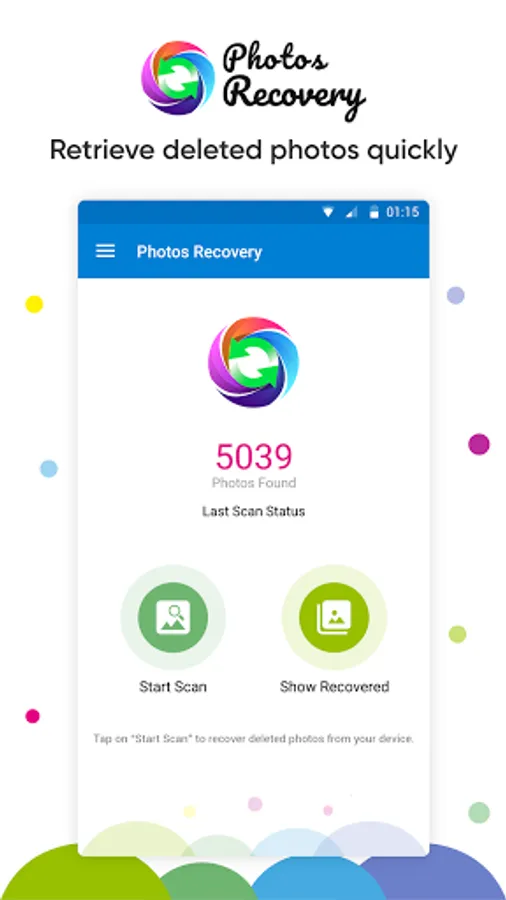
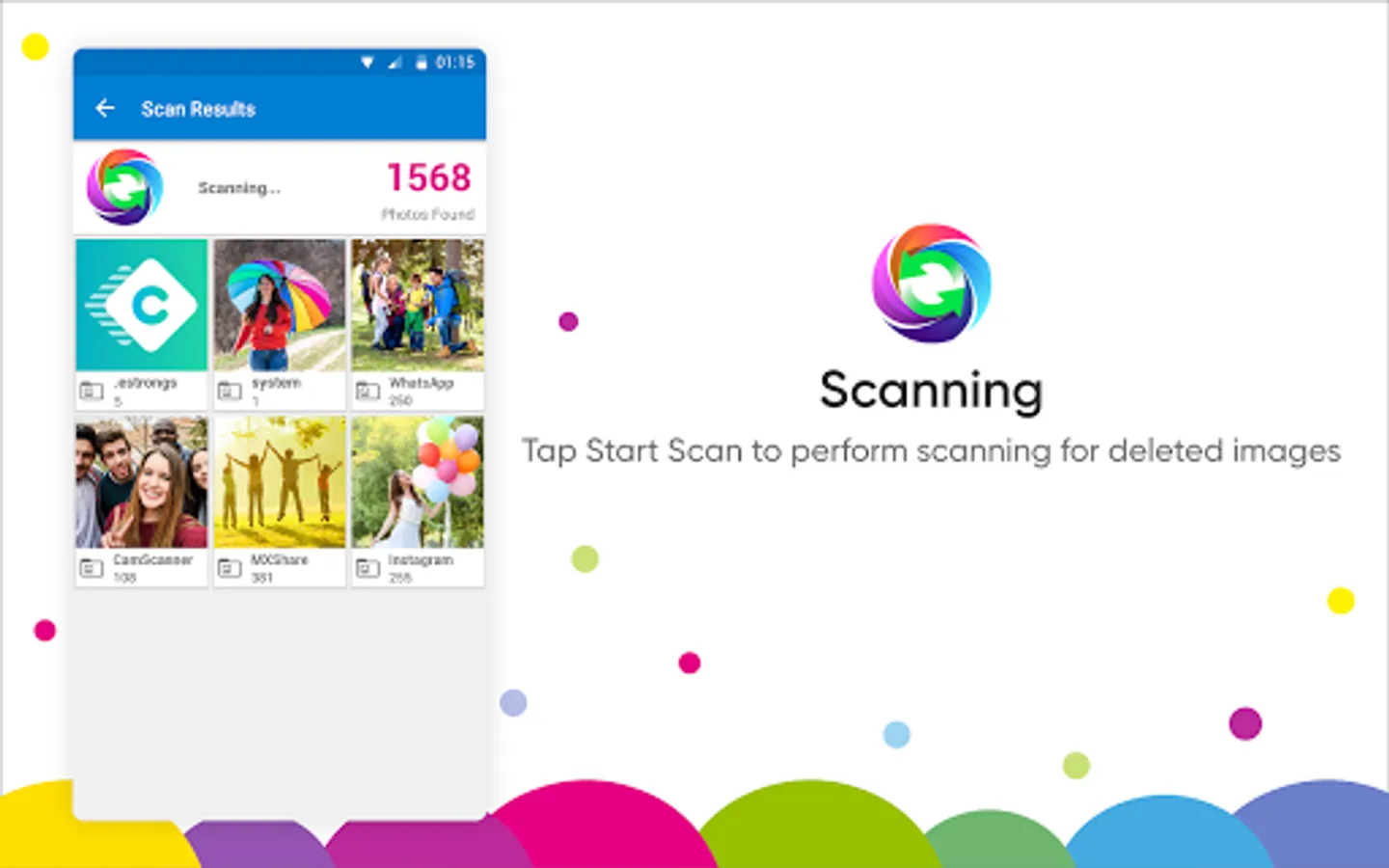
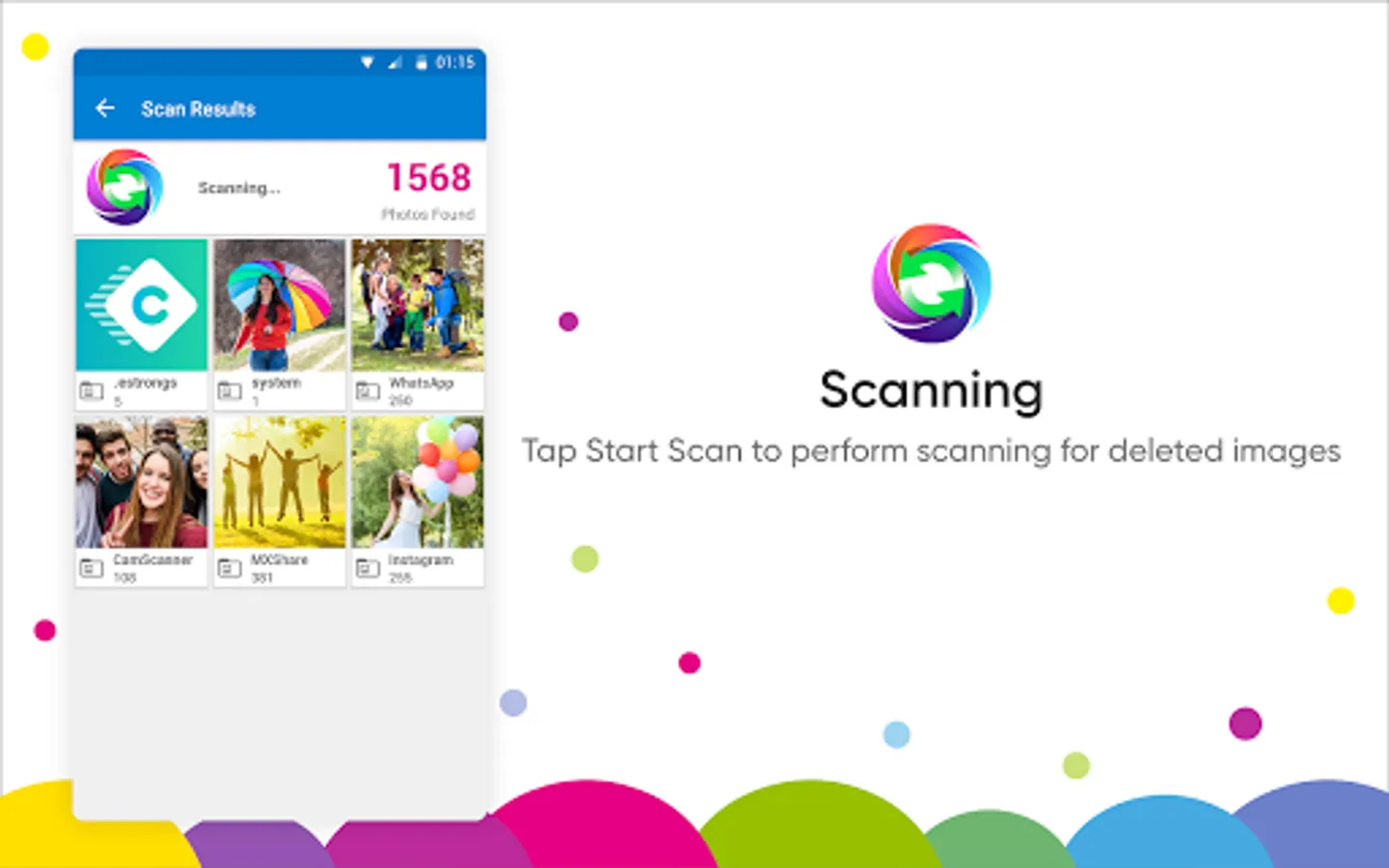
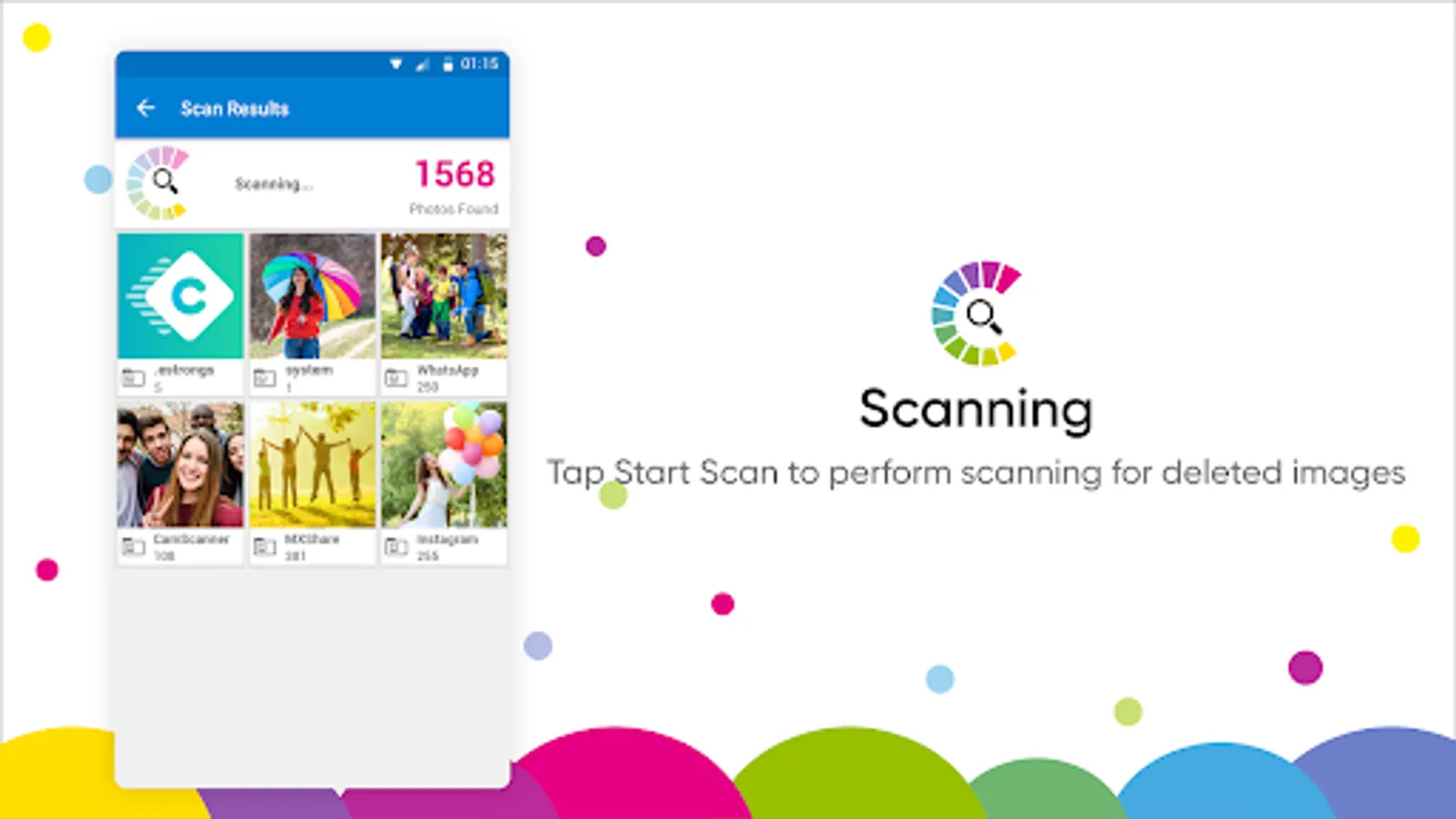
● Speedy Scan: Runs a quick scan to search for deleted photos.
● Scan Filters: Exclude pictures of a specific file size from the scan.
● Internal & External storage: Works on internal storage and external storage such as SD cards.
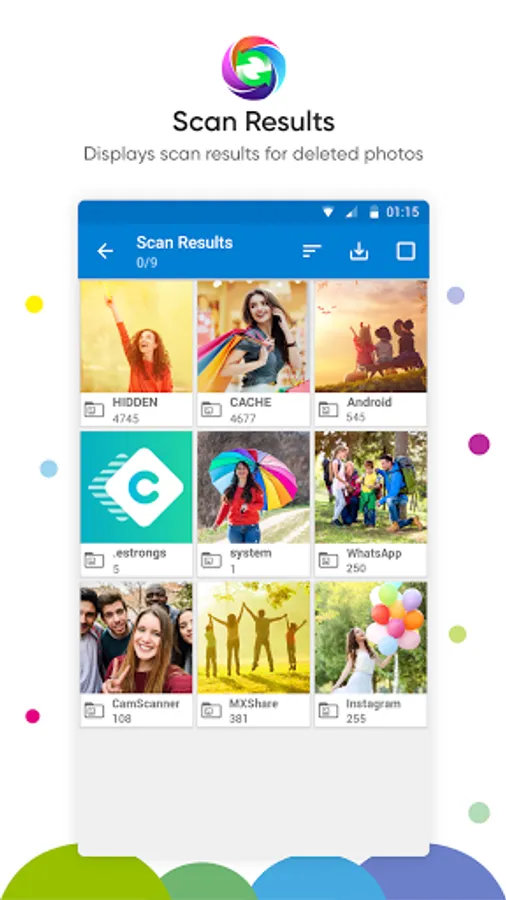
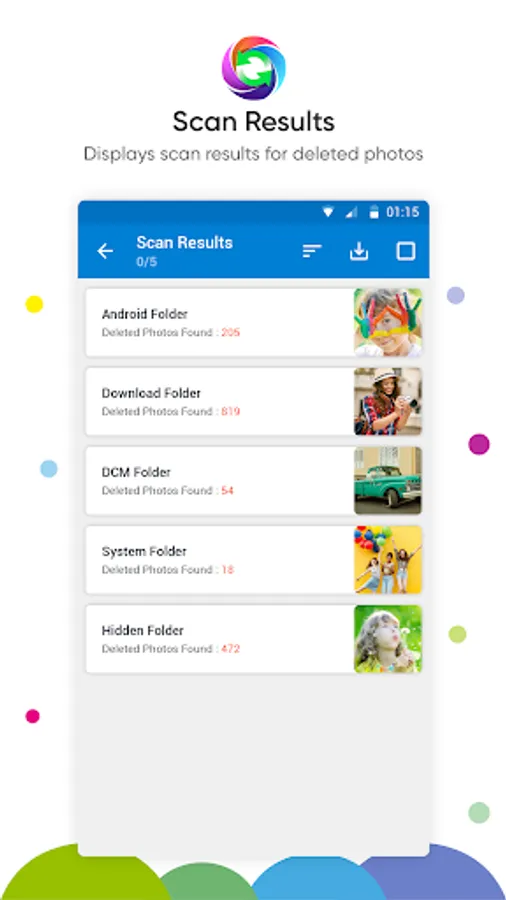
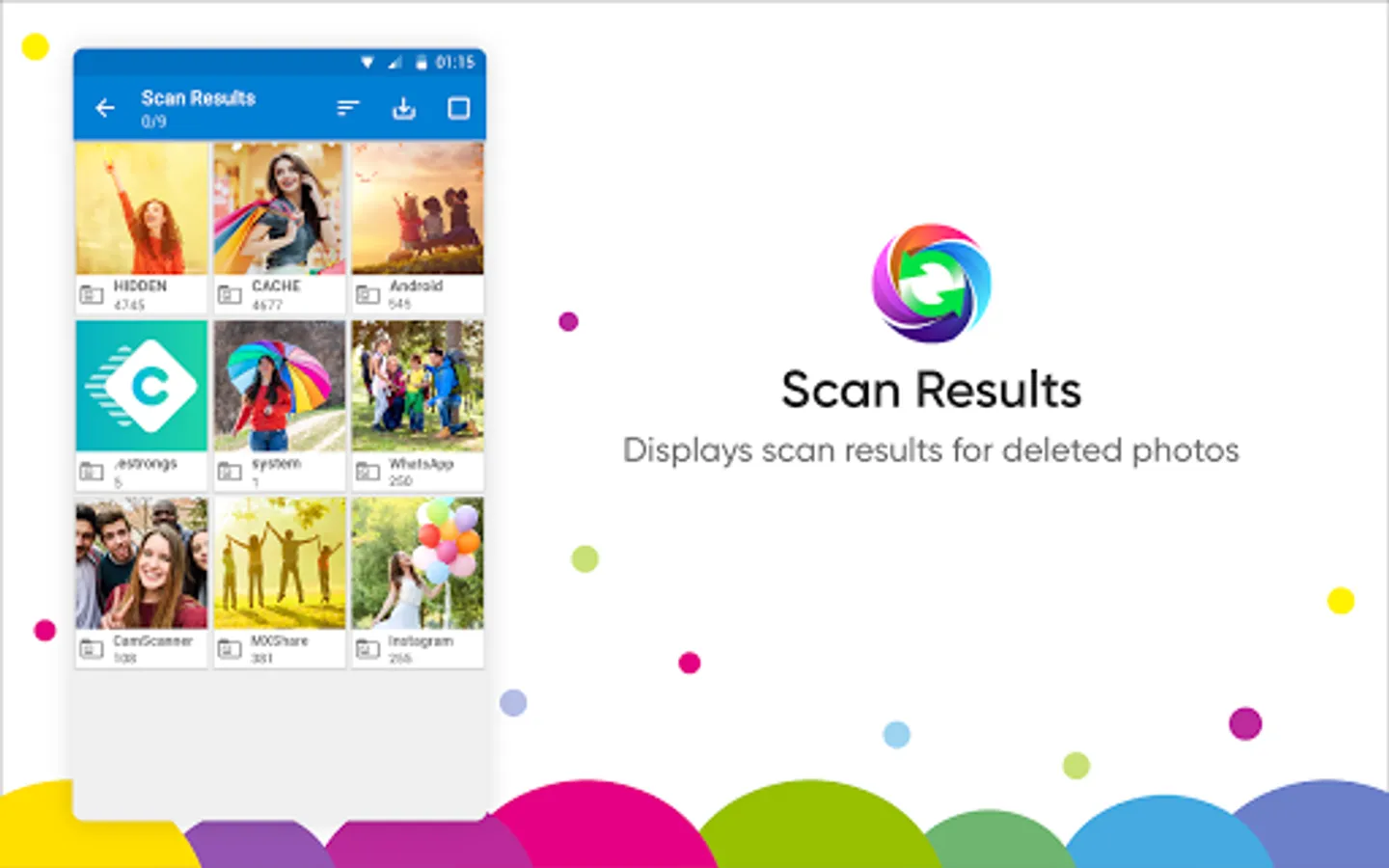
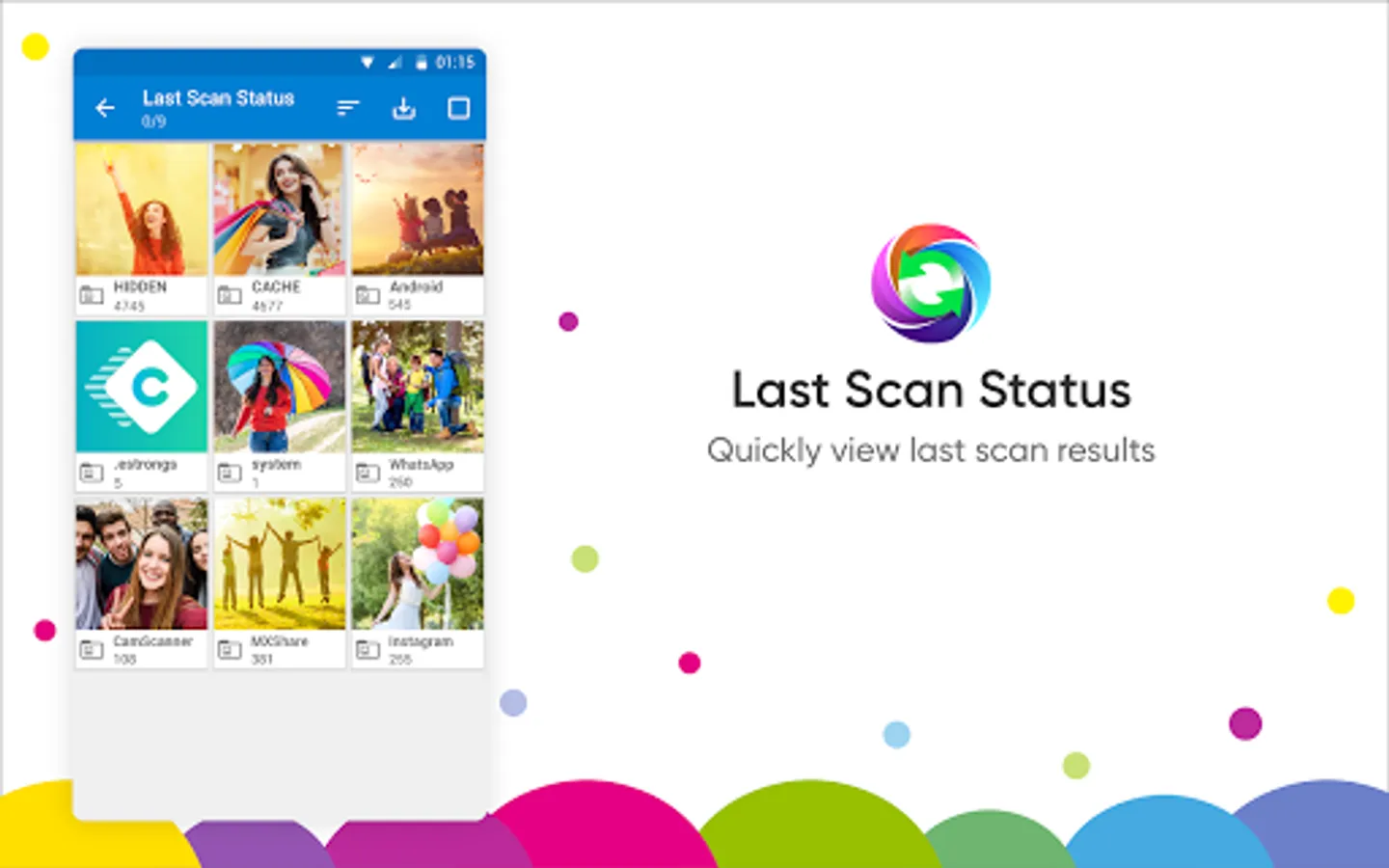
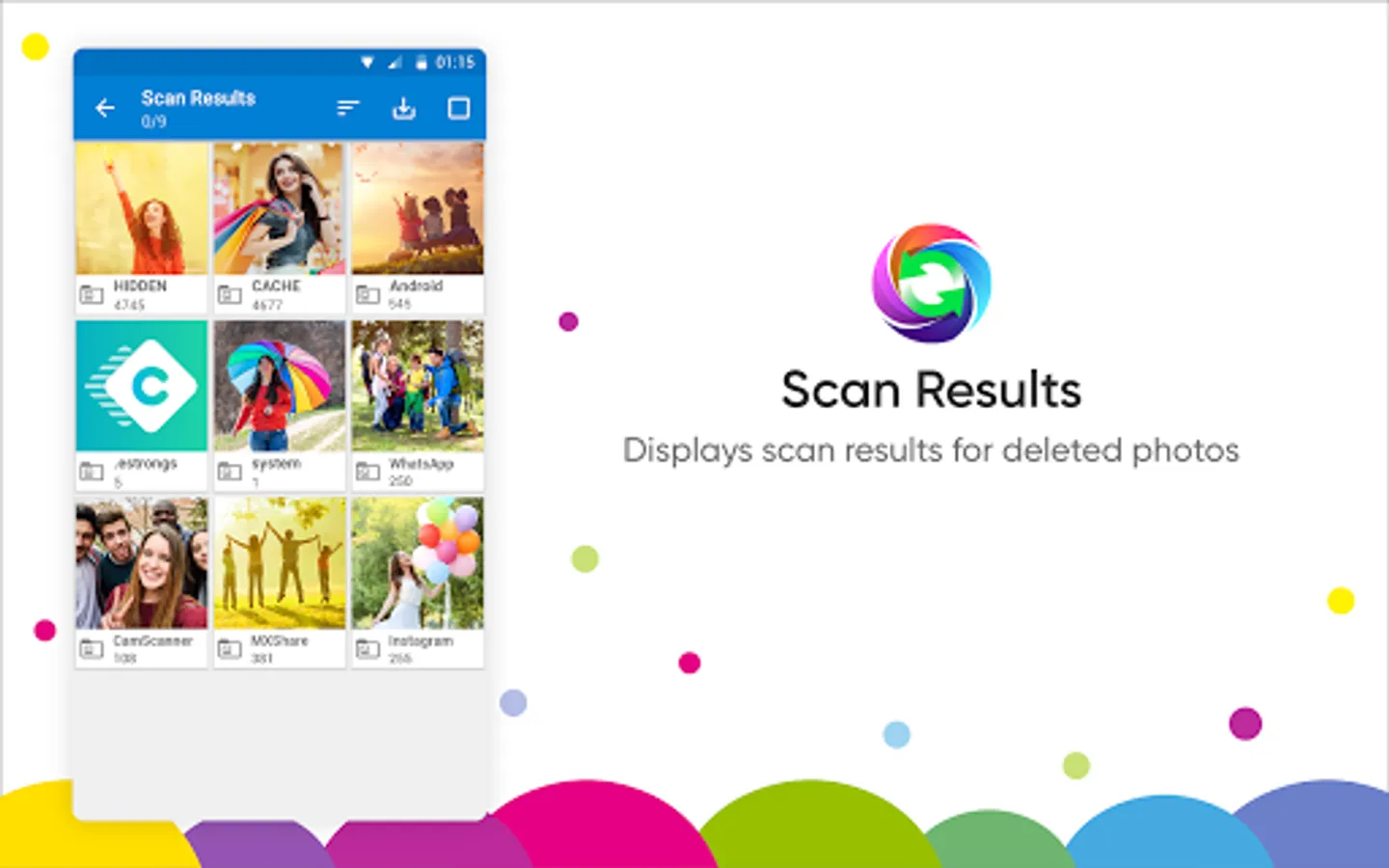
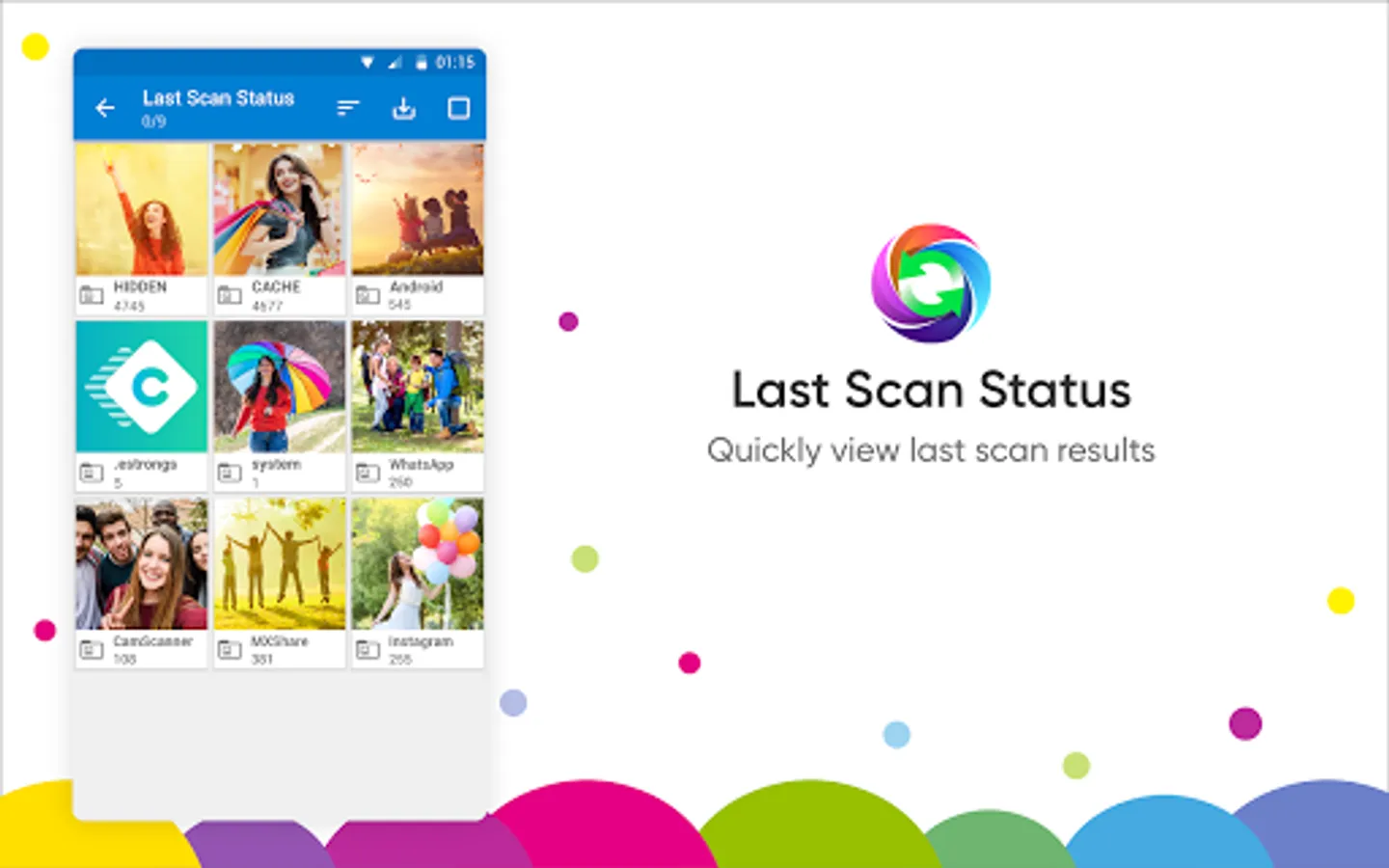
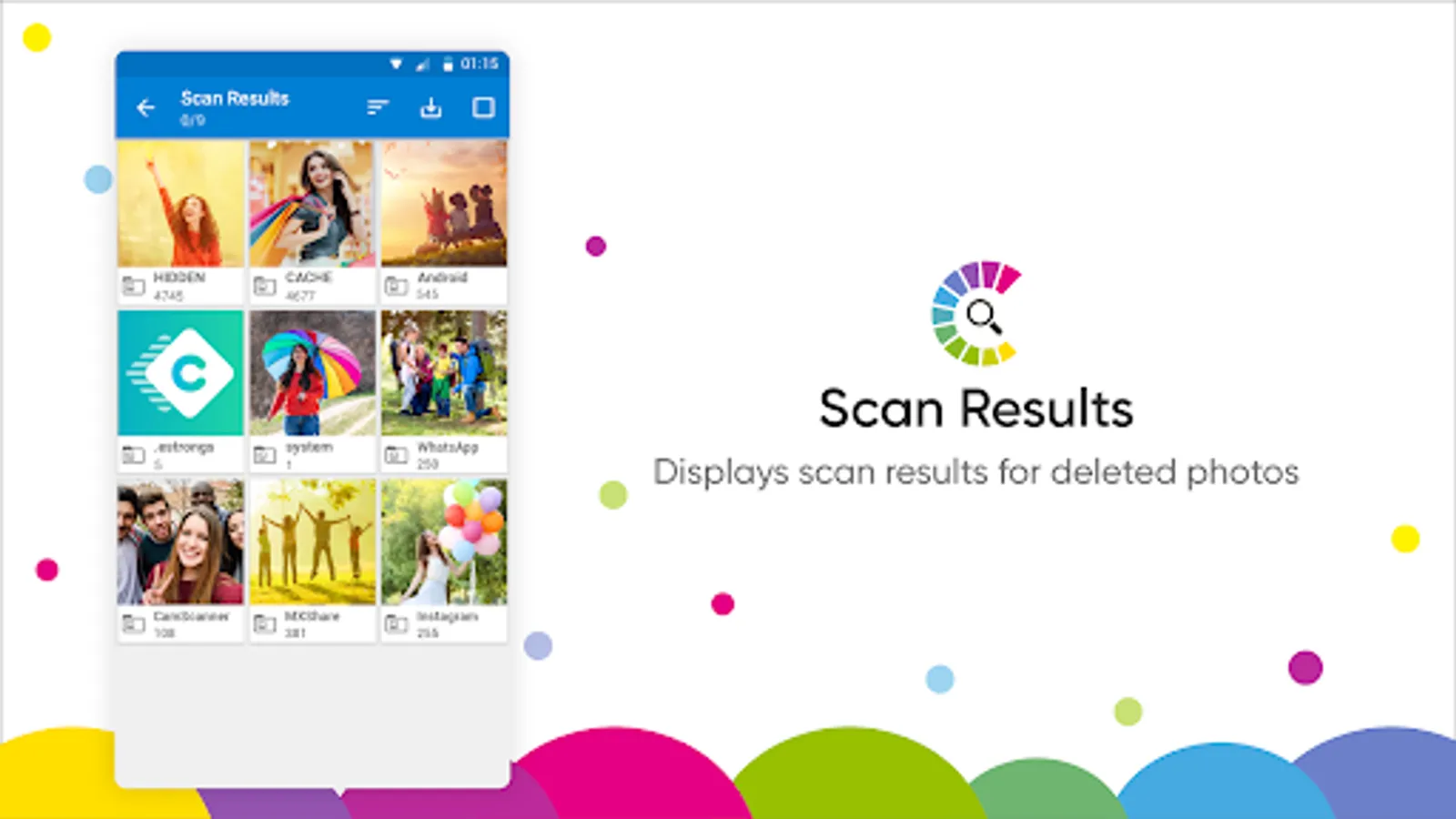
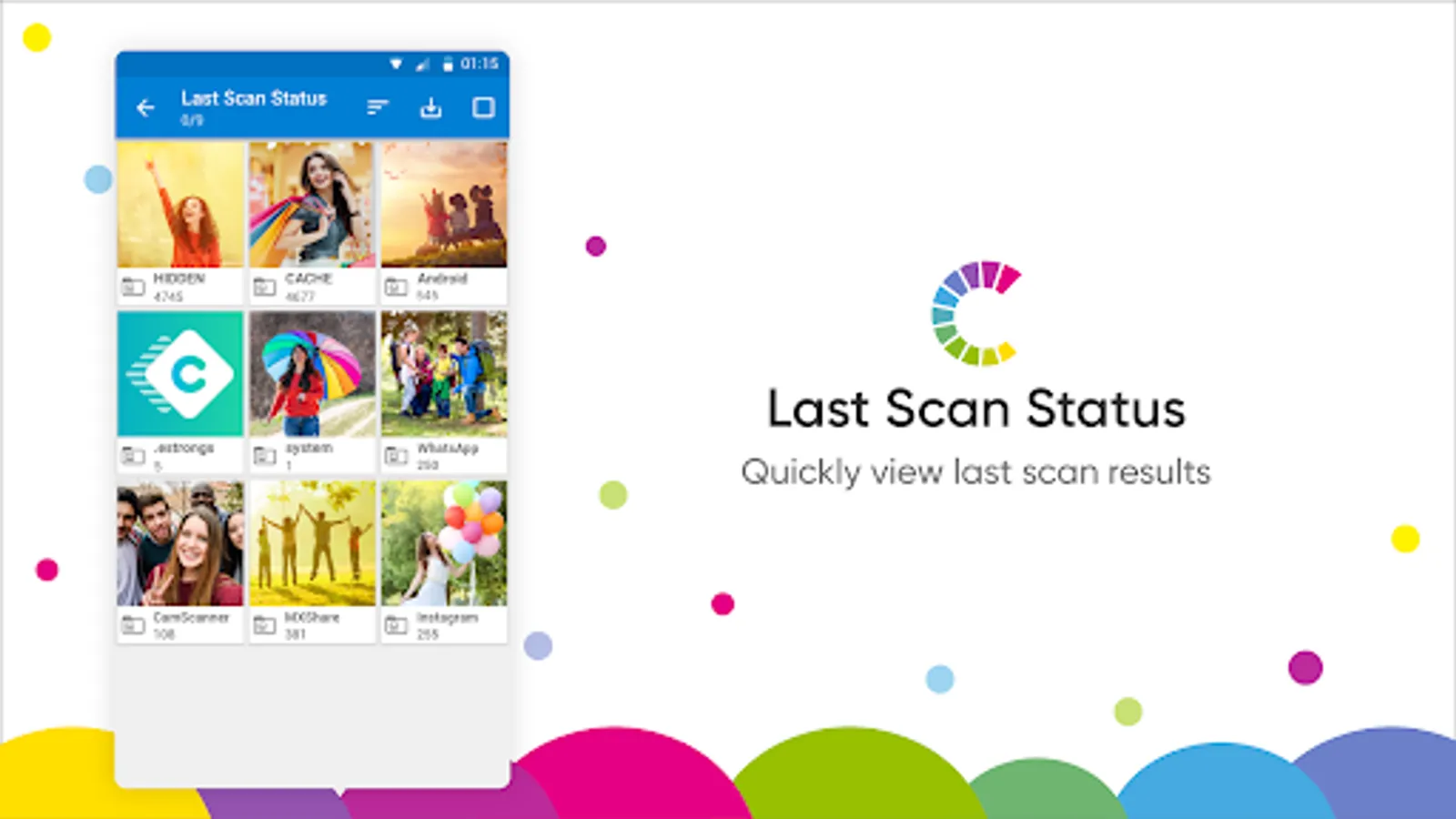
● Folder-Wise Results: Shows retrieved images in different folders for convenience.
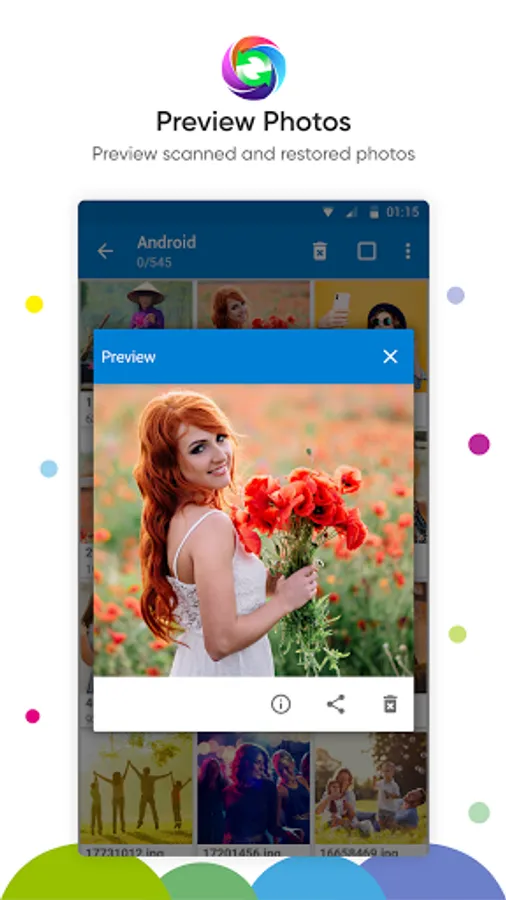
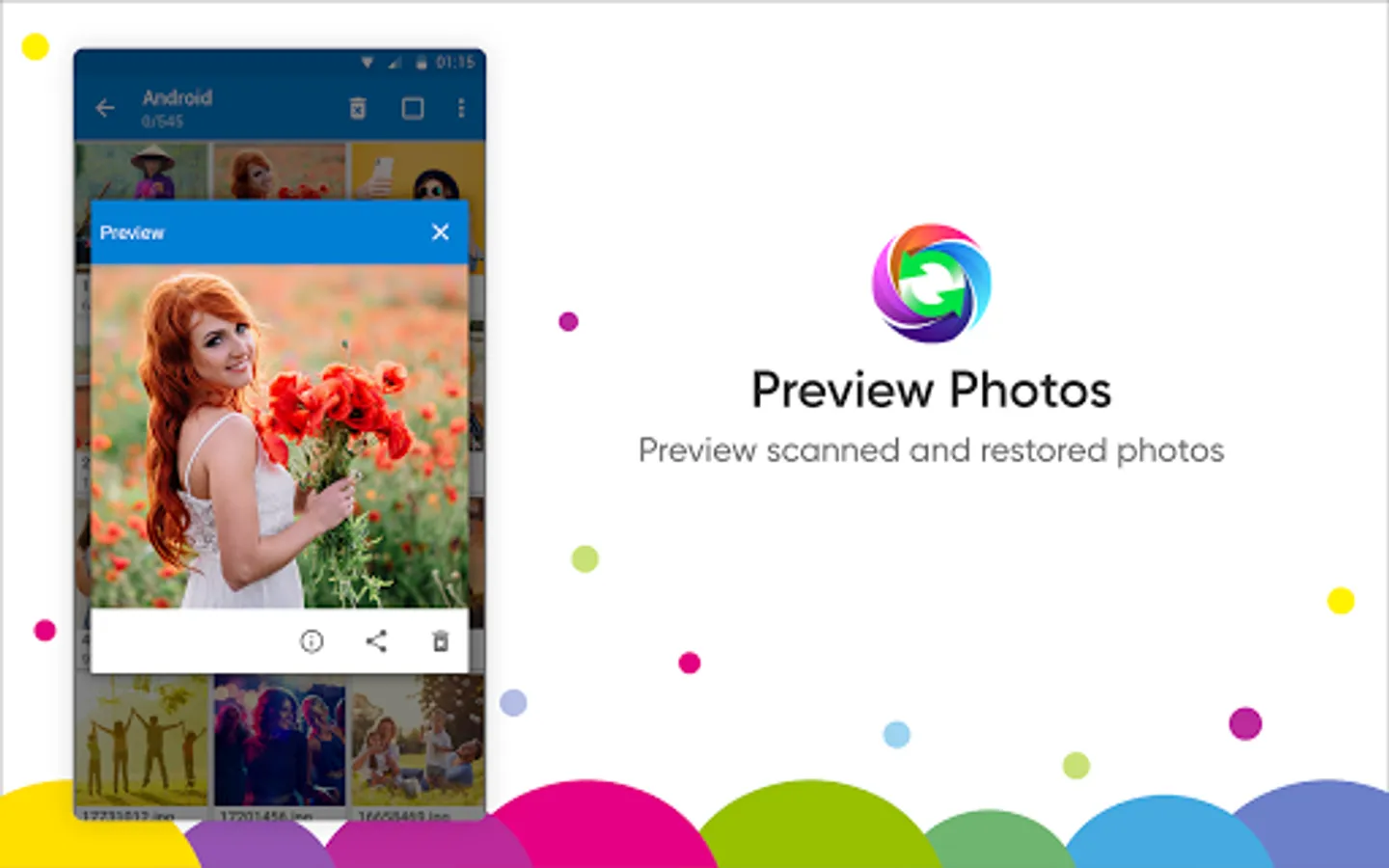
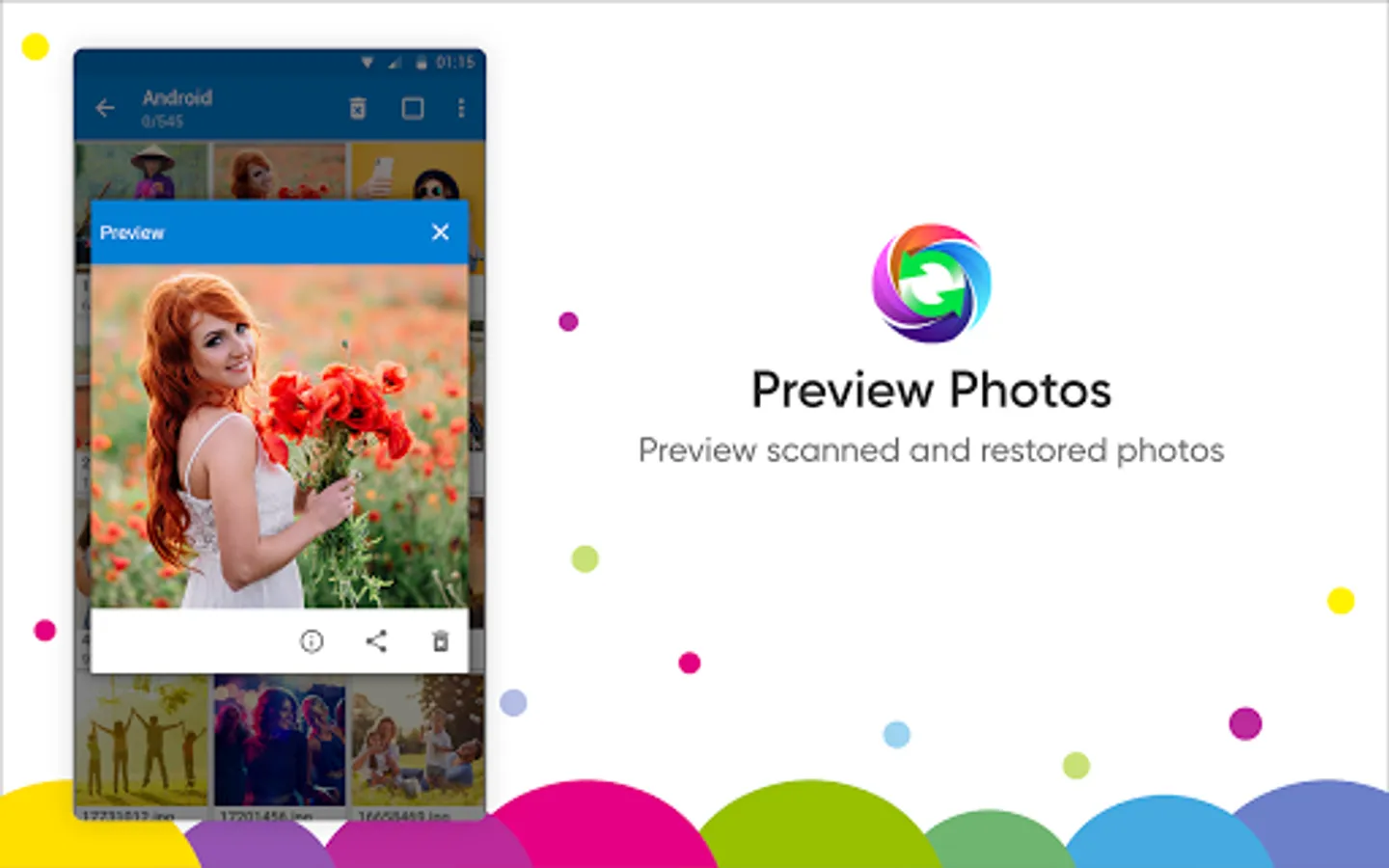
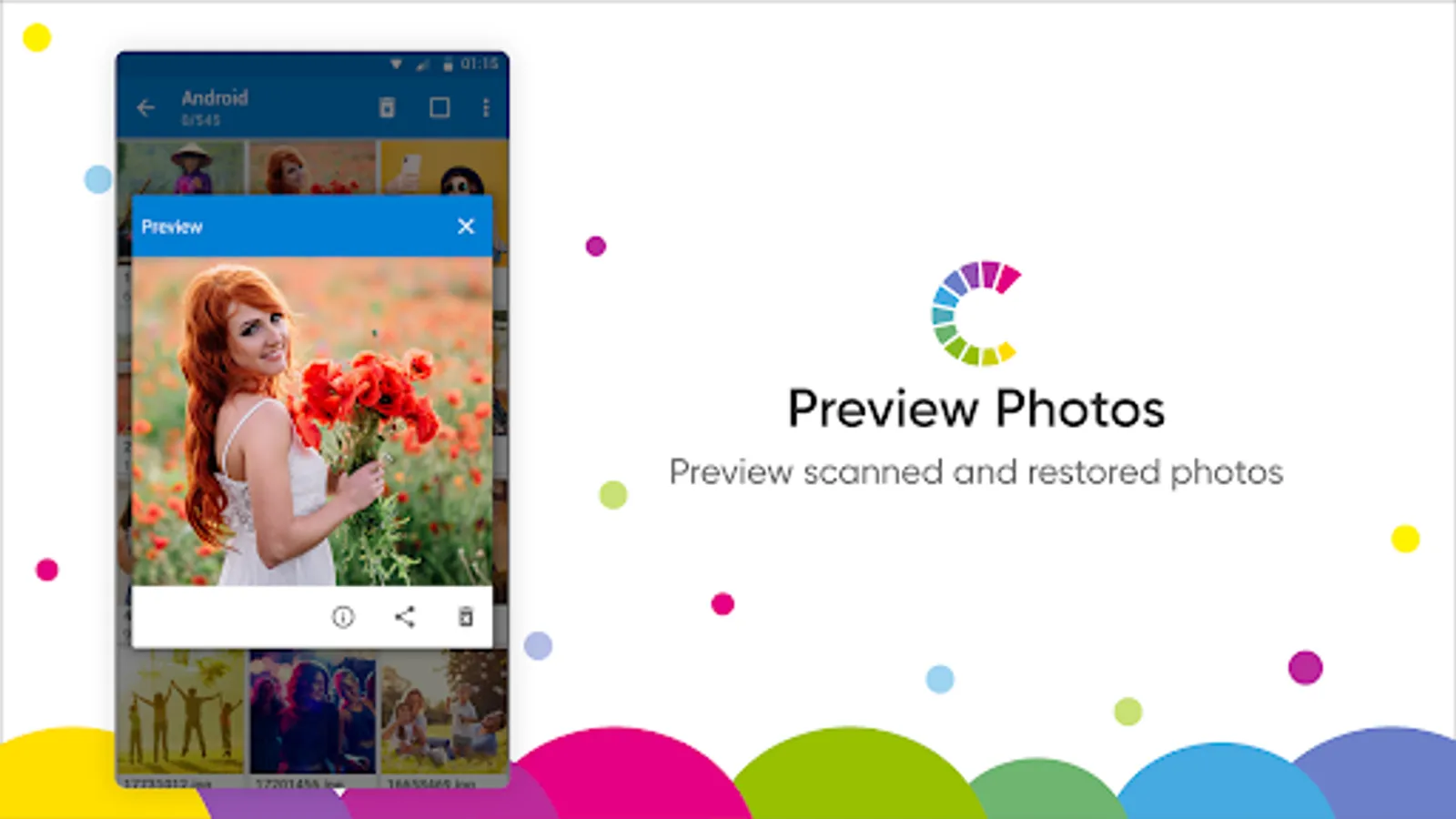
● Preview Images: Take a quick look at the images before recovering them.
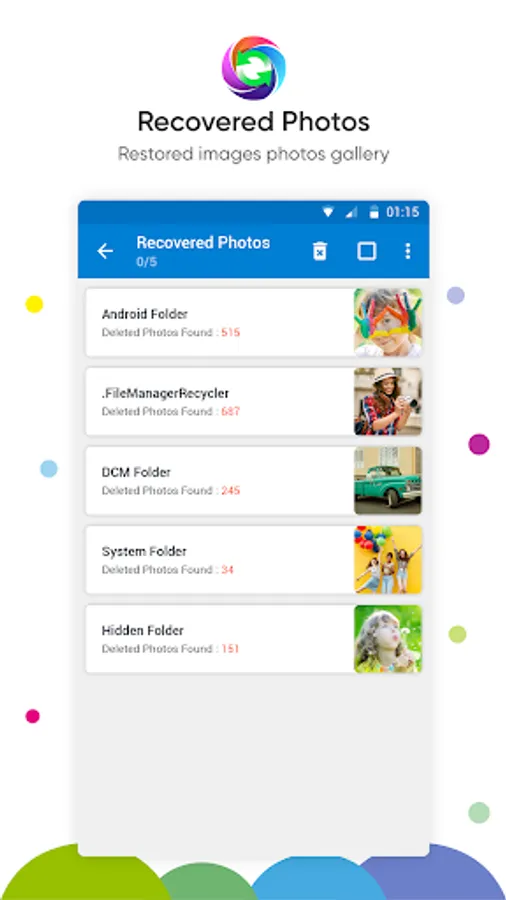
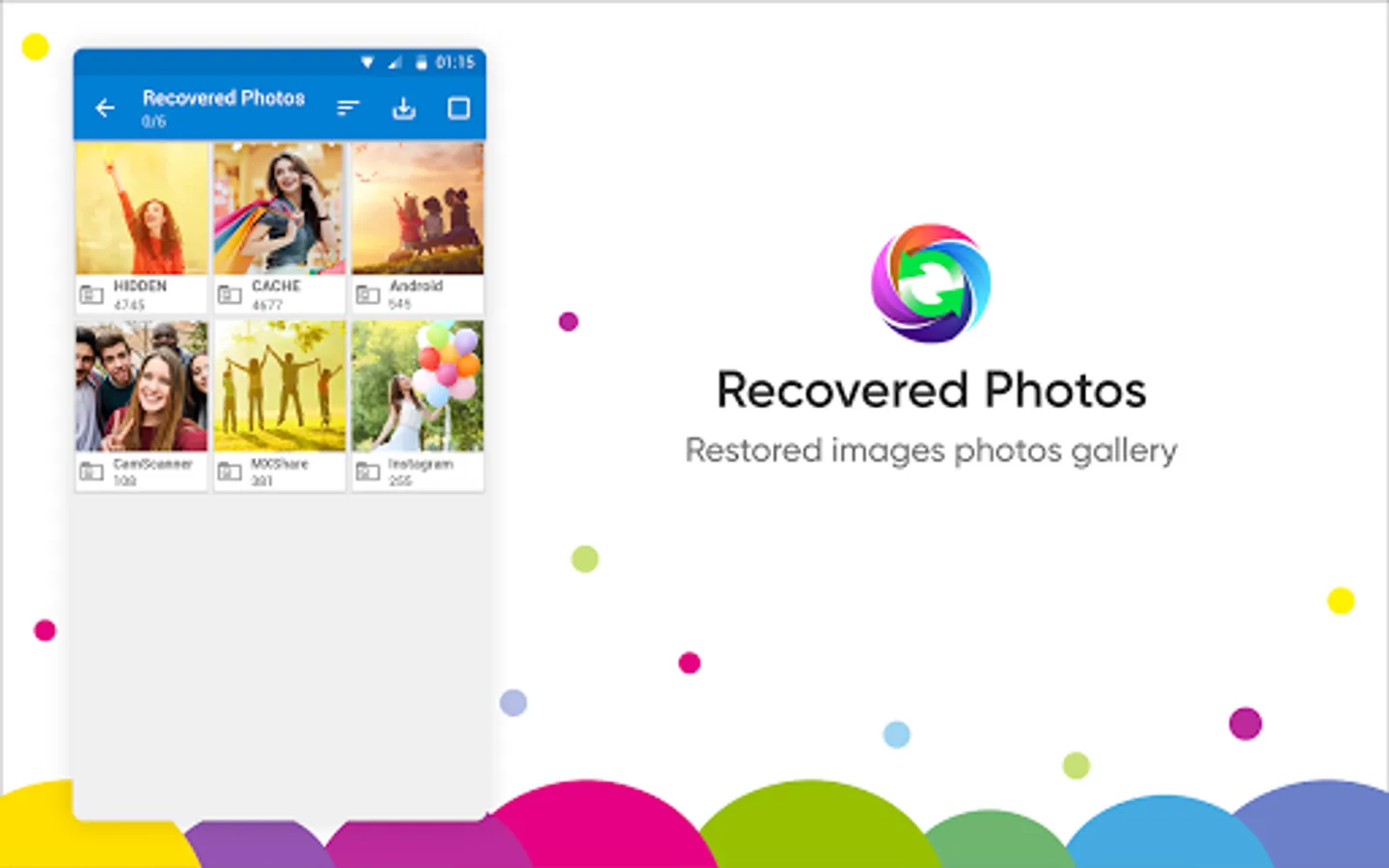
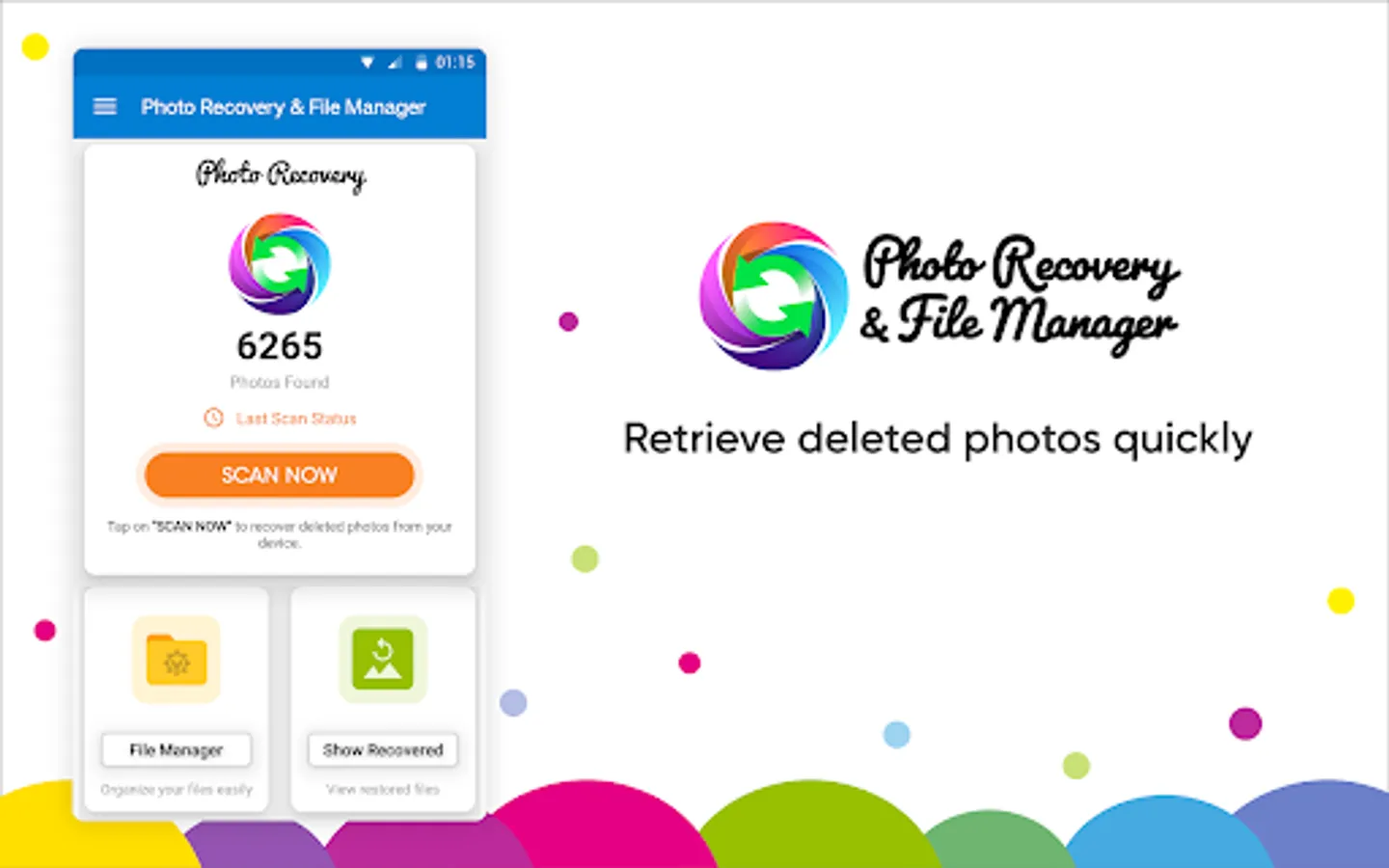
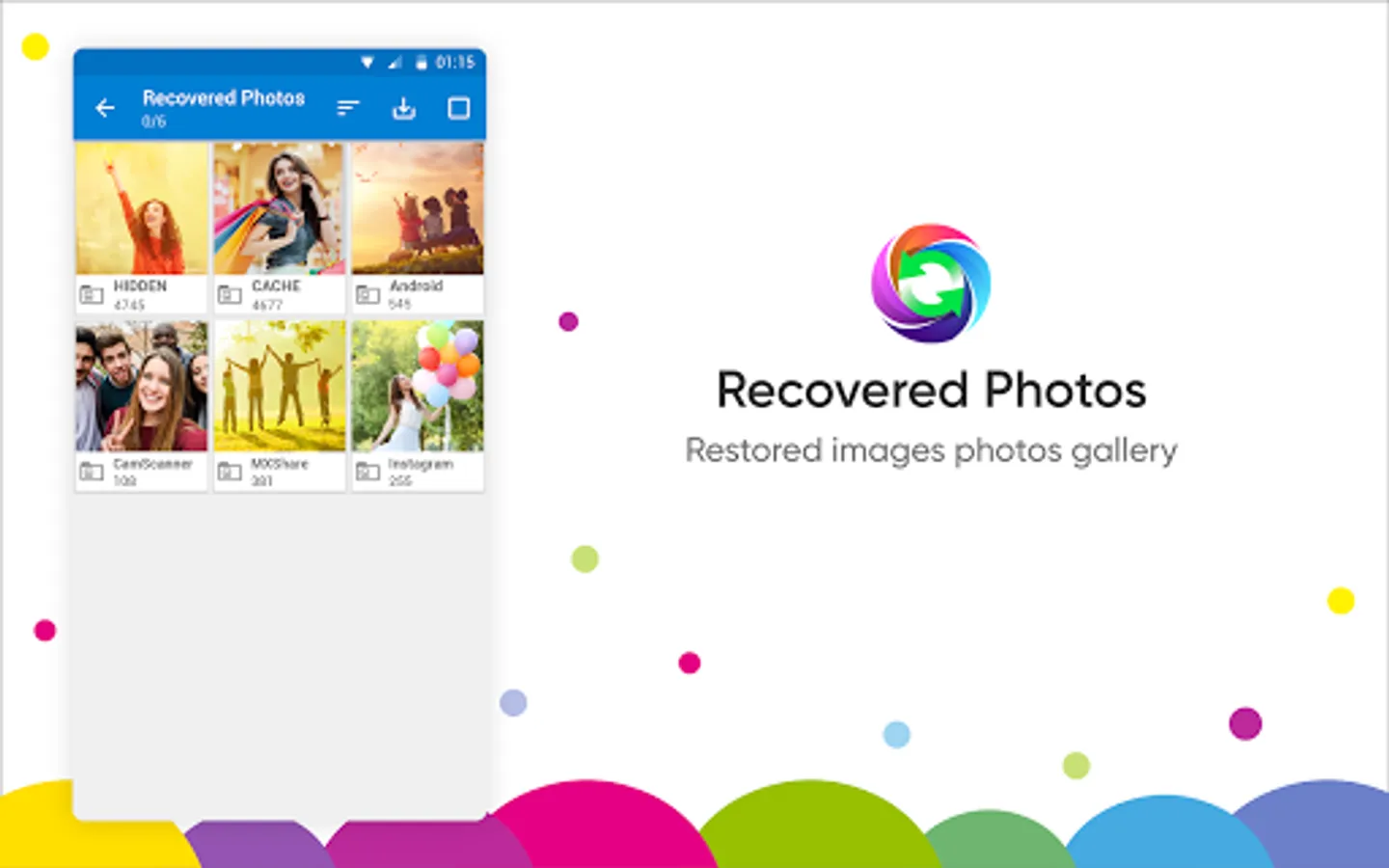
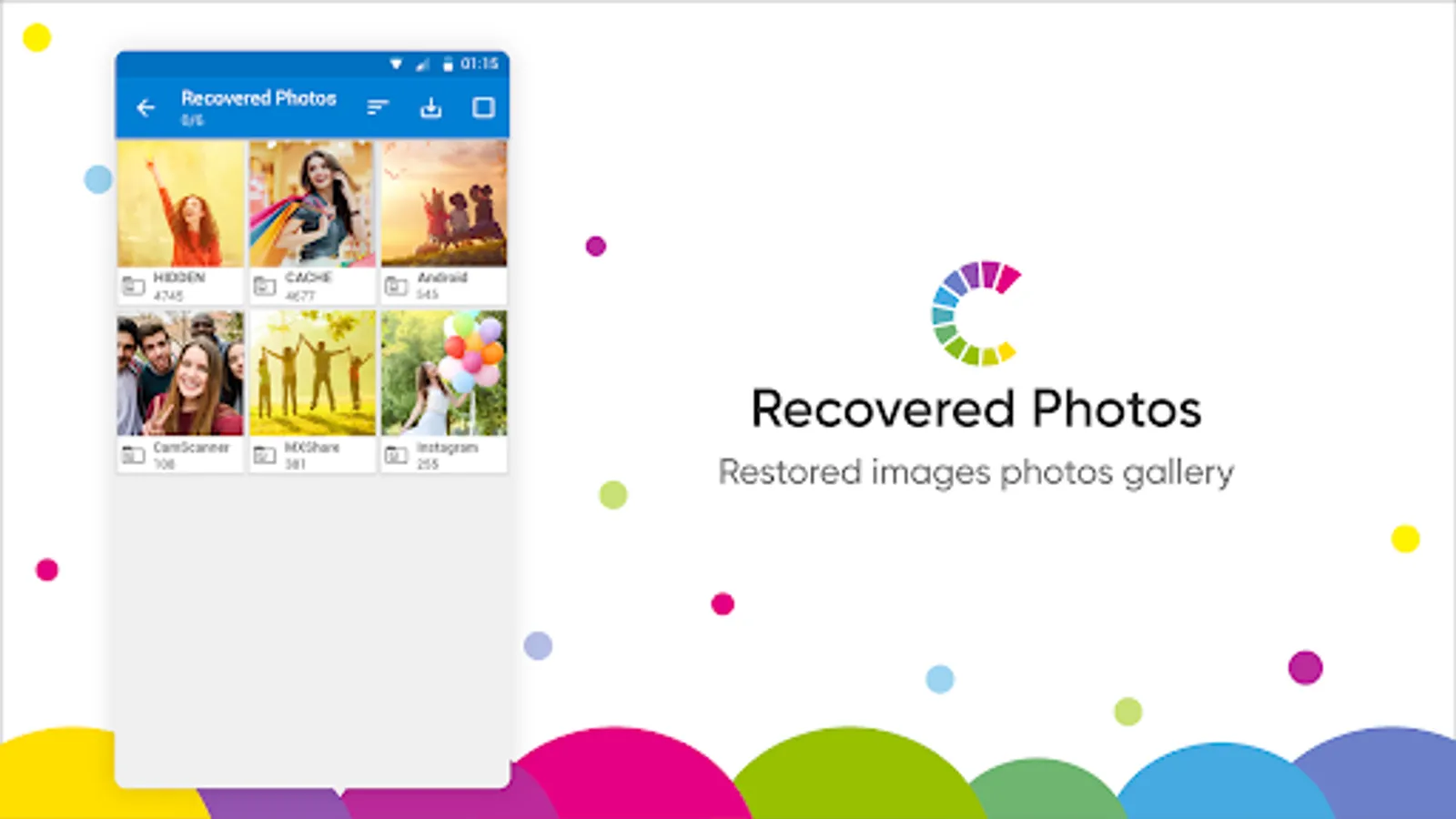
● Recovered images folder: Find all of the recovered images under the ‘Show Recovered’ section.
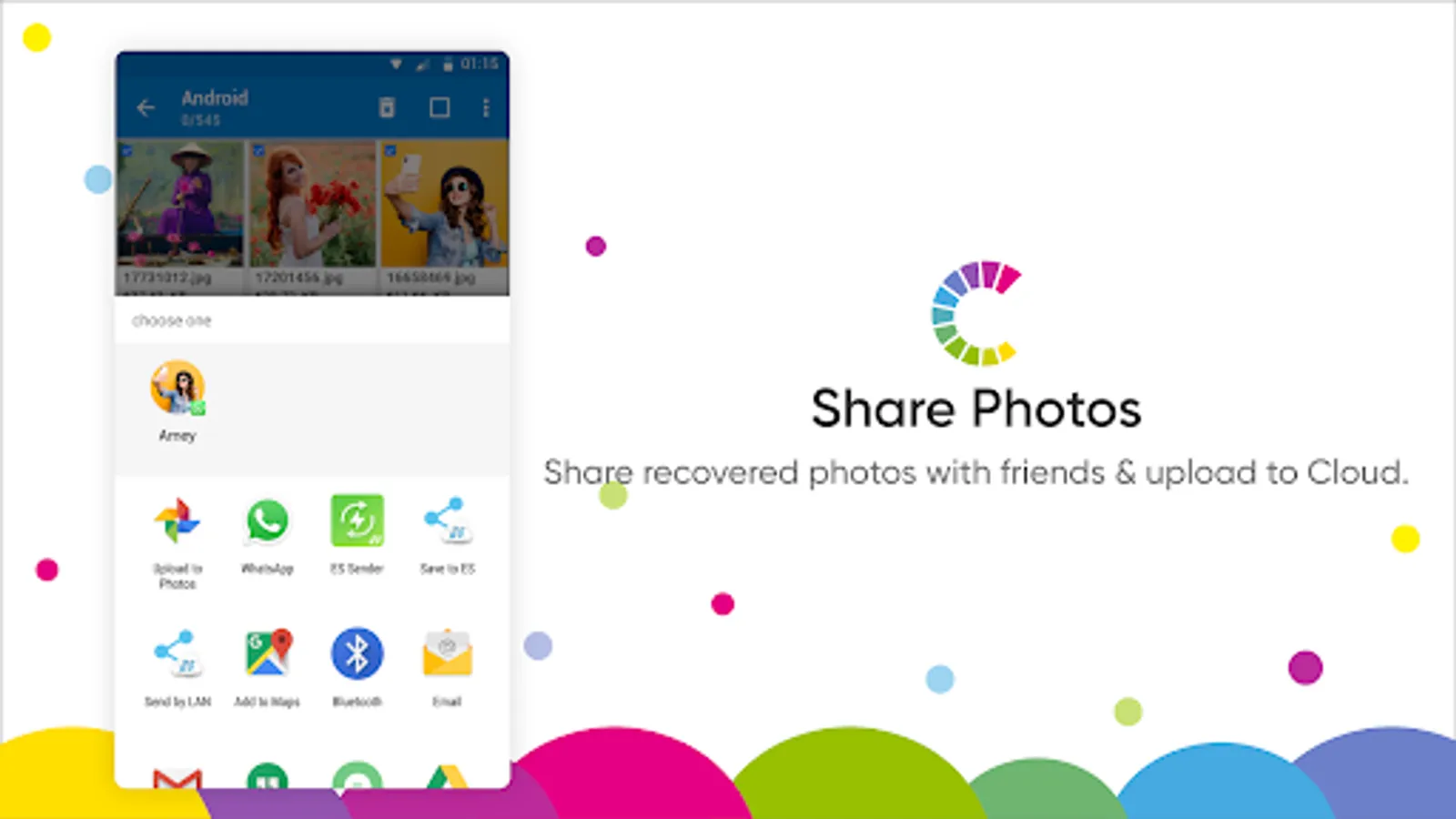
● Share files: Photo Recovery & File Manager allows you to directly share the files on Google Drive and other third-party applications.
● Multiple file formats supported: Best photo recovery app, as it supports all major file formats.
● Easy sorting: Sort the files in different folders with the ‘Copy’ & ‘Move’ option in the File Manager.
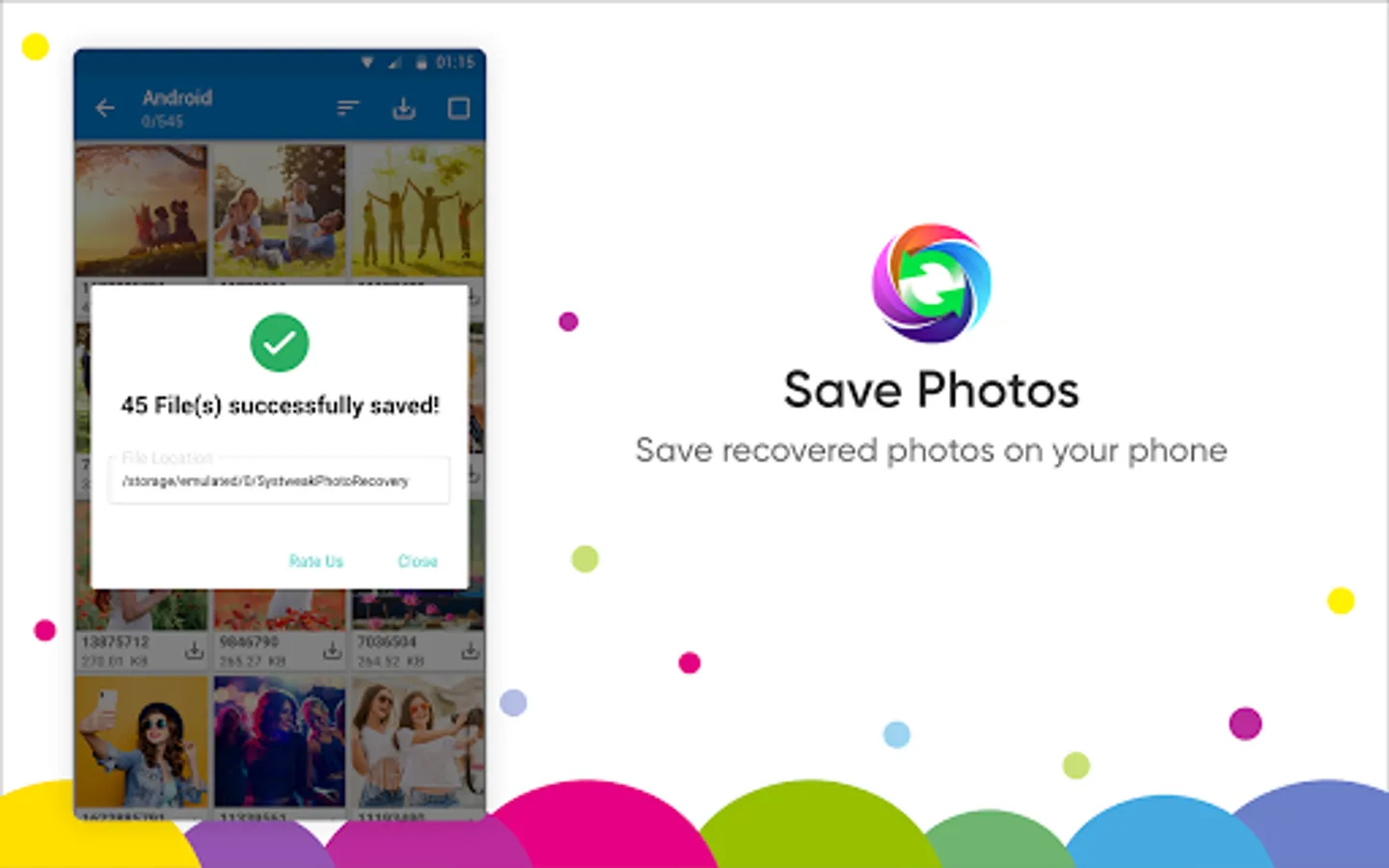
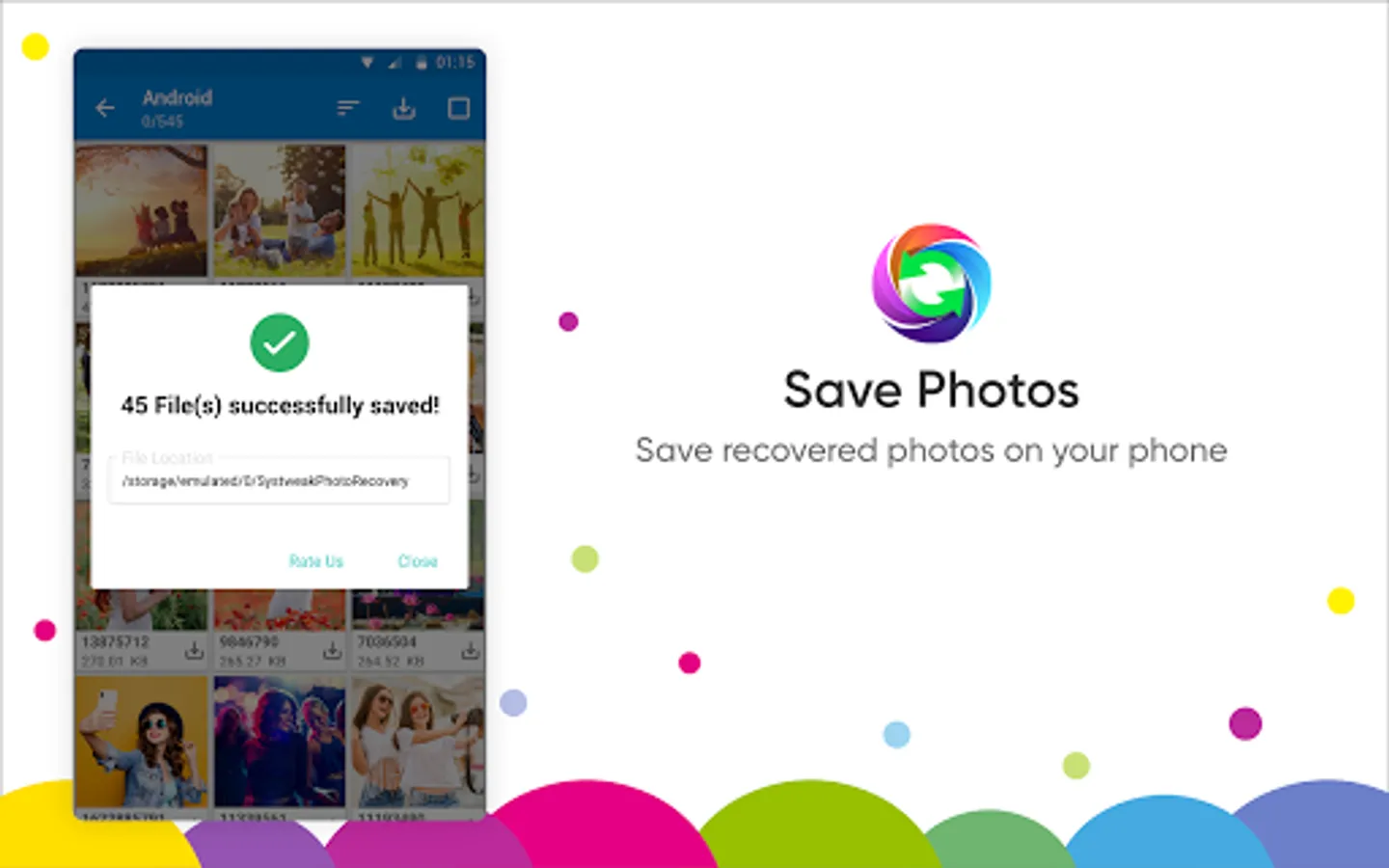
● Recover multiple photos: This photo recovery app saves time as it quickly retrieves multiple pictures at once.
● Get file details: Apart from previewing the media, non-media, documents, it gives you information such as file name, path, resolution.
● Download album: This Android photo recovery app lets you download the entire album in one go.
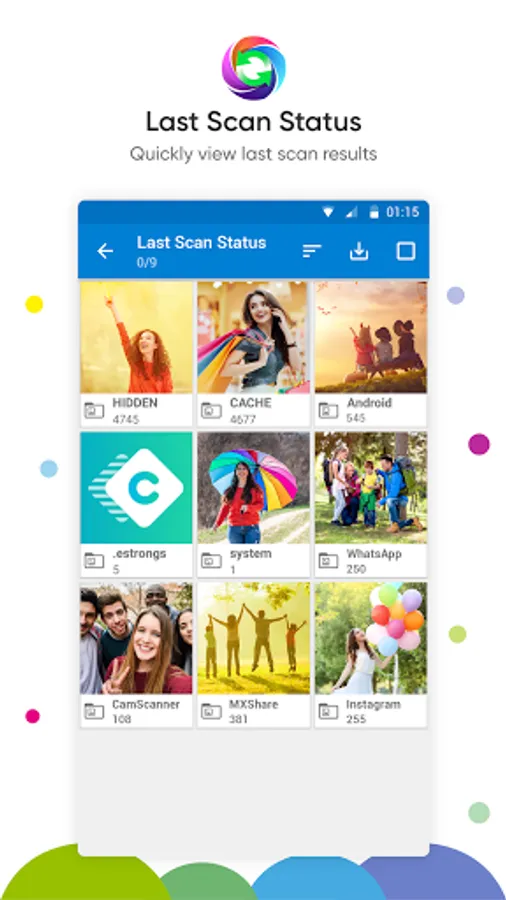
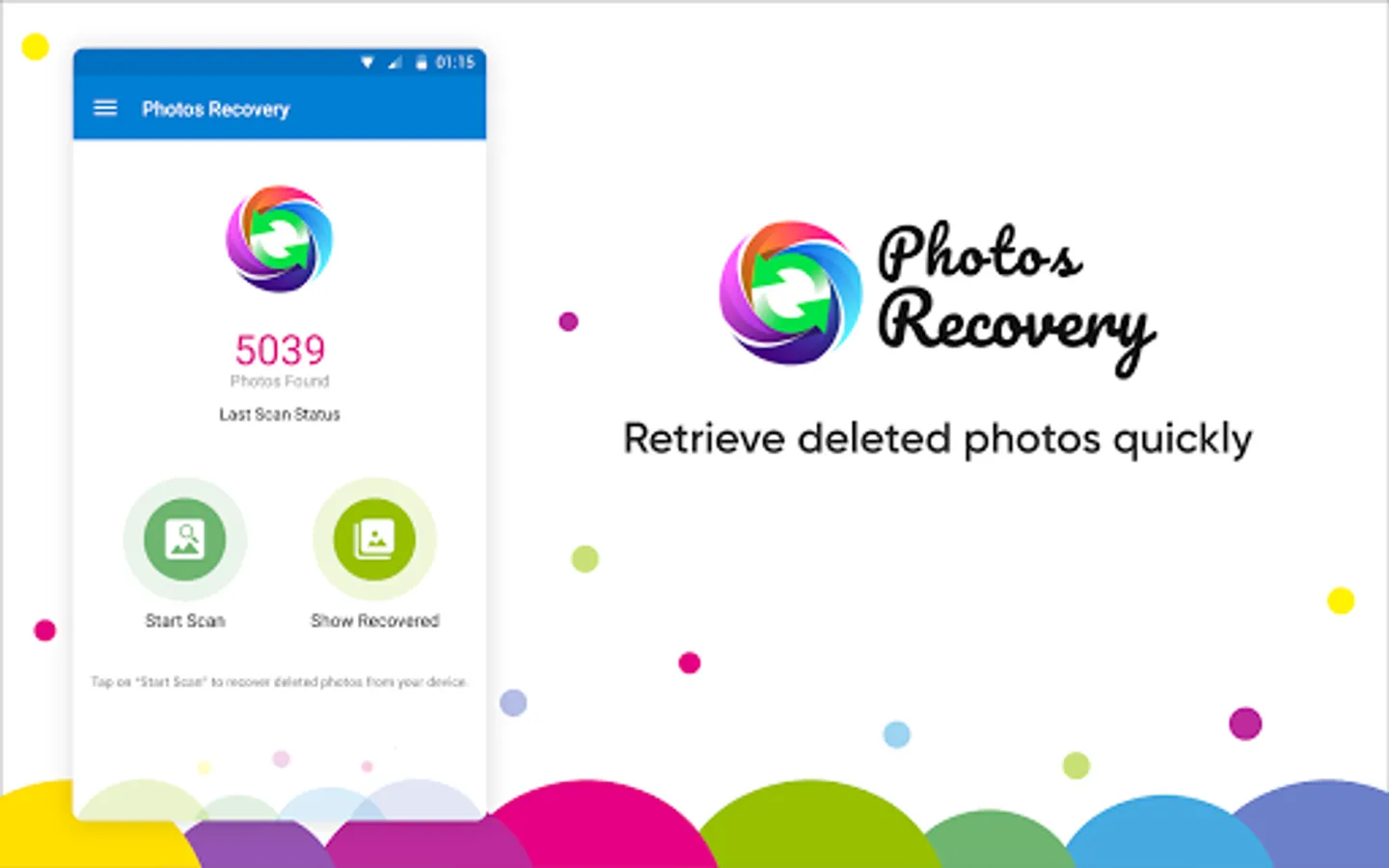
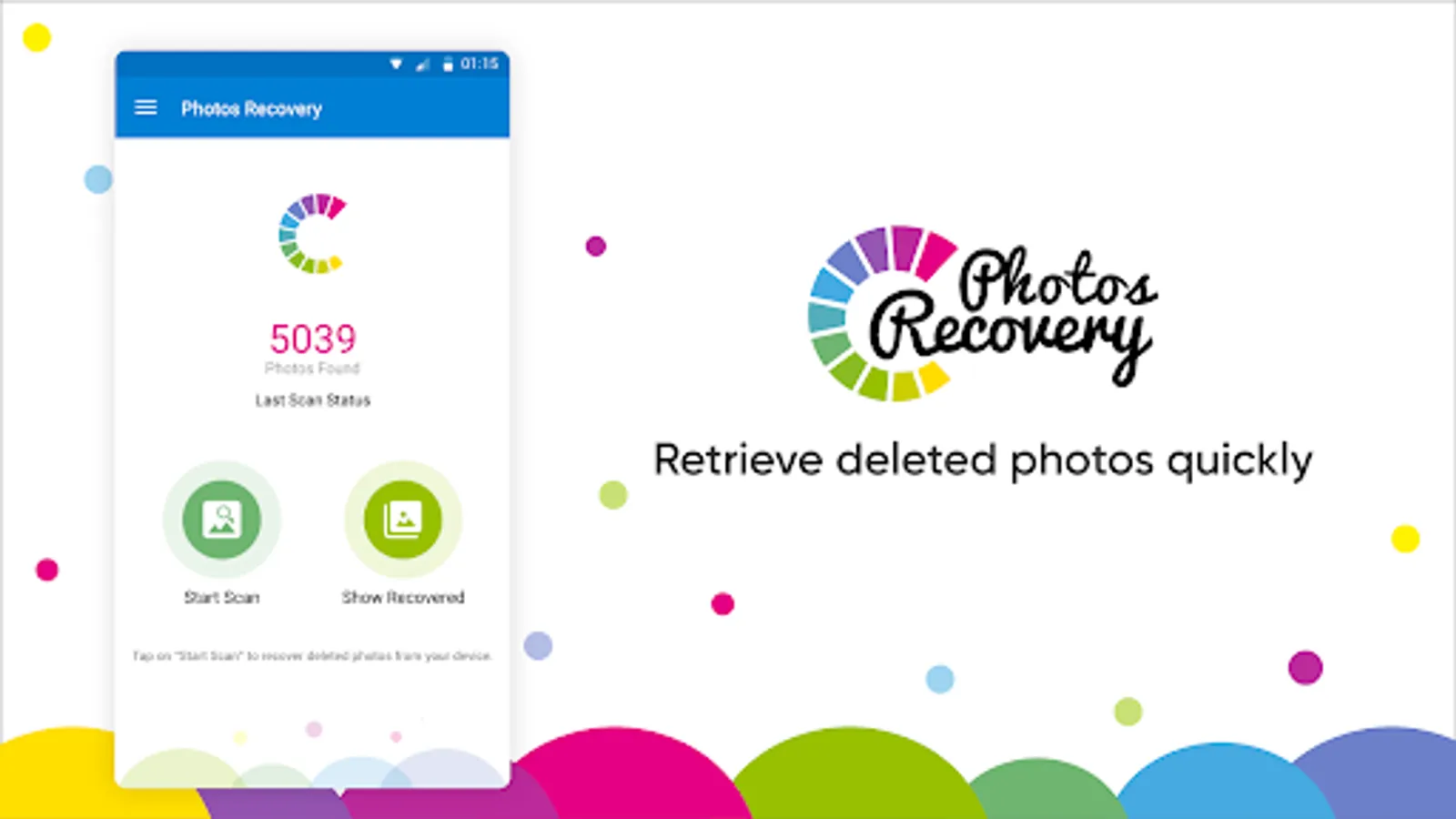
● Shows last scan: Last scanned results can be accessed easily from the home screen.
● Finds all deleted images: It can efficiently locate the images deleted before the application was installed on your device.
NOTE: We at Systweak Software do not save any of your data. Access Permission to File Manager is required to open an access gateway for the integrated file management system, which gives you better usability.
For any further queries, visit https://www.systweak.com/photos-recovery/android or write to us at support@systweak.com
Photo Recovery-
Easily undelete and recover lost photos or images from your device's internal storage or external memory cards, ensuring that no precious moments are lost. Whether it's from your phone's memory or an SD card, our advanced recovery tools scan deep to bring back your valuable media effortlessly.
File Manager-
This app also offers a built-in File Manager to copy, move, delete & rename media, non-media files and documents on Android. Photo Recovery & File Manager allows you to share the files to Google Drive, WhatsApp, Instagram, and more. It has an easy-to-use interface that helps quickly navigate between files and folders on your Android. You can view documents, images, video, & audio files and easily manage files and folders with this powerful application. File Manager tool also featured with a search functionality to quickly look into data and find the specific file or folder.
Major features of Photo Recovery & File Manager:
● Integrated File Manager: File Manager tool allows you to search files faster, manage files easily and share files across other platforms. It offers features like quick search, share, move, deleting, opening, and renaming media, non-media and document files.
● Speedy Scan: Runs a quick scan to search for deleted photos.
● Scan Filters: Exclude pictures of a specific file size from the scan.
● Internal & External storage: Works on internal storage and external storage such as SD cards.
● Folder-Wise Results: Shows retrieved images in different folders for convenience.
● Preview Images: Take a quick look at the images before recovering them.
● Recovered images folder: Find all of the recovered images under the ‘Show Recovered’ section.
● Share files: Photo Recovery & File Manager allows you to directly share the files on Google Drive and other third-party applications.
● Multiple file formats supported: Best photo recovery app, as it supports all major file formats.
● Easy sorting: Sort the files in different folders with the ‘Copy’ & ‘Move’ option in the File Manager.
● Recover multiple photos: This photo recovery app saves time as it quickly retrieves multiple pictures at once.
● Get file details: Apart from previewing the media, non-media, documents, it gives you information such as file name, path, resolution.
● Download album: This Android photo recovery app lets you download the entire album in one go.
● Shows last scan: Last scanned results can be accessed easily from the home screen.
● Finds all deleted images: It can efficiently locate the images deleted before the application was installed on your device.
NOTE: We at Systweak Software do not save any of your data. Access Permission to File Manager is required to open an access gateway for the integrated file management system, which gives you better usability.
For any further queries, visit https://www.systweak.com/photos-recovery/android or write to us at support@systweak.com
Photo Recovery & File Manager Screenshots
Tap to Rate:
Reviews for Photo Recovery & File Manager
Anjana Anju
12/19/2025
shows only pictures in our gallery
Asmita Vayad
12/18/2025
fraud