
Screen Recorder:Videos & Reels
SYSTWEAK SOFTWARE
3.5 ★
209 ratings
50,000+
downloads
Free
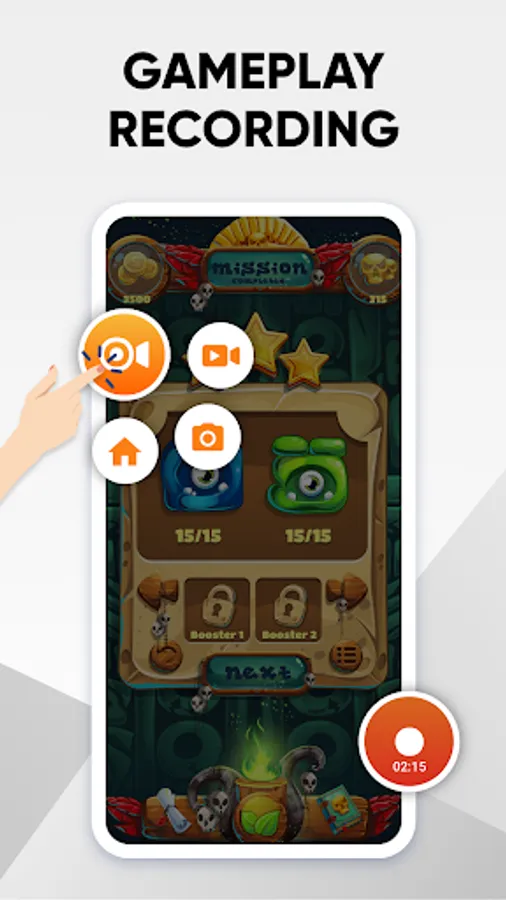
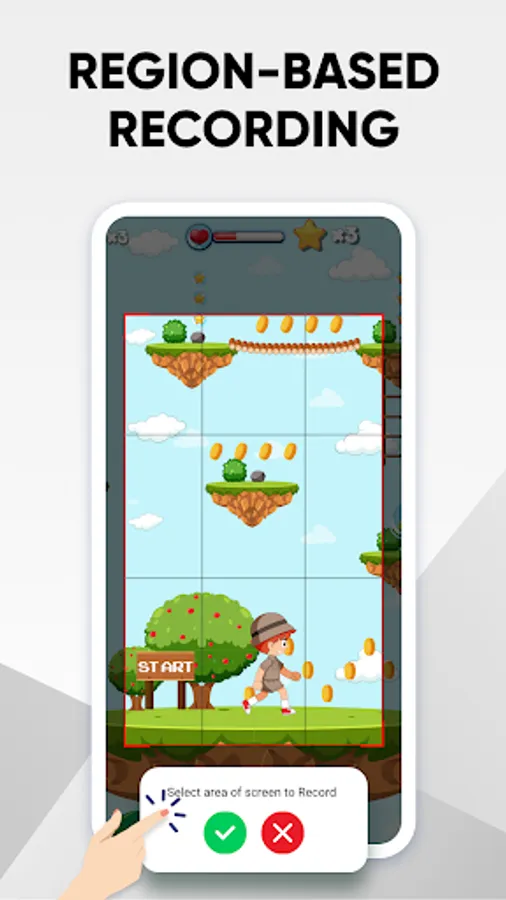
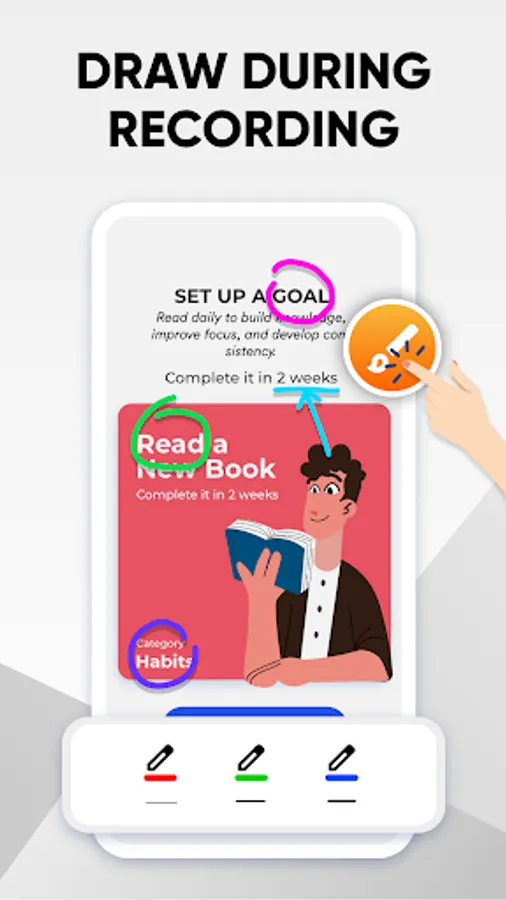
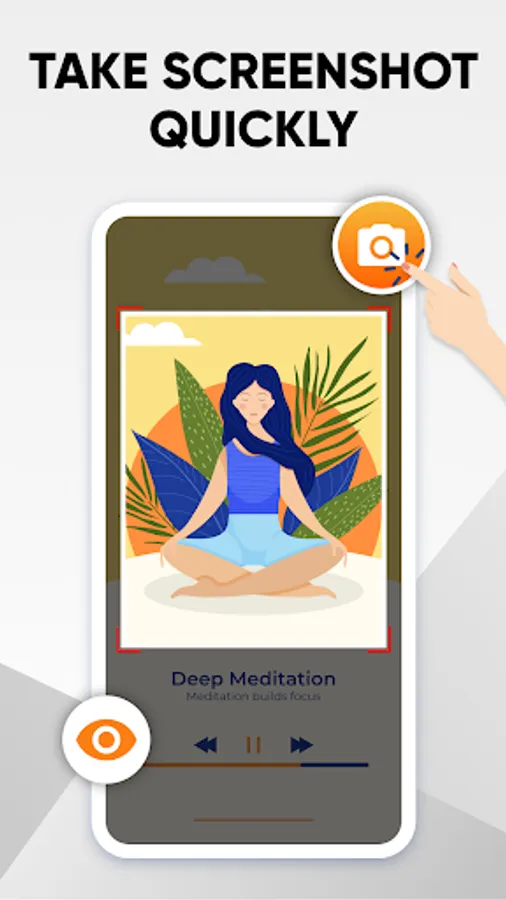
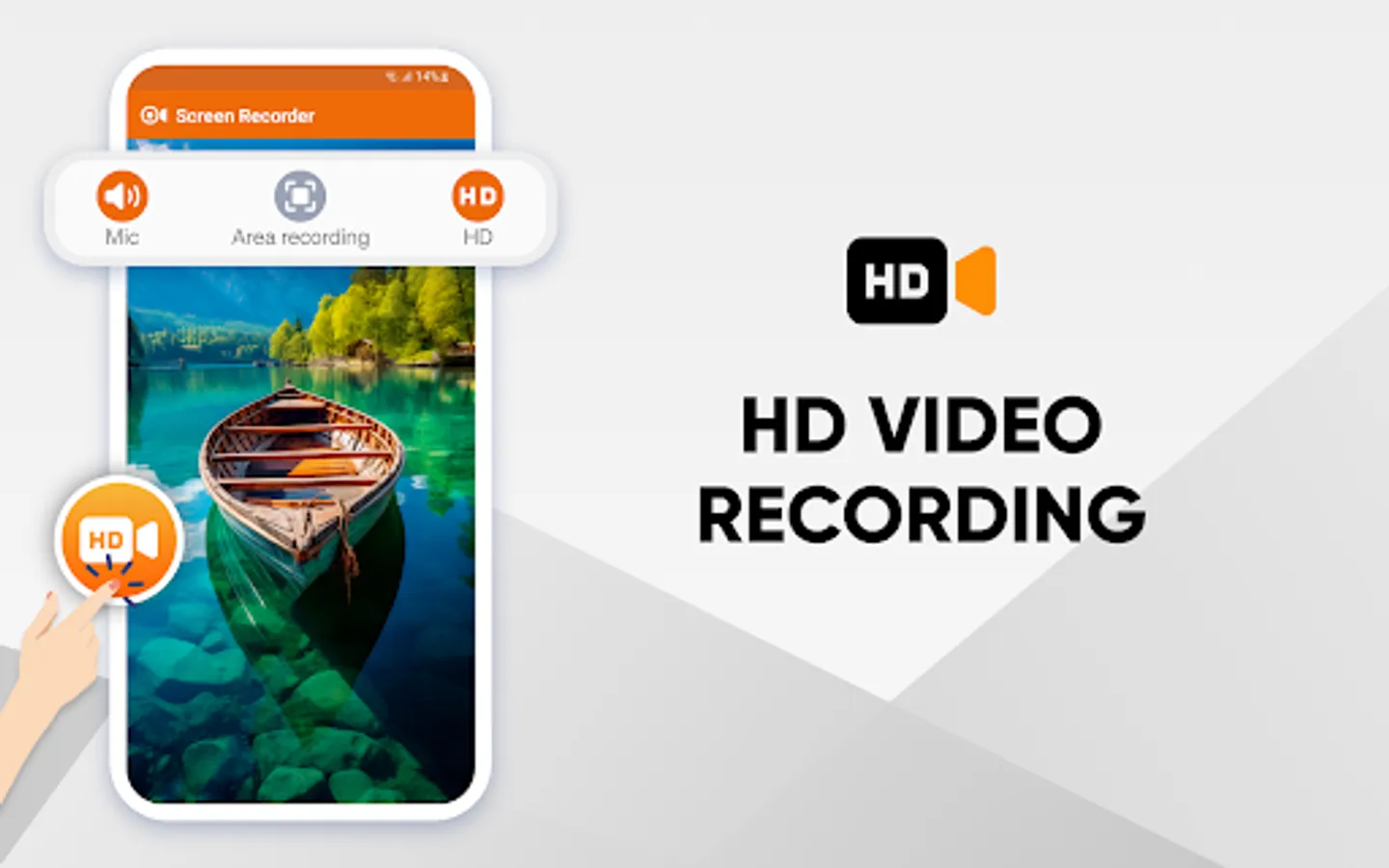
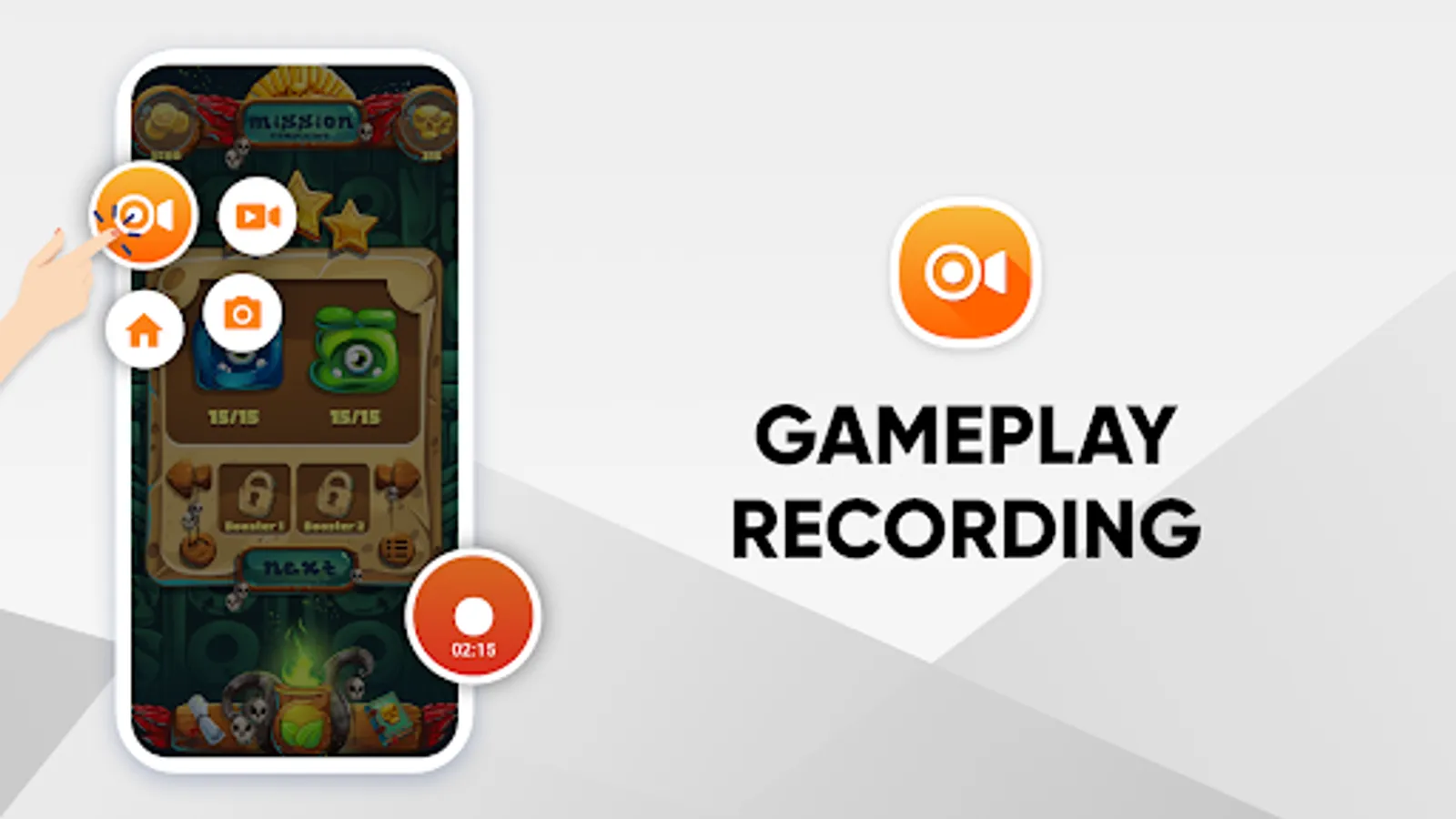
In this screen recording app, you can capture on-screen activities, record audio, and take screenshots with a single tap. Includes customizable recording regions, live drawing, face cam toggle, and recording management features.
AppRecs review analysis
AppRecs rating 3.2. Trustworthiness 83 out of 100. Review manipulation risk 22 out of 100. Based on a review sample analyzed.
★★★☆☆
3.2
AppRecs Rating
Ratings breakdown
5 star
52%
4 star
7%
3 star
3%
2 star
11%
1 star
26%
What to know
✓
Low review manipulation risk
22% review manipulation risk
✓
Credible reviews
83% trustworthiness score from analyzed reviews
⚠
High negative review ratio
37% of sampled ratings are 1–2 stars
About Screen Recorder:Videos & Reels
Screen Recorder by Systweak Software is an easy-to-use and lightweight screen and game recorder for Android users. The application enables users to record on-screen activities with audio or capture screenshots with one touch. Whether you’re a content creator looking to record and share your expertise, a gaming enthusiast eager to showcase your victories, or simply someone who wants to capture video and audio from your favorite apps, the Screen Recorder app has got you covered.
The screen-capturing app provides flexibility in recording a diverse range of activities. What's even better is that it doesn't require rooting, making it accessible to anyone, regardless of technical expertise. This phone screen recorder is well-suited for capturing gameplays, social media content, presentations, memorable moments, and more.
Key Features:
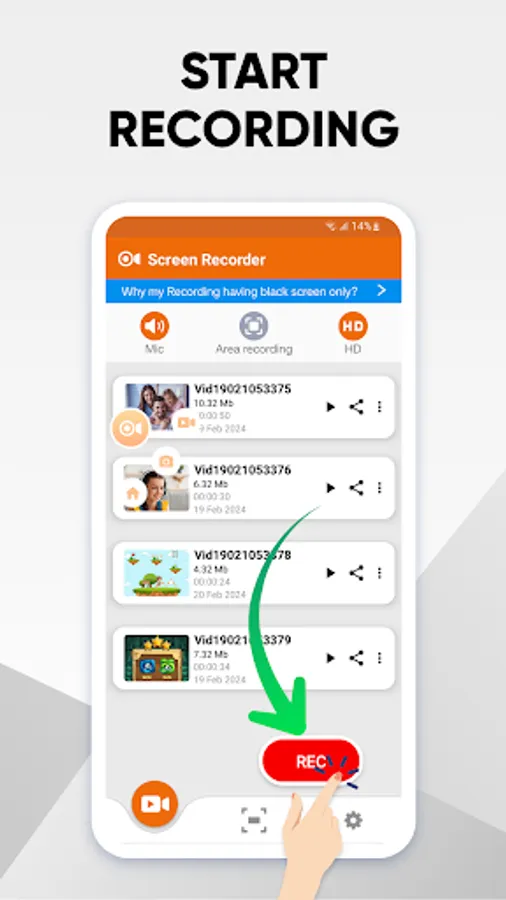
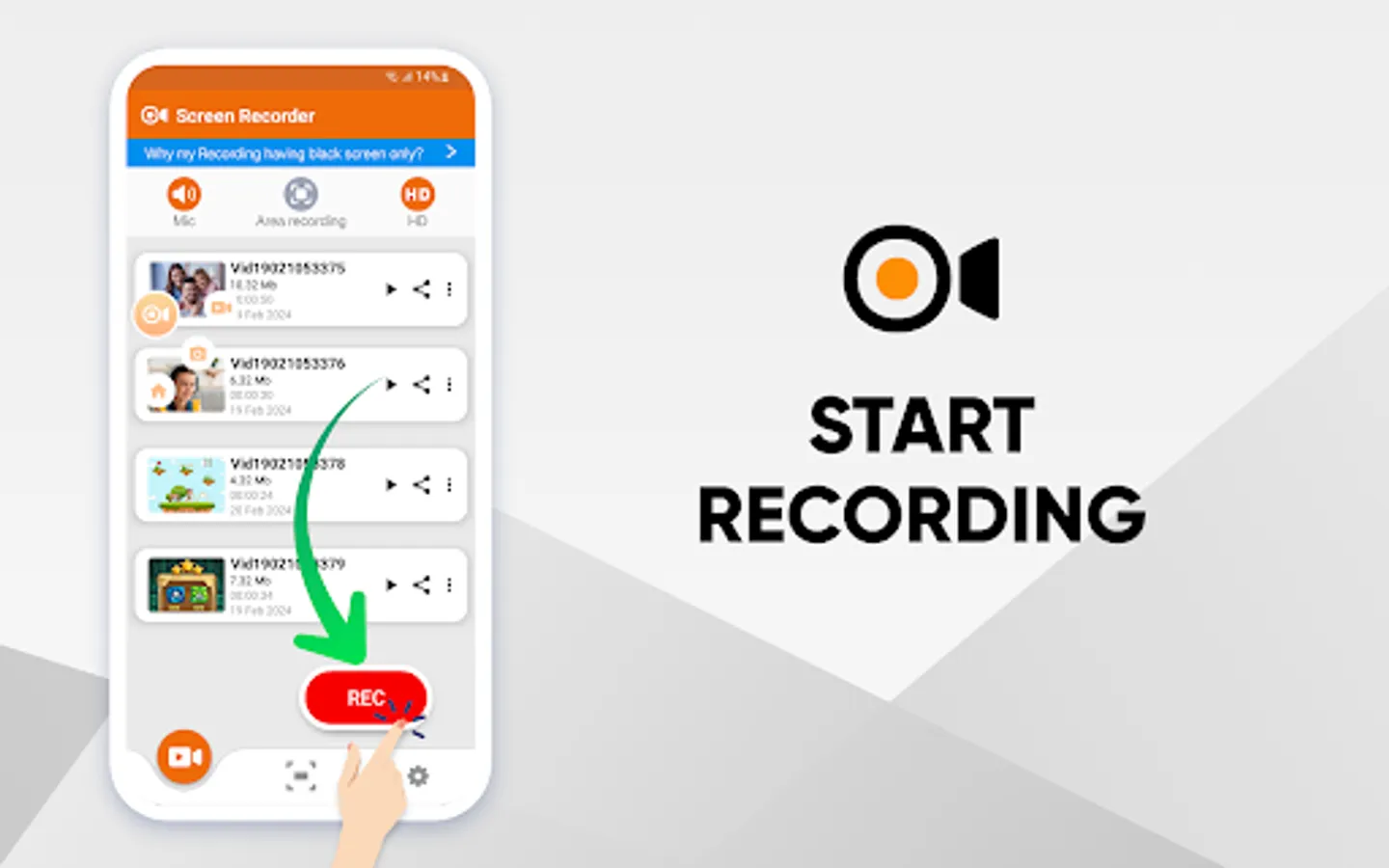
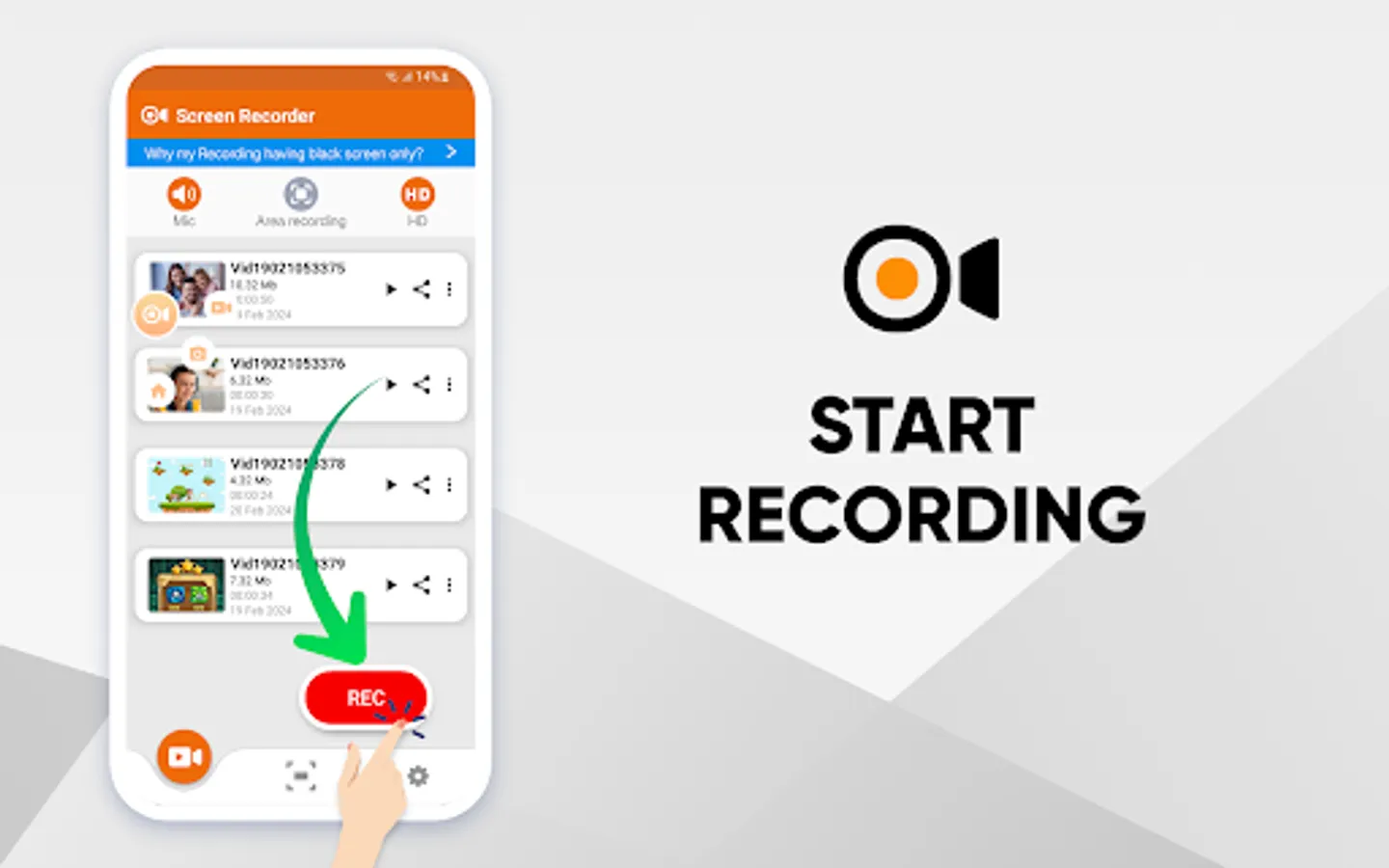
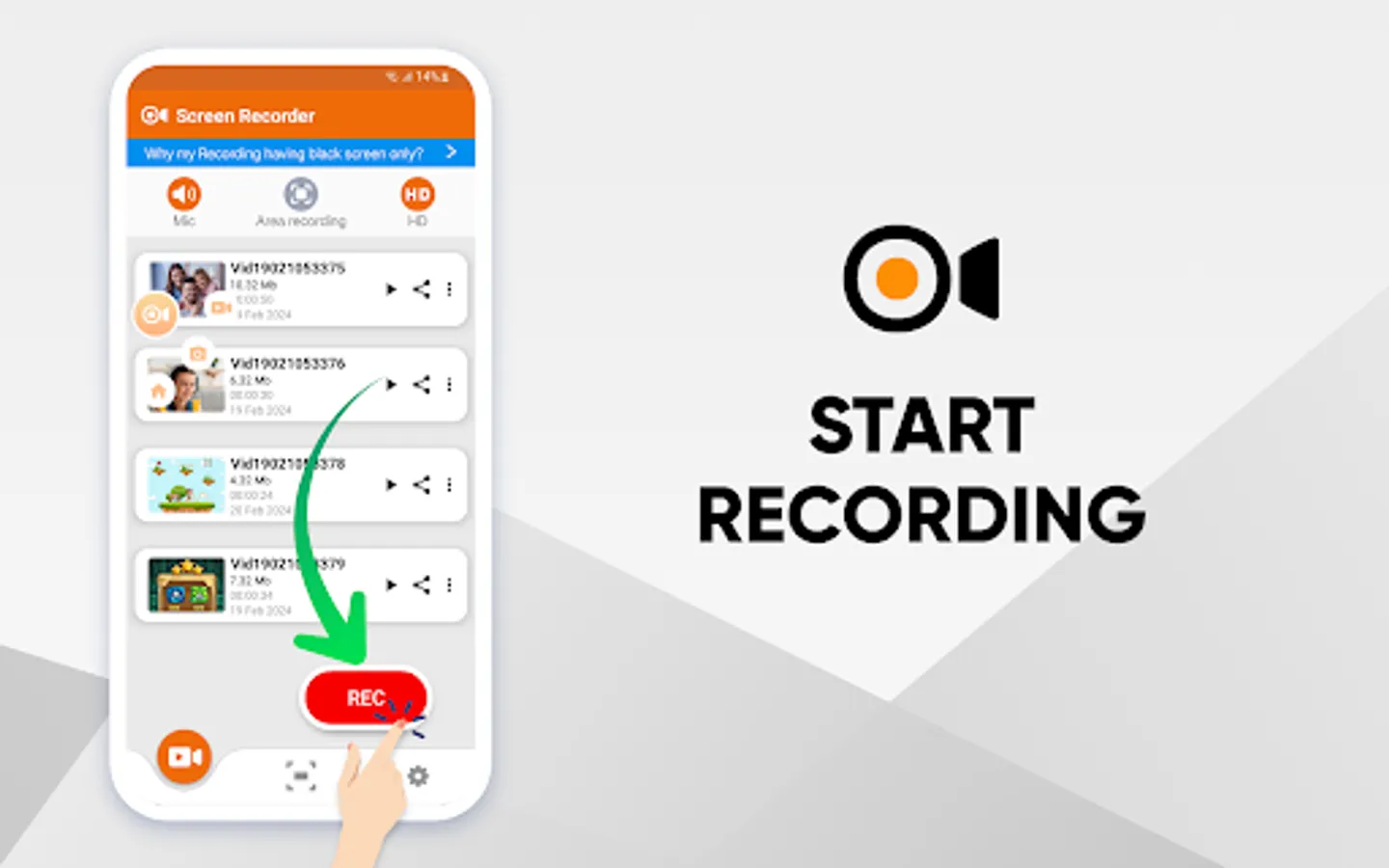
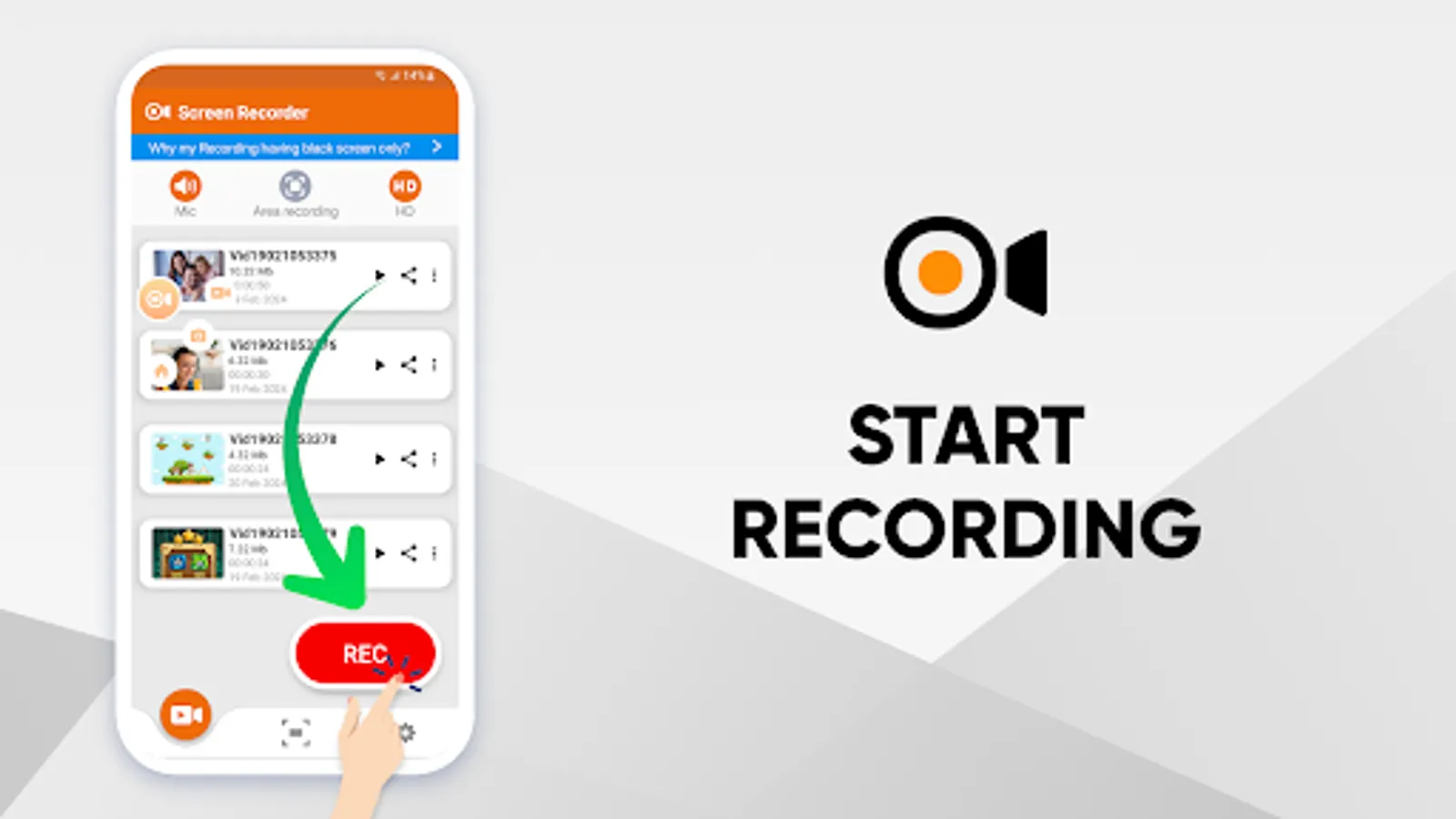
1. Simple screen recorder: Capture everything on your screen in just a single tap.
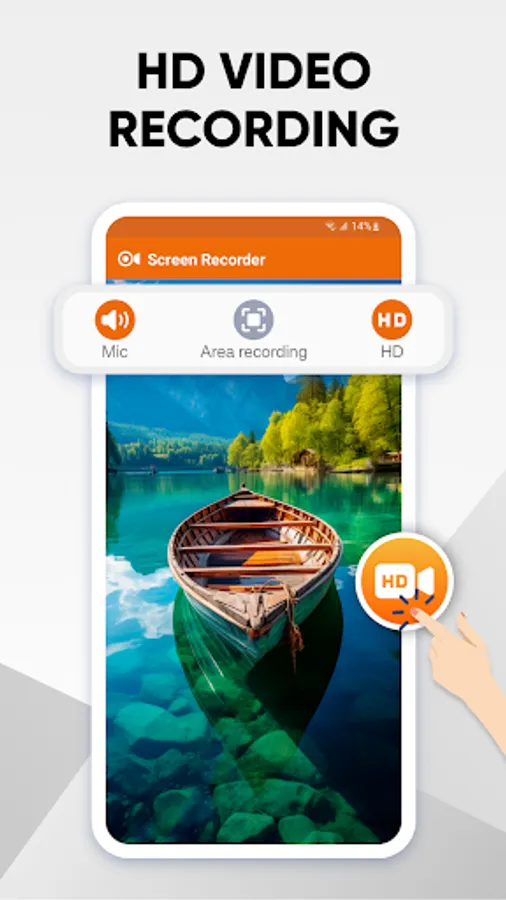
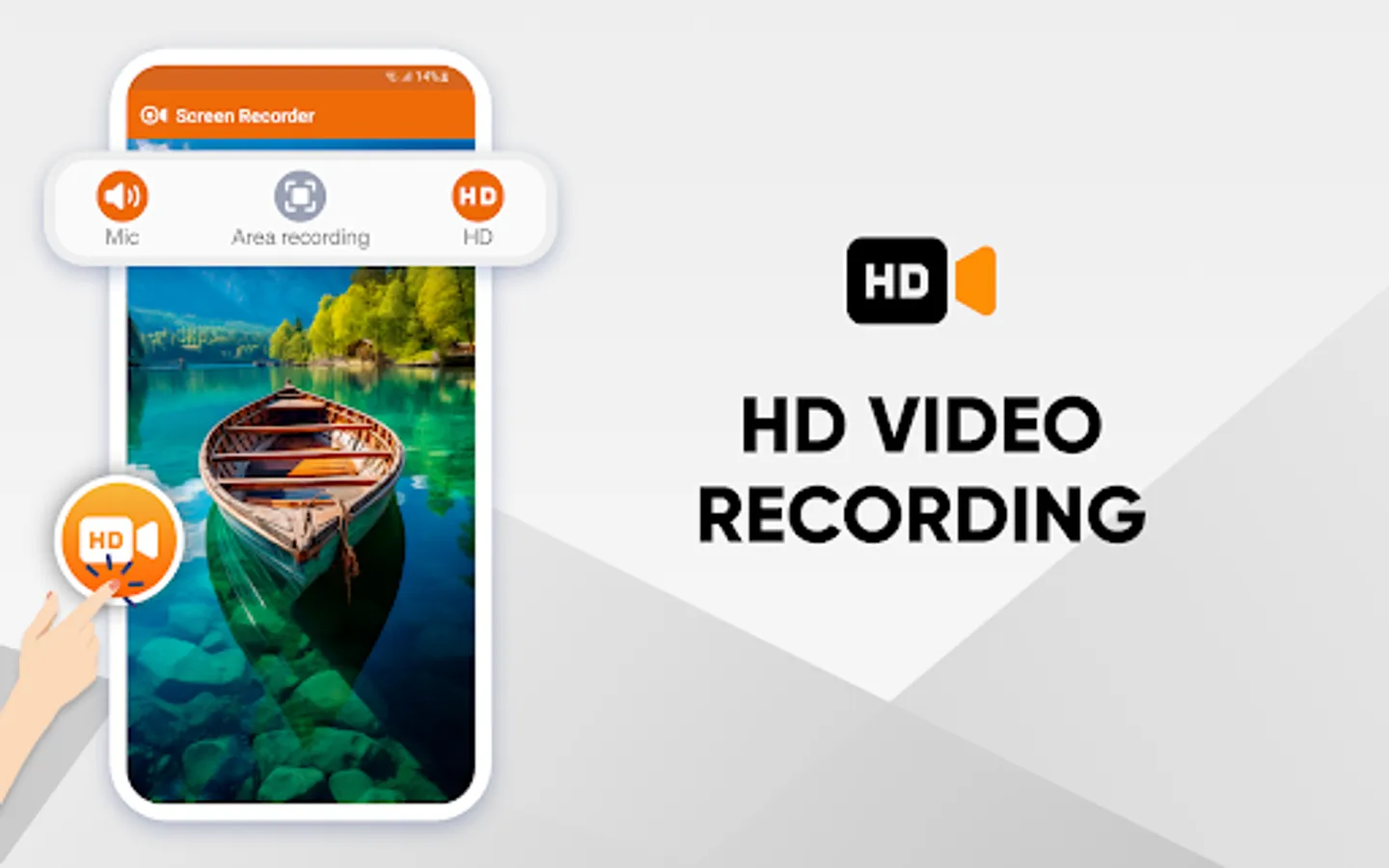
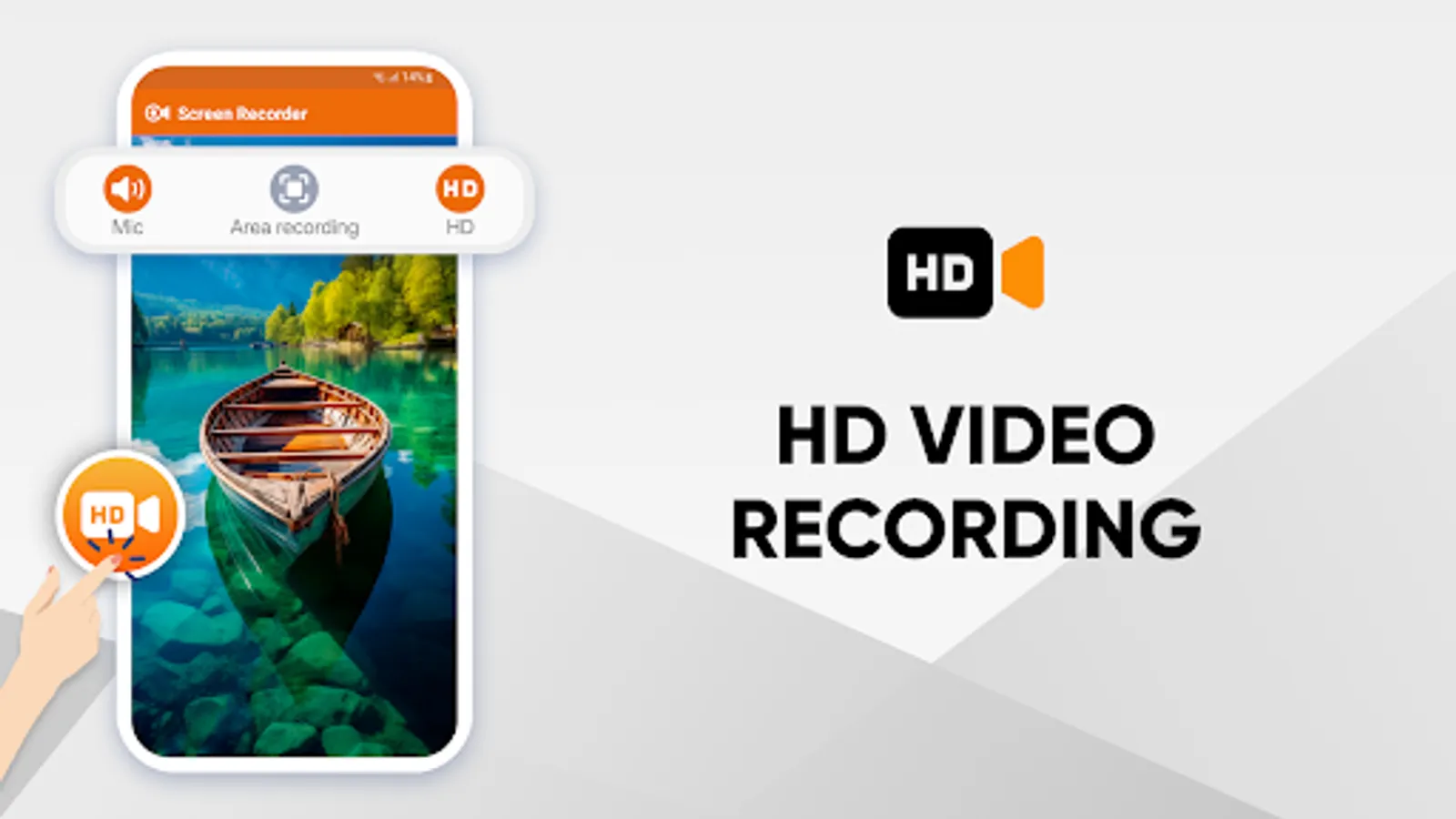
2. Video and audio recording: Record both video and audio seamlessly on your device.
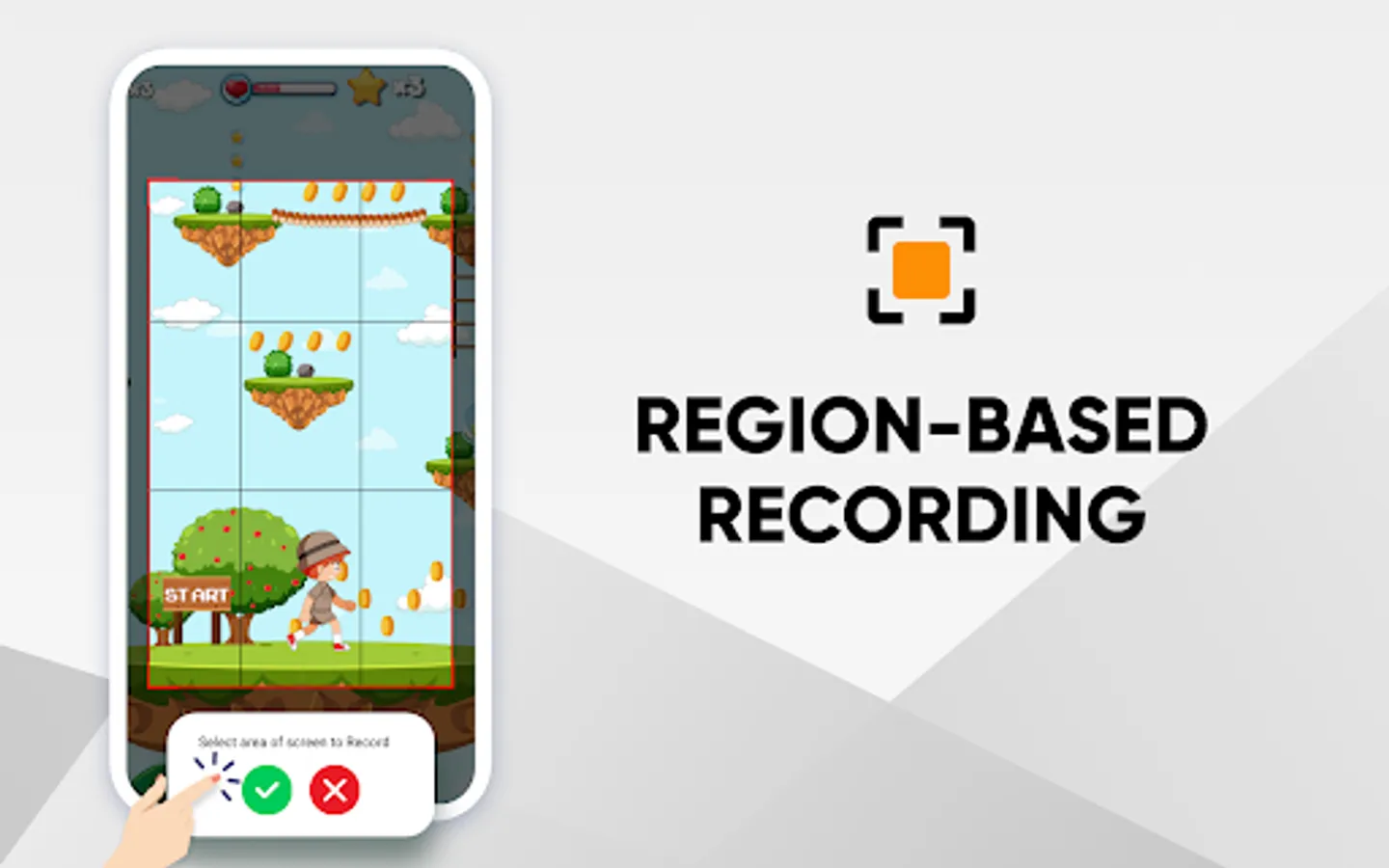
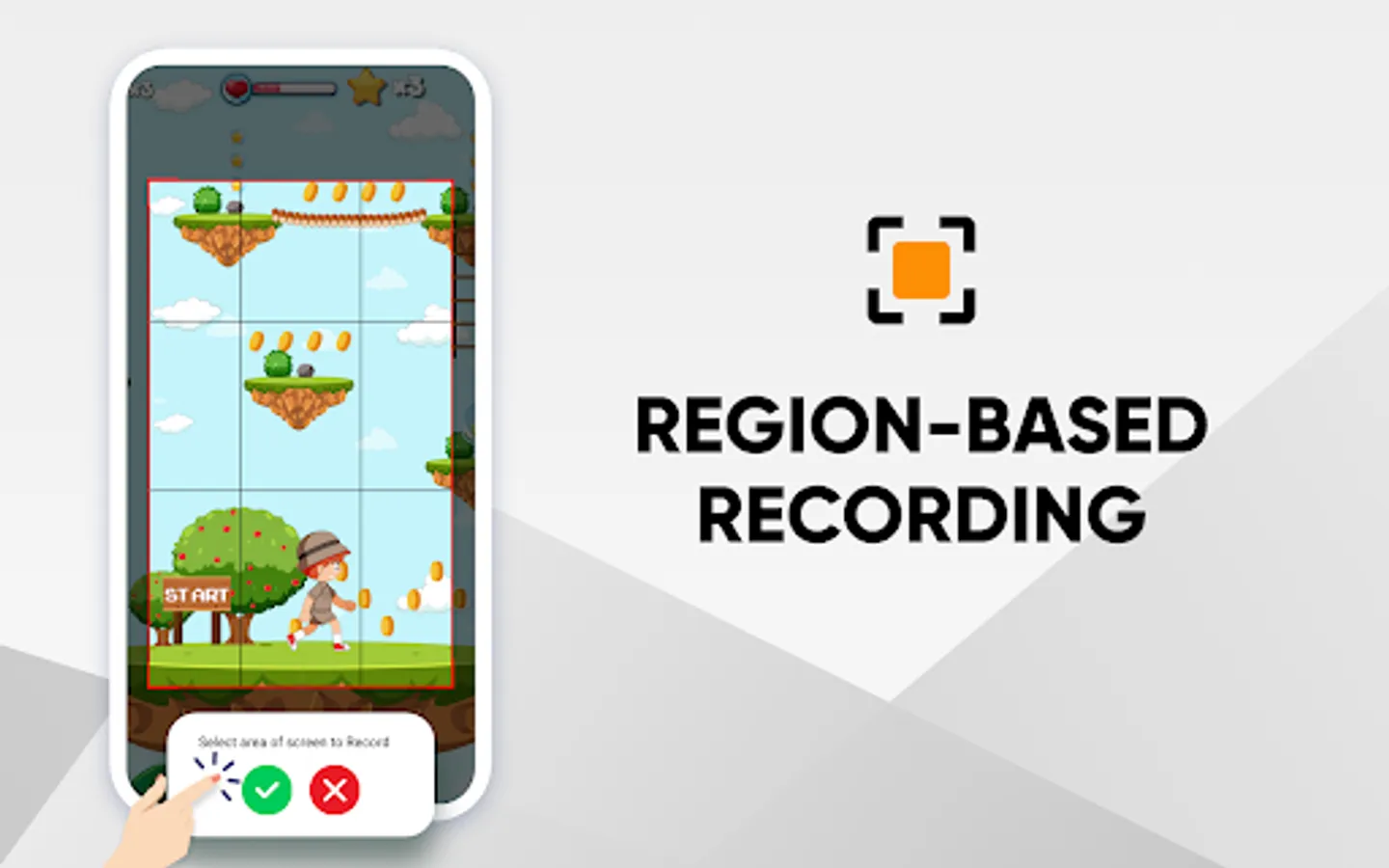
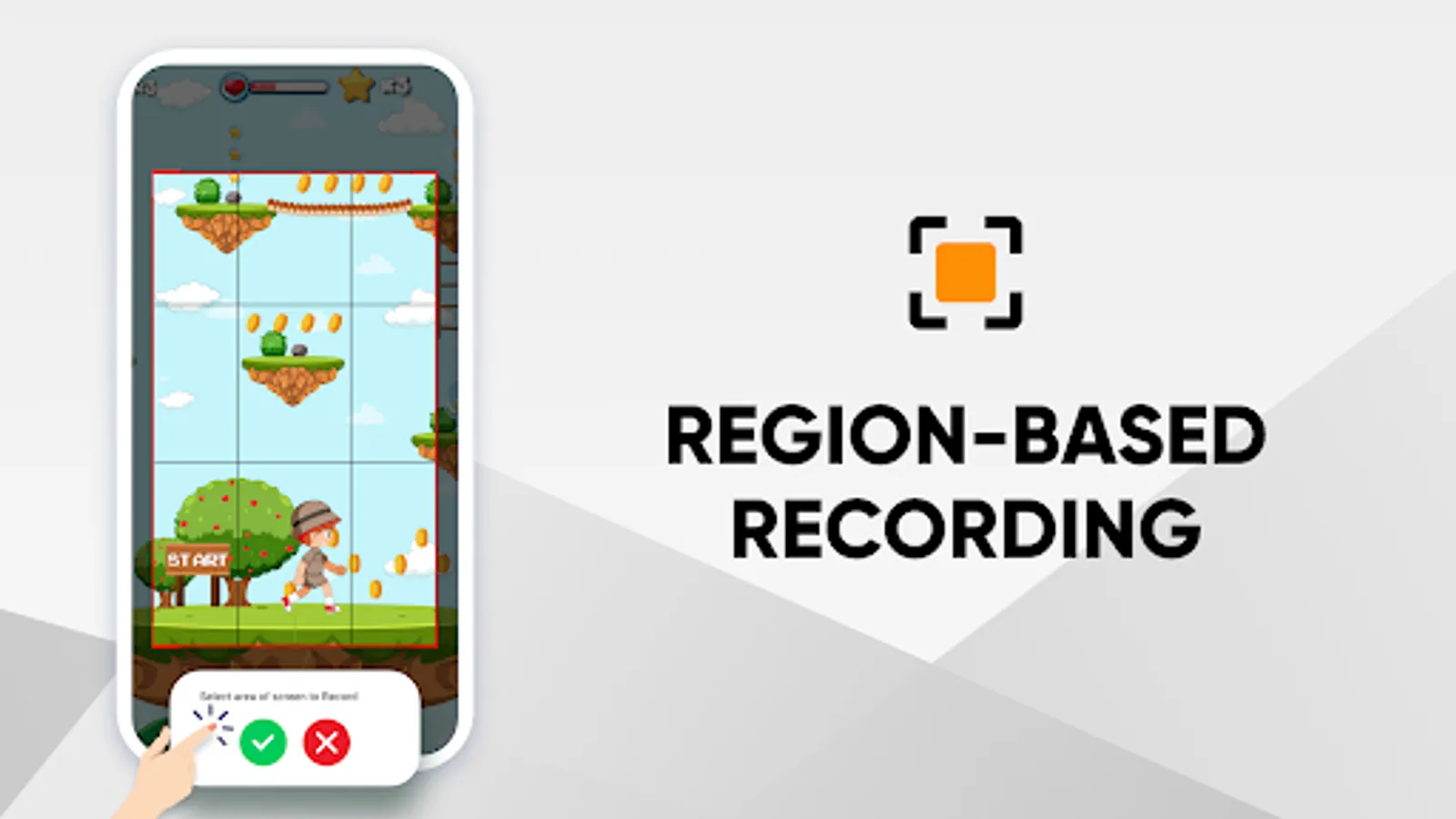
3. Customizable region capture: Select precisely which parts of your screen to record.
4. Instantly preview: Watch your recordings right after capturing them.
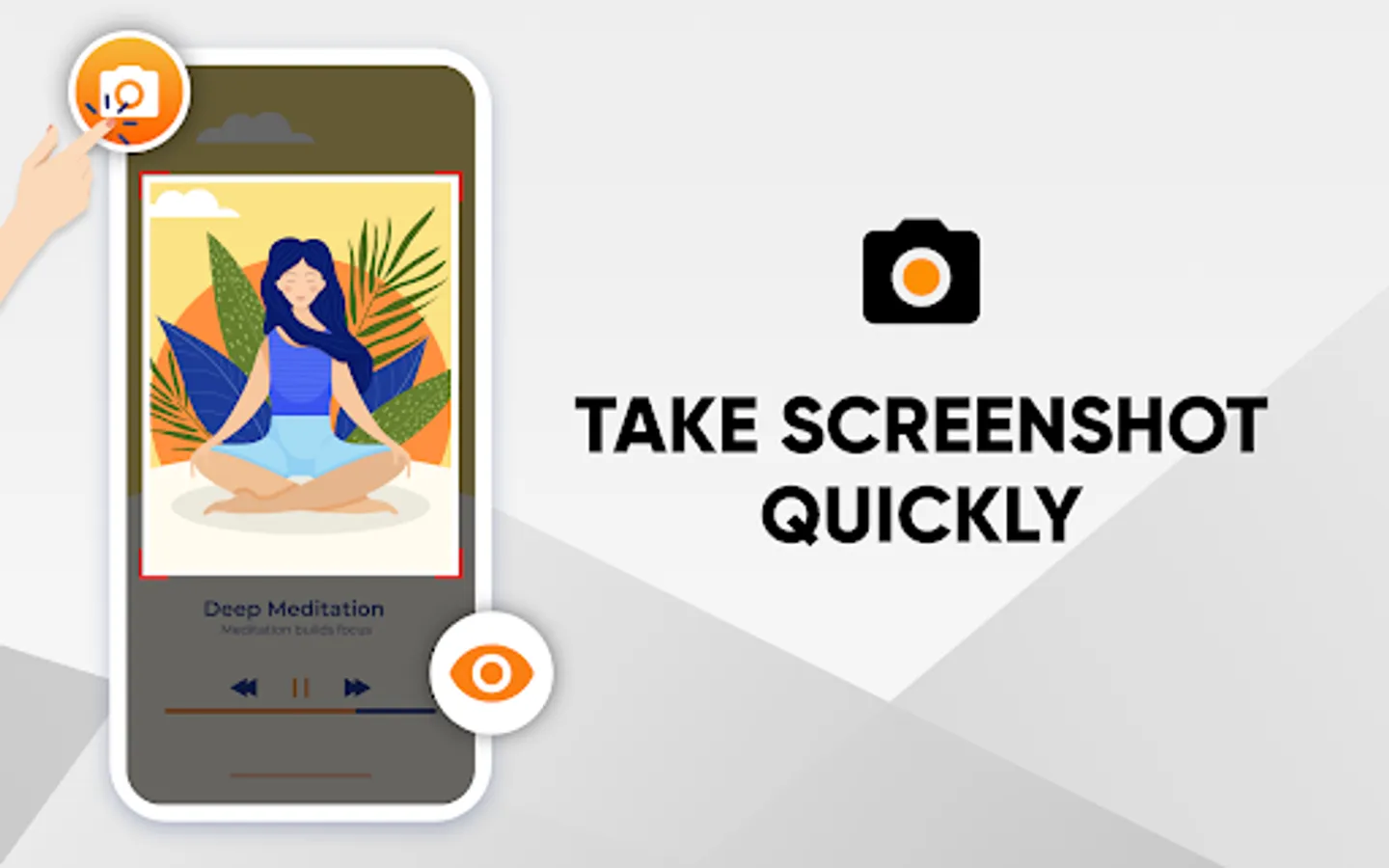
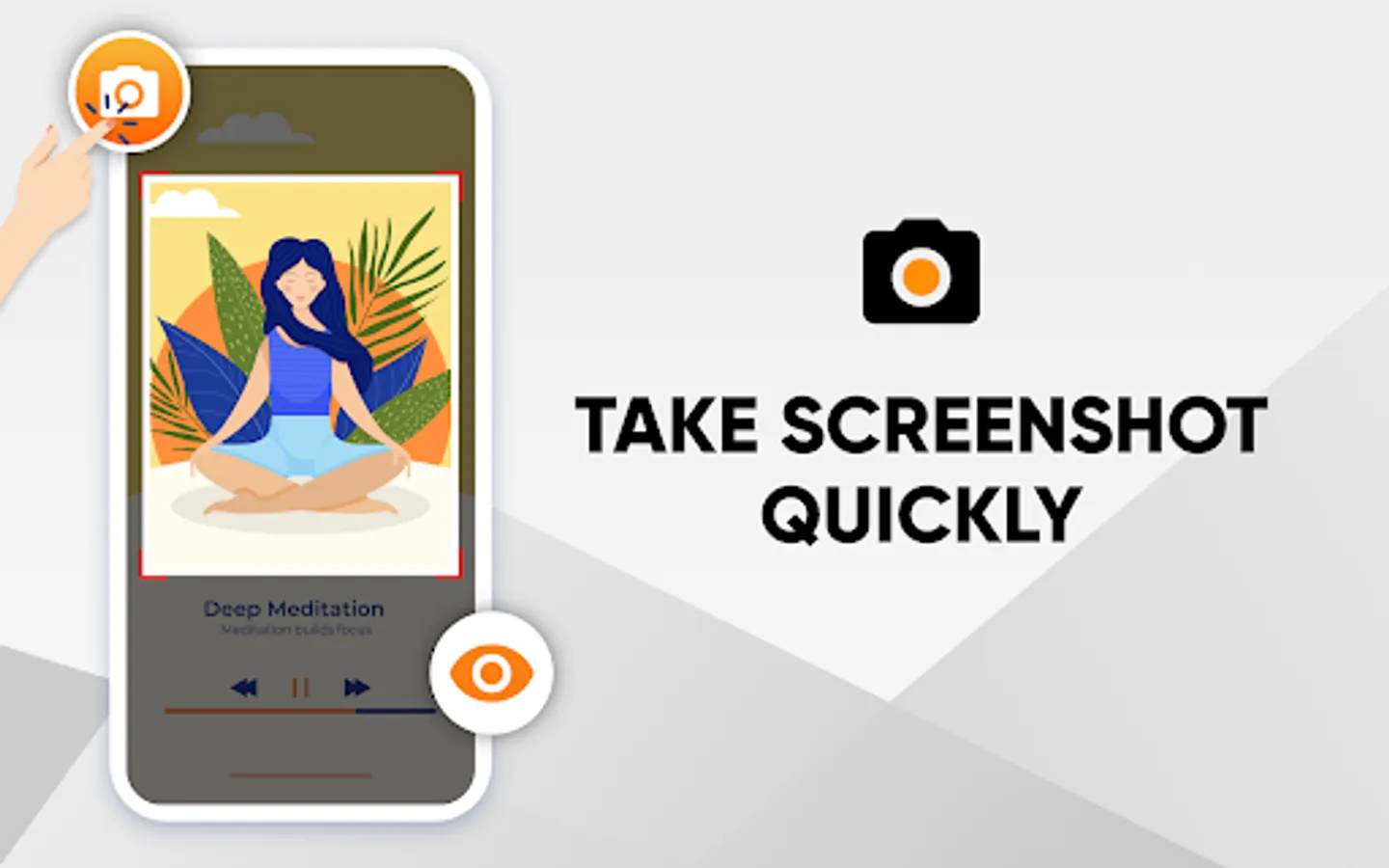
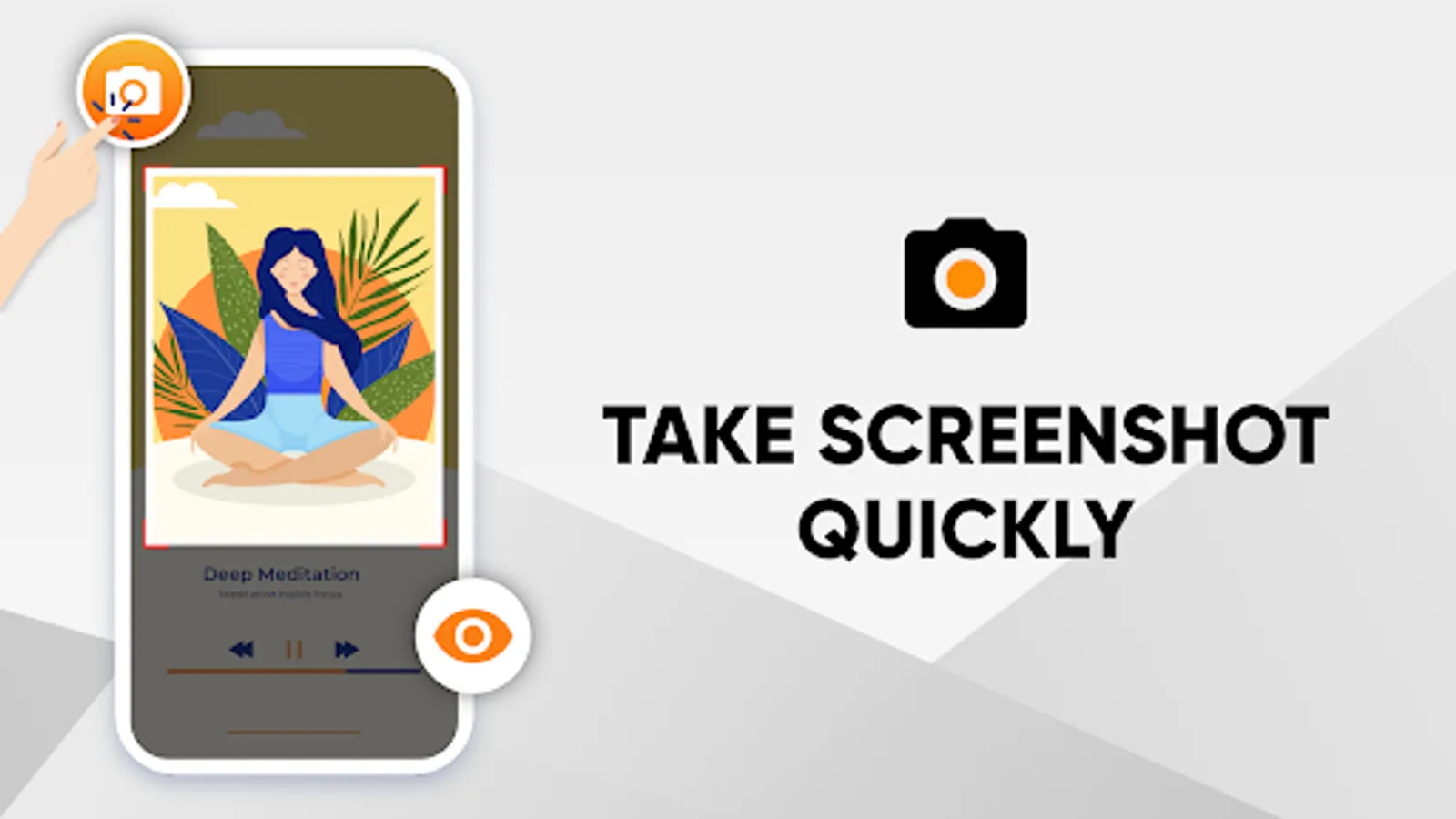
5. Capture screenshots: Take high-quality screenshots with a single tap.
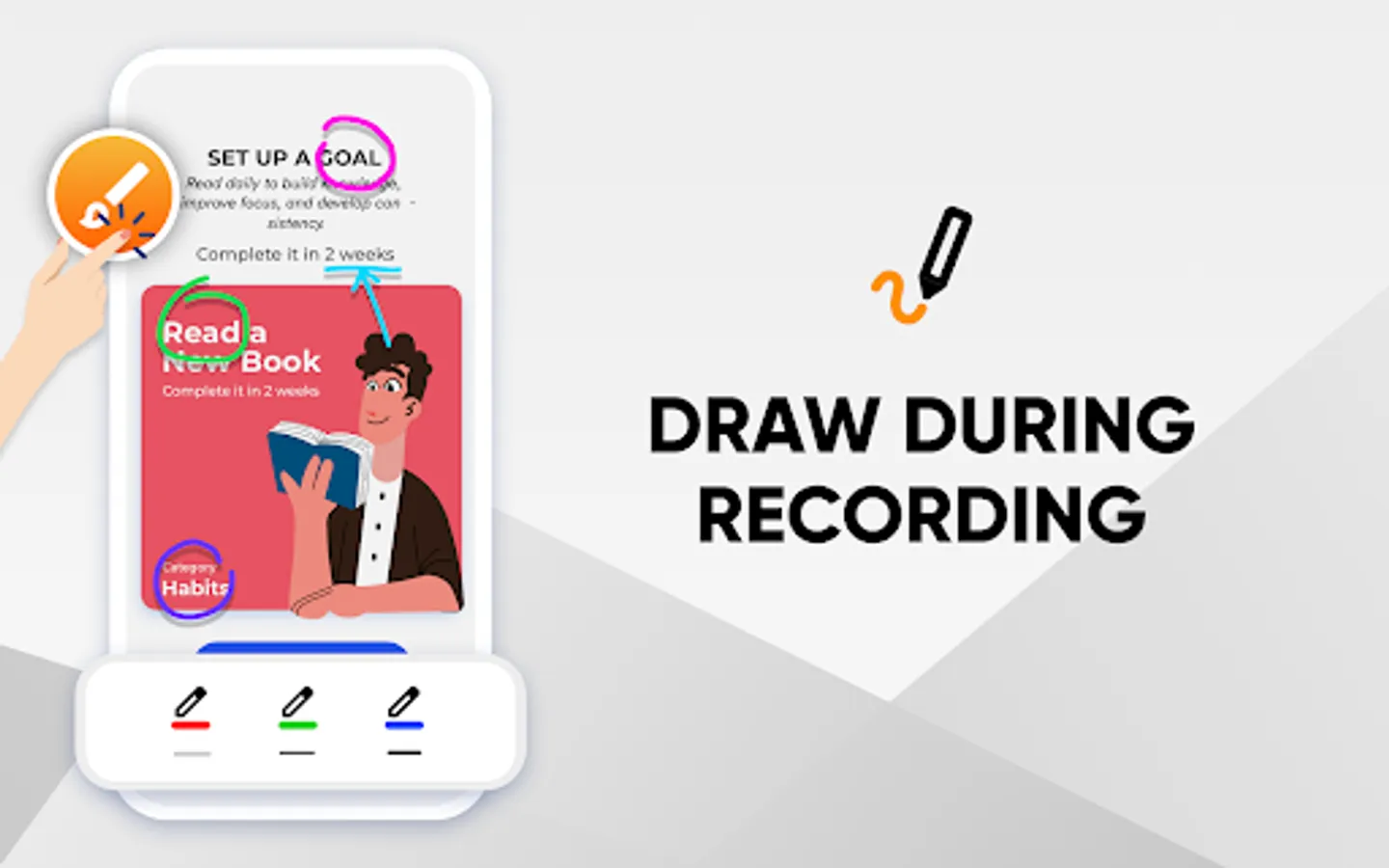
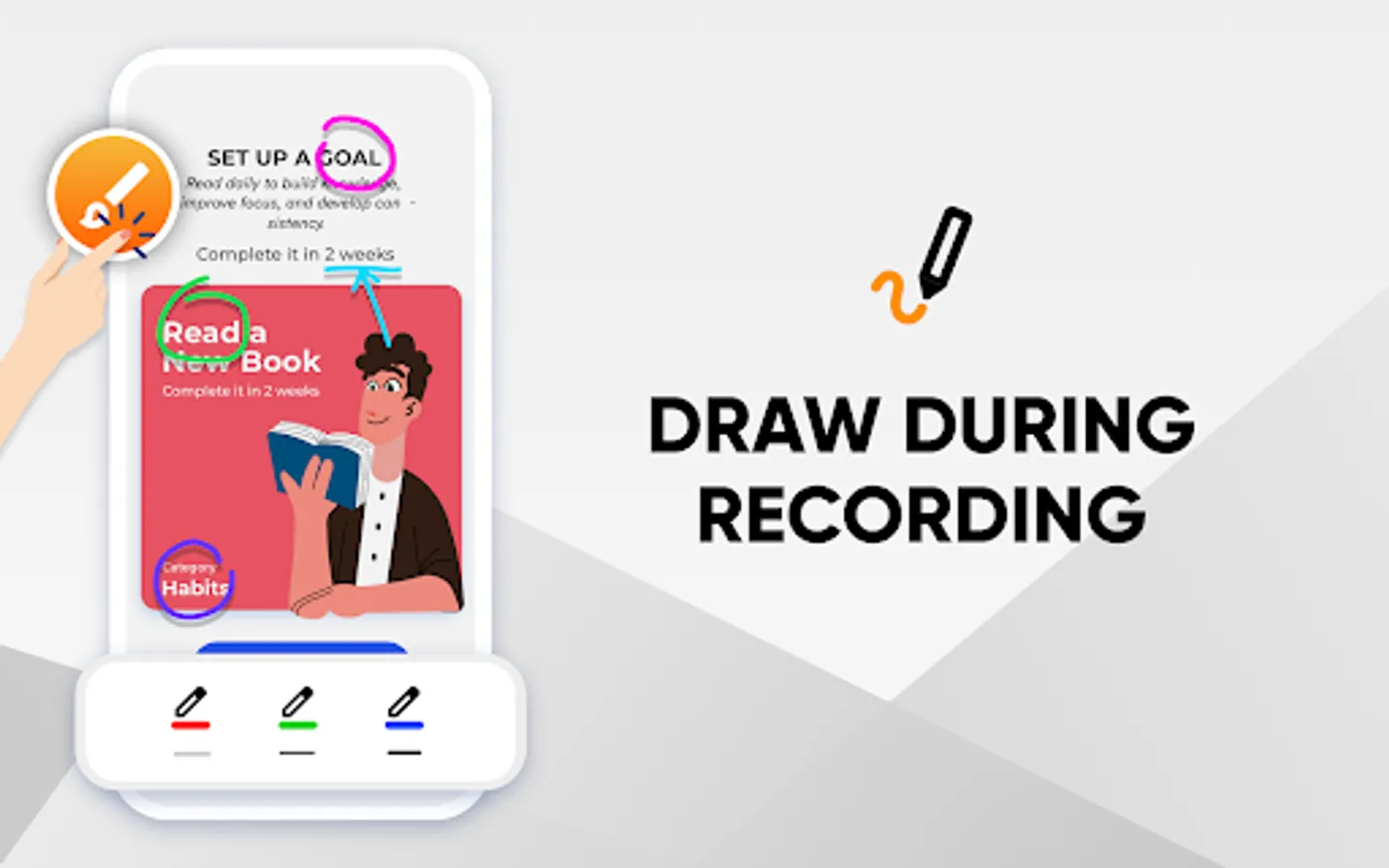
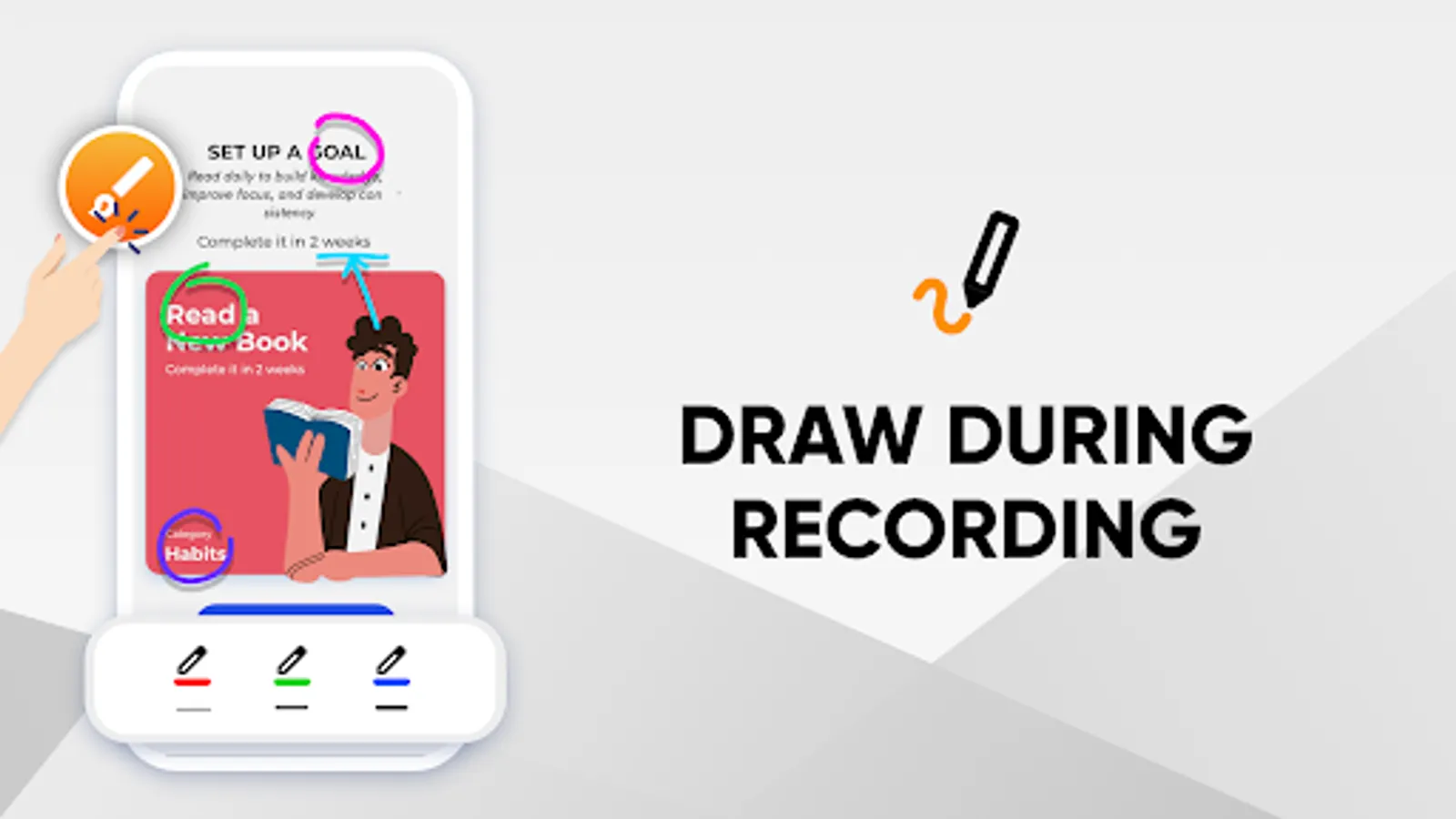
6. Live drawing: Enhance your videos by drawing and painting while recording.
7. Personalize your annotations: Adjust the line size and color according to your needs.
8. Face cam toggle: Ability to show or hide your face while screen recording on Android.
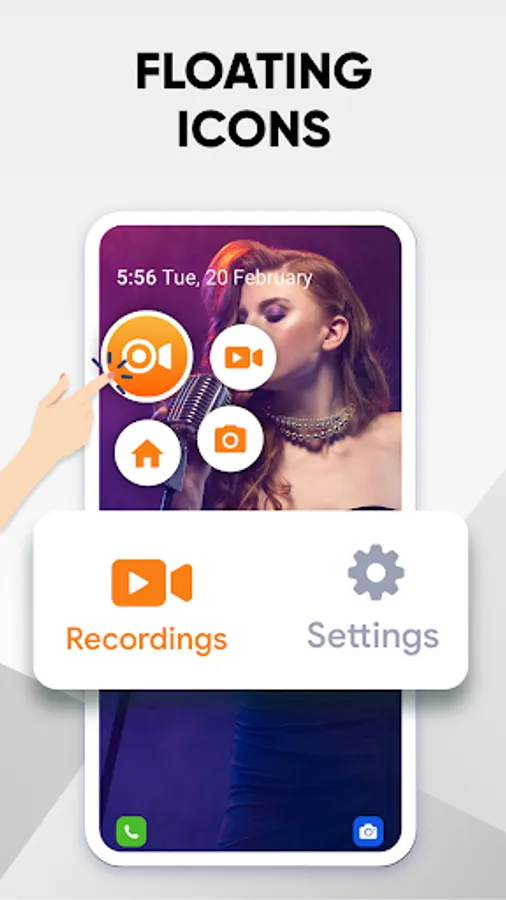
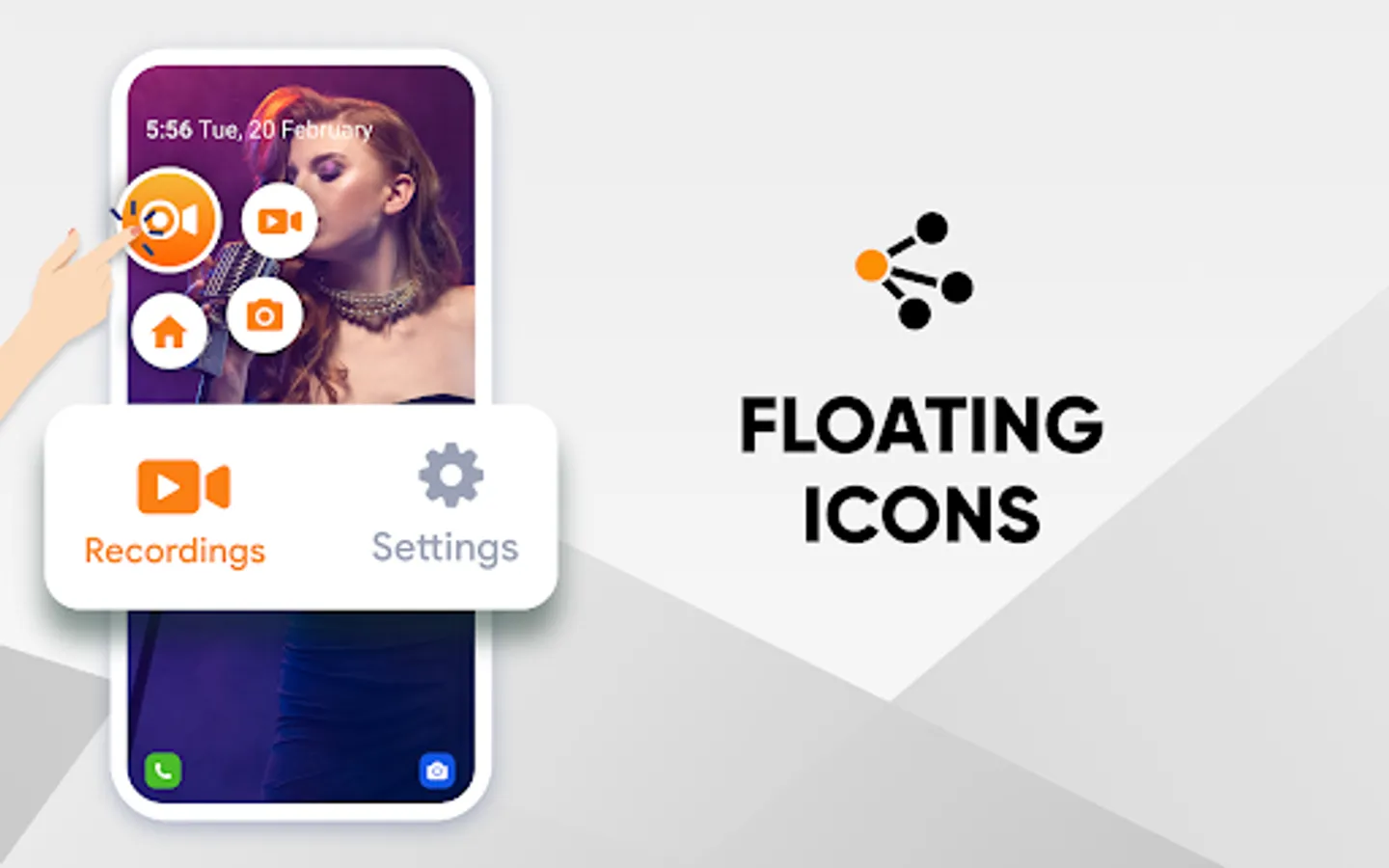
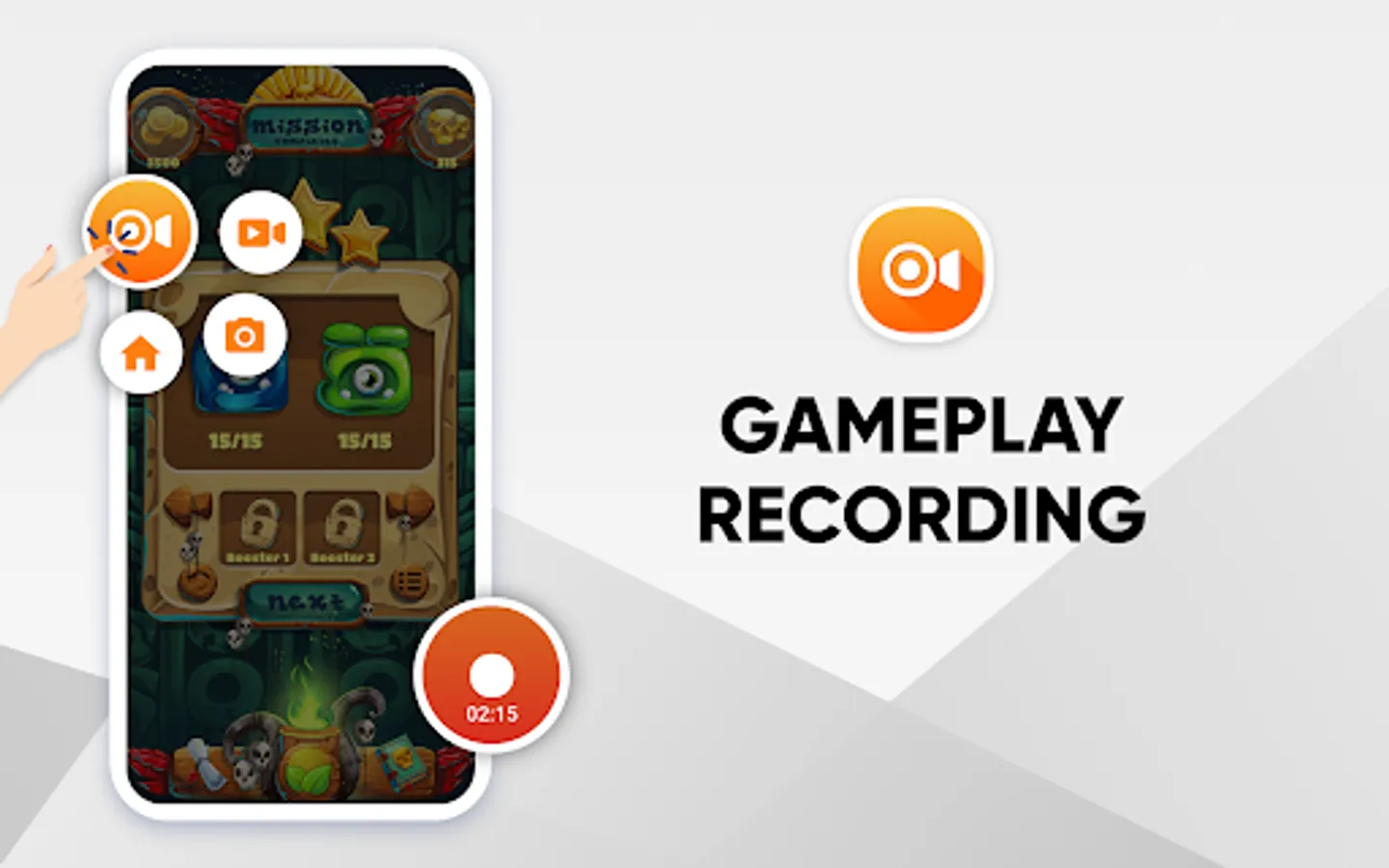
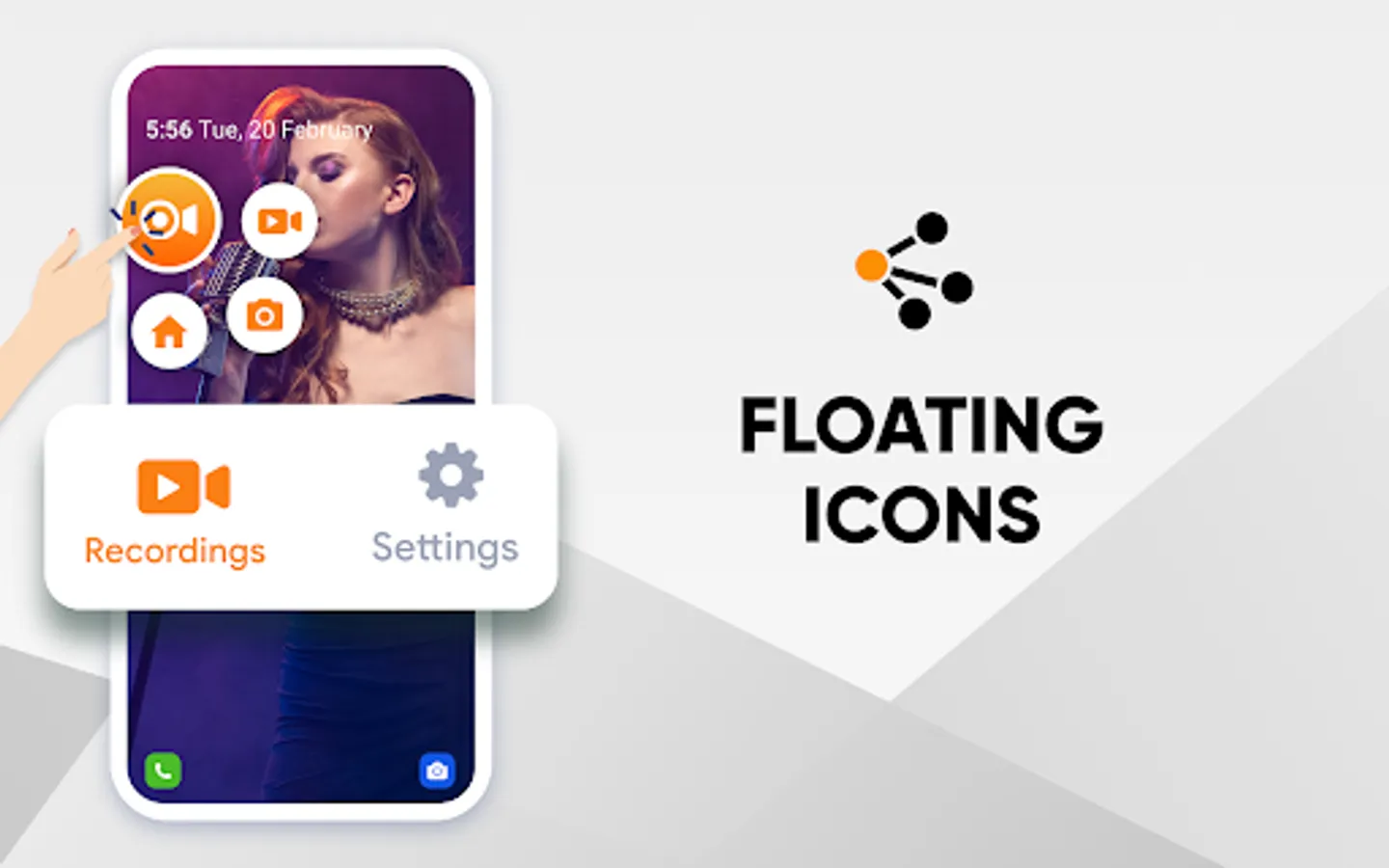
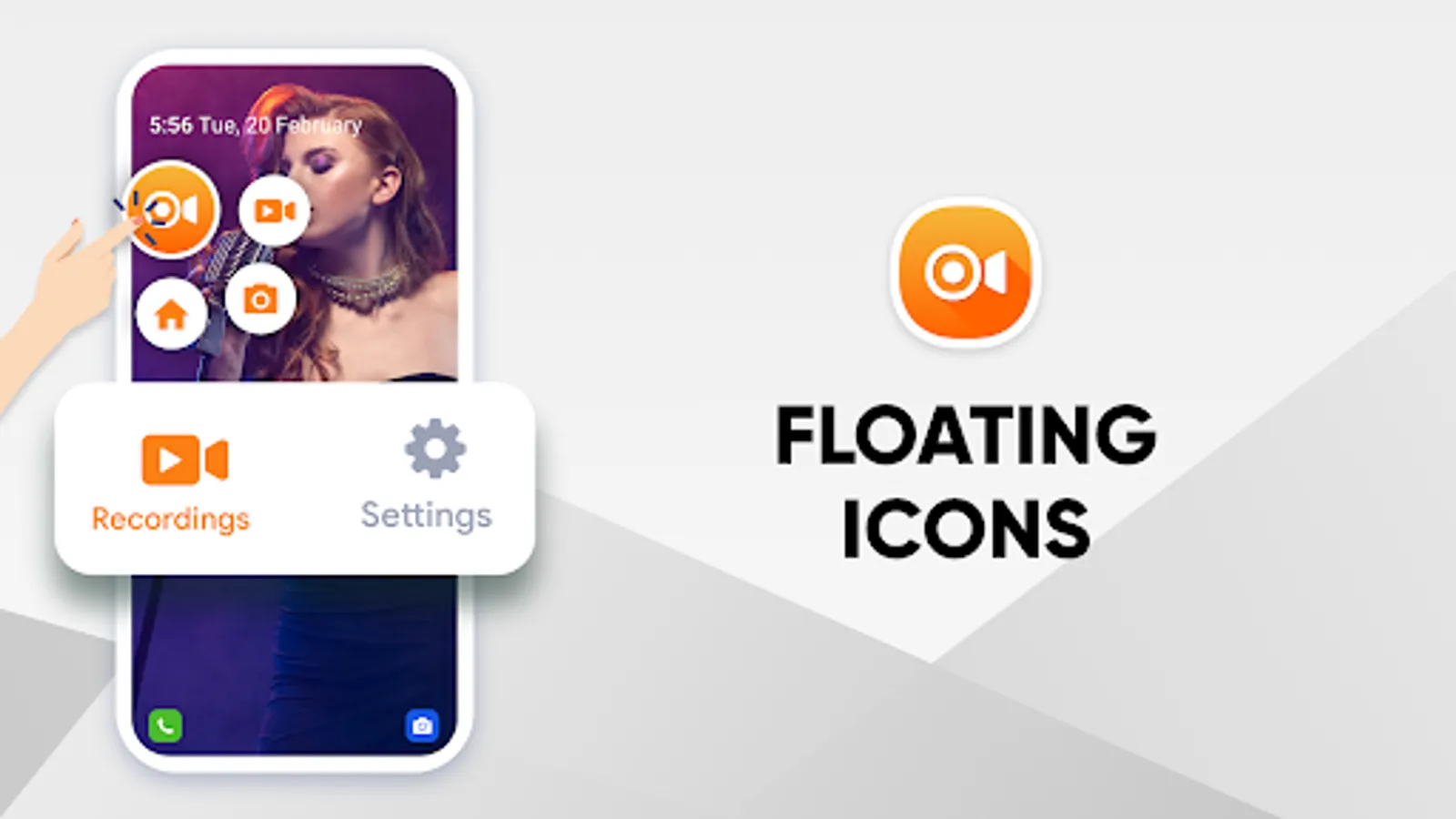
9. Convenient recording experience: Pause, resume, and stop recording via floating icon.
10. Direct access: Use the floating icon to directly jump to the app’s home screen.
11. Manage Watermarks: Enable or disable the app’s watermark while recording.
12. Optimize recording: Clear cache to maintain higher FPS for smoother video recording.
13. Countdown timer: Get enough time before video recording starts.
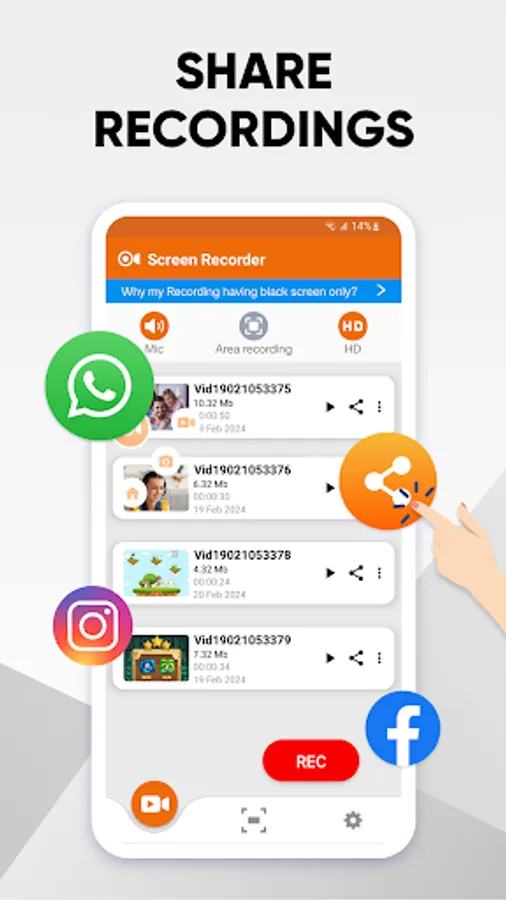
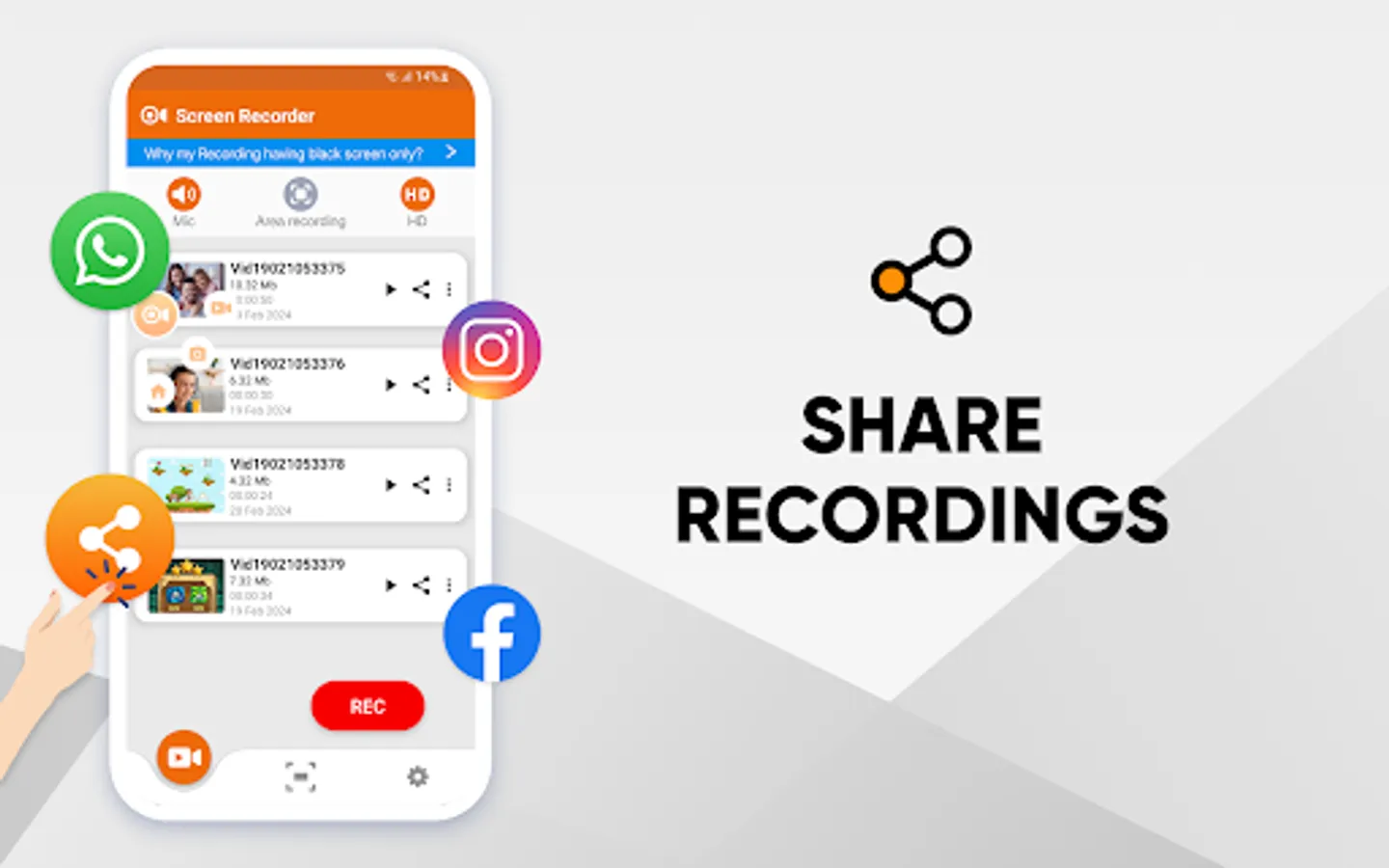
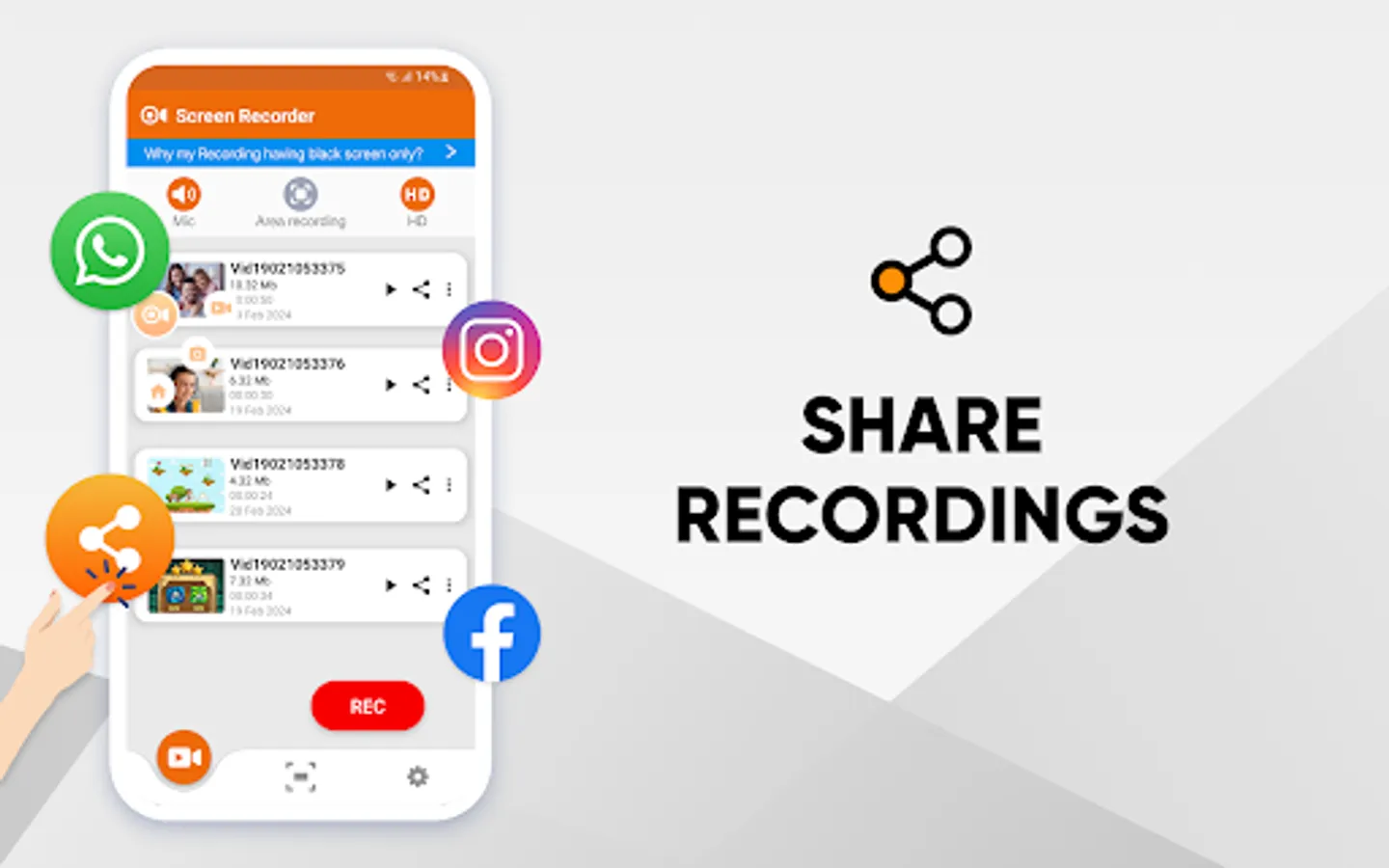
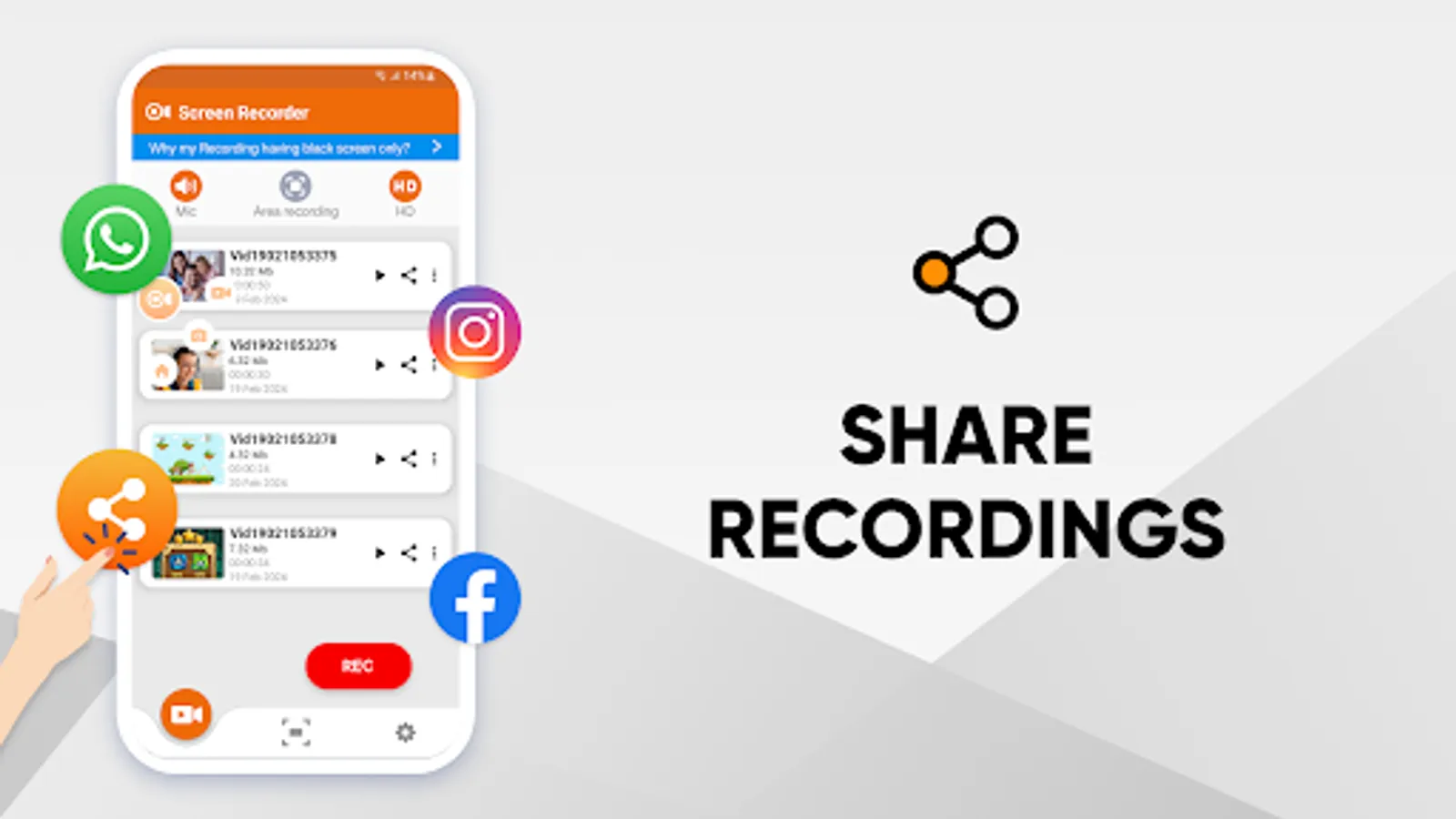
14. Manage your recordings: Share and delete your captured videos & images within the app.
Disclaimer: Please note that using our Video & Audio Screen Recorder to capture any copyrighted content—such as music, movies, or videos—without permission is unauthorized. Respecting copyright rules is a legal obligation for you.
Download the Screen Recorder app by Systweak Software and get ready to capture full screen or specific regions on your Android screen with audio at your fingertips. If you have any suggestions or feedback regarding the Android screen recorder, feel free to write to us at support@systweak.com
Screen Recorder:Videos & Reels Screenshots
Tap to Rate:
Reviews for Screen Recorder:Videos & Reels
Brian Butler
2/19/2026
My Samsung phone doesn't have a built in screen recorder.... I got the first one on my Samsung phone.. IT HAD ADS.. I used a screen recorder that didn't had ads but now I use this screen recorder! get it now! it's free! don't have ads!
Nina
2/7/2026
To begin with, the screen recorder offers a great service without ads. However, it unfortunately records screens with the video icon visible and does not provide an option to stop recording directly. Instead, you have to return to the app to start or stop the recordings.