AppRecs review analysis
AppRecs rating . Trustworthiness 78 out of 100. Review manipulation risk 31 out of 100. Based on a review sample analyzed.
★
AppRecs Rating
Ratings breakdown
5 star
40%
4 star
0%
3 star
0%
2 star
20%
1 star
40%
What to know
✓
Credible reviews
78% trustworthiness score from analyzed reviews
⚠
Mixed user feedback
Average 2.8★ rating suggests room for improvement
About Course Affinity Studio PRO
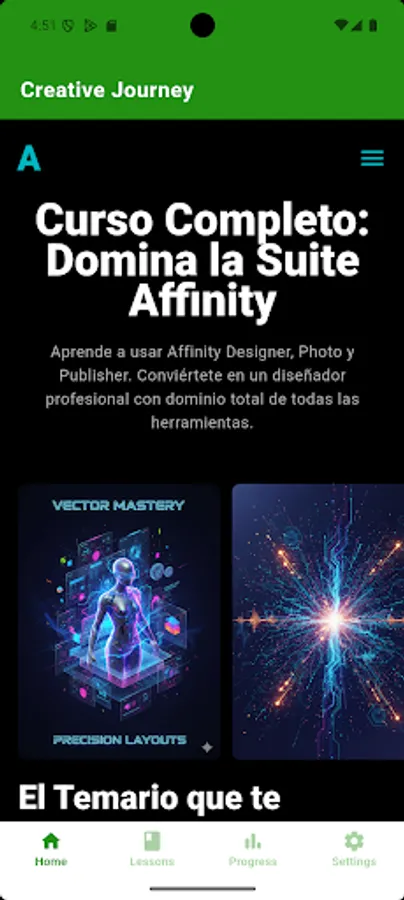
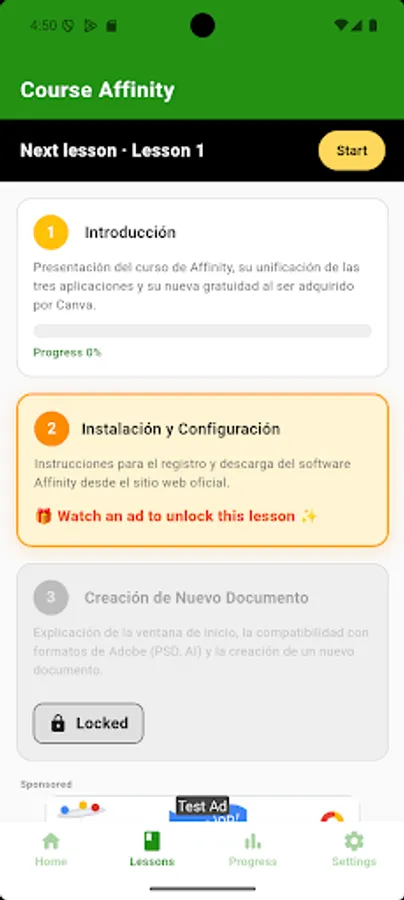
Welcome to the Affinity Studio PRO Course! Your app for mastering graphic design and professional editing.
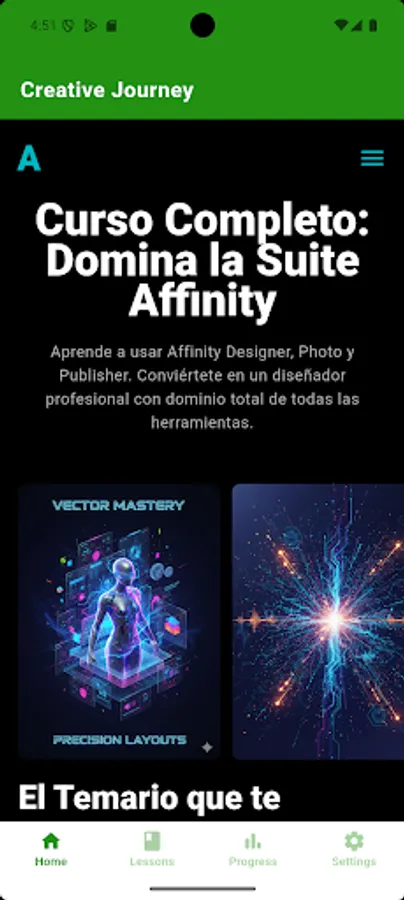
Learn Affinity Designer, Photo, and Publisher: Looking for training to create logos and vector illustrations? Need Affinity Photo tutorials for expert photo editing and retouching? With our Affinity Course, you'll go from beginner to PRO.
Key Features of the Affinity Course in Spanish:
🎓 Master the Complete Suite: Access to specific courses for Affinity Designer, Affinity Photo, and Affinity Publisher. We cover all the tools for comprehensive training.
📚 PRO HD Content: Over 50 hours of clear, concise, and professional-quality video tutorials, designed by experts in editorial design and photo retouching.
🛠️ Guaranteed Practice: Get practice files and exercises to instantly apply each photo editing and vector design technique.
🔄 Constant Updates: We keep the content up-to-date with each new version of the Affinity apps. Always learn the latest features.
💡 Practical Approach: Our method focuses on creating real-world projects: logo creation, flyer design, magazine layout, and advanced photo manipulation.
Specific Content in the Affinity Photo Course:
The Affinity Photo module will make you an expert in digital photography. You will learn to master:
Photo Editing and Retouching: Level curves, layer masks, color adjustments, and real-time filters.
Photo Manipulation: Advanced compositions and creative photomontages.
Digital Painting (Affinity Photo): Techniques and brushes for digital artists.
RAW Workflow: Processing and developing professional RAW files.
Specific Content in the Affinity Designer Course:
If vector design is your passion, this is the module for you. From Scratch to Professional Export:
Logo Creation: Branding principles and visual identity design.
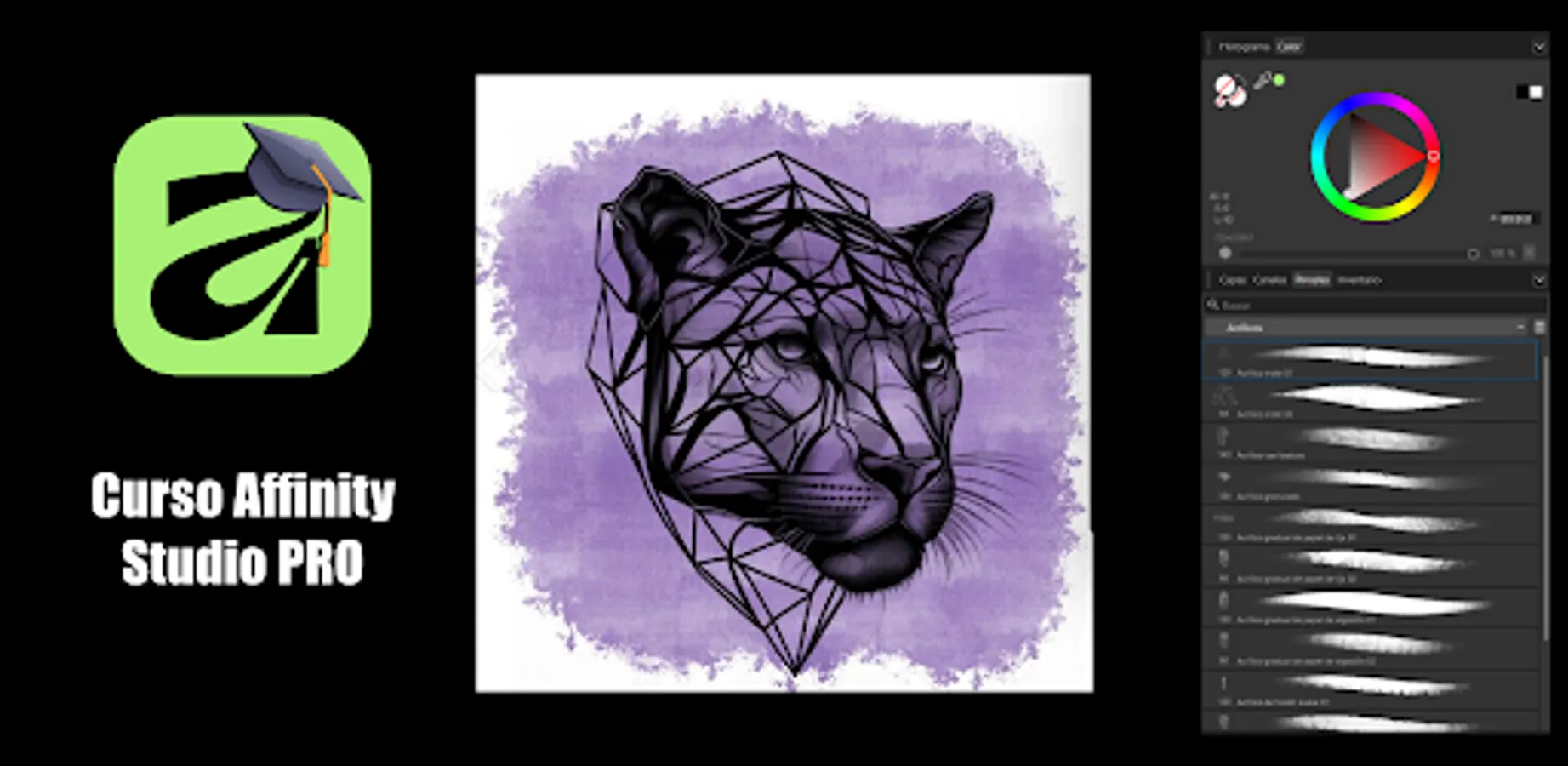
Vector Illustration: Using the Pen tool, Bézier curves, and Pixel and Vector modes.
Icon and UI/UX Design: Creating assets for apps and websites.
Typography: Advanced font management and text effects.
Specific Content in the Affinity Publisher Course:
Master professional layout and editorial design:
Professional Layout: Creating books, magazines, and brochures with master pages.
Text and Design: Advanced text management and table design.
Prepress: Preparing files for professional printing.
The Affinity Studio PRO course is the application you need to transform your career in graphic design and publishing. Access to our PRO-level content opens doors to bigger and more ambitious projects.
Start creating stunning designs!
Learn Affinity Designer, Photo, and Publisher: Looking for training to create logos and vector illustrations? Need Affinity Photo tutorials for expert photo editing and retouching? With our Affinity Course, you'll go from beginner to PRO.
Key Features of the Affinity Course in Spanish:
🎓 Master the Complete Suite: Access to specific courses for Affinity Designer, Affinity Photo, and Affinity Publisher. We cover all the tools for comprehensive training.
📚 PRO HD Content: Over 50 hours of clear, concise, and professional-quality video tutorials, designed by experts in editorial design and photo retouching.
🛠️ Guaranteed Practice: Get practice files and exercises to instantly apply each photo editing and vector design technique.
🔄 Constant Updates: We keep the content up-to-date with each new version of the Affinity apps. Always learn the latest features.
💡 Practical Approach: Our method focuses on creating real-world projects: logo creation, flyer design, magazine layout, and advanced photo manipulation.
Specific Content in the Affinity Photo Course:
The Affinity Photo module will make you an expert in digital photography. You will learn to master:
Photo Editing and Retouching: Level curves, layer masks, color adjustments, and real-time filters.
Photo Manipulation: Advanced compositions and creative photomontages.
Digital Painting (Affinity Photo): Techniques and brushes for digital artists.
RAW Workflow: Processing and developing professional RAW files.
Specific Content in the Affinity Designer Course:
If vector design is your passion, this is the module for you. From Scratch to Professional Export:
Logo Creation: Branding principles and visual identity design.
Vector Illustration: Using the Pen tool, Bézier curves, and Pixel and Vector modes.
Icon and UI/UX Design: Creating assets for apps and websites.
Typography: Advanced font management and text effects.
Specific Content in the Affinity Publisher Course:
Master professional layout and editorial design:
Professional Layout: Creating books, magazines, and brochures with master pages.
Text and Design: Advanced text management and table design.
Prepress: Preparing files for professional printing.
The Affinity Studio PRO course is the application you need to transform your career in graphic design and publishing. Access to our PRO-level content opens doors to bigger and more ambitious projects.
Start creating stunning designs!
Course Affinity Studio PRO Screenshots

Tap to Rate:
Reviews for Course Affinity Studio PRO
Bridger J
12/17/2025
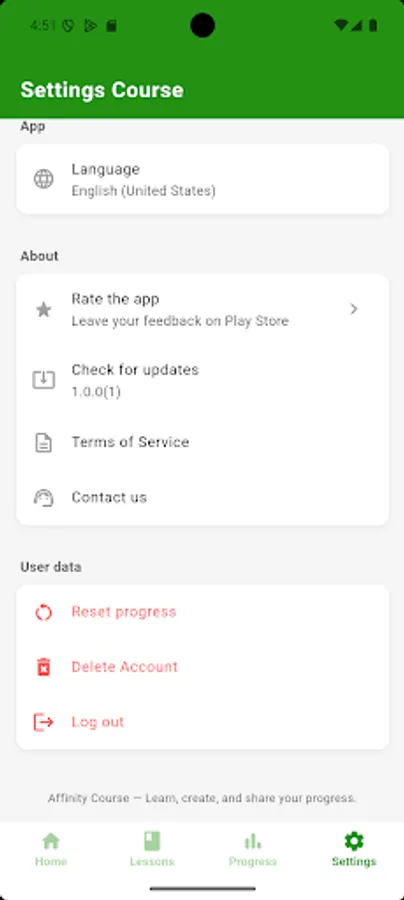
stuck in a different language
James Balzino
12/16/2025
app doesn't let yoi choose your own languages