AppRecs review analysis
AppRecs rating . Trustworthiness 65 out of 100. Review manipulation risk 22 out of 100. Based on a review sample analyzed.
★
AppRecs Rating
Ratings breakdown
5 star
100%
4 star
0%
3 star
0%
2 star
0%
1 star
0%
What to know
✓
Low review manipulation risk
22% review manipulation risk
✓
High user satisfaction
100% of sampled ratings are 5 stars
About Text Scanner: Image to Text
🚀 Powerful Text Recognition (OCR)
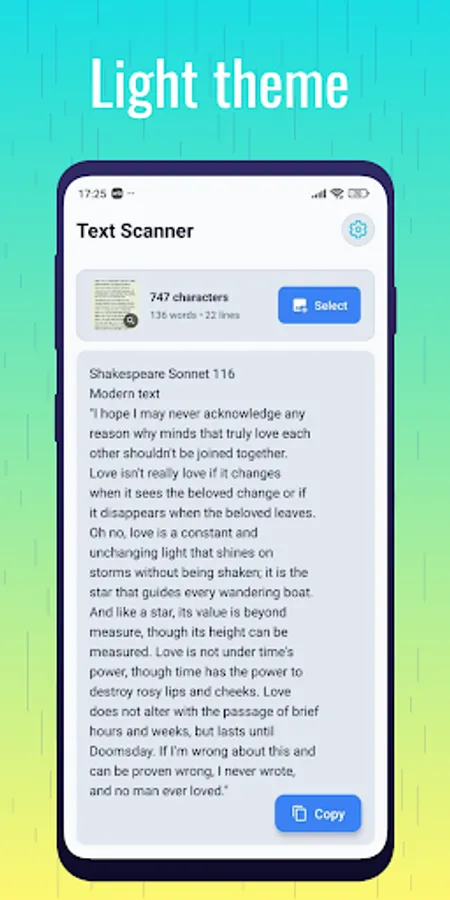
Convert printed or handwritten text from photos, screenshots, or PDFs into editable digital text. The app supports multiple languages and works reliably even offline.
🔥 Key Features
✔ Scan Text from Images
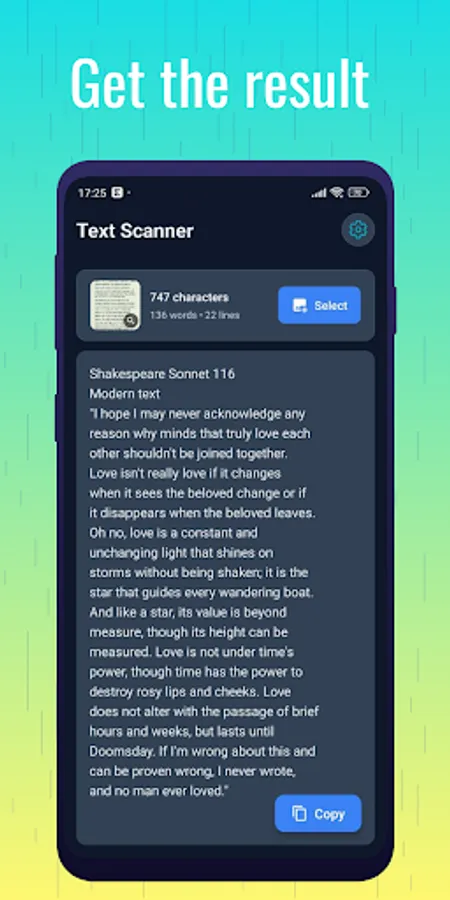
Capture photos or select from your gallery and extract text instantly.
✔ PDF Text Recognition
Open PDF files and convert the content into editable text quickly.
✔ Copy, Save & Share
Copy scanned text to the clipboard, save it as a file, or share via email, WhatsApp, or other apps.
✔ Offline & Secure
All scanning happens on your device — no internet required and your data stays private.
✔ Fast & Lightweight
Optimized for quick processing, even on older devices.
✔ Completely Free
All features included without ads or hidden payments.
🌟 Perfect For
Students scanning notes or textbooks
Professionals digitizing documents
Translating text from photos
Extracting text from invoices, receipts, or business cards
Sharing quotes, lists, or text snippets quickly
📸 Why Text Scanner: Image to Text?
Most OCR apps are slow, cluttered, or require subscriptions. Text Scanner is simple, fast, and reliable — extract text from images or PDFs, edit it, save it, and share it instantly.
🧩 How to Use
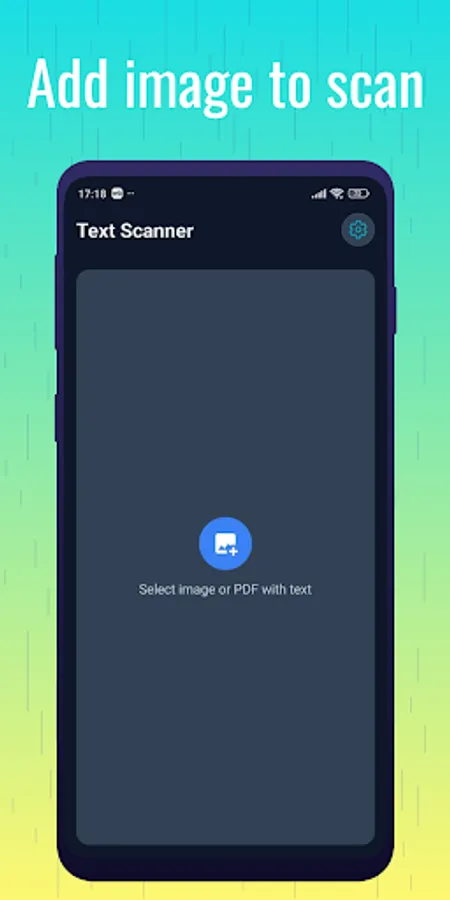
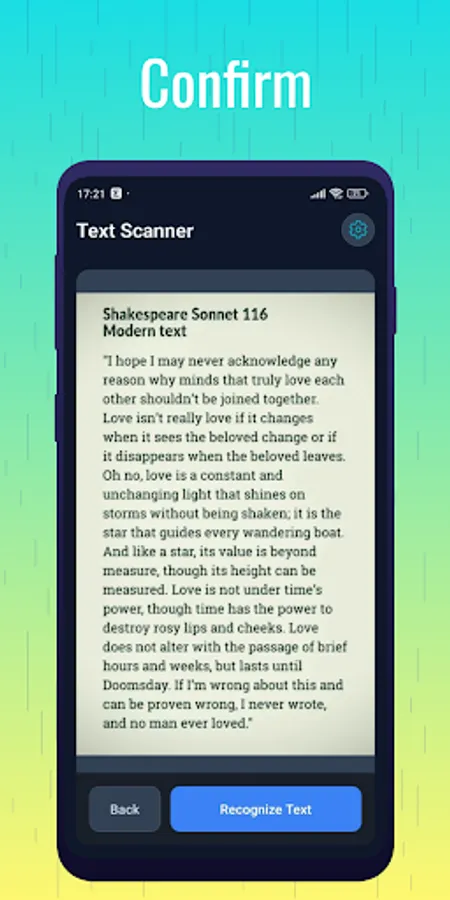
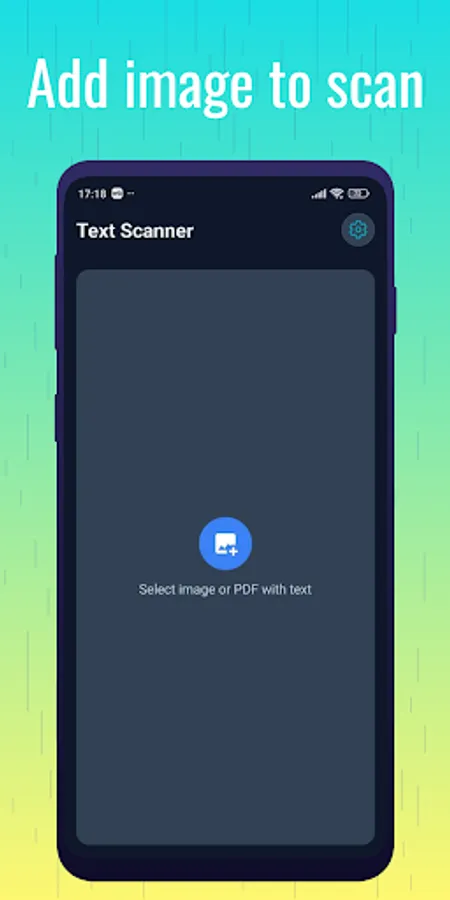
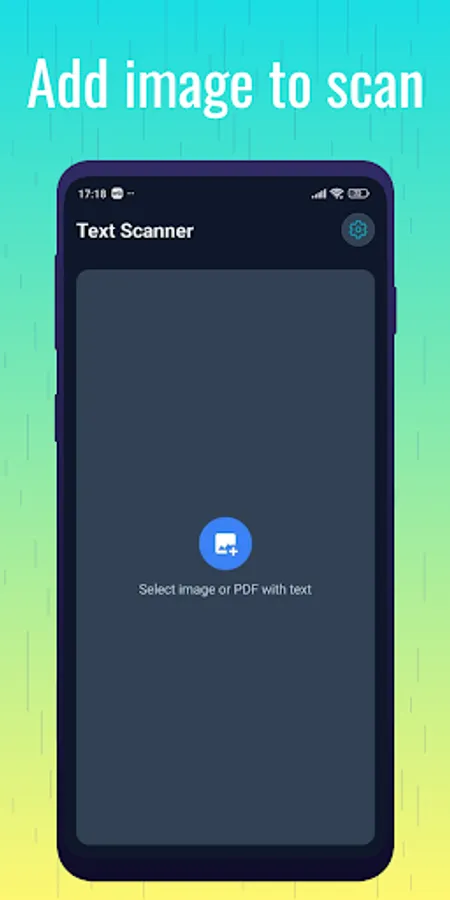
Open the app and choose an image or PDF.
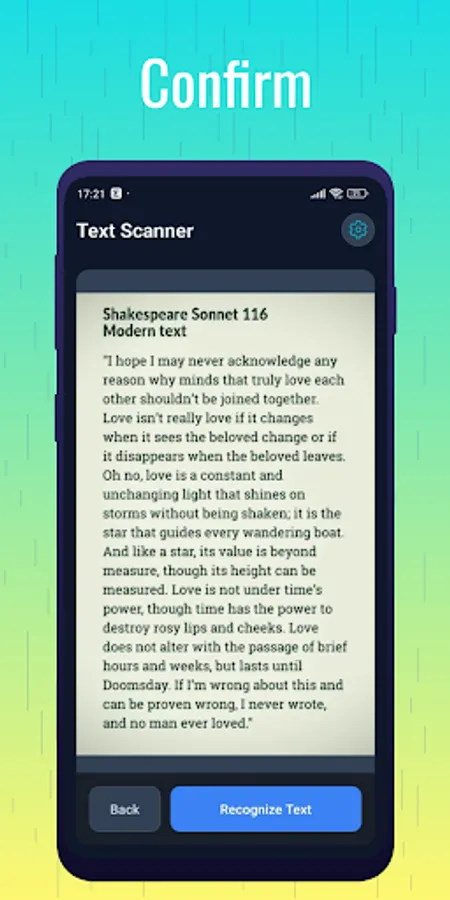
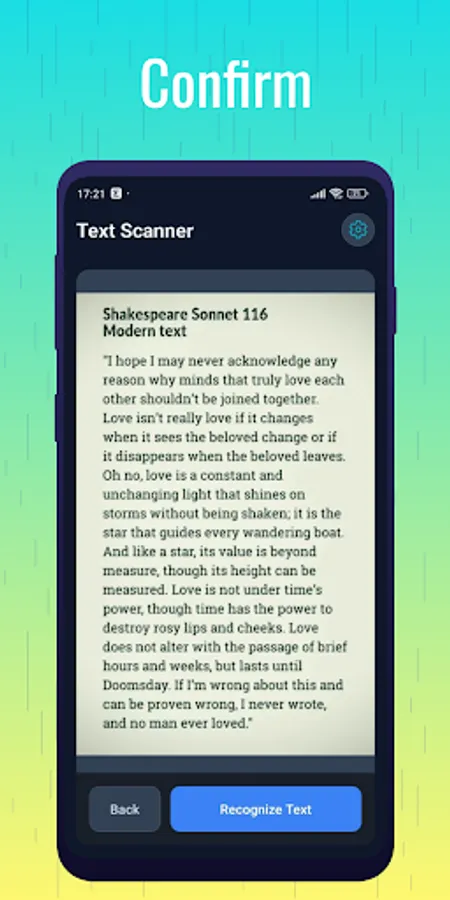
Tap “Scan” to extract the text.
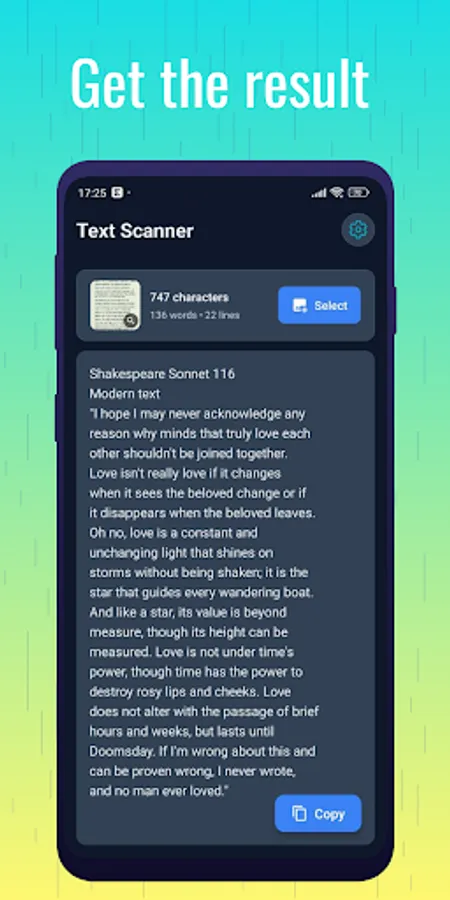
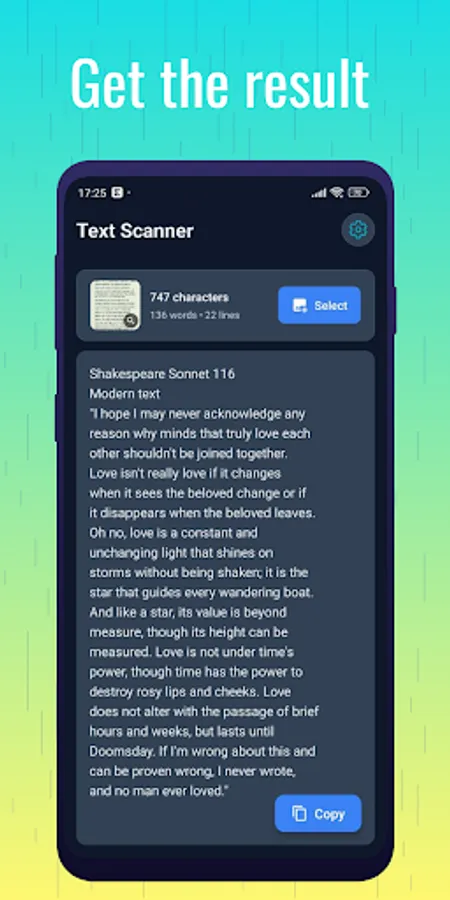
Edit, copy, save, or share your results.
Done — fast, accurate, and completely free.
Text Scanner: Image to Text Screenshots
Tap to Rate:
Reviews for Text Scanner: Image to Text
Rakibul islam
12/22/2025
This Text Scanner is an excellent app that makes capturing and converting text incredibly easy. It quickly recognizes text from photos with impressive accuracy, saving a lot of time compared to manual typing. The interface is clean and simple, so it’s easy to use even for beginners. I especially like how fast it works and how well it handles different fonts and layouts. Whether you’re scanning notes, documents, or book pages, Text Scanner is a reliable and convenient tool.
Joseph Francis
12/9/2025
sincerely this app has helped me alot with me assignment and other stuffs