Copy Text From Screen
TheSimplest.Net
4.3 ★
95 ratings
1,000+
downloads
$2.99
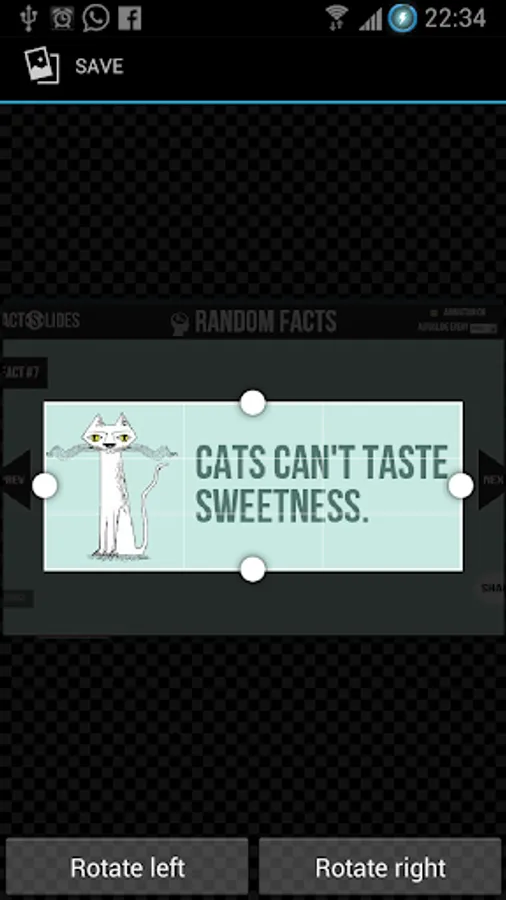
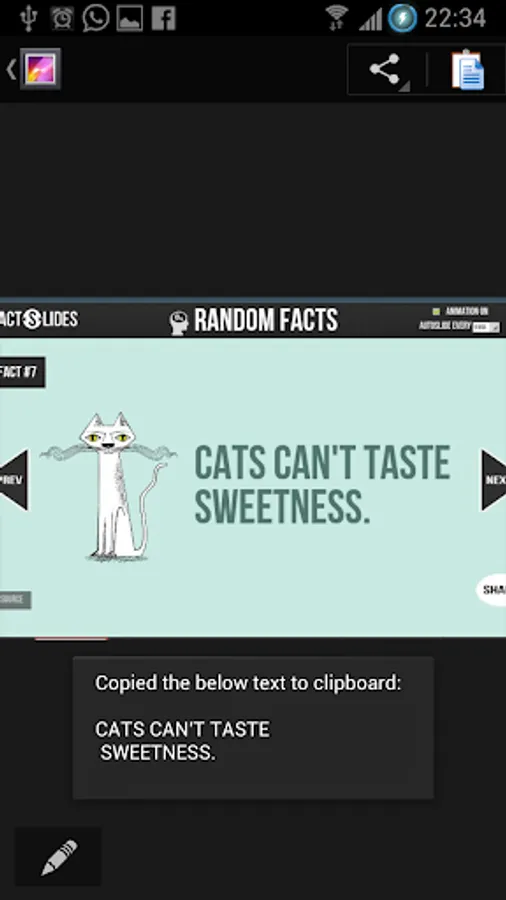
In this OCR app, you can extract text from images using your device's screenshots or gallery photos. Includes support for multiple languages, manual image selection, and no background processes.
AppRecs review analysis
AppRecs rating 4.4. Trustworthiness 53 out of 100. Review manipulation risk 36 out of 100. Based on a review sample analyzed.
★★★★☆
4.4
AppRecs Rating
Ratings breakdown
5 star
76%
4 star
8%
3 star
0%
2 star
0%
1 star
16%
What to know
✓
High user satisfaction
84% of sampled ratings are 4+ stars (4.3★ average)
✓
Authentic reviews
No red flags detected
About Copy Text From Screen
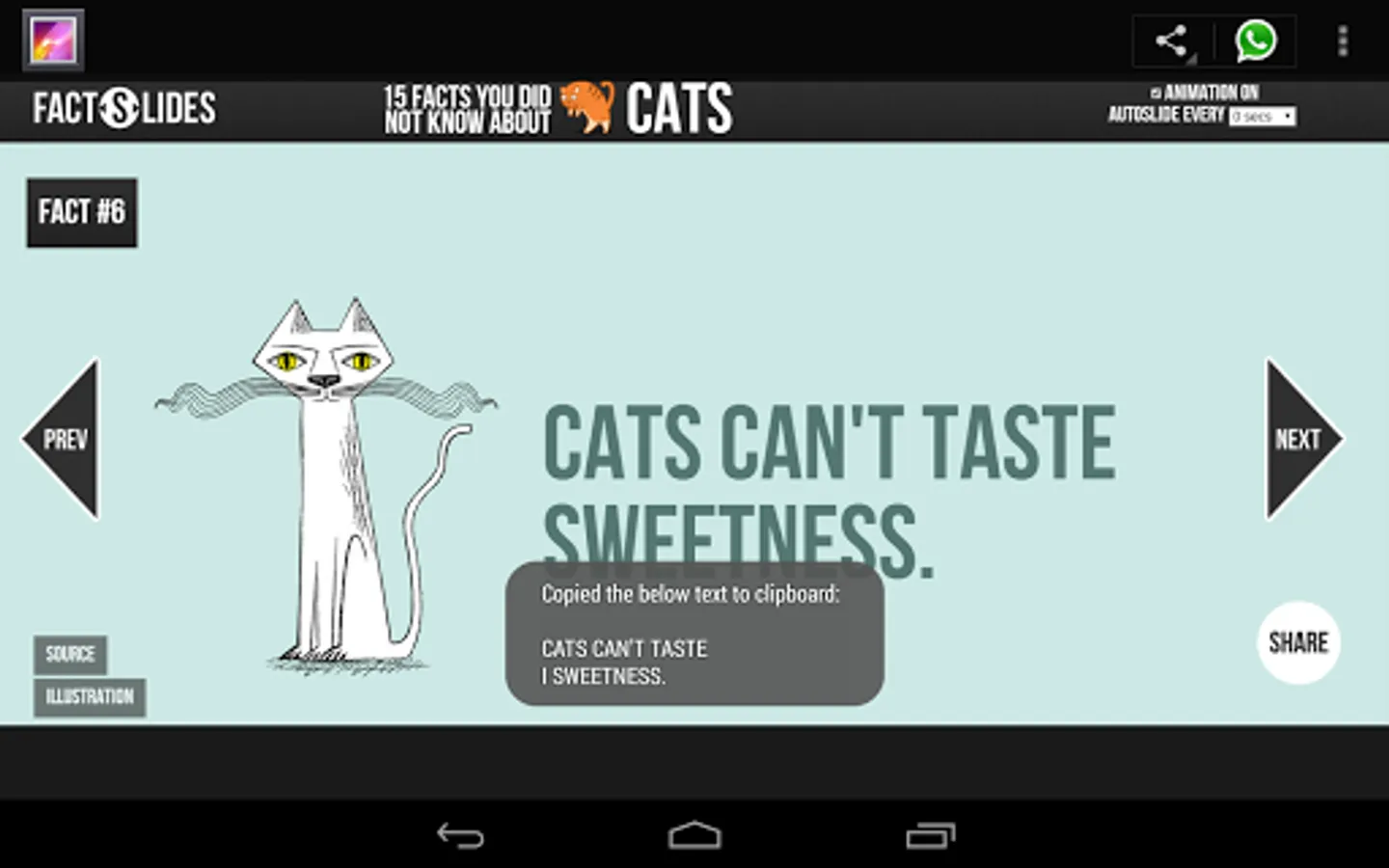
Copy any text as long as you can see it on your screen!
Featured in Android Authority's Indie app of the day http://www.androidauthority.com/copy-paste-any-text-instantly-366278/
Frustrated because you can't copy some text to clipboard although it looks like it could? This is the app for you - a universal copy and paste solution for Android!
**Only requirement is that your device is able to take screenshots (Using built in hardware short cut keys (preferred) or third party apps)**
Strong points compare to similar apps:
1) Root is NOT required
2) No complicated setup procedures - some apps require user to connect the device to a PC, download some drivers and go through a set of instructions (often painful) to enable auto screenshot. This procedure has to be repeated every time the device reboots.
3) Not running as background service - launches only when you need it.
4) Nothing in notification bar - some apps adds an unremovable notification in notification bar.
5) No internet connection required after initial download.
6) Landscape mode is fully supported.
Weak points:
1) Doesn't take screenshots automatically
2) Screenshots were left in device, requires manual deletion.
3) URLs don't copy well
This app uses OCR (Optical Character Recognition) technology to read text from images. Yes it doesn't have to be a screenshot, you may choose any images from your gallery.
Note: OCR result for Arabic, Hindi, Gujarati, Chinese, Japanese and Korean is very bad. (this is due to the OCR engine)
Supports 60 languages:
Afrikaans, Albanian, Ancient Greek, Arabic, Azerbaijani, Bangla/Bengali, Basque, Belarusian, Bulgarian, Catalan, Chinese (Simplified), Chinese (Traditional), Croatian, Czech, Danish, Dutch, English, Esperanto, Estonian, Finnish, French, Galician, German, Greek, Gujarati, Hebrew, Hindi, Hungarian, Icelandic, Indonesian, Italian (Old), Italian, Japanese, Kannada, Korean, Latvian, Lithuanian, Macedonian, Malay, Malayalam, Maltese, Norwegian, Polish, Portuguese, Romanian, Russian, Serbian (Latin), Slovak, Slovenian, Spanish (old), Spanish, Swahili, Swedish, Tagalog, Tamil, Telugu, Thai, Turkish, Ukrainian, Vietnamese
Featured in Android Authority's Indie app of the day http://www.androidauthority.com/copy-paste-any-text-instantly-366278/
Frustrated because you can't copy some text to clipboard although it looks like it could? This is the app for you - a universal copy and paste solution for Android!
**Only requirement is that your device is able to take screenshots (Using built in hardware short cut keys (preferred) or third party apps)**
Strong points compare to similar apps:
1) Root is NOT required
2) No complicated setup procedures - some apps require user to connect the device to a PC, download some drivers and go through a set of instructions (often painful) to enable auto screenshot. This procedure has to be repeated every time the device reboots.
3) Not running as background service - launches only when you need it.
4) Nothing in notification bar - some apps adds an unremovable notification in notification bar.
5) No internet connection required after initial download.
6) Landscape mode is fully supported.
Weak points:
1) Doesn't take screenshots automatically
2) Screenshots were left in device, requires manual deletion.
3) URLs don't copy well
This app uses OCR (Optical Character Recognition) technology to read text from images. Yes it doesn't have to be a screenshot, you may choose any images from your gallery.
Note: OCR result for Arabic, Hindi, Gujarati, Chinese, Japanese and Korean is very bad. (this is due to the OCR engine)
Supports 60 languages:
Afrikaans, Albanian, Ancient Greek, Arabic, Azerbaijani, Bangla/Bengali, Basque, Belarusian, Bulgarian, Catalan, Chinese (Simplified), Chinese (Traditional), Croatian, Czech, Danish, Dutch, English, Esperanto, Estonian, Finnish, French, Galician, German, Greek, Gujarati, Hebrew, Hindi, Hungarian, Icelandic, Indonesian, Italian (Old), Italian, Japanese, Kannada, Korean, Latvian, Lithuanian, Macedonian, Malay, Malayalam, Maltese, Norwegian, Polish, Portuguese, Romanian, Russian, Serbian (Latin), Slovak, Slovenian, Spanish (old), Spanish, Swahili, Swedish, Tagalog, Tamil, Telugu, Thai, Turkish, Ukrainian, Vietnamese
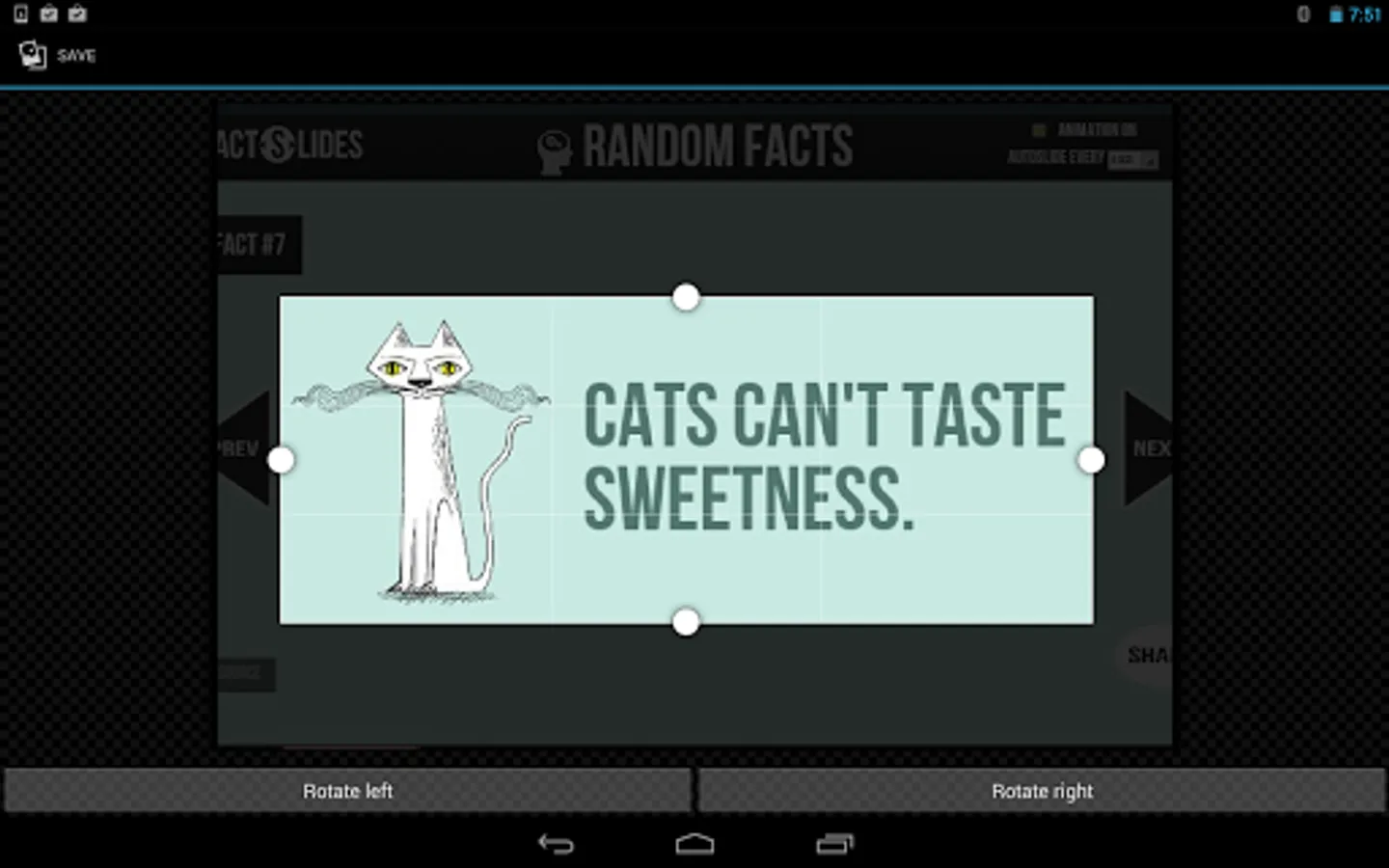
Copy Text From Screen Screenshots
Tap to Rate:
Reviews for Copy Text From Screen
bart rob
5/26/2023
Terrible don't buy...you get a pop up, saying go to the next screen to select a language, .soon as you tap , OK..the copy text closes down...its not worth one star, only l put one star just to complain about this useless app...they take the money first, before you download the useless app,then leave you with a empty promise...
Carlos Castano
2/8/2022
Great