
OCR Instantly Pro
TheSimplest.Net
4.0 ★
453 ratings
5,000+
downloads
$4.99
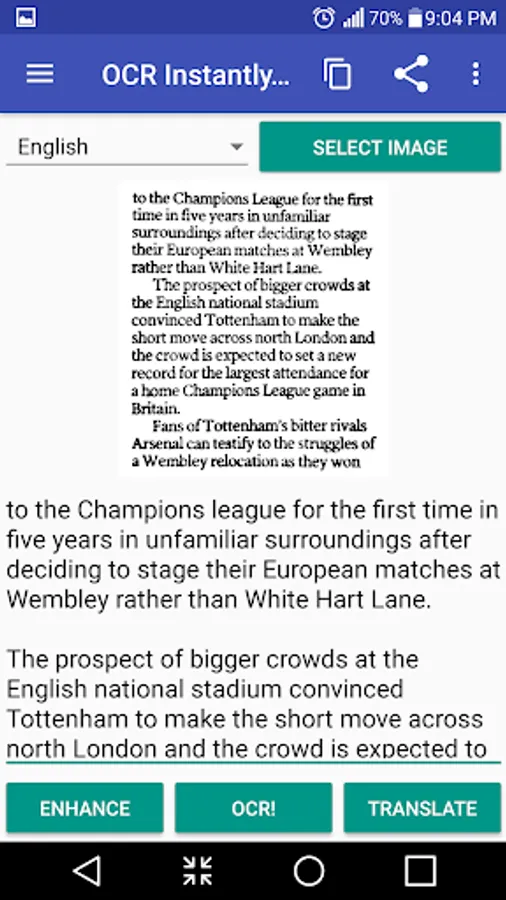
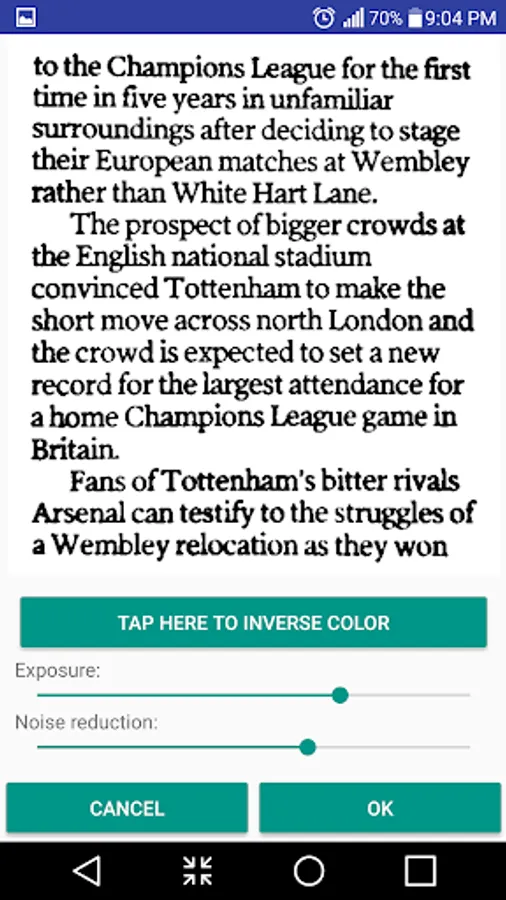
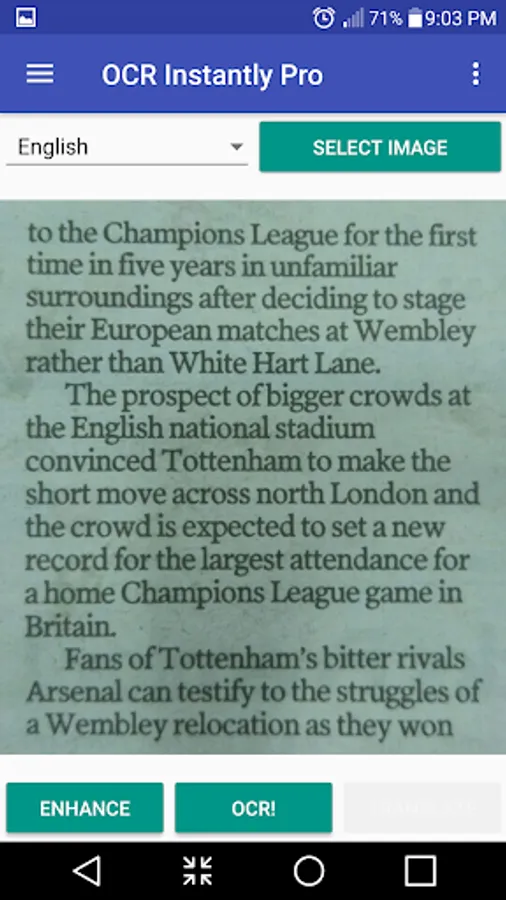
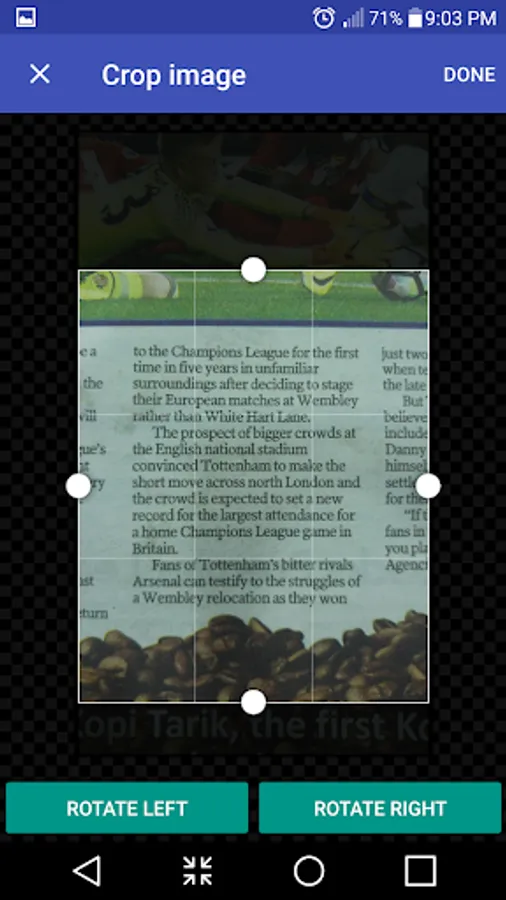
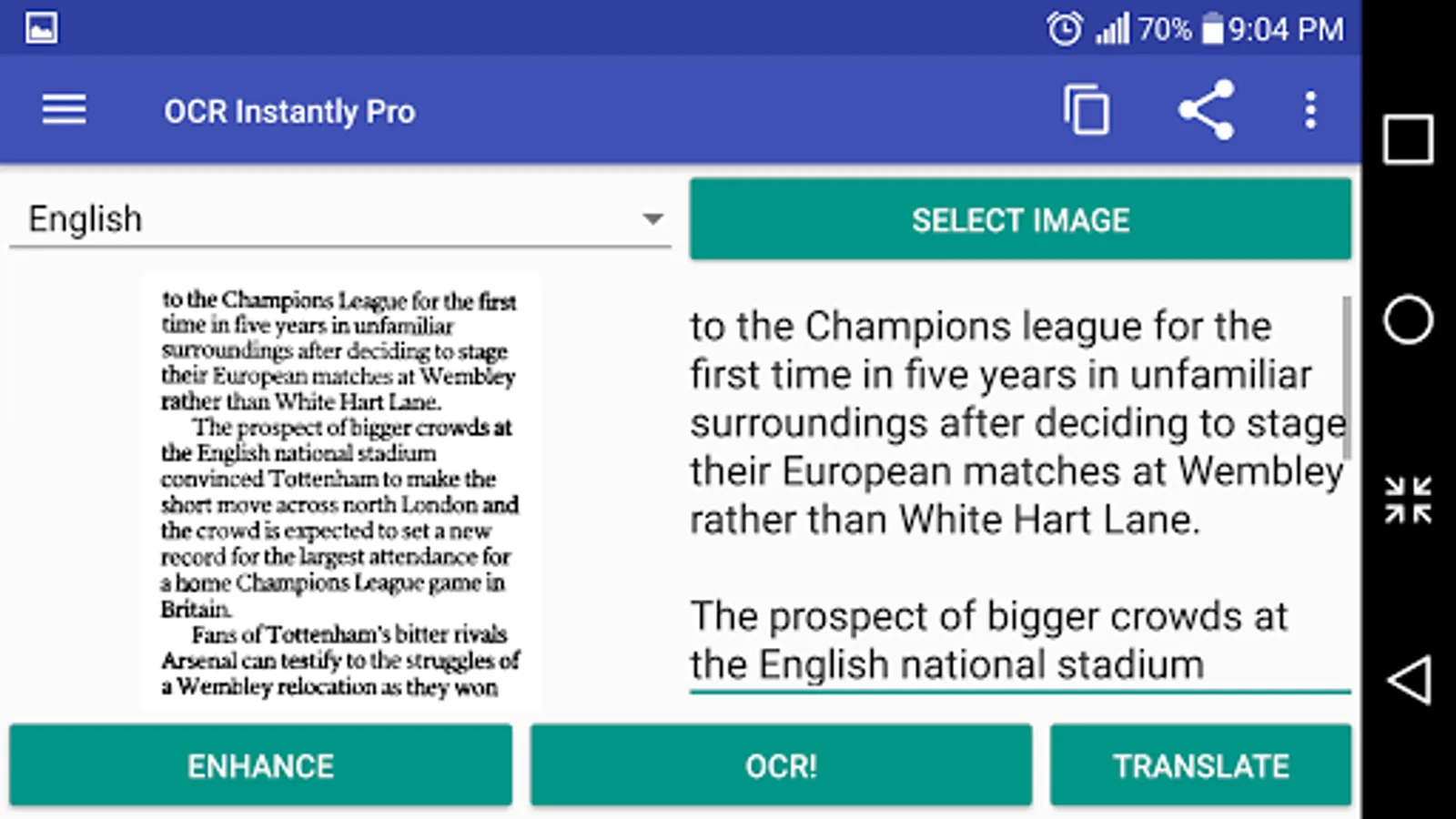
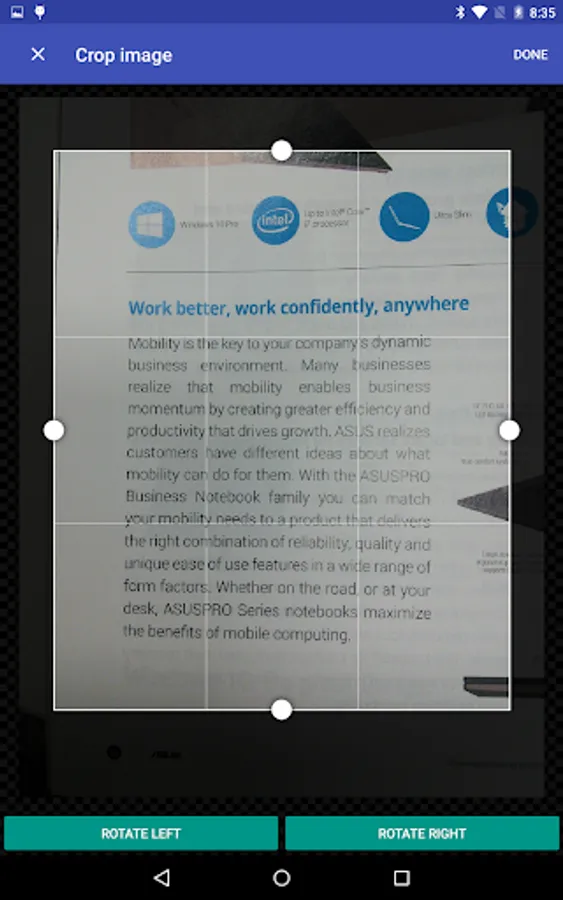
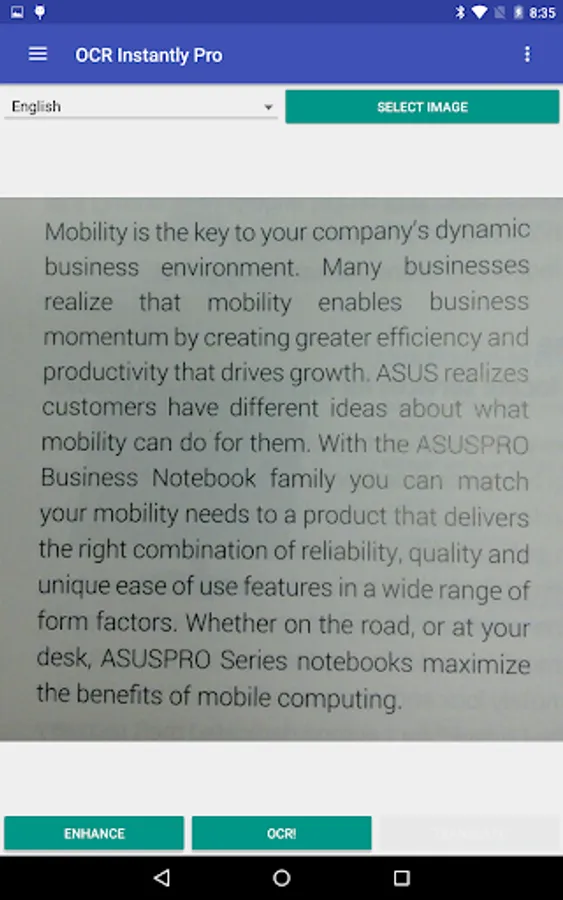
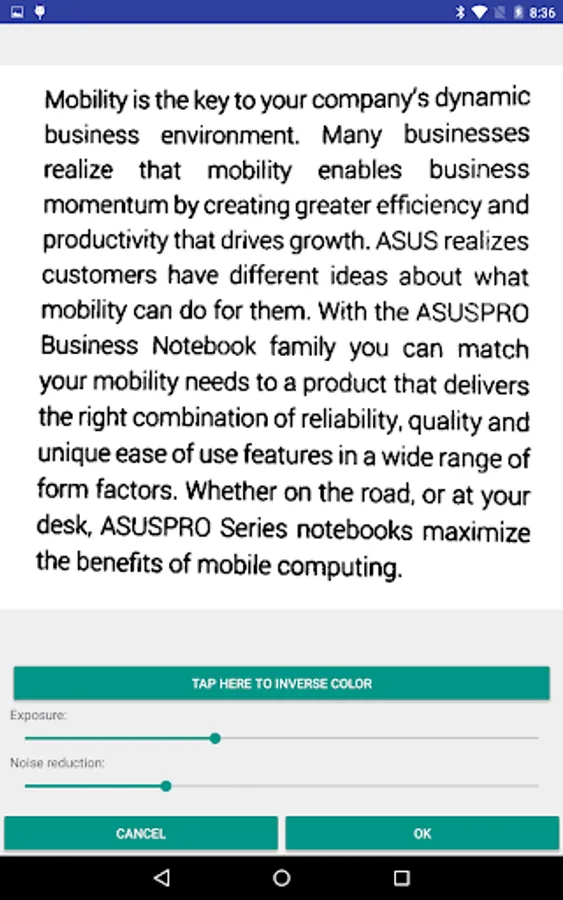
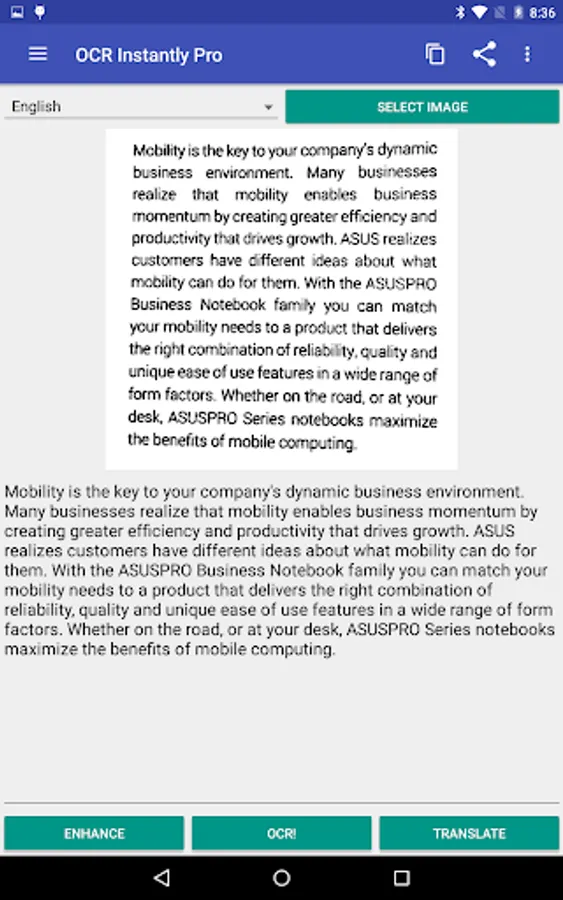
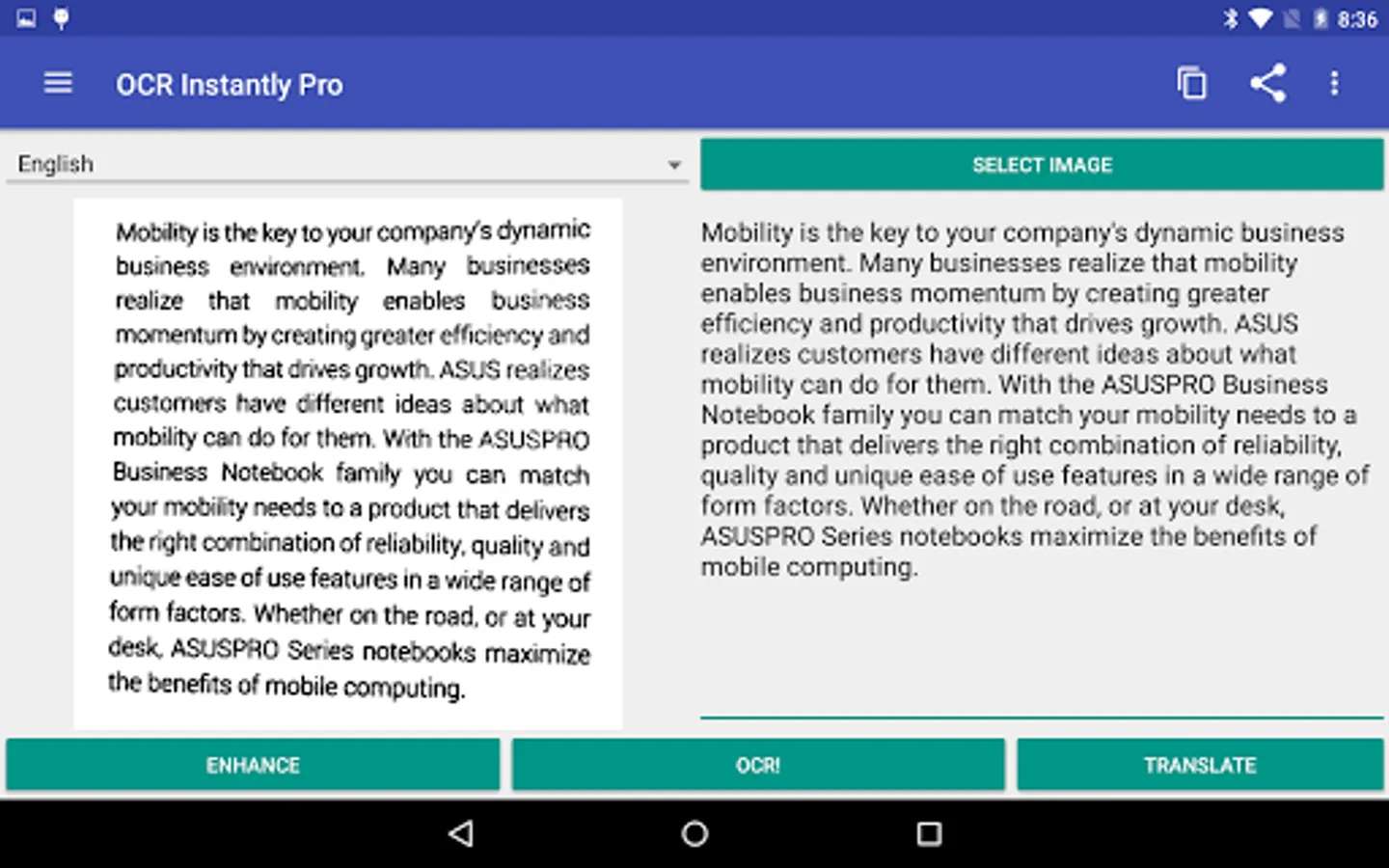
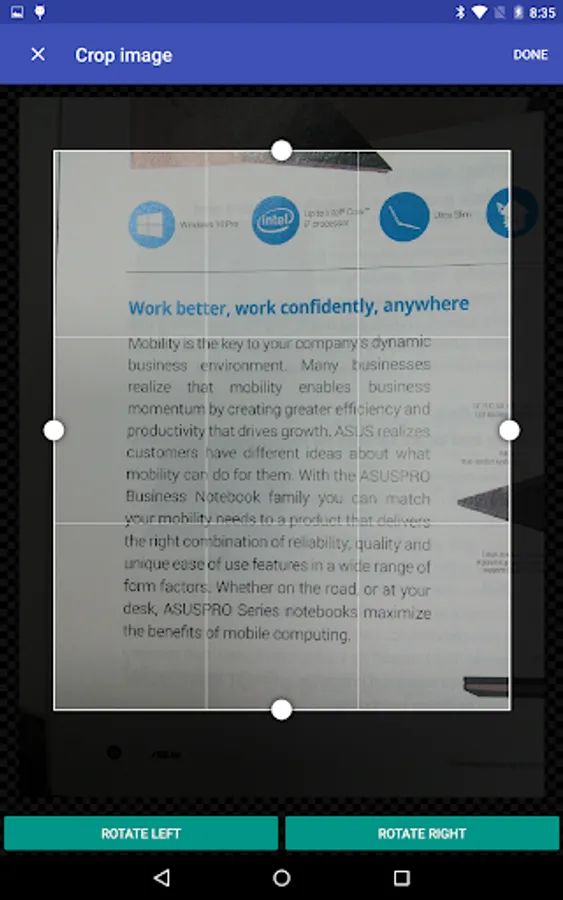
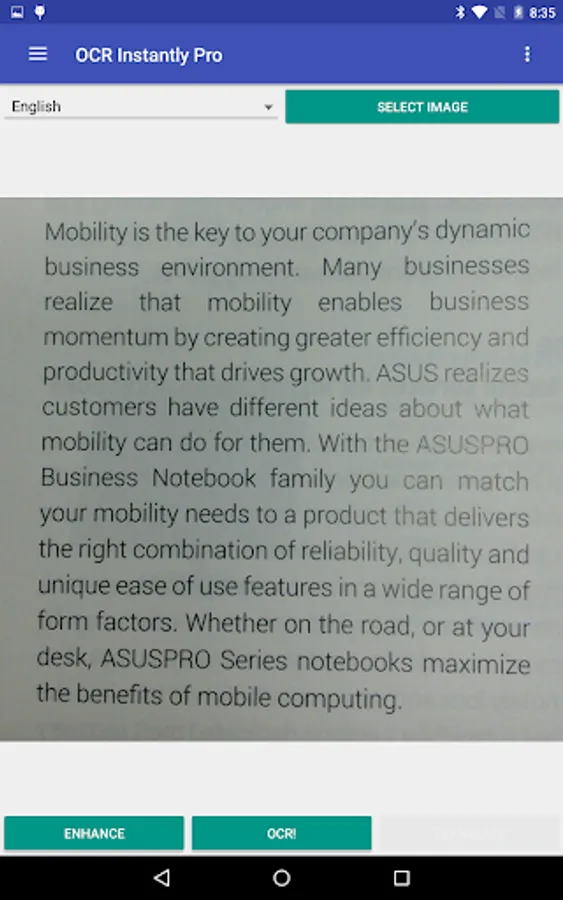
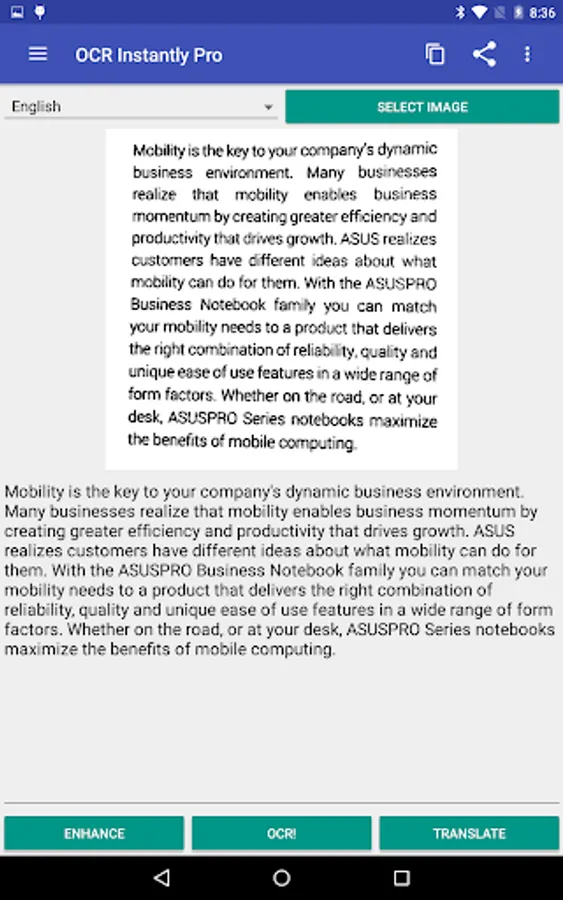
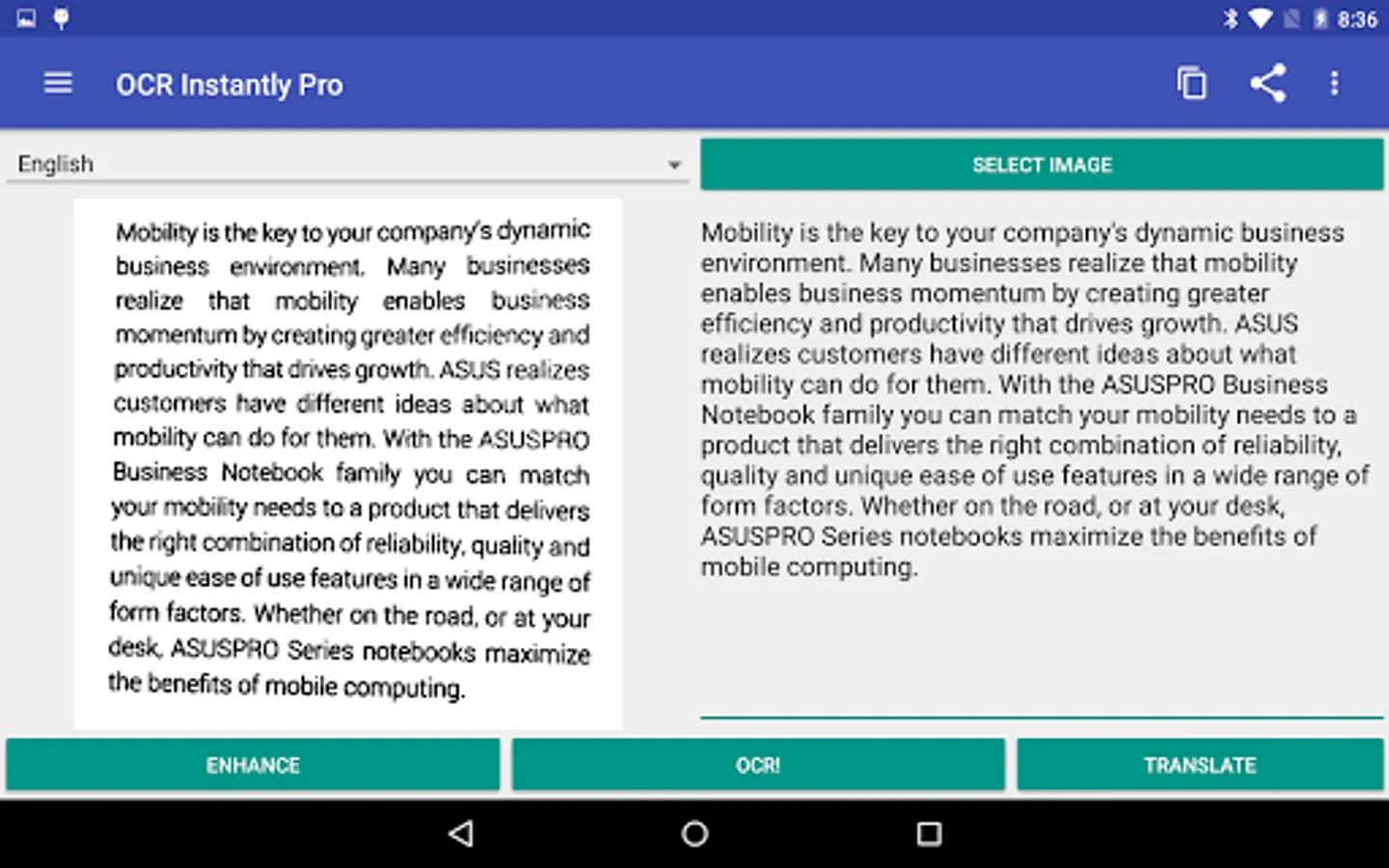
In this OCR app, you can capture and convert images into editable text using built-in enhancement tools. Includes offline recognition, multi-language support, and PDF creation features.
AppRecs review analysis
AppRecs rating 4.1. Trustworthiness 56 out of 100. Review manipulation risk 36 out of 100. Based on a review sample analyzed.
★★★★☆
4.1
AppRecs Rating
Ratings breakdown
5 star
58%
4 star
19%
3 star
5%
2 star
9%
1 star
9%
What to know
✓
High user satisfaction
77% of sampled ratings are 4+ stars (4.0★ average)
✓
Authentic reviews
Natural distribution, no red flags
About OCR Instantly Pro
Full length review: http://www.youtube.com/watch?v=X5s948BJhRI
= Important Notes =
Garbage in, garbage out - make sure text is sharp and large enough for recognition.
**Make sure text is upright (horizontally aligned to the app)** Beware of camera rotation!
Handwritten text will not work.
Text on top of unclean background (images or borders/lines in excel sheet) will not work.
PDF source is not supported.
OCR for Gujarati, Persian and Punjabi is experimental and the result is very bad. You have been warned.
**Please read the in-app Help section for tips to improve OCR accuracy before leaving a bad review :) **
= Key Points =
Offline OCR
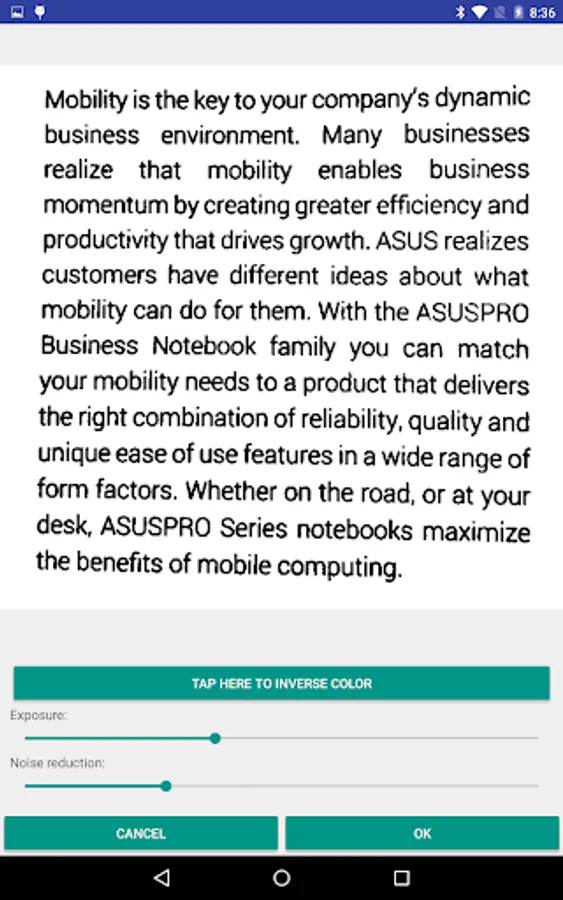
Built-in image enhancement tools
Simple to use but feature rich
Huge language support
= Pro Features =
Remove ads - Permanently removes all advertisements.
Image dewarp - Fix text lines that are wavy/bent due to curved book pages.
Save to sdcard & image share - Image/text can be saved to sdcard. Also allows sharing of enhanced image.
OCR modes - Advance OCR modes, character white/blacklist, and disable dictionary.
Paragraph scanning mode - Allows you to remove unwanted line breaks in paragraphs.
Create PDF - Creates PDF files where text can be selected and copy paste.
Text to speech - Text to speech language support. Also allows automatic text reading upon OCR.
Multi-language OCR - Perform OCR with multiple languages.
Full screen editing - Allows one to hide the image during text editing.
= Supports more than 60 languages =
Afrikaans, Albanian, Ancient Greek, Arabic, Azerbaijani, Bangla/Bengali, Basque, Belarusian, Bulgarian, Catalan, Cherokee, Chinese (Simplified), Chinese (Traditional), Croatian, Czech, Danish, Dutch, English, Esperanto, Estonian, Finnish, Frankish, French, Galician, German, Greek, Gujarati, Hebrew, Hindi, Hungarian, Icelandic, Indonesian, Italian (Old), Italian, Japanese, Kannada, Korean, Latvian, Lithuanian, Macedonian, Malay, Malayalam, Maltese, Middle English, Middle French, Norwegian, Oriya, Persian, Polish, Portuguese, Punjabi, Romanian, Russian, Serbian (Latin), Slovakian, Slovenian, Spanish (old), Spanish, Swahili, Swedish, Tagalog, Tamil, Telugu, Thai, Turkish, Ukrainian, Vietnamese
OCR Instantly Pro Screenshots
Tap to Rate:
Reviews for OCR Instantly Pro
Andrew Basden
3/15/2025
I just find OCR Instantly Pro so useful and so easy to use. And it OCR's well. The one improvement I would like is to be able to OCR a set of files rather than having to do each one by one.
Anthony C
5/25/2024
There's a major problem with the latest update (v3.1.1 PRO) and suggest a Hot Fix. It's fails to save text and pictures, and I think it's because the app file storage access permissions aren't set up corectly on devices running Android 14. I tried contacting the developer twice, but the emails bounced back because the mailbox was full. These issues are quite annoying, as one would expect a fully functional purchased app.