NothinK - bespoke widgets
TheVeloper
4.3 ★
108 ratings
5,000+
downloads
$1.49
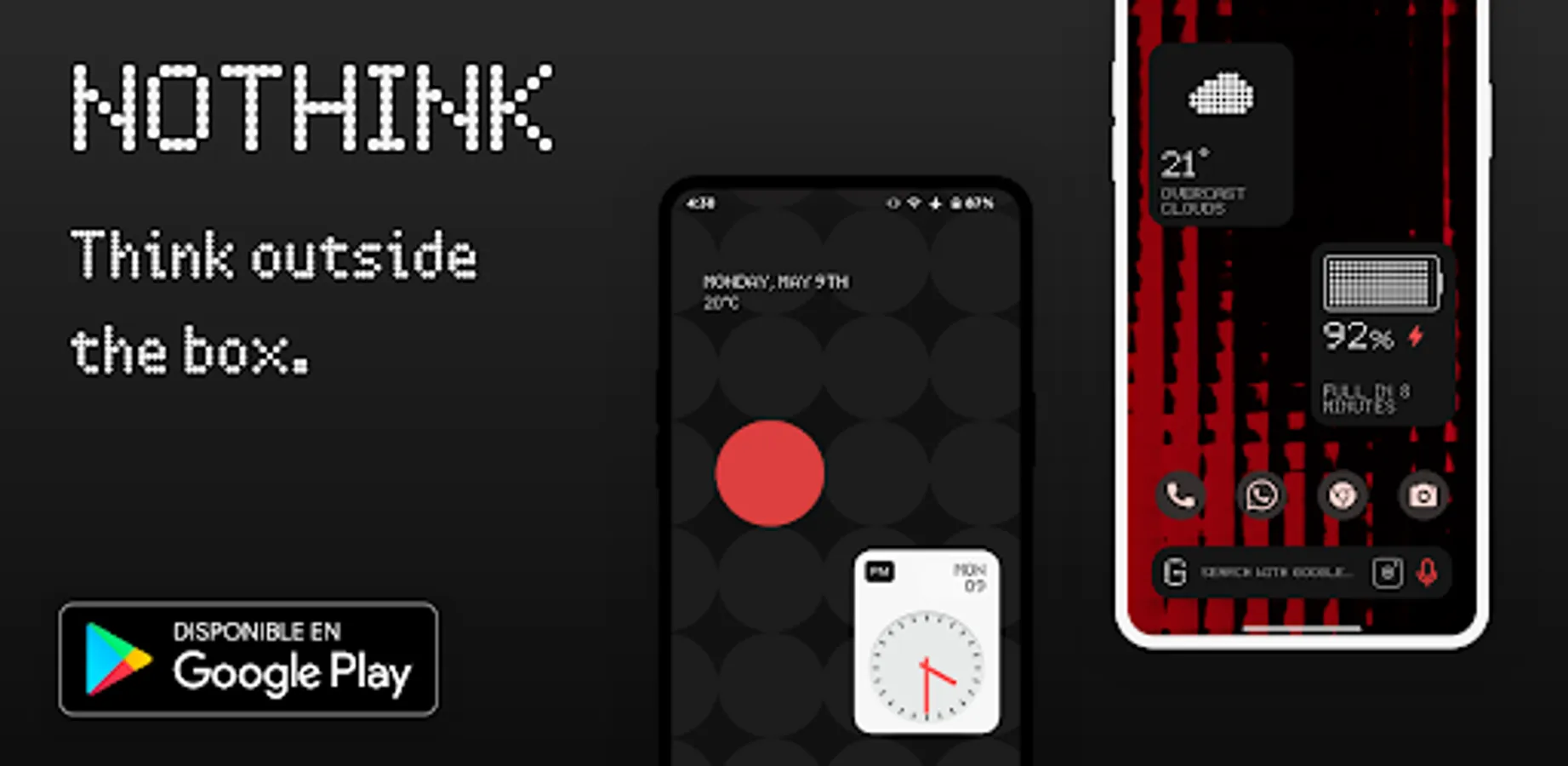
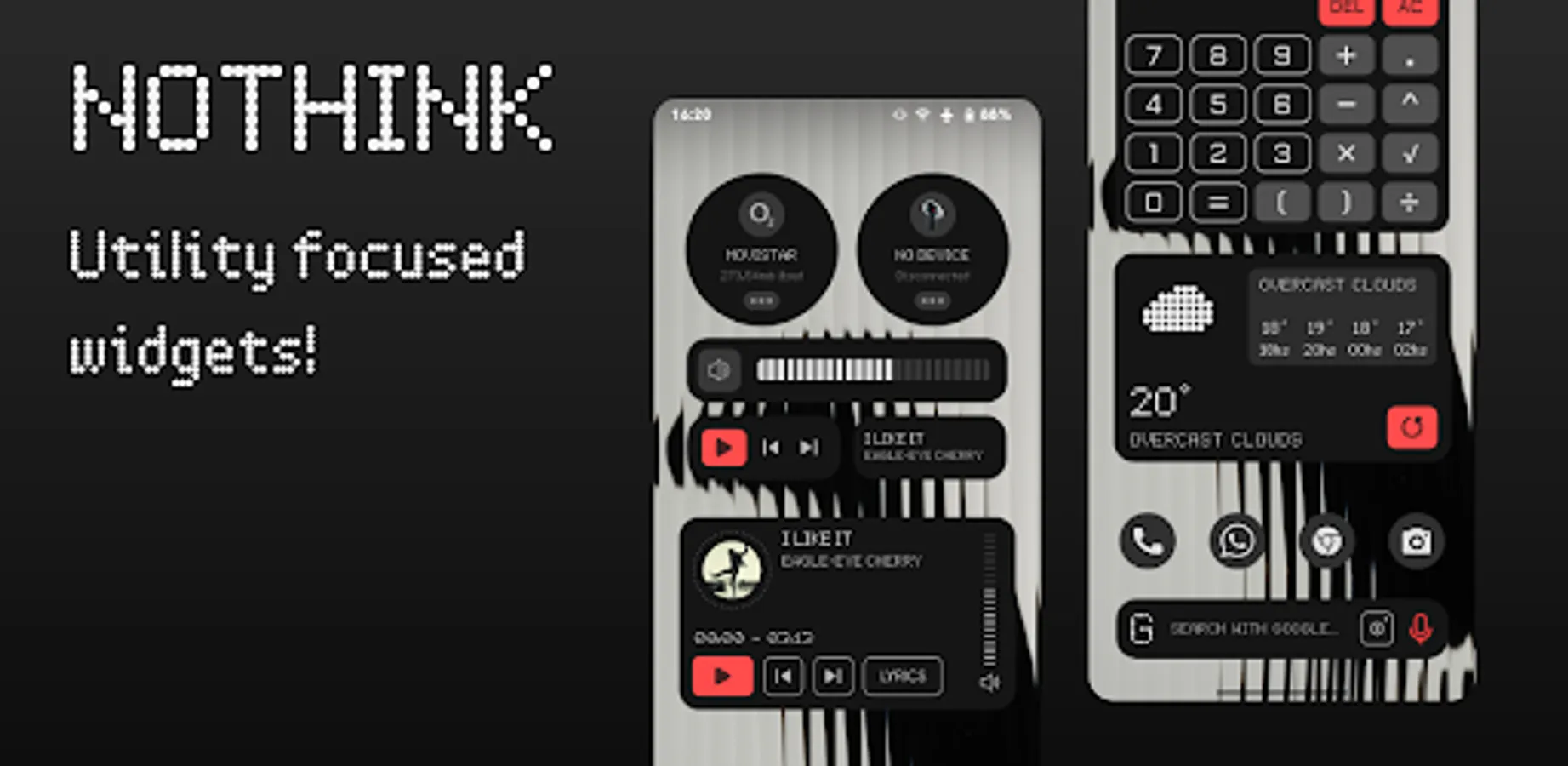
In this widget customization app, you can browse and apply a collection of bespoke widgets, components, and wallpapers. Includes options for theme customization, advanced shortcuts, and dark mode settings.
AppRecs review analysis
AppRecs rating 4.3. Trustworthiness 75 out of 100. Review manipulation risk 25 out of 100. Based on a review sample analyzed.
★★★★☆
4.3
AppRecs Rating
Ratings breakdown
5 star
78%
4 star
0%
3 star
6%
2 star
6%
1 star
11%
What to know
✓
Low review manipulation risk
25% review manipulation risk
✓
Credible reviews
75% trustworthiness score from analyzed reviews
✓
High user satisfaction
78% of sampled ratings are 4+ stars (4.3★ average)
About NothinK - bespoke widgets
Amazing Collection of Widgets, Komponents and Wallpapers/Live Wallpapers, all based on Bespoke design language.
REQUIREMENTS:
- KWGT: https://play.google.com/store/apps/details?id=org.kustom.widget&hl=es&gl=US
- KWGT Pro Key: https://play.google.com/store/apps/details?id=org.kustom.widget.pro&hl=es&gl=US
- KLWP: https://play.google.com/store/apps/details?id=org.kustom.wallpaper&hl=es&gl=US (optional)
- KLWP Pro Key: https://play.google.com/store/apps/details?id=org.kustom.wallpaper.pro&hl=es&gl=US (optional)
INSTALLATION:
- Download NothinK Widgets and KWGT with the PRO key
-Add a widget to your homescreen and select KWGT widget, once you have it tap on the widget, the kwgt app will open
-Look for NothinK widgets pack and select the one that you want
-Enjoy it!
HOW TO USE:
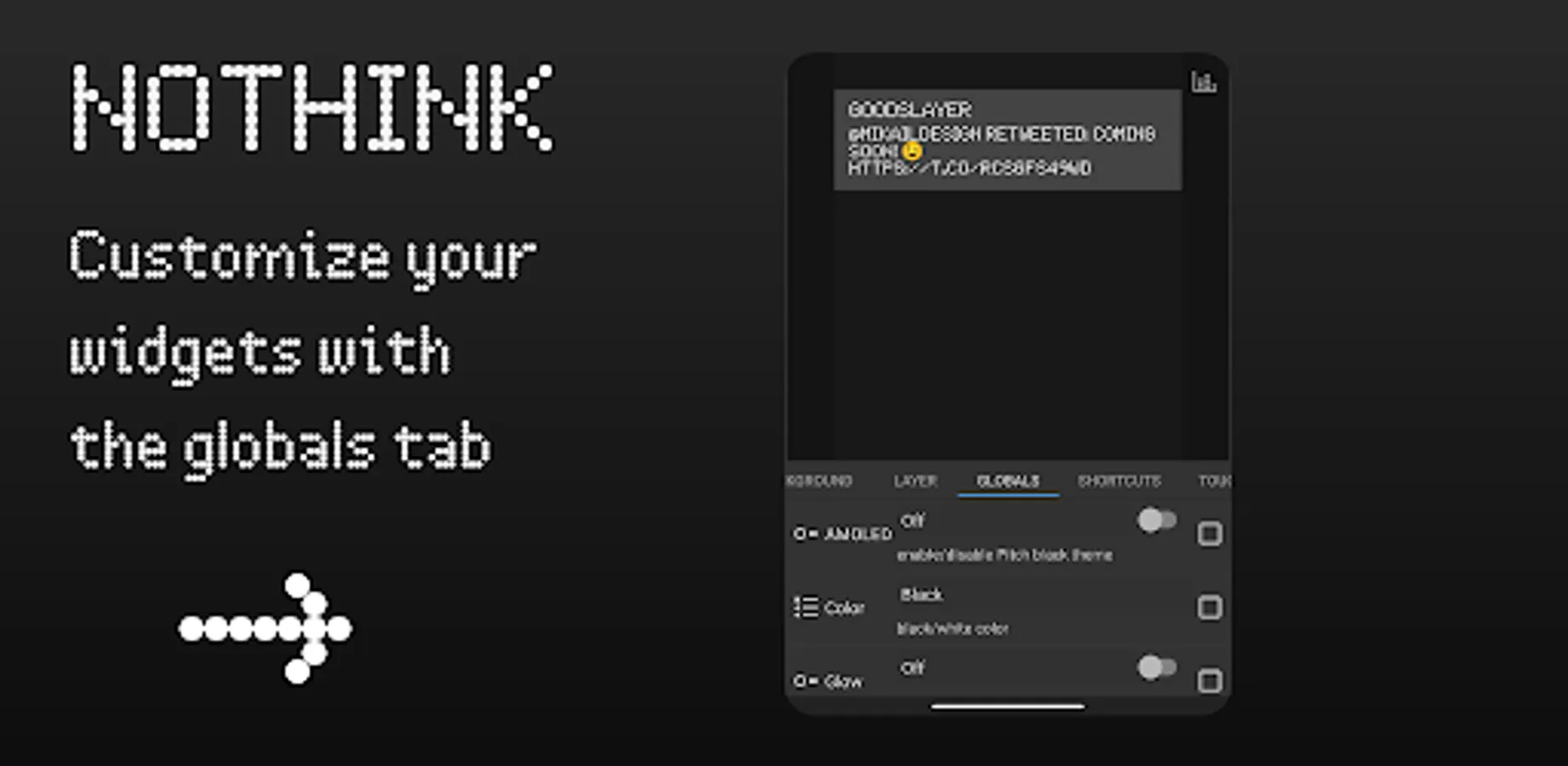
In kwgt globals section you will have all the options for each widget.
Some widgets depend on certain apps to function properly
Google Lens: https://play.google.com/store/apps/details?id=com.google.ar.lens
Google Sound Search Shortcut: https://play.google.com/store/apps/details?id=com.rocketsauce83.musicsearch
FEATURES:
-Implemented Kuper dashboard for better user experience and better accessibility for all the options (Material you, preset choosing, downloadable wallpapers, etc.)
-Advanced and useful shortcuts with special formulas to get the best quality for each widget
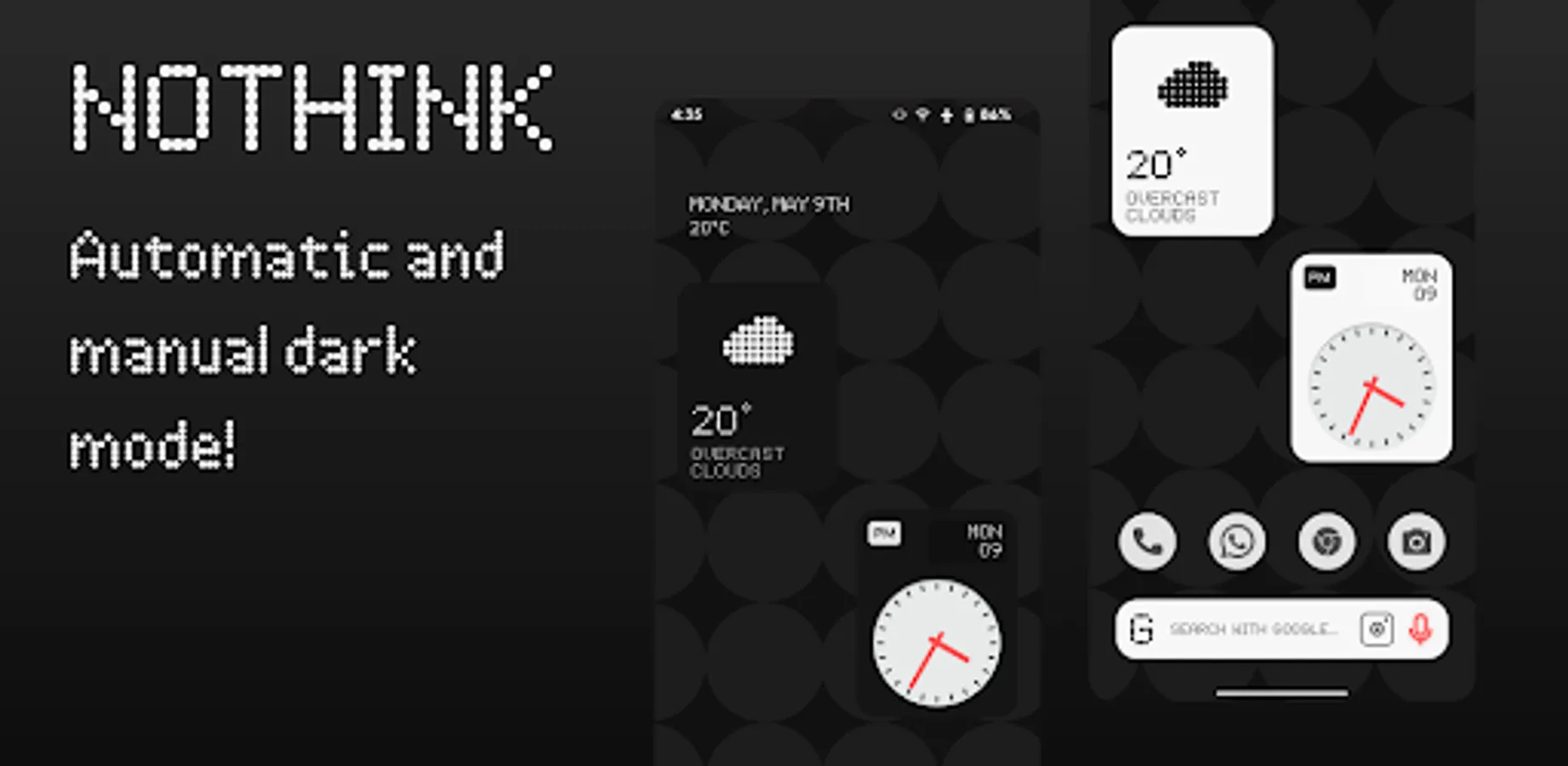
- Manual and Automatic DarkMode options!
- And more!
How to customize?
Every preset (for KWLP and KWGT) has its own options under the "globals" tab with their descriptions, have fun playing with it!
RECOMENDATIONS:
-Give KWGT/KLWP all permitions needed
-Set the preffered music player in KWGT/KLWP settings
-Widgets refresh every 5 seconds by default (you can change it to refresh by second but it will consume more battery)
Disclaimer: I'm not the owner of any of the trademarks named in this pack, this is just a conceptual design.
Credits to Jahir Fiquitiva for his work on Kuper dashboard.
REQUIREMENTS:
- KWGT: https://play.google.com/store/apps/details?id=org.kustom.widget&hl=es&gl=US
- KWGT Pro Key: https://play.google.com/store/apps/details?id=org.kustom.widget.pro&hl=es&gl=US
- KLWP: https://play.google.com/store/apps/details?id=org.kustom.wallpaper&hl=es&gl=US (optional)
- KLWP Pro Key: https://play.google.com/store/apps/details?id=org.kustom.wallpaper.pro&hl=es&gl=US (optional)
INSTALLATION:
- Download NothinK Widgets and KWGT with the PRO key
-Add a widget to your homescreen and select KWGT widget, once you have it tap on the widget, the kwgt app will open
-Look for NothinK widgets pack and select the one that you want
-Enjoy it!
HOW TO USE:
In kwgt globals section you will have all the options for each widget.
Some widgets depend on certain apps to function properly
Google Lens: https://play.google.com/store/apps/details?id=com.google.ar.lens
Google Sound Search Shortcut: https://play.google.com/store/apps/details?id=com.rocketsauce83.musicsearch
FEATURES:
-Implemented Kuper dashboard for better user experience and better accessibility for all the options (Material you, preset choosing, downloadable wallpapers, etc.)
-Advanced and useful shortcuts with special formulas to get the best quality for each widget
- Manual and Automatic DarkMode options!
- And more!
How to customize?
Every preset (for KWLP and KWGT) has its own options under the "globals" tab with their descriptions, have fun playing with it!
RECOMENDATIONS:
-Give KWGT/KLWP all permitions needed
-Set the preffered music player in KWGT/KLWP settings
-Widgets refresh every 5 seconds by default (you can change it to refresh by second but it will consume more battery)
Disclaimer: I'm not the owner of any of the trademarks named in this pack, this is just a conceptual design.
Credits to Jahir Fiquitiva for his work on Kuper dashboard.