PowerLine: Status bar meters
Petr Nálevka (Urbandroid)
4.4 ★
19K ratings
500,000+
downloads
Free
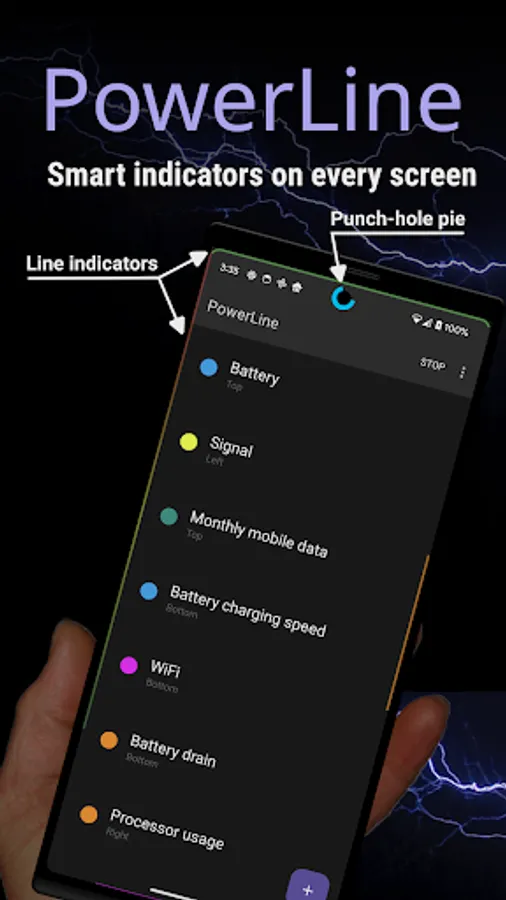
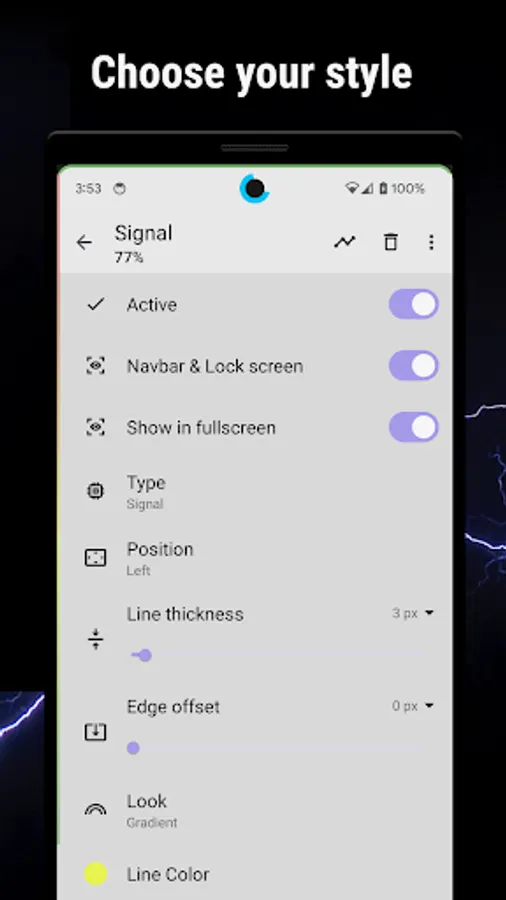
With this app, you can display various status bar and screen indicators, including battery, CPU, network, and more, on your lock screen and navigation bar. Includes options for multiple indicators, auto-hide in fullscreen, and accessibility integration.
AppRecs review analysis
AppRecs rating 4.5. Trustworthiness 78 out of 100. Review manipulation risk 26 out of 100. Based on a review sample analyzed.
★★★★☆
4.5
AppRecs Rating
Ratings breakdown
5 star
68%
4 star
17%
3 star
7%
2 star
3%
1 star
5%
What to know
✓
Low review manipulation risk
26% review manipulation risk
✓
Credible reviews
78% trustworthiness score from analyzed reviews
✓
High user satisfaction
86% of sampled ratings are 4+ stars (4.4★ average)
About PowerLine: Status bar meters
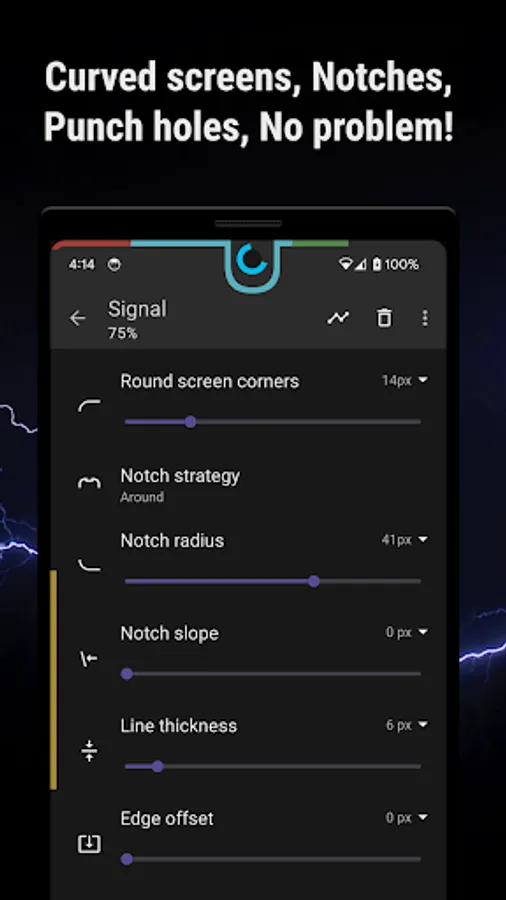
NEW: Punch hole pie chart!
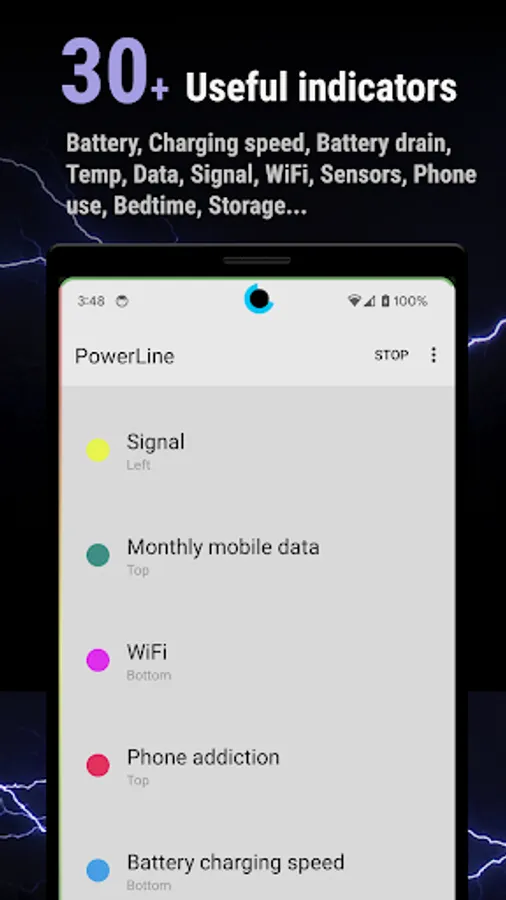
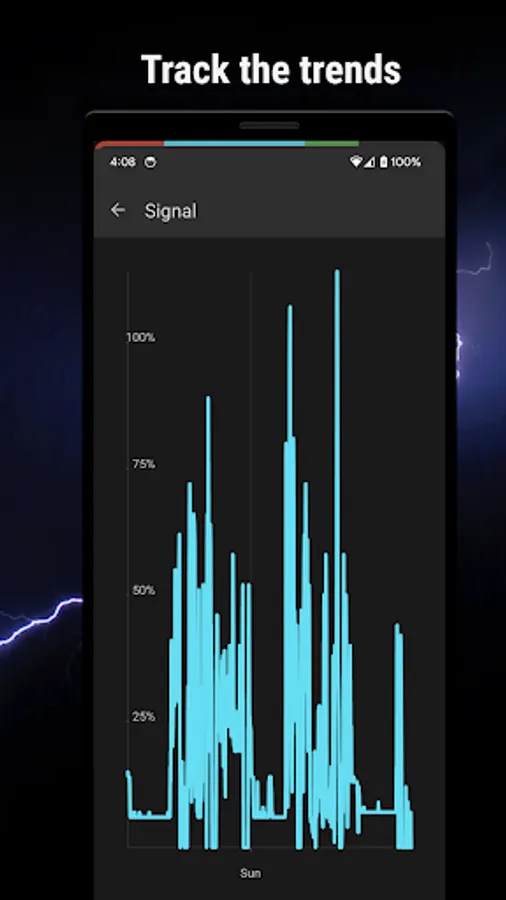
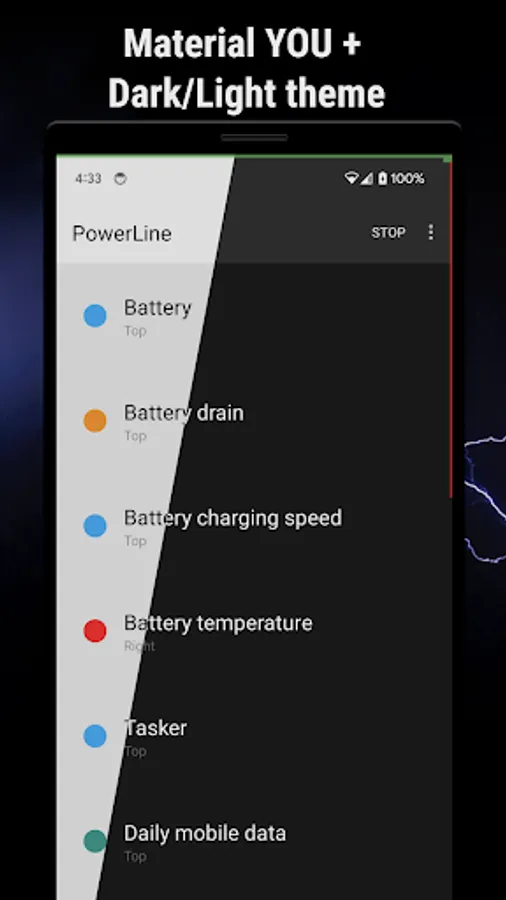
Indicators ready to use: Battery: Capacity, Drain, Charging speed, Temperature, CPU, Memory, Signal, WiFi, Phone usage, Bedtime, Storage, SMS, Missed calls, Network usage, Compass, Barometer, Humidity, Volume, Screen corners, Monthly / Daily Data usage and more...
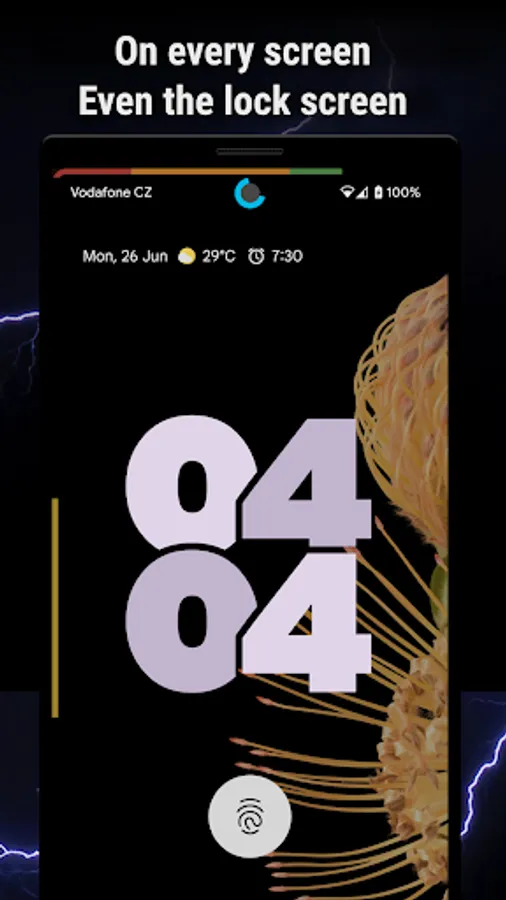
NEW: Indicators on lock screen and navbar with Accessibility service
Features
- Any number of indicators at the same time on screen
- Auto-hide in fullscreen
- Material design
- Simplicity
FREE version with two indicators, more indicators with the PRO version.
Tasker: you can create your own indicator with Tasker, just use the following:
package: com.urbandroid.inline, action: com.urbandroid.inline.ACTION_UPDATE, extra: value (0-100) or valuef (0.0-1.0)..
Accessibility Service
In order be able to draw indicators also over the navbar and on lock screen "PowerLine" may ask you to enable its Accessibility Service if you decide to use the cheating protection features. We use this service only to show the indicators in the areas which are normally inaccessible for an app. We do not use the service to collect any personal information.
PowerLine: Status bar meters Screenshots
Tap to Rate:
Reviews for PowerLine: Status bar meters
Alen Shaygardanov
12/29/2025
nice app
Padua Play
12/26/2025
Am familiar with DKMA, with Android CTS-D and Urbandroid's contribution to it. All the allow background etc. settings were done. It was working fine, but the update to Android 16 reset this for some apps. The settings were set again and it is working fine with Android 16 as well. The suggestion here is that it would be helpful if the Powerline app itself became aware of this 'reset' and 'reported' it to the user the next time the app is opened, for suitable action. Thanks for a functional app.