In this app, you can transform photos into sketches, cartoons, or drawings using various effects and adjustments. Includes options for saving, sharing via social media, and fine-tuning effects like edge strength and color saturation.
AppRecs review analysis
AppRecs rating 4.0. Trustworthiness 77 out of 100. Review manipulation risk 23 out of 100. Based on a review sample analyzed.
★★★★☆
4.0
AppRecs Rating
Ratings breakdown
5 star
58%
4 star
13%
3 star
8%
2 star
9%
1 star
12%
What to know
✓
Low review manipulation risk
23% review manipulation risk
✓
Credible reviews
77% trustworthiness score from analyzed reviews
✓
Good user ratings
71% positive sampled reviews
About Sketch Me! Pro
The paid, ad-free version of the free XnSketch app.
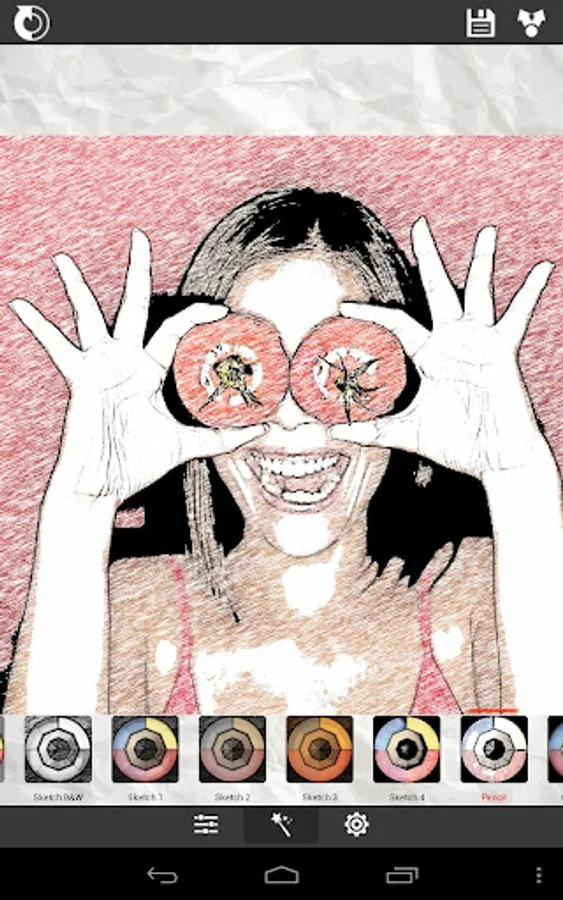
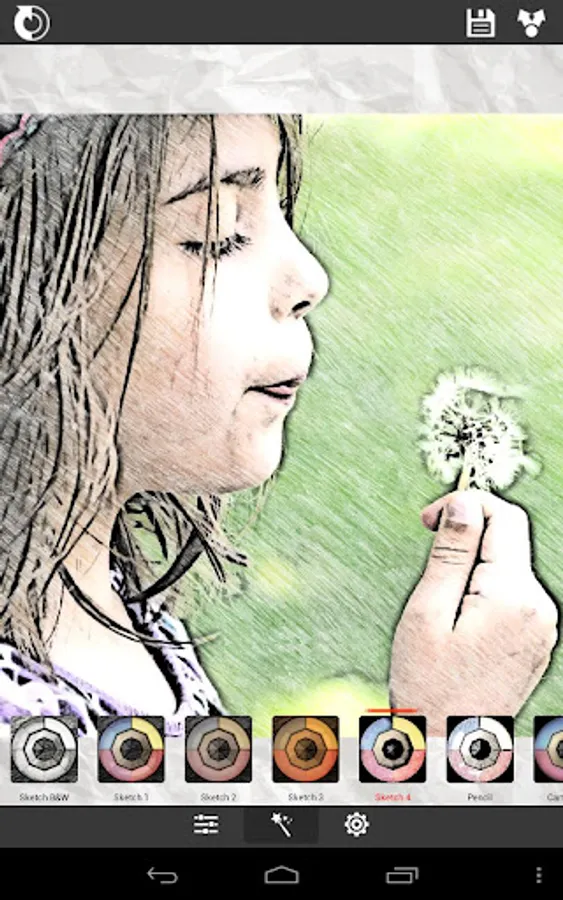
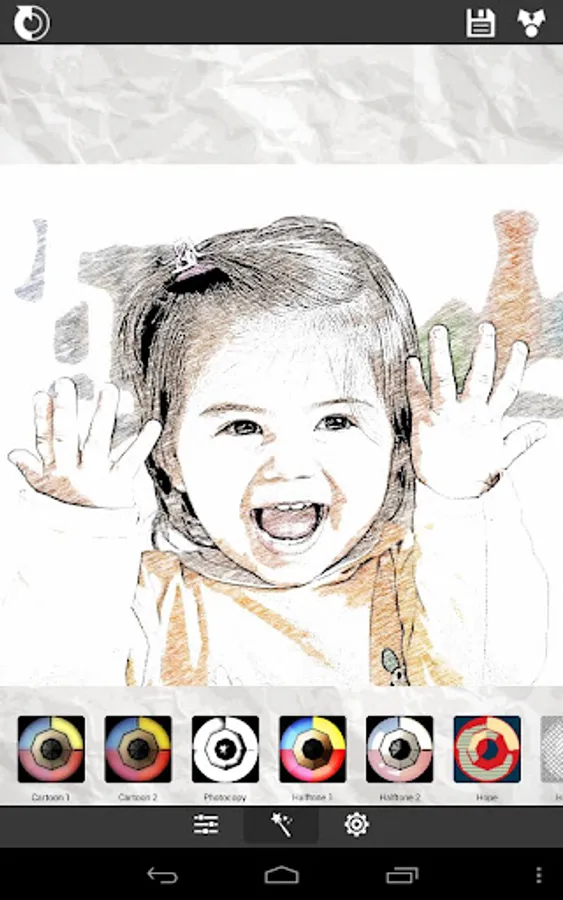
Turn your photos into drawing, cartoons or sketch images in one click to create instant works of art.
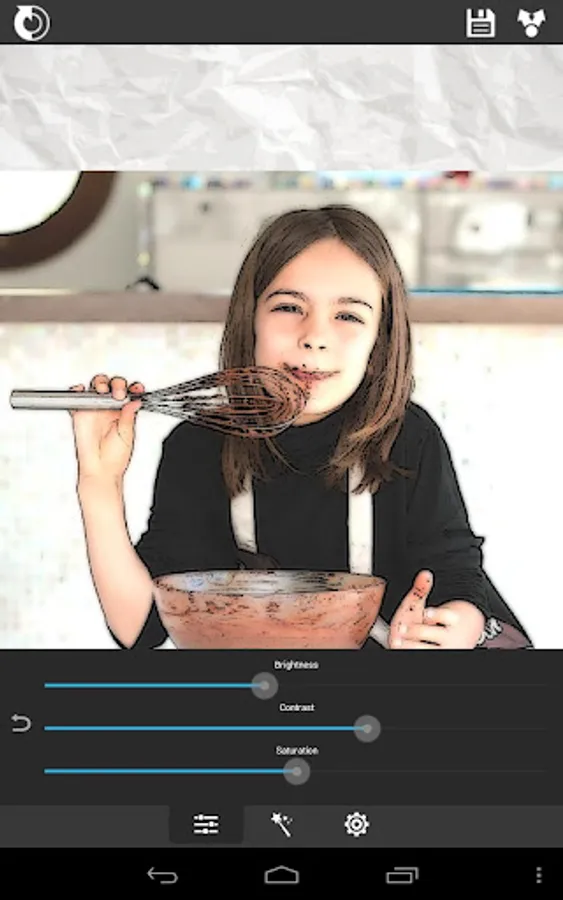
Different effects easy to use with full control. Save your creations and share them with your friends through Facebook, Twitter, and Email.
Features:
★ Different effects (black strokes, white strokes, pastel, pencil sketch, color sketch, cartoon, stamp, halftone, hatching, ...)
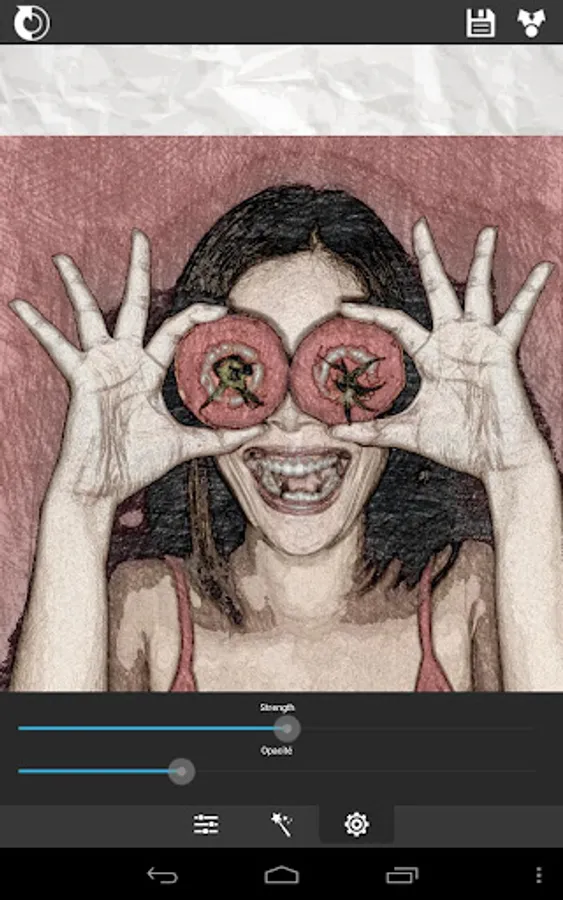
★ Edge strength, and opacity adjustment
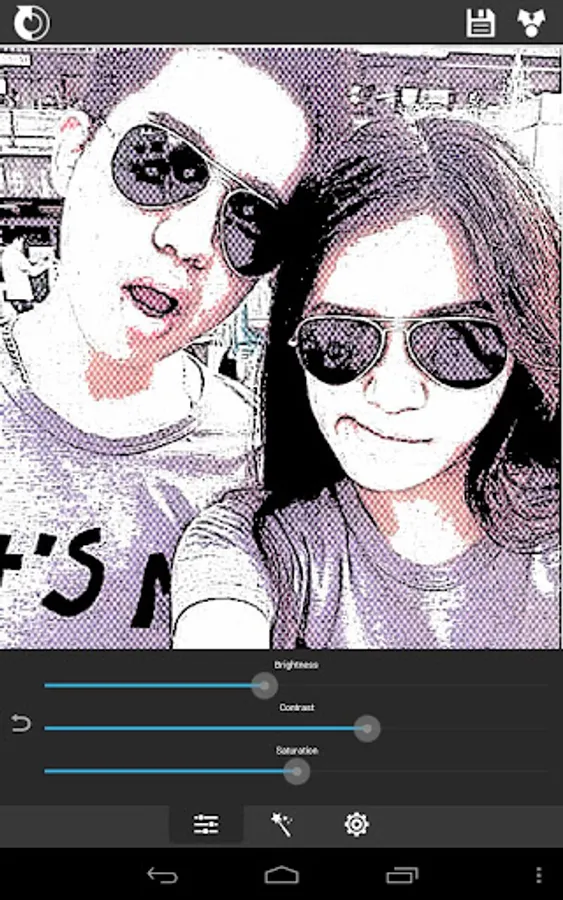
★ Contrast, brightness, saturation adjustment
★ Save or share the result with your friends via Twitter, Facebook, Email, ...
★ No registration is required, and there are no watermarks, no limitations.
Please help us to improve XnView Sketch by sending your bugs or requests on http://newsgroup.xnview.com or contact@xnview.com
Facebook: http://www.facebook.com/xnview
Twitter: http://www.twitter.com/xnview
G+: http://plus.google.com/+xnview/
Turn your photos into drawing, cartoons or sketch images in one click to create instant works of art.
Different effects easy to use with full control. Save your creations and share them with your friends through Facebook, Twitter, and Email.
Features:
★ Different effects (black strokes, white strokes, pastel, pencil sketch, color sketch, cartoon, stamp, halftone, hatching, ...)
★ Edge strength, and opacity adjustment
★ Contrast, brightness, saturation adjustment
★ Save or share the result with your friends via Twitter, Facebook, Email, ...
★ No registration is required, and there are no watermarks, no limitations.
Please help us to improve XnView Sketch by sending your bugs or requests on http://newsgroup.xnview.com or contact@xnview.com
Facebook: http://www.facebook.com/xnview
Twitter: http://www.twitter.com/xnview
G+: http://plus.google.com/+xnview/
Sketch Me! Pro Screenshots
Tap to Rate:
Reviews for Sketch Me! Pro
Fred C. Mindach II
12/3/2025
𝐕𝐞𝐫𝐲 𝐠𝐨𝐨𝐝 𝐚𝐭 𝐰𝐡𝐚𝐭 𝐢𝐭 𝐝𝐨𝐞𝐬,
Donna Marie Gage
11/9/2024
Had purchased Sketch Me! Pro years ago. Put app back on my phone to use on photos. Still rates as unique & fun. Multiple controls to tweak images. Glad I came back to this gem!!! Wish it offered greater than 1024 resolution.