Steam locomotive choo-choo
ZOUSAN
3.8 ★
store rating
500,000+
downloads
Free
In this simulation app, you control a steam locomotive by loading coal and adjusting firepower to manage speed and operation. Includes interactive scenery, special items, and various vehicles for exploration.
AppRecs review analysis
AppRecs rating 3.3. Trustworthiness 55 out of 100. Review manipulation risk 38 out of 100. Based on a review sample analyzed.
★★★☆☆
3.3
AppRecs Rating
Ratings breakdown
5 star
60%
4 star
5%
3 star
10%
2 star
0%
1 star
25%
What to know
✓
Good user ratings
65% positive sampled reviews
About Steam locomotive choo-choo
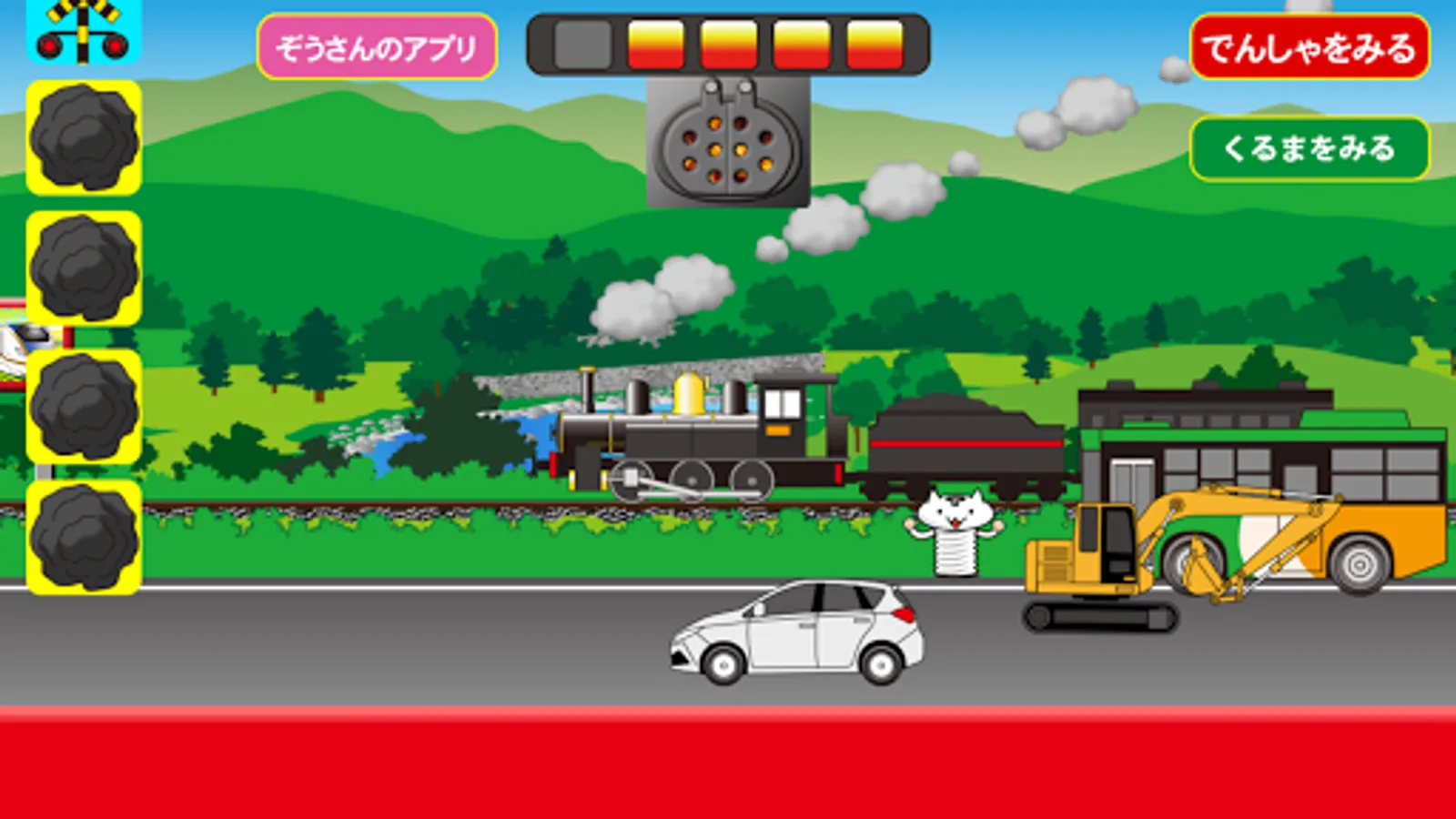
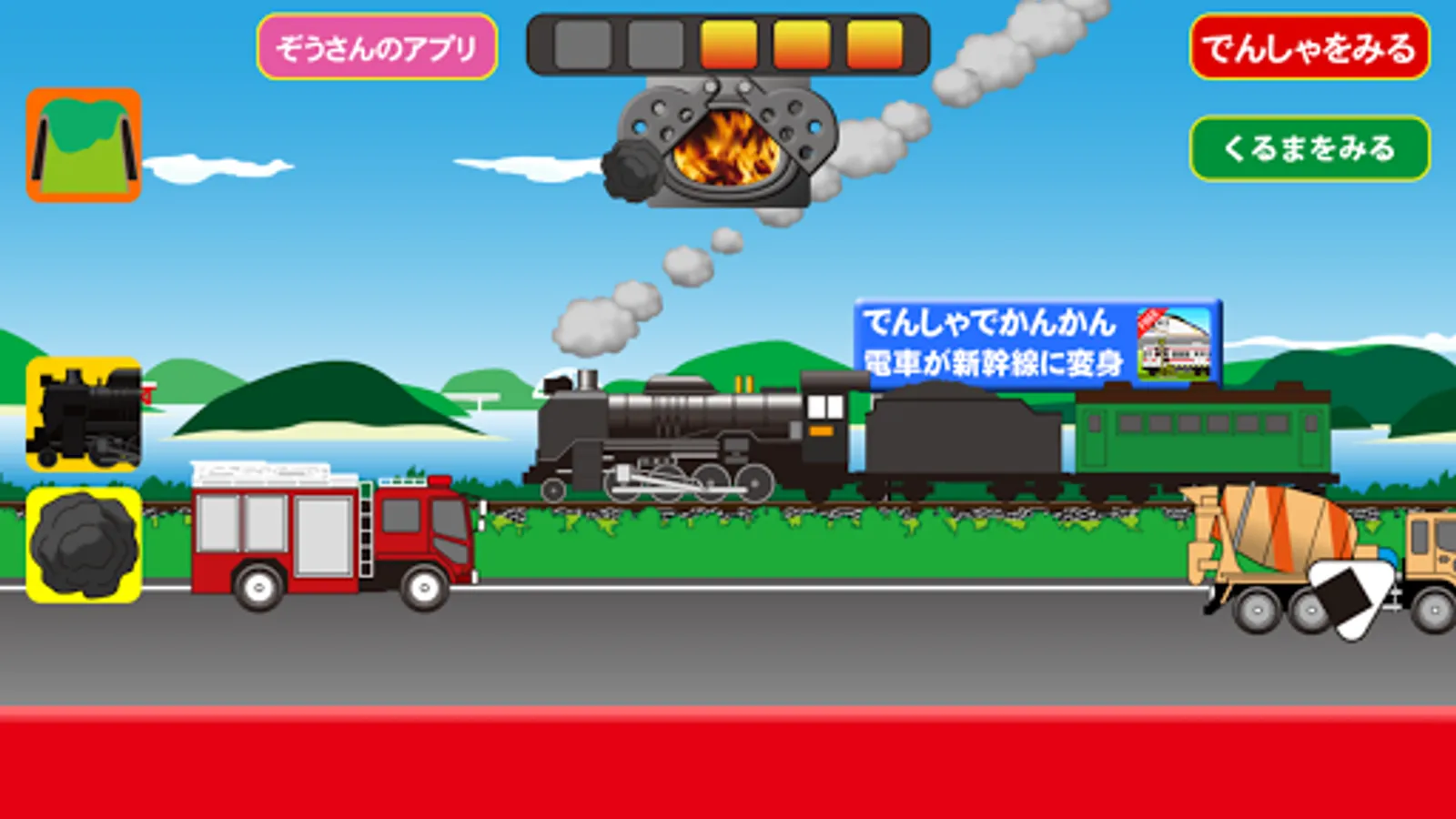
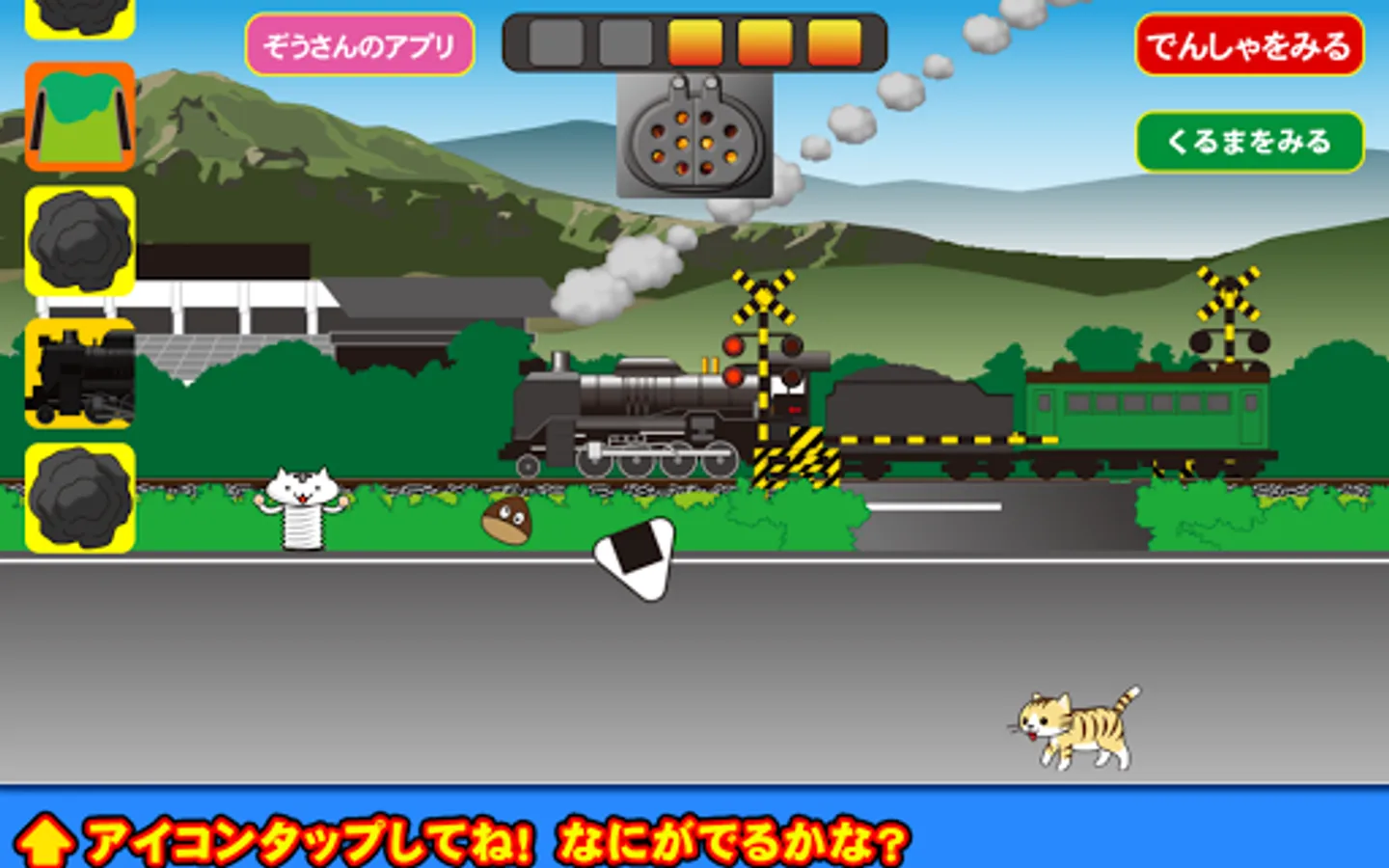
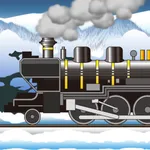
This is an app where you can play by running a steam locomotive (SL).
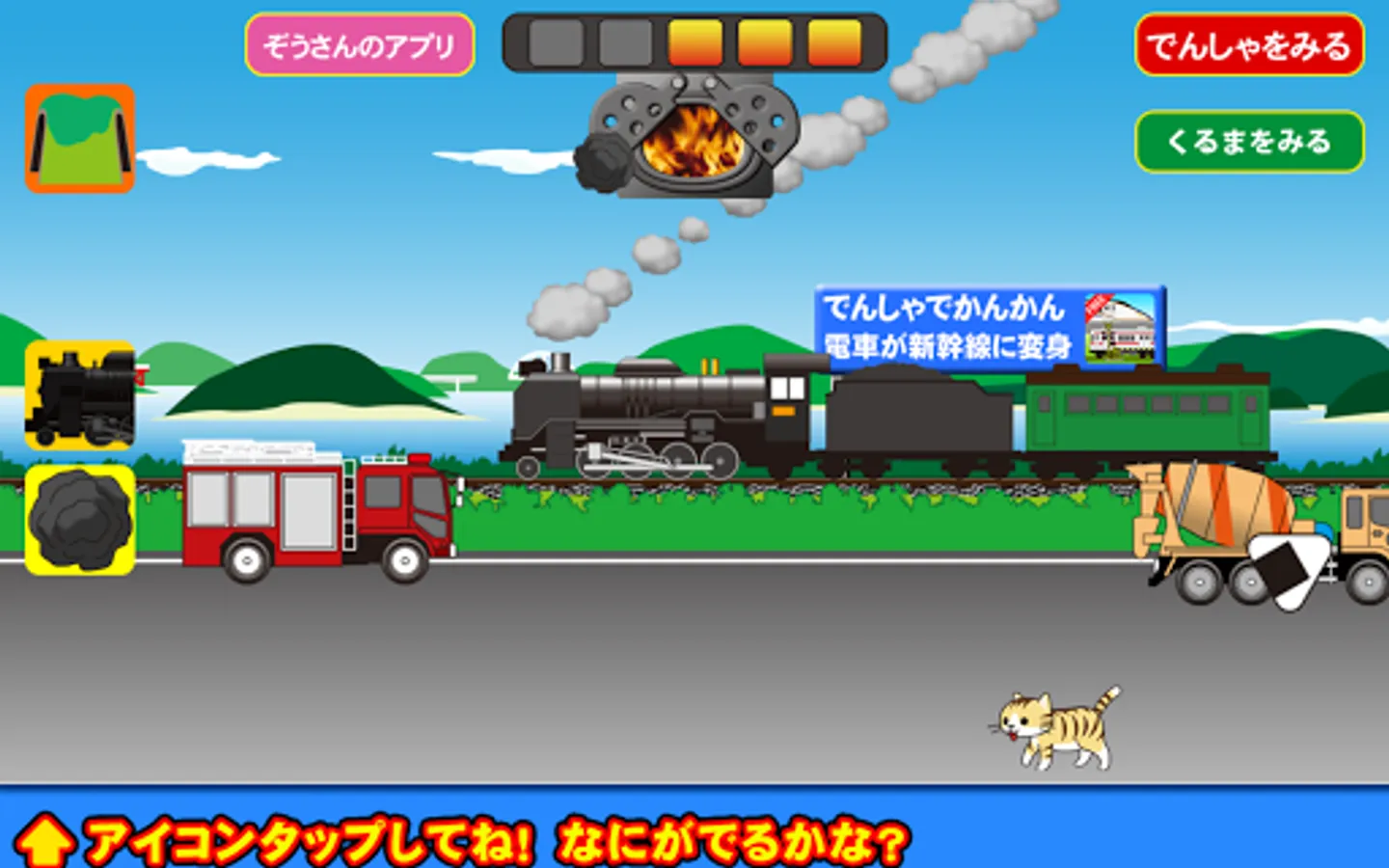
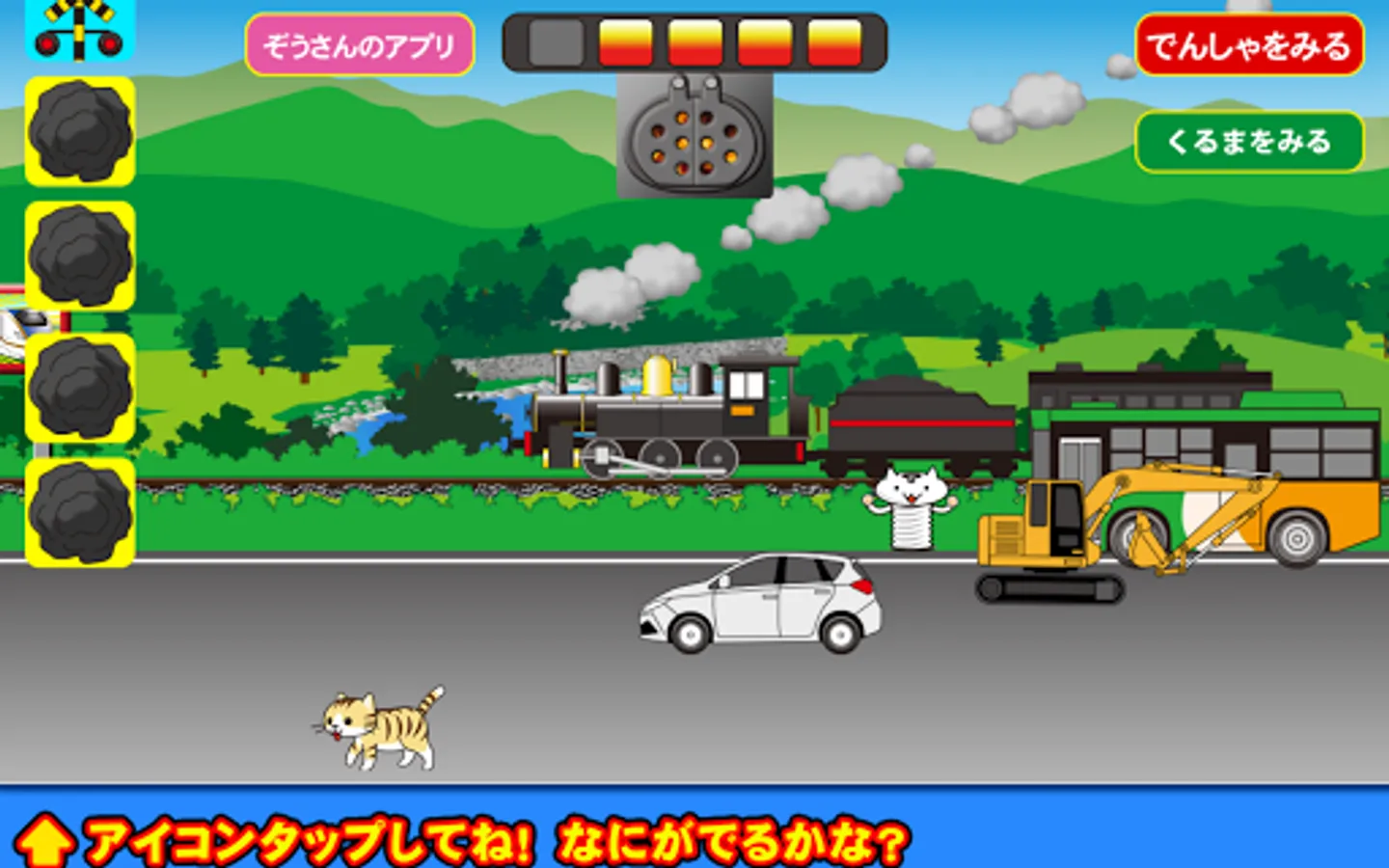
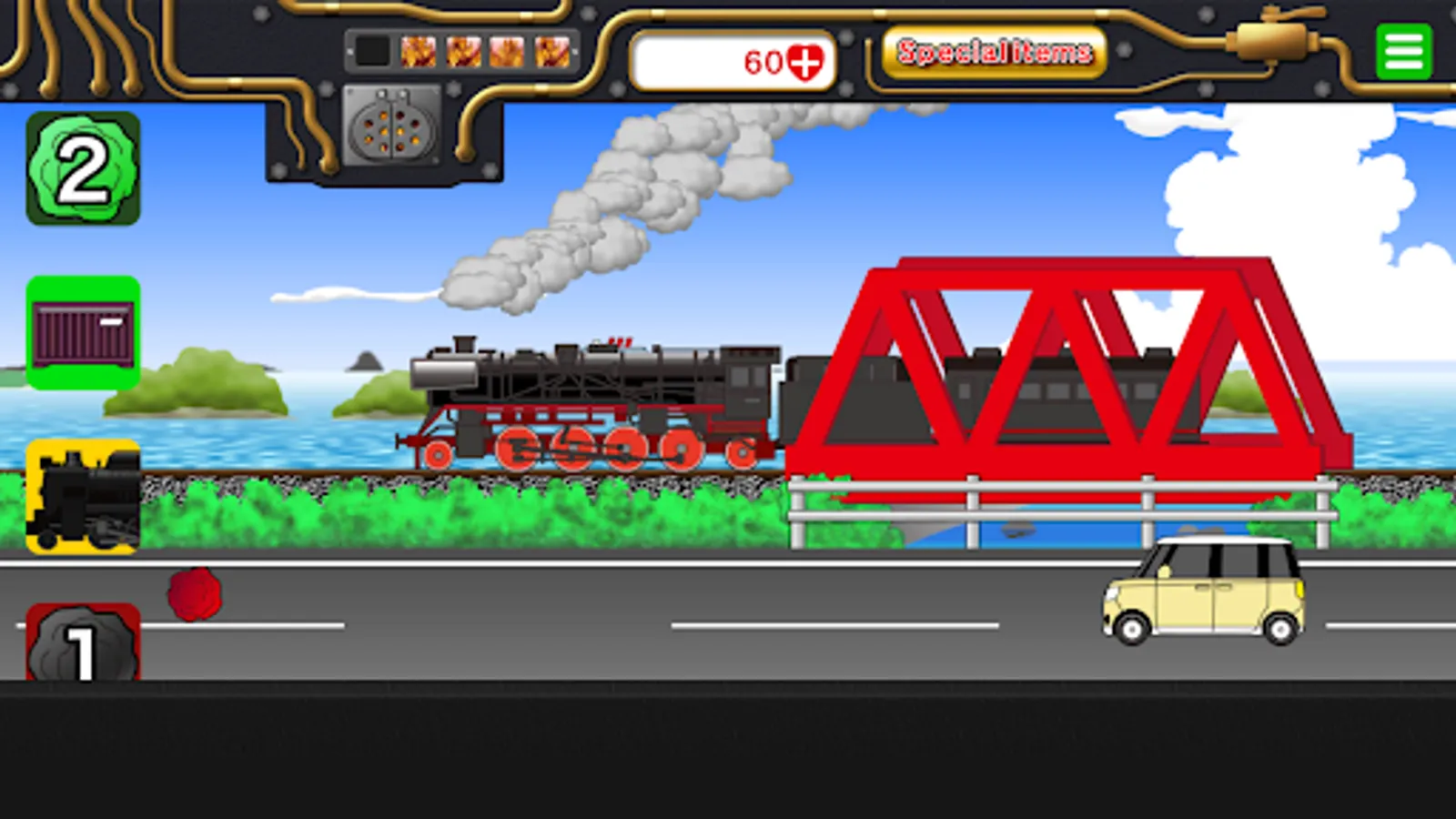
Tap the coal icon to load coal into the firebox.
As the firepower increases and boiler pressure rises, the SL's speed will increase.
On the other hand, if you don't add coal, the speed will drop and eventually stop.
Adjust the amount of coal carefully to control the speed and keep it running.
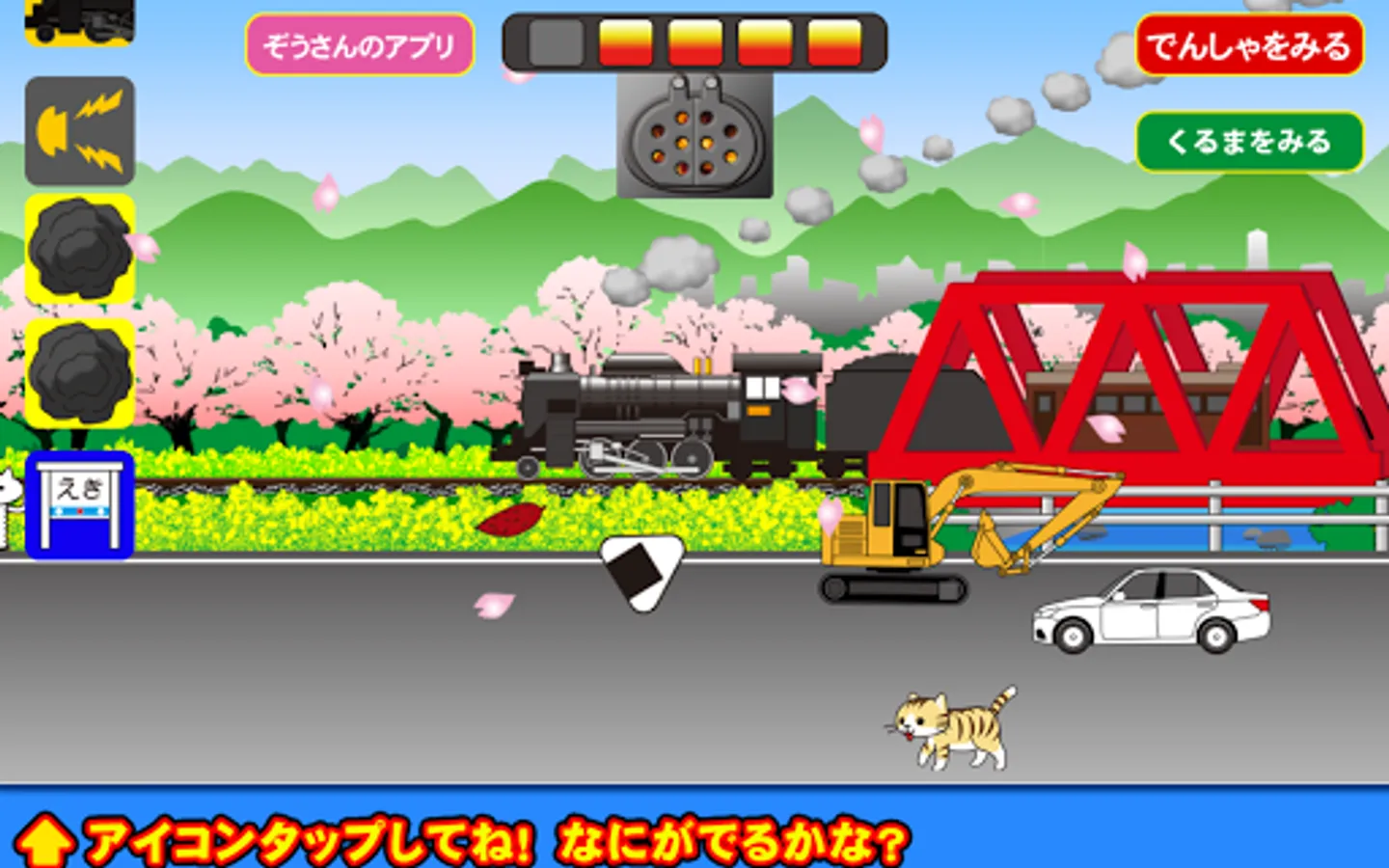
There are various other icons that appear, so try tapping them.
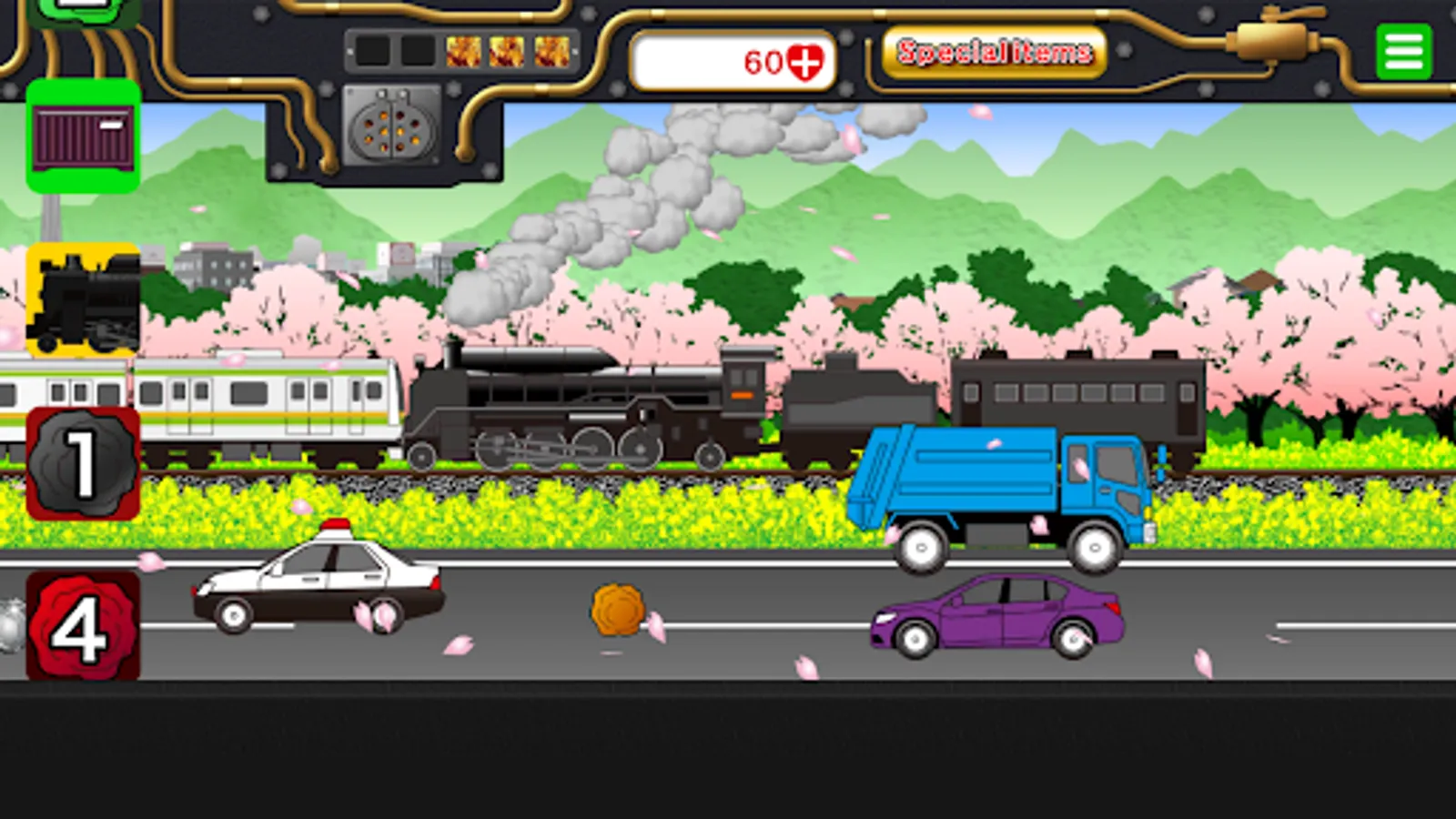
There are four types of special items. When used, you can tap that button as much as you like for a certain time.
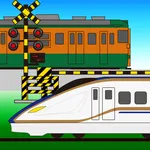
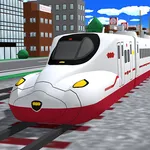
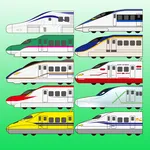
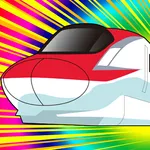
"Big Button": Tapping this icon will make the train or Shinkansen grow in two stages.
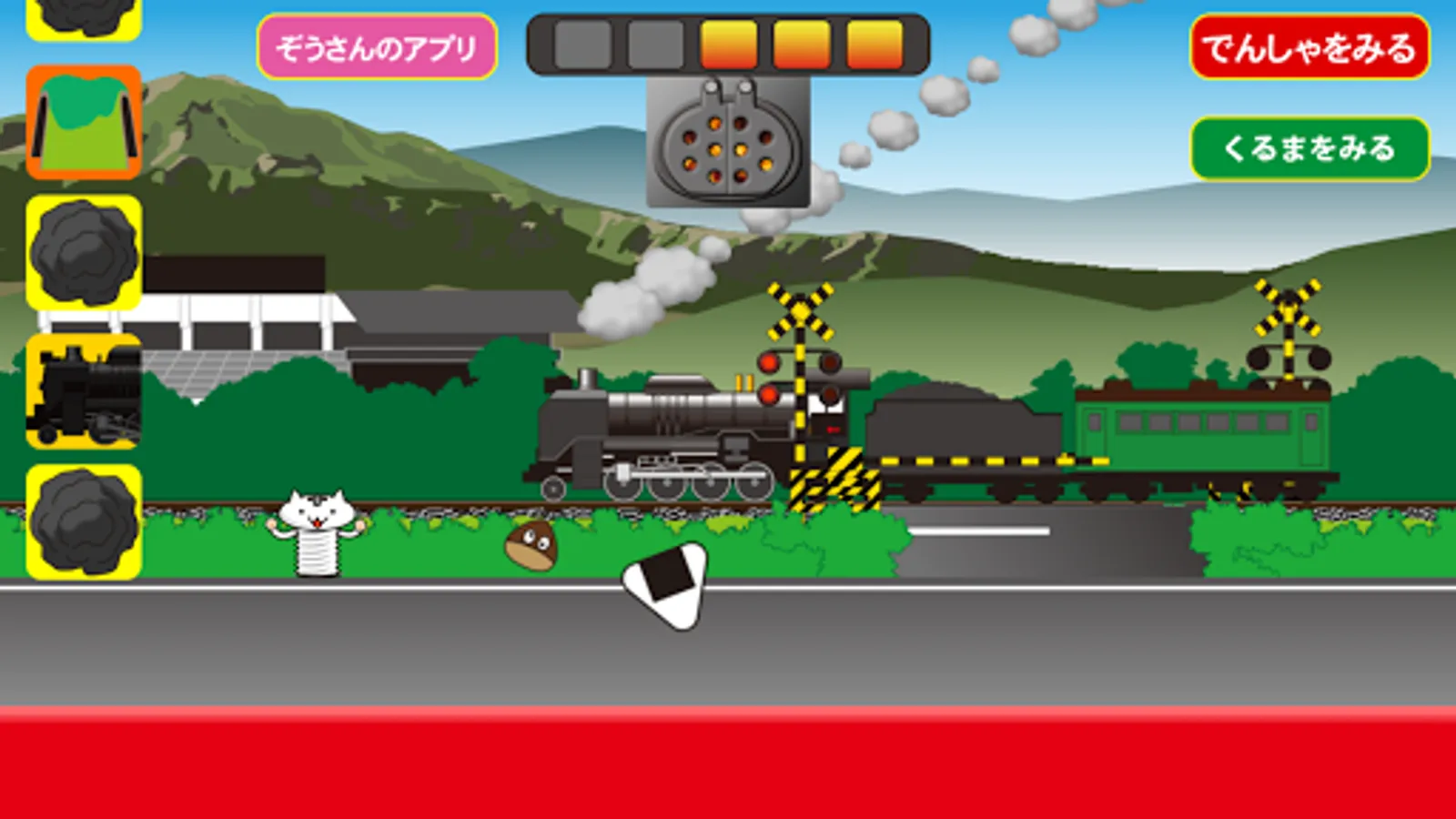
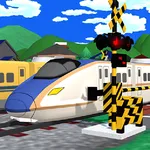
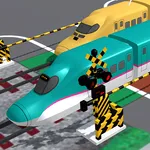
"Rail Crossing": Tapping this icon will let you freely place rail crossings as much as you like.
"Freight Train": Tapping this icon will make a freight train pass by.
"Combustion Accelerator": Tapping this greatly boosts firepower and super speeds up the SL.
・SL icon: Transforms into another SL.
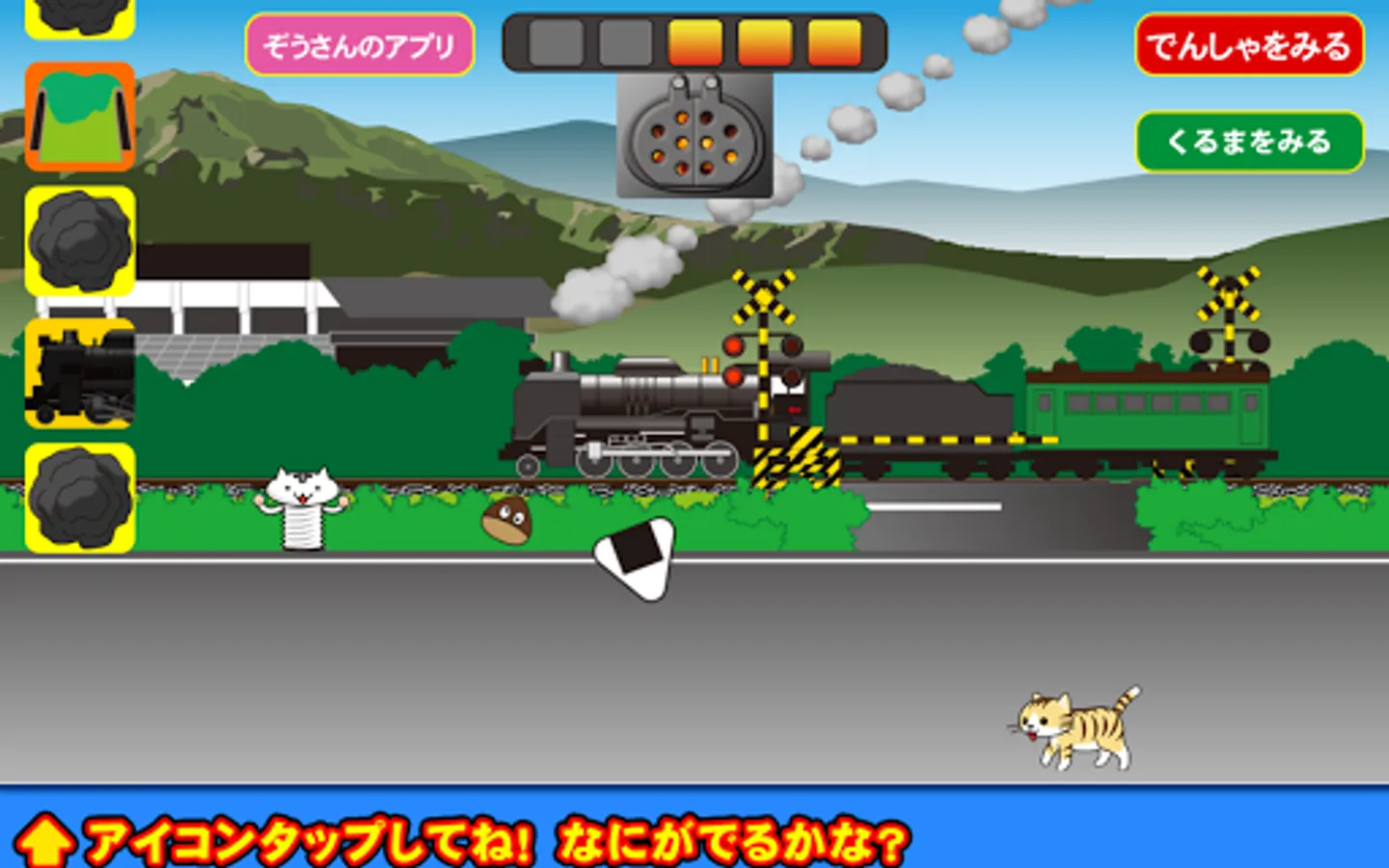
・Rail crossing icon: Brings up a crossing.
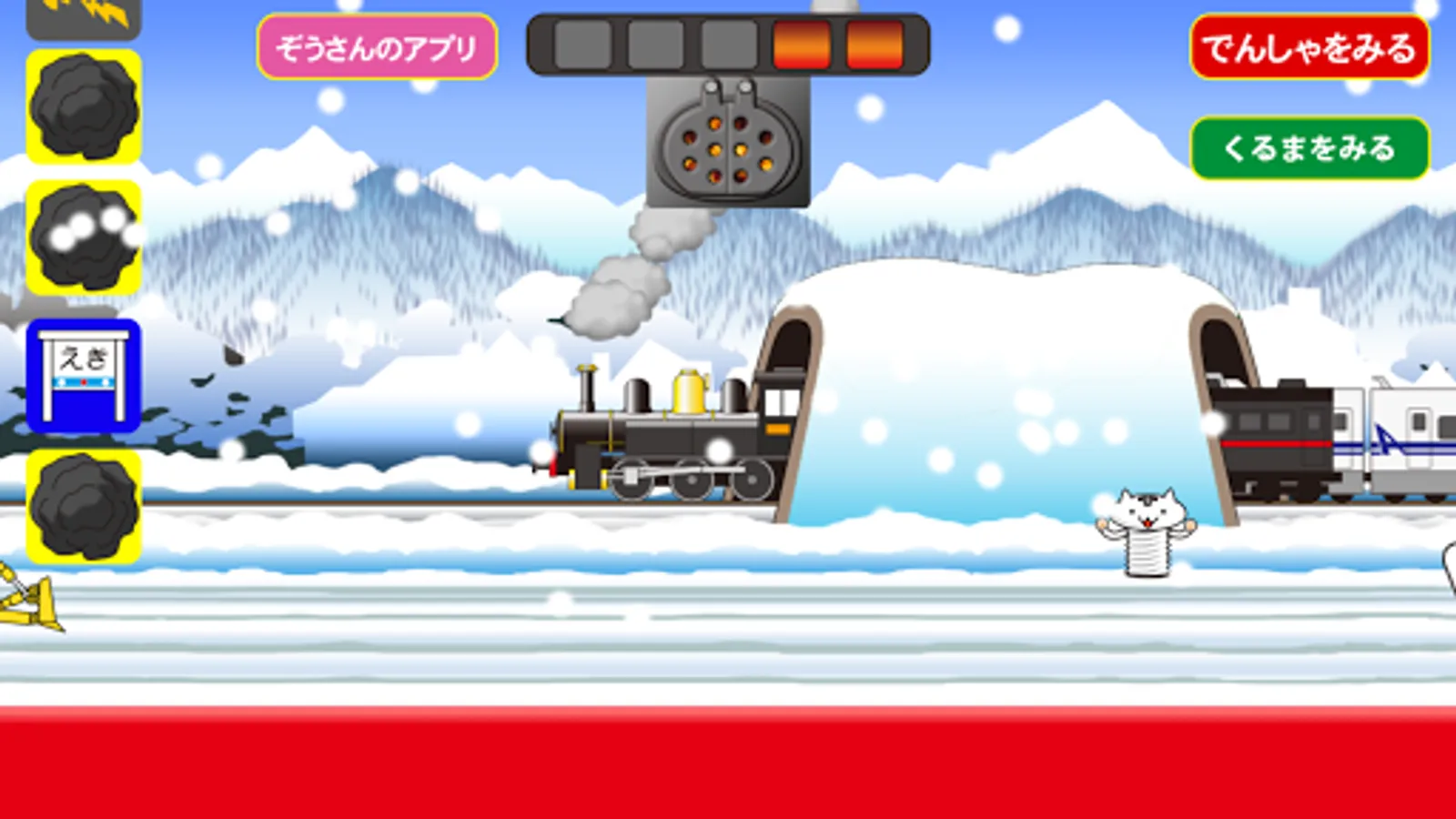
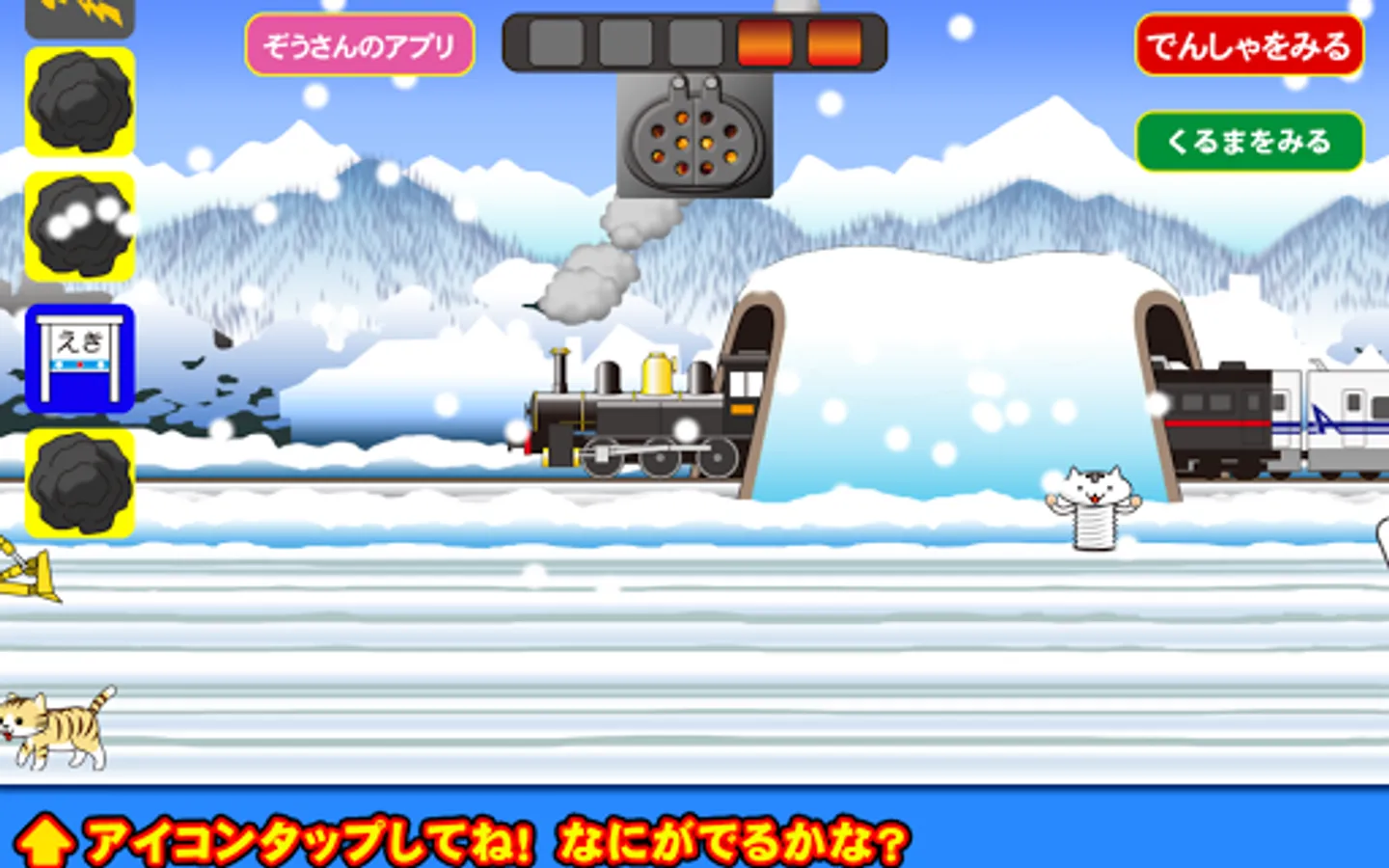
・Tunnel icon: Displays a tunnel.
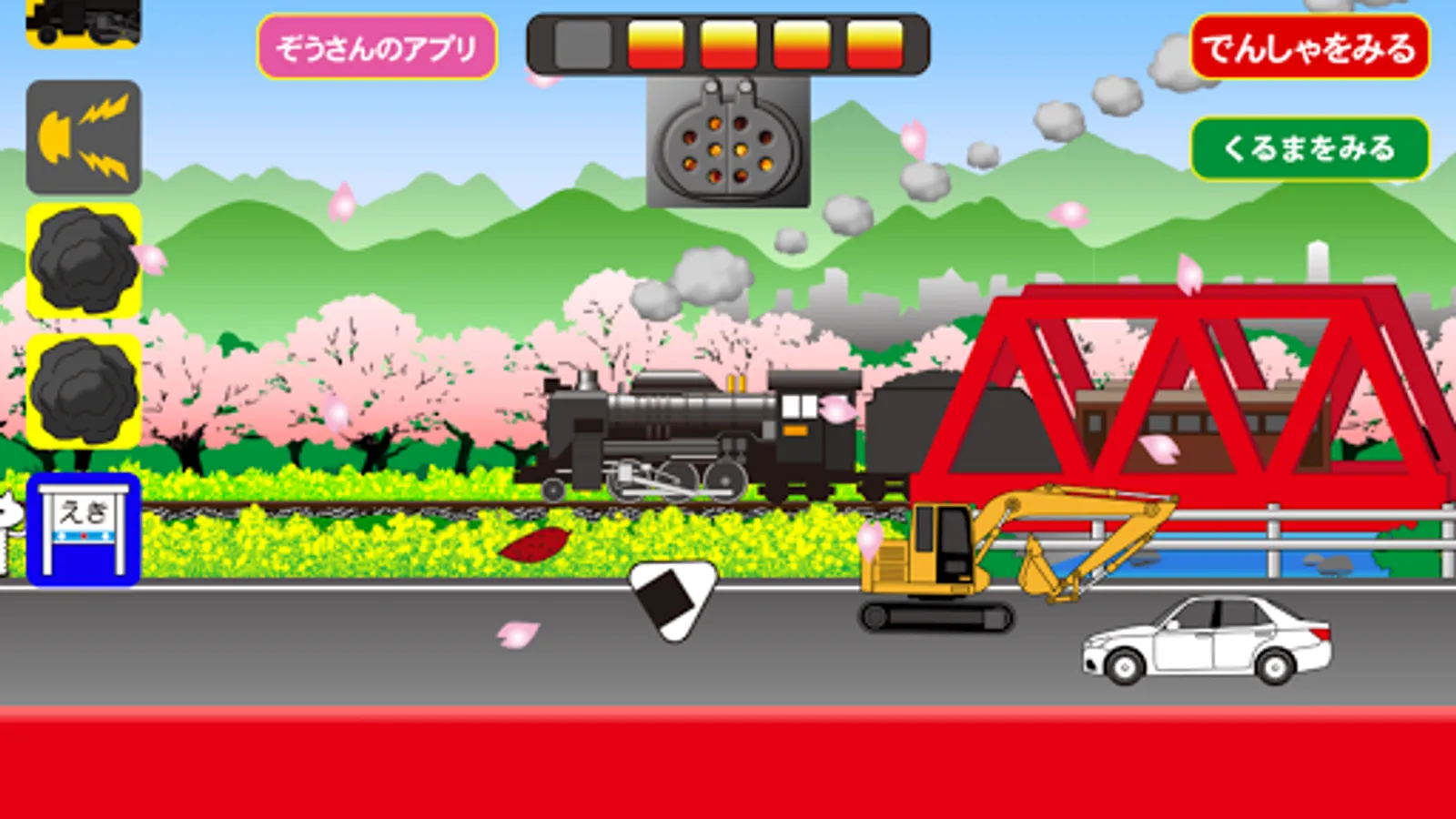
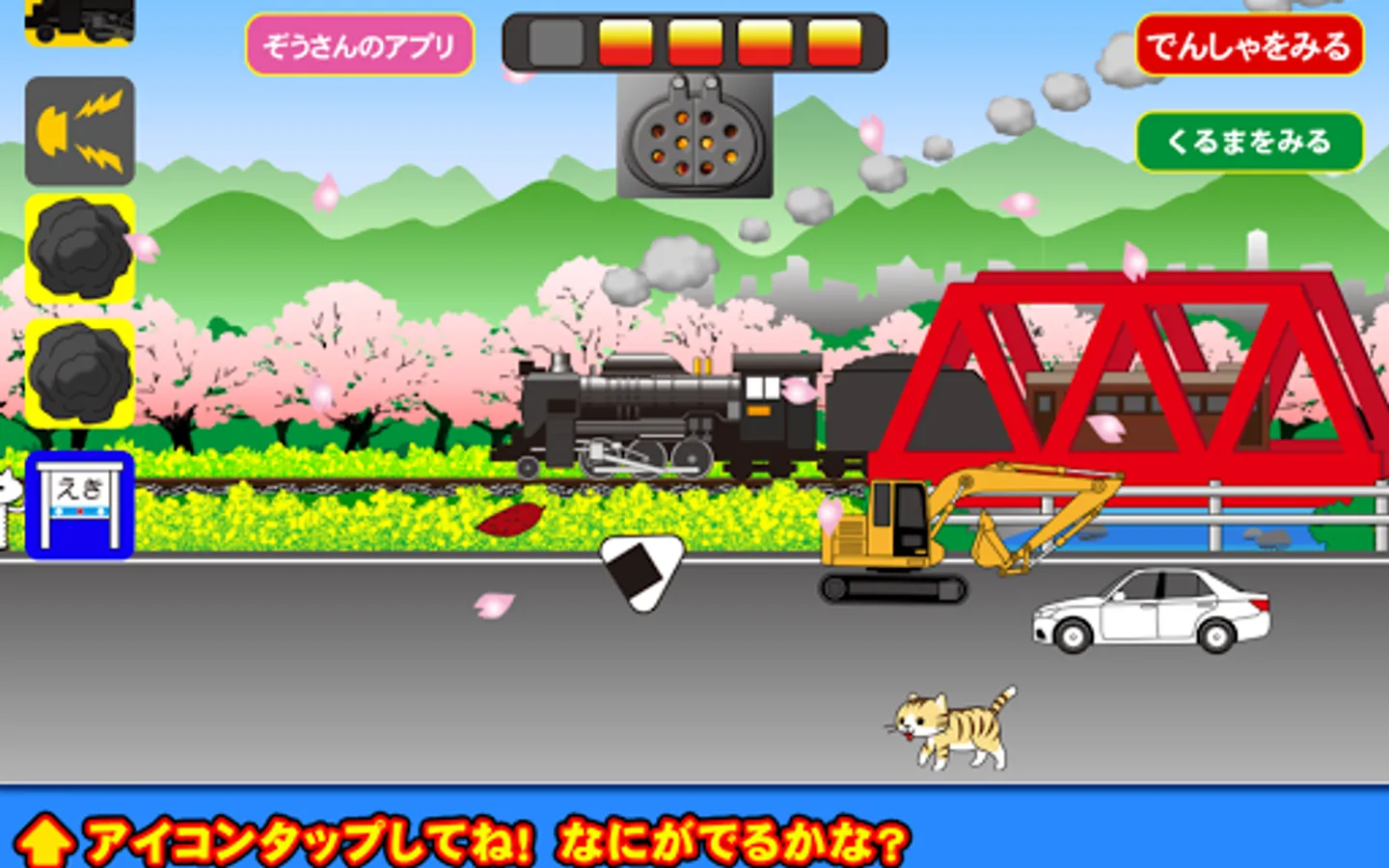
・Bridge icon: Displays a bridge.
・Scenery switch icon: Changes the route to a different landscape.
・Whistle icon: You can sound the whistle.
・Station icon: Automatically stops at a station.
・Special item button: Lets you use one special item per tap.
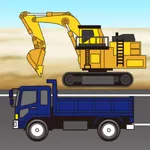
●Many working vehicles appear on the road in front. Tap to see what happens with police cars, ambulances, fire trucks, city buses, and more.
Enjoy finding out what happens
Tap the coal icon to load coal into the firebox.
As the firepower increases and boiler pressure rises, the SL's speed will increase.
On the other hand, if you don't add coal, the speed will drop and eventually stop.
Adjust the amount of coal carefully to control the speed and keep it running.
There are various other icons that appear, so try tapping them.
There are four types of special items. When used, you can tap that button as much as you like for a certain time.
"Big Button": Tapping this icon will make the train or Shinkansen grow in two stages.
"Rail Crossing": Tapping this icon will let you freely place rail crossings as much as you like.
"Freight Train": Tapping this icon will make a freight train pass by.
"Combustion Accelerator": Tapping this greatly boosts firepower and super speeds up the SL.
・SL icon: Transforms into another SL.
・Rail crossing icon: Brings up a crossing.
・Tunnel icon: Displays a tunnel.
・Bridge icon: Displays a bridge.
・Scenery switch icon: Changes the route to a different landscape.
・Whistle icon: You can sound the whistle.
・Station icon: Automatically stops at a station.
・Special item button: Lets you use one special item per tap.
●Many working vehicles appear on the road in front. Tap to see what happens with police cars, ambulances, fire trucks, city buses, and more.
Enjoy finding out what happens