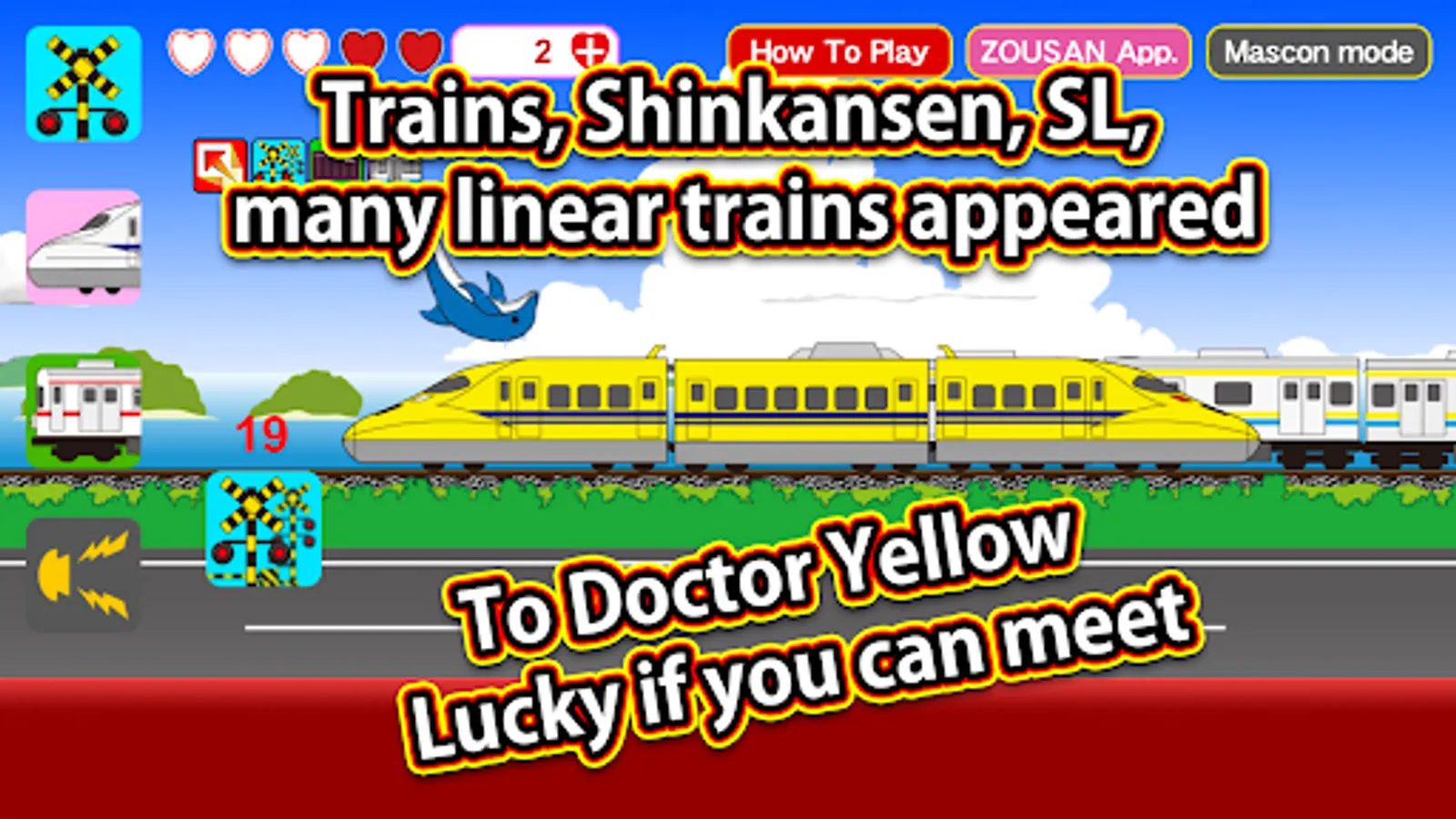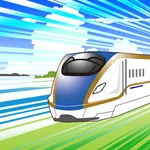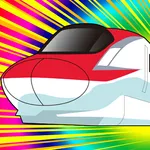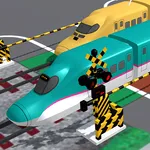
In this train simulation app, you can switch between different train types and explore various environments by tapping icons. Includes vehicle transformations, scenery changes, and special item functionalities.
AppRecs review analysis
AppRecs rating 2.5. Trustworthiness 50 out of 100. Review manipulation risk 42 out of 100. Based on a review sample analyzed.
★★☆☆☆
2.5
AppRecs Rating
Ratings breakdown
5 star
59%
4 star
18%
3 star
0%
2 star
9%
1 star
15%
What to know
✓
Authentic reviews
Natural distribution, no red flags
⚠
Questionable review patterns
42% review manipulation risk - some review patterns appear unusual
⚠
Review quality concerns
56% of sampled 5-star reviews are very short
About Train CanCan
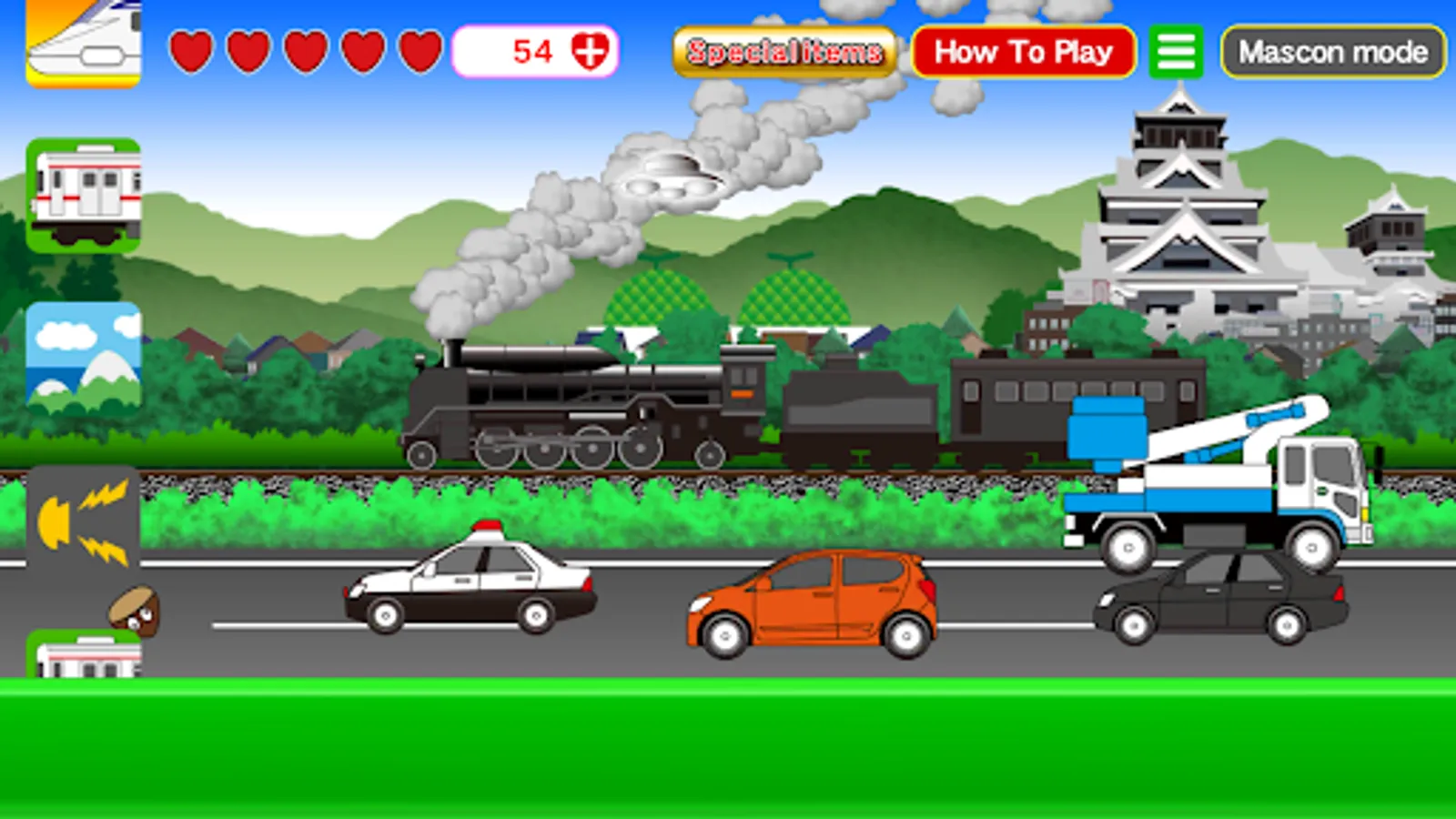
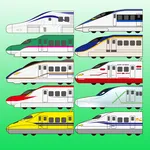
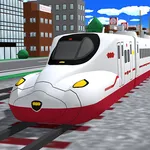
You can have fun running various trains, including bullet trains, regular trains, steam locomotives, and maglev trains.
Simply tap the icons to easily switch between different types of trains and enjoy!
Icons will appear from the bottom left, so try tapping them.
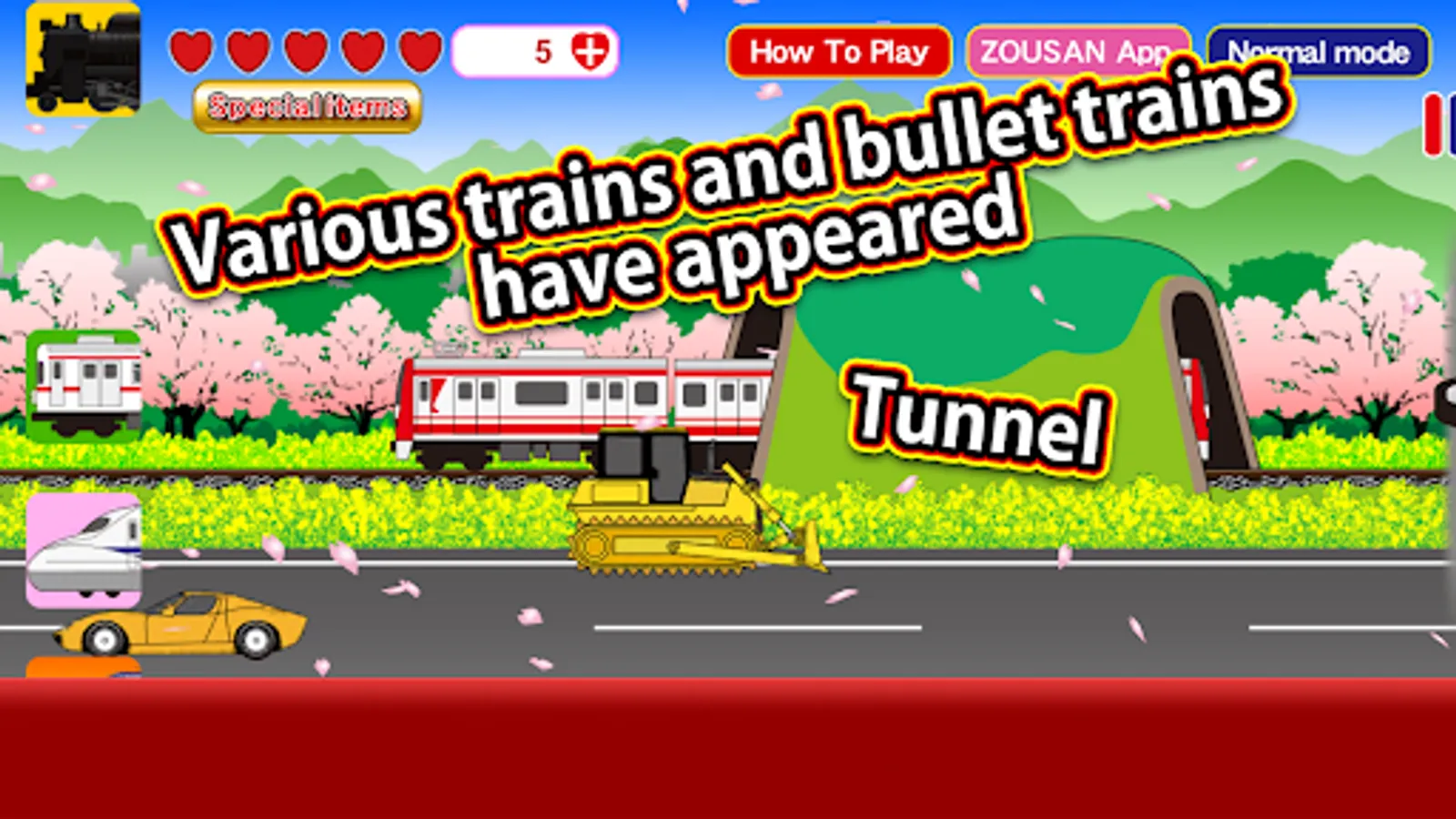
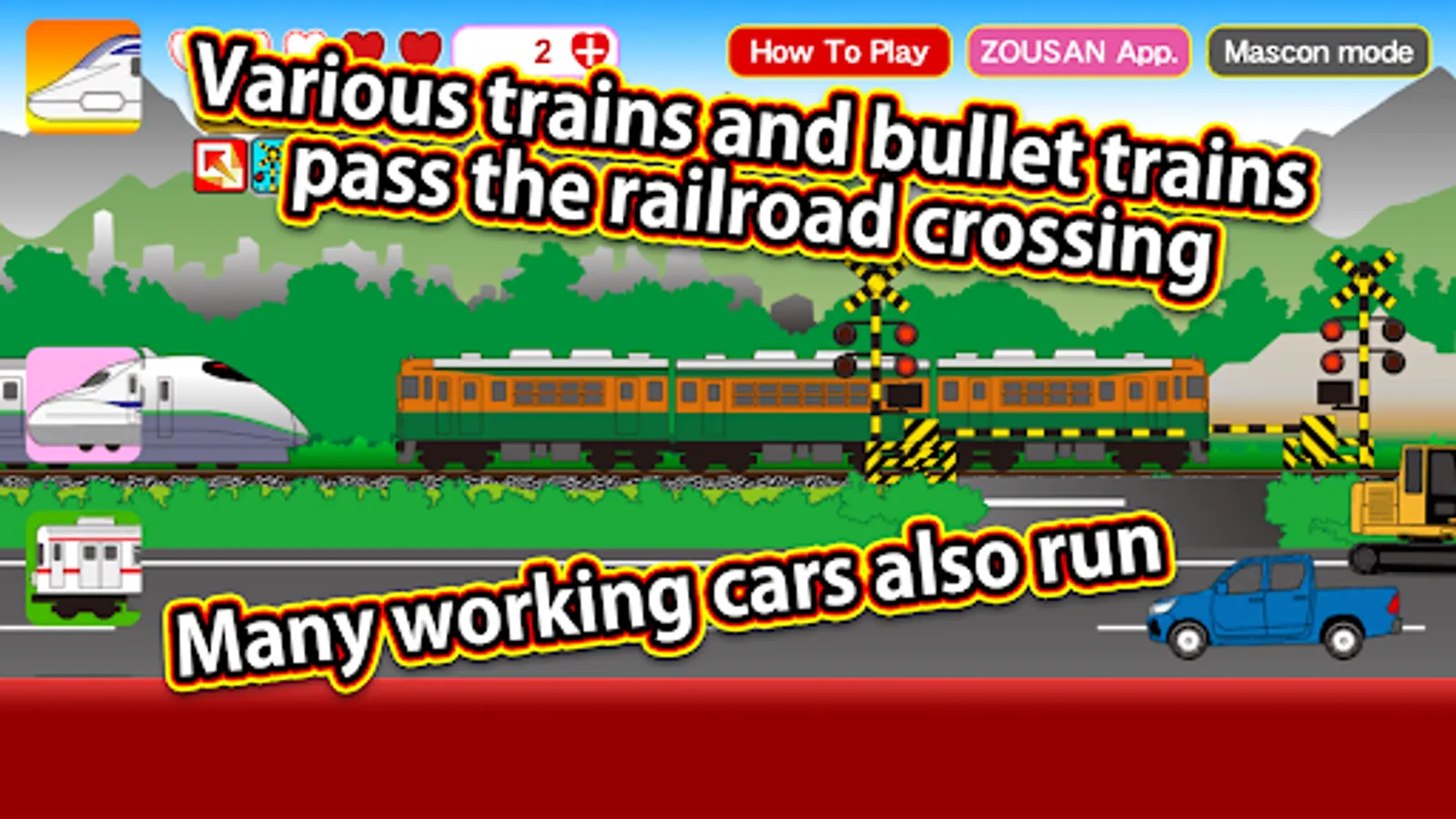
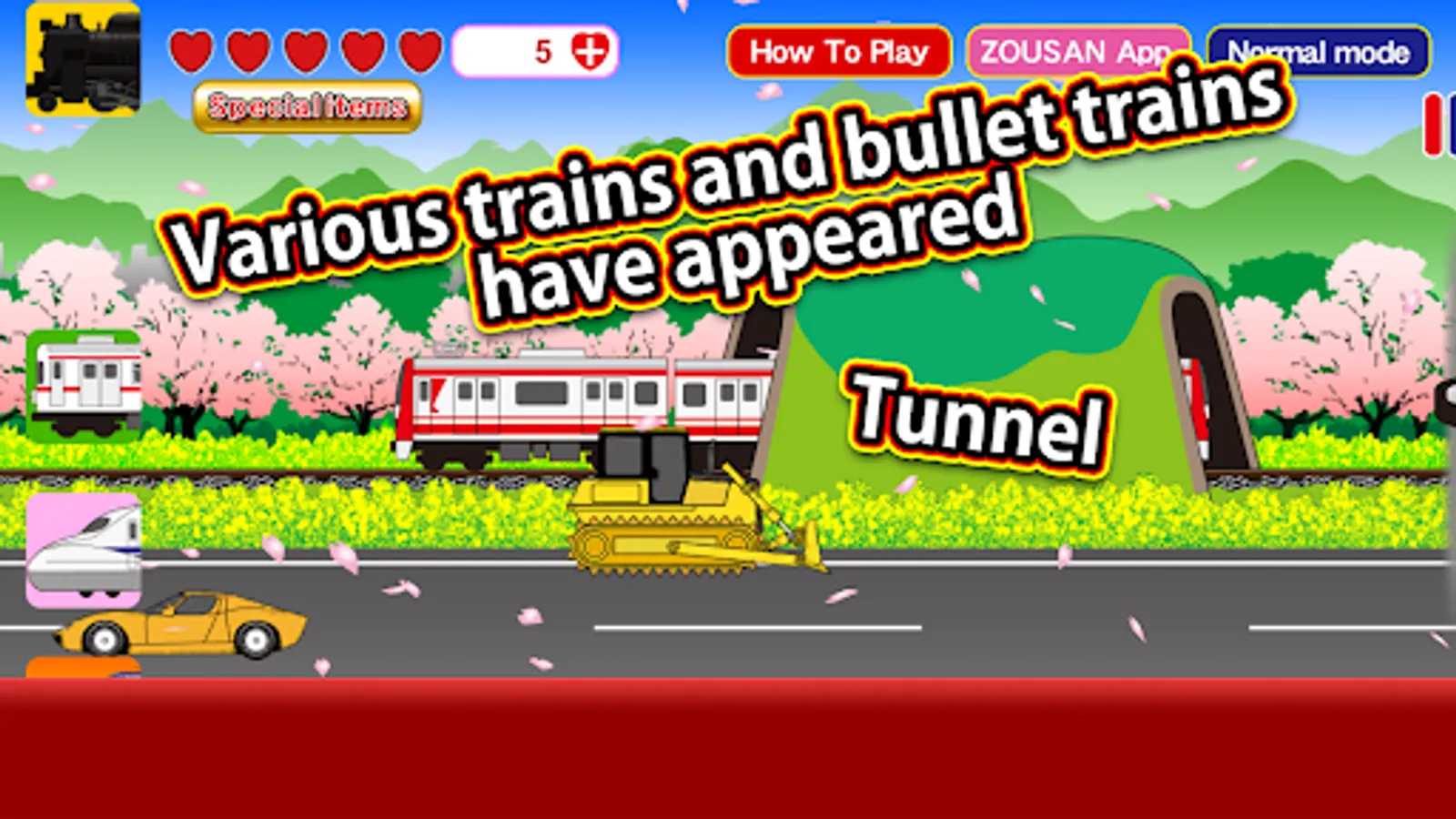
You can transform into various trains, and crossings, tunnels, and bridges will also appear.
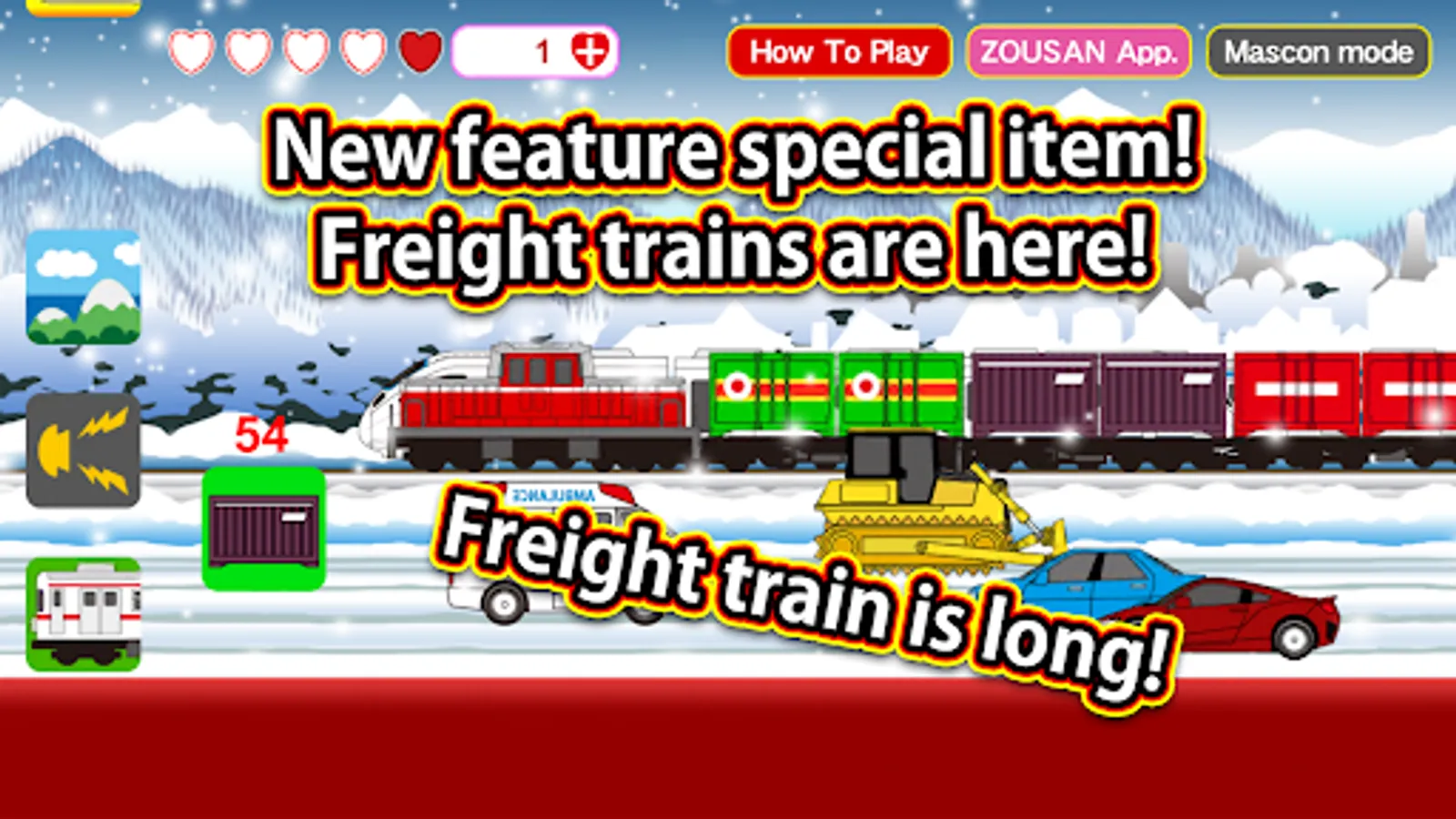
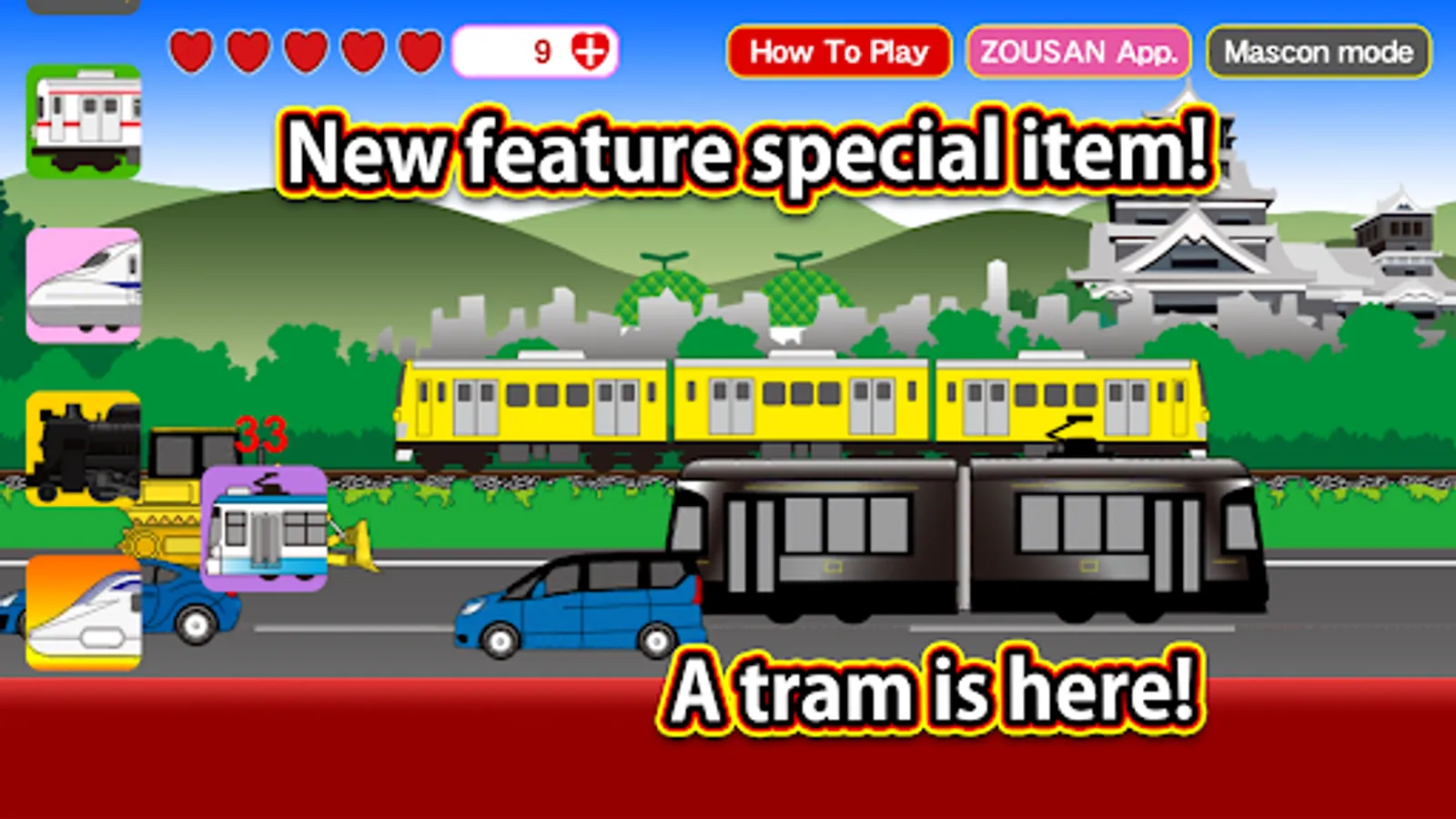
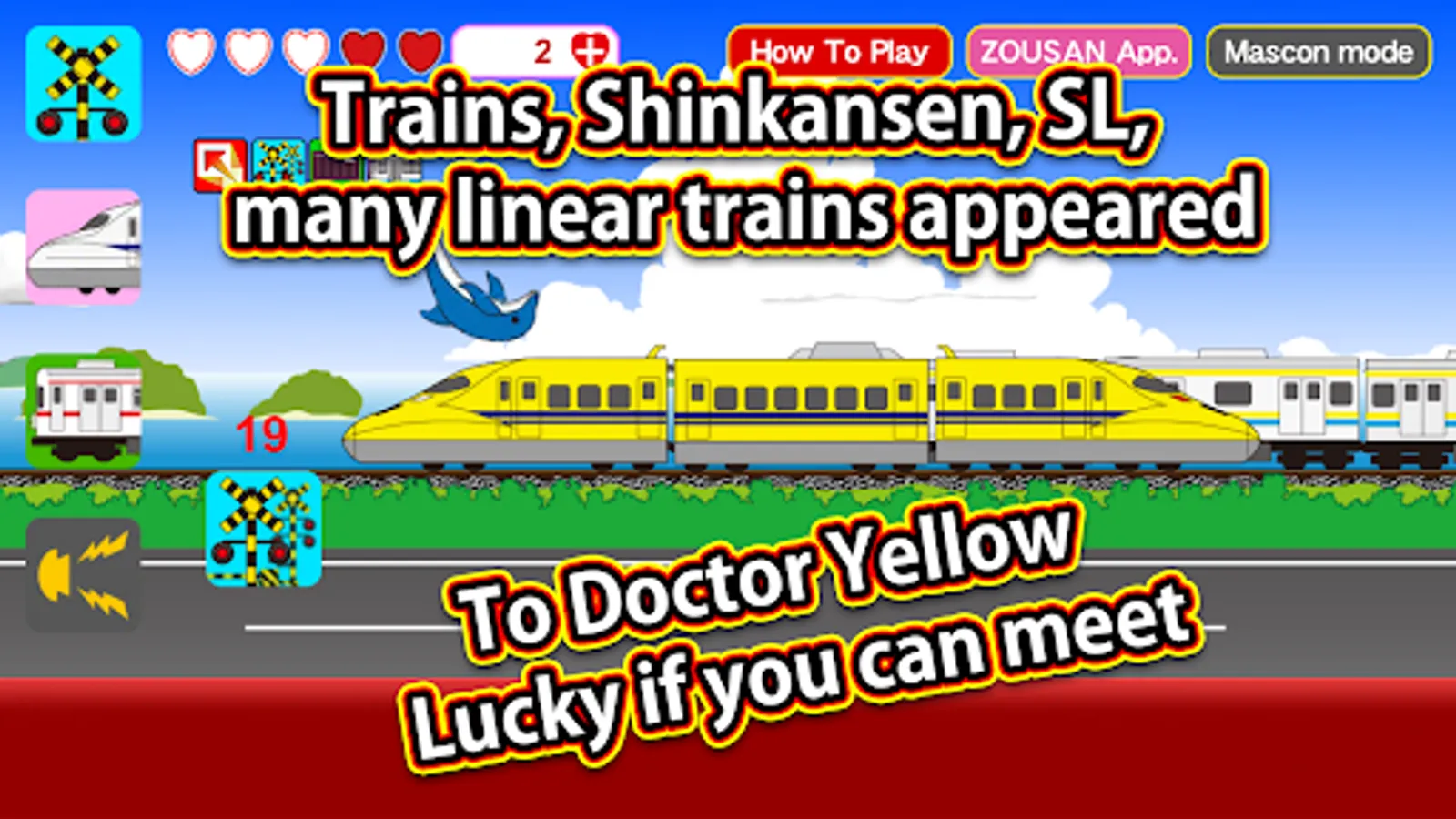
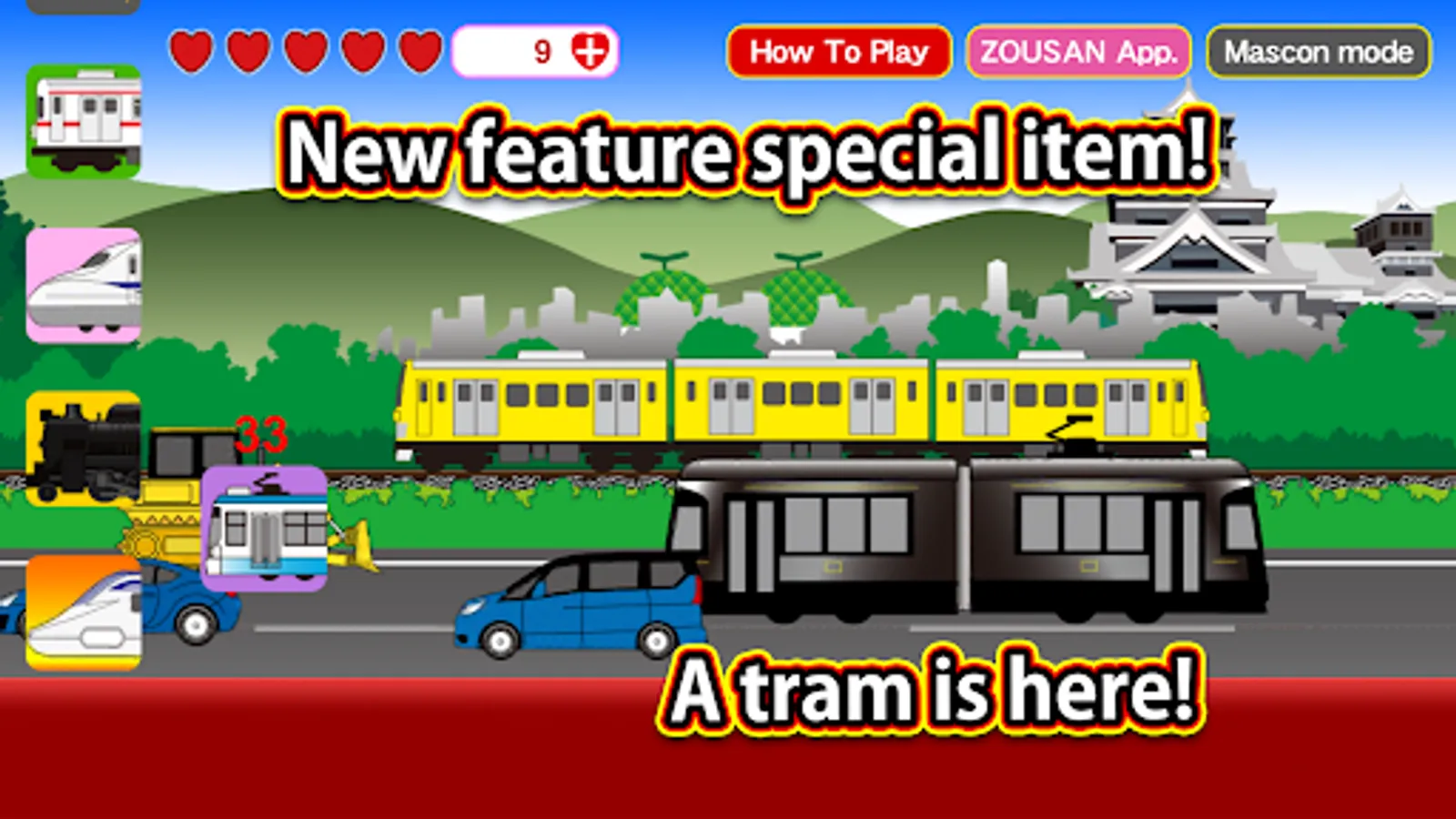
Freight trains and trams will also make an appearance.
In addition, various vehicles will appear on the screen, so try tapping them! Something fun might happen!
Icon Descriptions
- Maglev Train Icon: Transforms into a maglev train for a limited time.
- Regular Train Icon: Changes into various types of regular trains.
- Bullet Train Icon: Transforms into a bullet train for a limited time.
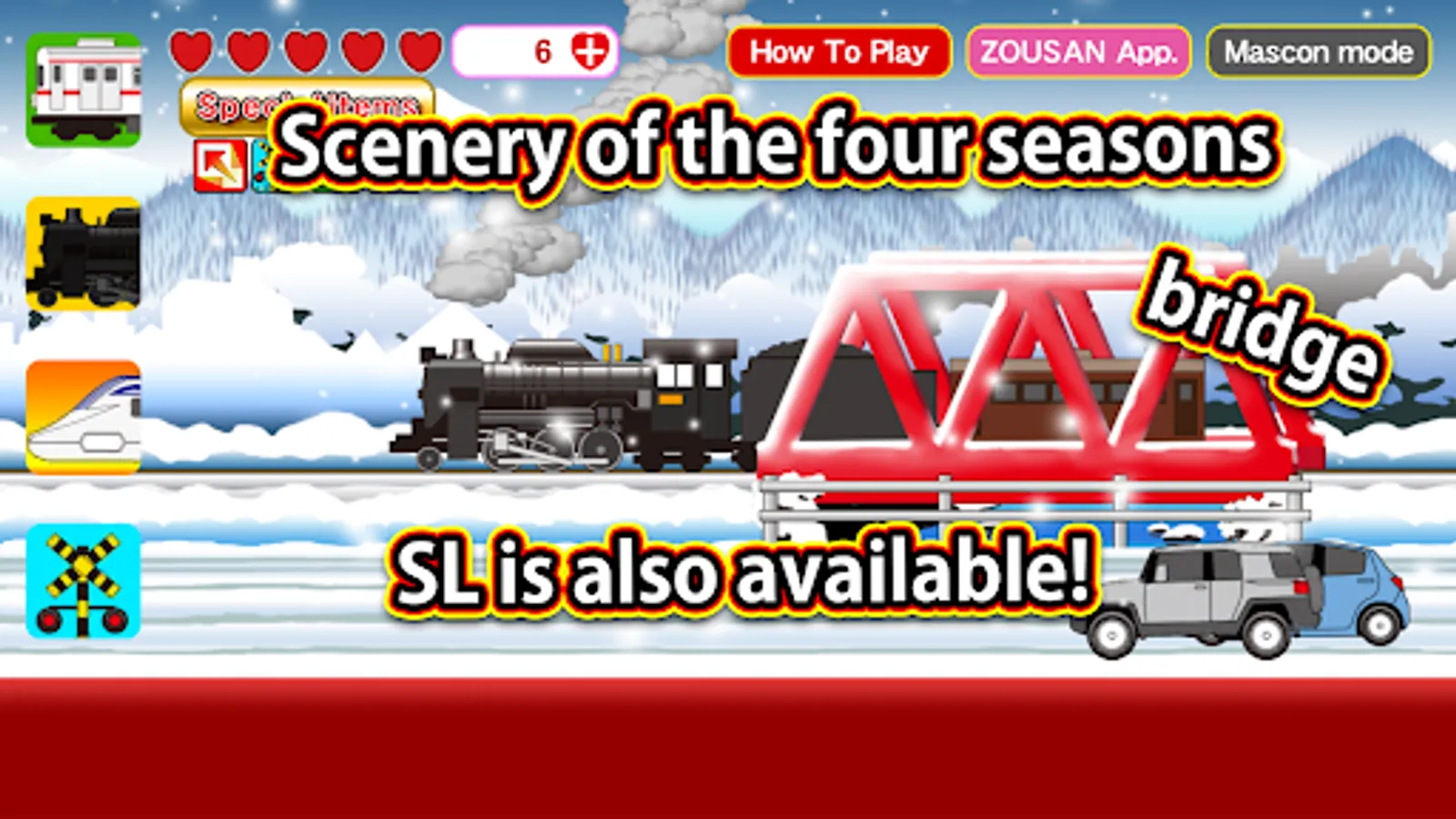
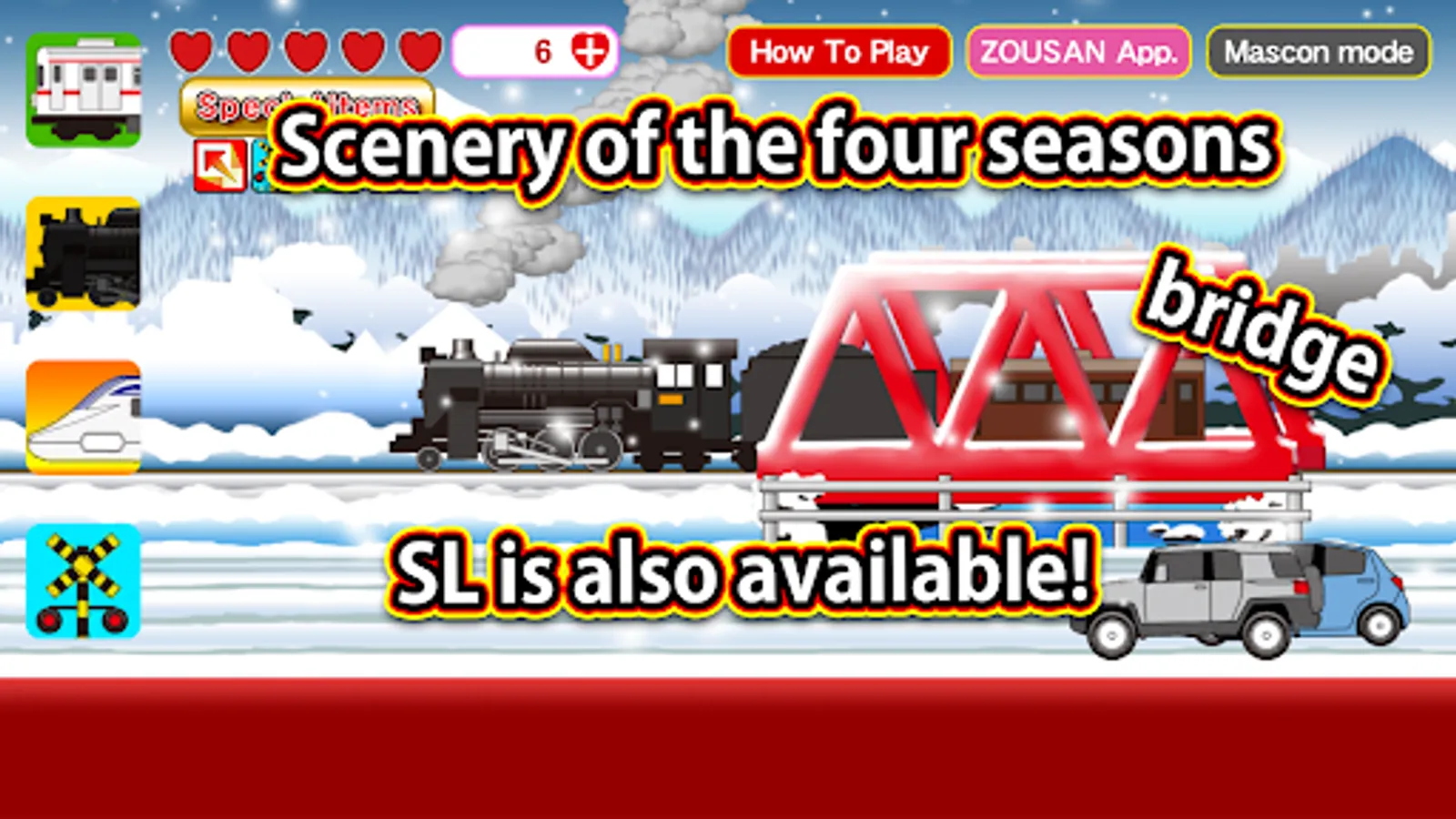
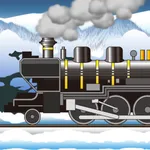
- Steam Locomotive Icon: Transforms into a steam locomotive for a limited time.
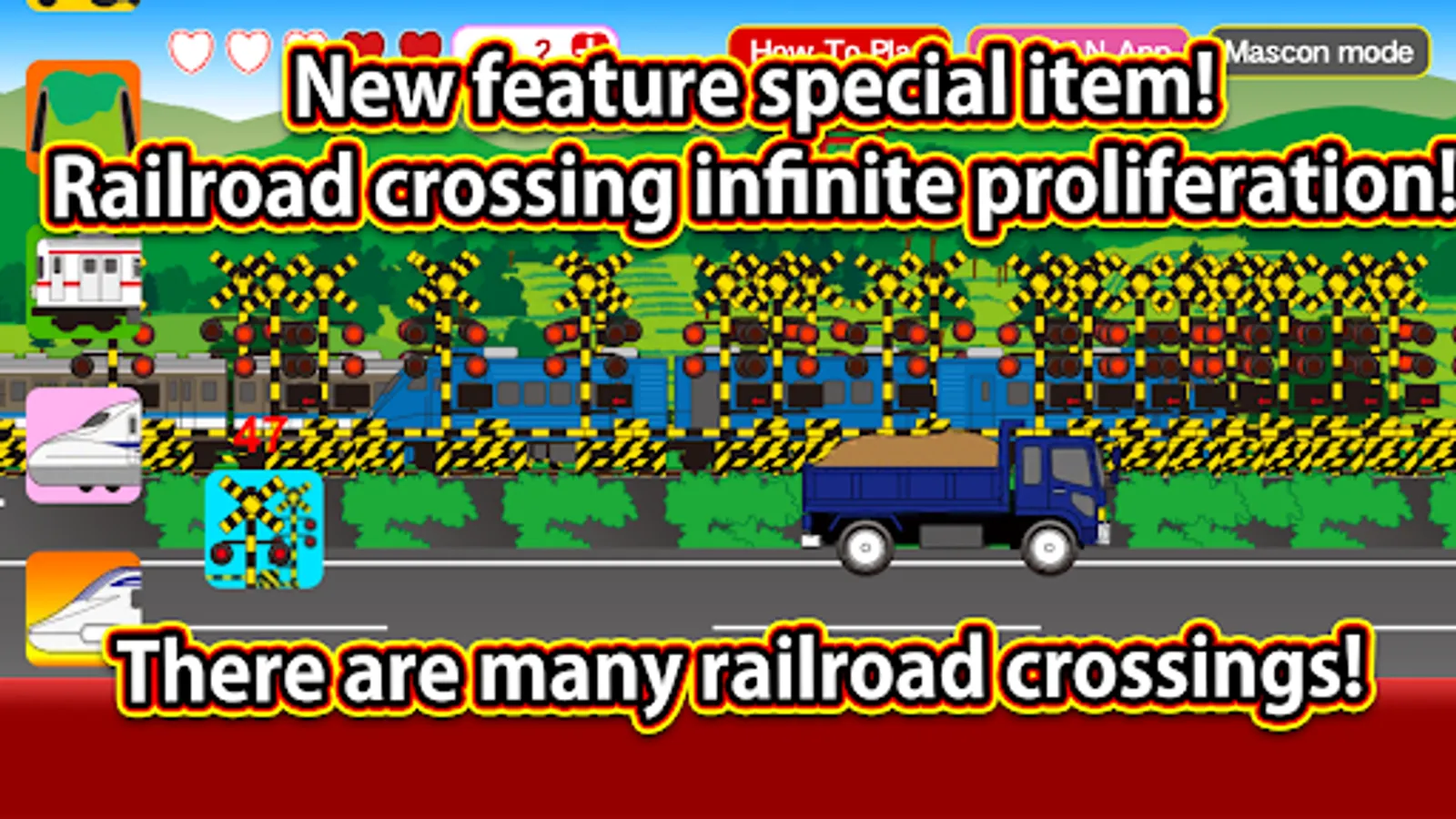
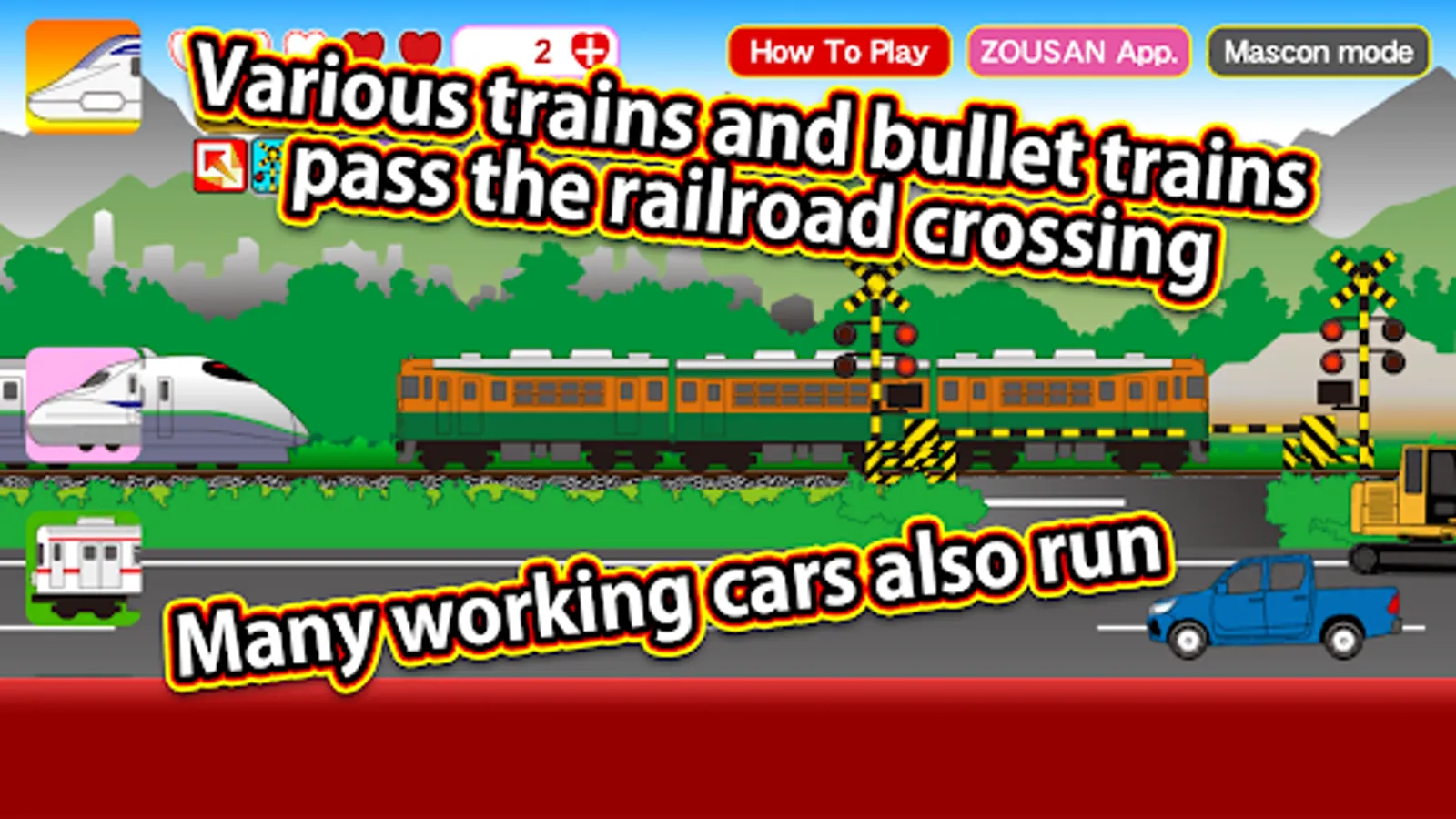
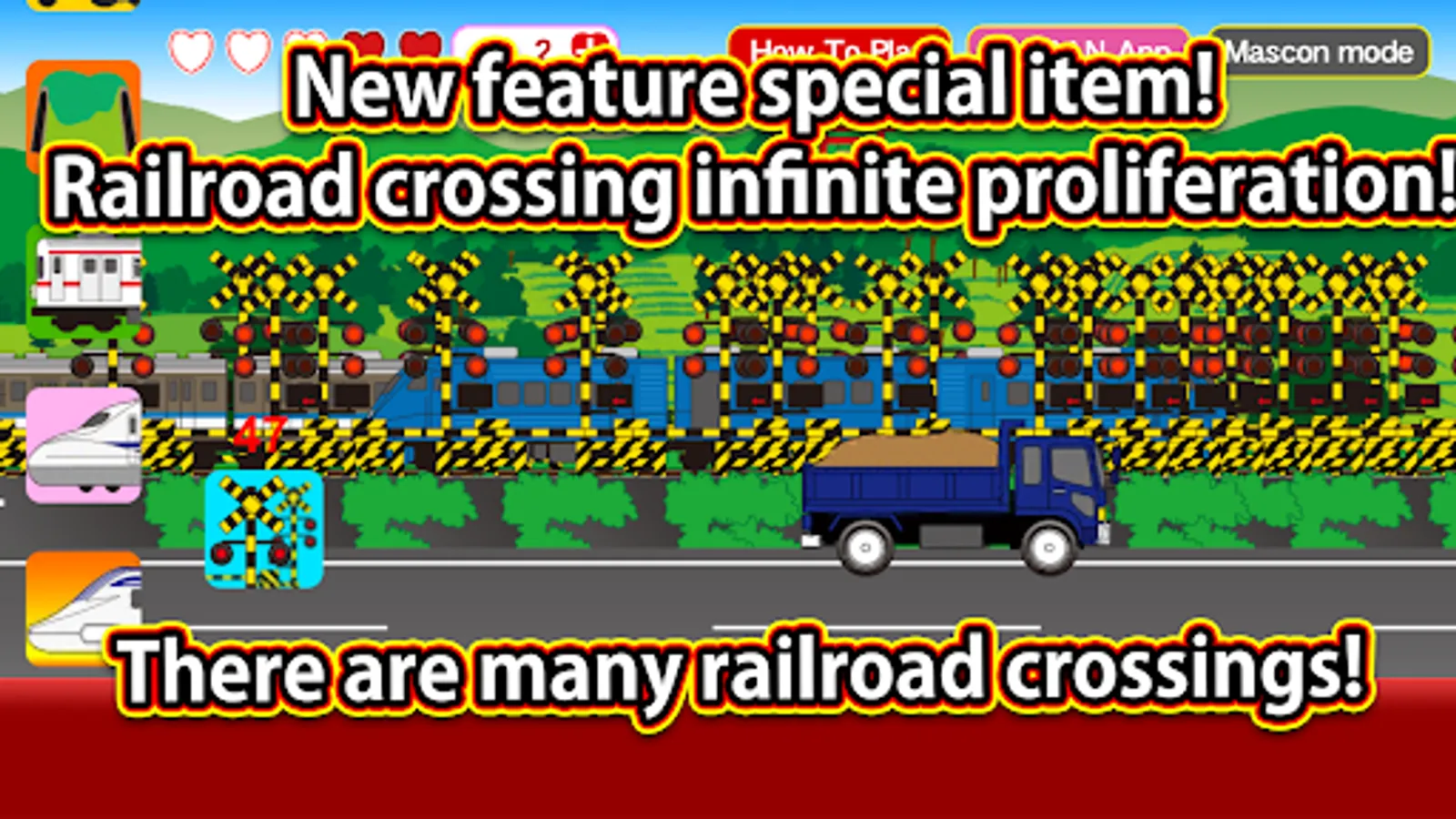
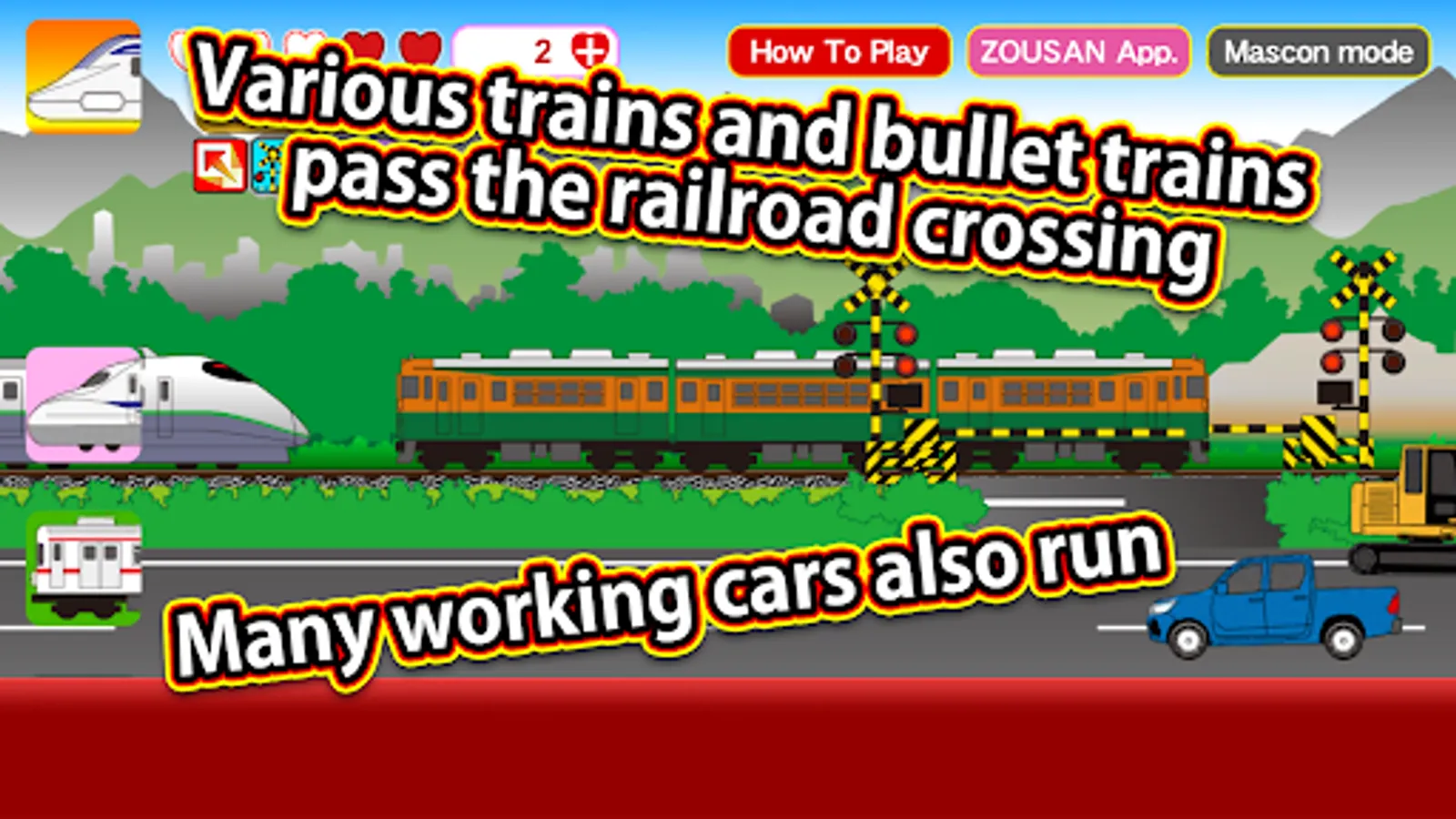
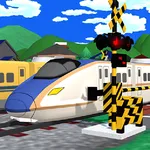
- Railroad Crossing Icon: Displays a railroad crossing.
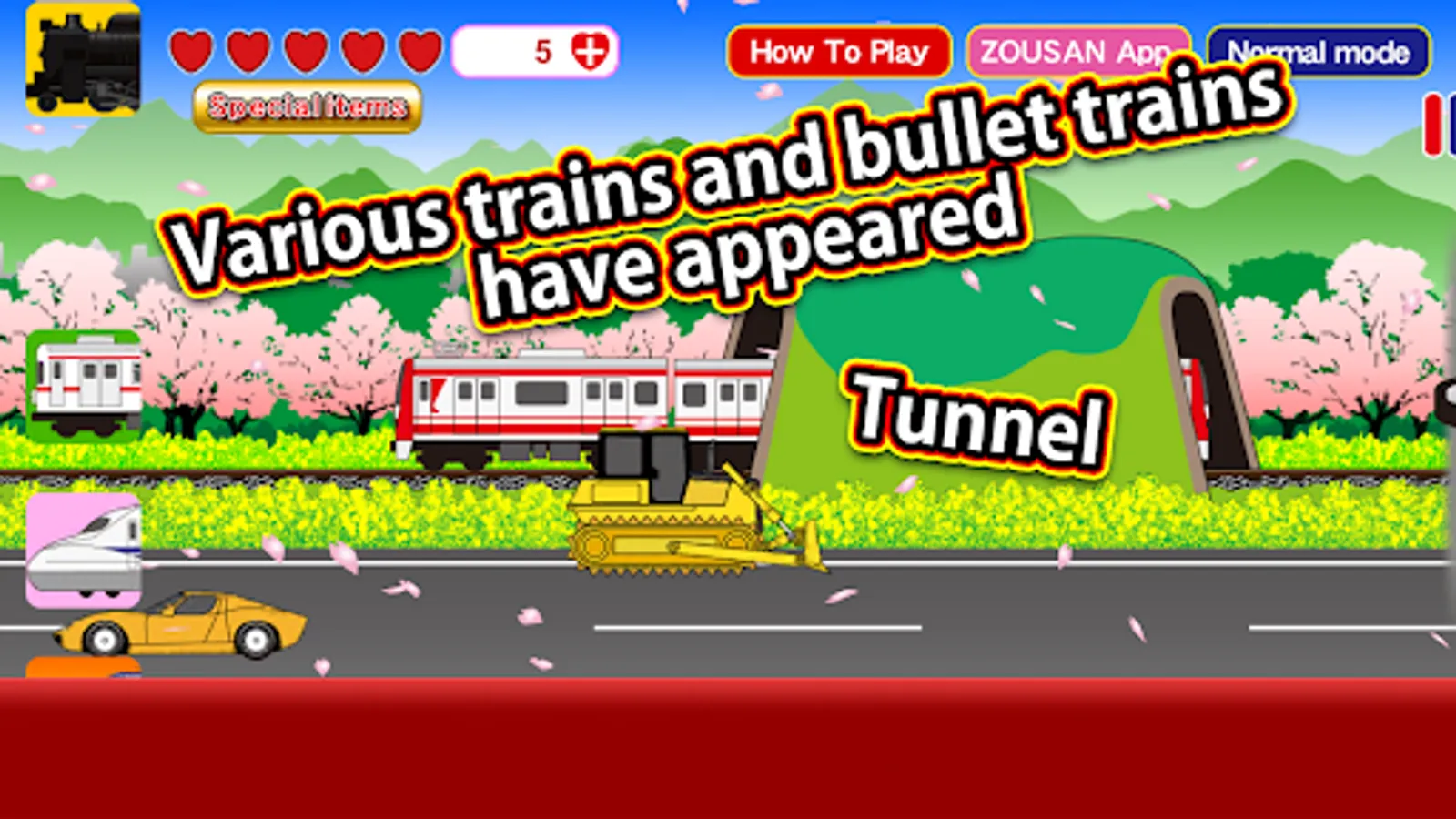
- Tunnel Icon: Displays a tunnel.
- Bridge Icon: Displays a bridge.
- Station Icon: Automatically stops at stations.
(In manual mode, you must stop at the station yourself.)
- Scenery Change Icon: Changes the scenery to a different route.
- Horn Icon: Sounds the train's horn.
There are four special item buttons (single-tap version) that can be used without consuming hearts.
Pressing the unlimited special item button at the top of the screen consumes 5 hearts and allows you to use special items freely for 60 seconds.
The special items are:
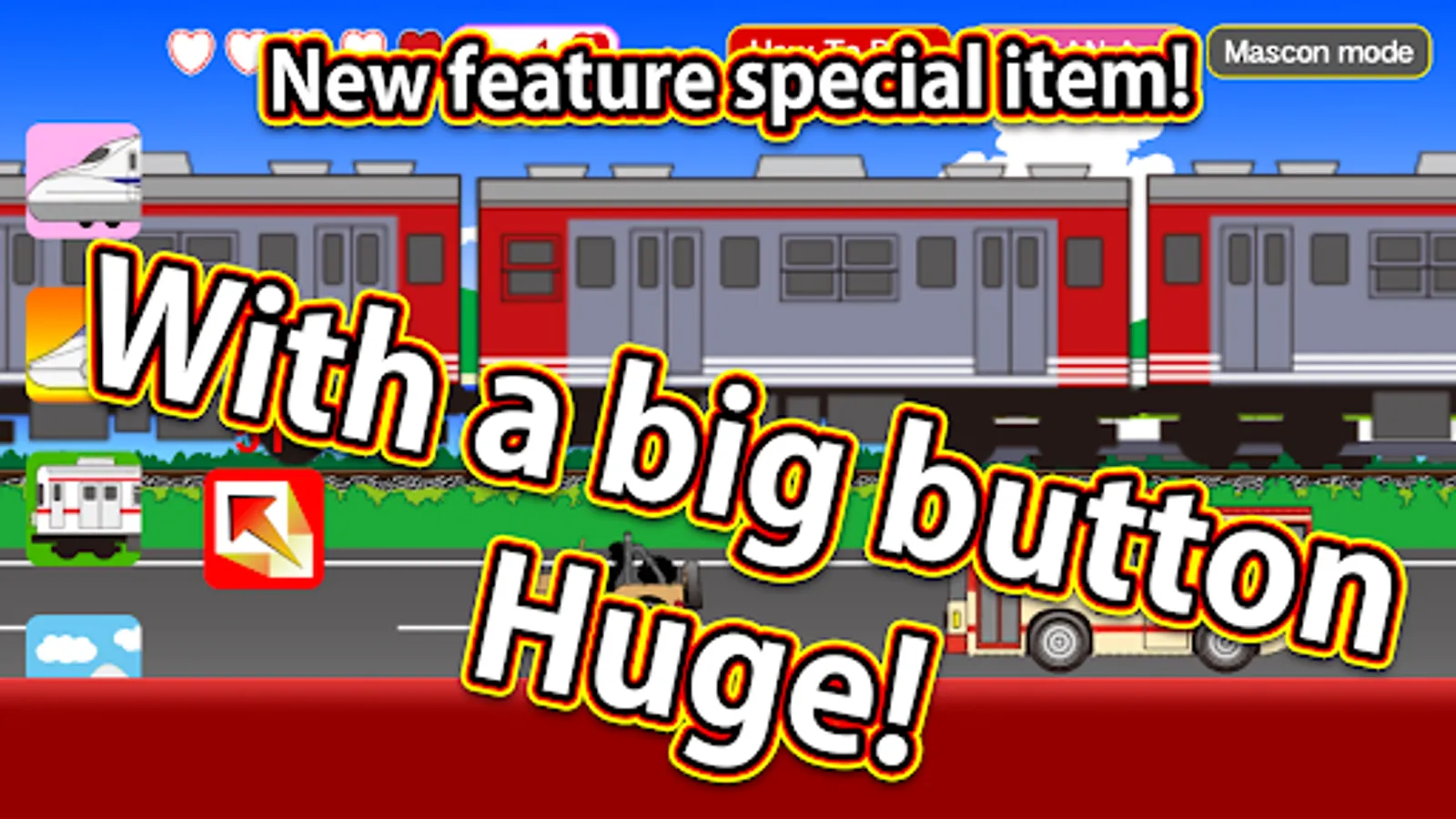
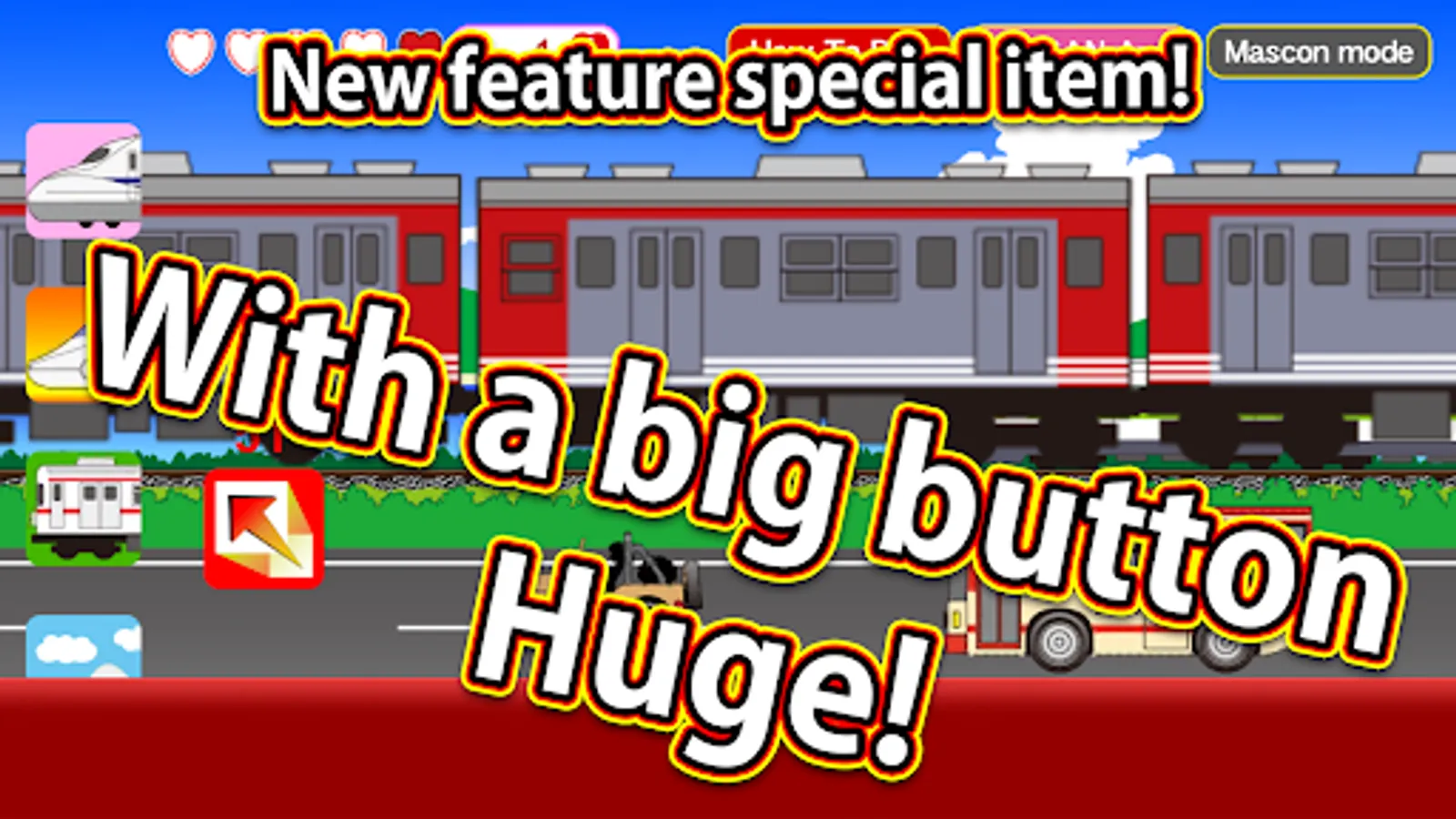
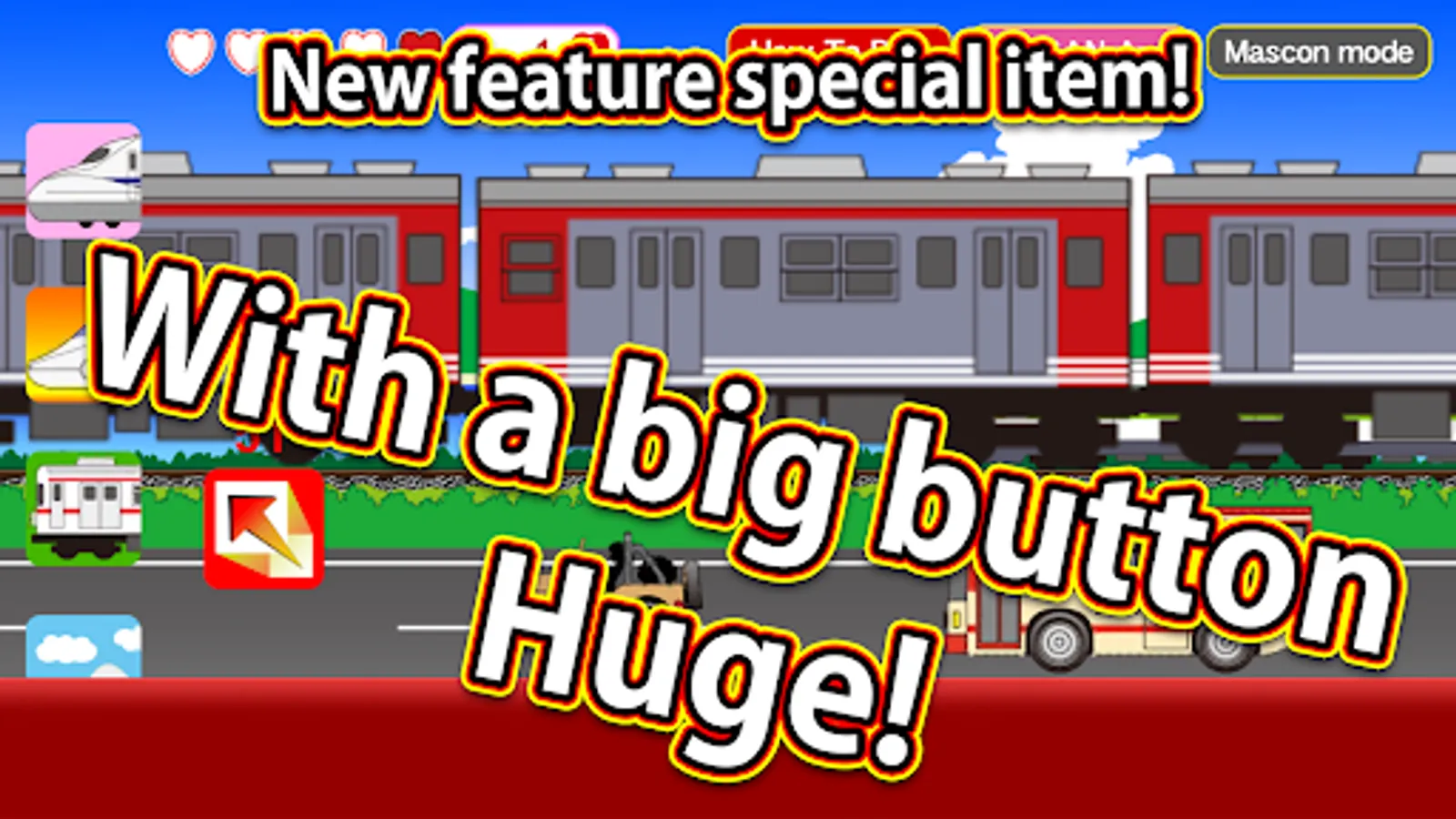
1. "Big Button": Makes the train grow bigger in two stages.
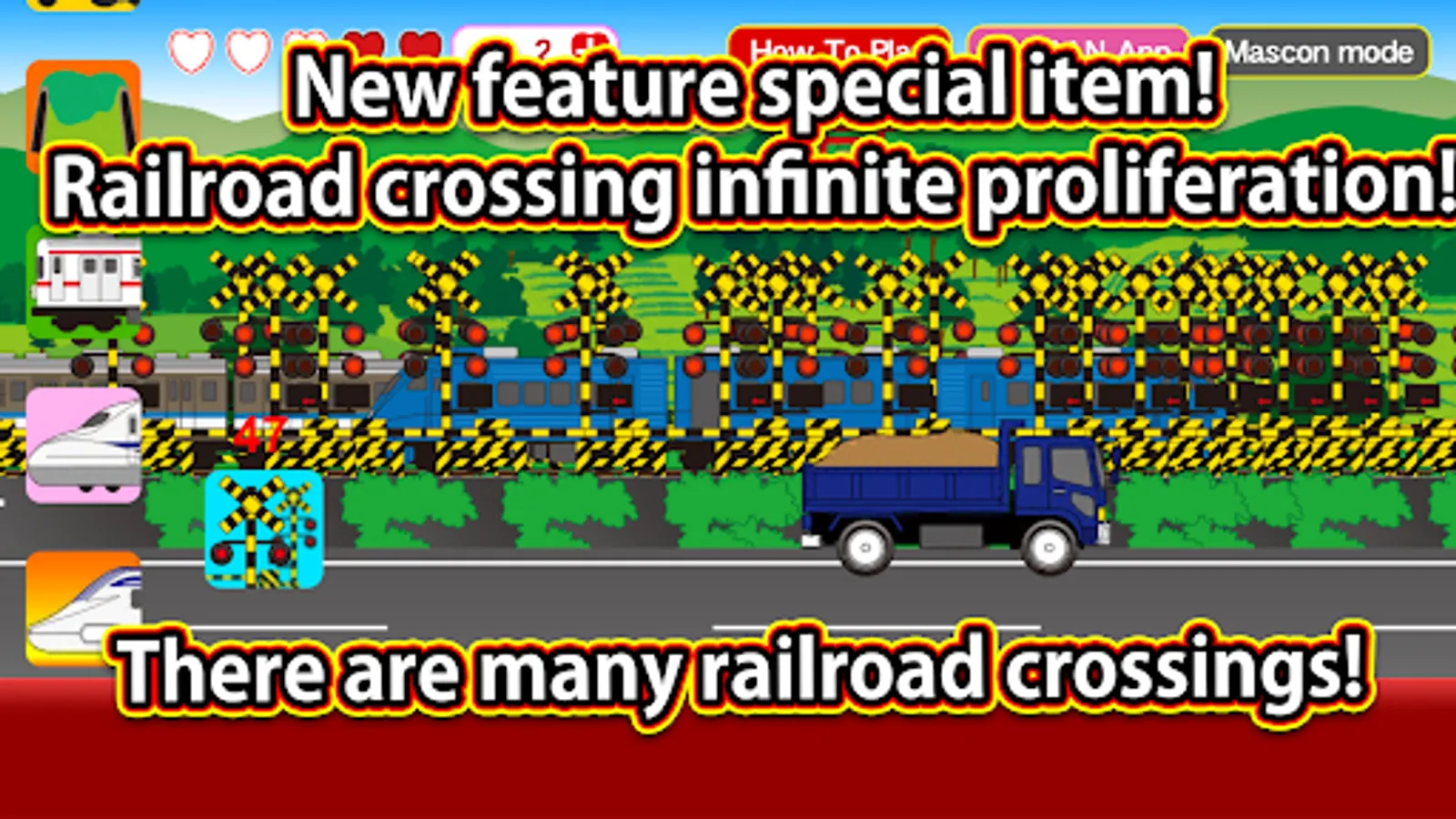
2. "Railroad Crossing": Allows you to place railroad crossings as much as you like.
3. "Freight Train": Makes a freight train pass by.
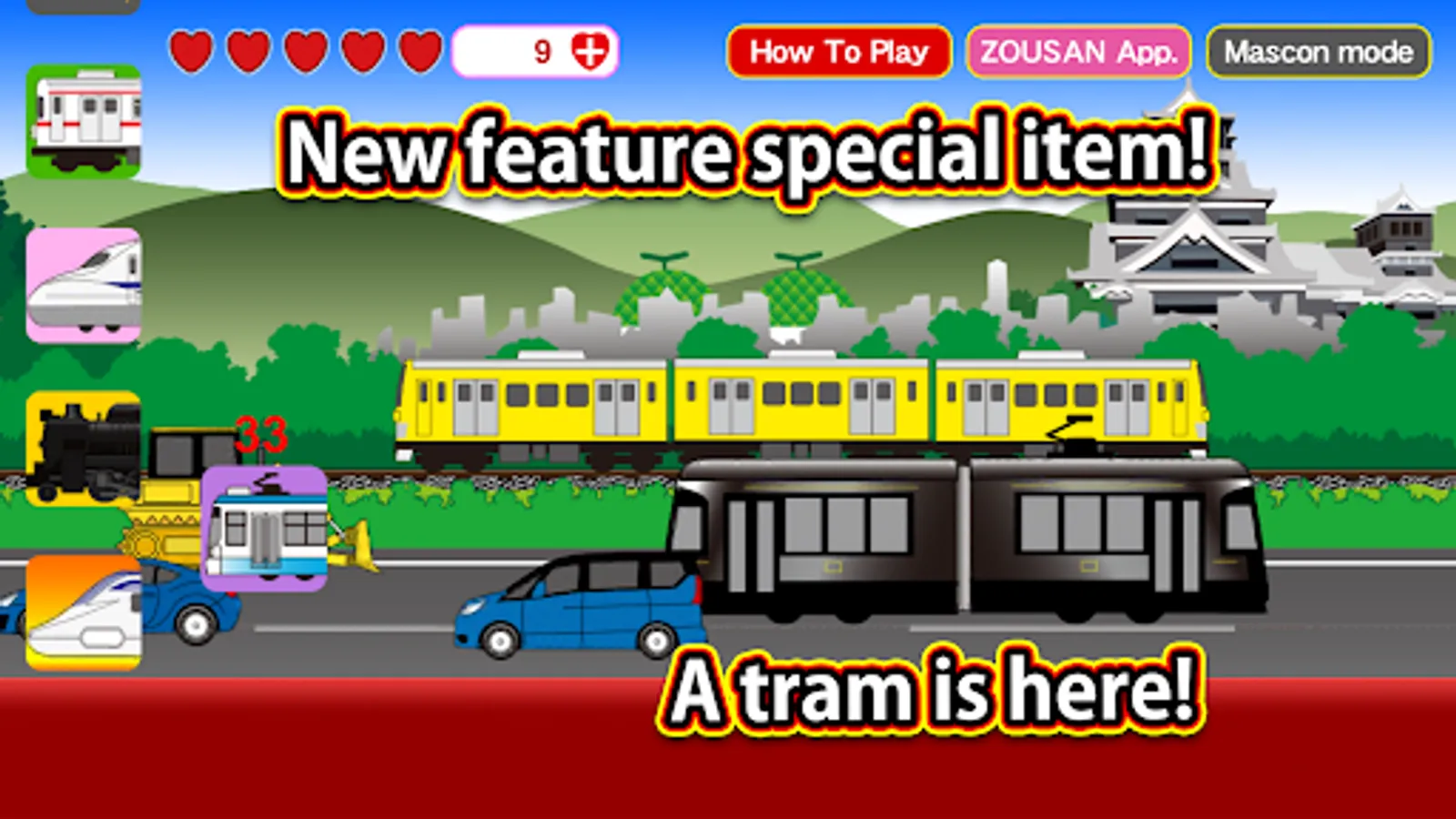
4. "Tram": Makes a tram appear.
Hearts regenerate over time.
In manual mode, you can control the train manually.
Many working vehicles, police cars, ambulances, fire trucks, buses, construction vehicles, sports cars, compact cars, and minivans will also appear, so look forward to them
Simply tap the icons to easily switch between different types of trains and enjoy!
Icons will appear from the bottom left, so try tapping them.
You can transform into various trains, and crossings, tunnels, and bridges will also appear.
Freight trains and trams will also make an appearance.
In addition, various vehicles will appear on the screen, so try tapping them! Something fun might happen!
Icon Descriptions
- Maglev Train Icon: Transforms into a maglev train for a limited time.
- Regular Train Icon: Changes into various types of regular trains.
- Bullet Train Icon: Transforms into a bullet train for a limited time.
- Steam Locomotive Icon: Transforms into a steam locomotive for a limited time.
- Railroad Crossing Icon: Displays a railroad crossing.
- Tunnel Icon: Displays a tunnel.
- Bridge Icon: Displays a bridge.
- Station Icon: Automatically stops at stations.
(In manual mode, you must stop at the station yourself.)
- Scenery Change Icon: Changes the scenery to a different route.
- Horn Icon: Sounds the train's horn.
There are four special item buttons (single-tap version) that can be used without consuming hearts.
Pressing the unlimited special item button at the top of the screen consumes 5 hearts and allows you to use special items freely for 60 seconds.
The special items are:
1. "Big Button": Makes the train grow bigger in two stages.
2. "Railroad Crossing": Allows you to place railroad crossings as much as you like.
3. "Freight Train": Makes a freight train pass by.
4. "Tram": Makes a tram appear.
Hearts regenerate over time.
In manual mode, you can control the train manually.
Many working vehicles, police cars, ambulances, fire trucks, buses, construction vehicles, sports cars, compact cars, and minivans will also appear, so look forward to them