Lucid - DayDream Screensaver
j4velin
3.9 ★
3K ratings
100,000+
downloads
Free
+ in-app
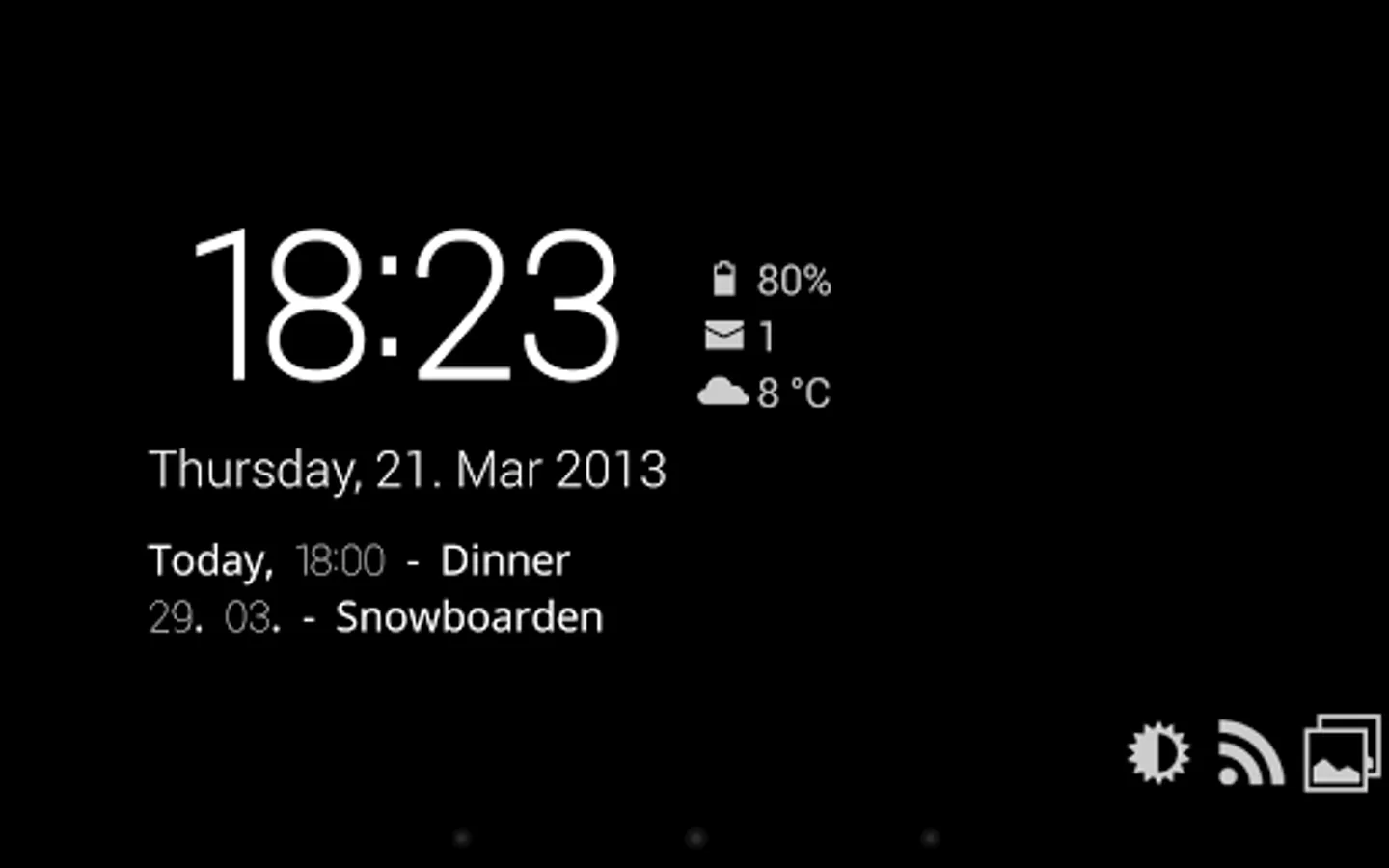
In this screensaver app, you can customize displays to show time, weather, notifications, and RSS feeds. Includes module options for clock, weather, unread messages, missed calls, and slideshow images.
AppRecs review analysis
AppRecs rating 3.8. Trustworthiness 83 out of 100. Review manipulation risk 25 out of 100. Based on a review sample analyzed.
★★★☆☆
3.8
AppRecs Rating
Ratings breakdown
5 star
59%
4 star
9%
3 star
11%
2 star
7%
1 star
14%
What to know
✓
Low review manipulation risk
25% review manipulation risk
✓
Credible reviews
83% trustworthiness score from analyzed reviews
⚠
Ad complaints
Many low ratings mention excessive ads
About Lucid - DayDream Screensaver
On the free version, the modules will stop after 30 mins of continuous usage!
Full version is available through an in-app purchase for only 0.99 EUR / 1.49 USD
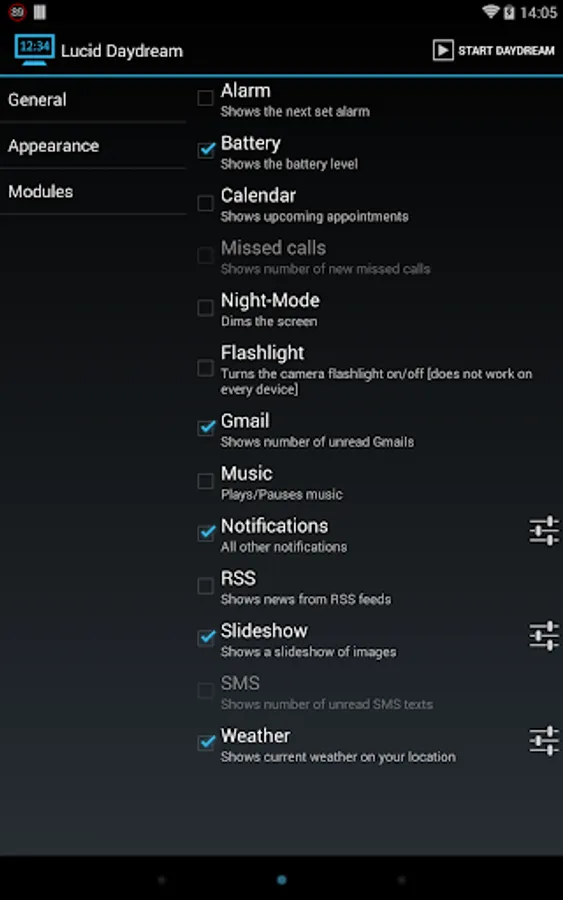
Lucid automatically starts when you put your device in the dock or when you charge it. The app is very customizable and comes with a lot of functionallity, like:
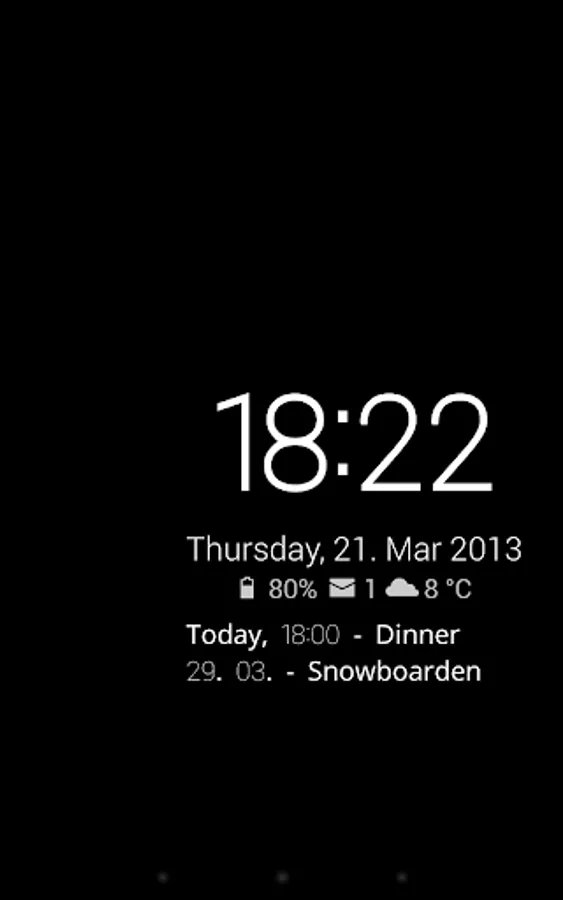
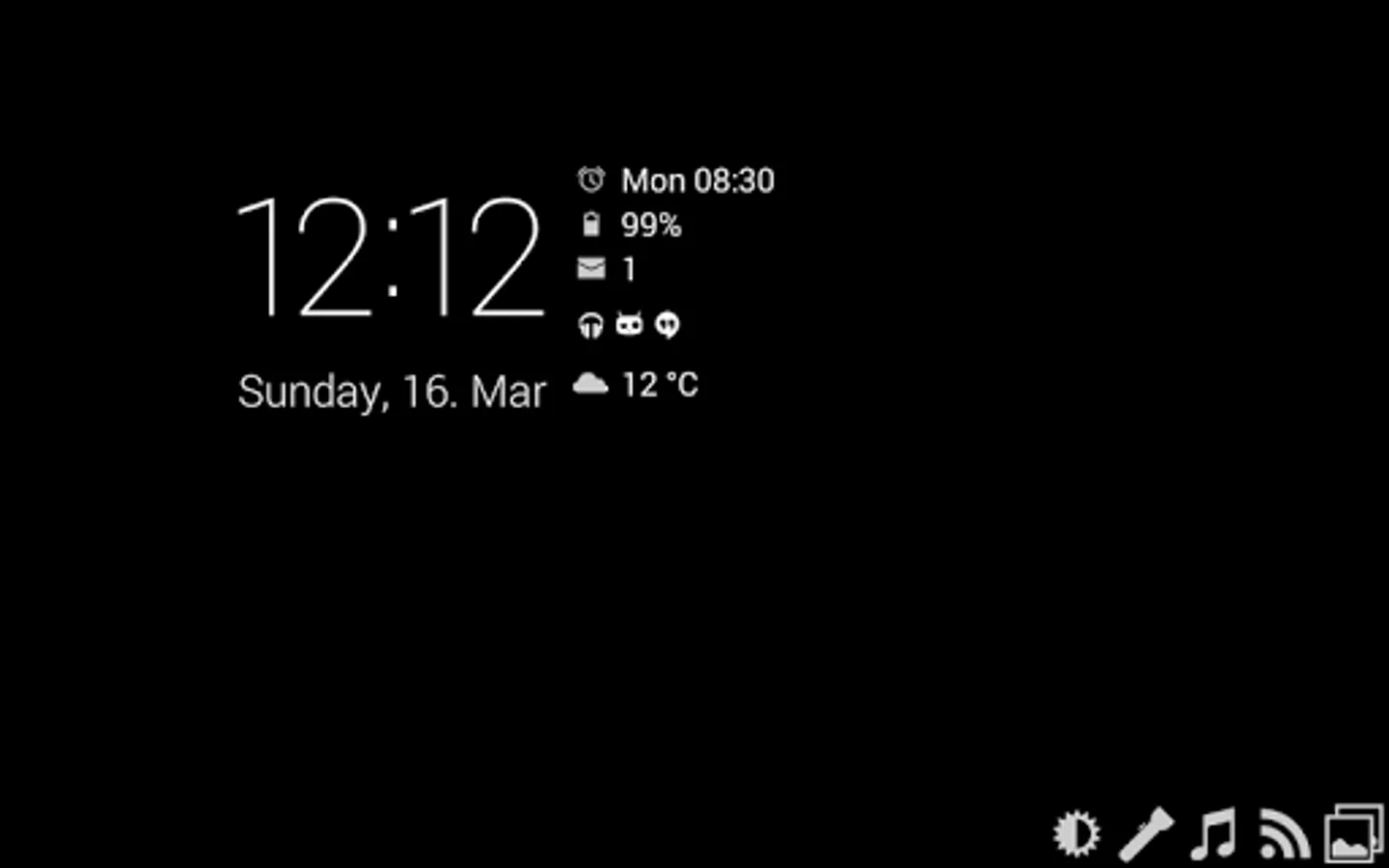
Clock: Show the current time & date and can also show...
... battery level
... weather
... unread GMails
... new SMS texts
... missed calls
... next alarm
... many more information from most DashClock extensions
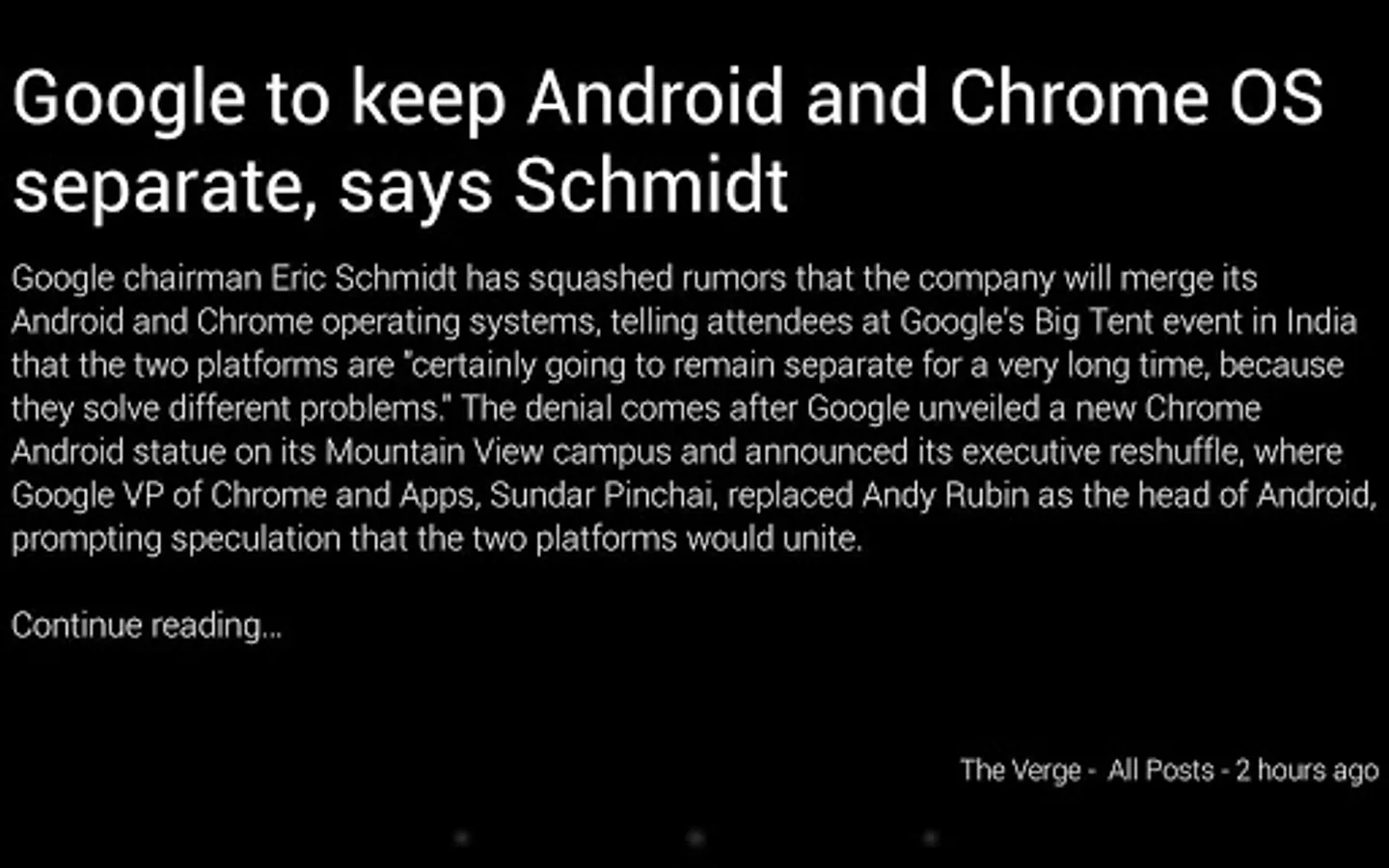
RSS view: flips through new events from your RSS feeds
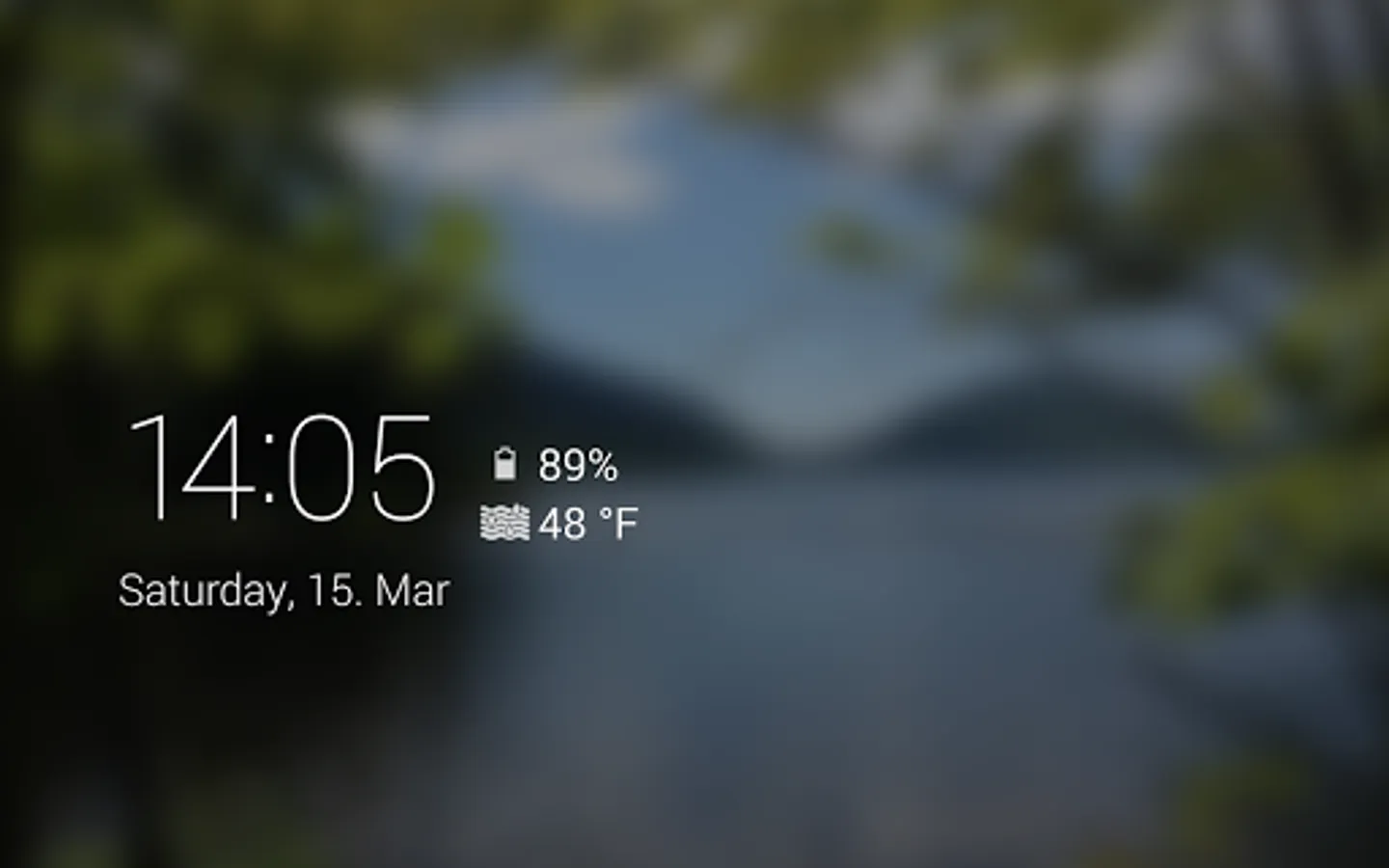
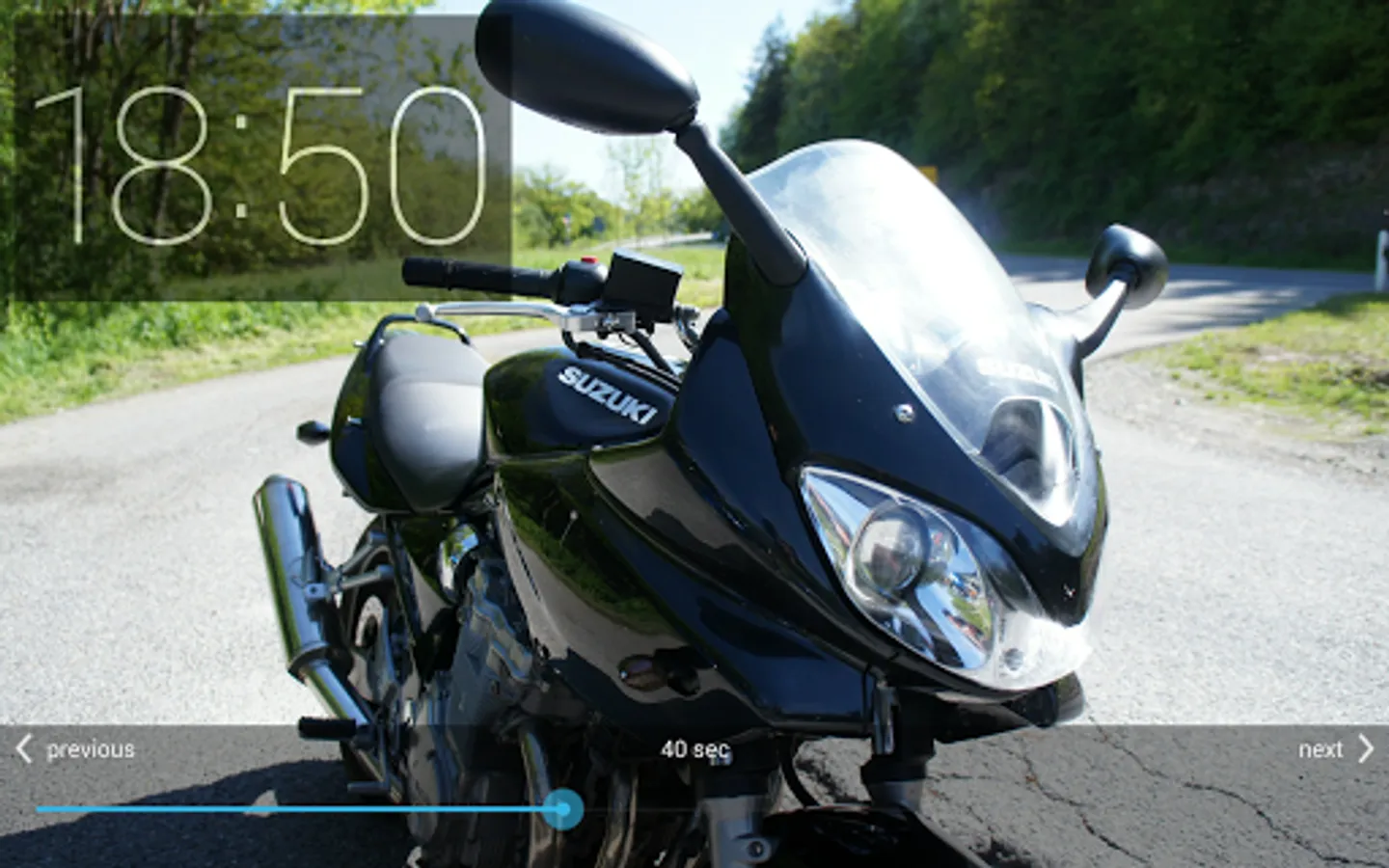
Slideshow view: start a slideshow with images from your device
On Android 4.2+ you need to enable the "DayDream" in the Android display settings to use & configure the app! Note that the system won't start the daydream if you're display is kept awake! Make sure to disable the "Keep awake while charging" option in the Android developer settings (if you have enabled that before). On Samsung devices, make sure to disable the "keep display on while eye contact is detected" option (or how they call that)
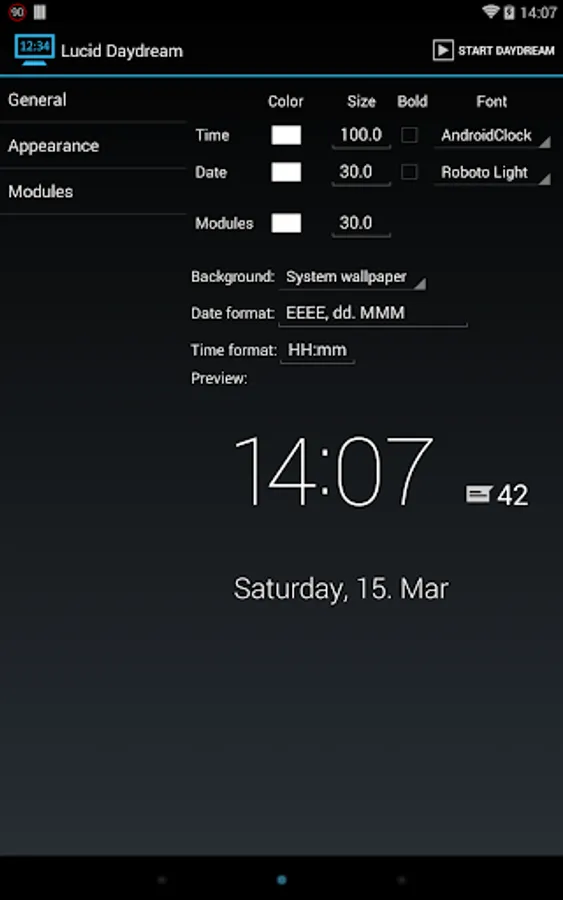
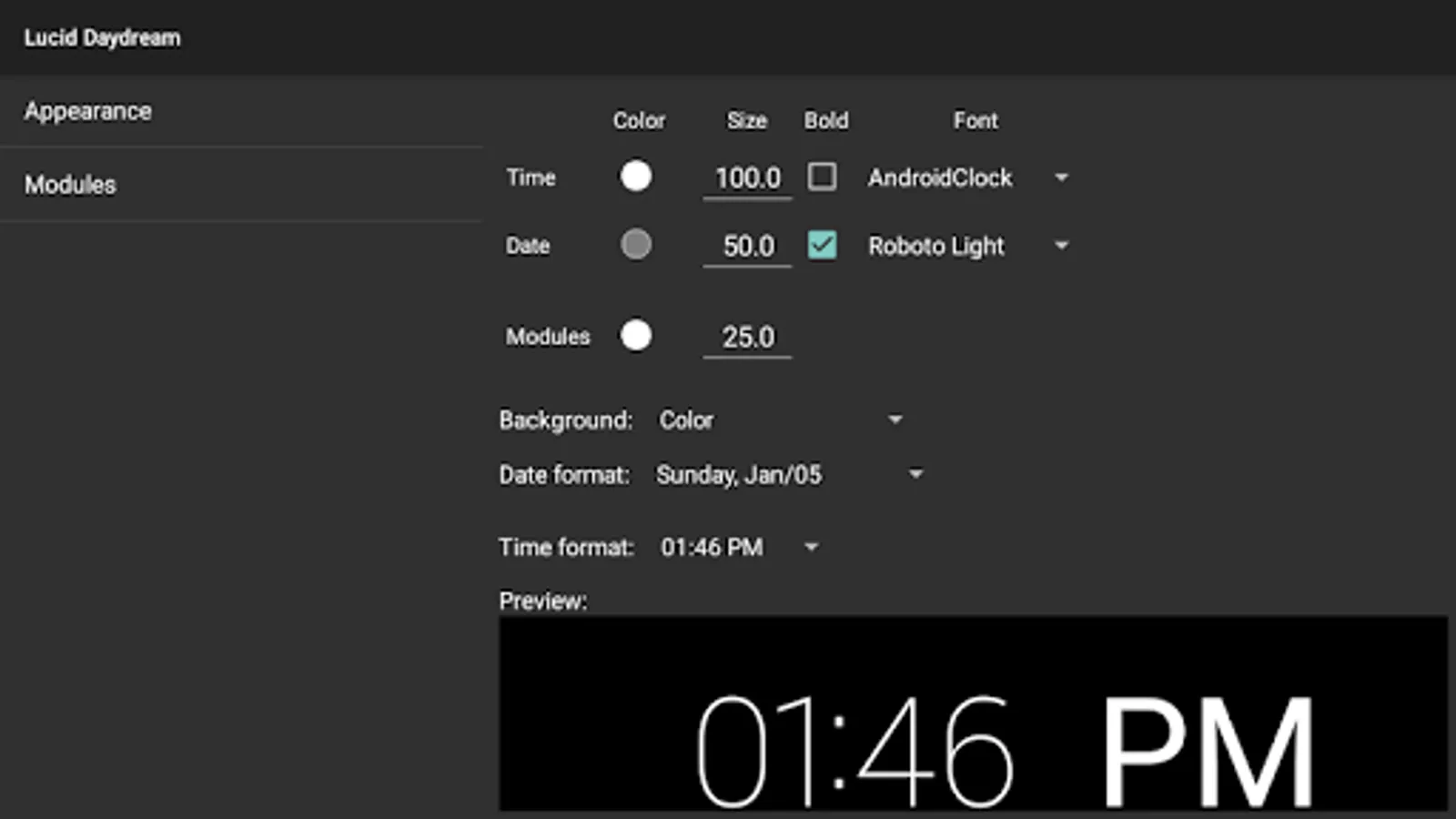
You can use the identifiers here http://developer.android.com/reference/java/text/SimpleDateFormat.html to change the time and date format
-------------------
Permissions:
This app uses the Device Administrator permission. The app has a feature to automatically lock the device, when the daydream starts. It asks for "device administrator" permission, if you want to use this feature.
ACCESS_COARSE_LOCATION - show weather information
ACCESS_NETWORK_STATE & INTERNET - downloading RSS feed/weather/slideshow images
CAMERA - turn camera flashlight on
GET_ACCOUNTS & USE_CREDENTIALS - load RSS feeds from Google account
READ_CALENDAR - display upcoming events
READ_CALL_LOG & READ_CONTACTS & READ_PHONE_STATE - show number of missed calls
READ_EXTERNAL_STORAGE - load custom fonts
READ_SMS & RECEIVE_SMS - display unread SMS count
WRITE_EXTERNAL_STORAGE - cache RSS feeds
Full version is available through an in-app purchase for only 0.99 EUR / 1.49 USD
Lucid automatically starts when you put your device in the dock or when you charge it. The app is very customizable and comes with a lot of functionallity, like:
Clock: Show the current time & date and can also show...
... battery level
... weather
... unread GMails
... new SMS texts
... missed calls
... next alarm
... many more information from most DashClock extensions
RSS view: flips through new events from your RSS feeds
Slideshow view: start a slideshow with images from your device
On Android 4.2+ you need to enable the "DayDream" in the Android display settings to use & configure the app! Note that the system won't start the daydream if you're display is kept awake! Make sure to disable the "Keep awake while charging" option in the Android developer settings (if you have enabled that before). On Samsung devices, make sure to disable the "keep display on while eye contact is detected" option (or how they call that)
You can use the identifiers here http://developer.android.com/reference/java/text/SimpleDateFormat.html to change the time and date format
-------------------
Permissions:
This app uses the Device Administrator permission. The app has a feature to automatically lock the device, when the daydream starts. It asks for "device administrator" permission, if you want to use this feature.
ACCESS_COARSE_LOCATION - show weather information
ACCESS_NETWORK_STATE & INTERNET - downloading RSS feed/weather/slideshow images
CAMERA - turn camera flashlight on
GET_ACCOUNTS & USE_CREDENTIALS - load RSS feeds from Google account
READ_CALENDAR - display upcoming events
READ_CALL_LOG & READ_CONTACTS & READ_PHONE_STATE - show number of missed calls
READ_EXTERNAL_STORAGE - load custom fonts
READ_SMS & RECEIVE_SMS - display unread SMS count
WRITE_EXTERNAL_STORAGE - cache RSS feeds
Lucid - DayDream Screensaver Screenshots
Tap to Rate:
Reviews for Lucid - DayDream Screensaver
Christian Armen
9/27/2025
👎
Rich Henderson
7/22/2025
losing functionality... with Android 16, I cannot get notifications to work any more for email, text, messenger, chess, etc. clock, date, time, next alarm ok. no response from Dev.