
WiFi Automatic
j4velin
4.1 ★
19K ratings
1,000,000+
downloads
Free
+ in-app
With this app, you can automatically disable and enable your device’s WiFi to save battery life, based on location or activity. Includes features like automatic WiFi toggling, network scanning, and location-based WiFi management.
AppRecs review analysis
AppRecs rating 4.1. Trustworthiness 81 out of 100. Review manipulation risk 26 out of 100. Based on a review sample analyzed.
★★★★☆
4.1
AppRecs Rating
Ratings breakdown
5 star
66%
4 star
7%
3 star
7%
2 star
6%
1 star
14%
What to know
✓
Low review manipulation risk
26% review manipulation risk
✓
Credible reviews
81% trustworthiness score from analyzed reviews
✓
High user satisfaction
73% of sampled ratings are 4+ stars (4.1★ average)
About WiFi Automatic
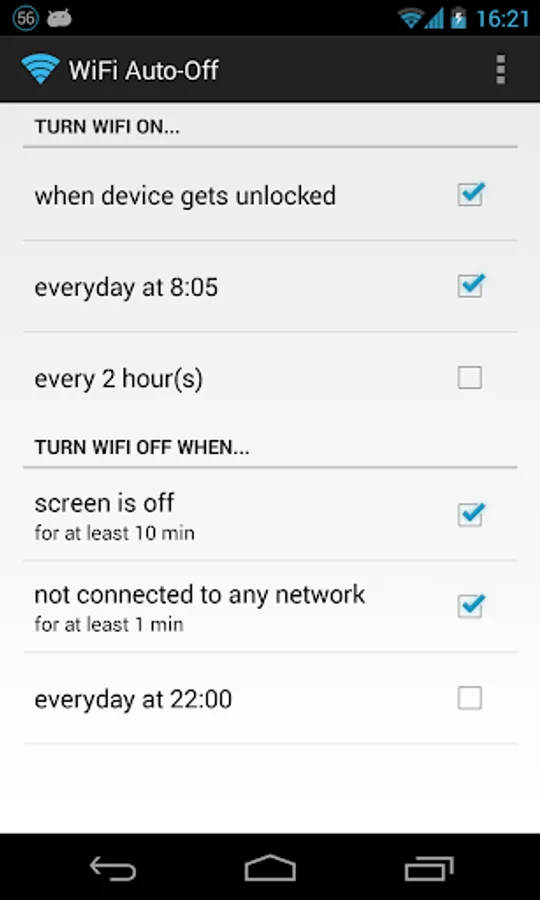
This simple app can help you increase the standby time of your device: WiFi Automatic automatically disable your WiFi radio when you don't need it and thereby lowers the battery consumption.
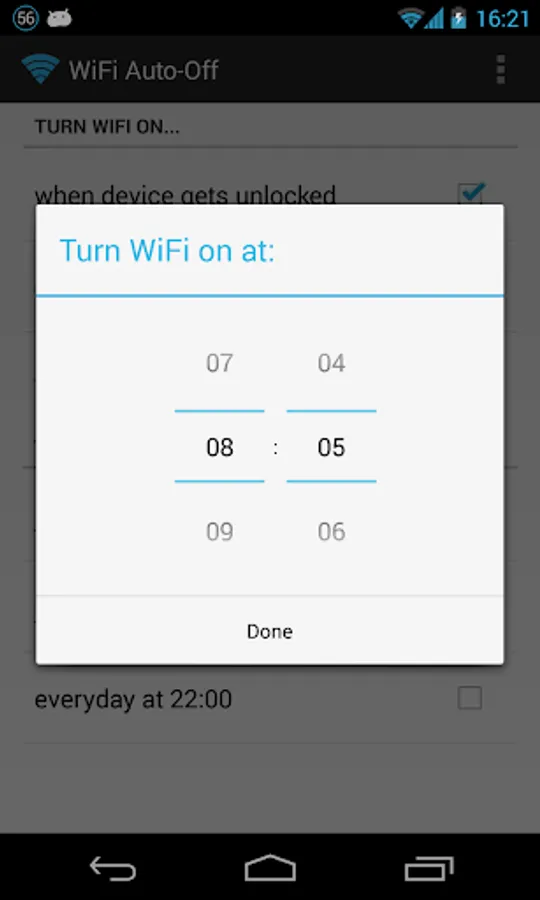
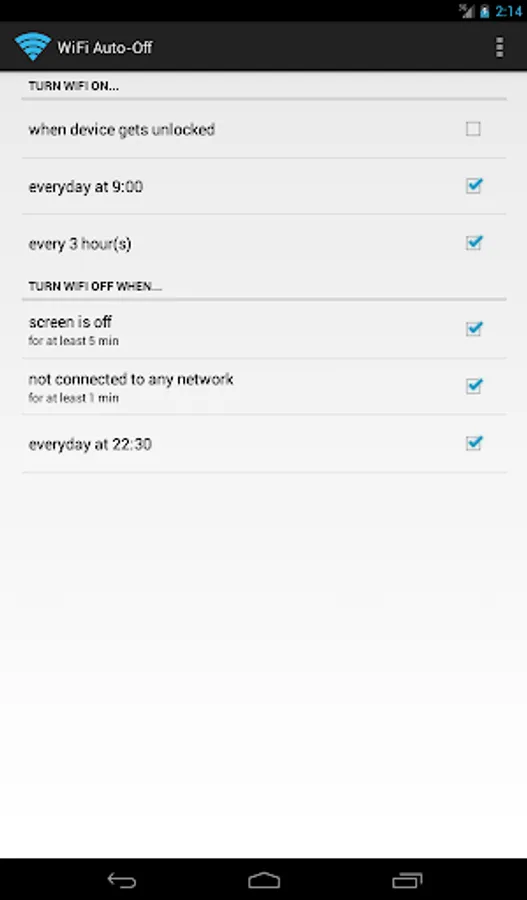
You can also specify to automatically turn on WiFi again, if you turn on your device or when you enter a specified location (requires a cell radio and therefore does not work on WiFi-only tablets!). Also, the app can regularly scan for available networks to connect to and re-disable WiFi if no suitable network is found. This way, you are always connected to your WiFi network when using the device.
WiFi Automatic is open source: https://github.com/j4velin/WiFi-Automatic
A WiFi connection generally uses less power than a mobile data connection, so on your phone, it makes sense to keep the WiFi radio active, whenever a WiFi network is in range
--------------------
Permissions:
RECEIVE_BOOT_COMPLETED - is required to start the service again when rebooting your device
The following permissions are required to observe and change the WiFi state:
CHANGE_WIFI_STATE
ACCESS_NETWORK_STATE
ACCESS_WIFI_STATE
The following permissions are required to the "turn on WiFi when entering these locations" feature:
INTERNET
WRITE_EXTERNAL_STORAGE
ACCESS_COARSE_LOCATION
ACCESS_FINE_LOCATION
BILLING
You can also specify to automatically turn on WiFi again, if you turn on your device or when you enter a specified location (requires a cell radio and therefore does not work on WiFi-only tablets!). Also, the app can regularly scan for available networks to connect to and re-disable WiFi if no suitable network is found. This way, you are always connected to your WiFi network when using the device.
WiFi Automatic is open source: https://github.com/j4velin/WiFi-Automatic
A WiFi connection generally uses less power than a mobile data connection, so on your phone, it makes sense to keep the WiFi radio active, whenever a WiFi network is in range
--------------------
Permissions:
RECEIVE_BOOT_COMPLETED - is required to start the service again when rebooting your device
The following permissions are required to observe and change the WiFi state:
CHANGE_WIFI_STATE
ACCESS_NETWORK_STATE
ACCESS_WIFI_STATE
The following permissions are required to the "turn on WiFi when entering these locations" feature:
INTERNET
WRITE_EXTERNAL_STORAGE
ACCESS_COARSE_LOCATION
ACCESS_FINE_LOCATION
BILLING
WiFi Automatic Screenshots
Tap to Rate:
Reviews for WiFi Automatic
Jonathan Morley
12/28/2025
Seems straight forward. Only thing I wish it had was a way to set specific days for it to turn off instead only having the "everyday" option.
Ielaf ielaf
12/22/2025
now bug turning app on through Xiaomi pie 9 quick slide down icons.. please fix.