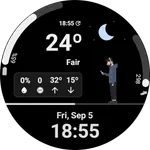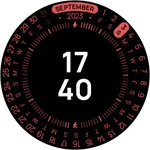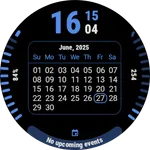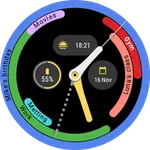
DS H008 - Calendar watch face
Douglas Silva :: Dect
4.0 ★
37 ratings
1,000+
downloads
Free
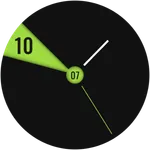
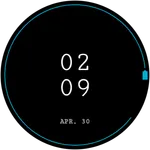
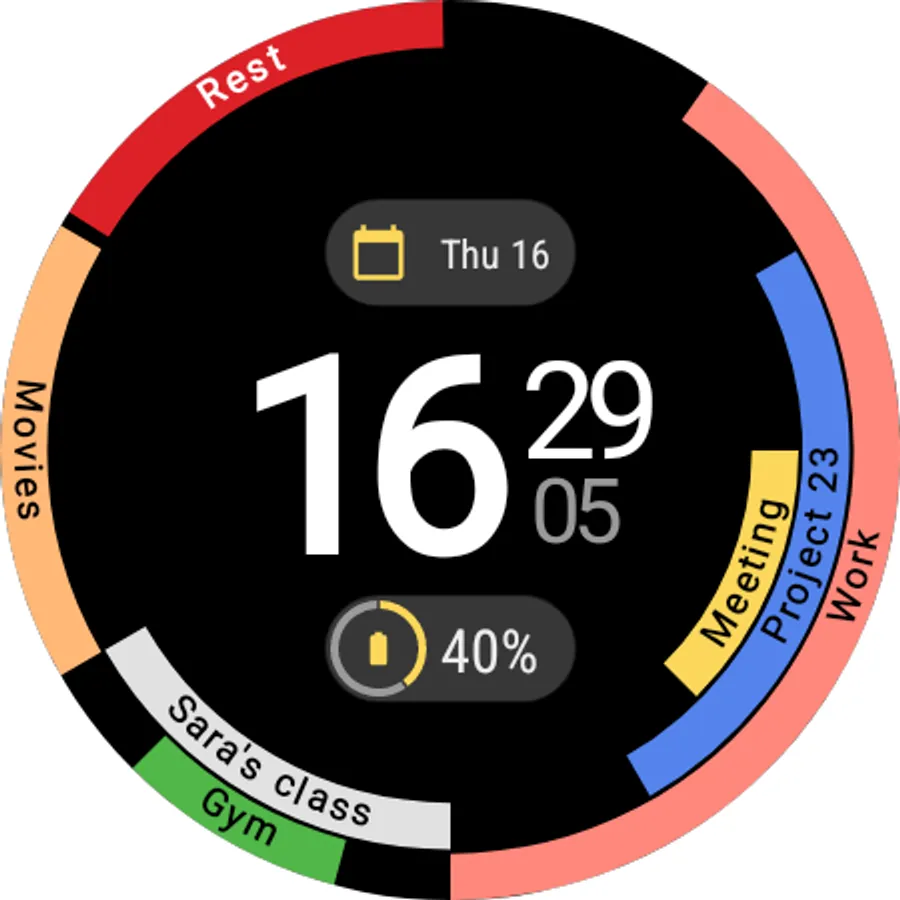
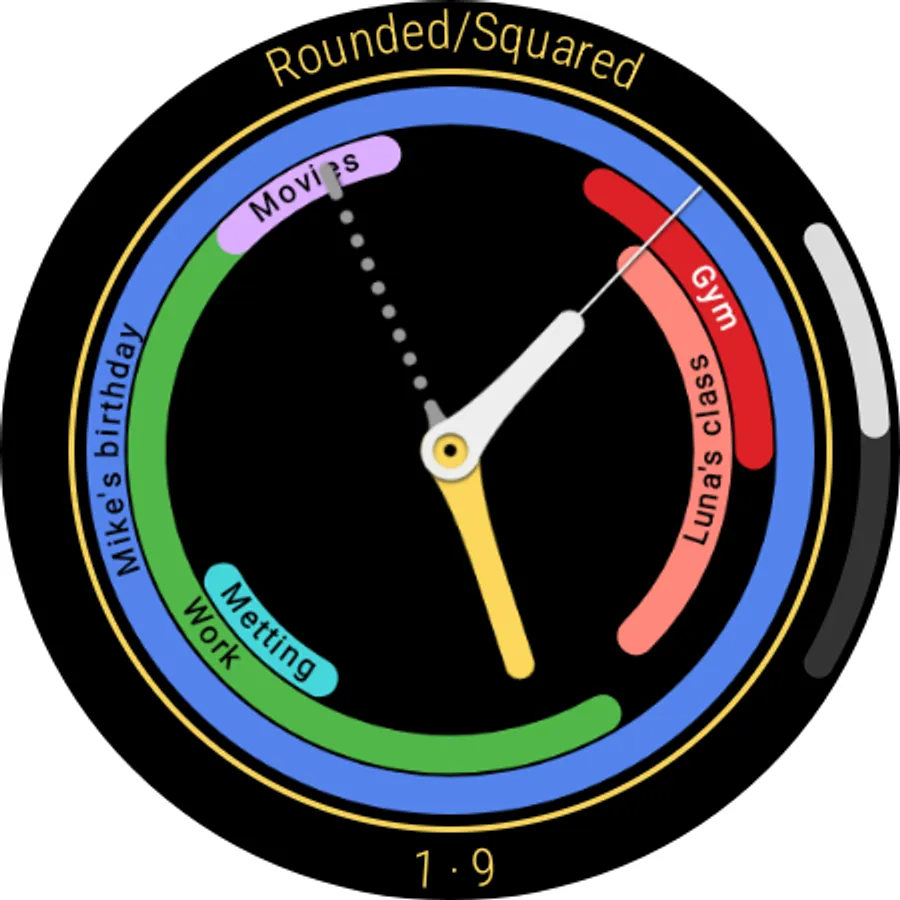
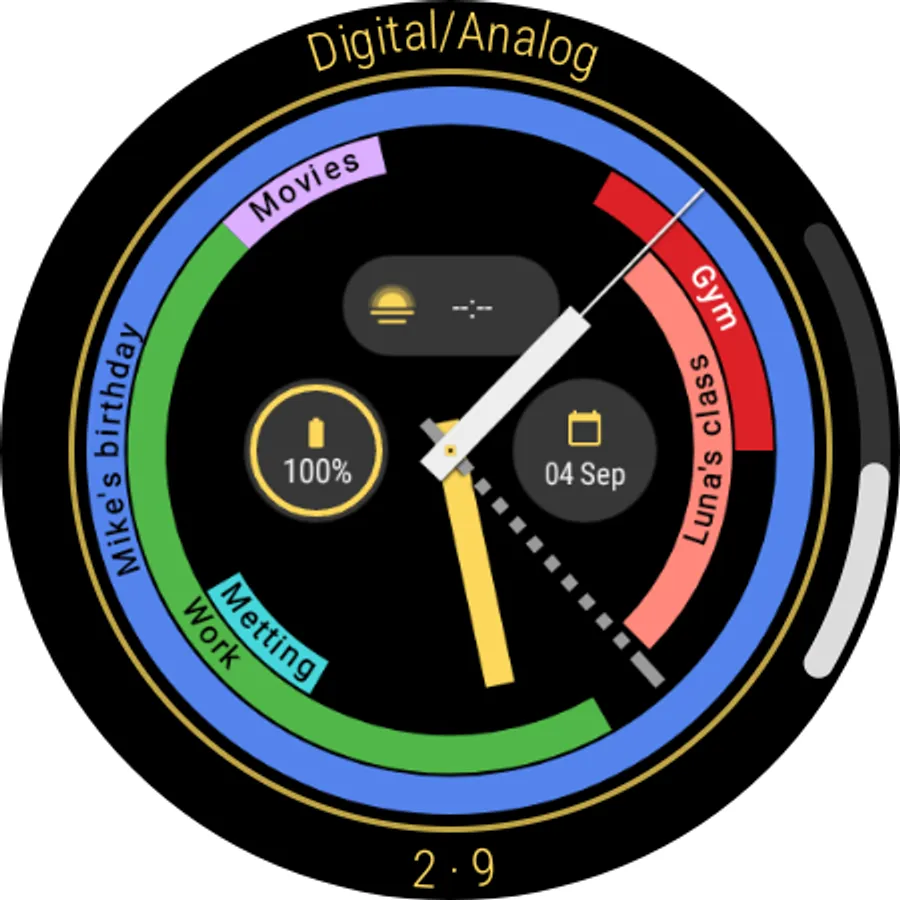
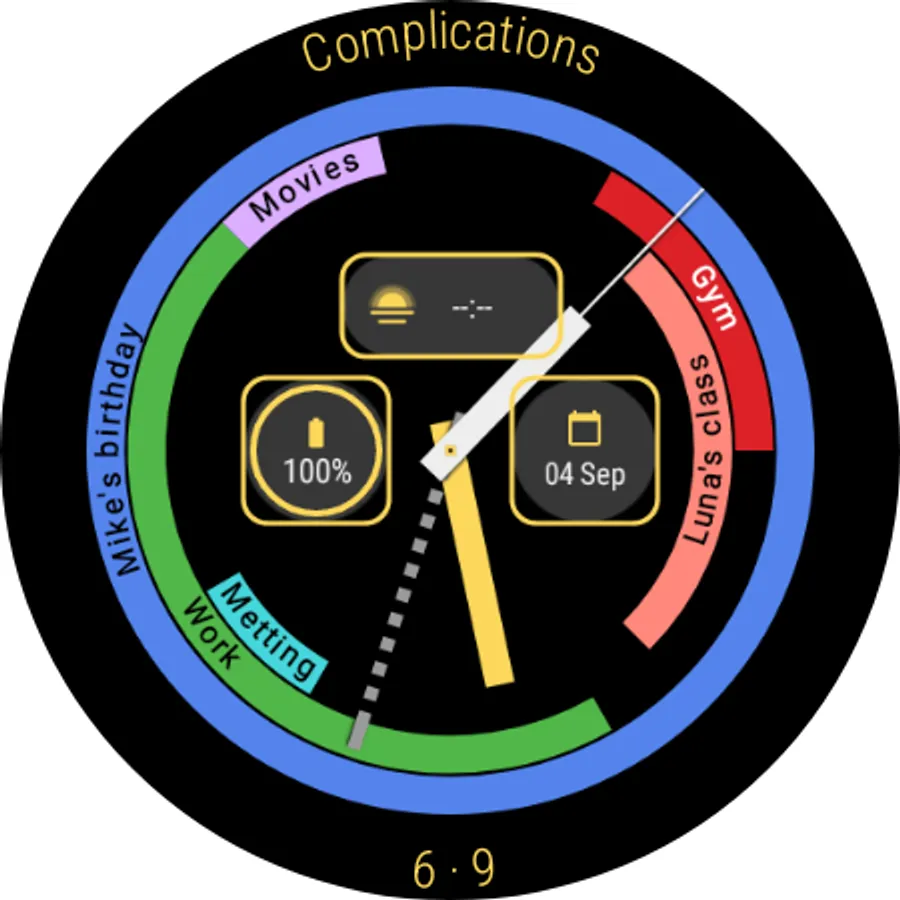
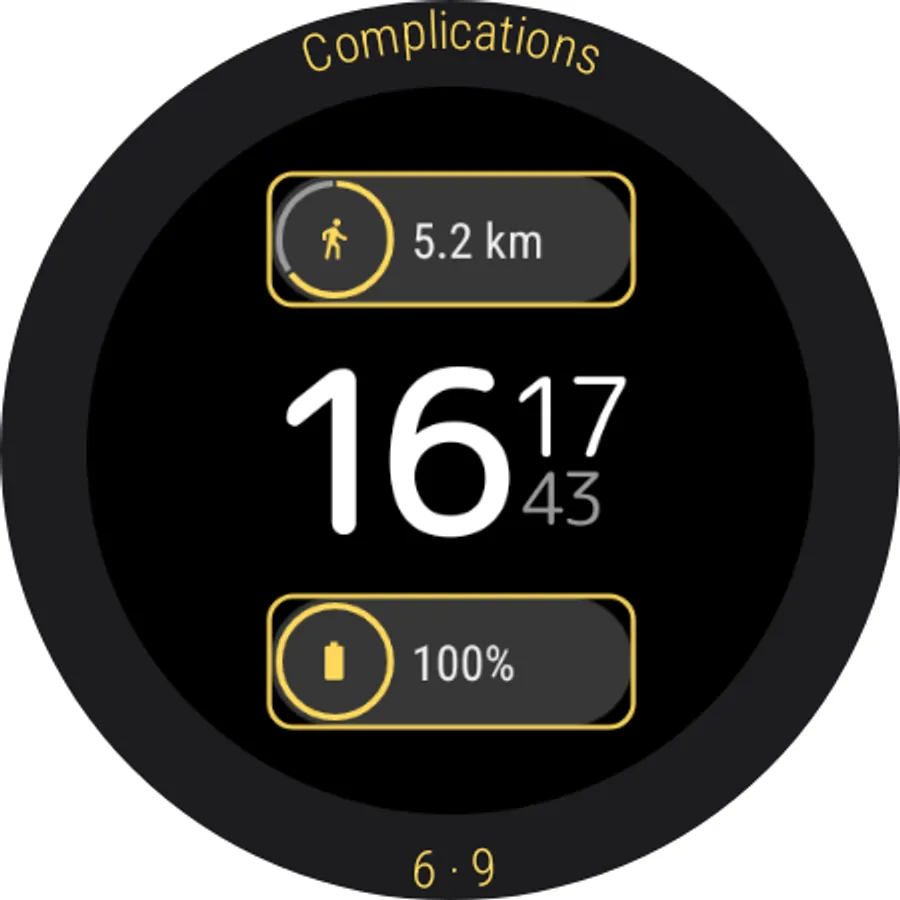
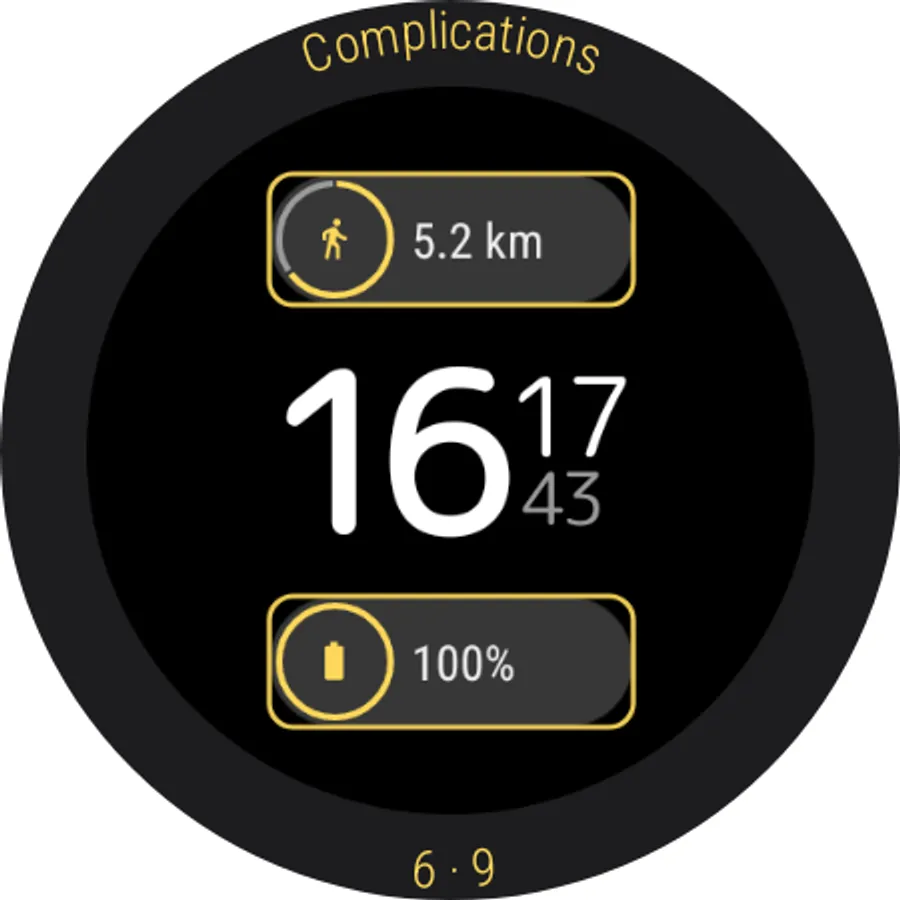
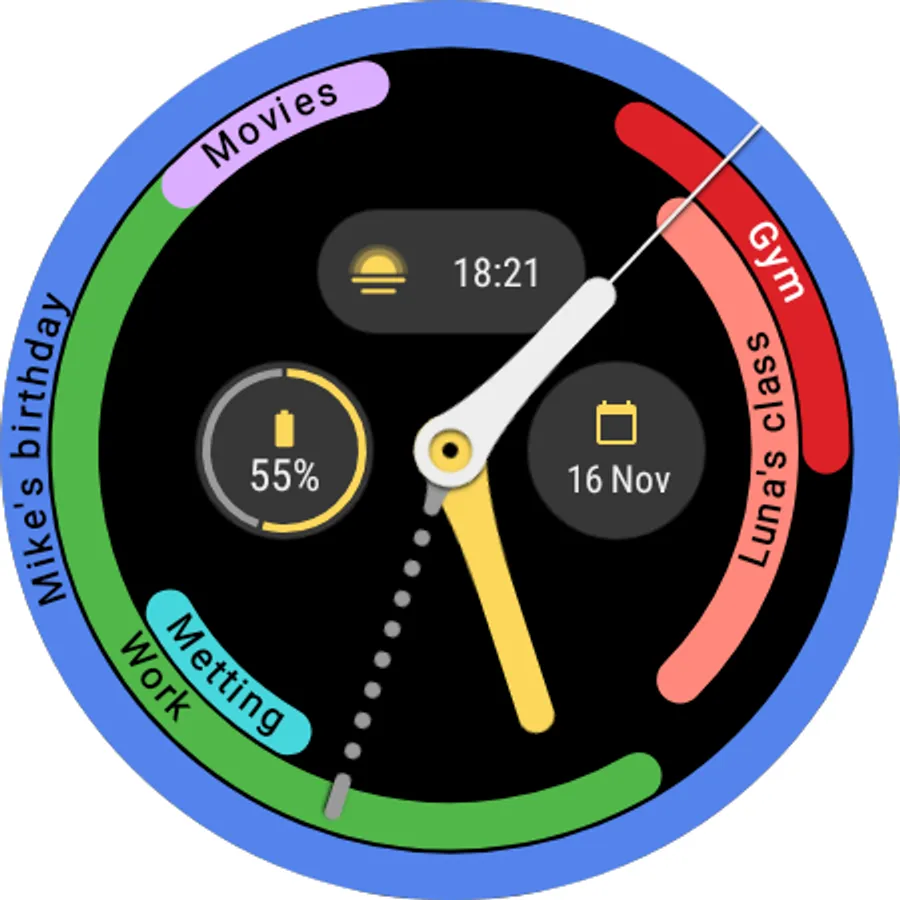
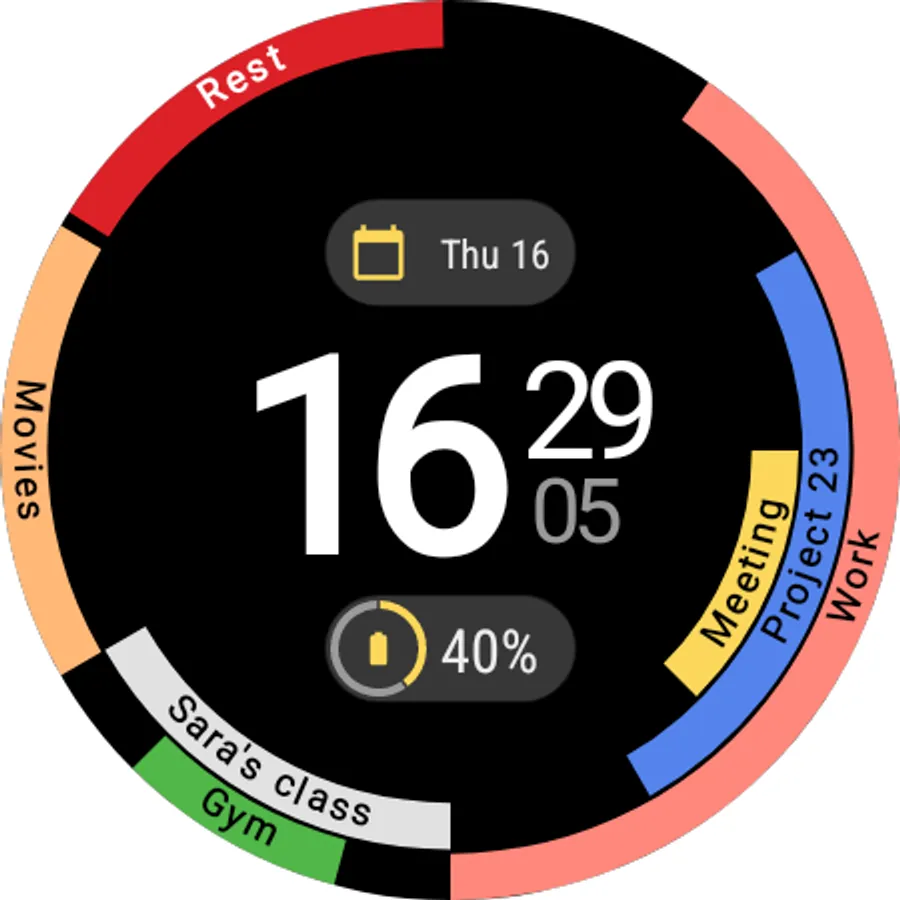
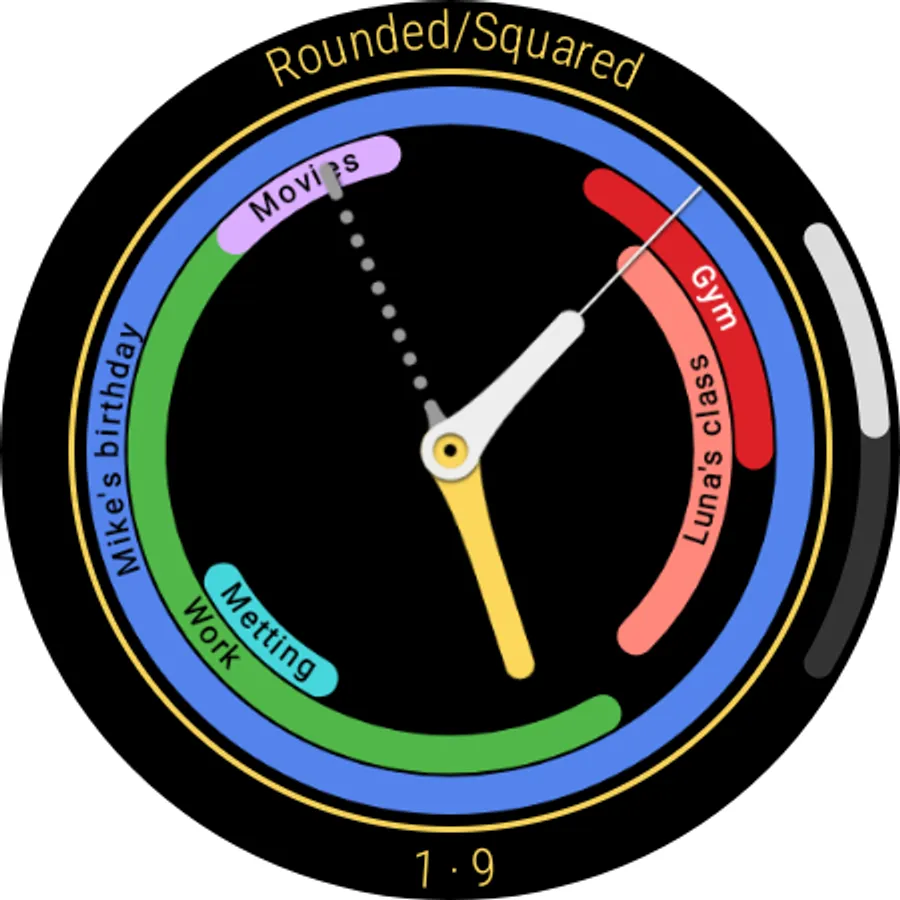
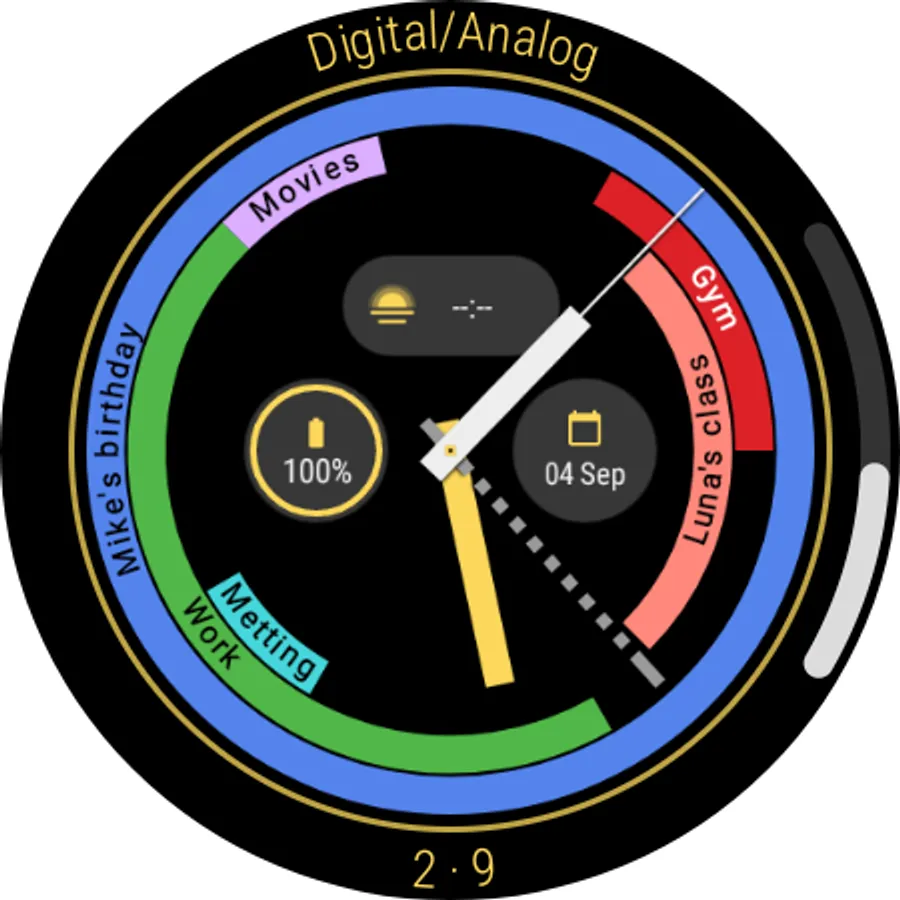
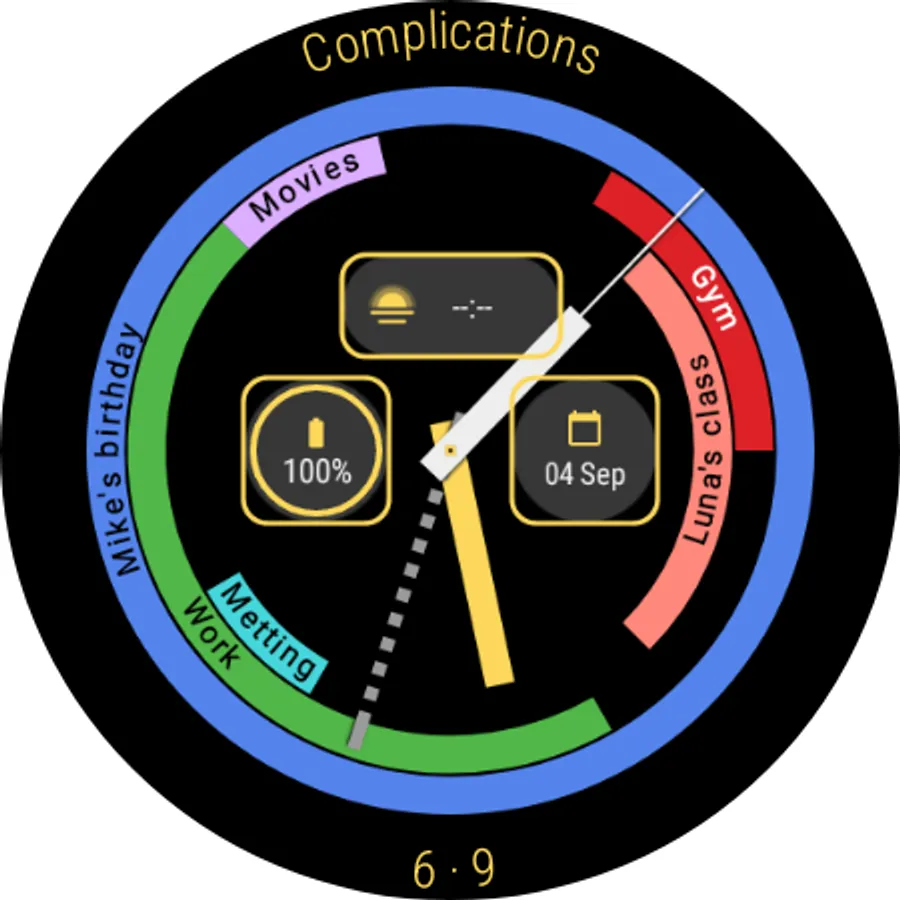
In this calendar watch face, users can customize display options such as analog or digital format, show or hide seconds, and toggle all day events. Includes support for 3 or 2 complications, rounded or squared styles, and automatic 12/24-hour format switching.
AppRecs review analysis
AppRecs rating 4.0. Trustworthiness 83 out of 100. Review manipulation risk 22 out of 100. Based on a review sample analyzed.
★★★★☆
4.0
AppRecs Rating
Ratings breakdown
5 star
51%
4 star
26%
3 star
11%
2 star
0%
1 star
11%
What to know
✓
Low review manipulation risk
22% review manipulation risk
✓
Credible reviews
83% trustworthiness score from analyzed reviews
✓
High user satisfaction
77% of sampled ratings are 4+ stars (4.0★ average)
About DS H008 - Calendar watch face
Features:
- Analog/Digital;
- Show/hide seconds;
- 3/2 complications;
- Rounded/Squared;
- Show/hide all day events (*this events are events that have a 24 hour duration / this feature is not meant to show all events from the day!);
- 24/12 hour auto format.
Warning and alerts:
- The watch face updates every 1 minute, if the screen is on, to save battery. If you need to refresh the data, tap on the watch face;
- After switching from 12 to 24, or 24 to 12, remove and add the watch face so changes can be applied;
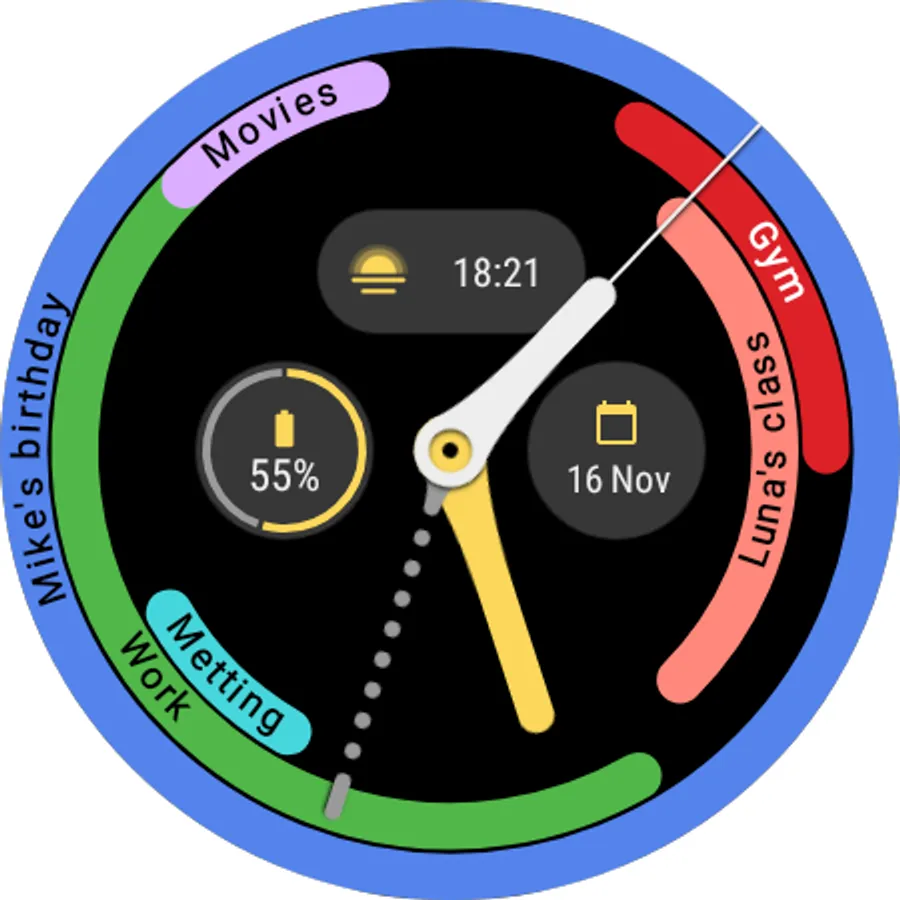
- The watch face will show only the events for the current half of the day (first half is from midnight until noon and the second half is from noon until midnight);
- Events that has happened will be removed from the face to free space (it means that if the ending time of the event is reached, the event will be removed from the watch face);
- The watch face can render up to events 3 rings, therefore some events might not show on the watch face if they overlap (and for other reasons);
- Data might take a few minutes to sync/load;
- Data is obtained using the WearableCalendarContract API. If the calendar you use is compatible with the API data will be shown (if there is space available and the time rules are fulfilled!);
- The watch face only shows events, NOT TASKS;
- No data is collected by the developer!
- This watch face is for Wear OS;
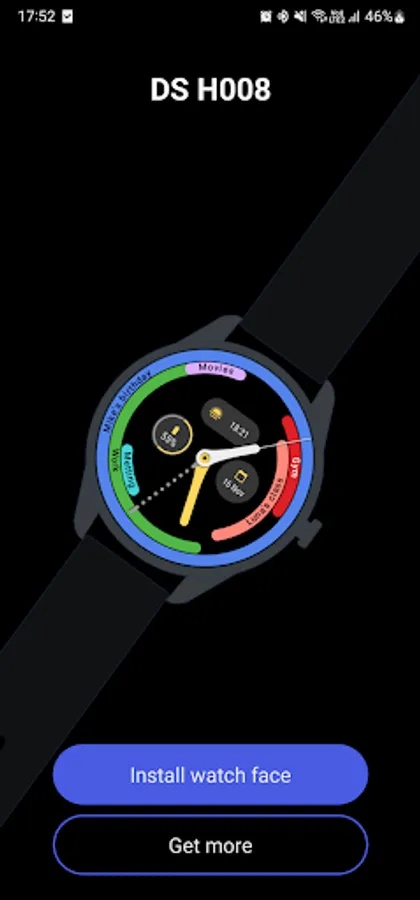
- The phone app is only a helper to install the watch face on your smartwatch. It is not necessary for the watch face to work.
- Analog/Digital;
- Show/hide seconds;
- 3/2 complications;
- Rounded/Squared;
- Show/hide all day events (*this events are events that have a 24 hour duration / this feature is not meant to show all events from the day!);
- 24/12 hour auto format.
Warning and alerts:
- The watch face updates every 1 minute, if the screen is on, to save battery. If you need to refresh the data, tap on the watch face;
- After switching from 12 to 24, or 24 to 12, remove and add the watch face so changes can be applied;
- The watch face will show only the events for the current half of the day (first half is from midnight until noon and the second half is from noon until midnight);
- Events that has happened will be removed from the face to free space (it means that if the ending time of the event is reached, the event will be removed from the watch face);
- The watch face can render up to events 3 rings, therefore some events might not show on the watch face if they overlap (and for other reasons);
- Data might take a few minutes to sync/load;
- Data is obtained using the WearableCalendarContract API. If the calendar you use is compatible with the API data will be shown (if there is space available and the time rules are fulfilled!);
- The watch face only shows events, NOT TASKS;
- No data is collected by the developer!
- This watch face is for Wear OS;
- The phone app is only a helper to install the watch face on your smartwatch. It is not necessary for the watch face to work.
DS H008 - Calendar watch face Screenshots
Tap to Rate:
Reviews for DS H008 - Calendar watch face
Matthew Sklut
2/20/2025
This is exactly what I want but I can't use it with a Samsung Galaxy watch 7! please make update!
bull bar
1/6/2025
It will be excellent if the watchface current half display is 6am to 559pm and 6pm to 559am next day, there is where the activities are.