Complication Box
Douglas Silva :: Dect
4.2 ★
60 ratings
5,000+
downloads
Free
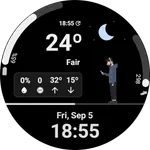
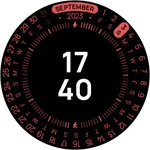
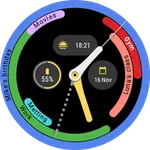
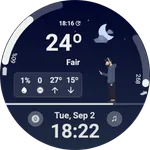
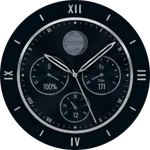
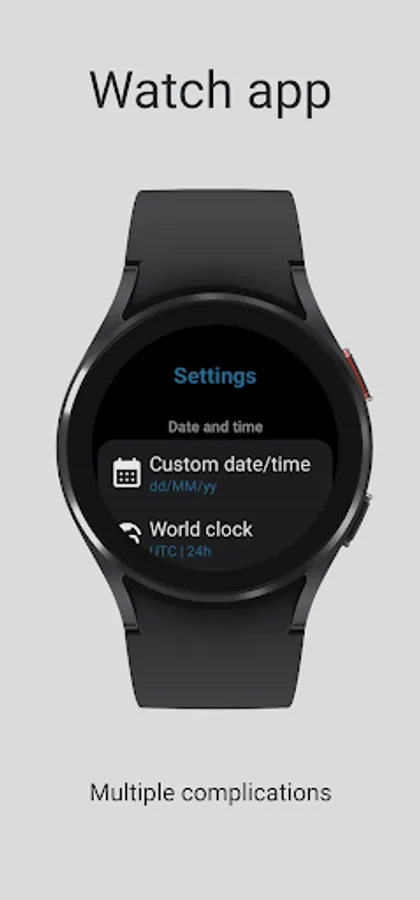
In this app, you can add and customize multiple complications for Wear OS watch faces. Includes options for app shortcuts, counters, and date displays.
AppRecs review analysis
AppRecs rating 4.1. Trustworthiness 77 out of 100. Review manipulation risk 20 out of 100. Based on a review sample analyzed.
★★★★☆
4.1
AppRecs Rating
Ratings breakdown
5 star
69%
4 star
0%
3 star
12%
2 star
19%
1 star
0%
What to know
✓
Low review manipulation risk
20% review manipulation risk
✓
Credible reviews
77% trustworthiness score from analyzed reviews
✓
Good user ratings
69% positive sampled reviews
About Complication Box
Complications available (and format):
- App shortcut (SHORT_TEXT, LONG_TEXT, ICON);
- App shortcut icon (LARGE_IMAGE, SMALL_IMAGE);
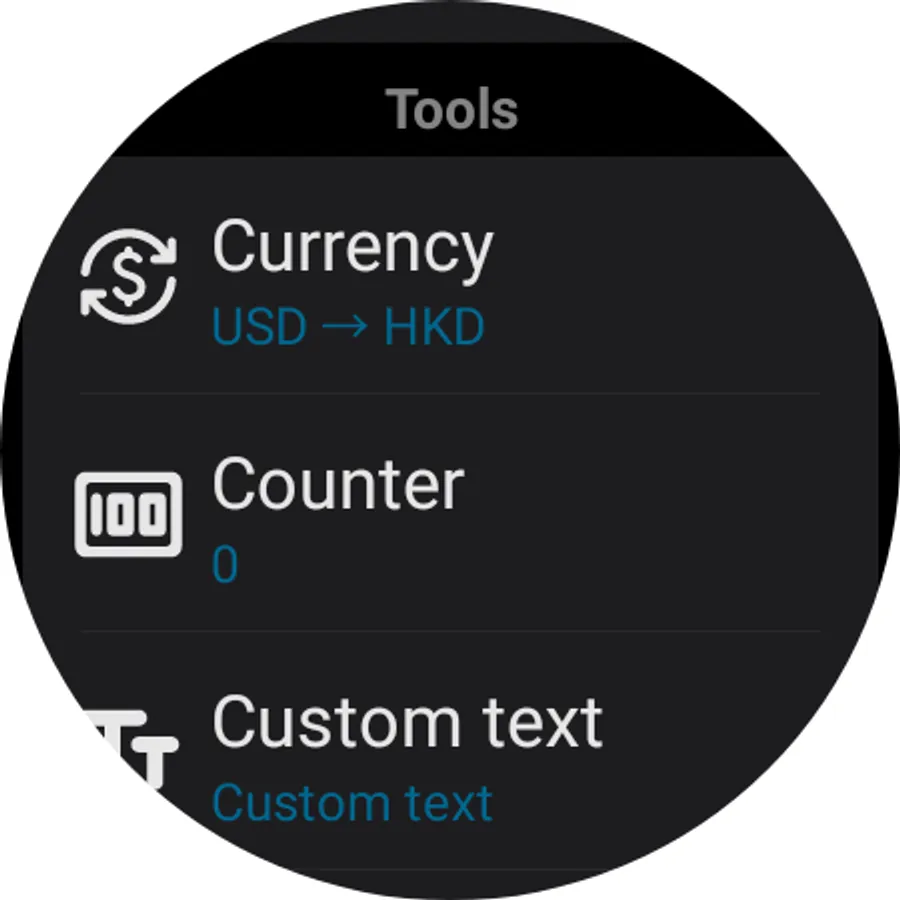
- Counter (SHORT_TEXT, LONG_TEXT, GOAL_PROGRESS, RANGED_VALUE, SMALL_IMAGE, ICON);
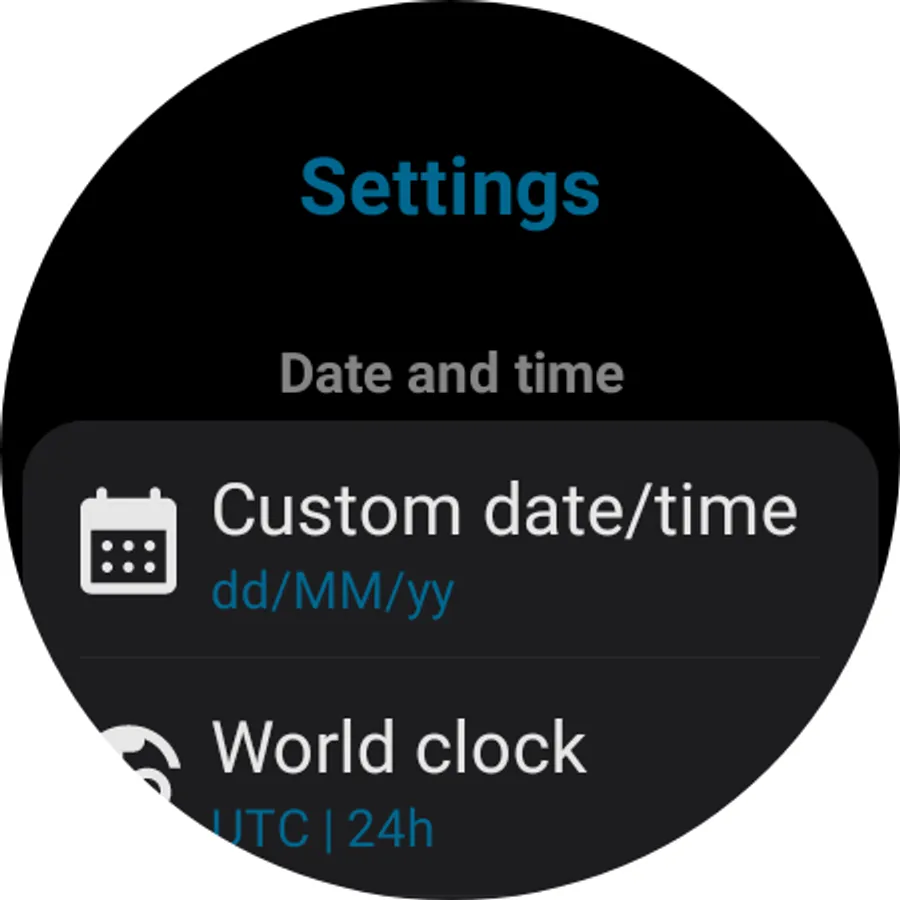
- Custom Date (SHORT_TEXT, LONG_TEXT, RANGED_VALUE, GOAL_PROGRESS, ICON, SMALL_IMAGE);
- Custom Date (Short only) (SHORT_TEXT);
- CountDown (SHORT_TEXT, LONG_TEXT, RANGED_VALUE, GOAL_PROGRESS, ICON, SMALL_IMAGE);
- CountUp (SHORT_TEXT, LONG_TEXT, RANGED_VALUE, GOAL_PROGRESS, ICON, SMALL_IMAGE);
- Custom text (SHORT_TEXT, LONG_TEXT, ICON, SMALL_IMAGE);
- Custom text progress (RANGED_VALUE, GOAL_PROGRESS);
- Custom icon (SMALL_IMAGE, ICON);
- Dayin year (SHORT_TEXT, LONG_TEXT, RANGED_VALUE, GOAL_PROGRESS, ICON, SMALL_IMAGE);
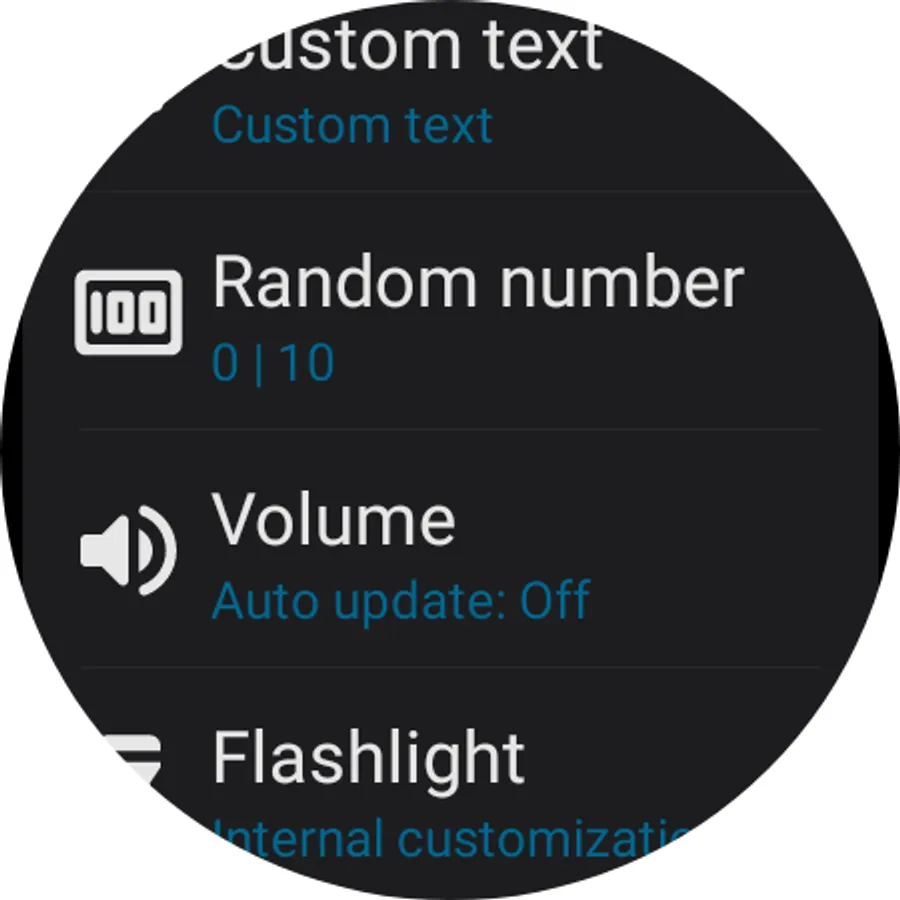
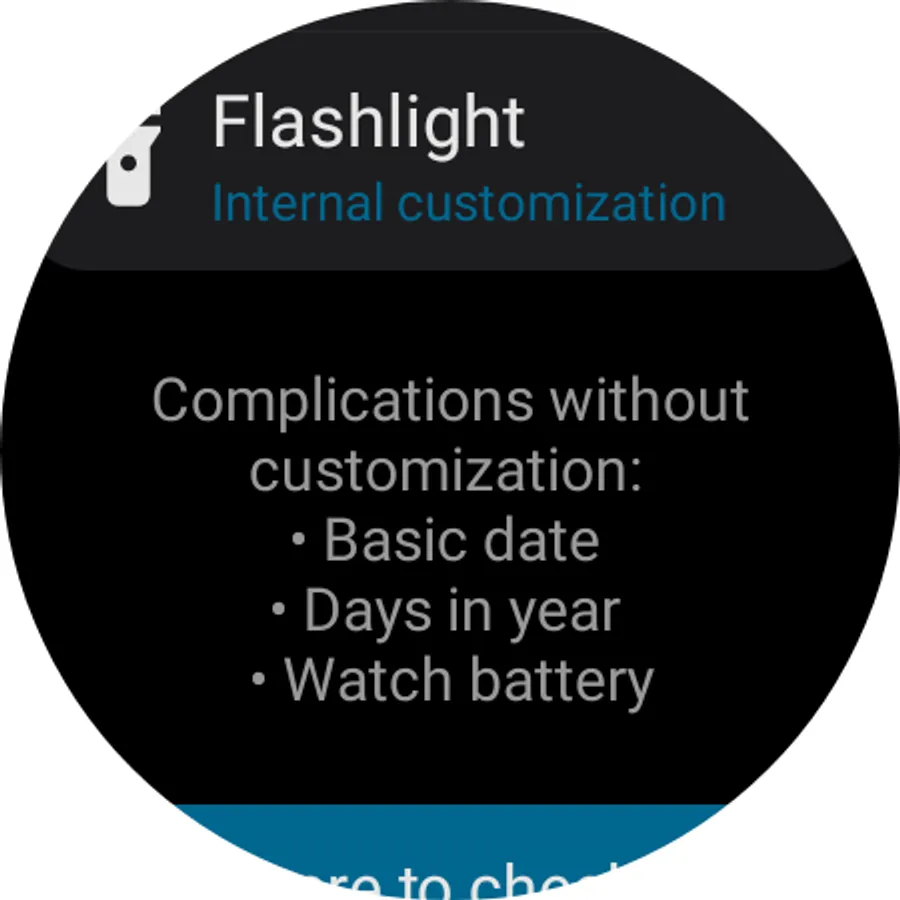
- Flashlight (SHORT_TEXT, LONG_TEXT, ICON, SMALL_IMAGE);
- Random number (SHORT_TEXT, LONG_TEXT, RANGED_VALUE, GOAL_PROGRESS, ICON, SMALL_IMAGE);
- Dice (ICON, SMALL_IMAGE);
- Spin the bottle (ICON, SMALL_IMAGE);
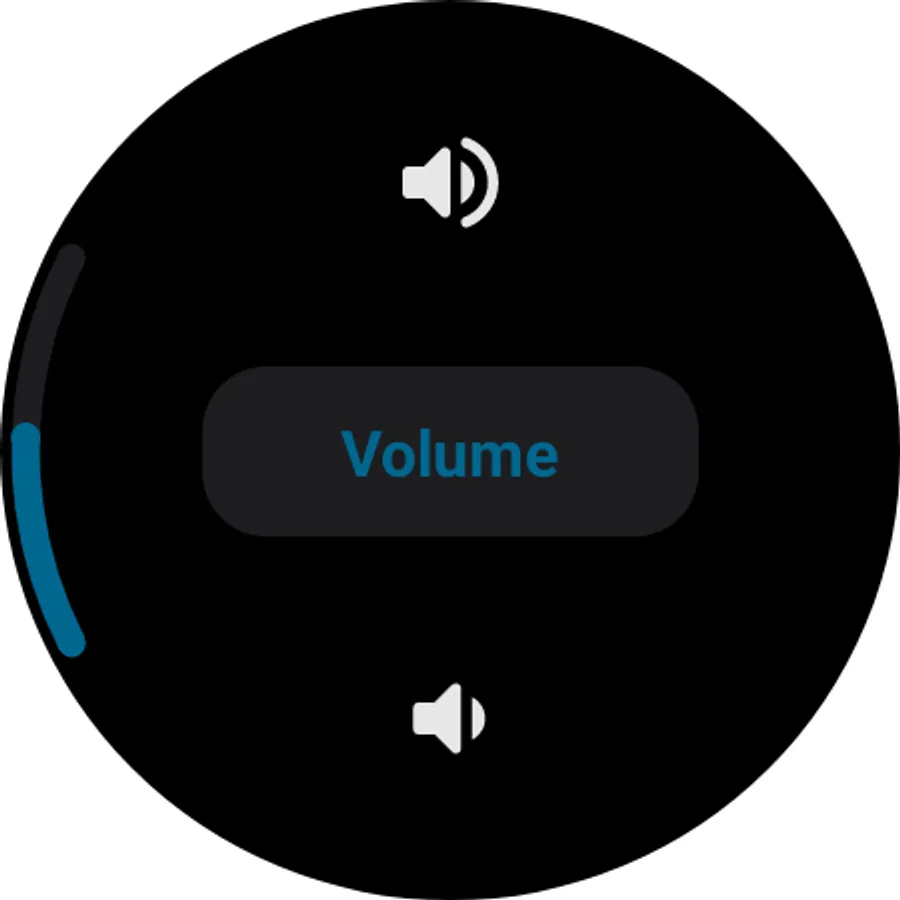
- Volume media (SHORT_TEXT, LONG_TEXT, ICON, SMALL_IMAGE);
- Volume ringtone (SHORT_TEXT, LONG_TEXT, ICON, SMALL_IMAGE);
- Bluetooth icon shortcut (SMALL_IMAGE, ICON);
- Wi-Fi icon shortcut (SMALL_IMAGE, ICON);
- Developers option icon shortcut (SMALL_IMAGE, ICON);
- Storage (SHORT_TEXT, LONG_TEXT, GOAL_PROGRESS, RANGED_VALUE, SMALL_IMAGE, ICON);
- Seconds (SHORT_TEXT, LONG_TEXT, GOAL_PROGRESS, RANGED_VALUE);
- Custom time (SHORT_TEXT, LONG_TEXT, GOAL_PROGRESS, RANGED_VALUE);
- World clock (SHORT_TEXT, LONG_TEXT, GOAL_PROGRESS, RANGED_VALUE);
- Say the time (SMALL_IMAGE, ICON);
- Contact (SHORT_TEXT, LONG_TEXT, ICON);
- Contact icon (LARGE_IMAGE, SMALL_IMAGE);
- Stopwatch (SHORT_TEXT, LONG_TEXT, GOAL_PROGRESS, RANGED_VALUE);
- Timer (SHORT_TEXT, LONG_TEXT, GOAL_PROGRESS, RANGED_VALUE);
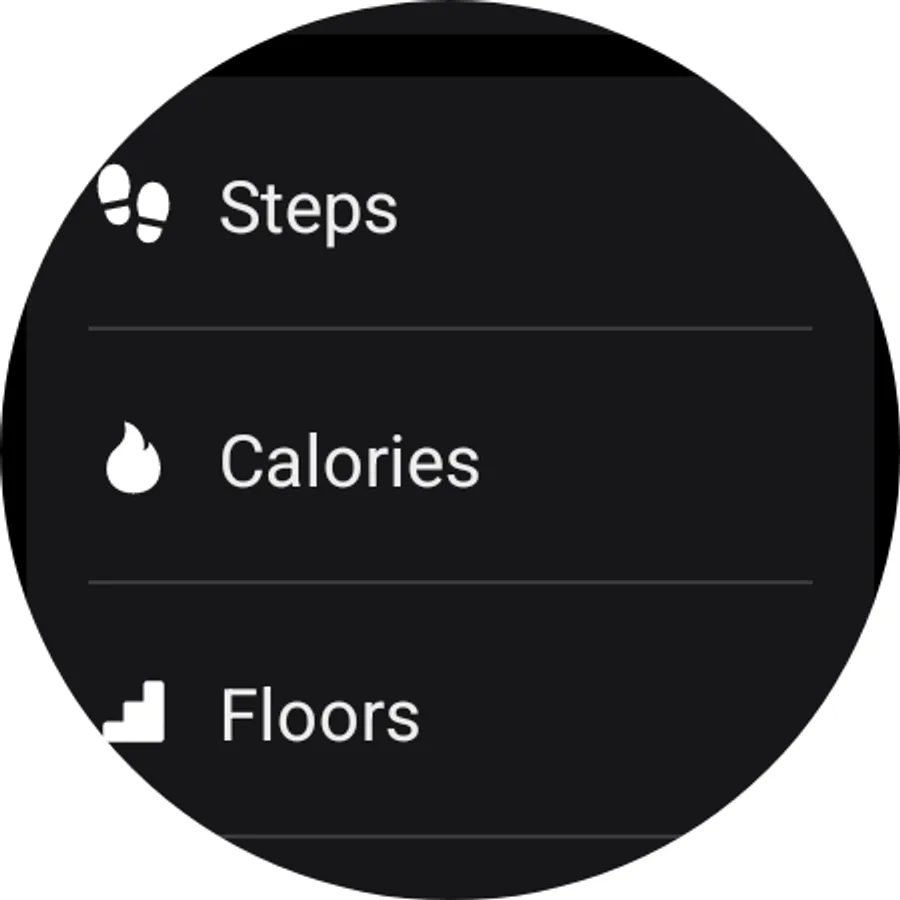
- Steps (SHORT_TEXT, LONG_TEXT, GOAL_PROGRESS, RANGED_VALUE);
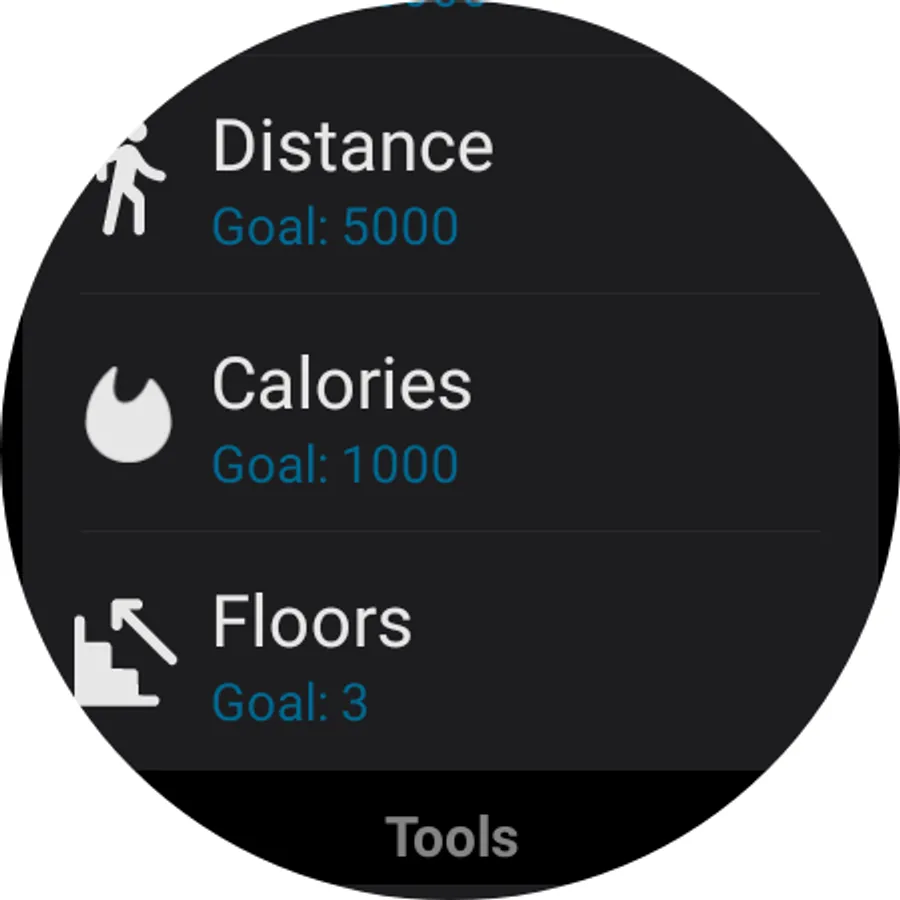
- Calories (SHORT_TEXT, LONG_TEXT, GOAL_PROGRESS, RANGED_VALUE);
- Floors (SHORT_TEXT, LONG_TEXT, GOAL_PROGRESS, RANGED_VALUE);
- Distance (SHORT_TEXT, LONG_TEXT, GOAL_PROGRESS, RANGED_VALUE);
- Heart rate (SHORT_TEXT, LONG_TEXT, GOAL_PROGRESS, RANGED_VALUE);
- Combined health (SHORT_TEXT, LONG_TEXT, GOAL_PROGRESS, RANGED_VALUE);
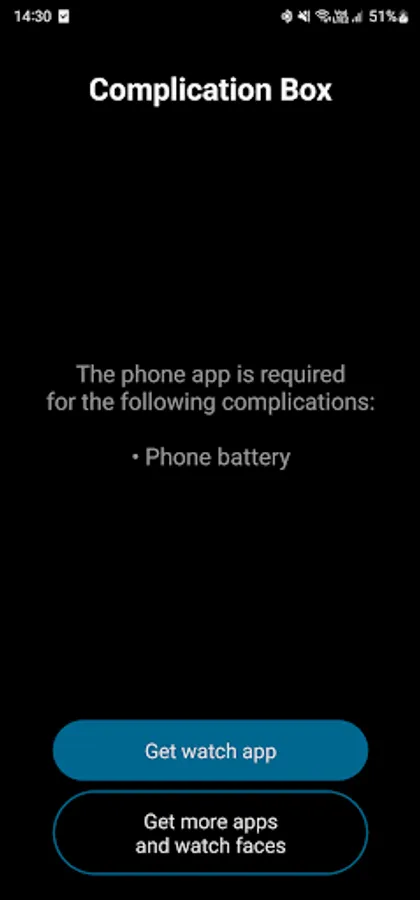
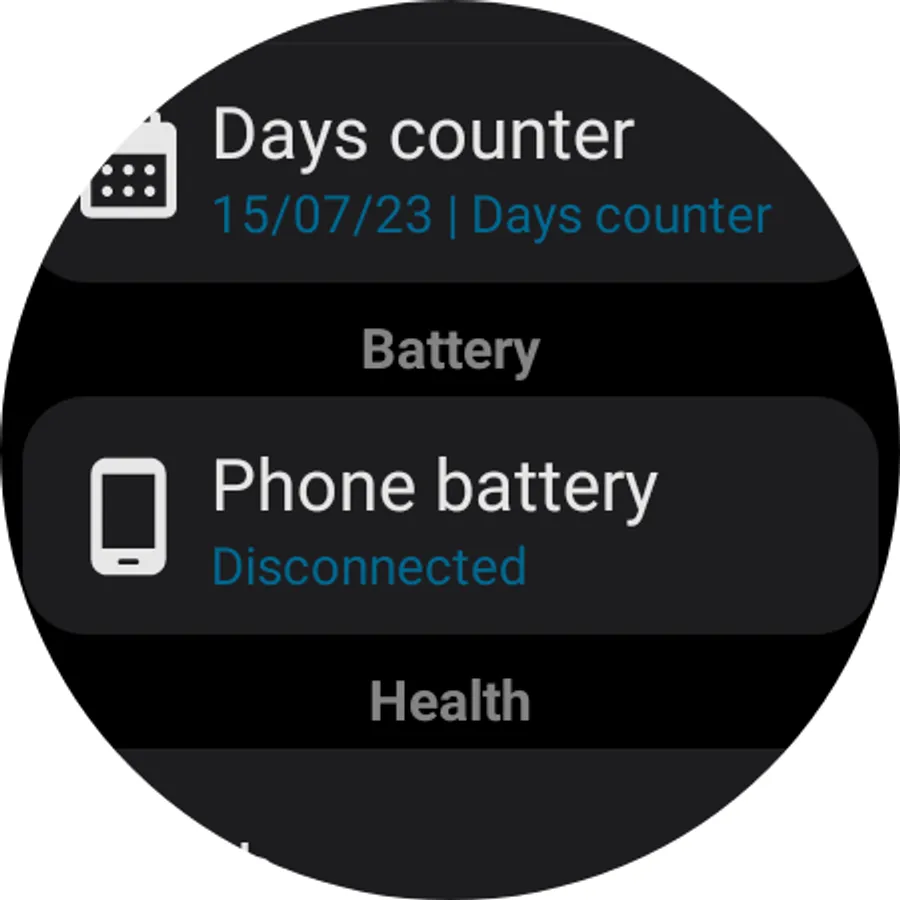
- Phone battery (SHORT_TEXT, LONG_TEXT, GOAL_PROGRESS, RANGED_VALUE, SMALL_IMAGE, ICON);
- Phone media volume (SHORT_TEXT, LONG_TEXT, ICON, SMALL_IMAGE);
- Static image (LARGE_IMAGE, SMALL_IMAGE);
- Slideshow (LARGE_IMAGE, SMALL_IMAGE);
- Time in words (LONG_TEXT).
Warnings and Alerts
- This application is for Wear OS;
- Some complications require the phone app to work, the list of complications that require the mobile app (and how it is used) is shown in the mobile app;
- Some complications require extra permissions:
= Flashlight complication requires permission to change system settings so it can change the brightness of the screen;
= Contact complication requires permission to access contacts (to display the contact info) and permission to make calls (to use the tap to call feature);
= Timer complication requires permissions to send notifications (to inform when the timer is over);
= Health¹ complications require permission to access activity recognition so it can access the health data, like steps;
= Heart rate¹ complication requires permission to access body sensors, so it can access the heart rate sensor;
- Some features may not work on some devices, for example, triggering the watch's flashlight and the recent apps shortcut;
- Some features may not be available in all languages, for example, the say the time complication;
- Time in words complication is available only in English and Portuguese (automatic);
- The complication format to be used is determined by the watch face designer not the app;
- No data is collected by the developer!
¹ Health complications data is provided directly by the system, including its availability, precision and update frequency!
Complication Box Screenshots
Tap to Rate:
Reviews for Complication Box
Aleksandr Kovalev
12/4/2025
Please add the option to change the phone battery icon
Brodie Mitchinson
11/30/2025
Glad to see dev is back in the game. Love the app it makes for a useful addition even with the amoledwatchface packages - there are subtle differences and sometimes these complications make a better fit to a given face.