Calendar on Tile
Douglas Silva :: Dect
4.2 ★
60 ratings
5,000+
downloads
Free
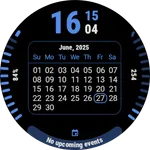
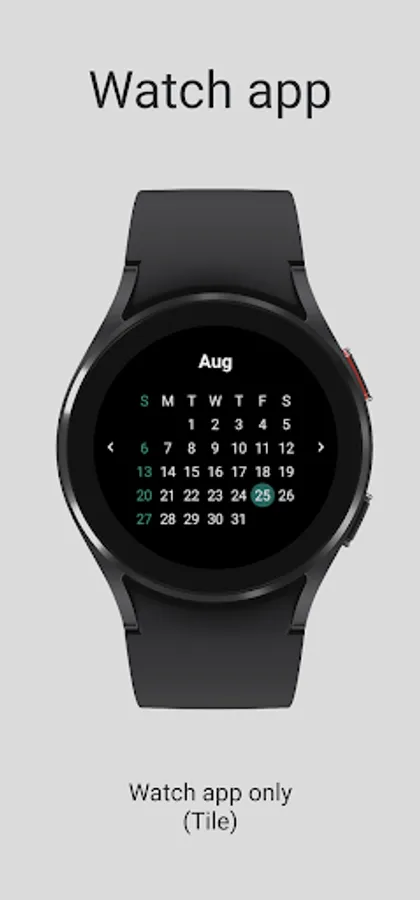
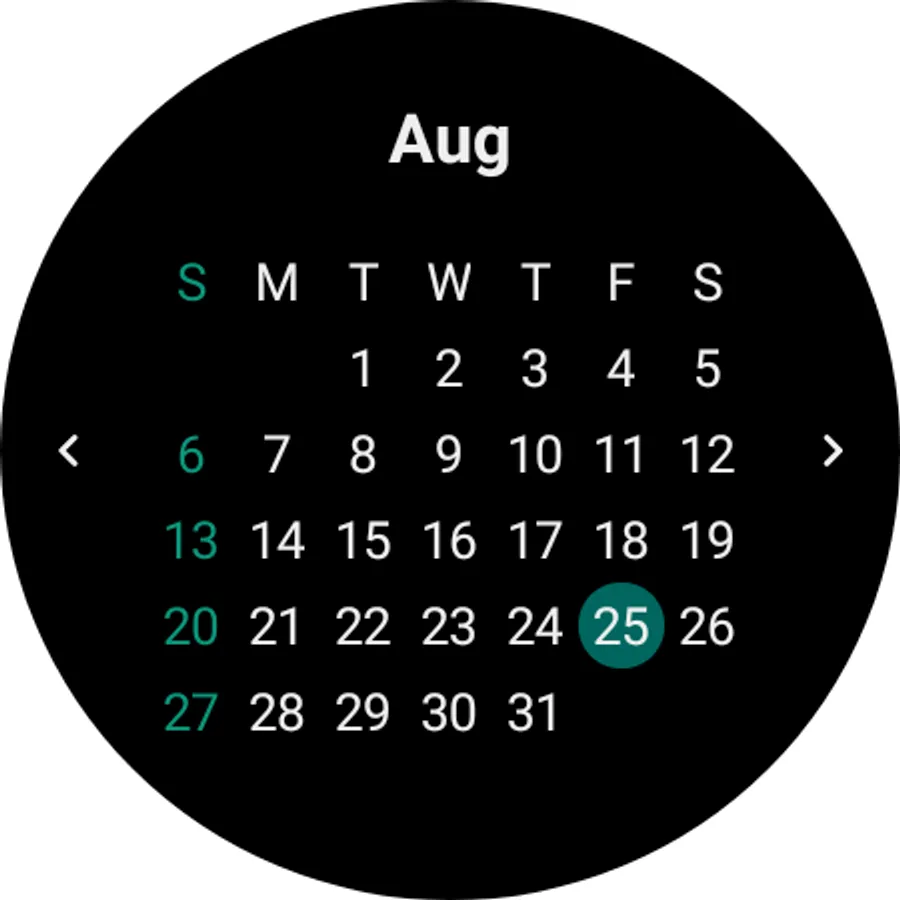
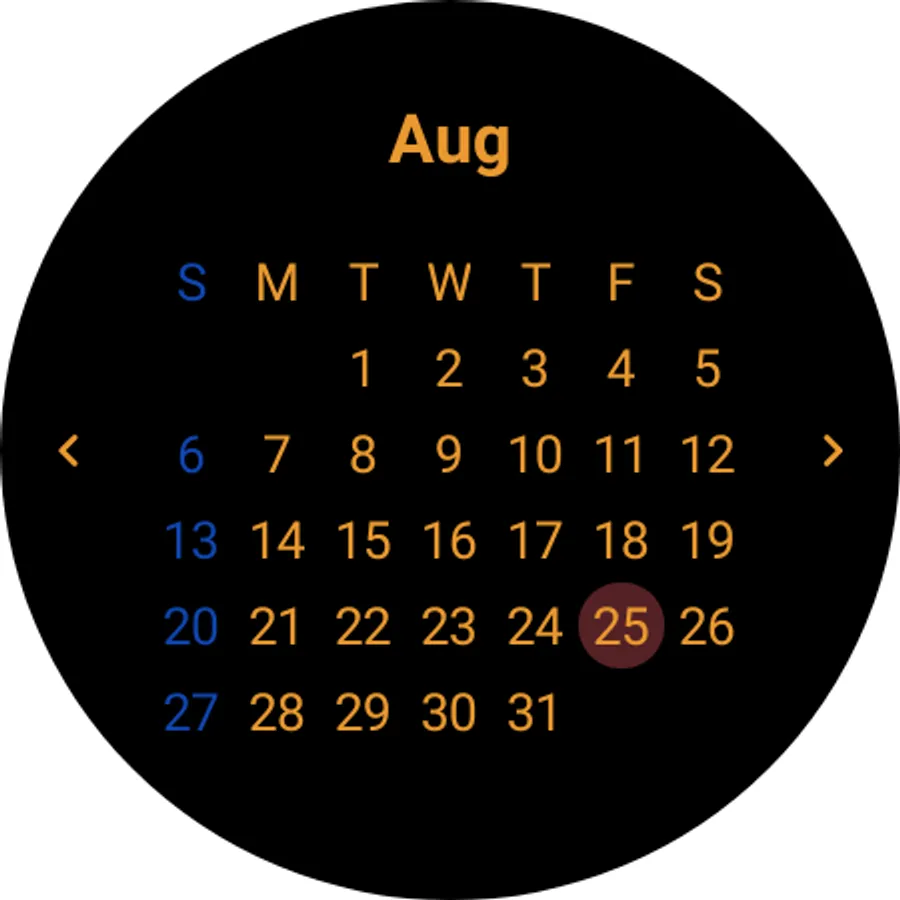
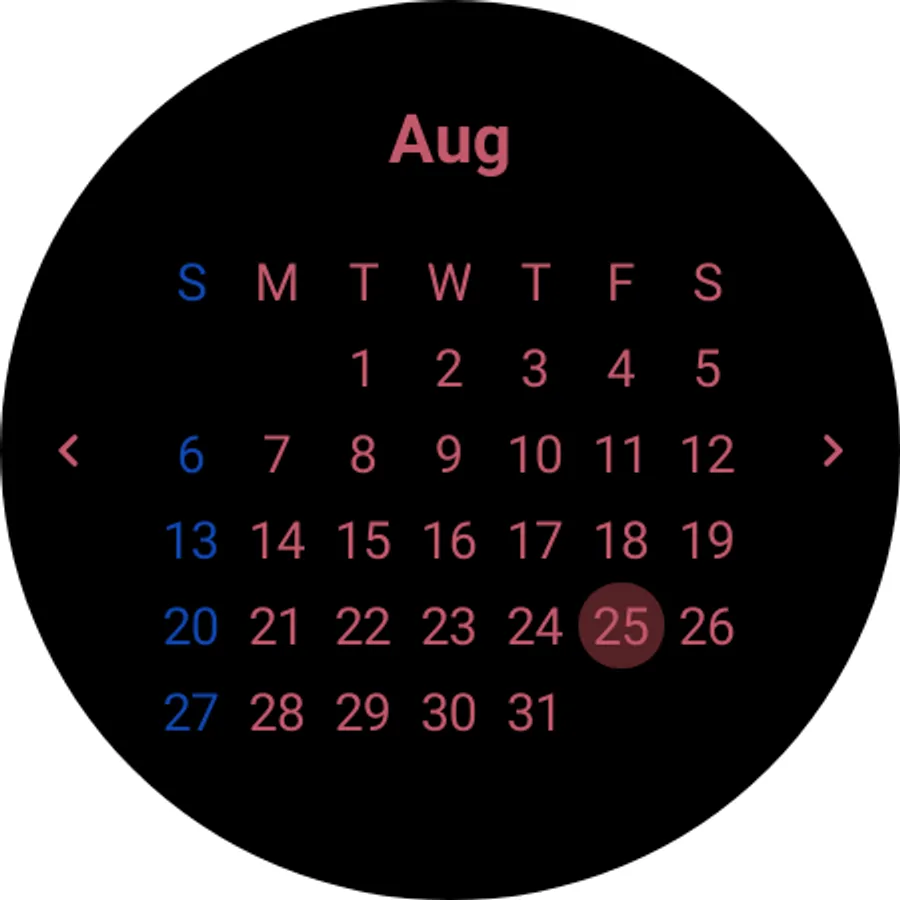
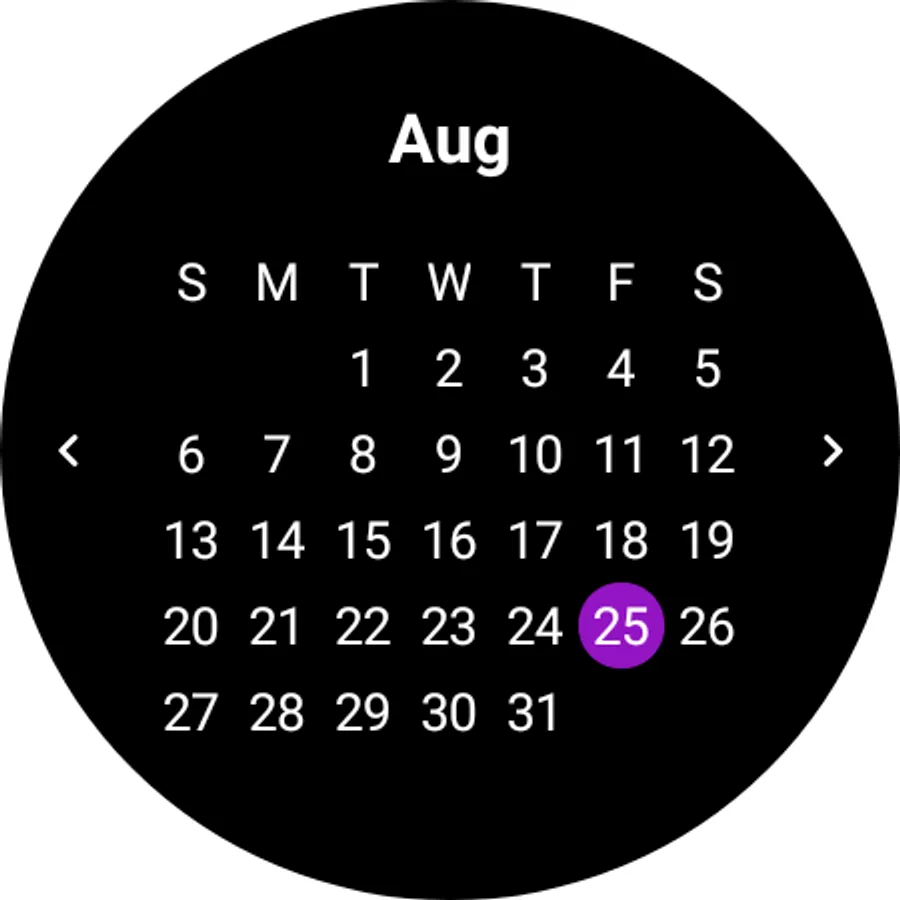
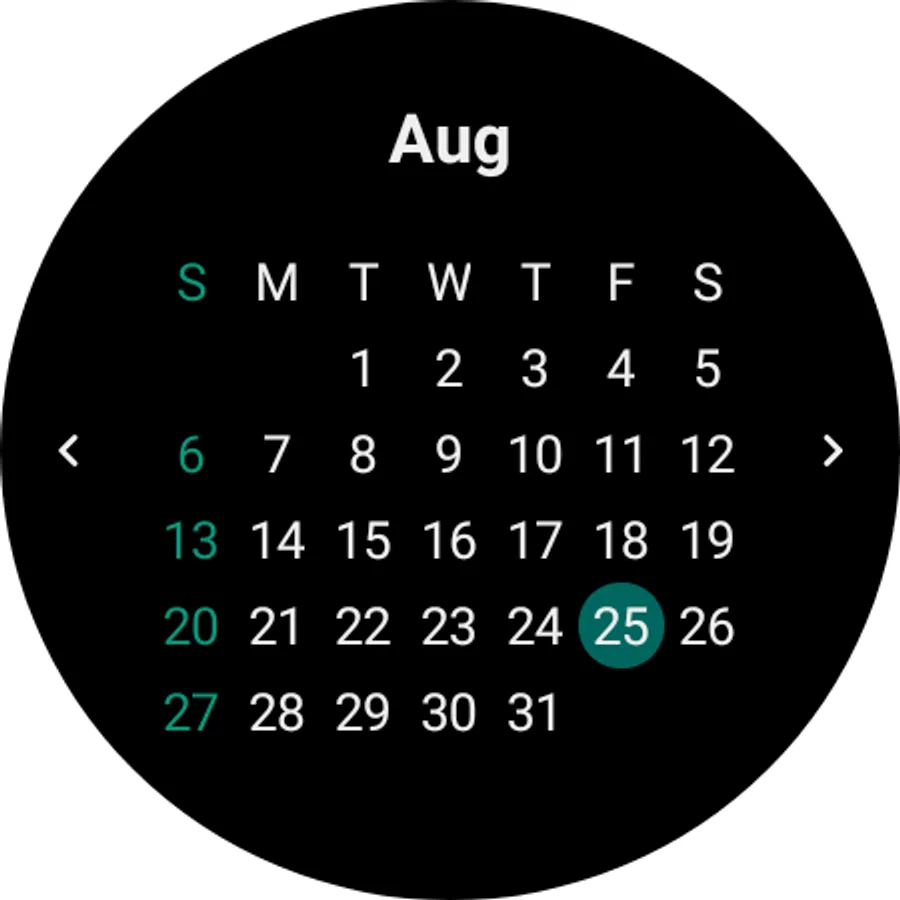
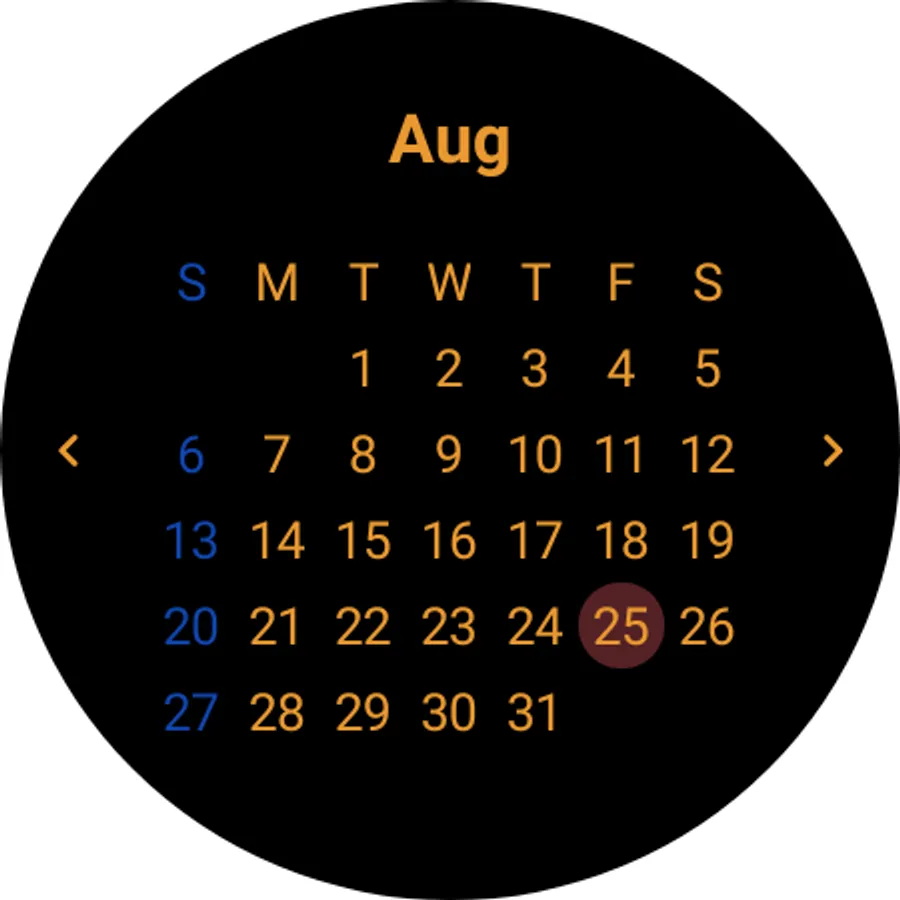
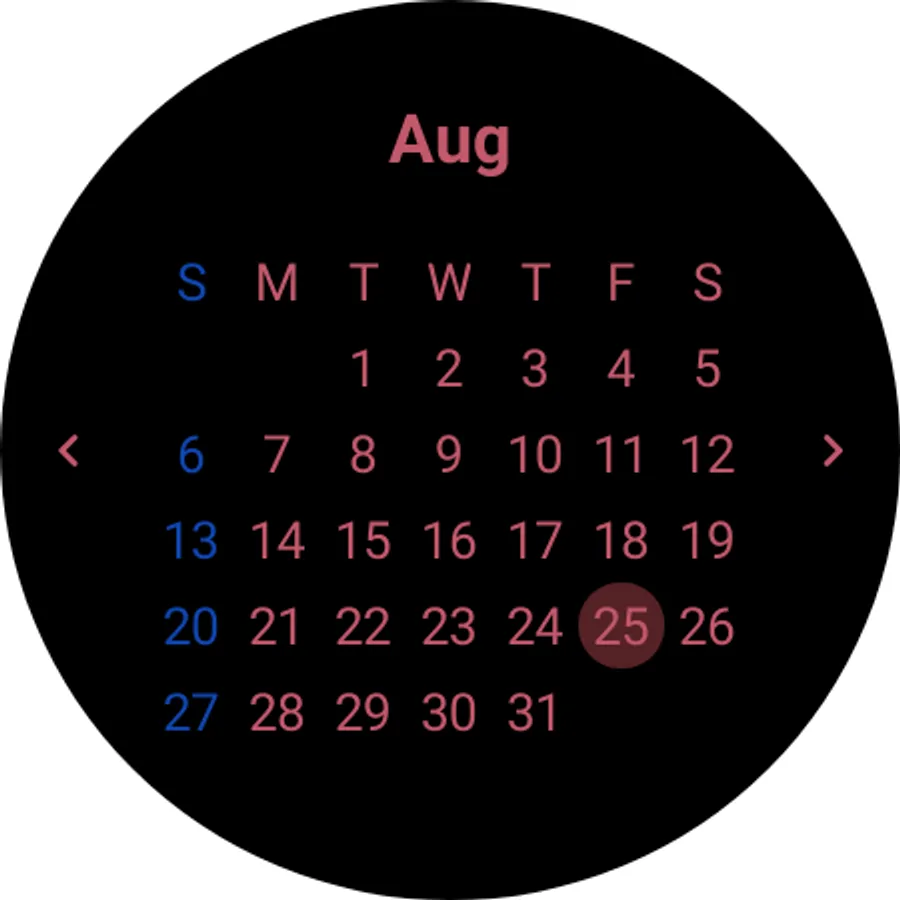
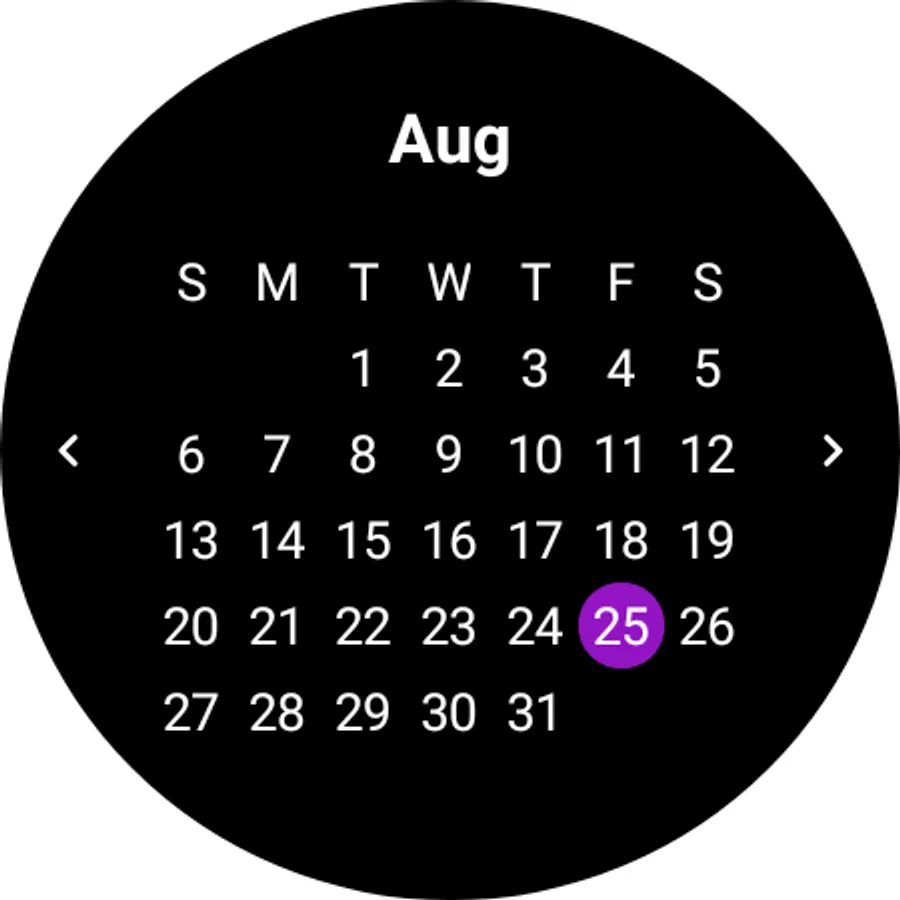
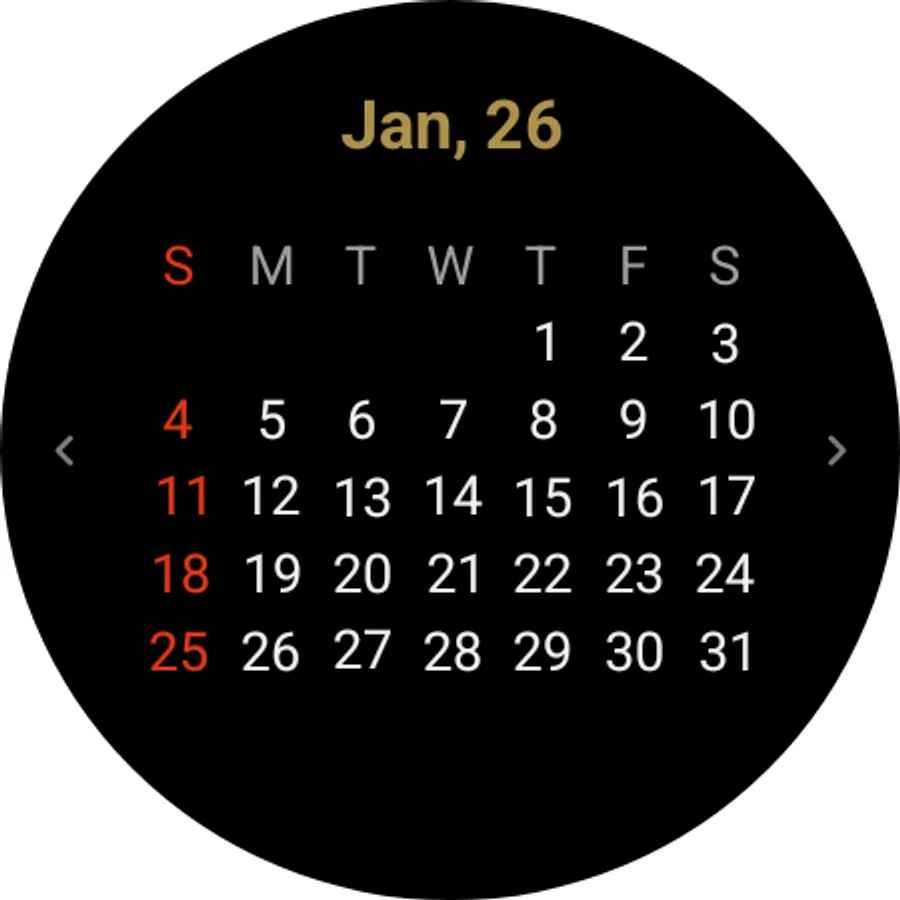
With this Wear OS calendar tile, you can customize title and day colors, and navigate to dates easily. Includes options to change the first day of the week, show or hide the year, and access navigation features.
AppRecs review analysis
AppRecs rating 4.0. Trustworthiness 87 out of 100. Review manipulation risk 21 out of 100. Based on a review sample analyzed.
★★★★☆
4.0
AppRecs Rating
Ratings breakdown
5 star
67%
4 star
17%
3 star
0%
2 star
0%
1 star
17%
What to know
✓
Low review manipulation risk
21% review manipulation risk
✓
Credible reviews
87% trustworthiness score from analyzed reviews
✓
High user satisfaction
83% of sampled ratings are 4+ stars (4.2★ average)
About Calendar on Tile
Basic calendar tile for Wear OS that allows customization
Features:
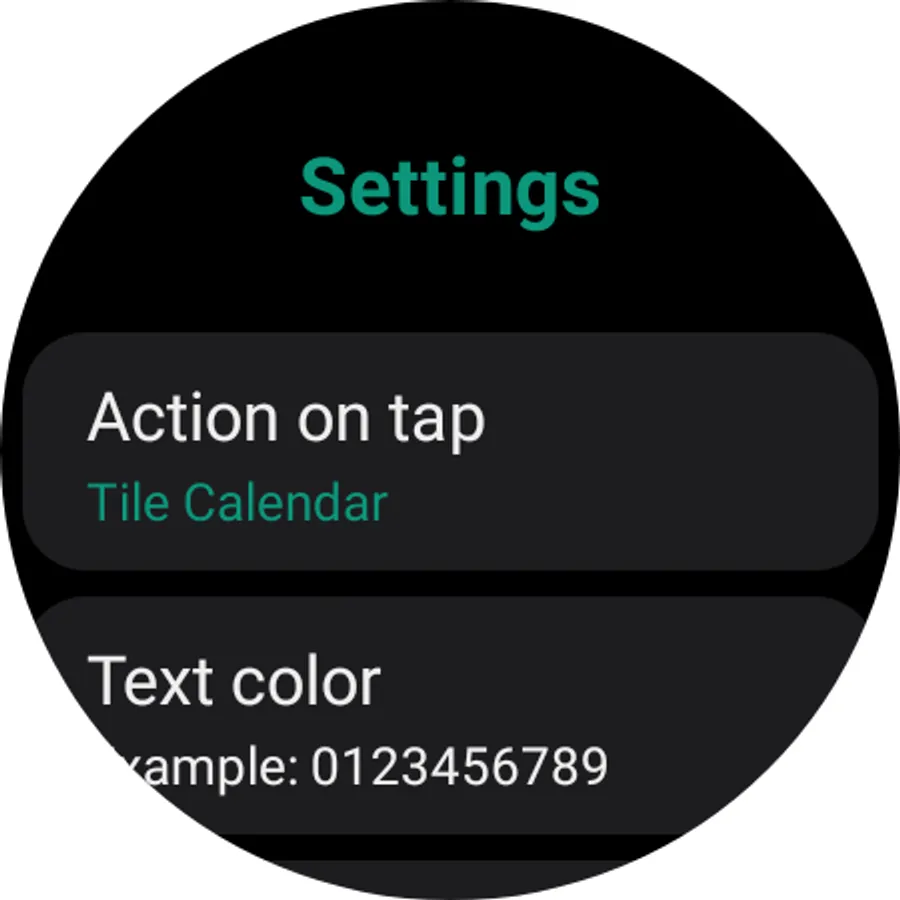
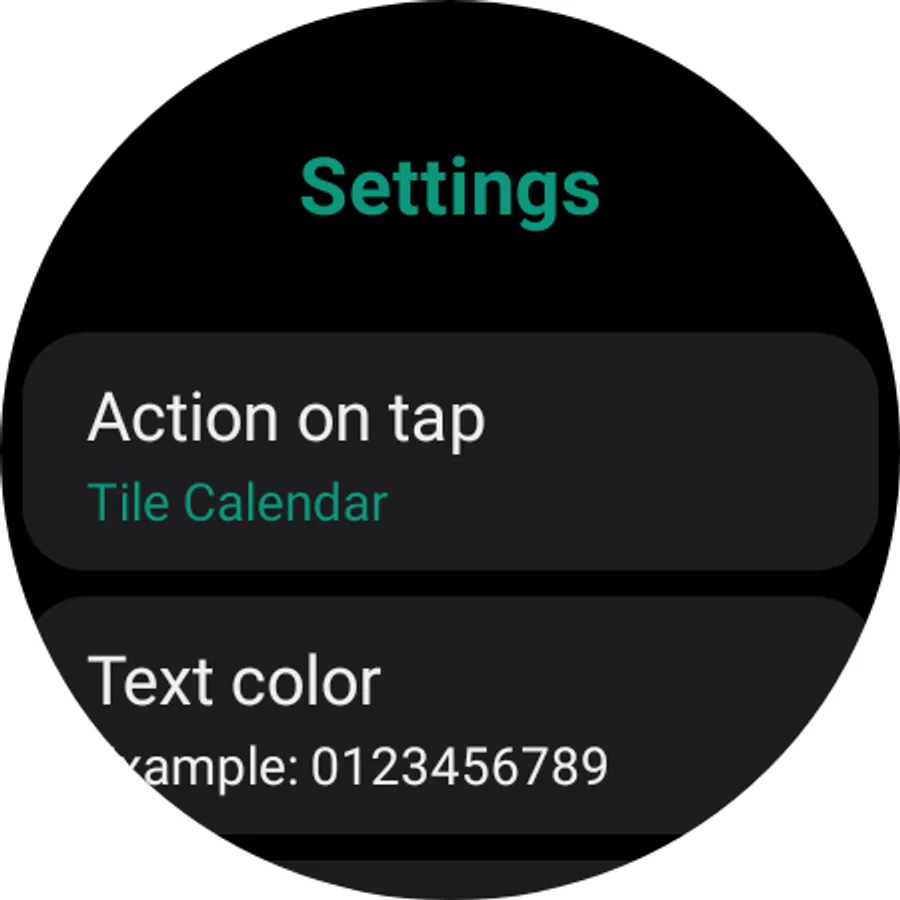
- Change title color;
- Show/Hide year in title;
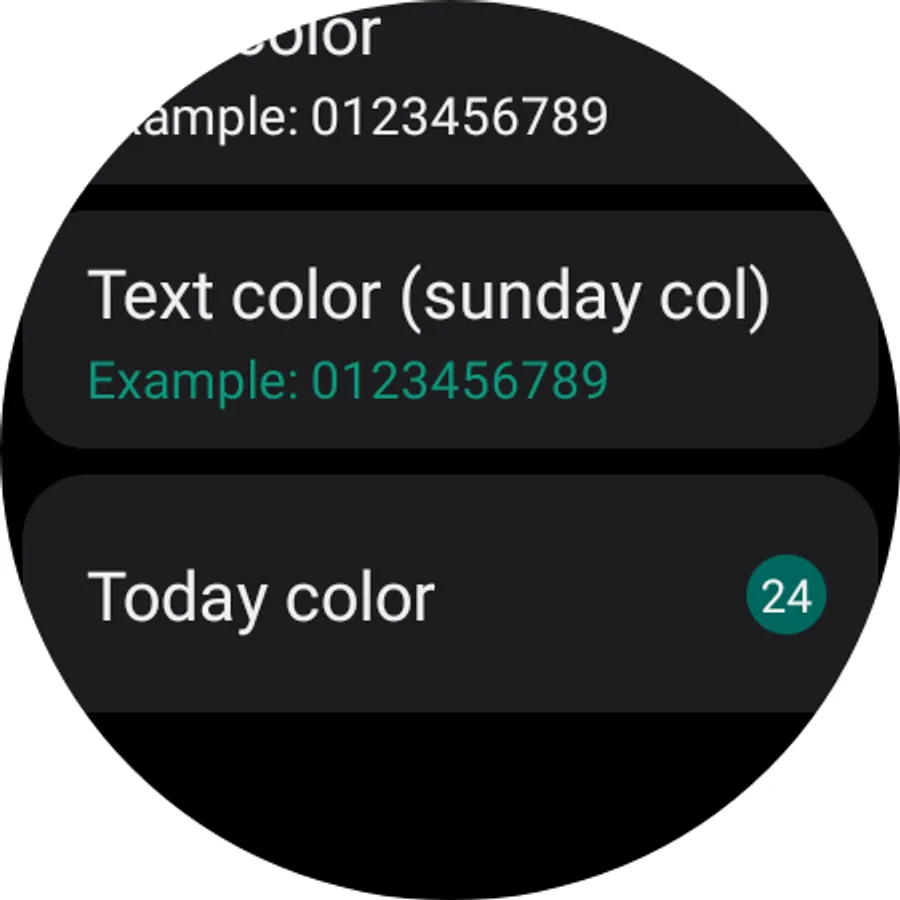
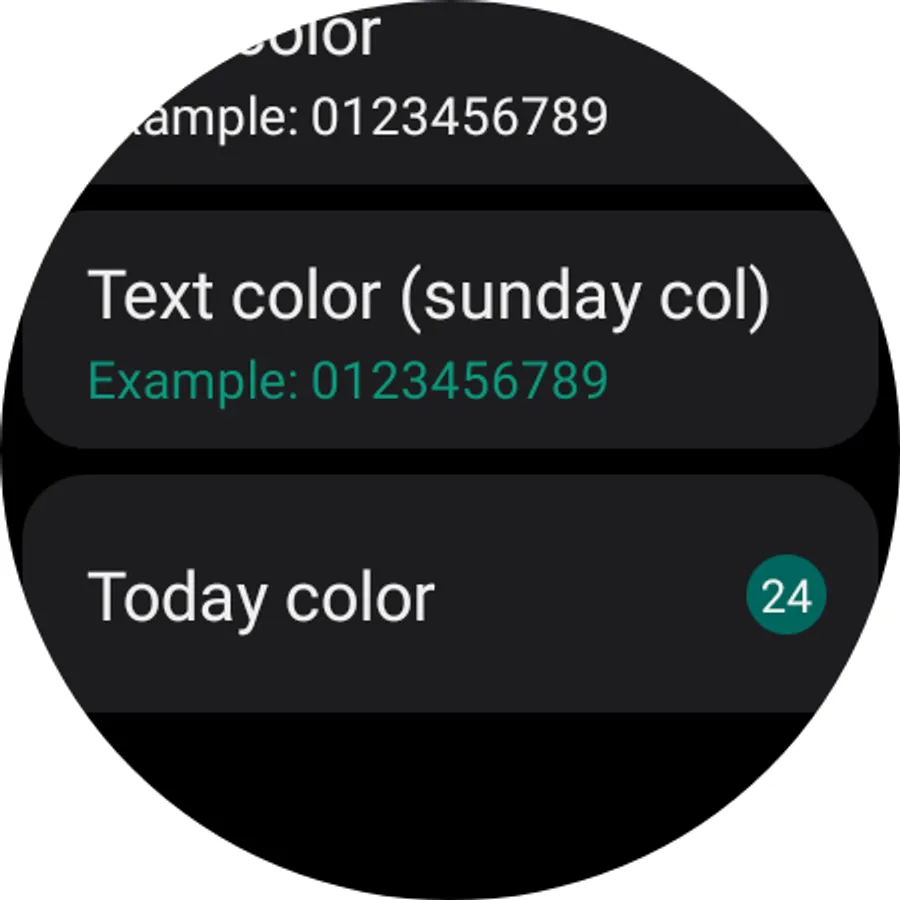
- Change days color;
- Change hightlights colors;
- Change first day of the week;
- Navigation (Lab feature!)¹ ².
¹ Lab features are in development and may present wrong results. By default lab features are disabled;
² The tile keeps its states (showing month) unless the day changes, then it returns to the current month.
Warning and Alerts:
- The tile refreshes automatically on day changes, however it may take up to 10 secs to the calendar render/change (Wear OS rules).
- Click on the calendar title to navigate back to the current month OR to refresh the current month;
- If the year is being displayed the month name will be abbreviated;
- Click on the calendar (days) to launch the app selected;
- If you are updating the app is recommend to remove and add the tile again after the update;
- This application is composed only of a tile;
- This application is for Wear OS.
Features:
- Change title color;
- Show/Hide year in title;
- Change days color;
- Change hightlights colors;
- Change first day of the week;
- Navigation (Lab feature!)¹ ².
¹ Lab features are in development and may present wrong results. By default lab features are disabled;
² The tile keeps its states (showing month) unless the day changes, then it returns to the current month.
Warning and Alerts:
- The tile refreshes automatically on day changes, however it may take up to 10 secs to the calendar render/change (Wear OS rules).
- Click on the calendar title to navigate back to the current month OR to refresh the current month;
- If the year is being displayed the month name will be abbreviated;
- Click on the calendar (days) to launch the app selected;
- If you are updating the app is recommend to remove and add the tile again after the update;
- This application is composed only of a tile;
- This application is for Wear OS.
Calendar on Tile Screenshots
Tap to Rate:
Reviews for Calendar on Tile
Renzo
12/12/2025
Absurd
Shay Camlot Bogomoltz
11/16/2025
Would be good to have a chance to see other months (forward or backward)...