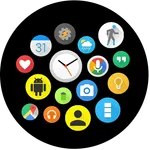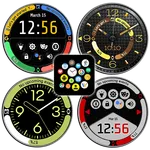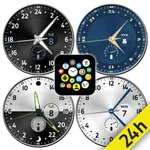
Bubble Cloud Watch face pack
DYNA Logix
4.5 ★
22 ratings
1,000+
downloads
$1.19
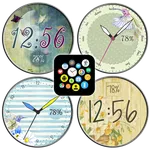
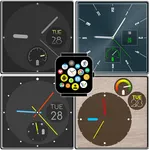
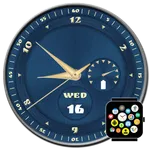
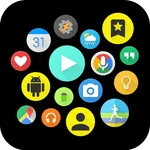
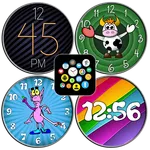
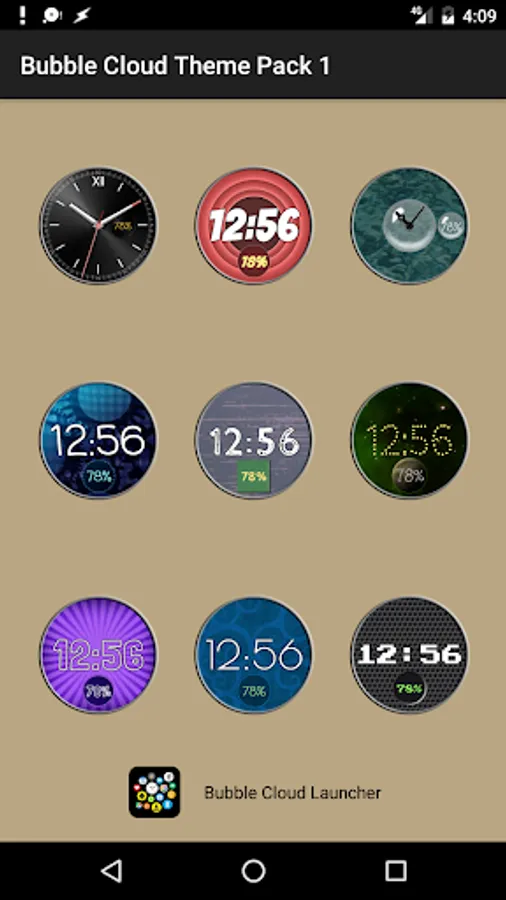
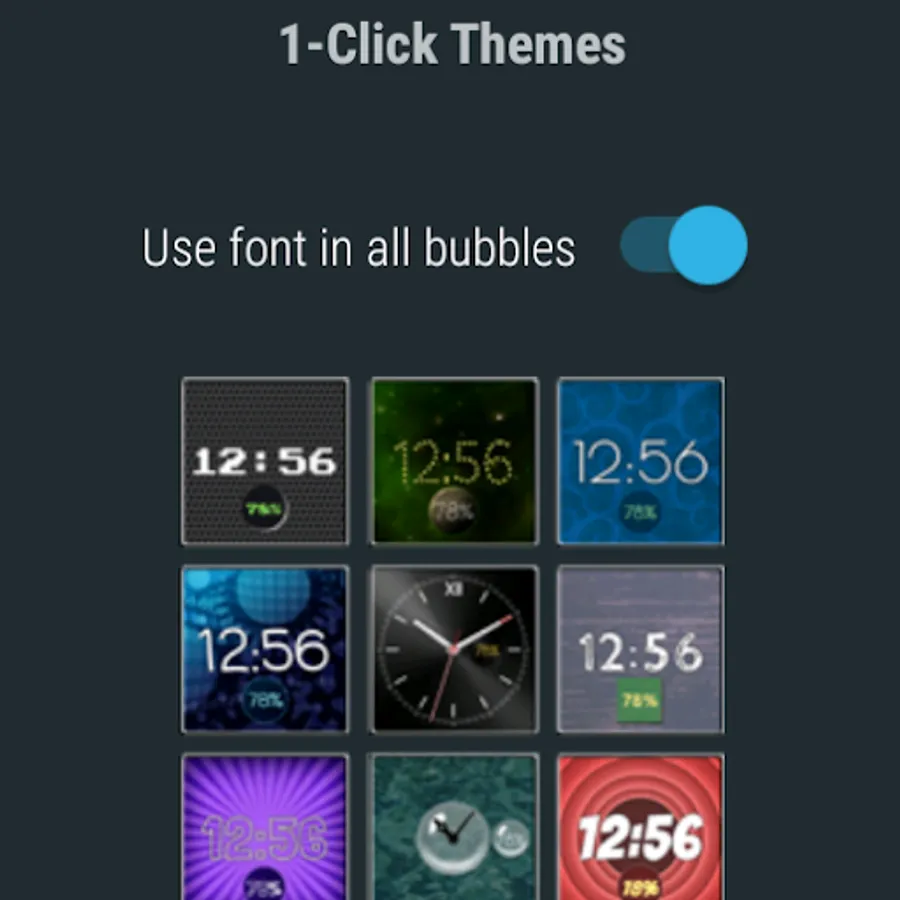
In this watch face pack, users can customize their watch displays with various themes, fonts, and clock designs. Includes nine themes, seven fonts, two clock bubble styles, and matching backgrounds.
AppRecs review analysis
AppRecs rating 4.5. Trustworthiness 53 out of 100. Review manipulation risk 51 out of 100. Based on a review sample analyzed.
★★★★☆
4.5
AppRecs Rating
Ratings breakdown
5 star
80%
4 star
10%
3 star
0%
2 star
10%
1 star
0%
What to know
⚠
Questionable review patterns
51% review manipulation risk - some review patterns appear unusual
⚠
Rating authenticity concerns
High rating concentration (80% 5-star) in sampled ratings
About Bubble Cloud Watch face pack
This theme pack works with Bubble Cloud Launcher for Android Wear (version 6.62 or higher). Please update main app to most recent version: https://play.google.com/store/apps/details?id=dyna.logix.bookmarkbubbles
Themes work with the free version of the launcher, you don't need Premium upgrade for the Themes to work.
Wear OS 4 ready (standalone version available)
CONTENTS:
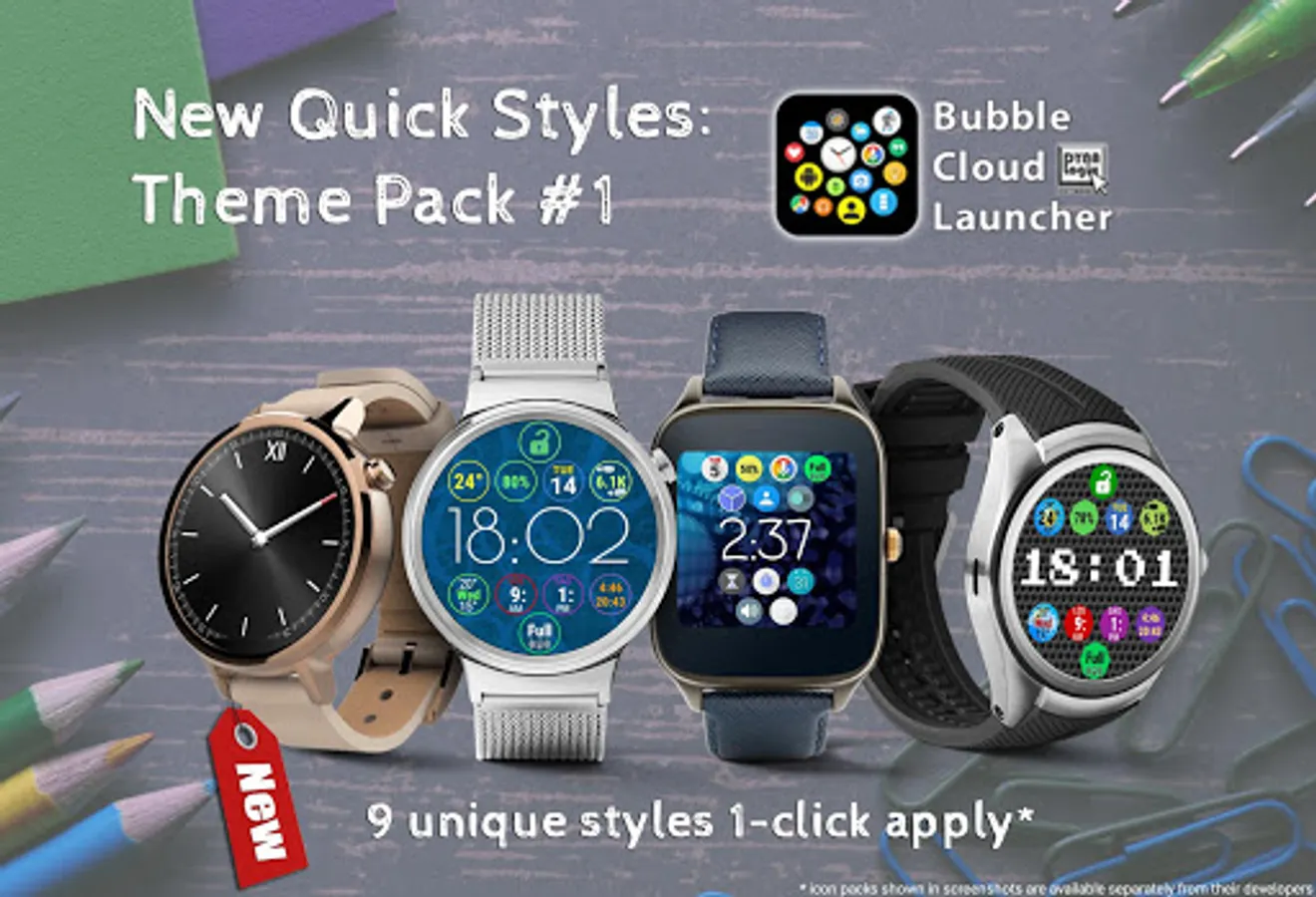
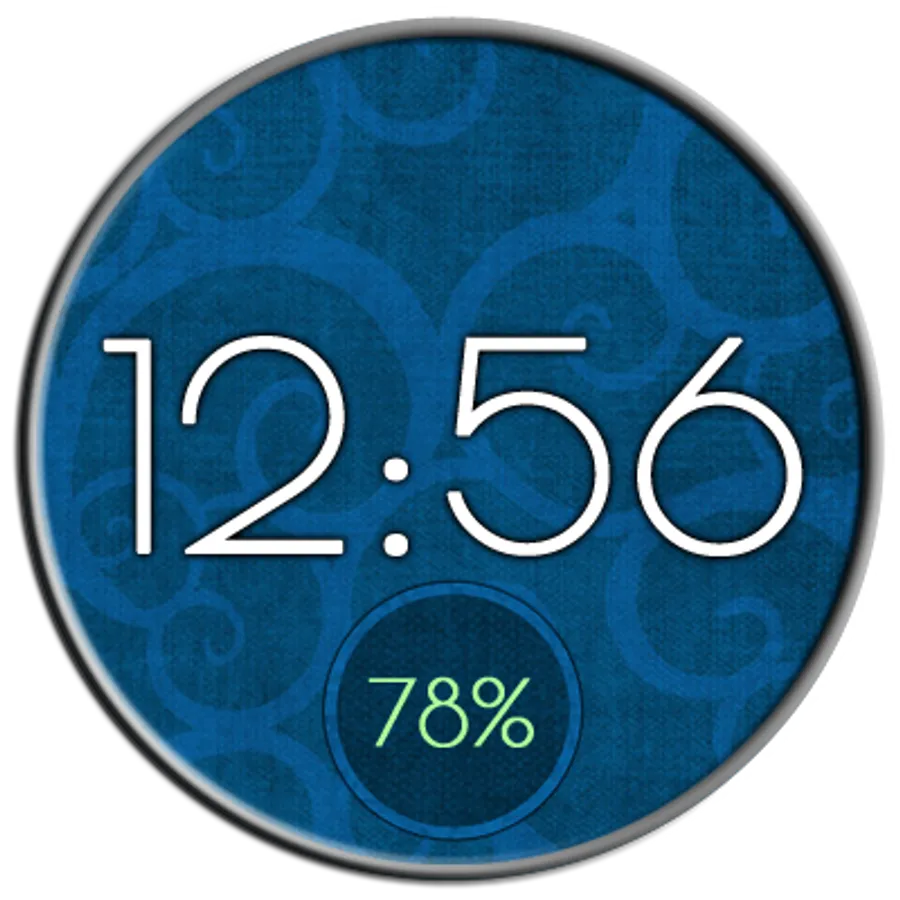
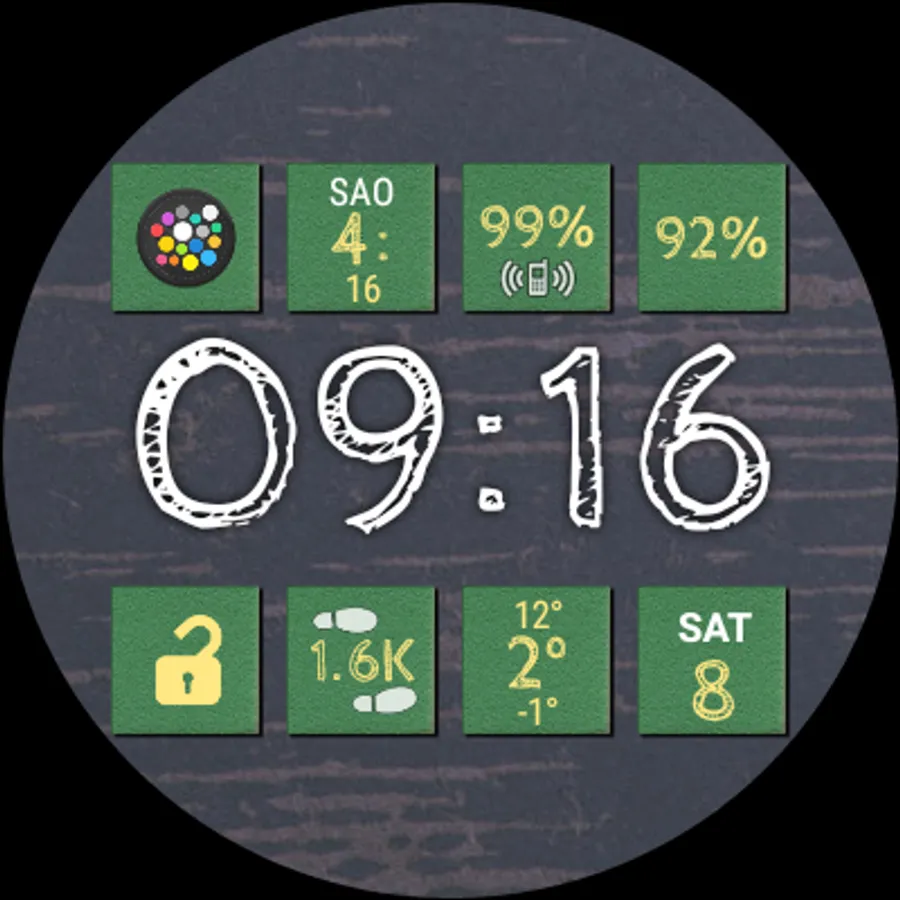
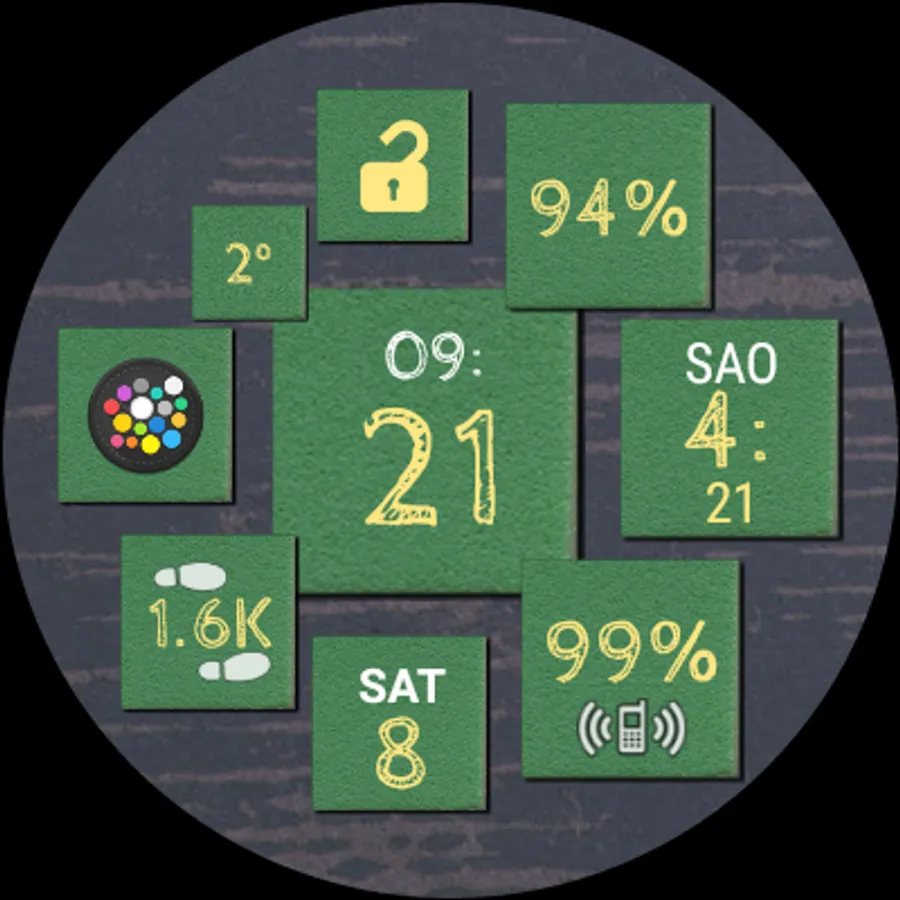
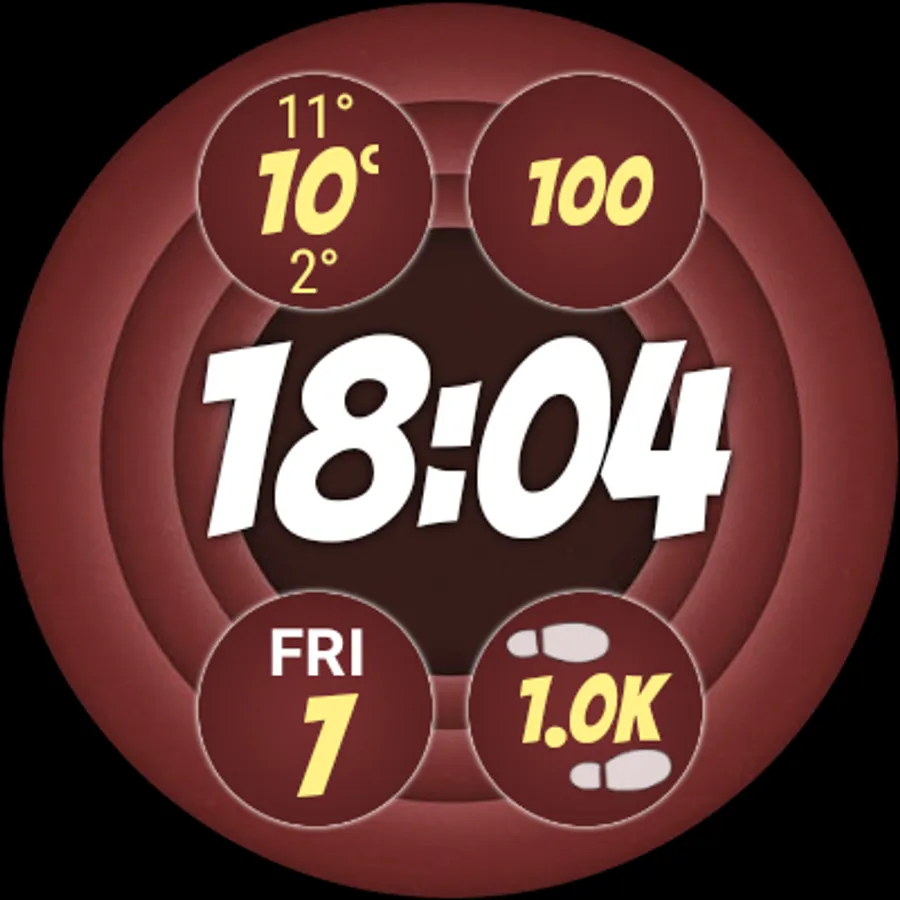
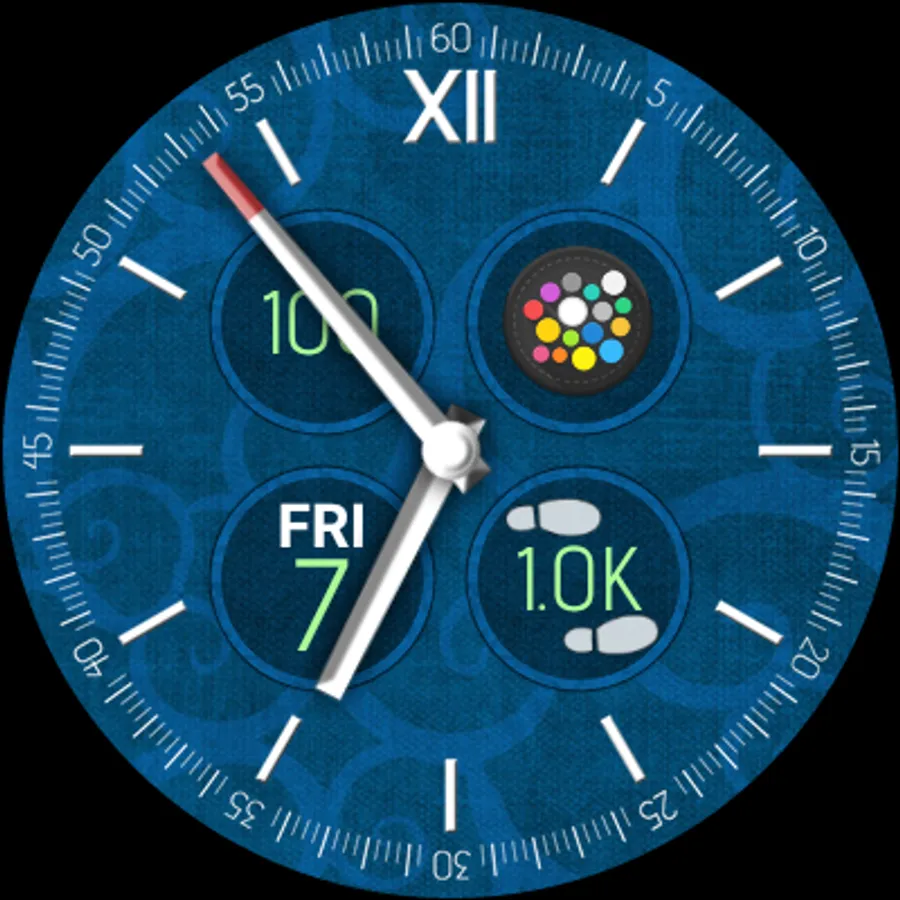
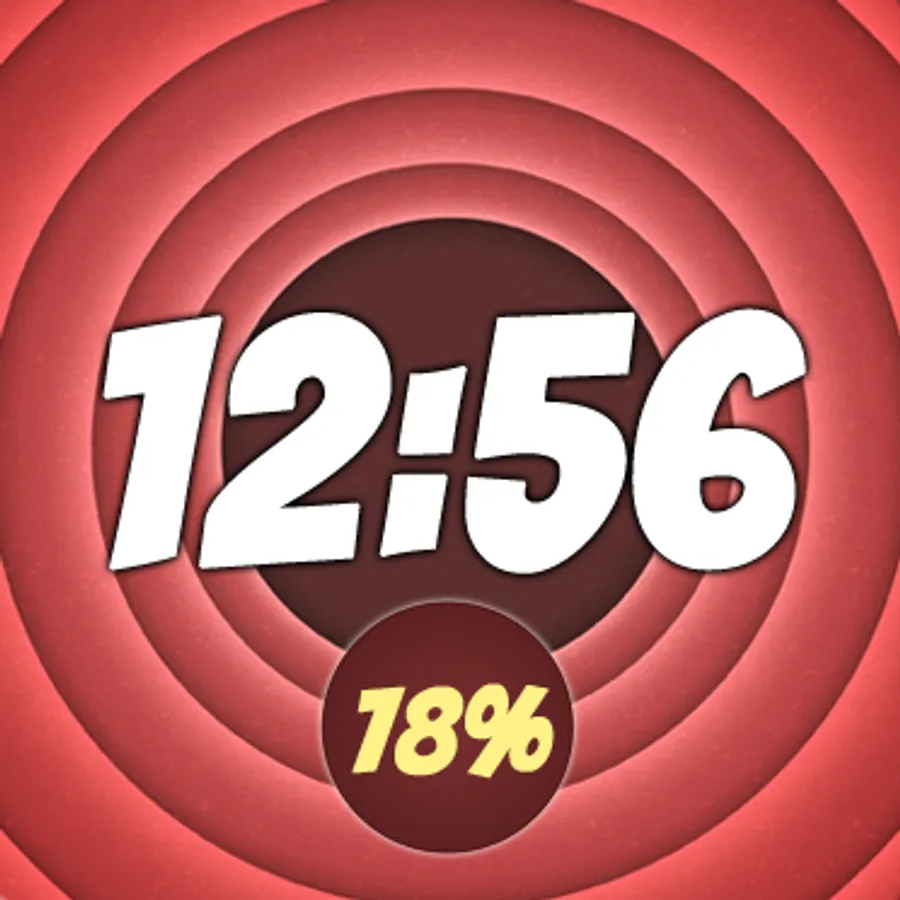
► 9 Bubble Cloud themes to use with Wear OS by Google
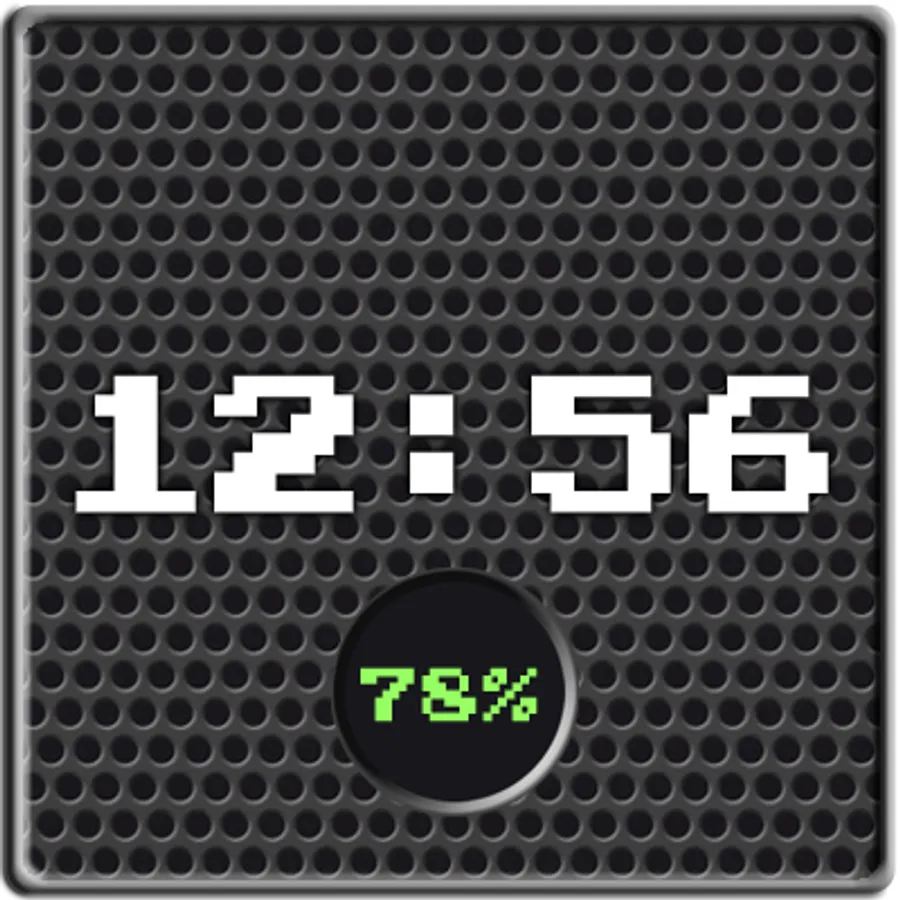
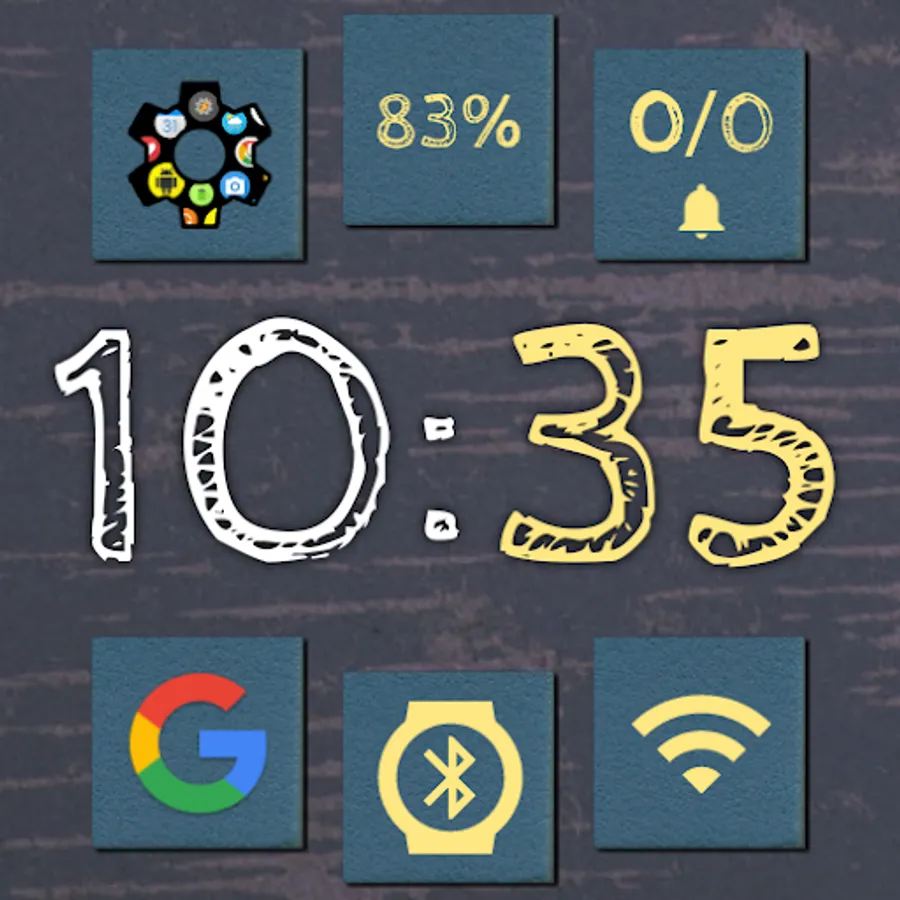
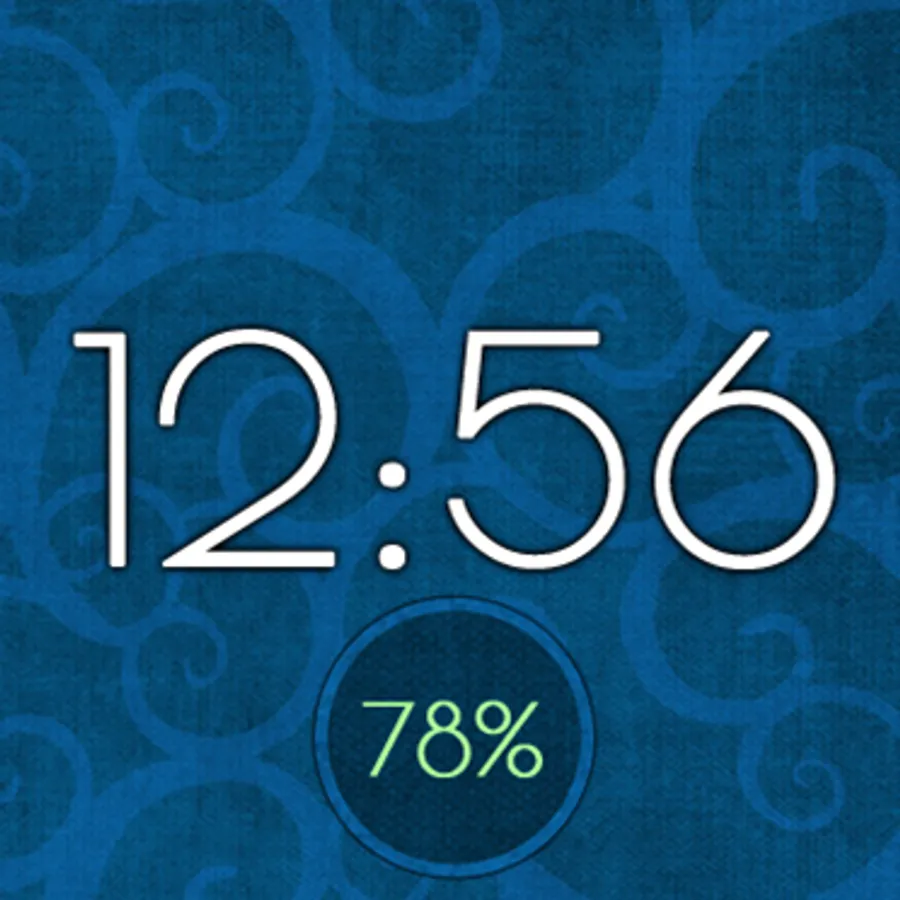
► 7 fonts (Bangers, CabinSketch, ComingSoon, Dotted, LondrinaOutline, PoiretOne, PressStart2P)
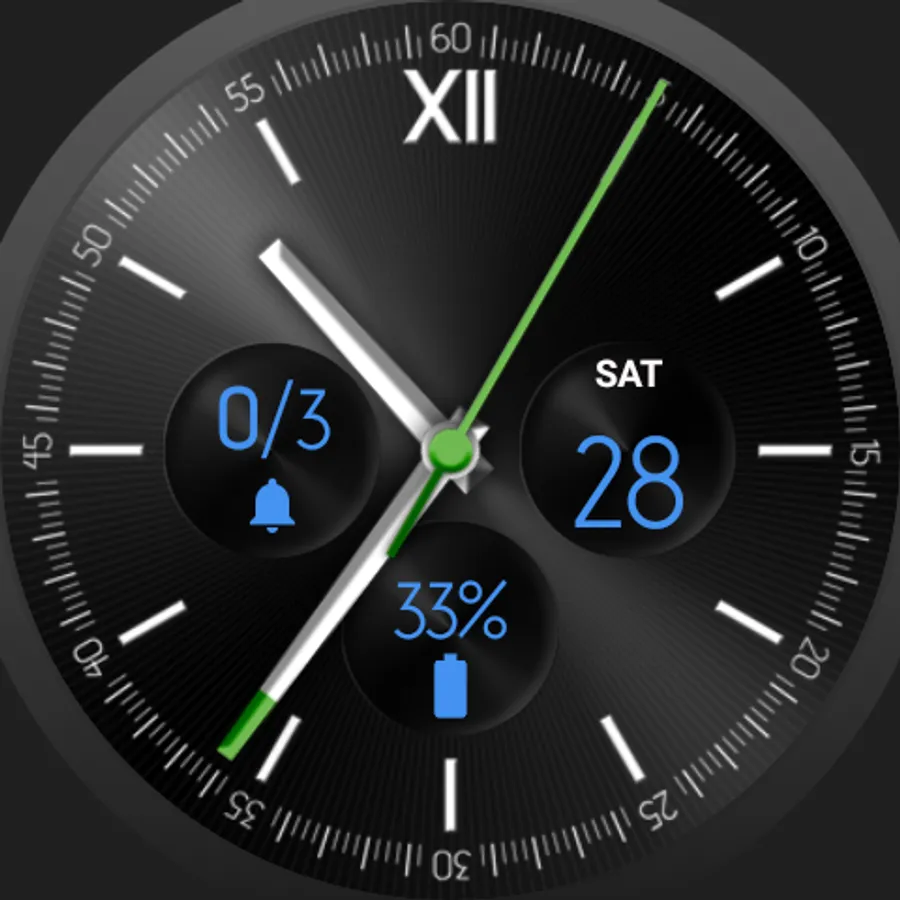
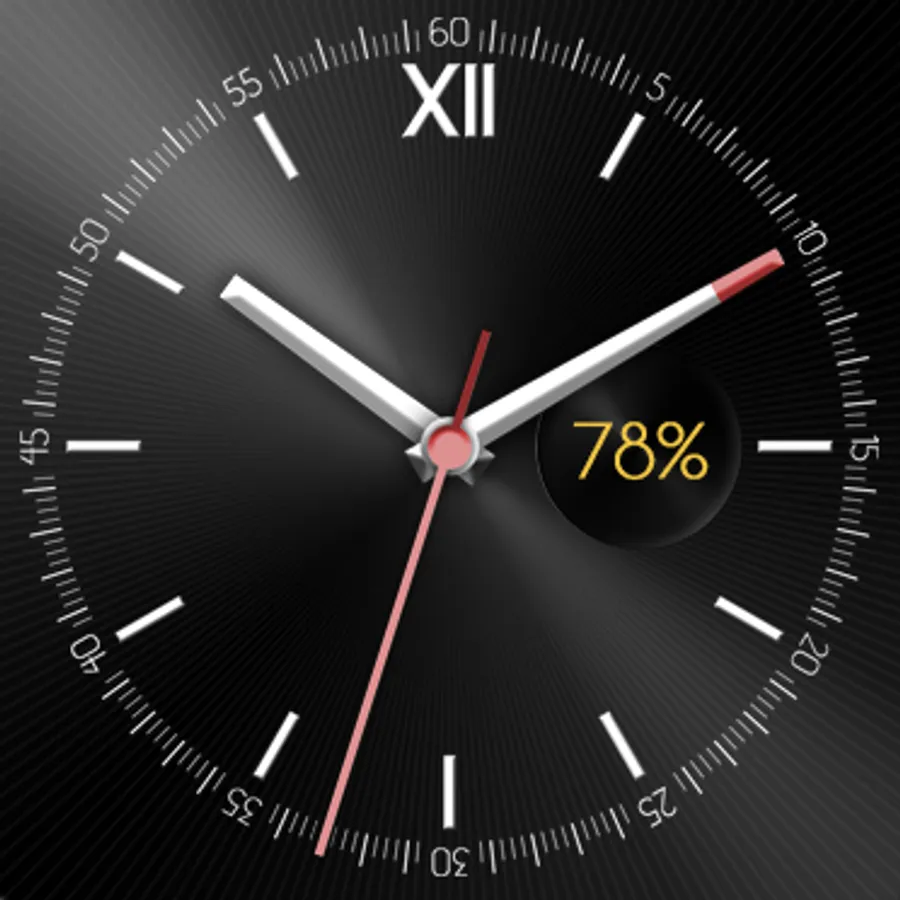
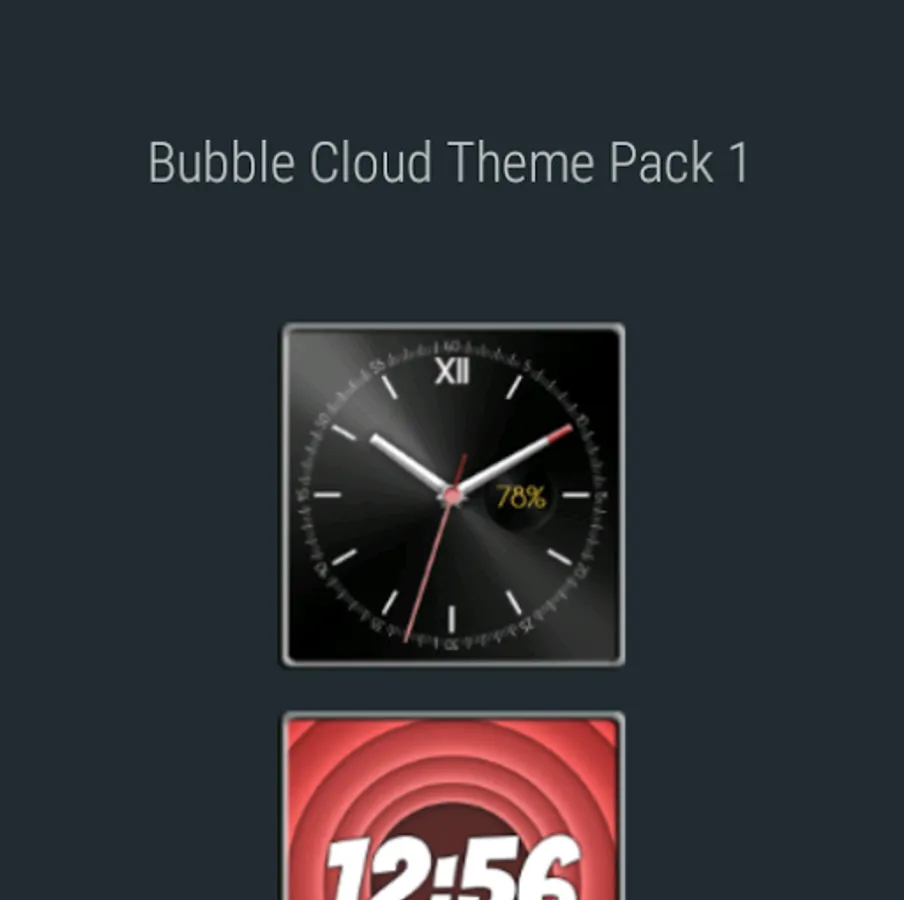
► 2 clock bubble designs ("Classic", "Bubbles")
► 18 matching background textures (9 favorites, 9 archive)
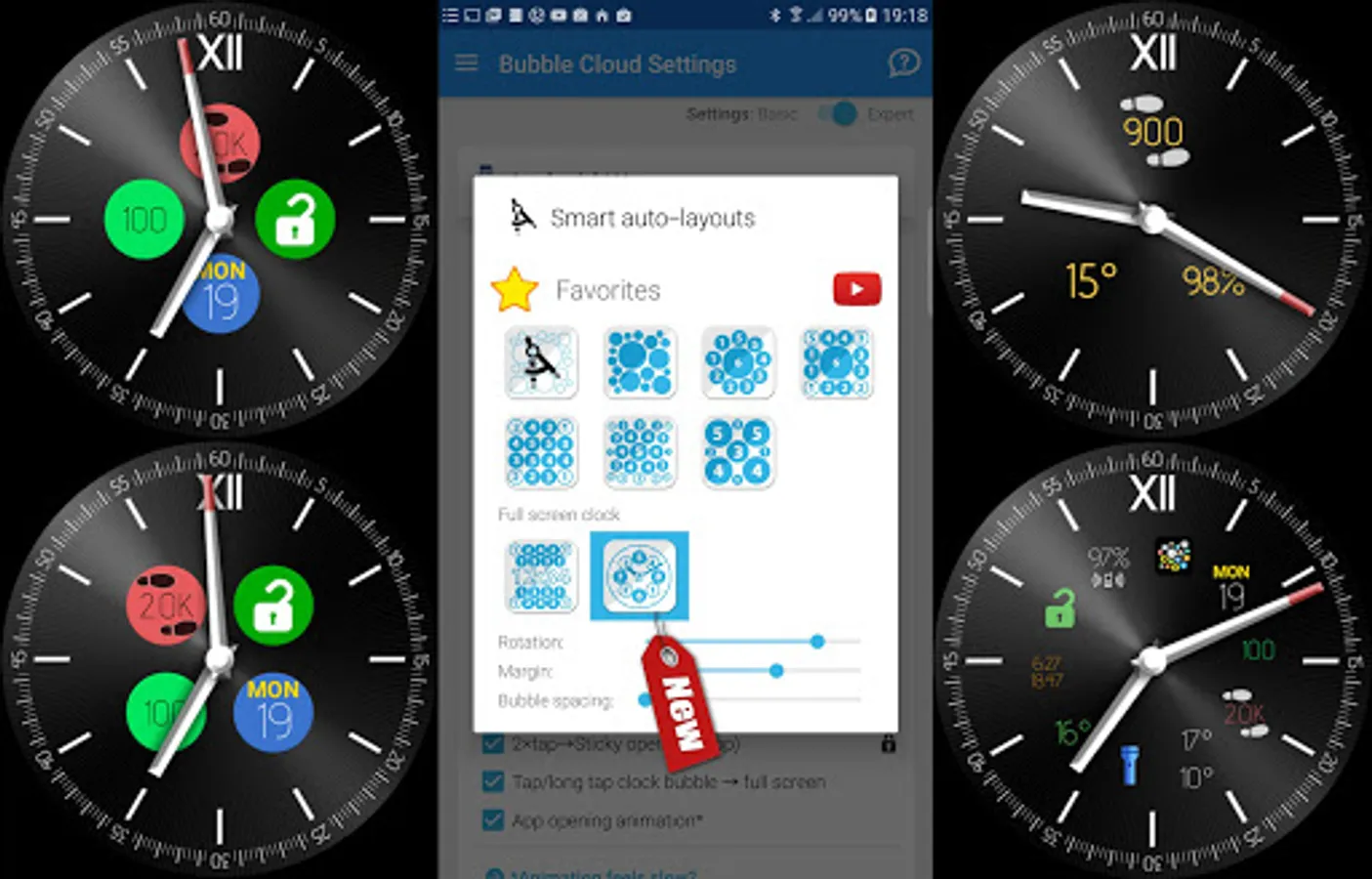
► 9 matching themed bubbles for creating consistent looking watch faces
► Both for round and square watch shapes
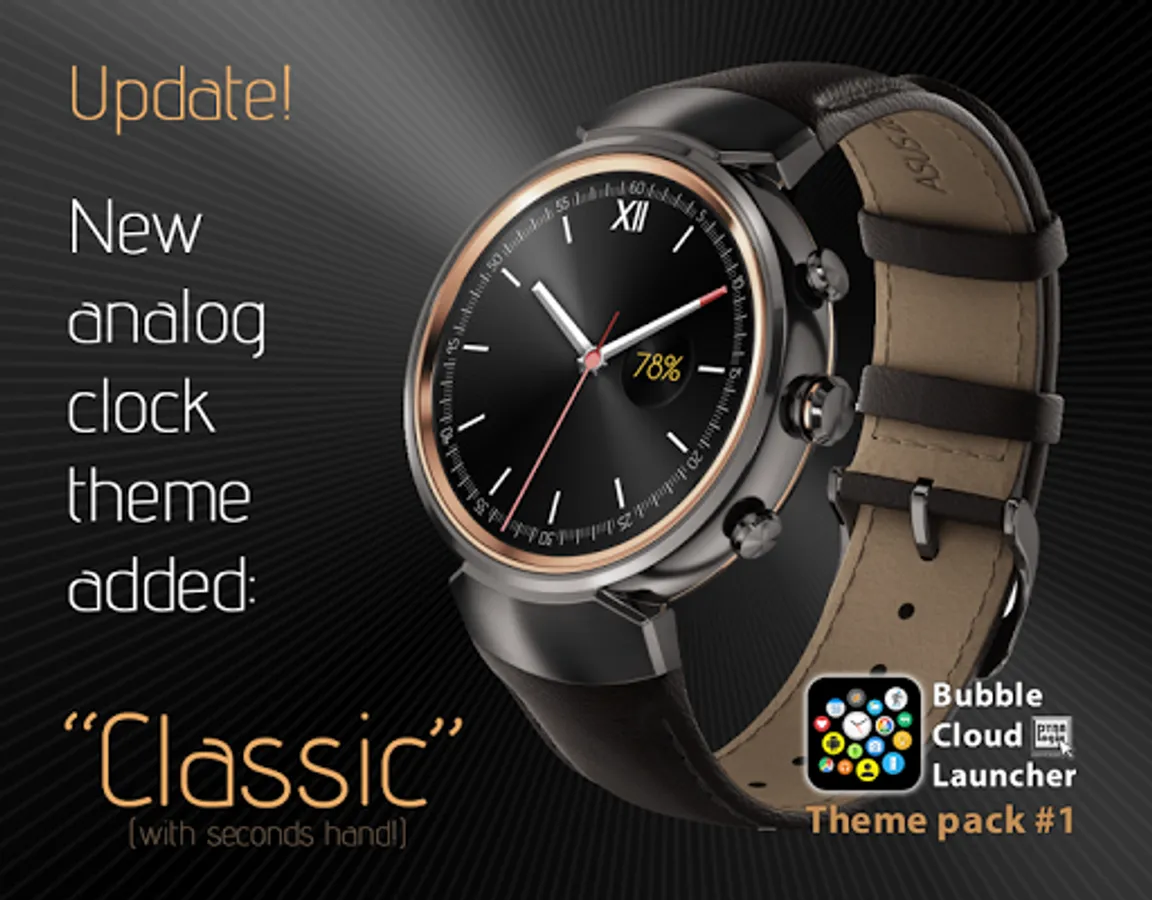
► Analog clock theme "Classic" now includes seconds hand design [see note below]
► NEW: no Android phone necessary, also works with Bubble Clouds Wear OS Standalone version!
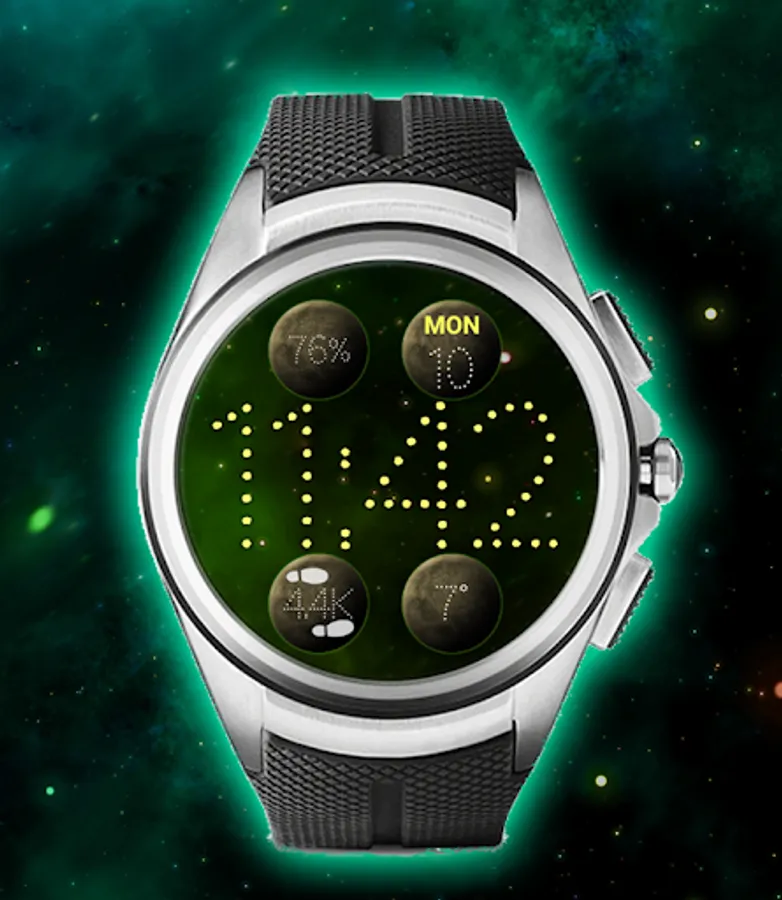
► (icon packs shown in screenshots are not included!)
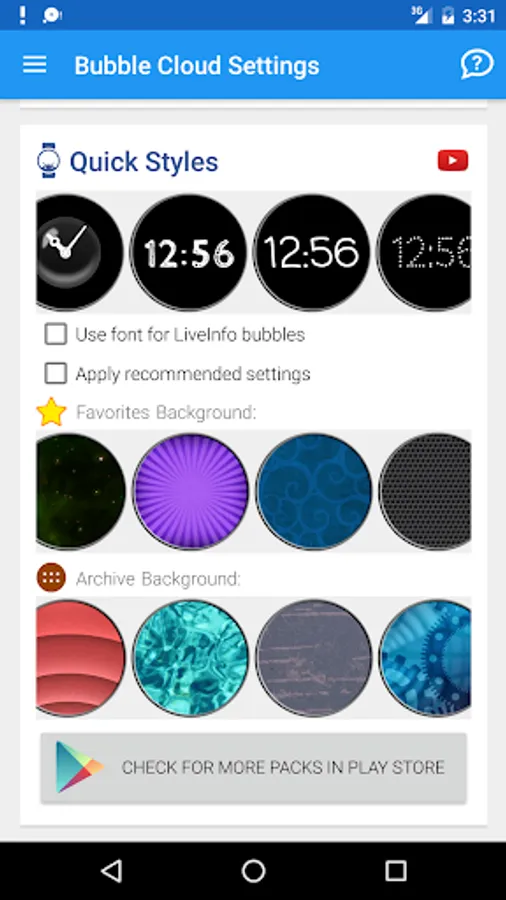
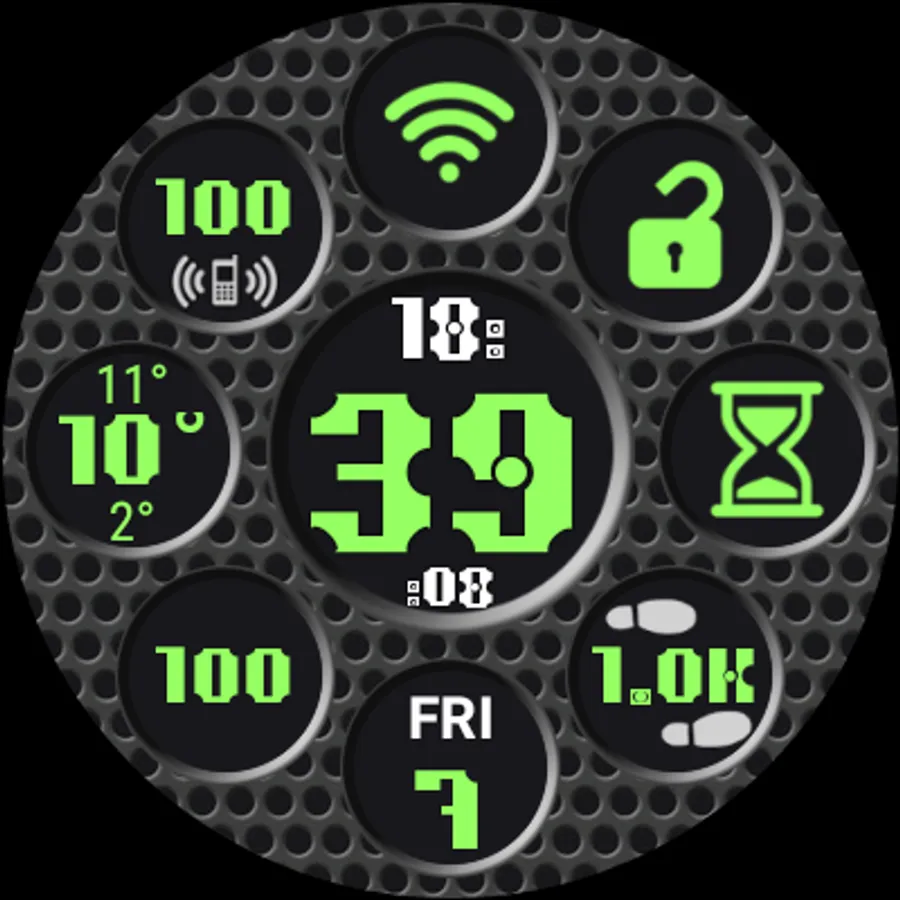
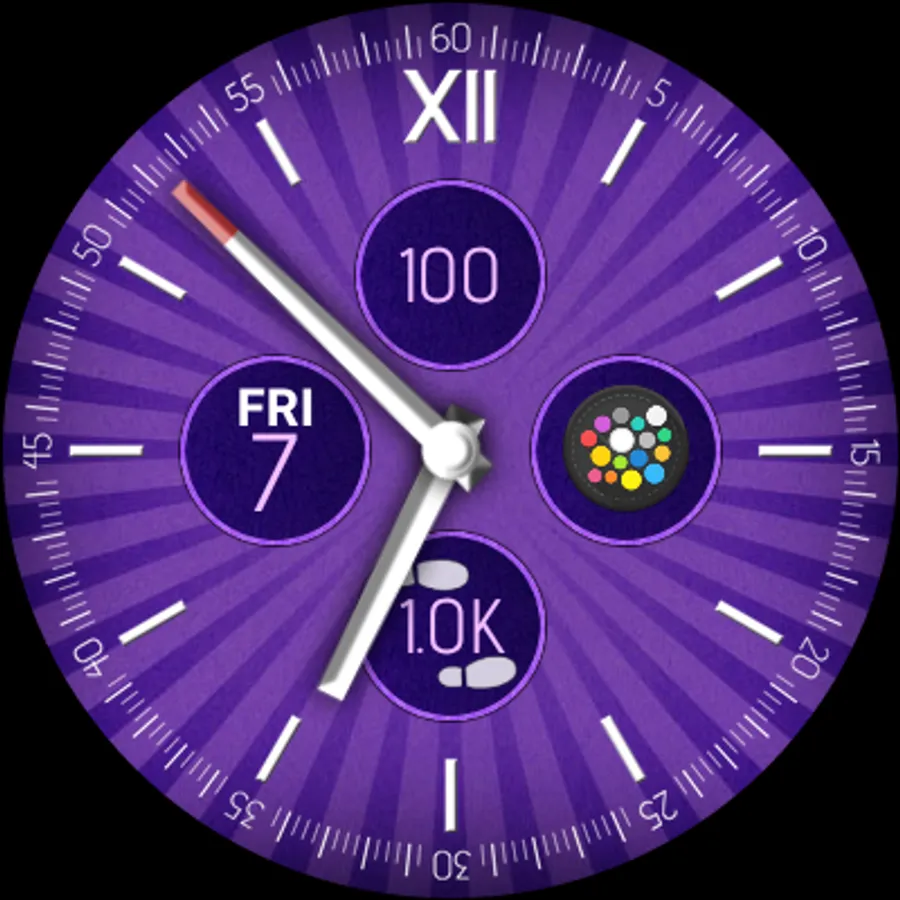
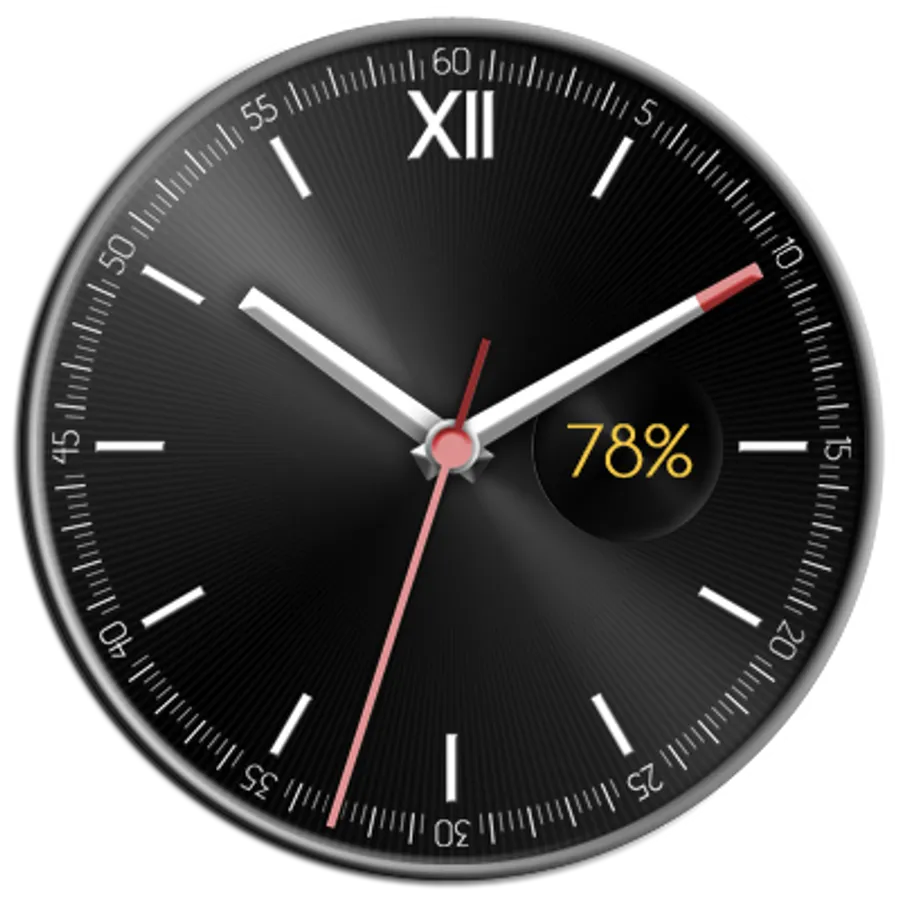
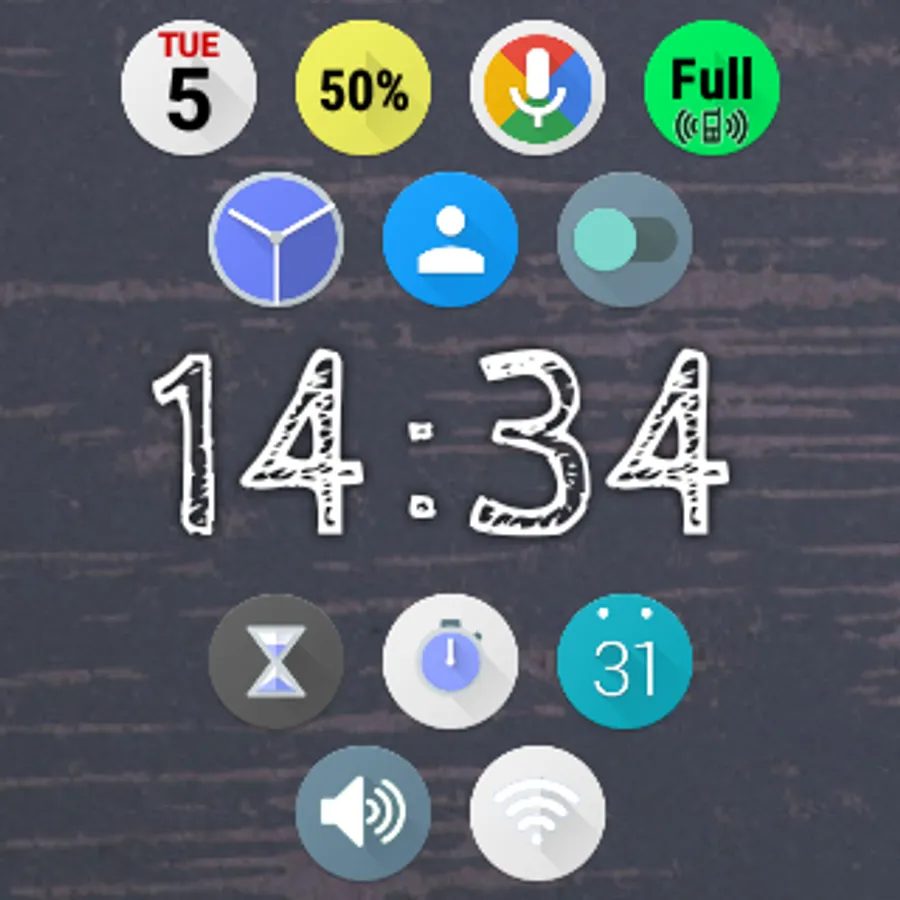
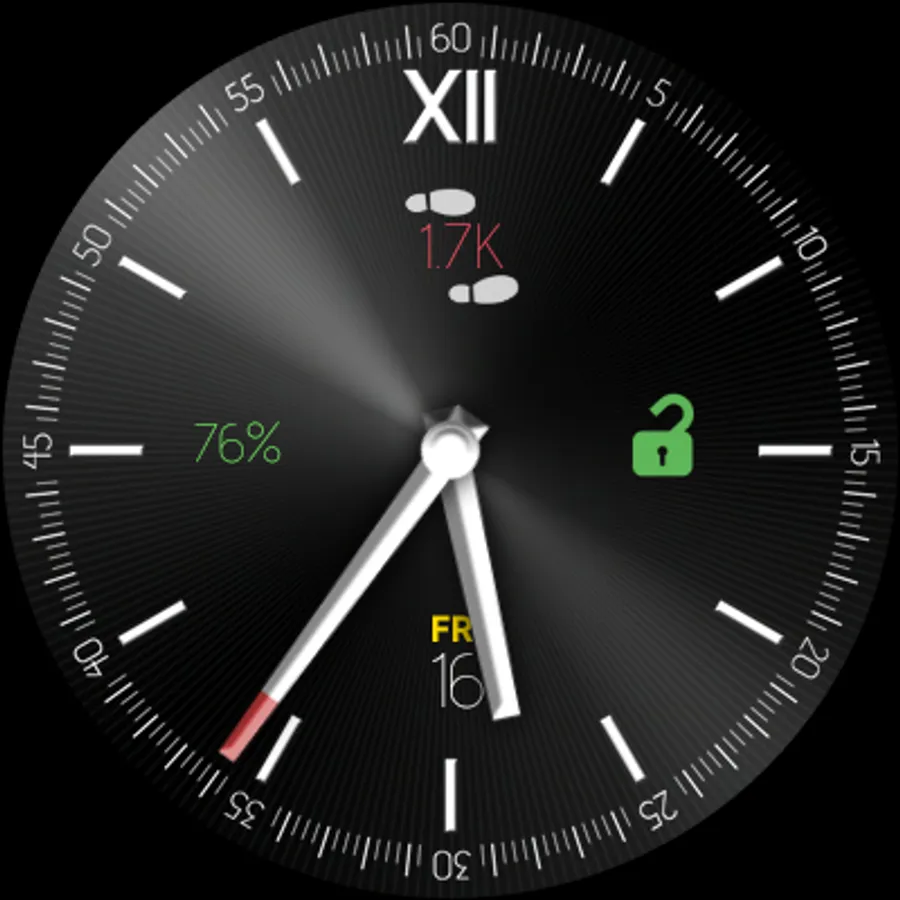
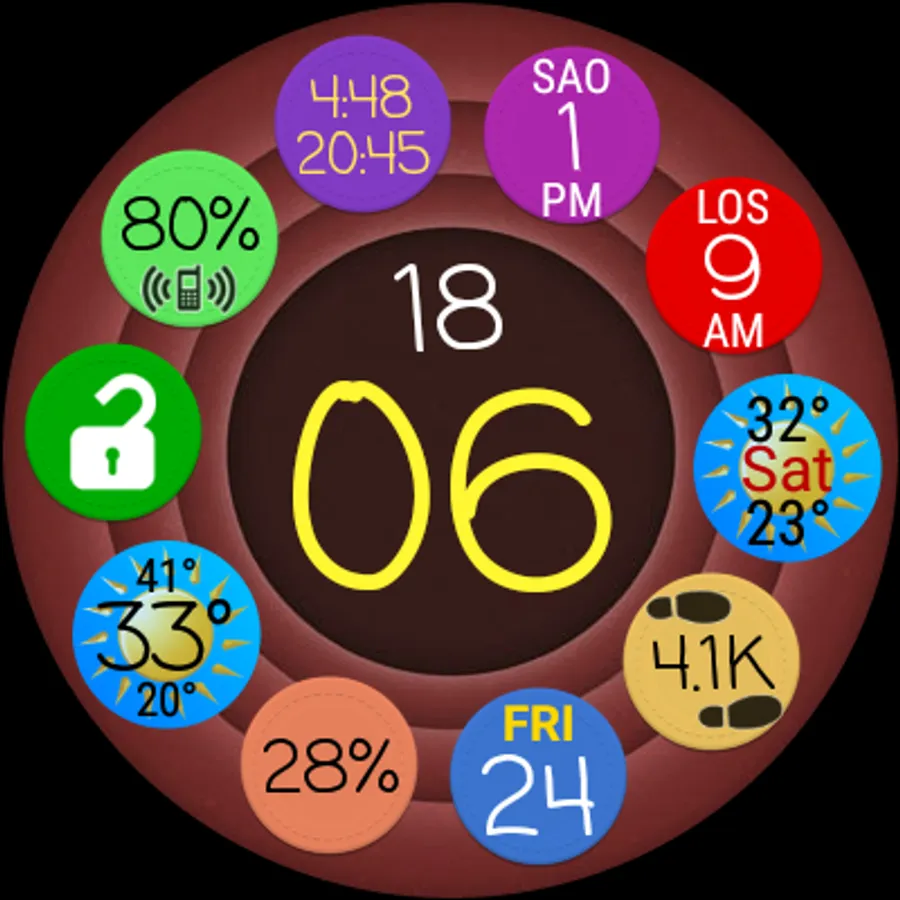
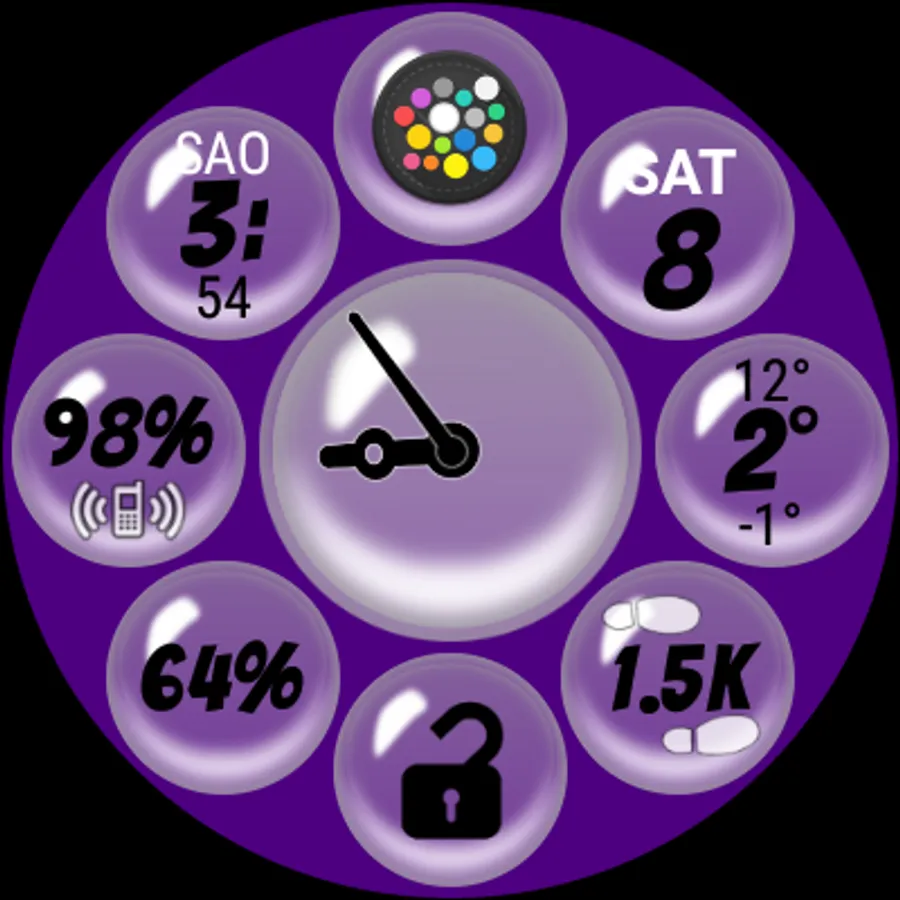
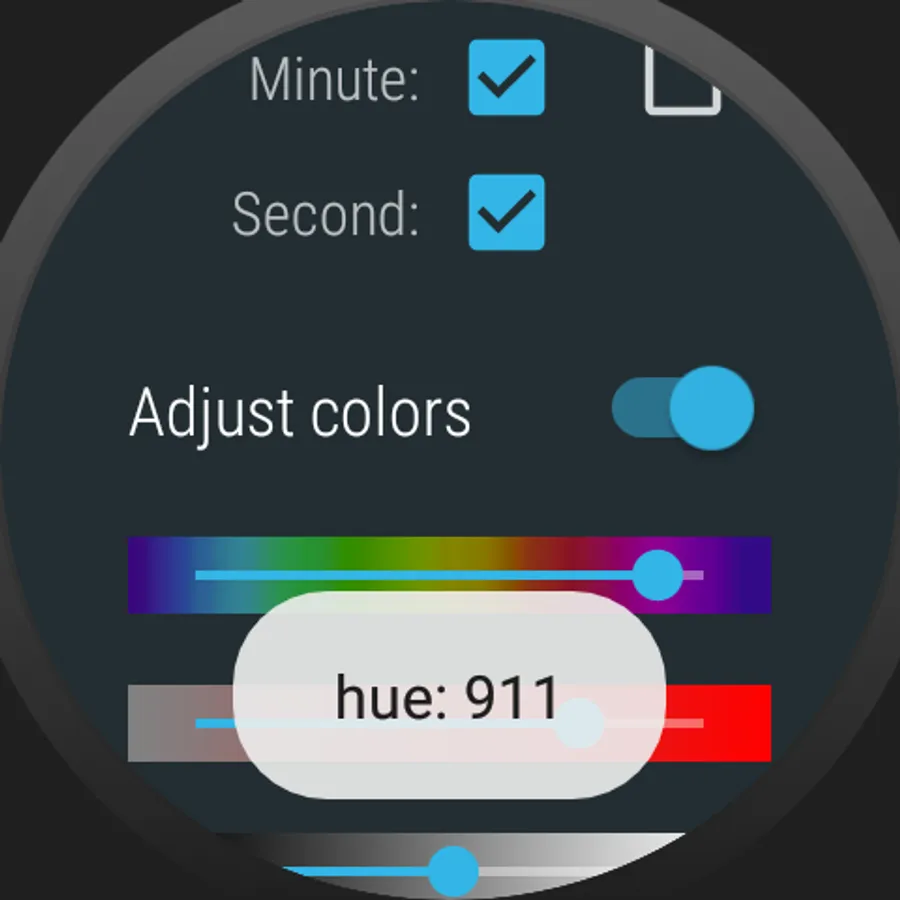
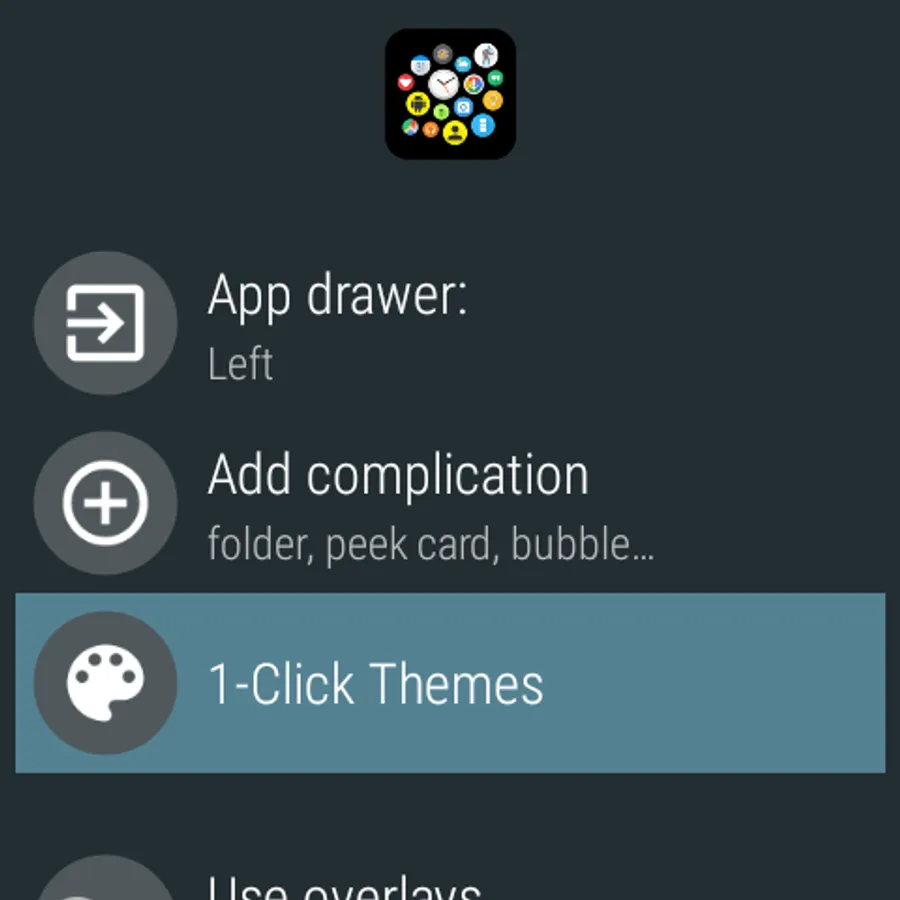
Please refer to the screenshots.
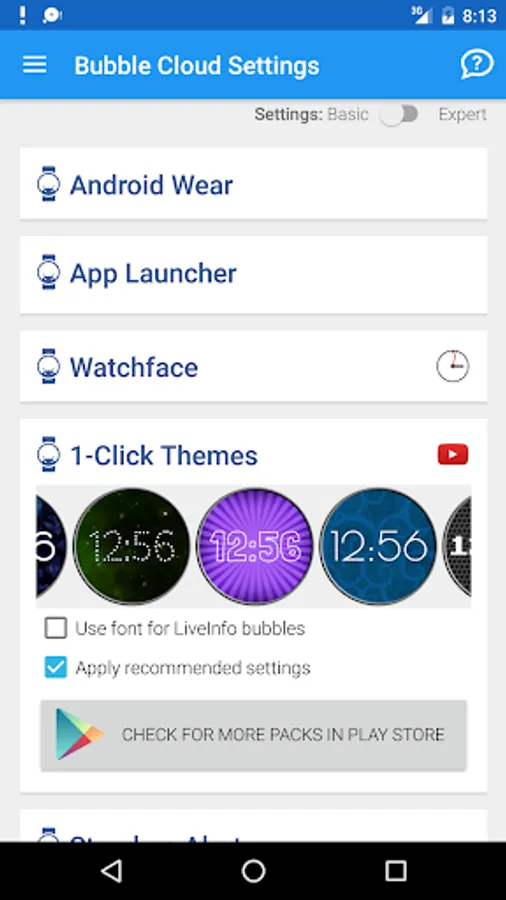
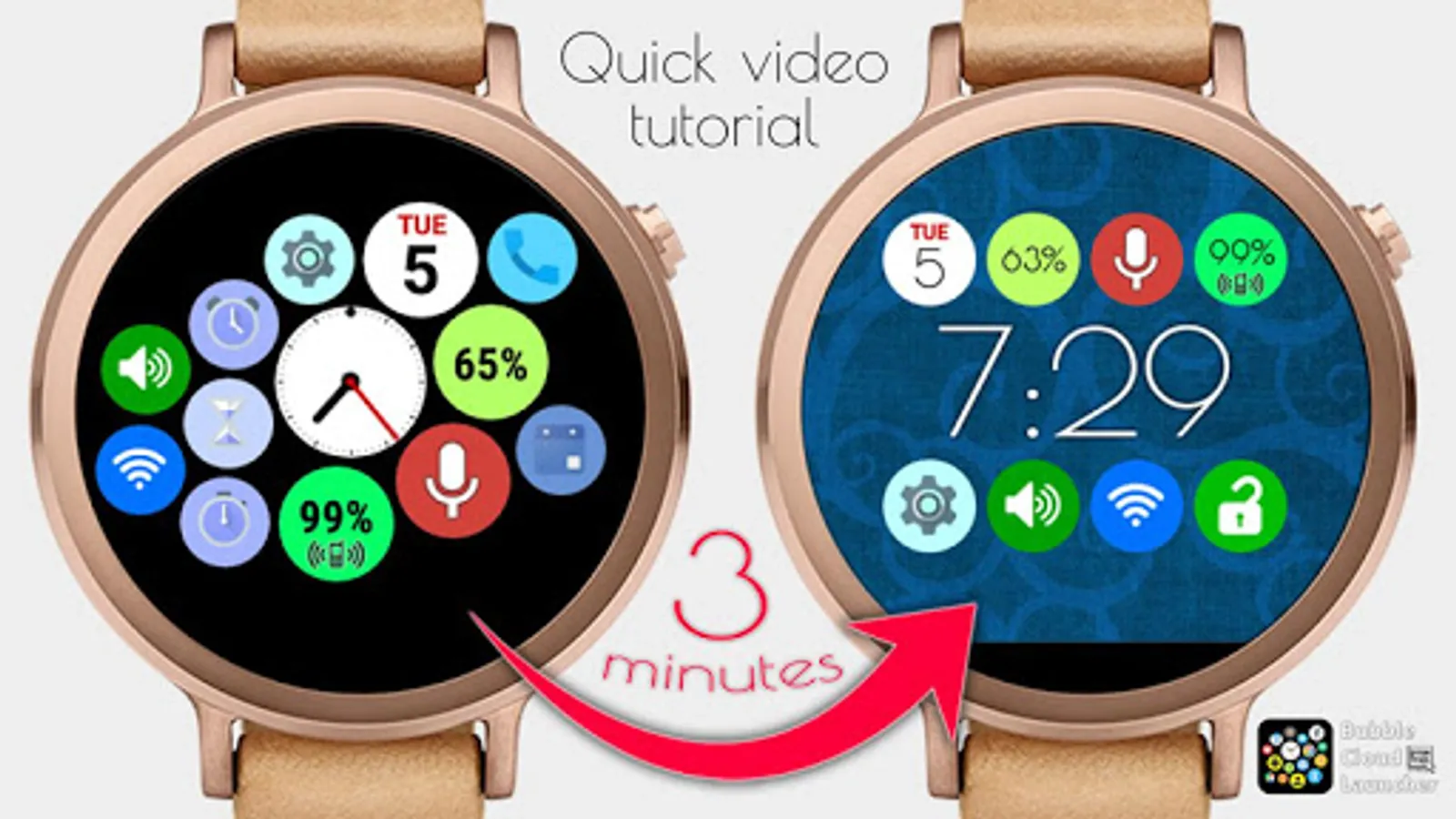
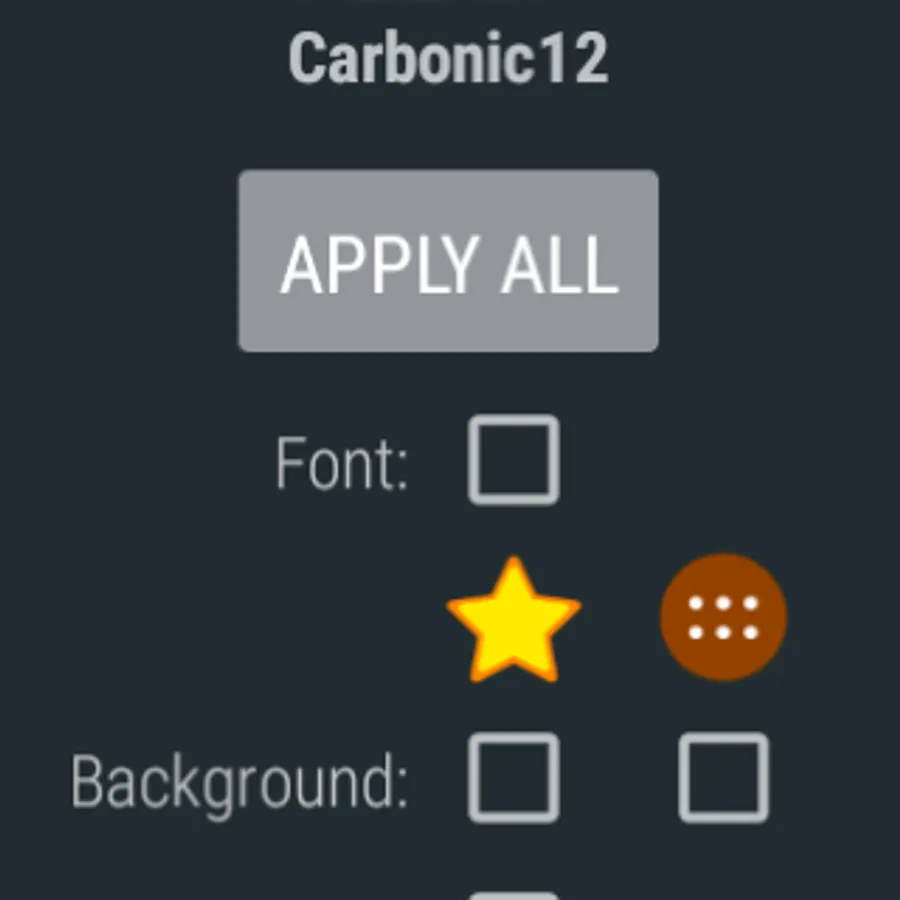
1-click apply any of the 9 quick styles, or mix-and-match components for unlimited variations.
HOW TO USE:
Before purchasing this Theme pack:
1. Install Bubble Cloud Launcher on your Wear OS watch
2. Confirm that it works correctly.
3. Please watch the product video on how to apply the themes in Bubble Cloud Launcher
COMPATIBILITY:
► Compatible with all Wear OS watches
► NOT compatible with other smartwatches, which are not specifically running "Wear OS"
► NOT compatible with "Android" watches (only "Wear OS")
► NOT compatible with Samsung watches (except the "Gear Live")
► NOT compatible with Samsung "Android" watches
► NOT compatible with Sony SmartWatch 2 (only "SW3")
WEAR OS WATCHES: (these are tested compatible)
► Huawei Watch
► Moto 360 (Gen 1 + 2 + Sport)
► LG G Watch, G Watch R, Watch Urbane 1 + 2
► ASUS ZenWatch 1 + 2 + 3
► Sony SmartWatch 3
► Fossil Q Founder
► Casio Smart Outdoor
► TAG Heuer Connected
► or newer watches (NOT Samsung Tizen/Gear!)
WEAR OS ≠ ANDROID
Wear OS is not Android. There are watches which run the Android operating system, but they don't run Wear OS.
Please see this page for more info about Wear OS: https://www.android.com/wear/
Please look at this list of apps in the Play Store: https://play.google.com/store/apps?device=watch
They were all made for "Wear OS" and not for "Android". None of these will work on your "Android" watch. My app is such an app.
WATCHFACE WITH SECONDS HAND
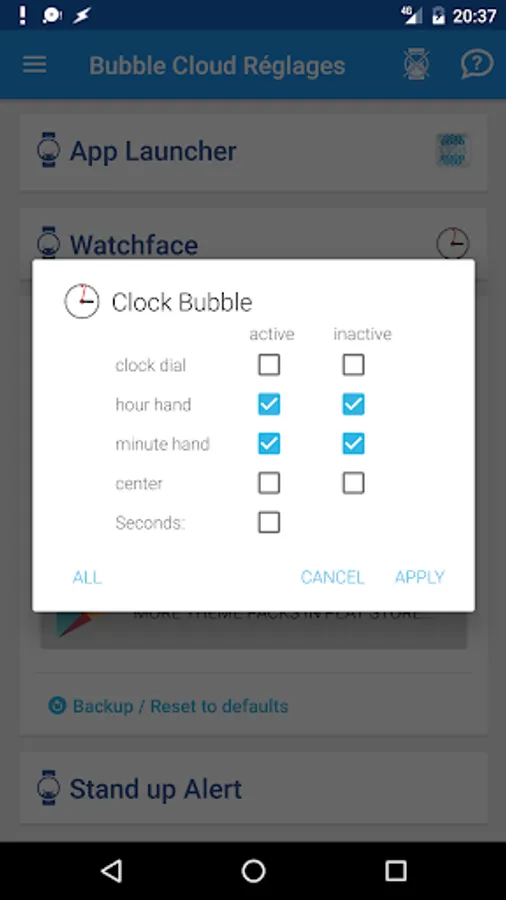
► You can enable the seconds hand in the clock bubble settings (Watch-face settings card in the phone app)
► Needs version 6.93 or newer of the main app
► v6.93 is currently in beta test. You are welcome to join the testers at http://goo.gl/MI786H
Themes work with the free version of the launcher, you don't need Premium upgrade for the Themes to work.
Wear OS 4 ready (standalone version available)
CONTENTS:
► 9 Bubble Cloud themes to use with Wear OS by Google
► 7 fonts (Bangers, CabinSketch, ComingSoon, Dotted, LondrinaOutline, PoiretOne, PressStart2P)
► 2 clock bubble designs ("Classic", "Bubbles")
► 18 matching background textures (9 favorites, 9 archive)
► 9 matching themed bubbles for creating consistent looking watch faces
► Both for round and square watch shapes
► Analog clock theme "Classic" now includes seconds hand design [see note below]
► NEW: no Android phone necessary, also works with Bubble Clouds Wear OS Standalone version!
► (icon packs shown in screenshots are not included!)
Please refer to the screenshots.
1-click apply any of the 9 quick styles, or mix-and-match components for unlimited variations.
HOW TO USE:
Before purchasing this Theme pack:
1. Install Bubble Cloud Launcher on your Wear OS watch
2. Confirm that it works correctly.
3. Please watch the product video on how to apply the themes in Bubble Cloud Launcher
COMPATIBILITY:
► Compatible with all Wear OS watches
► NOT compatible with other smartwatches, which are not specifically running "Wear OS"
► NOT compatible with "Android" watches (only "Wear OS")
► NOT compatible with Samsung watches (except the "Gear Live")
► NOT compatible with Samsung "Android" watches
► NOT compatible with Sony SmartWatch 2 (only "SW3")
WEAR OS WATCHES: (these are tested compatible)
► Huawei Watch
► Moto 360 (Gen 1 + 2 + Sport)
► LG G Watch, G Watch R, Watch Urbane 1 + 2
► ASUS ZenWatch 1 + 2 + 3
► Sony SmartWatch 3
► Fossil Q Founder
► Casio Smart Outdoor
► TAG Heuer Connected
► or newer watches (NOT Samsung Tizen/Gear!)
WEAR OS ≠ ANDROID
Wear OS is not Android. There are watches which run the Android operating system, but they don't run Wear OS.
Please see this page for more info about Wear OS: https://www.android.com/wear/
Please look at this list of apps in the Play Store: https://play.google.com/store/apps?device=watch
They were all made for "Wear OS" and not for "Android". None of these will work on your "Android" watch. My app is such an app.
WATCHFACE WITH SECONDS HAND
► You can enable the seconds hand in the clock bubble settings (Watch-face settings card in the phone app)
► Needs version 6.93 or newer of the main app
► v6.93 is currently in beta test. You are welcome to join the testers at http://goo.gl/MI786H
Bubble Cloud Watch face pack Screenshots
Tap to Rate:
Reviews for Bubble Cloud Watch face pack
Orlando Calderon
6/21/2023
Good collection of watch faces, all customizable. You can create mix and match watch faces or use them in their original design.
Stephen “Steve” Meiers
4/17/2023
Lots of faces!