Search button for Wear OS (e.g
DYNA Logix
4.3 ★
20 ratings
1,000+
downloads
$0.99
In this Wear OS app, you assign hardware buttons to trigger Voice Search or Google Now Feed. Includes setup instructions and troubleshooting tips for compatibility.
AppRecs review analysis
AppRecs rating 4.3. Trustworthiness 53 out of 100. Review manipulation risk 32 out of 100. Based on a review sample analyzed.
★★★★☆
4.3
AppRecs Rating
Ratings breakdown
5 star
79%
4 star
0%
3 star
11%
2 star
0%
1 star
11%
What to know
✓
High user satisfaction
79% of sampled ratings are 4+ stars (4.3★ average)
About Search button for Wear OS (e.g
This app is only a proxy which calls the default Voice Search app on your watch.
Wear OS / Android Wear 2.0 compatible standalone wearable app
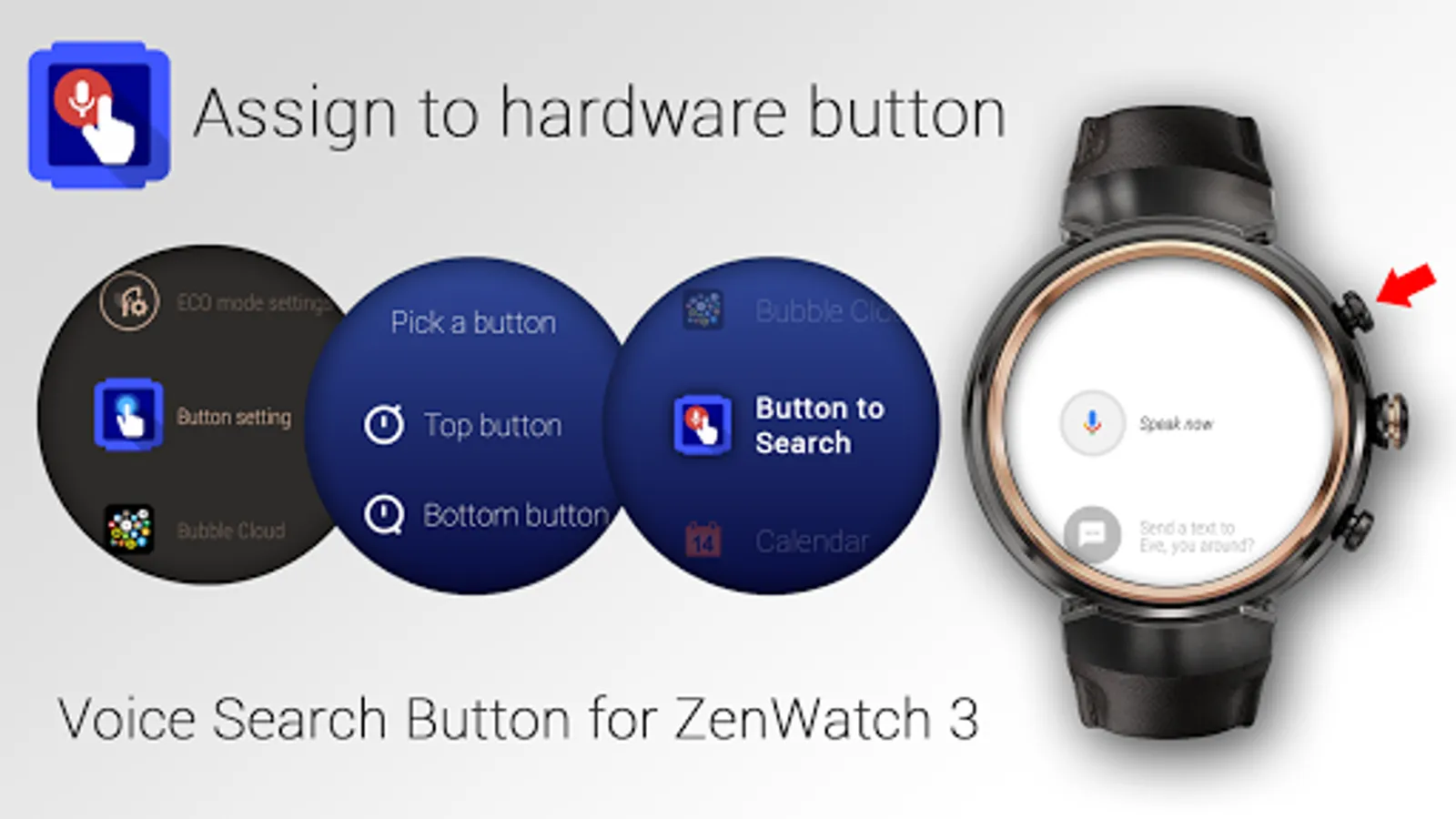
SETUP
► Wait for the Android Wear component to get installed on the watch
► Open Button Setting on your ZenWatch 3
► Pick a button (Top or Bottom)
► Select "Button to Search" in the list of apps
or
► Select "Feed" in the list of apps
Only useful on Android Wear watches with customizable hardware buttons
► ASUS ZenWatch 3 (Android Wear 1.5 and 2.0)
► LG Watch Urbane 2 (Android Wear 2.0)
► LG Watch Sport (Android Wear 2.0)
and many newer watches running WearOS
Cannot be assigned to main button. Does nothing on watches with one button!
TROUBLESHOOTING
A few users found that the watch component of the app did not transfer immediately to the watch. Unfortunately it is outside of my control how quickly Android Wear "discovers" newly installed apps...
Here are a few things you can try:
► Make sure you look for my app under the name "Button to Search" on the watch
► Wait
► Reboot the watch
► Reboot watch and phone at the same time
► Resync All (from Android Wear app on the phone) → But please know that the complete resync process can take as long as 20 minutes, because then every app is re-transferred and re-installed on the watch
Connection problems are usually caused by outdated or non-matching Android Wear and Google Play Services versions on the phone or watch:
► Update your Android Wear app from the Play Store: https://play.google.com/store/apps/details?id=com.google.android.wearable.app
► You can try to manually update Google Play Services from APKMirror
NEW: GOOGLE NOW FEED BUTTON
► A second command appears that you can also assign to one of the buttons: "Feed"
Wear OS / Android Wear 2.0 compatible standalone wearable app
SETUP
► Wait for the Android Wear component to get installed on the watch
► Open Button Setting on your ZenWatch 3
► Pick a button (Top or Bottom)
► Select "Button to Search" in the list of apps
or
► Select "Feed" in the list of apps
Only useful on Android Wear watches with customizable hardware buttons
► ASUS ZenWatch 3 (Android Wear 1.5 and 2.0)
► LG Watch Urbane 2 (Android Wear 2.0)
► LG Watch Sport (Android Wear 2.0)
and many newer watches running WearOS
Cannot be assigned to main button. Does nothing on watches with one button!
TROUBLESHOOTING
A few users found that the watch component of the app did not transfer immediately to the watch. Unfortunately it is outside of my control how quickly Android Wear "discovers" newly installed apps...
Here are a few things you can try:
► Make sure you look for my app under the name "Button to Search" on the watch
► Wait
► Reboot the watch
► Reboot watch and phone at the same time
► Resync All (from Android Wear app on the phone) → But please know that the complete resync process can take as long as 20 minutes, because then every app is re-transferred and re-installed on the watch
Connection problems are usually caused by outdated or non-matching Android Wear and Google Play Services versions on the phone or watch:
► Update your Android Wear app from the Play Store: https://play.google.com/store/apps/details?id=com.google.android.wearable.app
► You can try to manually update Google Play Services from APKMirror
NEW: GOOGLE NOW FEED BUTTON
► A second command appears that you can also assign to one of the buttons: "Feed"
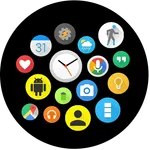
Search button for Wear OS (e.g Screenshots
Tap to Rate:
Reviews for Search button for Wear OS (e.g
Roderick Bouknight
5/23/2022
Does not work with galaxy watch 4
A Google user
6/29/2018
I installed this app then realised you can just hold the center button down for the exact same thing