Bubble Cloud Wear OS Launcher
DYNA Logix
4.0 ★
10K ratings
1,000,000+
downloads
Free
+ in-app
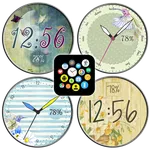
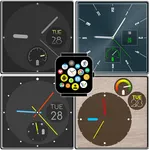
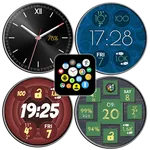
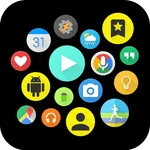
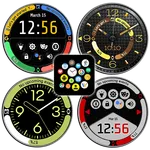
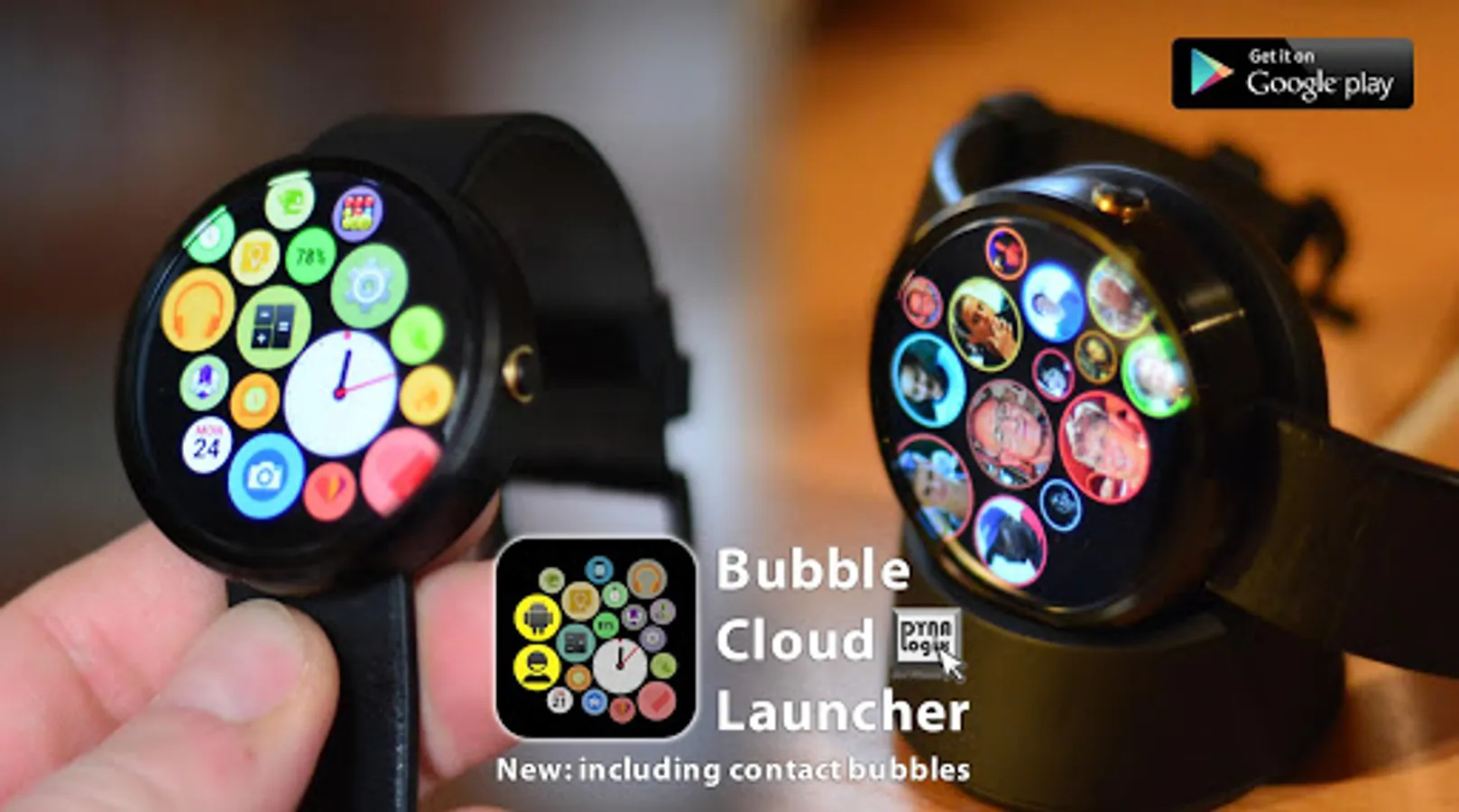
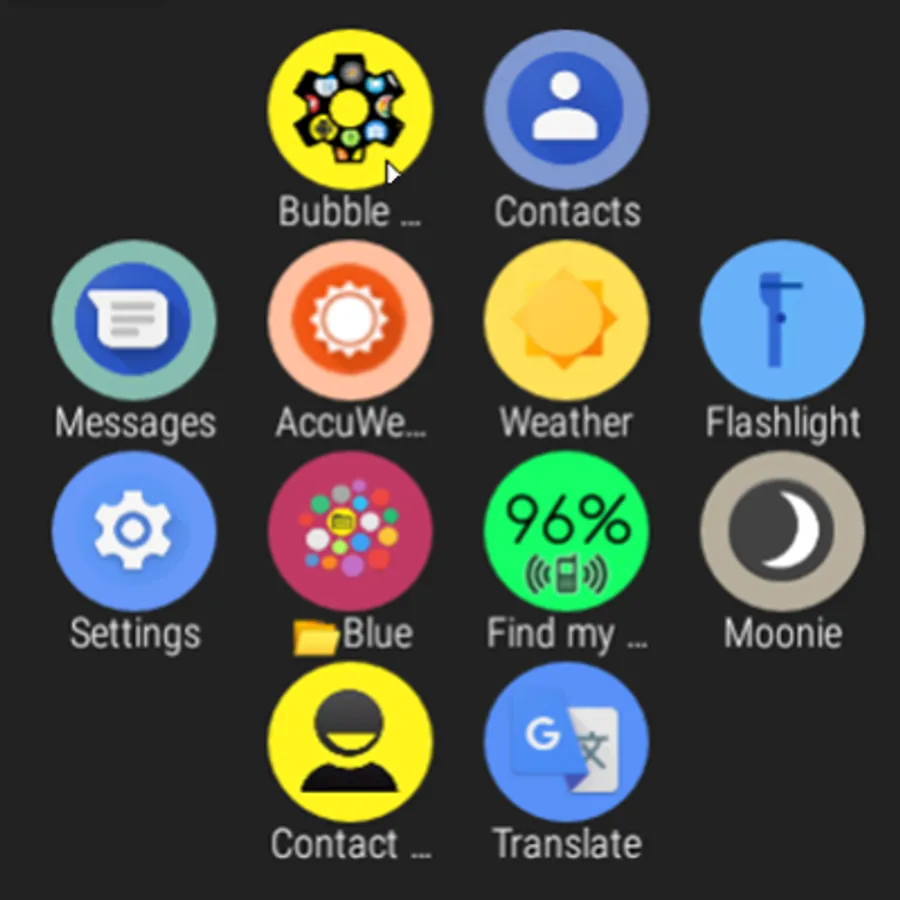
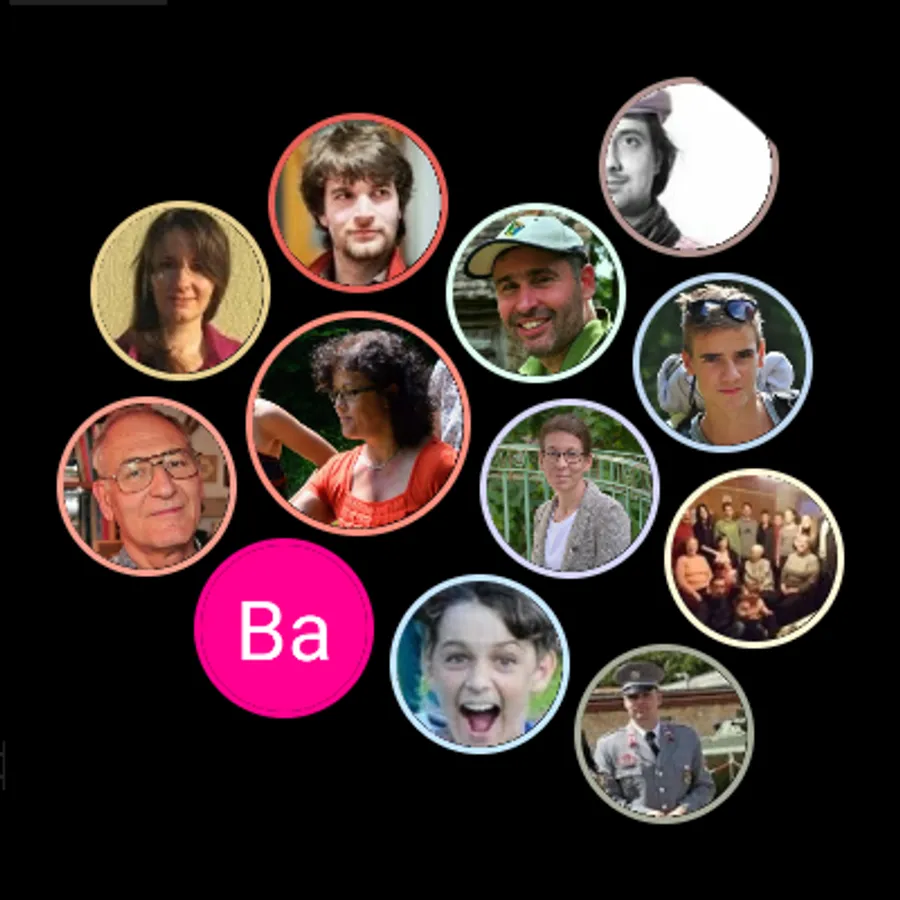
In this app, you can access and organize your apps on Wear OS watches using bubbles, app drawer, and watch face modes. It allows customization of app icons, organizes apps into clouds, and provides live watch face information. Includes support for Wear OS tiles, app organization, and customizable watch faces.
AppRecs review analysis
AppRecs rating 4.1. Trustworthiness 85 out of 100. Review manipulation risk 23 out of 100. Based on a review sample analyzed.
★★★★☆
4.1
AppRecs Rating
Ratings breakdown
5 star
66%
4 star
5%
3 star
5%
2 star
7%
1 star
17%
What to know
✓
Low review manipulation risk
23% review manipulation risk
✓
Credible reviews
85% trustworthiness score from analyzed reviews
✓
Good user ratings
72% positive sampled reviews
About Bubble Cloud Wear OS Launcher
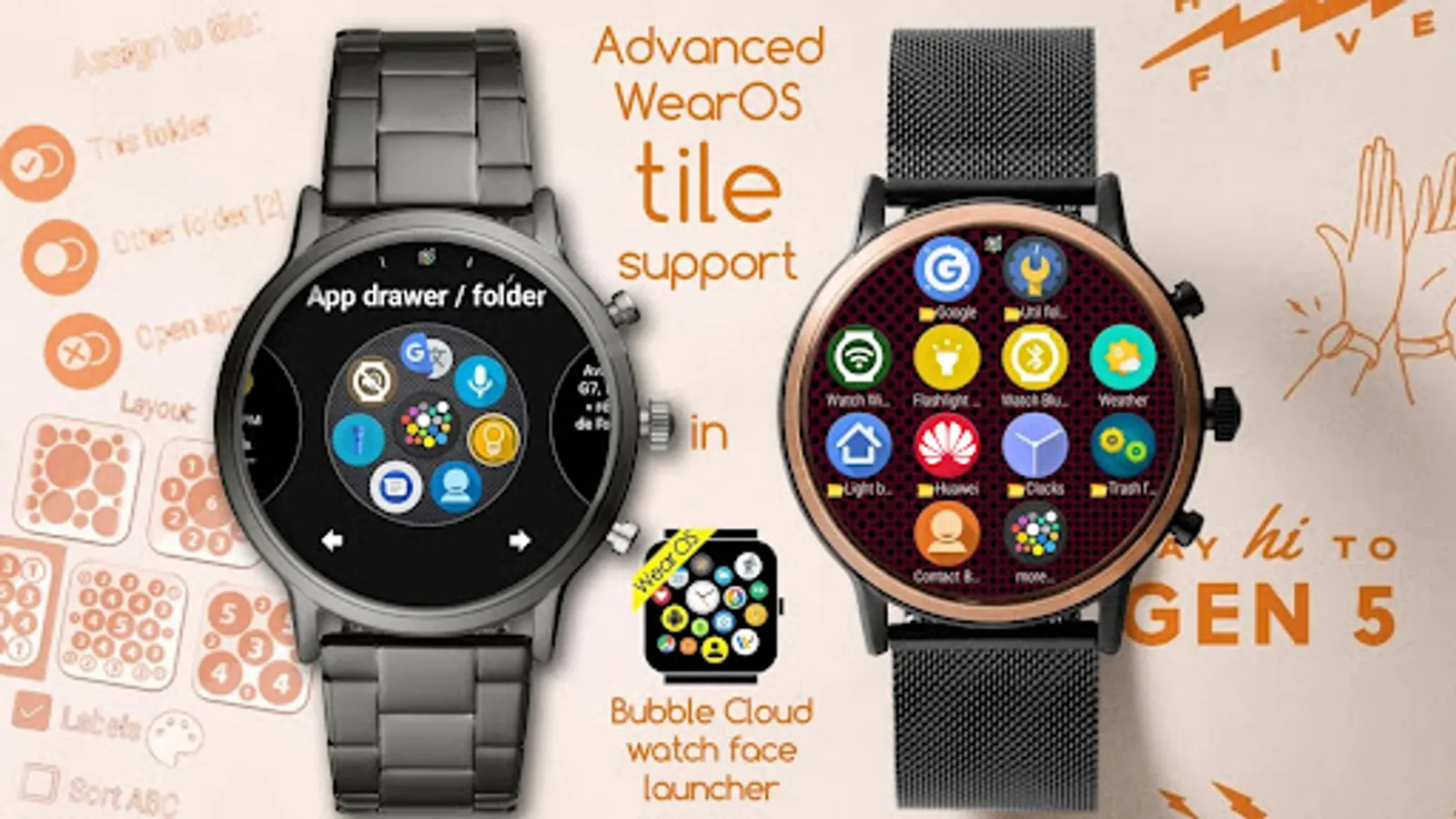
New Wear OS Tiles support: https://bubble.dynalogix.eu/add-bubbles-to-the-bubble-cloud-tile
Get to your apps on your WearOS watch more easily:
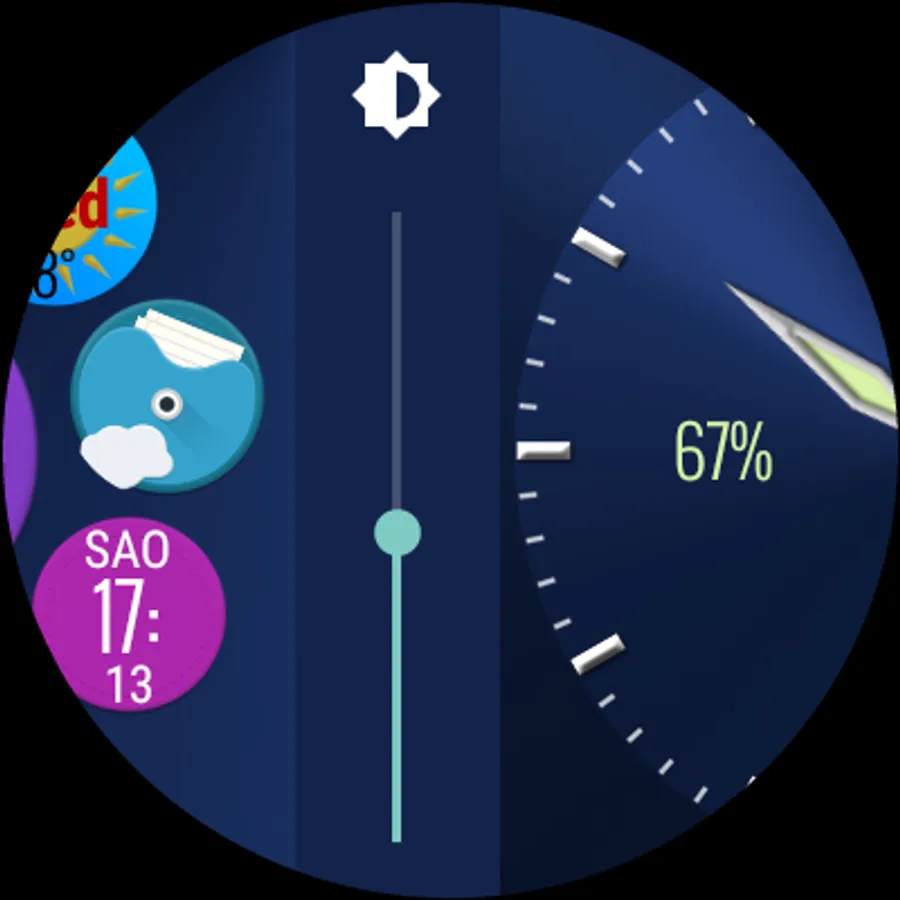
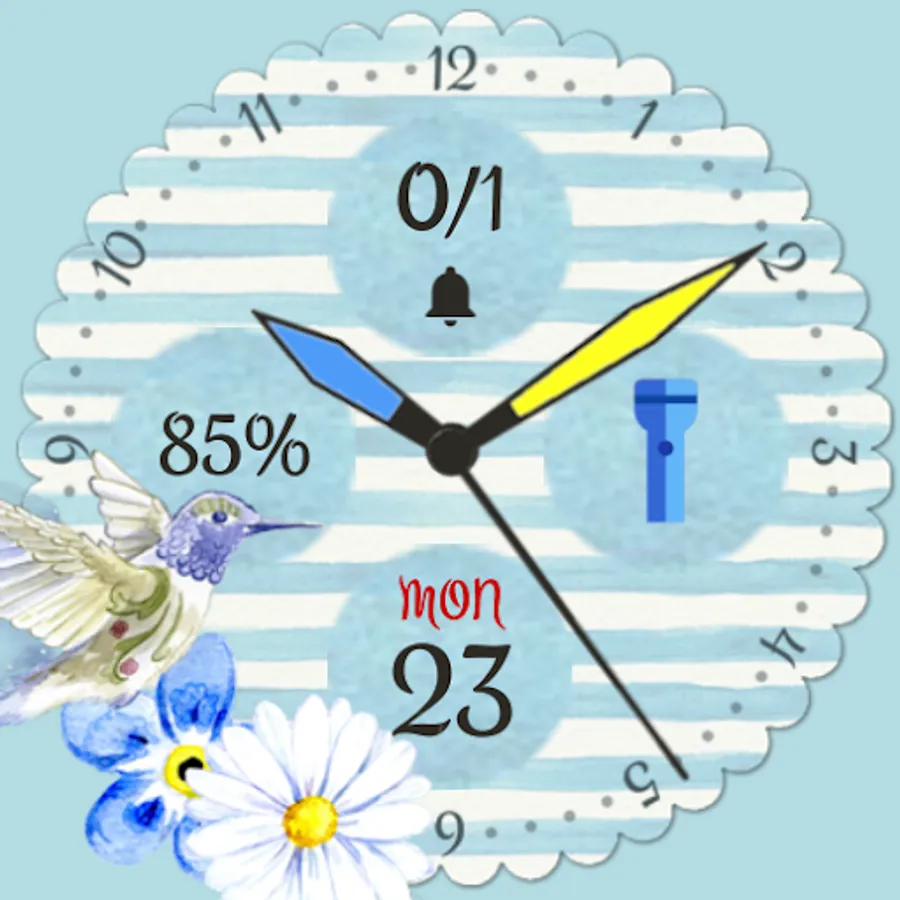
► use as extended watch face: scroll horizontally for apps / brightness / volume / assistant
► or keep using any other watch face and pull app drawer over screen: similar to other mini launchers
Bubbles grow with use: more frequently used items stand out from the crowd (optional)
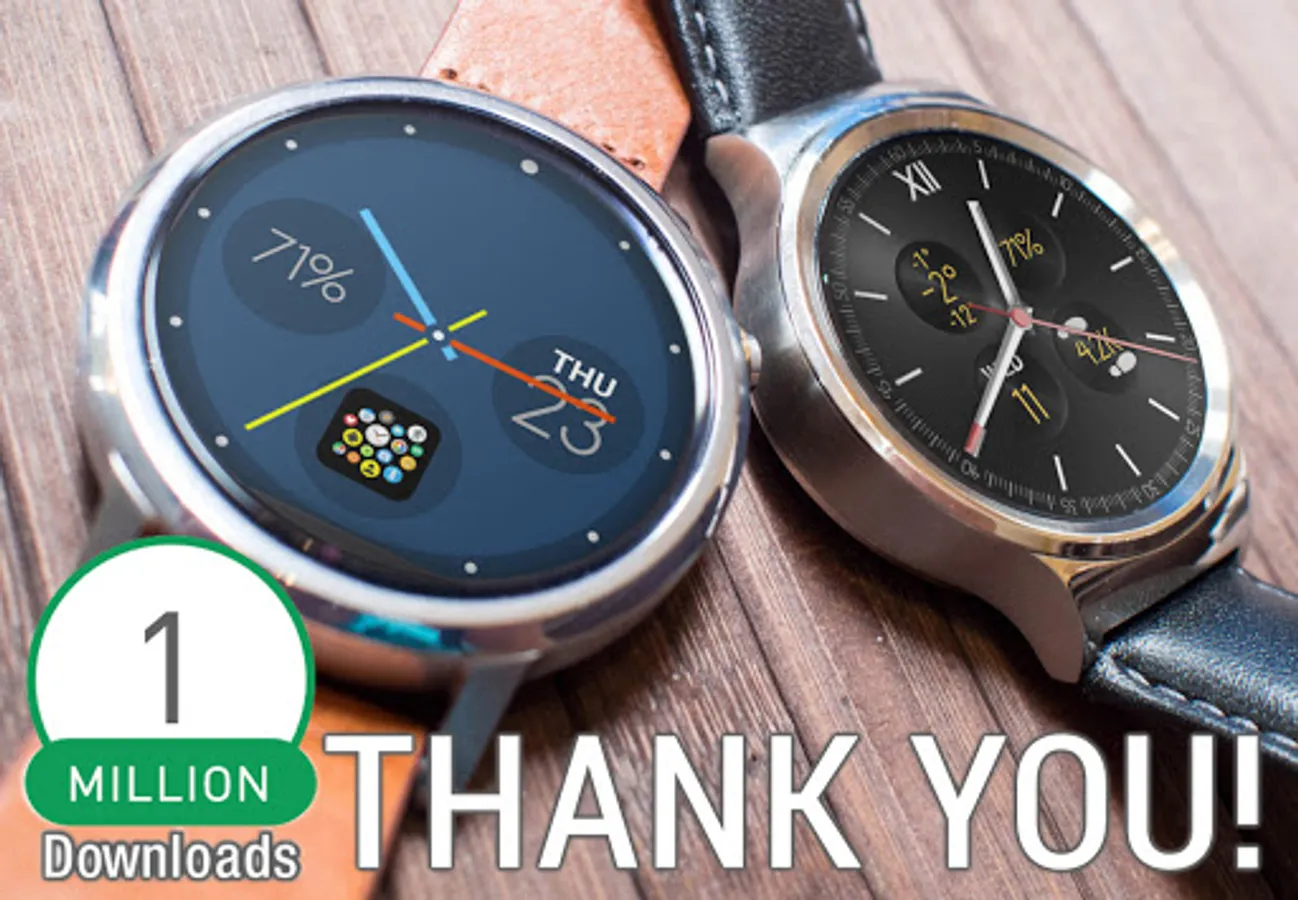
► Over 1 million installs ◄
► Full Samsung Galaxy Watch 4 compatibility - but Galaxy 1/2/3 (Tizen) not compatible!
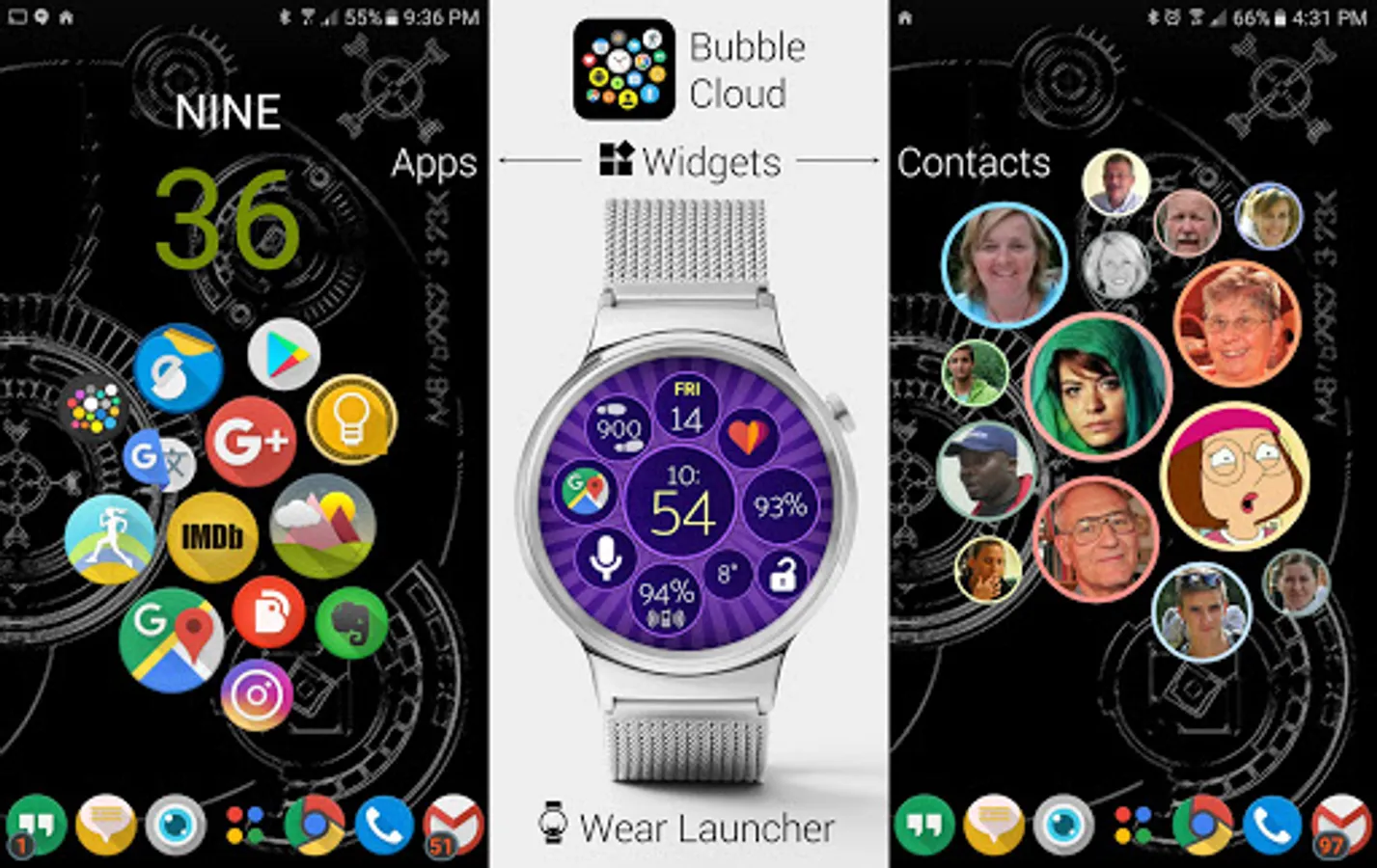
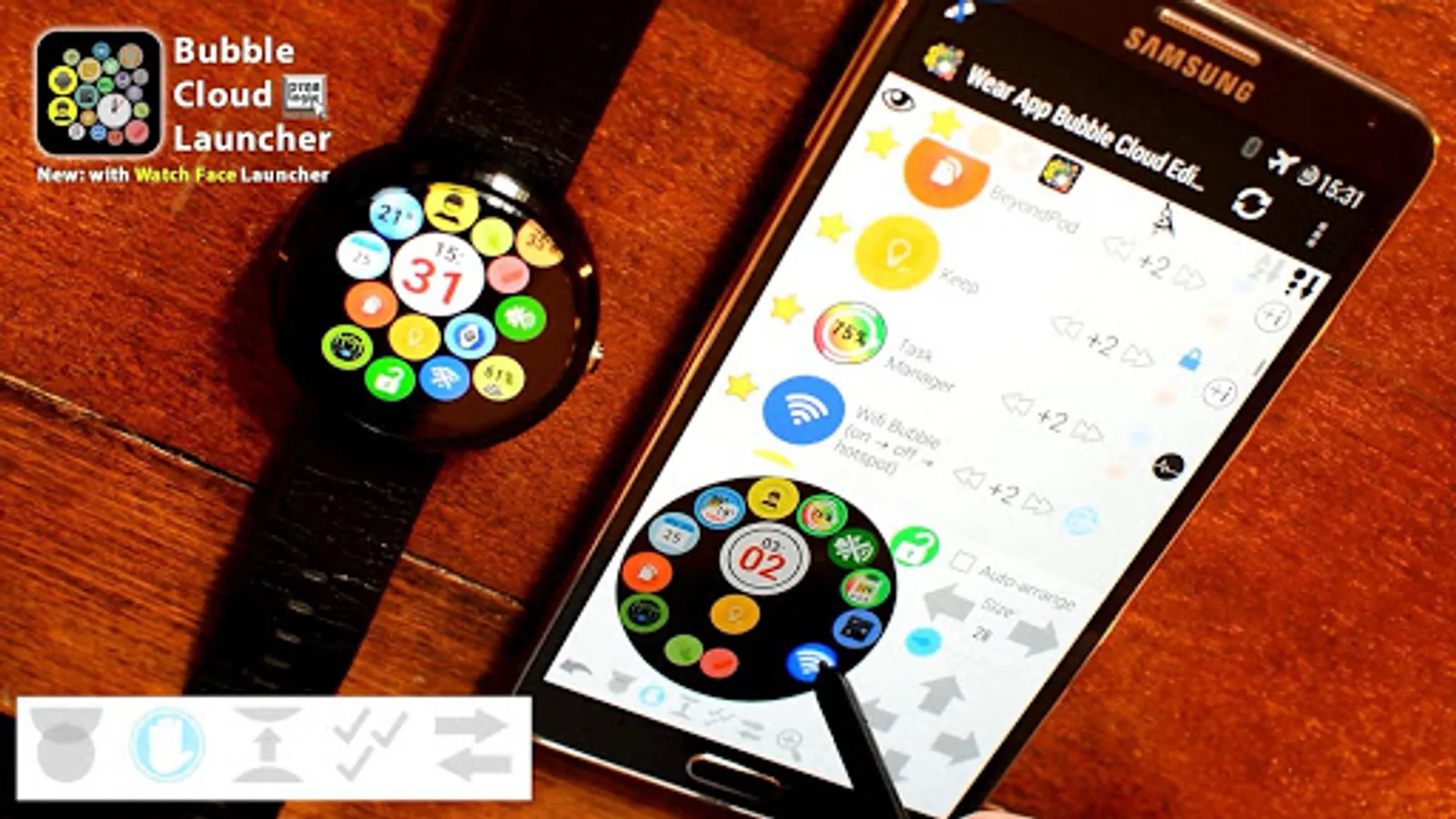
2-in-1 app get Bubble Clouds both
► on WEAR OS SMARTWATCH
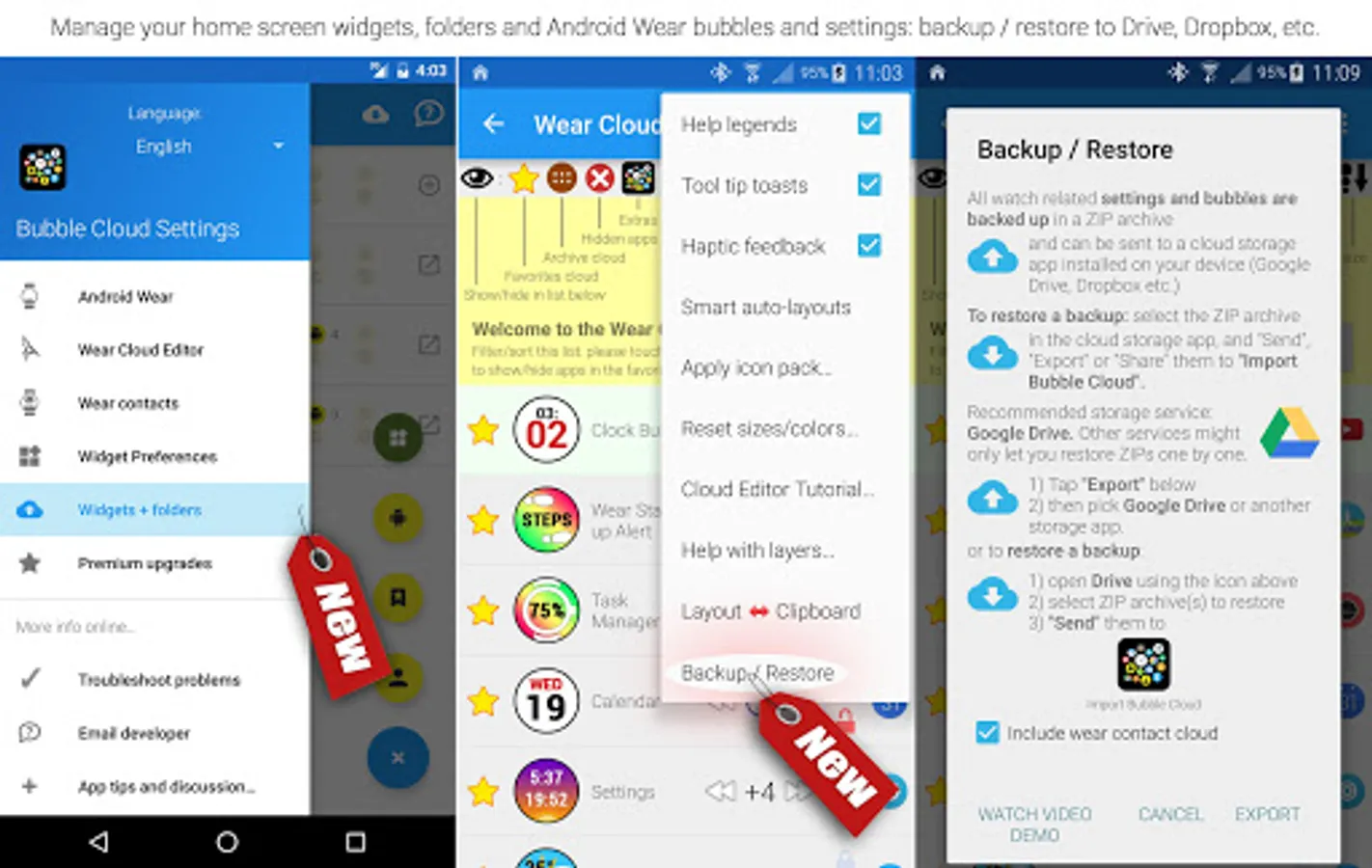
► and phone/tablet → HOMESCREEN FOLDERS and WIDGETS
REFERENCES
► Featured on Android Police in "25 standalone apps and watchfaces for your Wear OS-equipped watch": http://bit.ly/AndPolice25AW20
► Business Insider, Android Central, Yahoo tech, Gizmodo, AndroidPit, SlashGear… see http://bit.ly/BCinNews
COMPATIBILITY
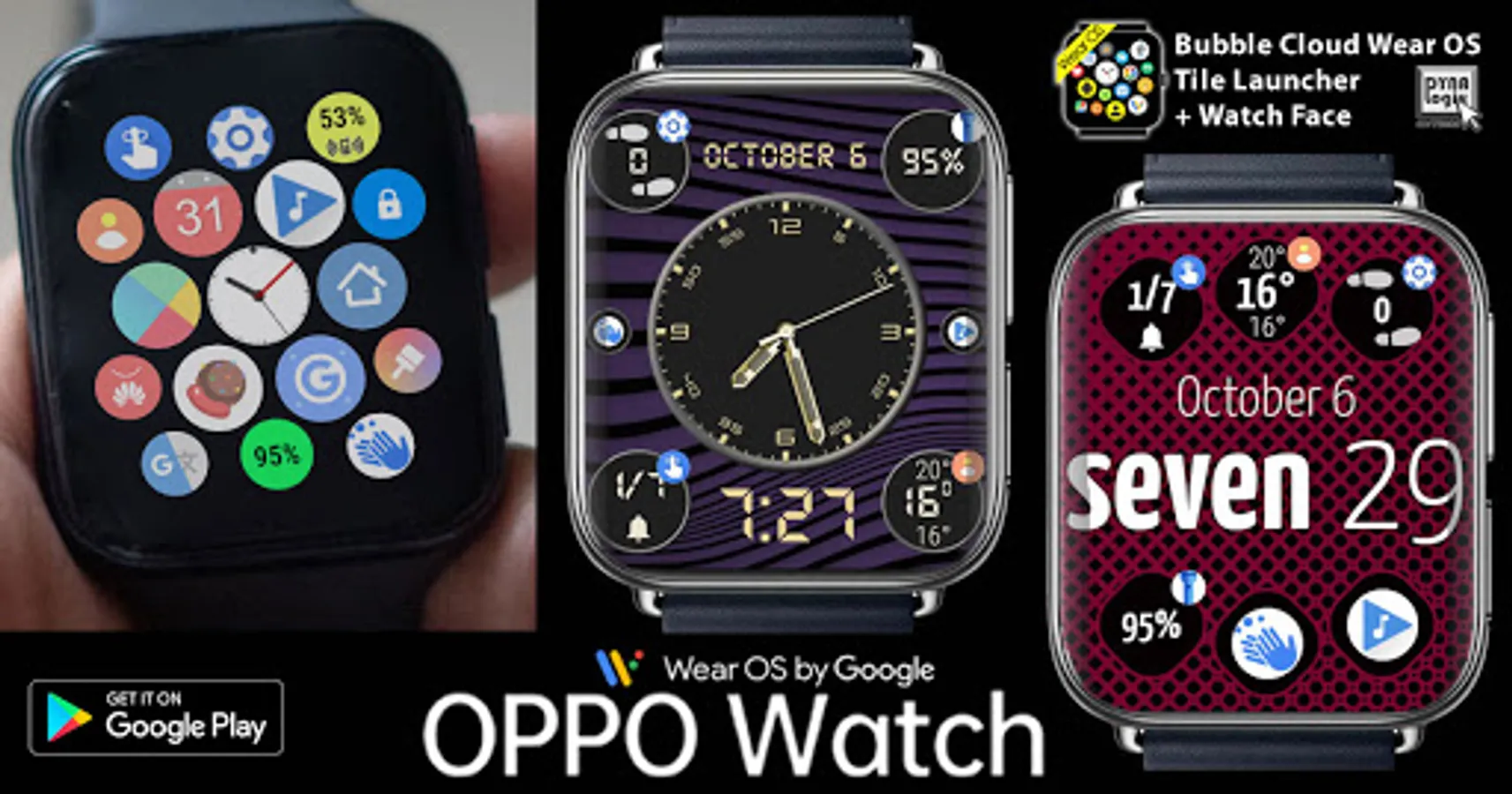
► YES: Wear OS by Google: Galaxy 4, TicWatch, Moto 360, Fossil…
► NO: Samsung Gear, Galaxy 1,2,3 (Tizen)
► NO: "Android"/"Bluetooth" smartwatches (GT.O8, DZ.O9…)
2 MODES
► App Drawer (similar to other Wear mini launchers)
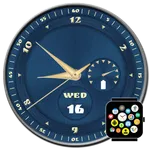
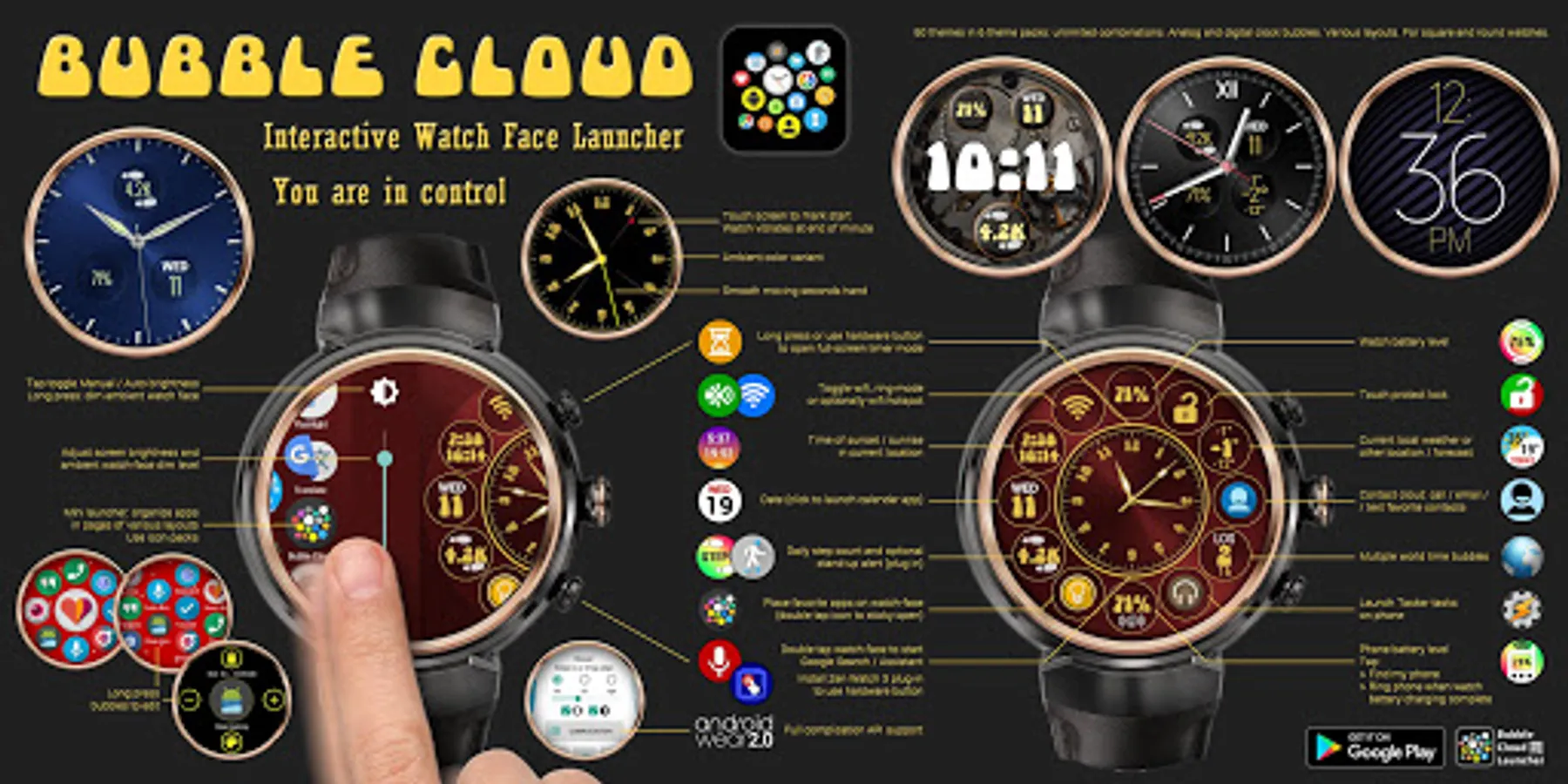
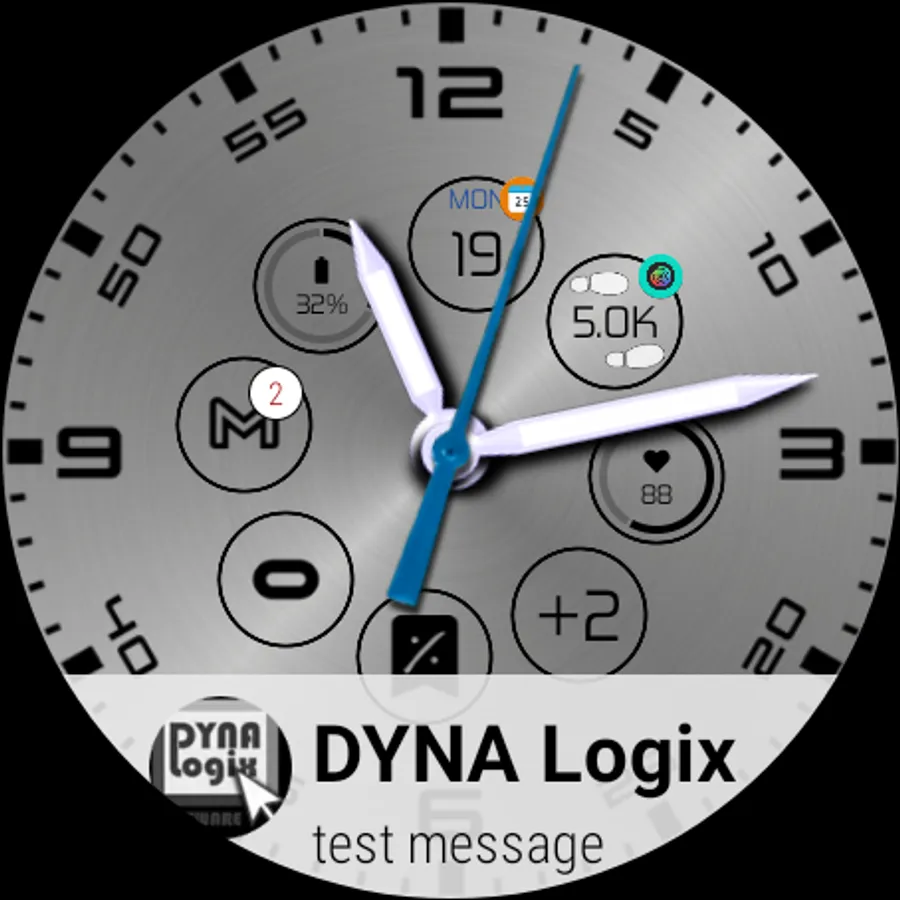
► Interactive watch-face (the launcher becomes your watch face)
FEATURE HIGHLIGHTS
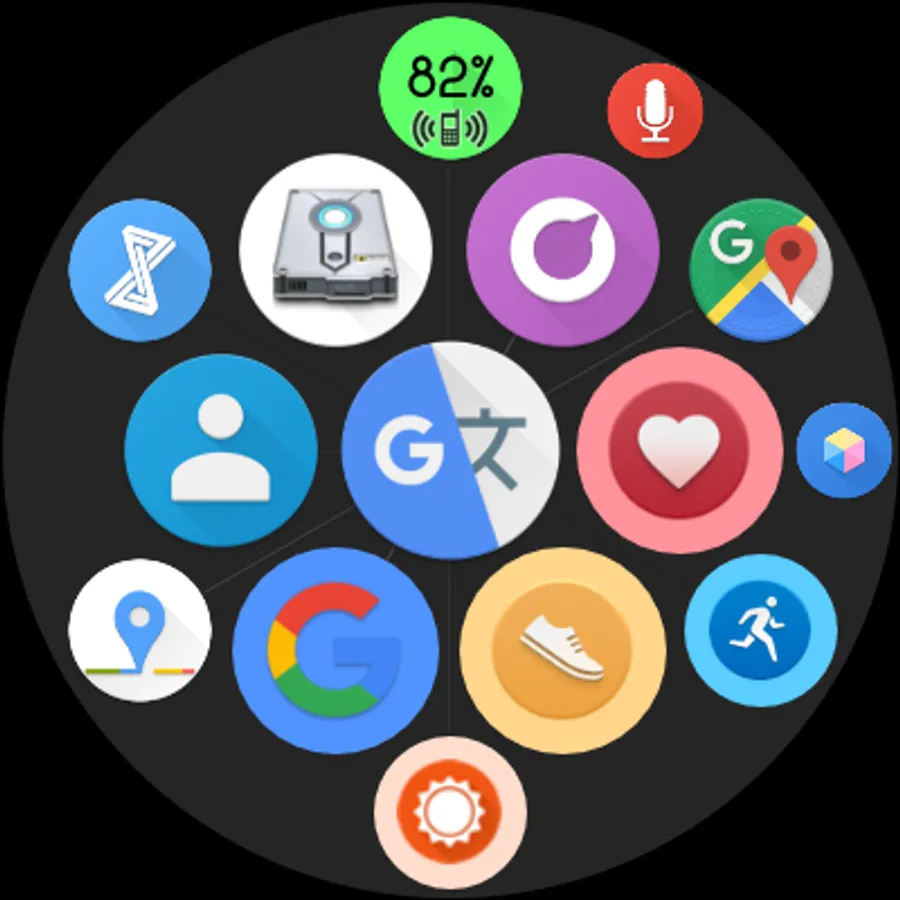
► Fun+practical: can fit more icons → find apps with less scrolling
► Variable icon sizes → preset or usage based
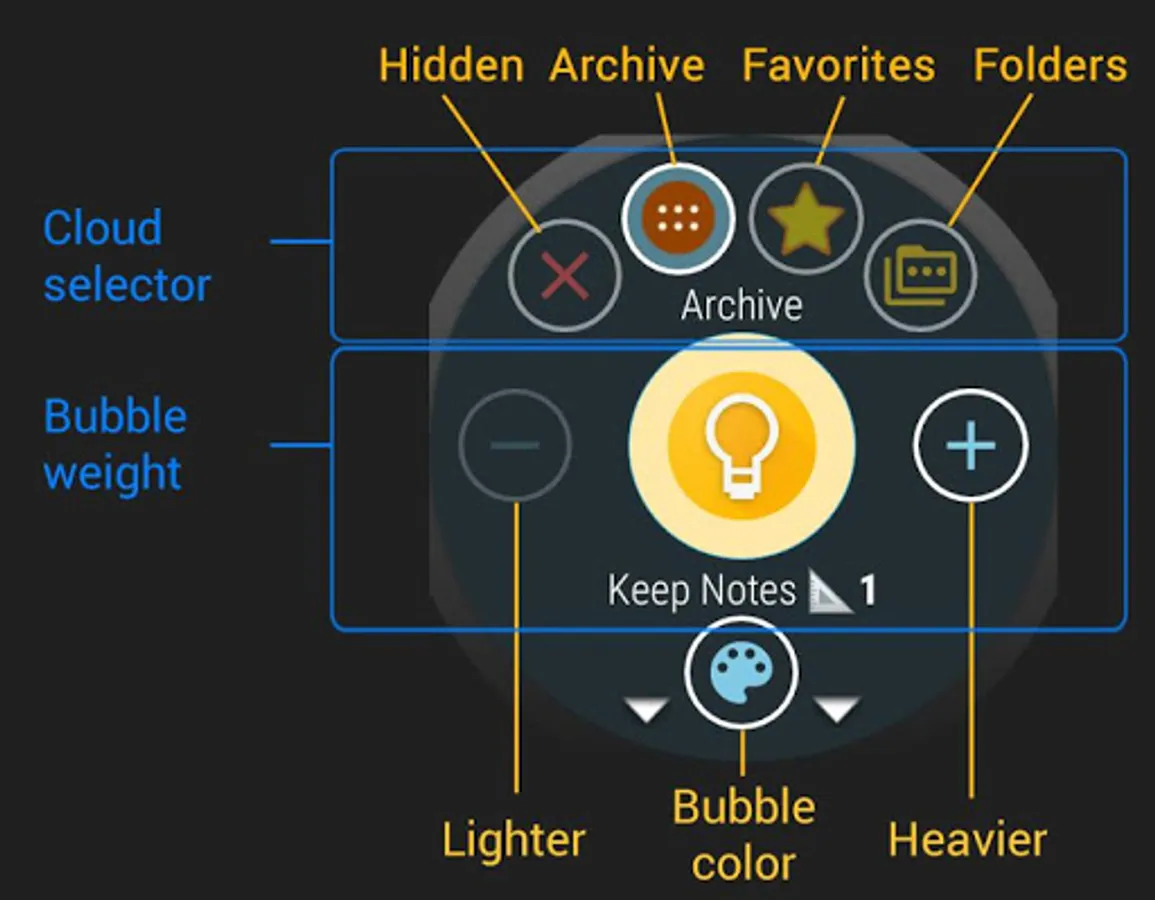
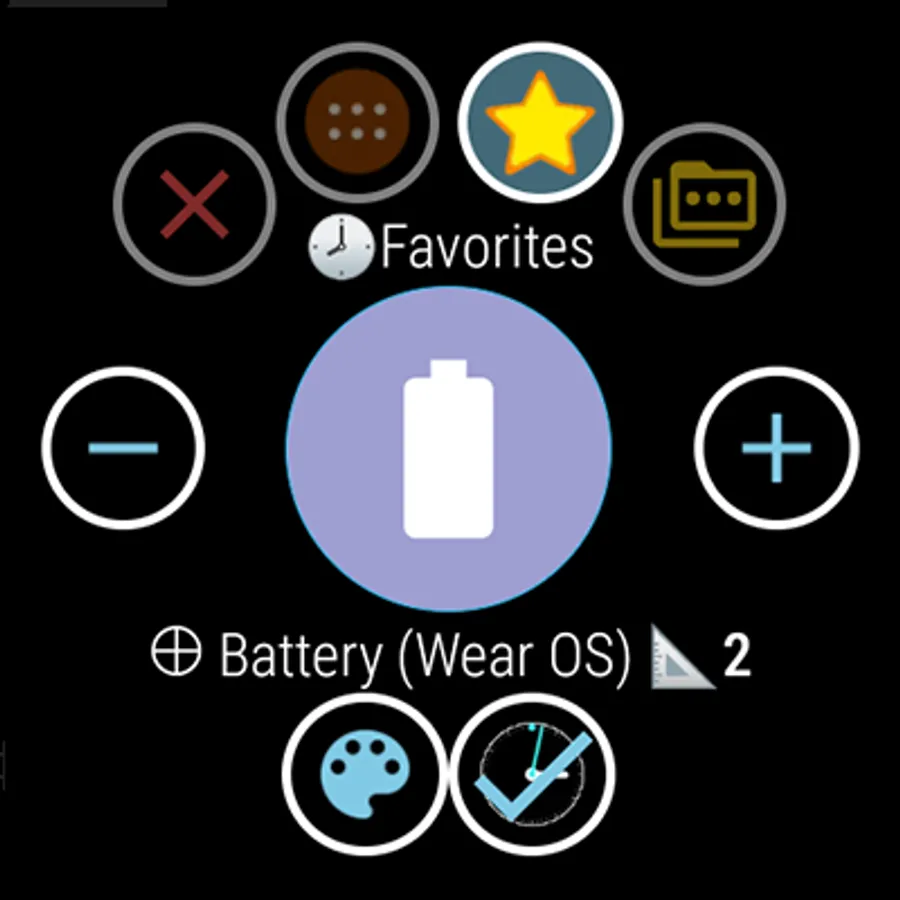
► Organize apps into "clouds" (favorites/archive/folders)
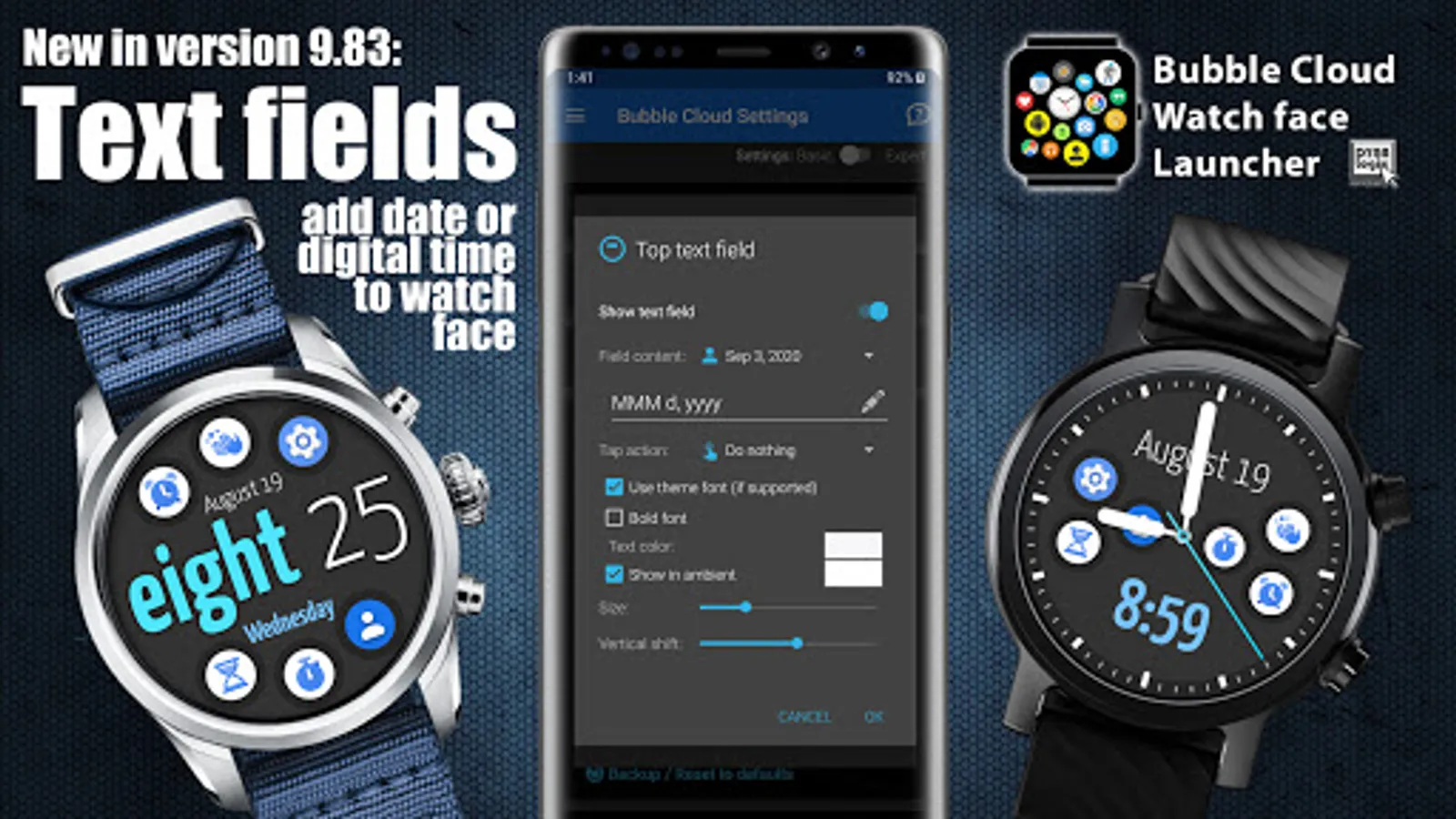
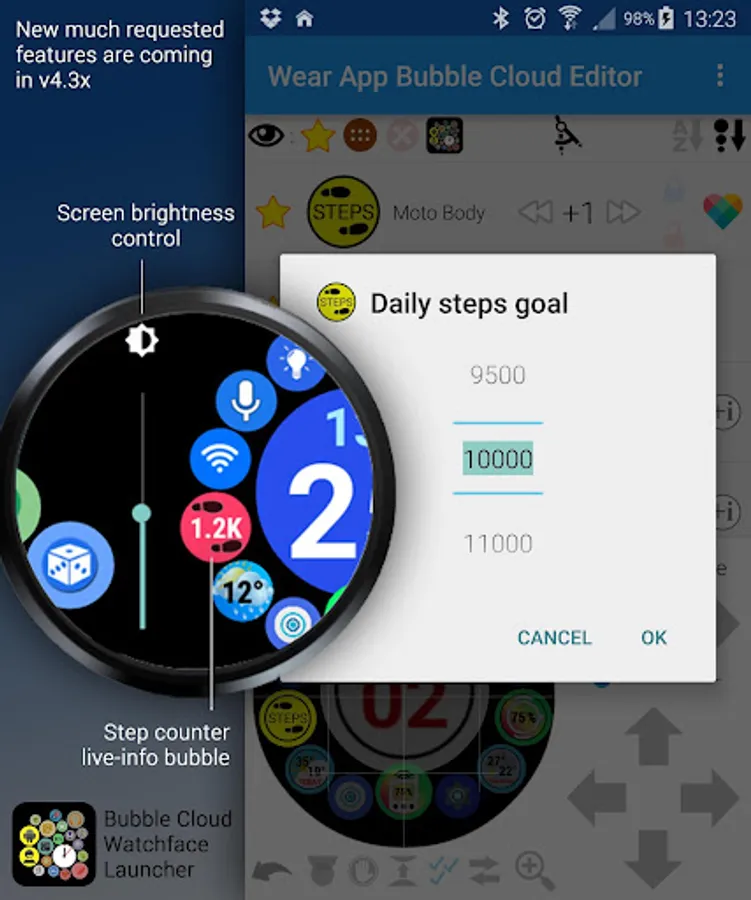
► Watch face with "live" info (date/watch/phone battery/weather/step count +limitless complications)
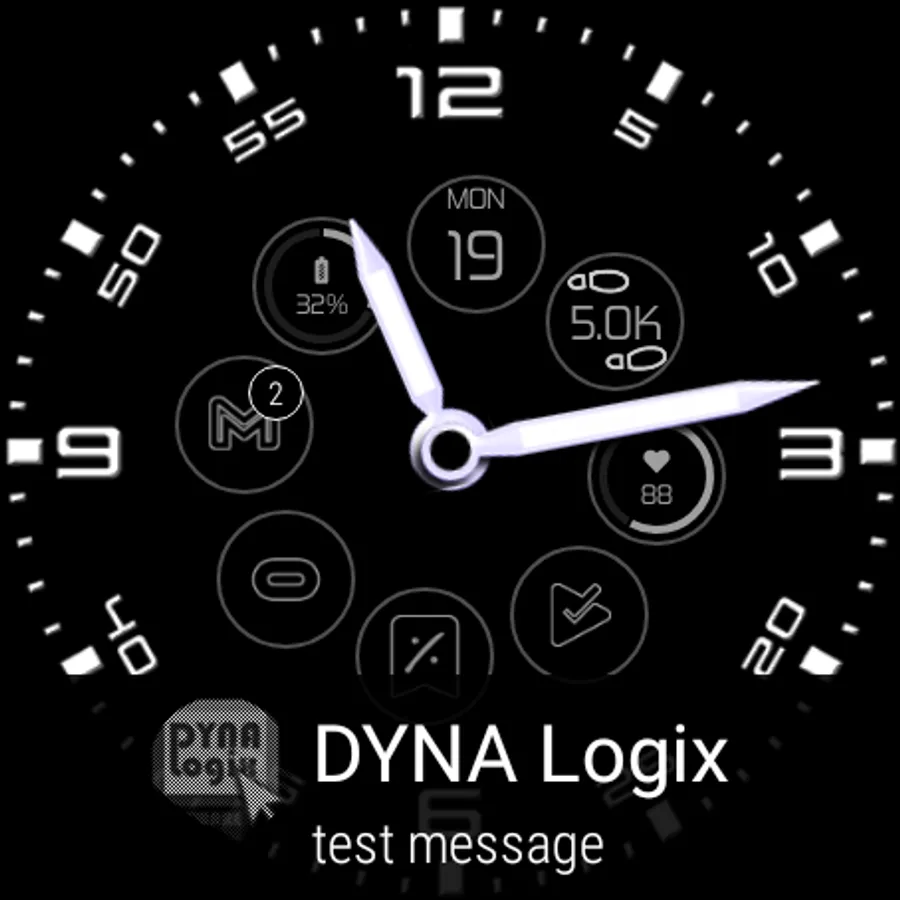
► Dim ambient watch face
► Selective ambient: pick what info stays on ambient face
► Sticky open → double tap to keep any app on screen (without battery hit)
► Screen lock to prevent accidental touches
► Screen brightness/volume control half a swipe away
► Auto day/night brightness management
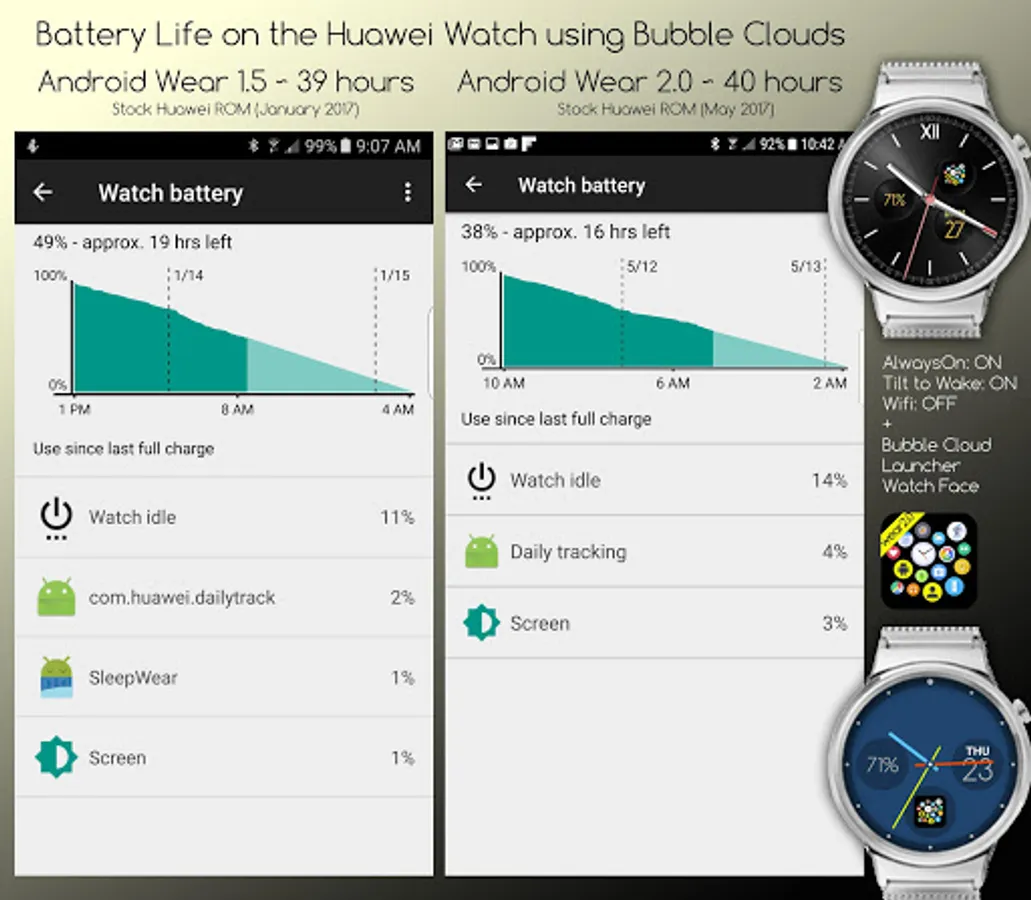
► Very battery friendly on watch AND phone
► Stand-up alert plugin
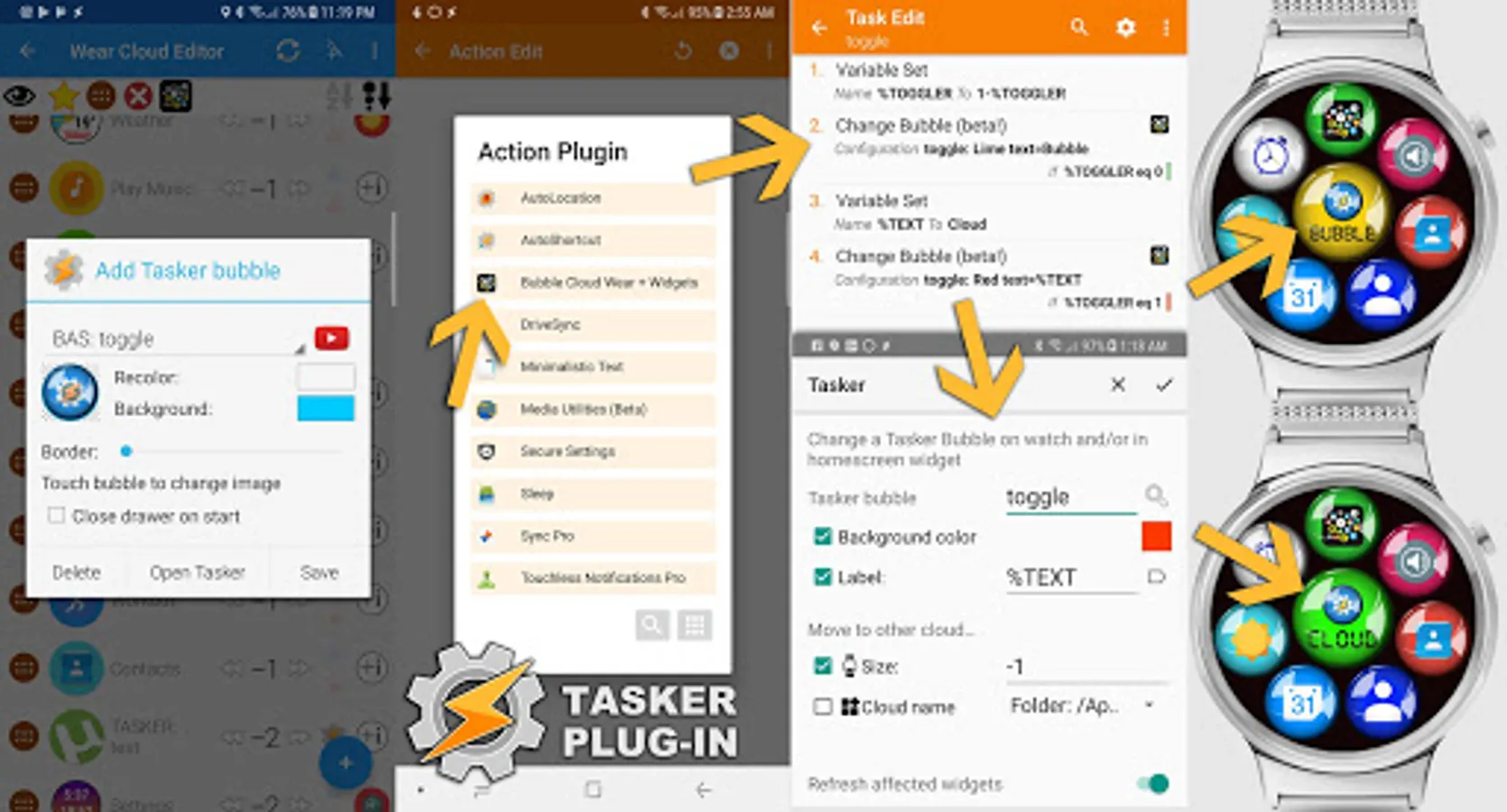
► Tasker plugin can control bubbles on watch
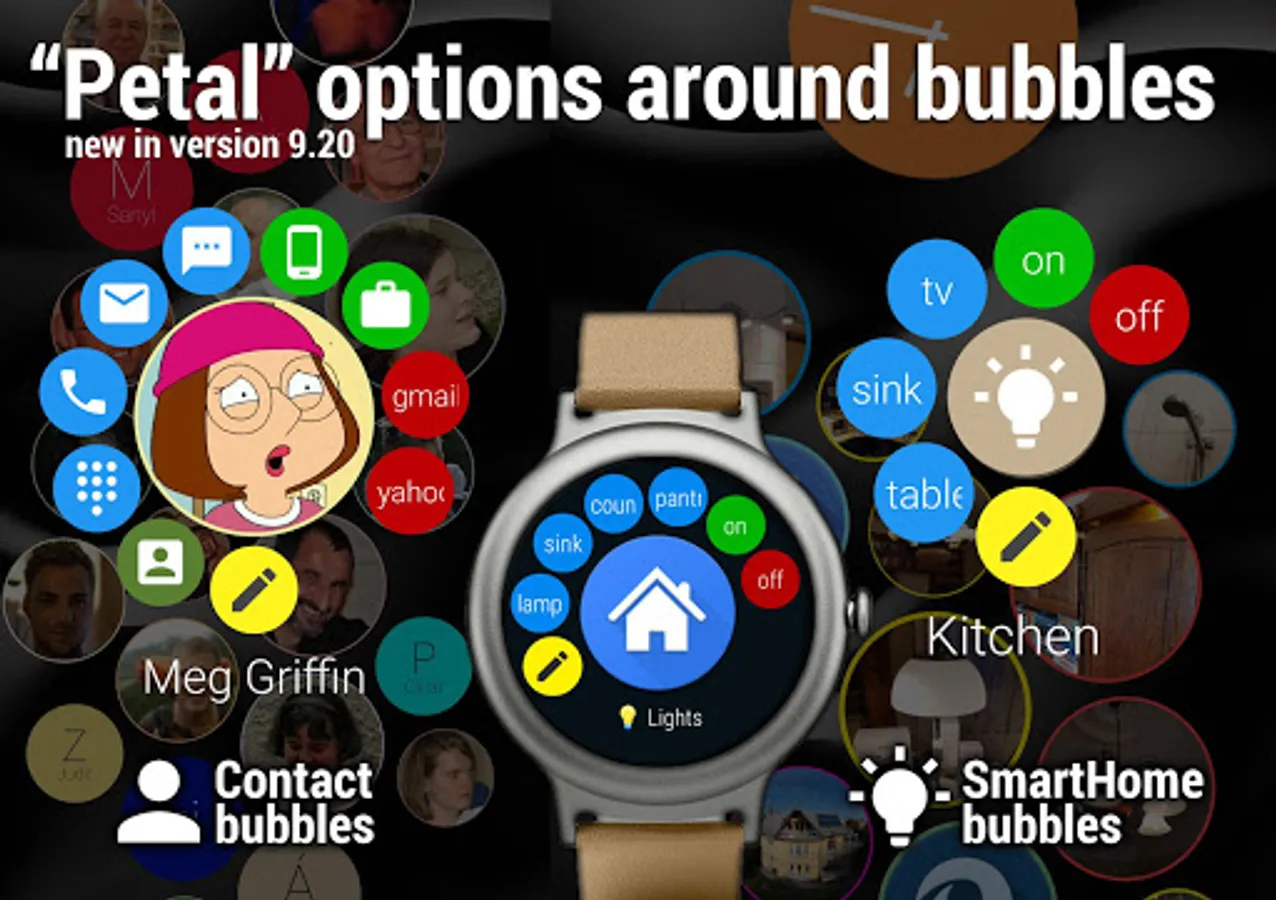
► Smart Home automation via HTTP GET/POST command bubbles (also with authentication)
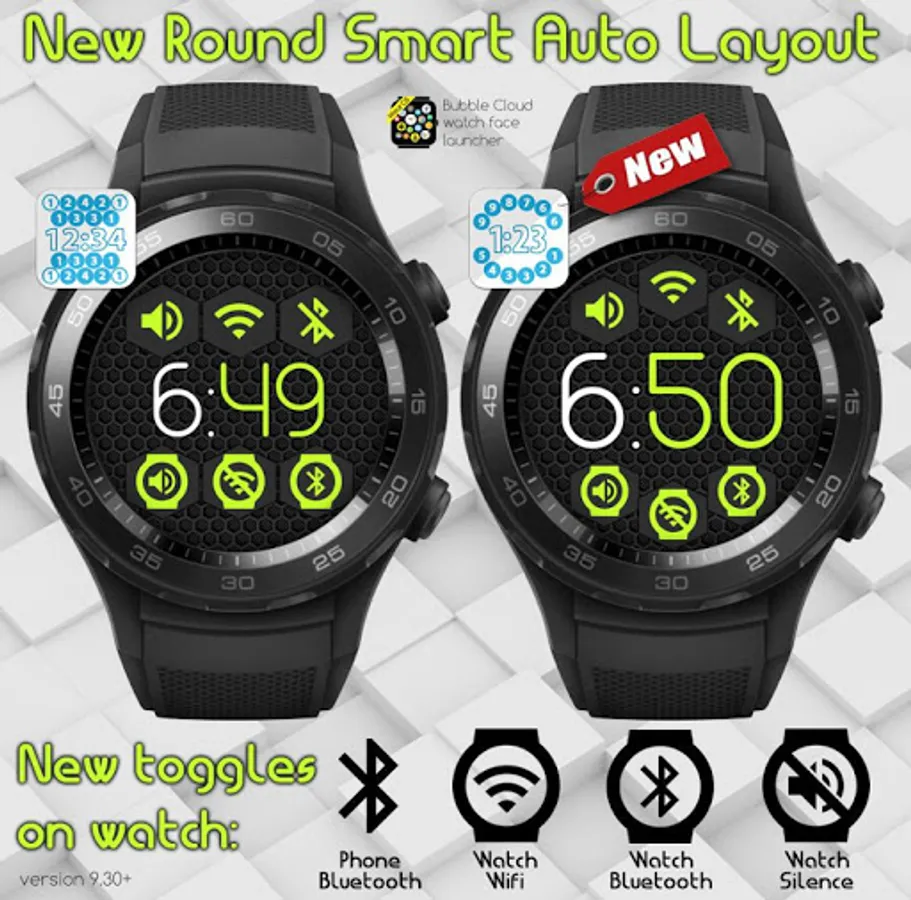
► Toggle Wifi, Bluetooth, Ringmode (on watch AND phone)
MUCH CONTROL OVER LOOK
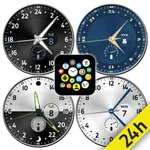
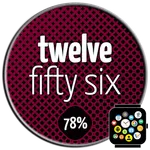
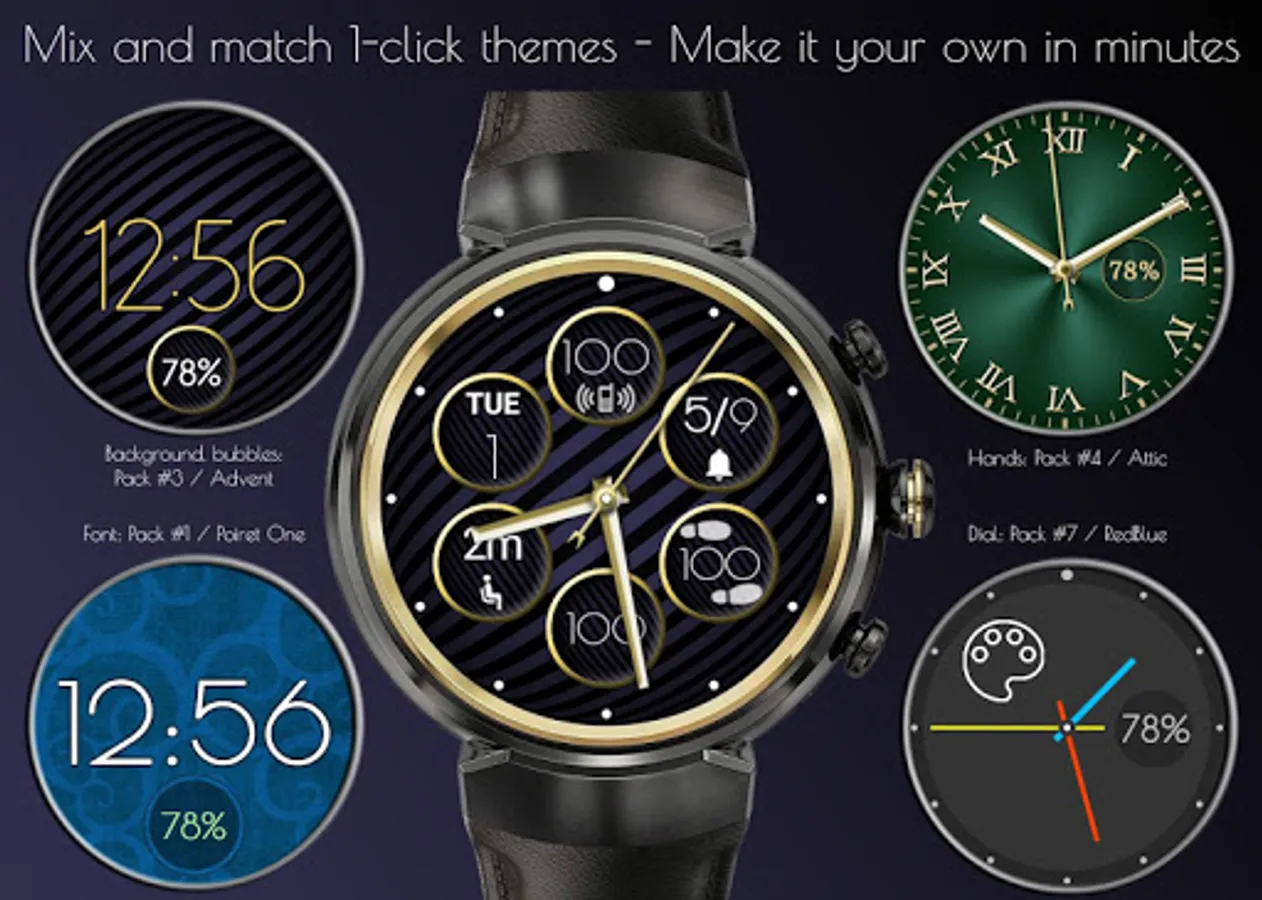
► Use custom colors / images for background, clock dial + hands
or…
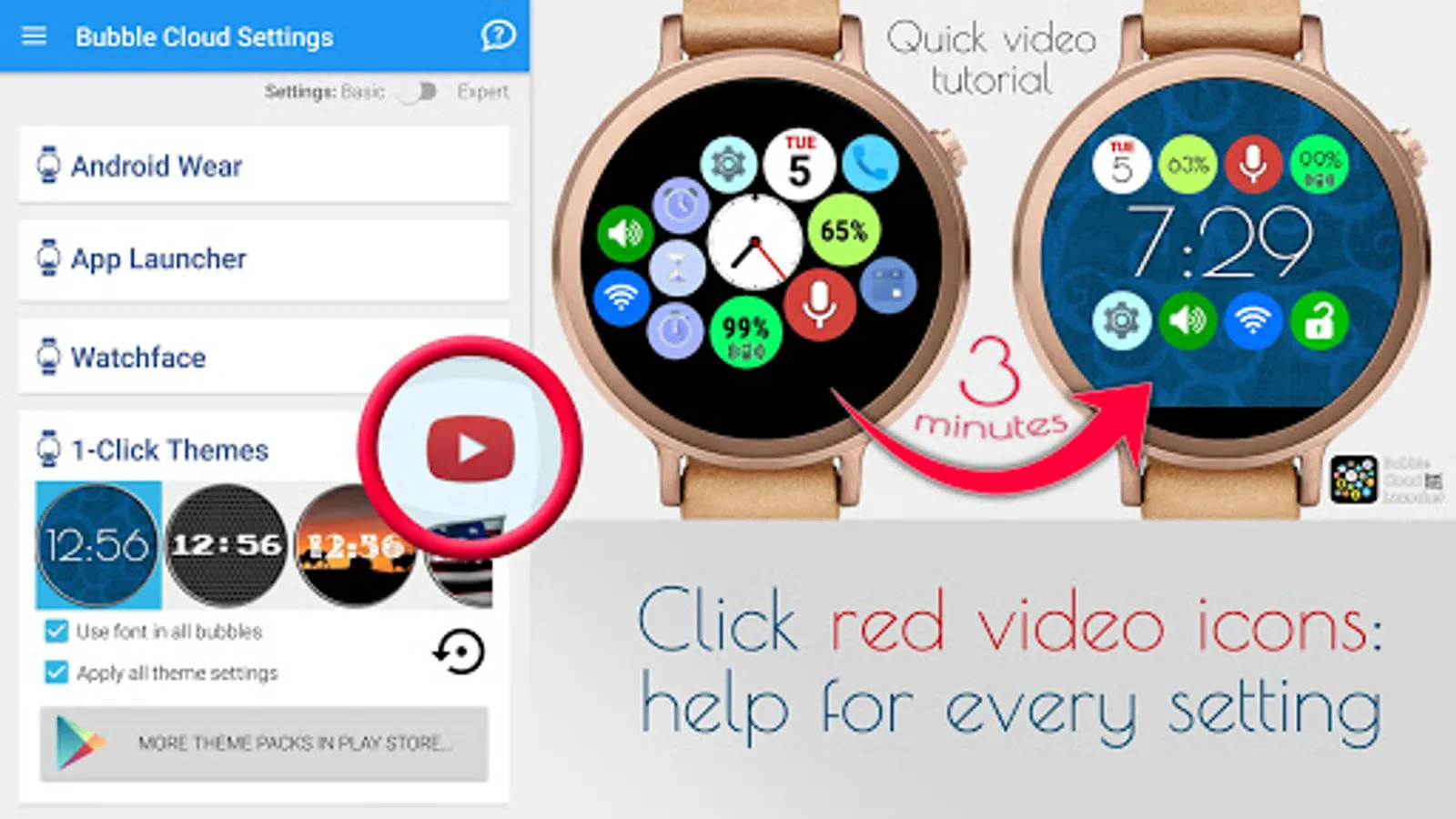
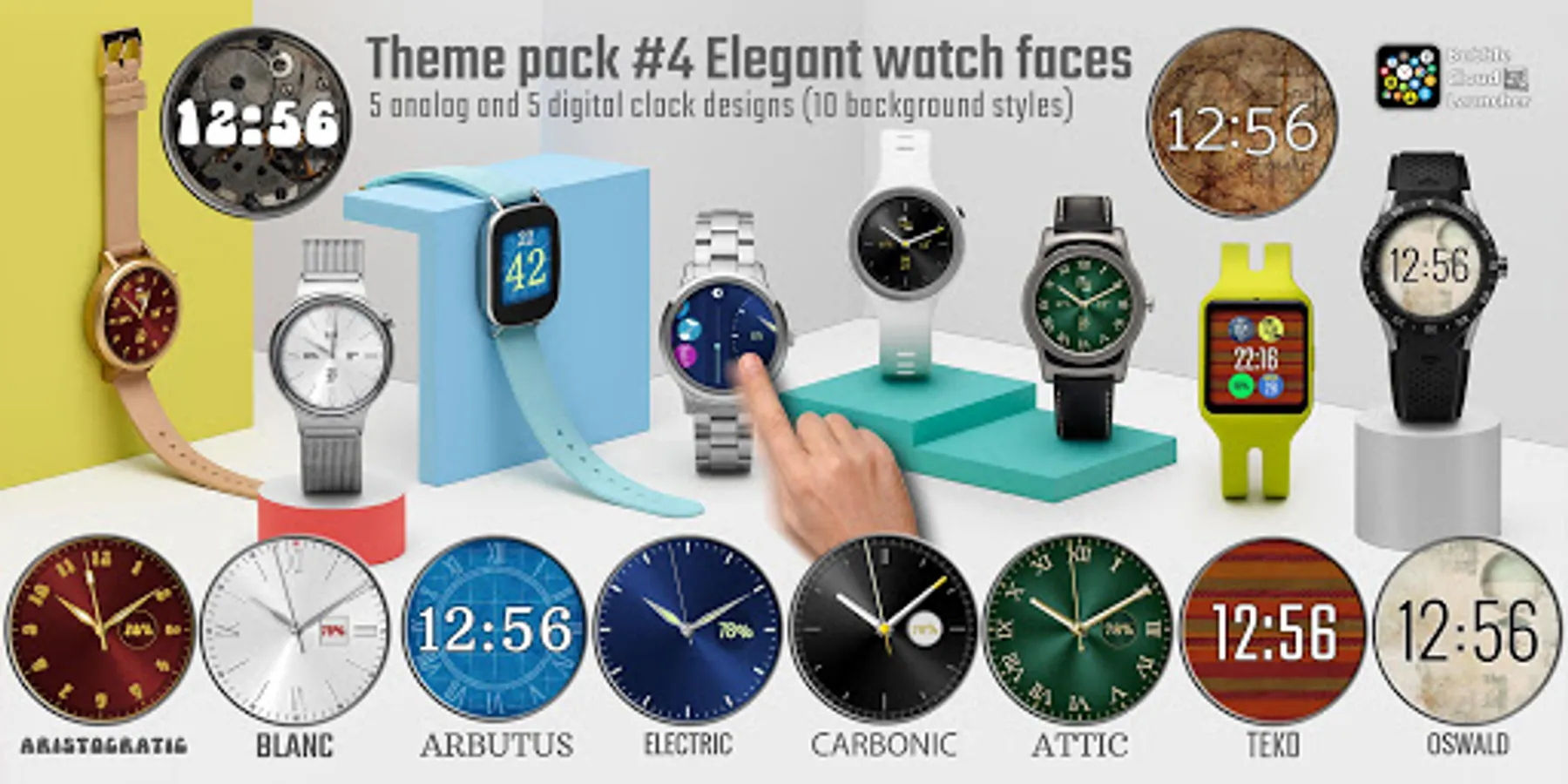
► 100+ ready made 1-click themes in 11 downloadable theme packs
► Full icon pack support → use standard Android icon packs to theme watch [requires companion app on the phone]
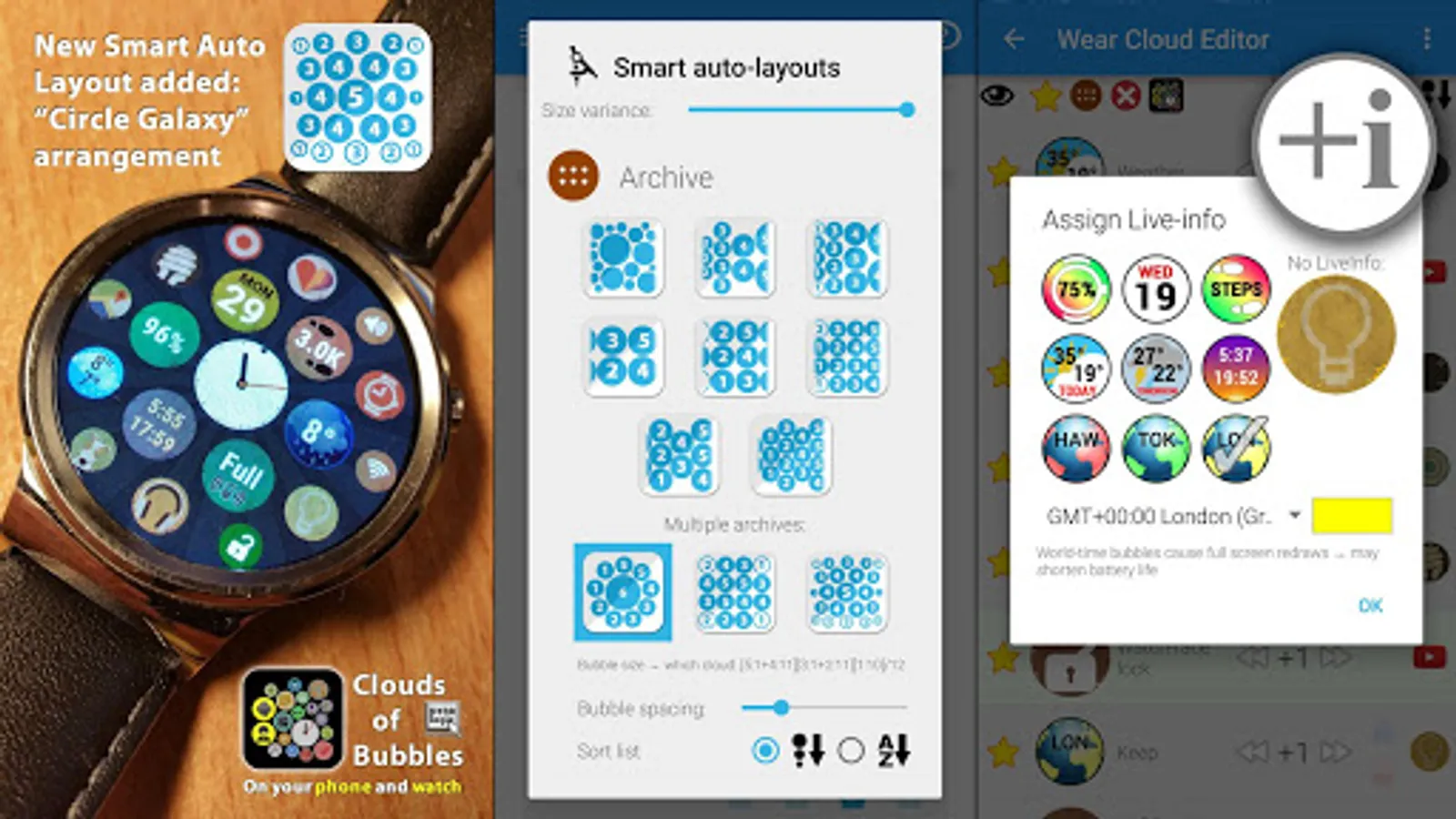
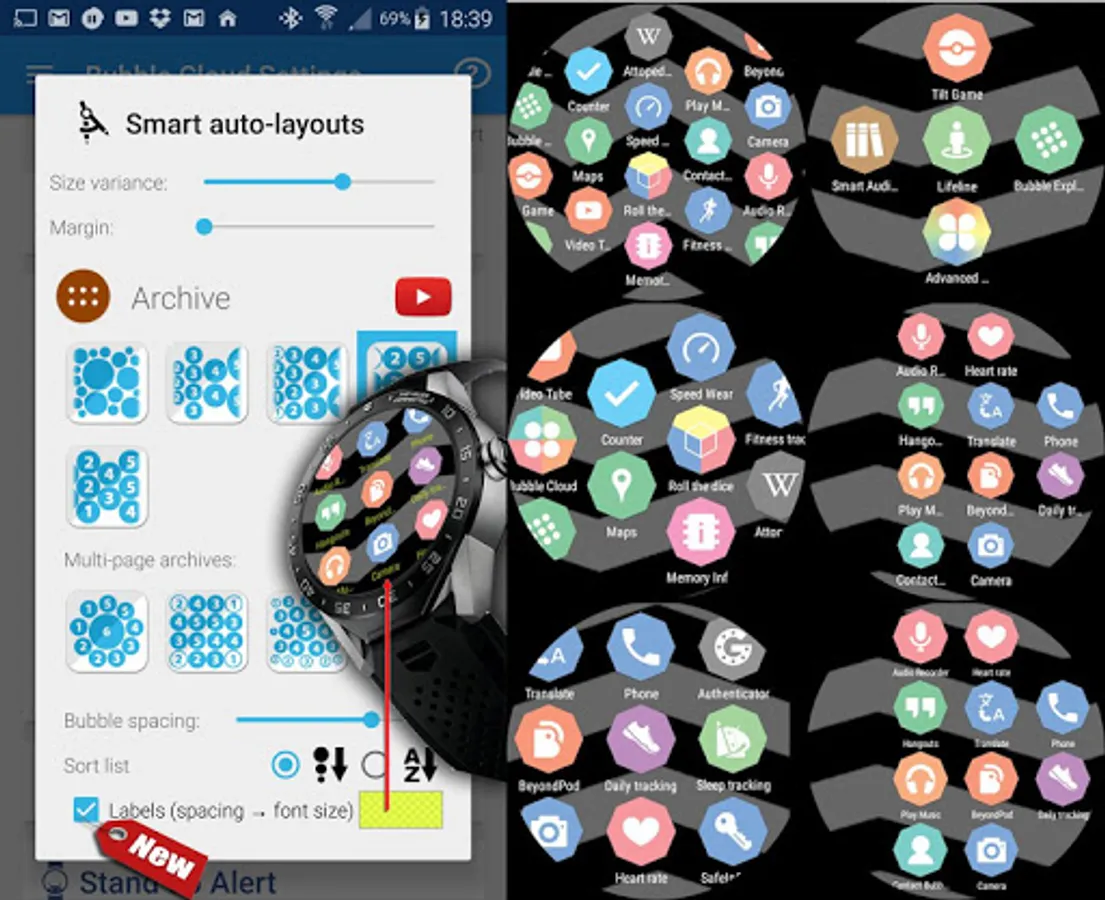
► Smart auto layouts → auto-arrange icons in various layouts
or…
► Full featured watch face editor
WEAR OS FEATURES
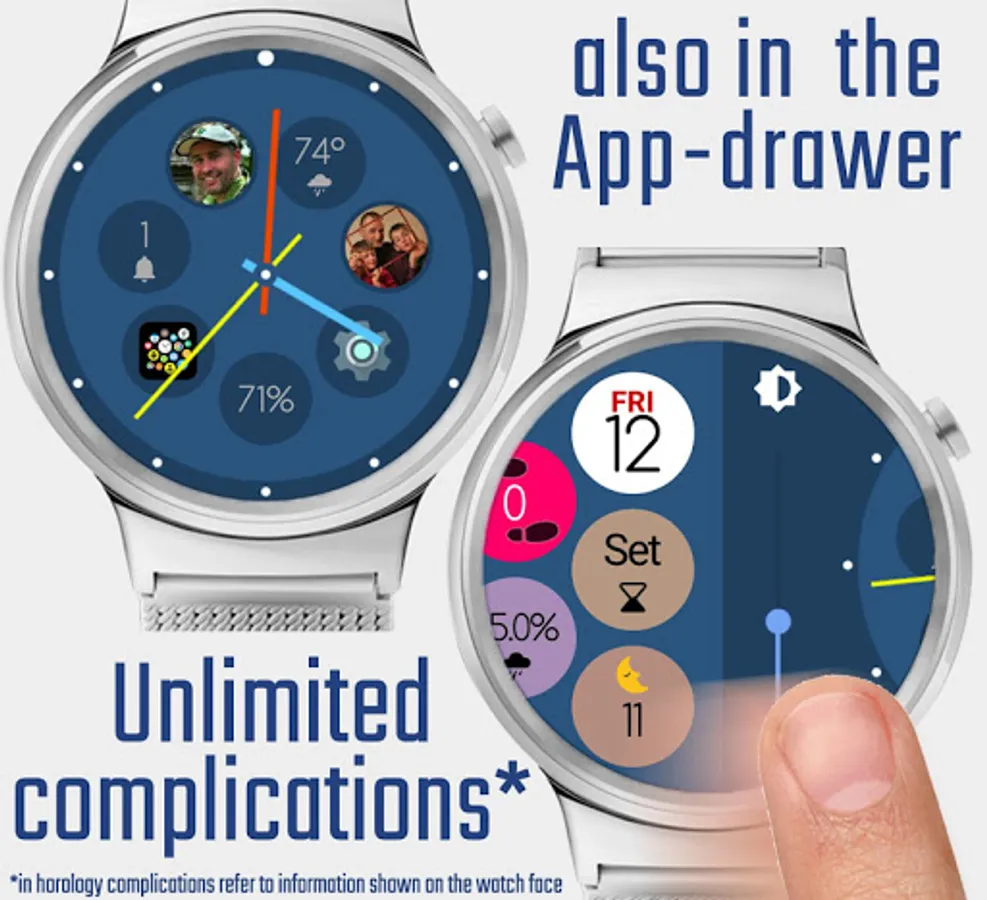
► High number of watch face complications [premium]
► Put complications in app drawer + folders too
► Background image from complication provider
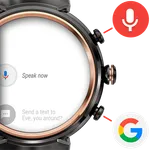
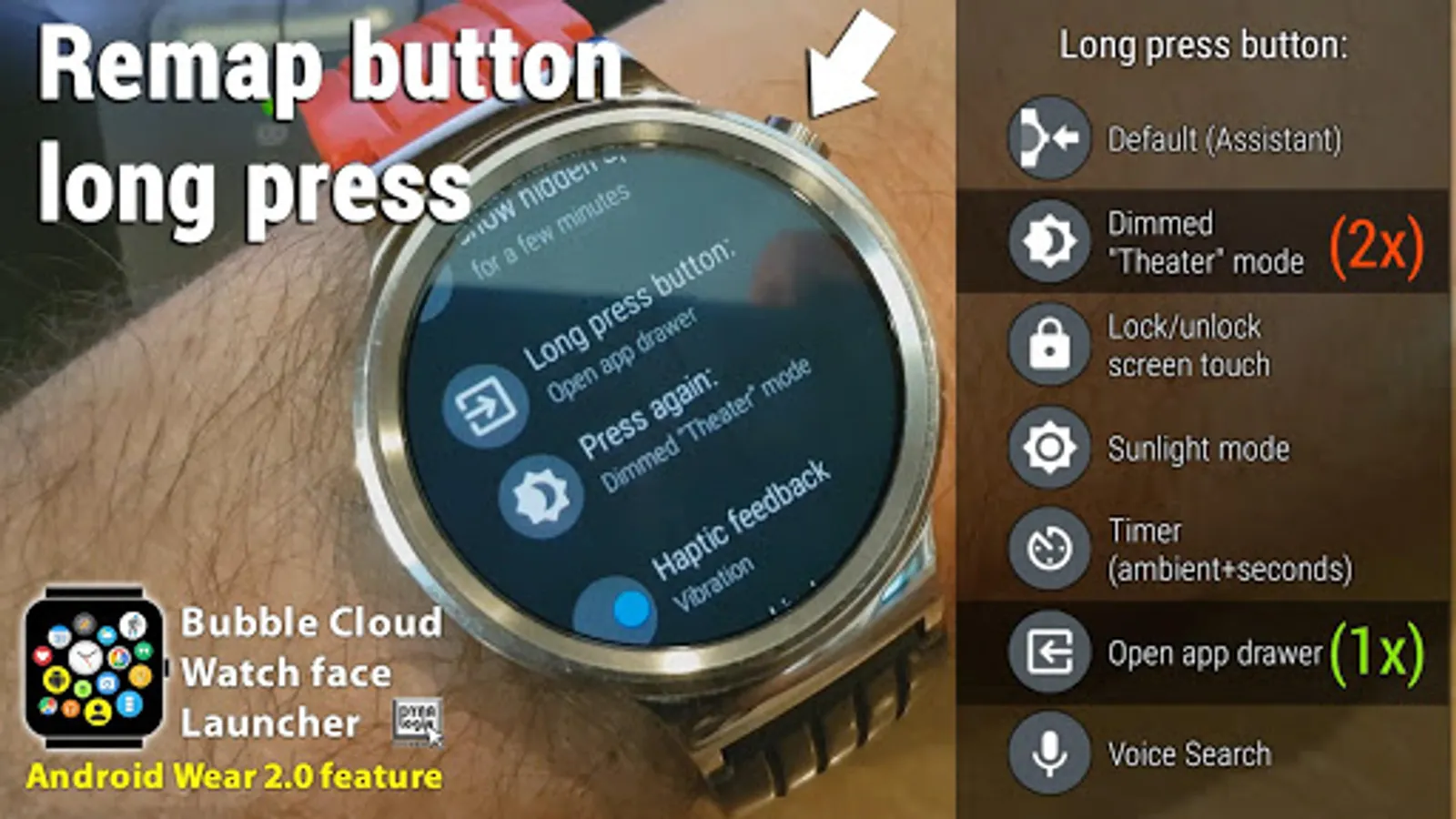
► Remap hardware button to open app drawer, start dimmed theater mode and more
► Notification peek cards
► Override watch face swipe functions (not only at the edges)
► Doctor / paramedic watch face: seconds hand in special ambient mode for accurate vitals → https://youtu.be/lSfFgWlbpG8
TUTORIAL VIDEOS
► my app is more than might seem on the surface
► I explain every feature in short videos
FREE VERSION
► constant development based on user feedback
► fully customizable favorites cloud (=watch face)
► 2 layouts for the archive cloud (=app drawer) [premium=9]
► 1 complication bubble [premium=no limit]
► 1 Tasker bubble [premium=no limit]
► assign function to watch buttons [premium=assign 2nd press]
► no time limit for the launcher/watchface (update reminders)
► full support from developer
INFO
► Website with hundreds of posts: http://bubble.dynalogix.eu
► Versions: http://bubble.dynalogix.eu/changelog
PERMISSIONS
Detailed: http://bubble.dynalogix.eu/pr
Bubble Cloud Wear OS Launcher Screenshots
Tap to Rate:
Reviews for Bubble Cloud Wear OS Launcher
Rastislav Pečeňa
12/23/2025
Really a great app with great options. For me, the most used functions are advanced button shortcuts and tile with preferred apps.
Jim T
11/17/2025
Beware! If you turn down the brightness too far, using this app, your watch will go completely black. There is no workaround. I had to factory reset my watch! I tried everything, even the website which had no solutions in the forum. No more Bubble Cloud