
EXA Busybox Installer(no root)
EXA Lab
3.6 ★
244 ratings
100,000+
downloads
Free
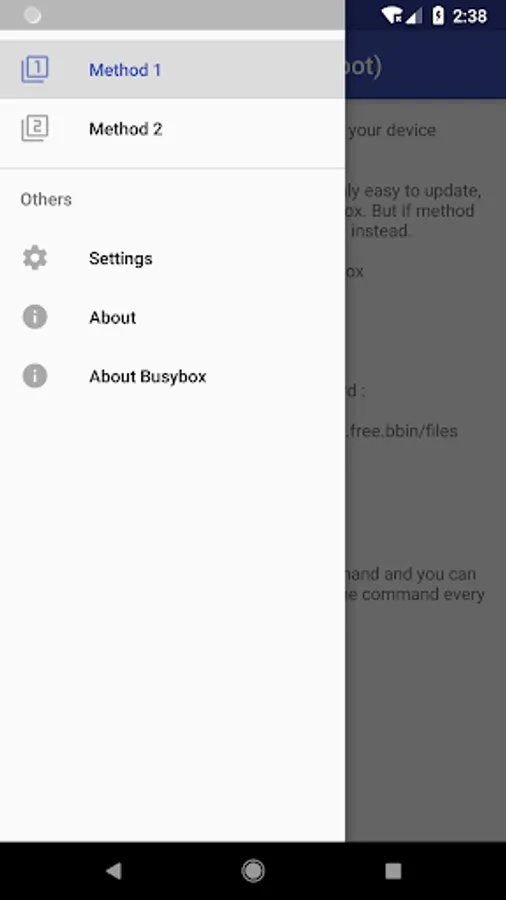
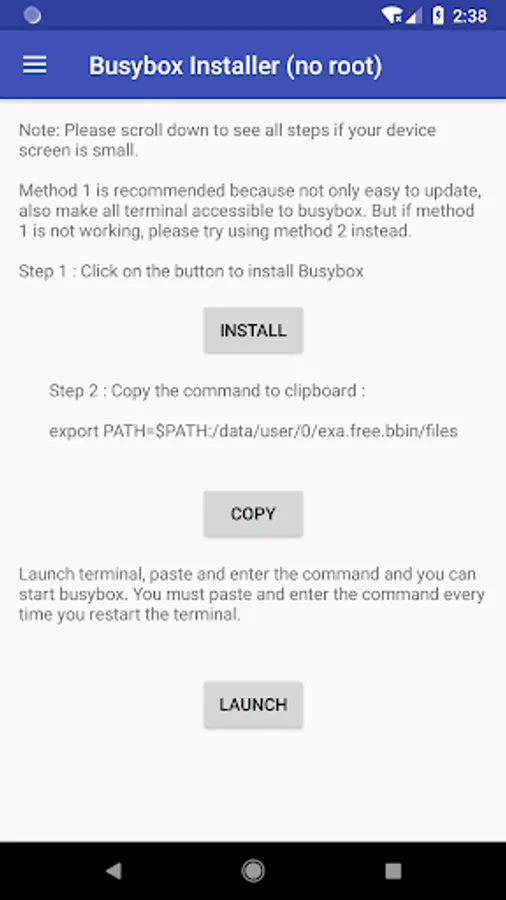
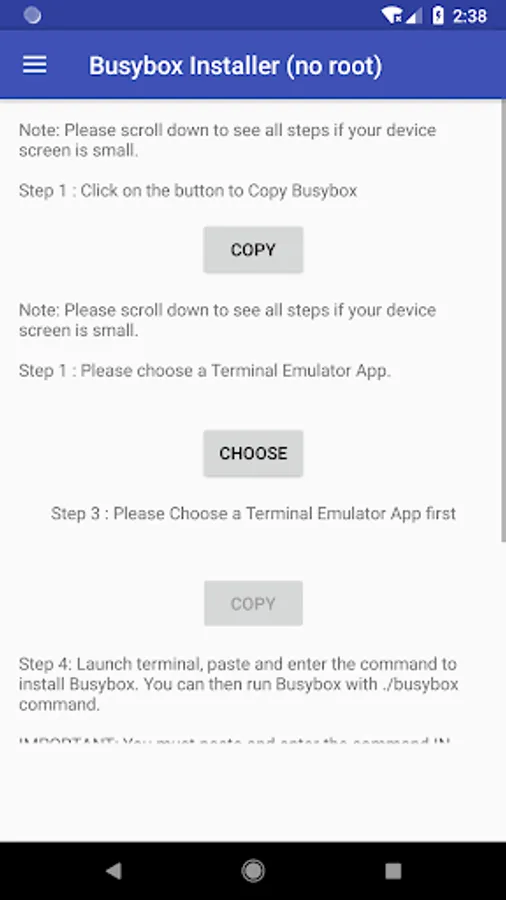
In this app, you can install Busybox on Android devices without root by utilizing Linux commands. Includes device compatibility checks and automated installation processes.
AppRecs review analysis
AppRecs rating 3.6. Trustworthiness 64 out of 100. Review manipulation risk 35 out of 100. Based on a review sample analyzed.
★★★☆☆
3.6
AppRecs Rating
Ratings breakdown
5 star
50%
4 star
11%
3 star
9%
2 star
7%
1 star
23%
What to know
✓
Good user ratings
61% positive sampled reviews
✓
Authentic reviews
Natural distribution, no red flags
⚠
Ad complaints
Many low ratings mention excessive ads
About EXA Busybox Installer(no root)
With the latest update, app now ensure 100% successful to run Busybox on all android device as long as the device support terminal command.
BusyBox: The Swiss Army Knife of Embedded Linux
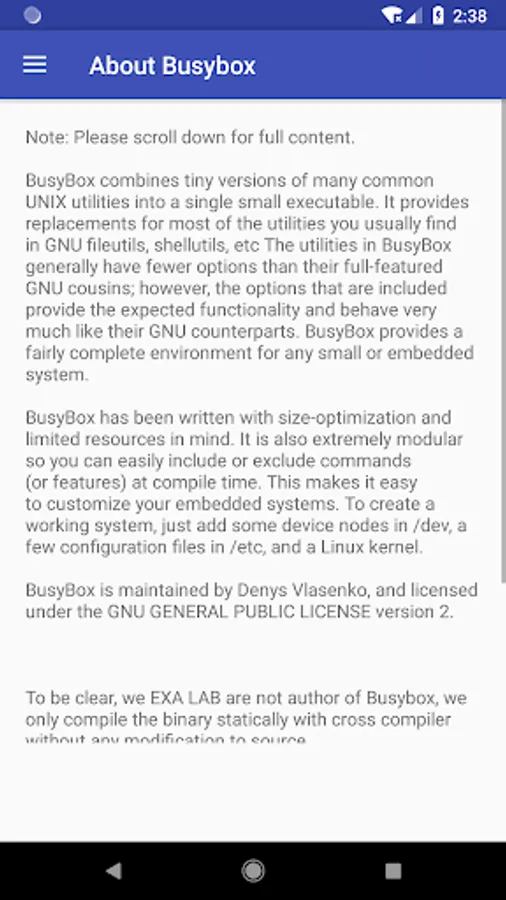
BusyBox combines tiny versions of many common UNIX utilities into a single small executable. It provides replacements for most of the utilities you usually find in GNU fileutils, shellutils, etc. The utilities in BusyBox generally have fewer options than their full-featured GNU cousins; however, the options that are included provide the expected functionality and behave very much like their GNU counterparts. BusyBox provides a fairly complete environment for any small or embedded system.
BusyBox has been written with size-optimization and limited resources in mind. It is also extremely modular so you can easily include or exclude commands (or features) at compile time. This makes it easy to customize your embedded systems. To create a working system, just add some device nodes in /dev, a few configuration files in /etc, and a Linux kernel.
However, using Busybox on android required root access for most app. But, since android is base on linux kernel, we will be able to run Busybox by using some linux hack.
Required:
Device with one of the following architecture:
arm, arm64, x86, x86_64, mips, mips64
Terminal Emulator for Android, or any terminal app you prefer.
Source is available here:
https://github.com/EXALAB/Busybox-Installer-No-Root
BusyBox: The Swiss Army Knife of Embedded Linux
BusyBox combines tiny versions of many common UNIX utilities into a single small executable. It provides replacements for most of the utilities you usually find in GNU fileutils, shellutils, etc. The utilities in BusyBox generally have fewer options than their full-featured GNU cousins; however, the options that are included provide the expected functionality and behave very much like their GNU counterparts. BusyBox provides a fairly complete environment for any small or embedded system.
BusyBox has been written with size-optimization and limited resources in mind. It is also extremely modular so you can easily include or exclude commands (or features) at compile time. This makes it easy to customize your embedded systems. To create a working system, just add some device nodes in /dev, a few configuration files in /etc, and a Linux kernel.
However, using Busybox on android required root access for most app. But, since android is base on linux kernel, we will be able to run Busybox by using some linux hack.
Required:
Device with one of the following architecture:
arm, arm64, x86, x86_64, mips, mips64
Terminal Emulator for Android, or any terminal app you prefer.
Source is available here:
https://github.com/EXALAB/Busybox-Installer-No-Root
EXA Busybox Installer(no root) Screenshots
Tap to Rate:
Reviews for EXA Busybox Installer(no root)
Alijah
7/16/2025
too hard
Adrien
5/18/2025
how does this work the command says permission denied when I copy it . and when I press download it starts for a few seconds then dissapears




![App Freezer - Ice Box [ROOT] icon](https://apprecs.org/gp/img/icons/webp/150/exa.free.f/8l7F62ueEPQlG0wqyJ7_bBmwAakGDvkAQiMWxv0p9Yo-icon)